
Authenticator App 2FA & MFA
Two Factor Authentication
Designed for iPhone, iPad, iPod touch
Free · In-app purchases
- Age rating4+
- CategoryUtilities
- DeveloperTGAPPS GlOBAL
- LanguagesEnglish+ 13 more
- Size35.1 MB
Links to the official App Store page
Download.org hosts no file of Authenticator App 2FA & MFA. The button opens its official App Store page, published by TGAPPS GlOBAL. Listing last checked on Nov 16, 2026.
Screenshots
About
Your Digital Security — Reinvented
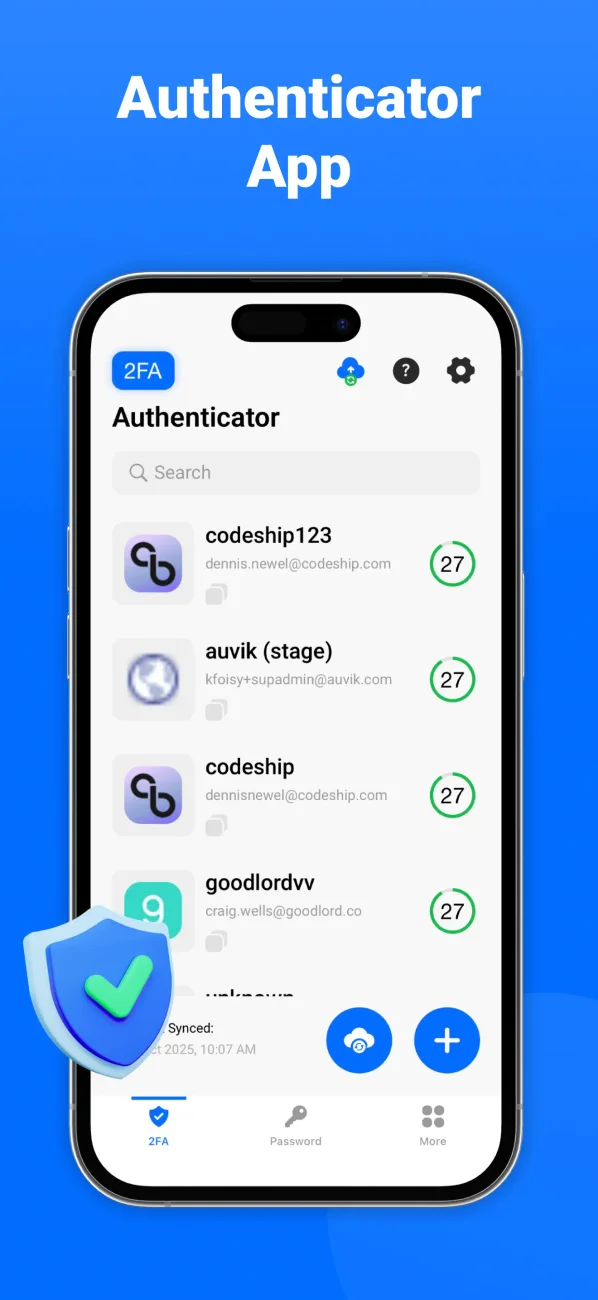
Authenticator : 2FA & Password is a next-generation security app that combines 2-Factor Authentication, Password Management, Autofill, and Privacy Protection — all in one powerful and beautifully designed app.
Your data stays encrypted, private, and only accessible by you — not even Apple or we can read it.
• Powerful Features :-
1. 2FA (Two-Factor Authentication)
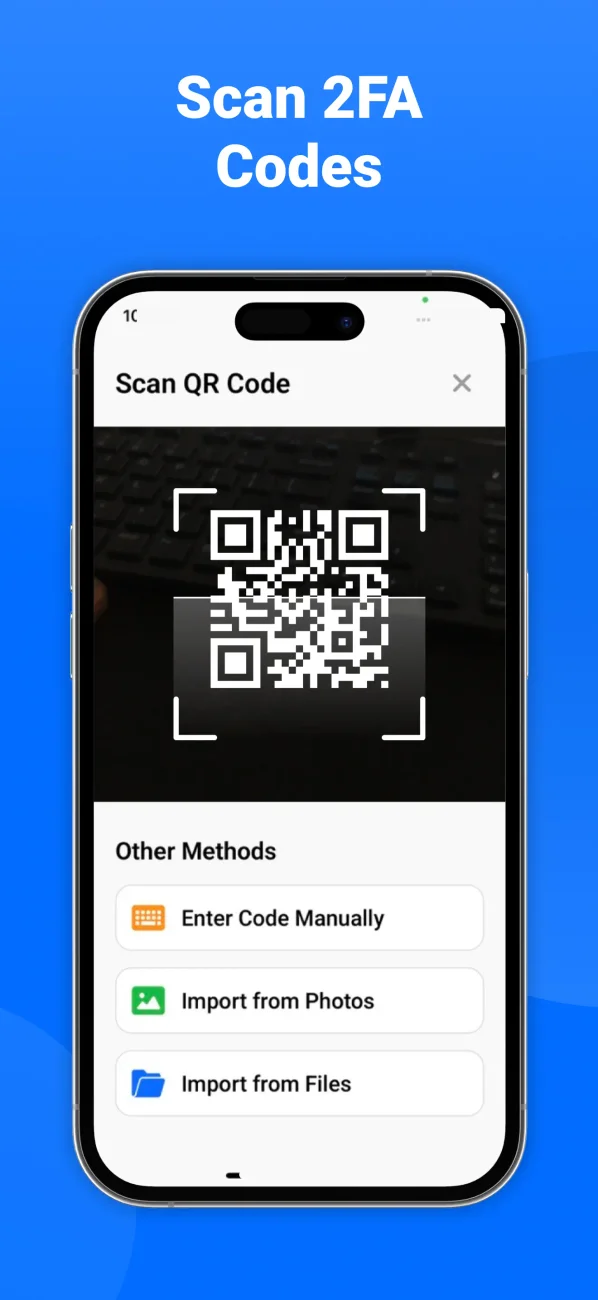
- Scan QR codes or import 2FA secrets from gallery or files.
- Add accounts manually in seconds.
- Instantly generate time-based verification codes for your favorite apps and websites.
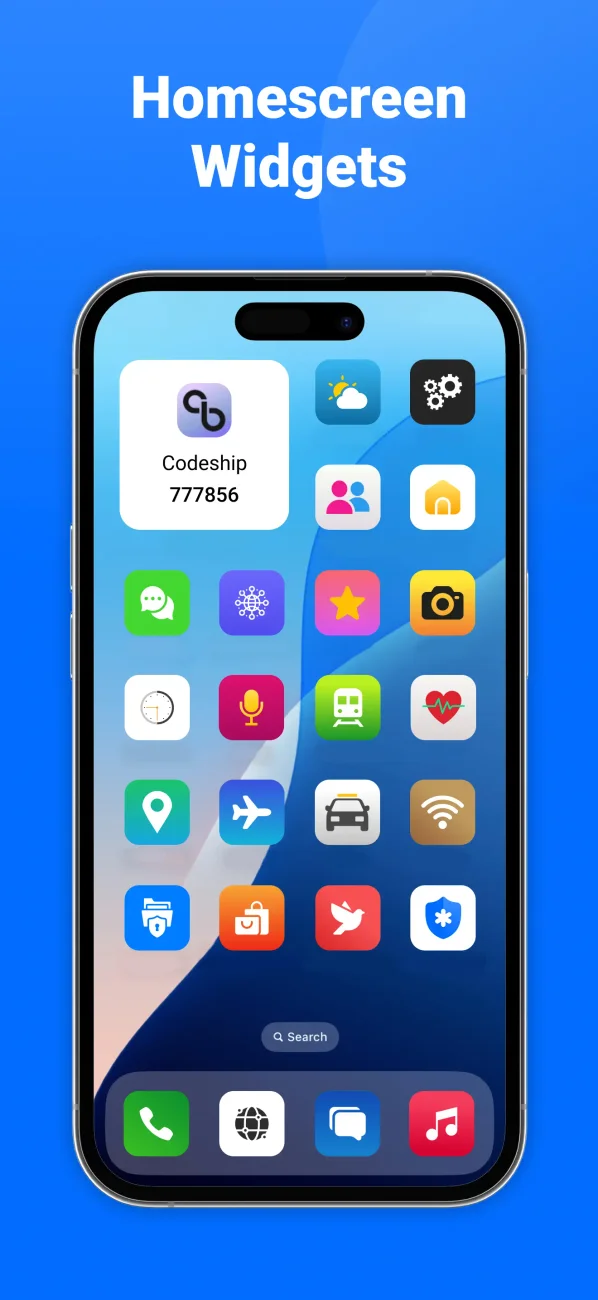
- Use widgets for quick access to your most important codes.
2. Password Manager & Autofill
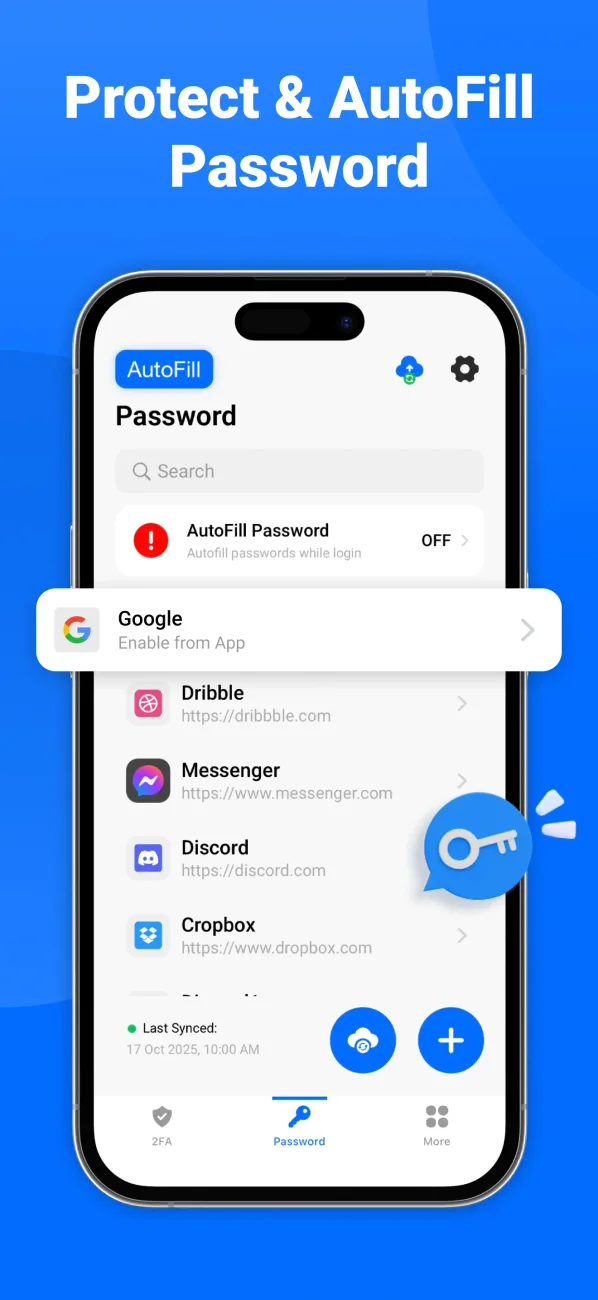
- Securely store all your login credentials with strong encryption.
- Autofill your usernames and passwords directly in Safari or supported apps.
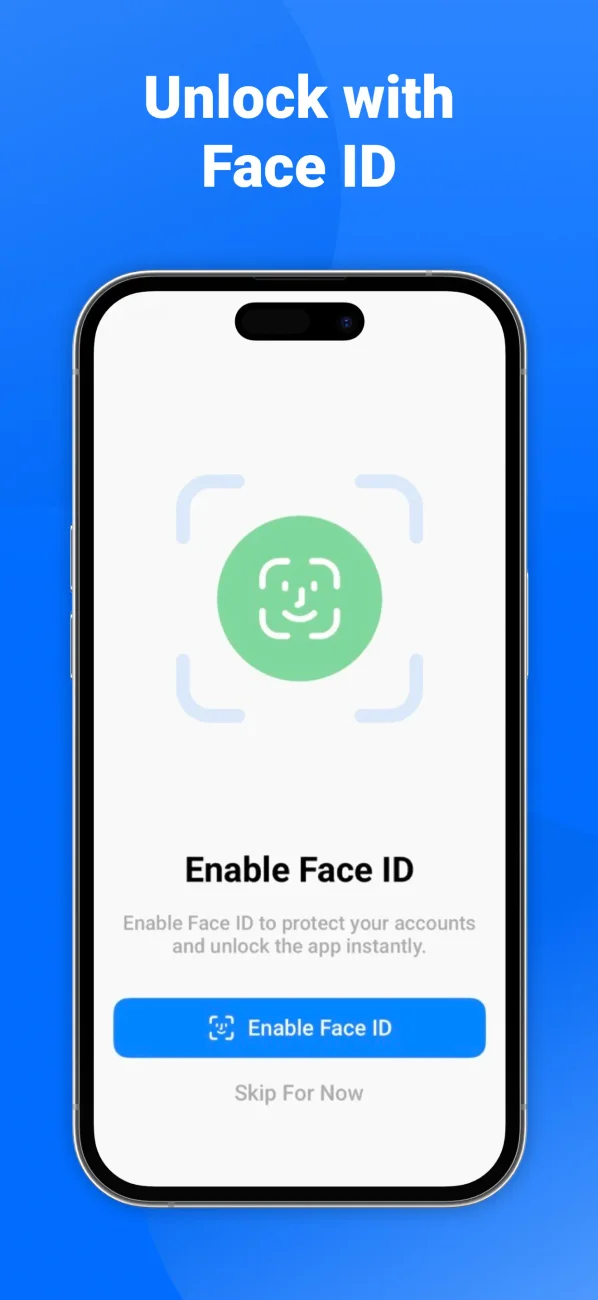
- Enable Face ID or Touch ID for instant yet secure access.
3. Cloud Sync & Backup
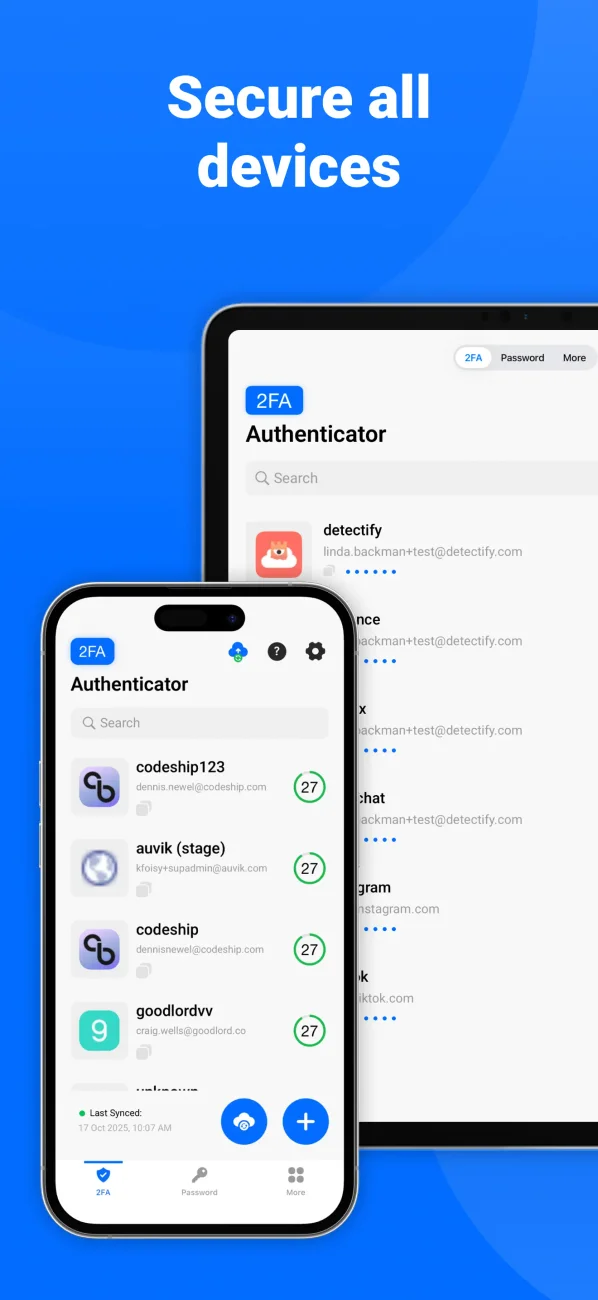
- Encrypted backup with iCloud ensures your data is always safe, synced, and available anywhere.
- Your data is encrypted before upload — so even Apple cannot read it.
4. Smart Security Tools
- Password Breach Detection : Instantly find out if your passwords have been leaked.
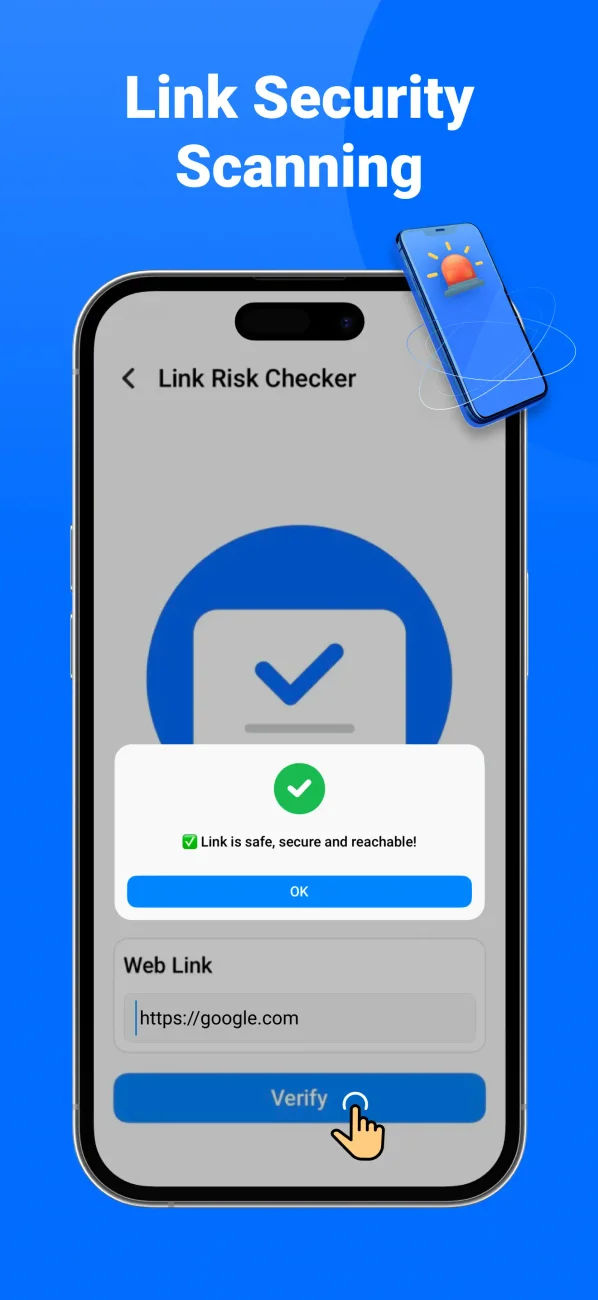
- Link Risk Checker : Scan URLs to detect phishing or unsafe websites before opening.
- Private Browser : Surf the web safely without leaving a trace.
- Document Scanner : Digitally store your ID cards, licenses, or any important documents securely.
5. Widgets & Quick Access
- Add beautiful widgets to your Home Screen for instant 2FA access.
- View your current authentication codes without opening the app.
6. Watch Support
- Get access to all your 2FA codes from your Apple Watch.
• Why Choose Authenticator : 2FA & Password?
- 100% Privacy-First Design — Only You Can Access Your Data
- Advanced Encryption with Cloud Backup
- Seamless Autofill for Passwords
- Face ID / Touch ID Protection
- Secure, Fast, and Easy-to-Use Interface
• About Subscription
Payment will be charged to your iTunes account after confirmation of purchase. Subscription automatically renews unless auto-renew is turned off at least 24 hours before the end of the current period. Your account will be charged for renewal within 24 hours prior to the end of the current period. You can manage your subscription and turn off auto-renewal by going to your Account Settings.
Privacy Policy: https://tgappsglobal.com/privacy.html
Terms of Use: https://tgappsglobal.com/terms.html
For any questions or requests, contact us at: info@tgappsglobal.com
What’s new
Version 1.3 · Feb 26, 2026
• Apple Watch support is here!
• View your 2FA codes directly on your wrist
Update now and authenticate instantly from your Watch.
App privacy
What TGAPPS GlOBAL declares on the App Store about how this app handles data.
-
Data not linked to you
May be collected but is not linked to your identity.
- Usage data
- Diagnostics
Privacy practices may vary, for example with the features you use or your age.
Information
- Seller
- TGAPPS GLOBAL
- Category
- Utilities
- Version
- 1.3
- Updated
- Feb 26, 2026
- Released
- Aug 8, 2025
- Size
- 35.1 MB
- Requires
- iOS 15.6 or later
- Age rating
- 4+
- Price
- Free
- In-app purchases
- Yes
- Languages
- English, Arabic, Dutch, German, Greek, Hindi, Hungarian, Indonesian, Malay, Portuguese, Russian, Simplified Chinese + 2 more
- Copyright
- © TGAPPS GLOBAL
You might also like
-
 Authenticator App: Safe 2FAOTP codes for MFA & Auth
-
 Authenticator App: OTP and 2FAMFA, Two Factor Authentication
-
 Authenticator App "Secure OTP Codes & Backup
-
 Authenticator App - 2FA, OTPBackup,Transfer & Protect Code
-
 Authenticator App ・Two Factor Authentication・2FA
-
 2FA Authenticator: OTP CodesTwo Factor Auth & MFA Backup
-
 Authenticator 2FA, MFA, OTPSecure Login & TOTP Code Vault
-
 Authenticator App • 2FA, MFATwo Factor Authentication, OTP
-
 Authenticator: MFA Auth & TOTP2 Step Authentication: 2FA OTP