
Authenticator App · 2FA, MFA
Secure OTP, Tokens & Passwords
Designed for iPhone
Free · In-app purchases
- Age rating4+
- CategoryUtilities
- DeveloperRiverside Art LLC
- LanguagesEnglish+ 7 more
- Size20.6 MB
Links to the official App Store page
Download.org hosts no file of Authenticator App · 2FA, MFA. The button opens its official App Store page, published by Riverside Art LLC. Listing last checked on Nov 25, 2026.
Screenshots
About
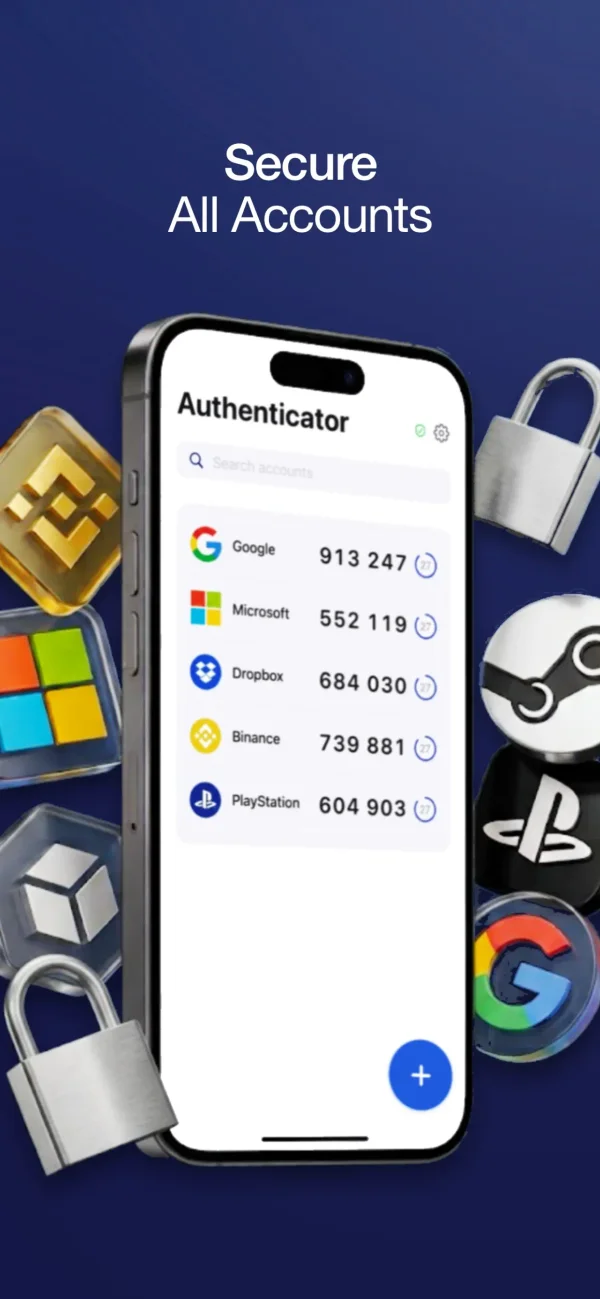
Secure your digital life by protecting your most valuable accounts with the ultimate 2FA Authenticator. Instead of slow, insecure SMS text messages, Authenticator generates highly secure, time-based one-time passwords (TOTP) directly on your iPhone to ensure that only you can access your data, giving you peace of mind.
Secure and protect your emails, social media, crypto wallets, and more, today!
CORE FEATURES:
+ Universal Support: Instantly secure Google, Microsoft, Facebook, Instagram, Discord, Amazon, Crypto Wallets, Banking apps, and 10,000+ other services.
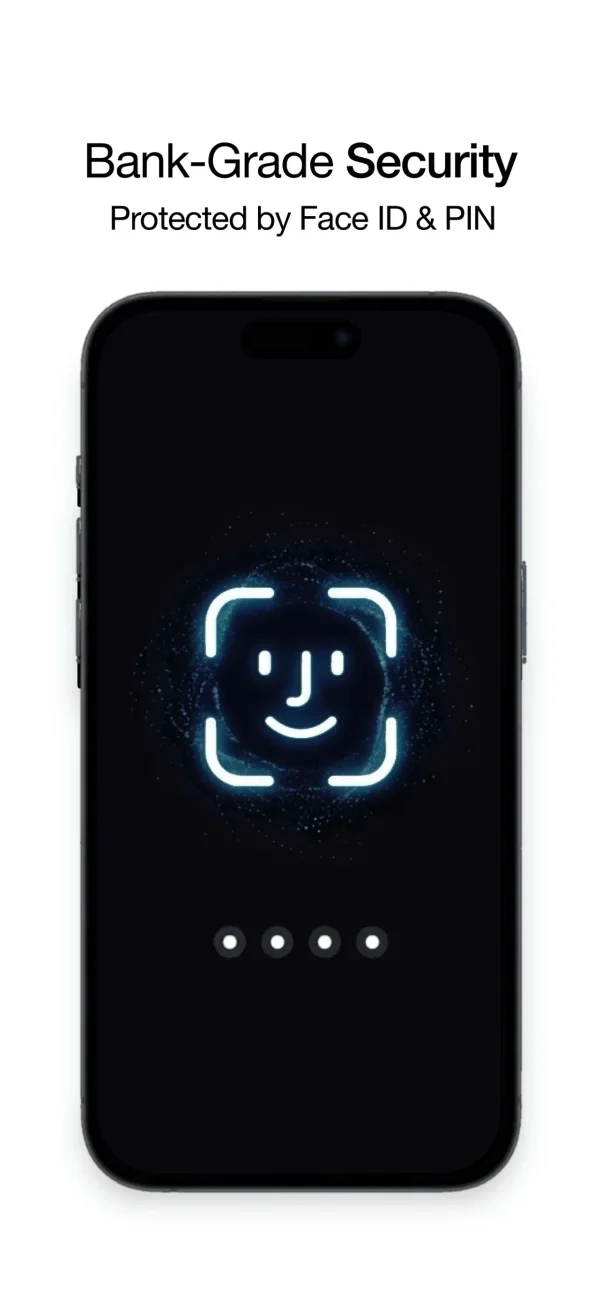
+ Face ID & Biometric Lock: Your codes are for your eyes only. Lock the app behind FaceID or TouchID so no one can access your tokens.
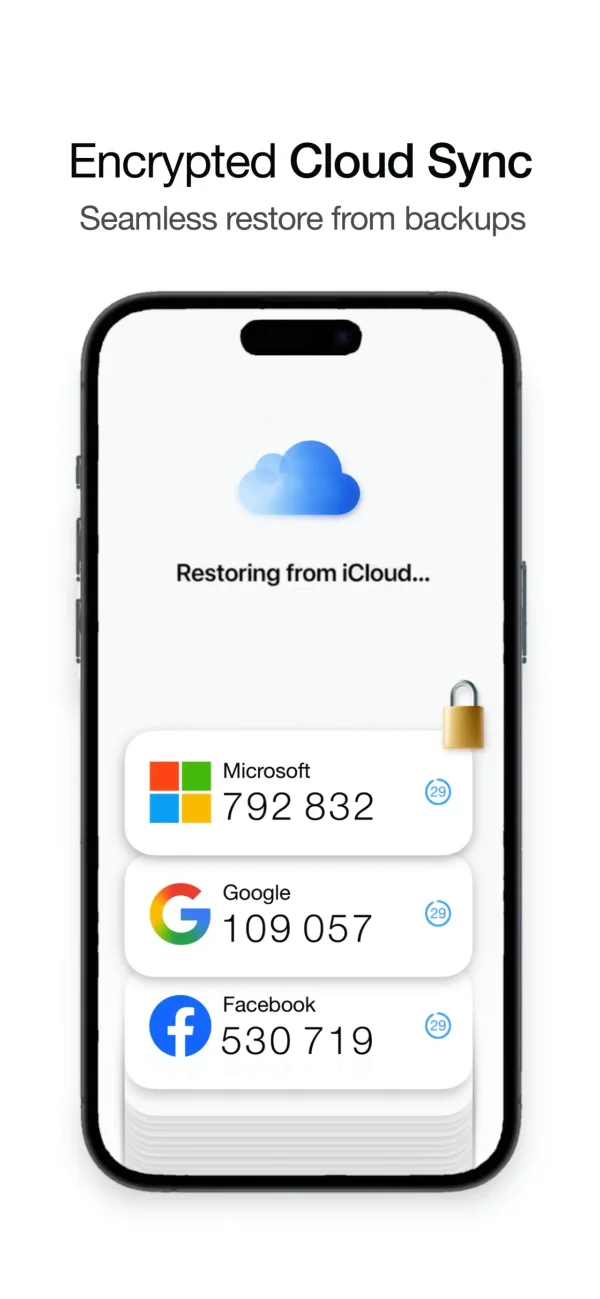
+ Encrypted iCloud Backup: Never lose your accounts if you upgrade or lose your iPhone. Securely back up and sync your 2FA vault across all your Apple devices.
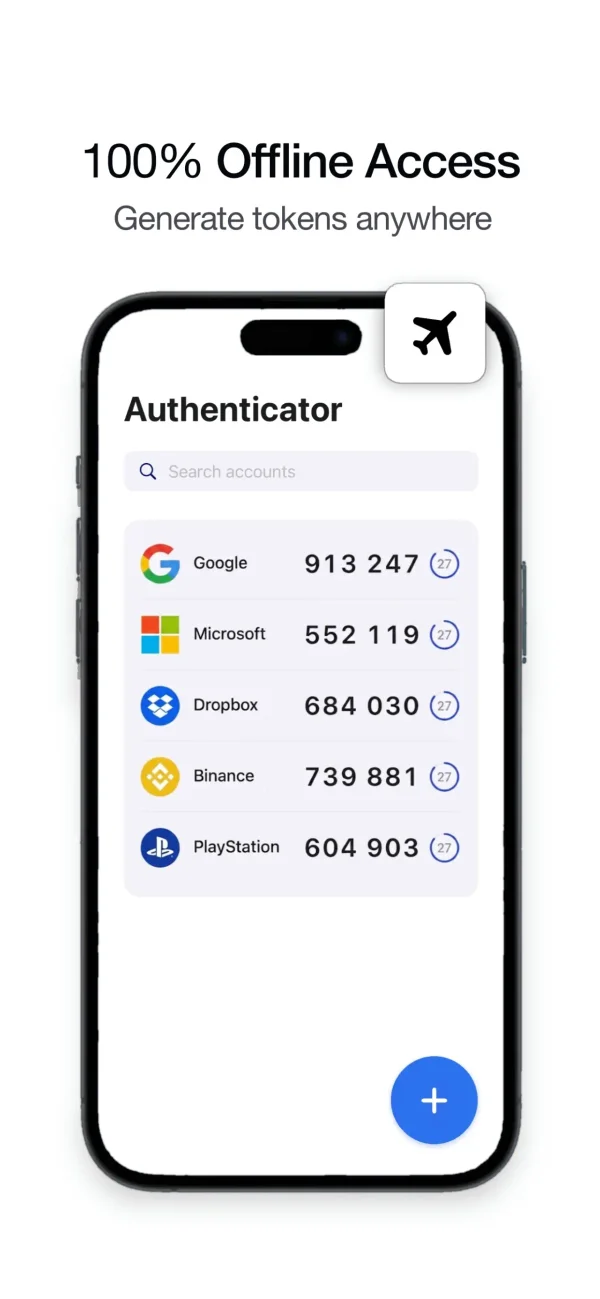
+ 100% Offline Mode: Traveling or have bad cell service? Authenticator generates secure OTP codes locally on your device, even in Airplane Mode.
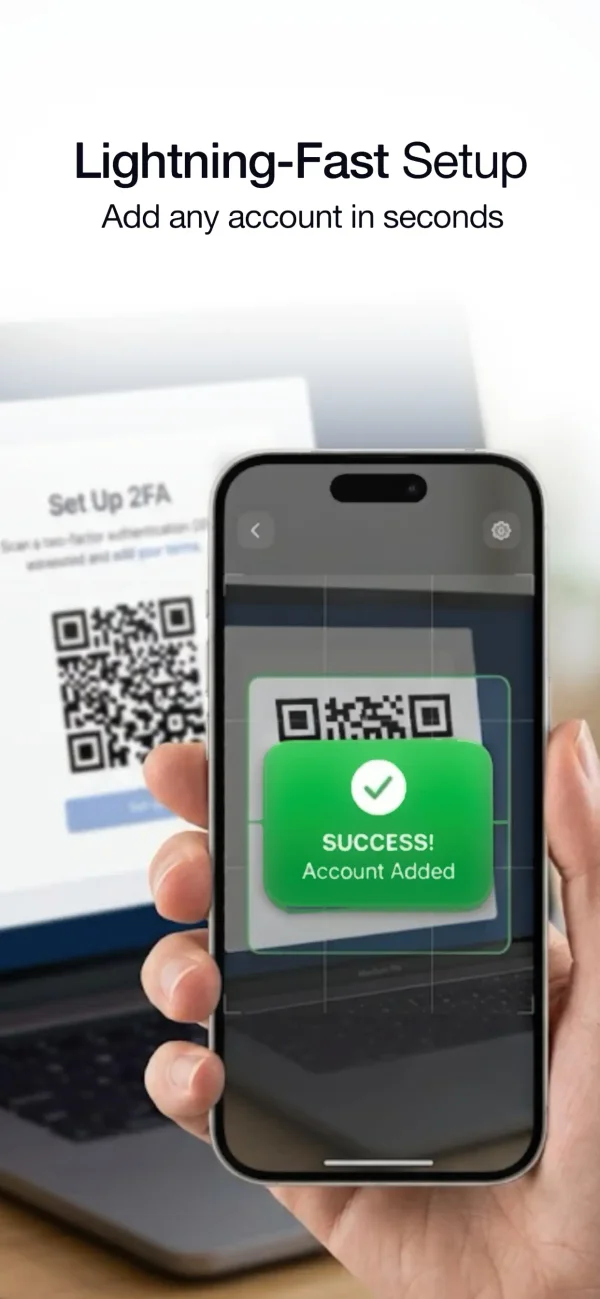
+ Lightning-Fast Setup: No typing required. Automatically pair any account in seconds using our ultra-fast QR camera scanner.
---
Core authentication functionalities are available upon initial download, and users wanting access to the complete suite of advanced security utilities may optionally opt for a premium access upgrade, which includes unlimited 2FA code storage, encrypted iCloud backups, multi-device synchronization, and more.
---
Legal and Subscription Information:
Access to the full suite of application services, ongoing feature updates, and continuous scanning tools including premium services is governed by standard billing protocols. By electing to upgrade your account status, the application provides access to features via an auto-renewing subscription model. Users may be offered an introductory 3-day free trial period to evaluate the full feature set, after which a standard subscription fee will be charged to the payment method associated with your Apple Account. Subscriptions automatically renew at the same price and duration period unless auto-renewal is turned off at least 24 hours prior to the end of the current billing cycle. Your account will be charged for renewal within 24 hours prior to the end of the current period. You can manage your subscriptions and turn off auto-renewal at any time by navigating to your Apple Account Settings after purchase. Any unused portion of a free trial period, if offered, will be forfeited when the user purchases a subscription to that publication, where applicable. By downloading and continuing to use the application, you agree to our standard Terms of Use and Privacy Policy.
---
Terms of Use (EULA): https://www.apple.com/legal/internet-services/itunes/dev/stdeula/
Terms of Use: https://riversideartcompany.com/terms-of-use
Privacy Policy: https://riversideartcompany.com/privacy-policy
What’s new
Version 1.0.11 · Nov 24, 2026
- Scanned a website QR code instead of your 2FA code? Authenticator now says what that code is and how to show your account's 2FA QR code on your computer. Then tap "Scan the Next QR Code" or "Enter Setup Key Manually".
- Passkey sign-in and app-link QR codes are explained the same way, so you know which code to scan.
- A scanned link opens in a preview inside the app.
- Updated privacy policy. Tidier layouts on smaller iPhones.
App privacy
What Riverside Art LLC declares on the App Store about how this app handles data.
-
Data linked to you
May be collected and linked to your identity.
- Identifiers
-
Data not linked to you
May be collected but is not linked to your identity.
- Purchases
- Usage data
- Diagnostics
Privacy practices may vary, for example with the features you use or your age.
Information
- Seller
- Riverside Art LLC
- Category
- Utilities
- Version
- 1.0.11
- Updated
- Nov 24, 2026
- Released
- Jul 28, 2026
- Size
- 20.6 MB
- Requires
- iOS 17.0 or later
- Age rating
- 4+
- Price
- Free
- In-app purchases
- Yes
- Languages
- English, French, German, Japanese, Korean, Portuguese, Simplified Chinese, Spanish
- Copyright
- © 2026 Riverside Art LLC
You might also like
-
 Authenticator App "Secure OTP Codes & Backup
-
 Authenticator - OTP SecurityMulti-Factor Authentication
-
 Authenticator+ 2FA AppAuthentication - 2FA, MFA, OTP
-
 Authenticator ·2FA, Two Factor Authentication
-
 Authenticator App • 2FA • MFATwo Factor Authenticator, MFA
-
 Authenticator app - 2FA, MFATwo Factor Authentication, OTP
-
 AirVoice WirelessStay connected without limits
-
 Authenticator App ™Two Factor Authentication