
Authenticator App: 2FA & MFA.
Two Factor Authentication OTP
Designed for iPhone
Free · In-app purchases
- Age rating4+
- CategoryUtilities
- DeveloperEssa Studio
- LanguagesEnglish
- Size36.4 MB
Links to the official App Store page
Download.org hosts no file of Authenticator App: 2FA & MFA. The button opens its official App Store page, published by Essa Studio. Listing last checked on Nov 13, 2026.
Screenshots
About
Authenticator App: 2FA, MFA generates secure one-time codes for any account — instantly, offline, and protected by your Face ID or Touch ID.
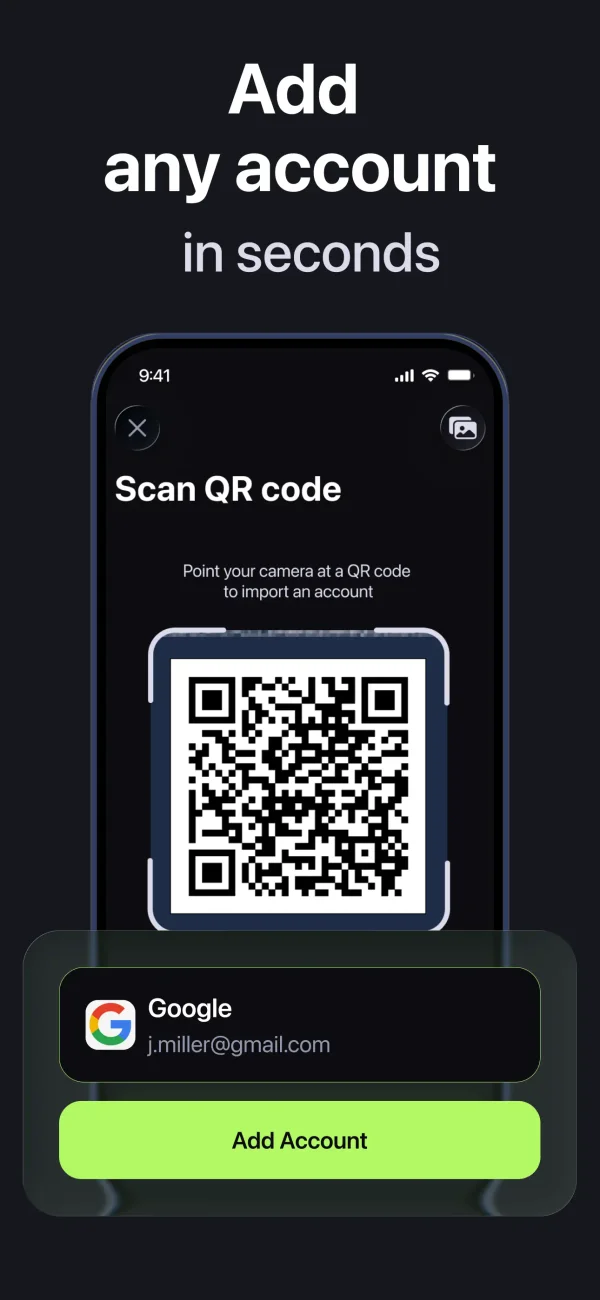
Add any account manually in seconds and get a fresh 6-digit TOTP or HOTP code every 30 seconds. No SMS. No internet connection required. No third party ever sees your codes.
WHAT THE APP DOES
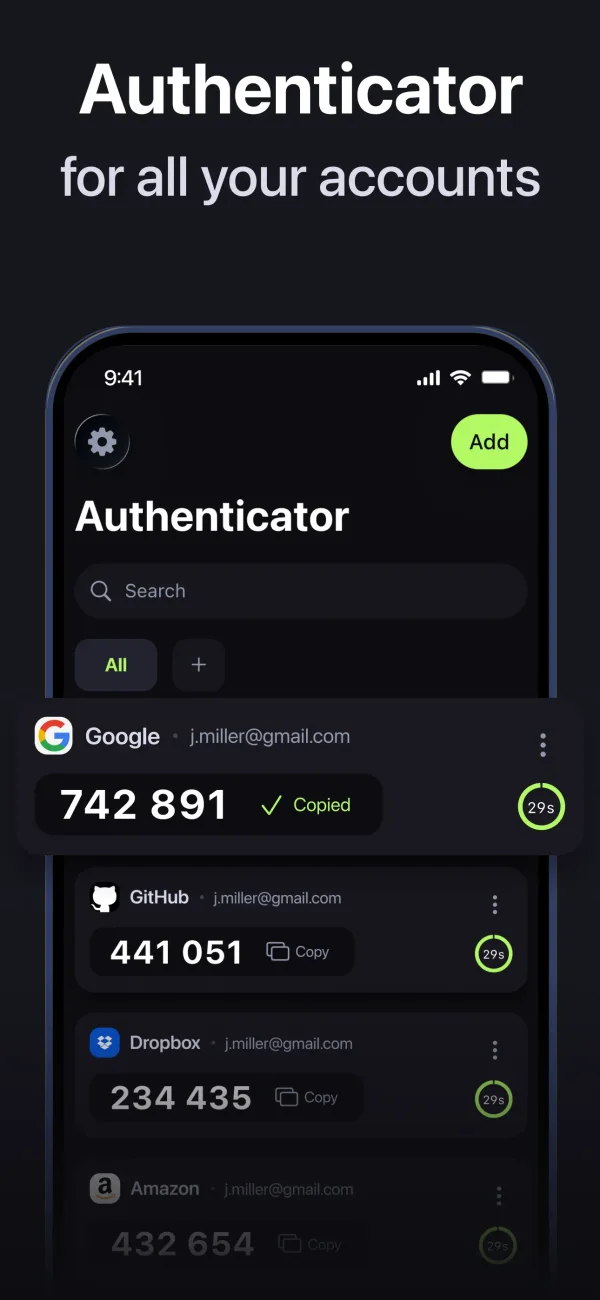
• Generates TOTP & HOTP codes (RFC 6238 / RFC 4226) for any service that supports two-factor authentication
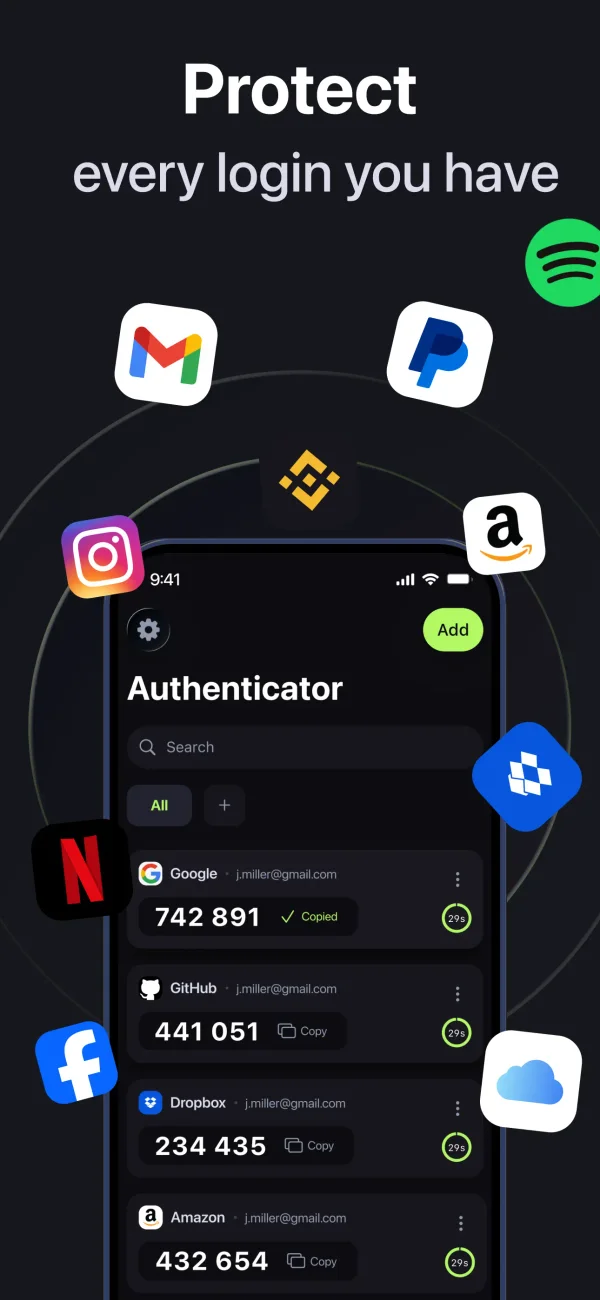
• Works with Google, Microsoft, Apple ID, Amazon, GitHub, Dropbox, Slack, Facebook, and thousands more
• Add accounts via QR code or manual key entry
• Stores all accounts in one organised list with custom names for easy navigation
• Refreshes codes automatically every 30 seconds with a visible countdown timer
• Locks the app behind Face ID or Touch ID so only you can access your codes
• Runs fully offline — codes are generated on-device, never sent to a server
BACKUP & RESTORE
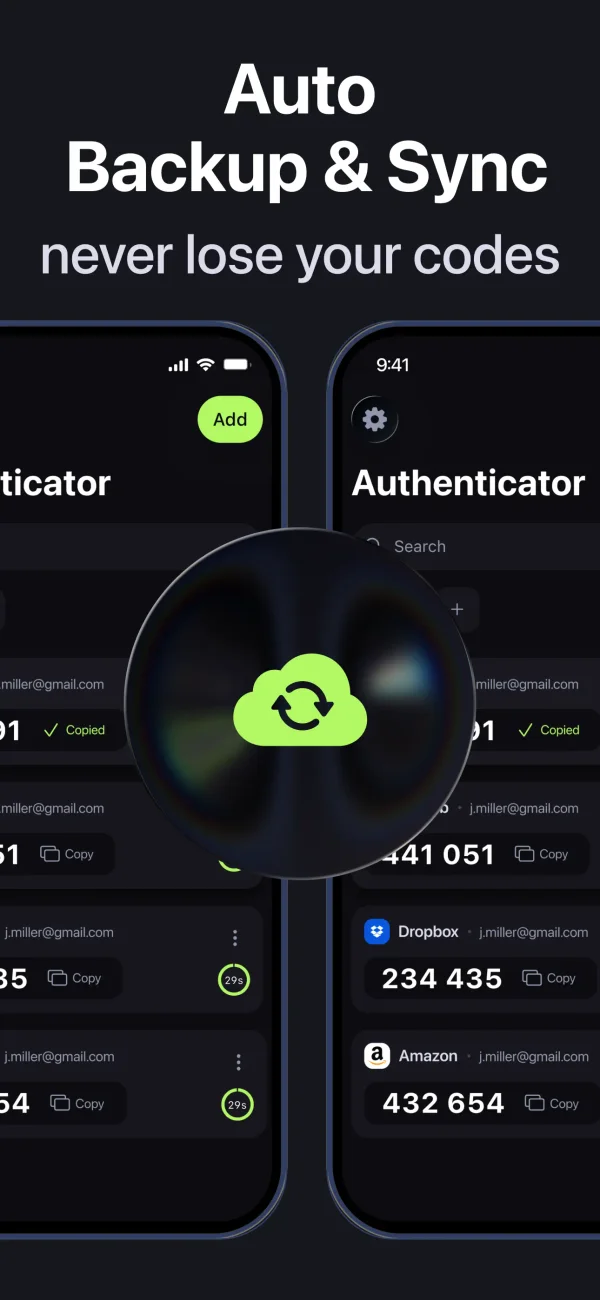
Encrypted backup saves all your accounts to the cloud. If you switch or lose your phone, restore every account to a new device in one tap. Backup is end-to-end encrypted — your keys never leave your device.
SWITCHING FROM ANOTHER APP
Add your existing accounts manually using the secret keys from each service. Takes a few minutes and keeps access to every account intact.
PRIVACY AND SECURITY
Authenticator: 2FA Auth, MFA complies with stringent privacy standards, ensuring that your data remains safe and confidential. For more information, please review our Privacy Policy at https://authgreen.com/privacy
SUBSCRIPTION AND TERMS
Authenticator App: 2FA, MFA is a subscription-based app with a free trial period. Subscribe for unlimited access with no commitment, and you can cancel anytime. Manage your subscription and disable auto-renewal in iTunes' Account Settings after purchase. Read our Terms of Service at https://authgreen.com/termsofuse
What’s new
Version 1.0.1 · Sep 30, 2026
Bug fixes and performance improvements
App privacy
What Essa Studio declares on the App Store about how this app handles data.
-
Data used to track you
May be used to track you across apps and websites owned by other companies.
- Identifiers
-
Data linked to you
May be collected and linked to your identity.
- Purchases
- Location
- Identifiers
- Usage data
-
Data not linked to you
May be collected but is not linked to your identity.
- Diagnostics
Privacy practices may vary, for example with the features you use or your age.
Information
- Seller
- ESSA STUDIO, MCHJ
- Category
- Utilities
- Version
- 1.0.1
- Updated
- Sep 30, 2026
- Released
- Aug 5, 2026
- Size
- 36.4 MB
- Requires
- iOS 16.0 or later
- Age rating
- 4+
- Price
- Free
- In-app purchases
- Yes
- Languages
- English
- Copyright
- © ESSA STUDIO, MCHJ
You might also like
-
 Authenticator App - 2FA, OTPBackup,Transfer & Protect Code
-
 Authenticator 2FA, MFA, OTPSecure Login & TOTP Code Vault
-
 Authenticator: 2FA Authy & MFATwo Factor Authentication: OTP
-
 2FA Authenticator: OTP CodesTwo Factor Auth & MFA Backup
-
 Authenticator+ 2FA AppAuthentication - 2FA, MFA, OTP
-
 Get SMS Code - VerifyFor Whatsapp, Tinder, etc.
-
 VPN - whale plus v2box ifyhapp plus f3 wire fast open
-
 Authenticator ·2FA, Two Factor Authentication