
Authenticator App 2FA - Vats
QR, OTP & Screenshot Import
Designed for iPhone, iPad
Free · In-app purchases
- Age rating4+
- CategoryUtilities
- DeveloperGOKTUG CETIN
- LanguagesEnglish
- Size13.9 MB
Links to the official App Store page
Download.org hosts no file of Authenticator App 2FA - Vats. The button opens its official App Store page, published by GOKTUG CETIN. Listing last checked on Nov 20, 2026.
Screenshots
About
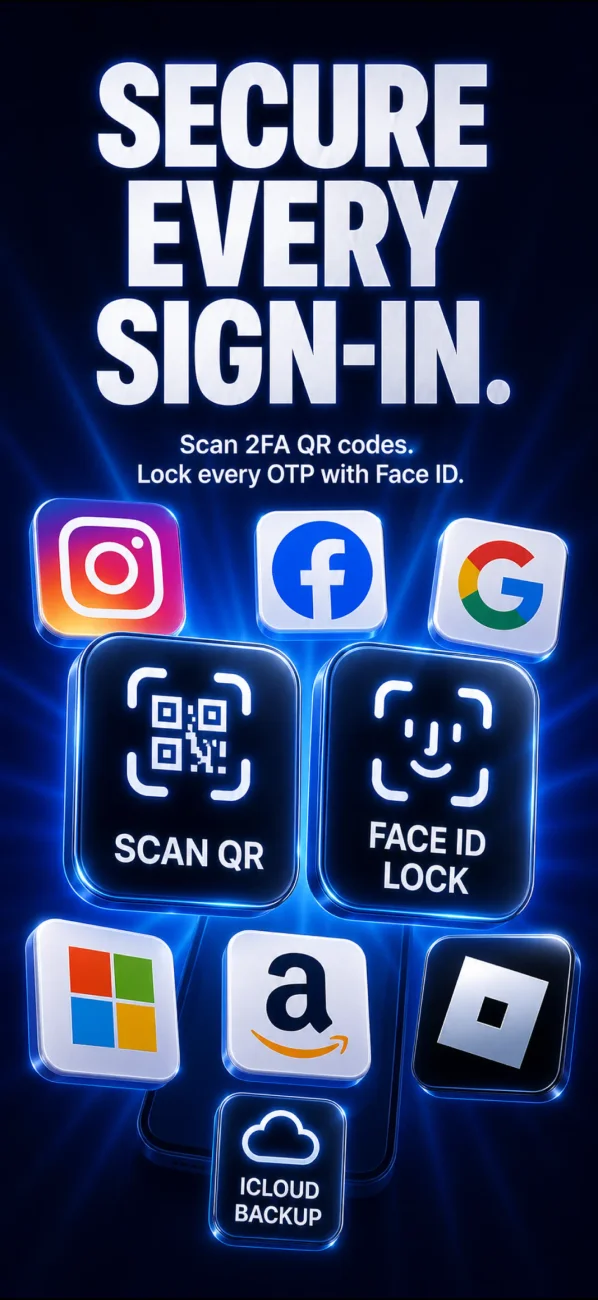
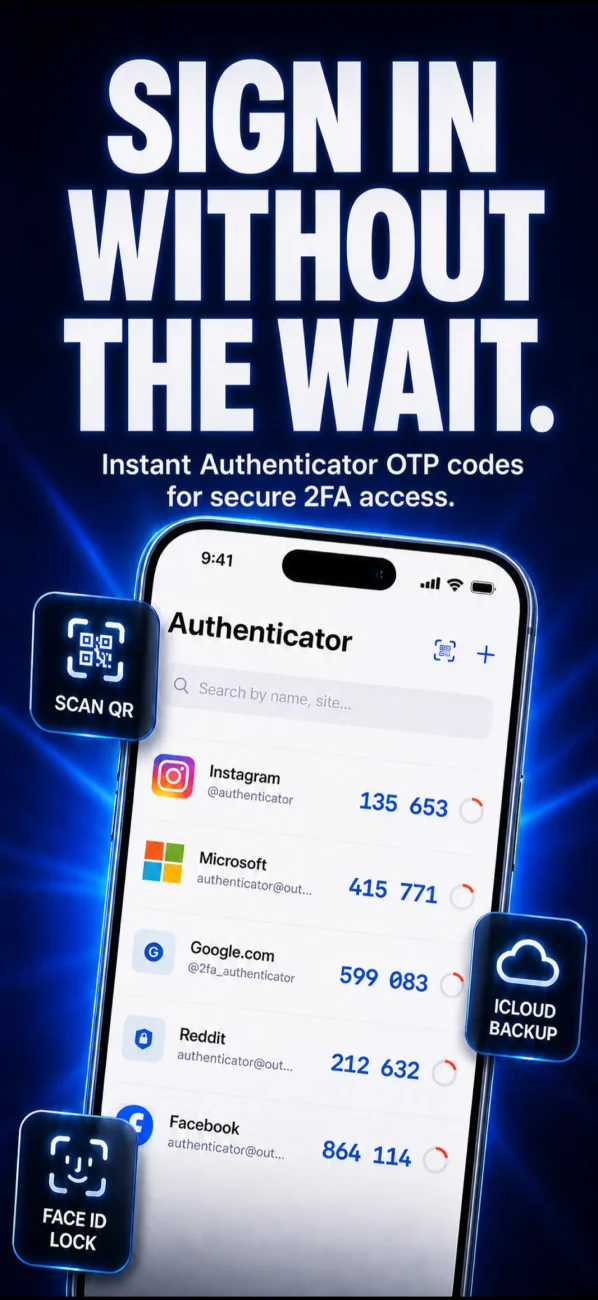
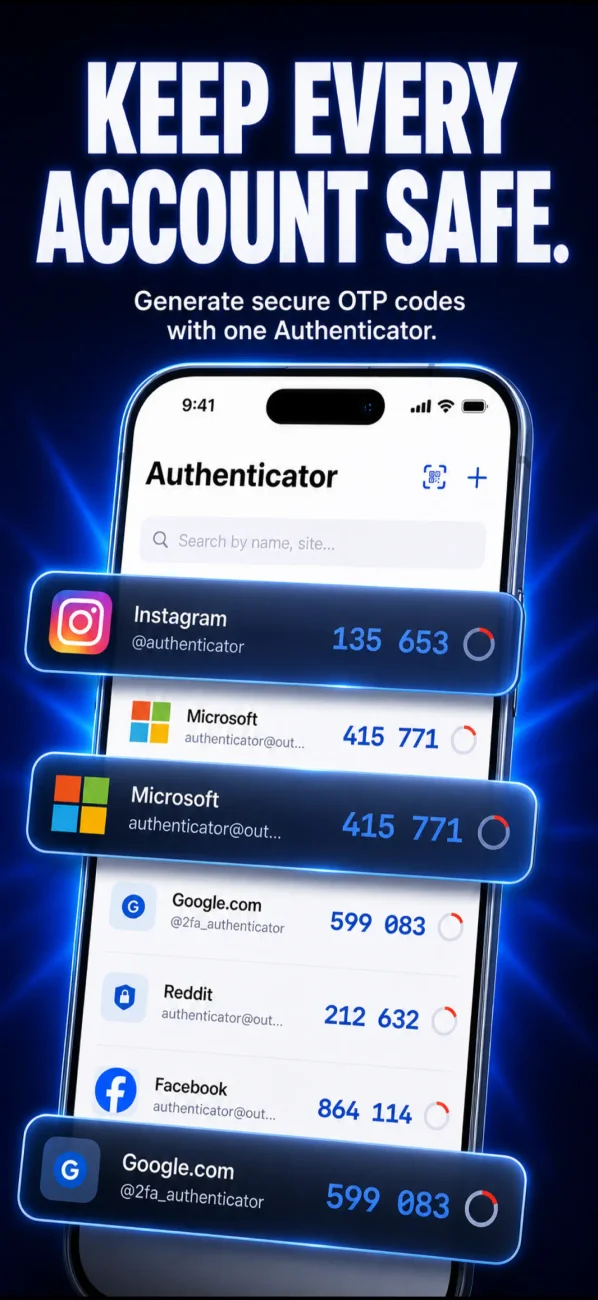
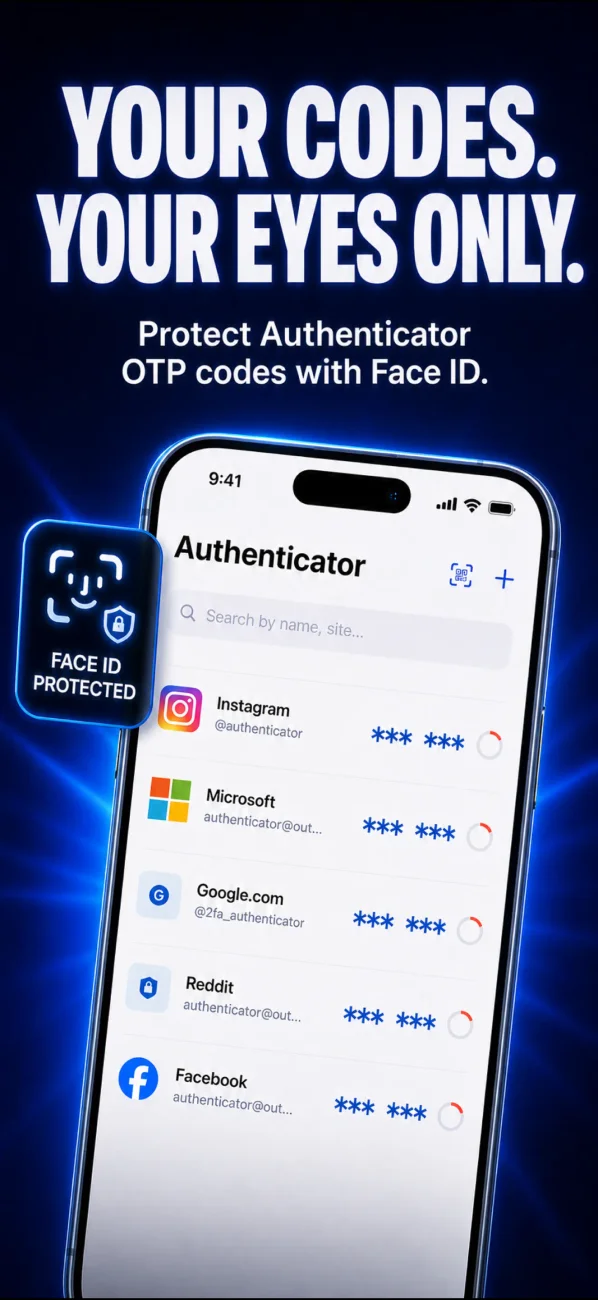
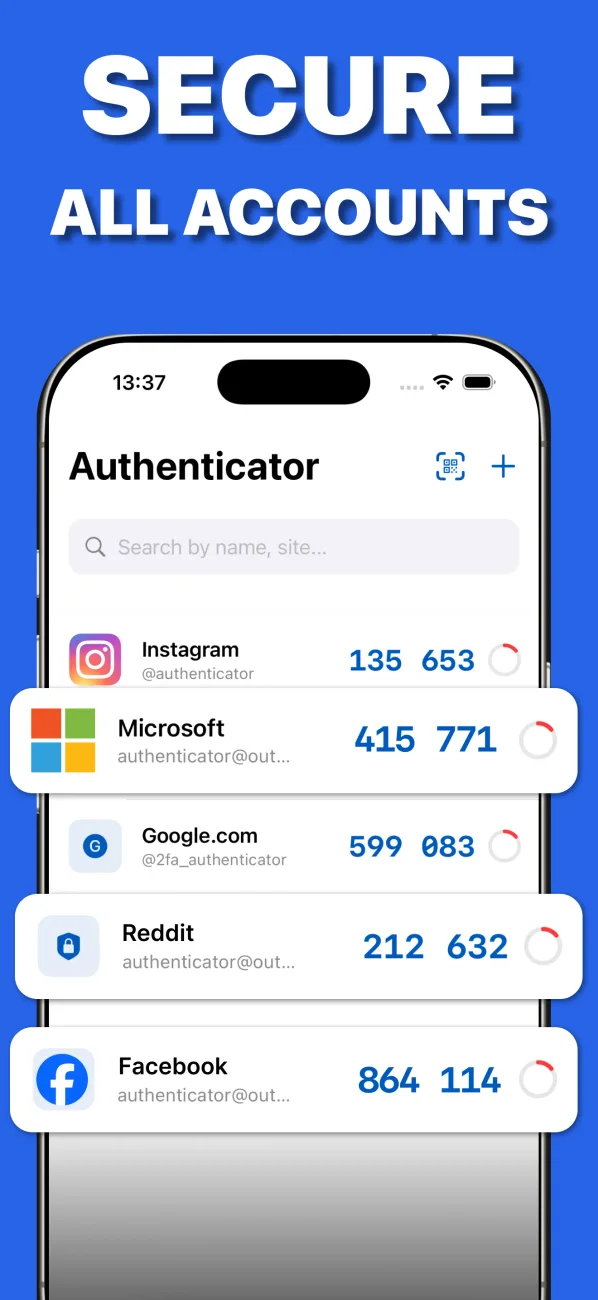
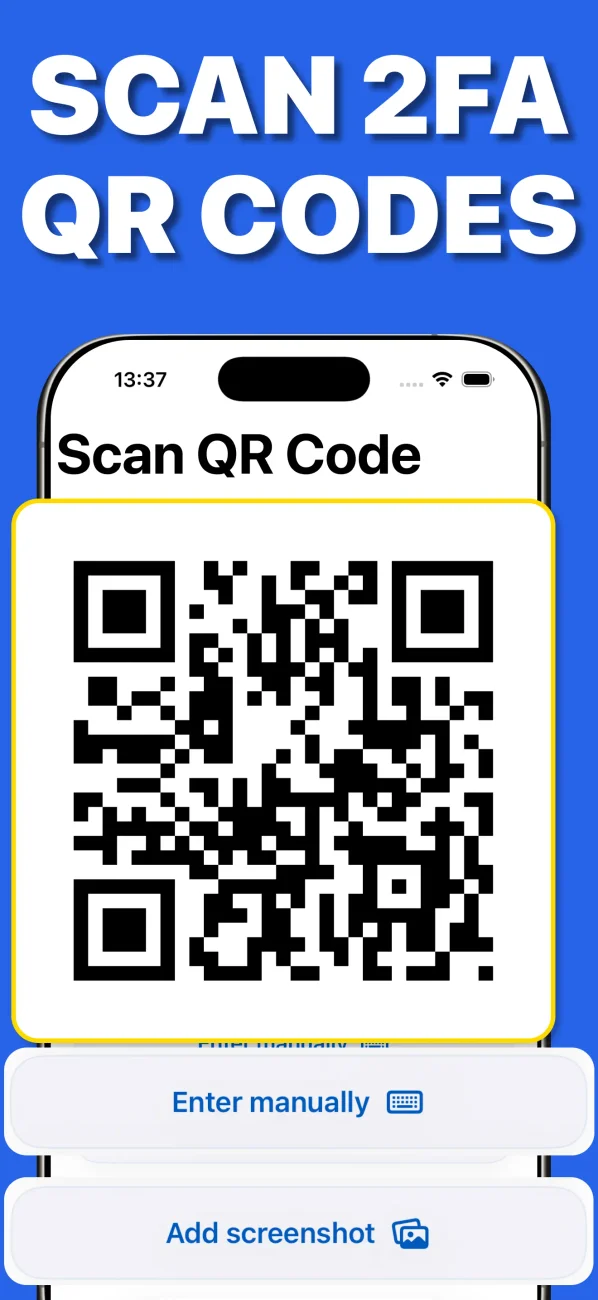
Authenticator App is a 2FA authenticator, OTP authenticator, and TOTP code manager for iPhone. Scan QR codes, import authenticator screenshots, add backup keys manually, and keep verification codes ready in one private vault.
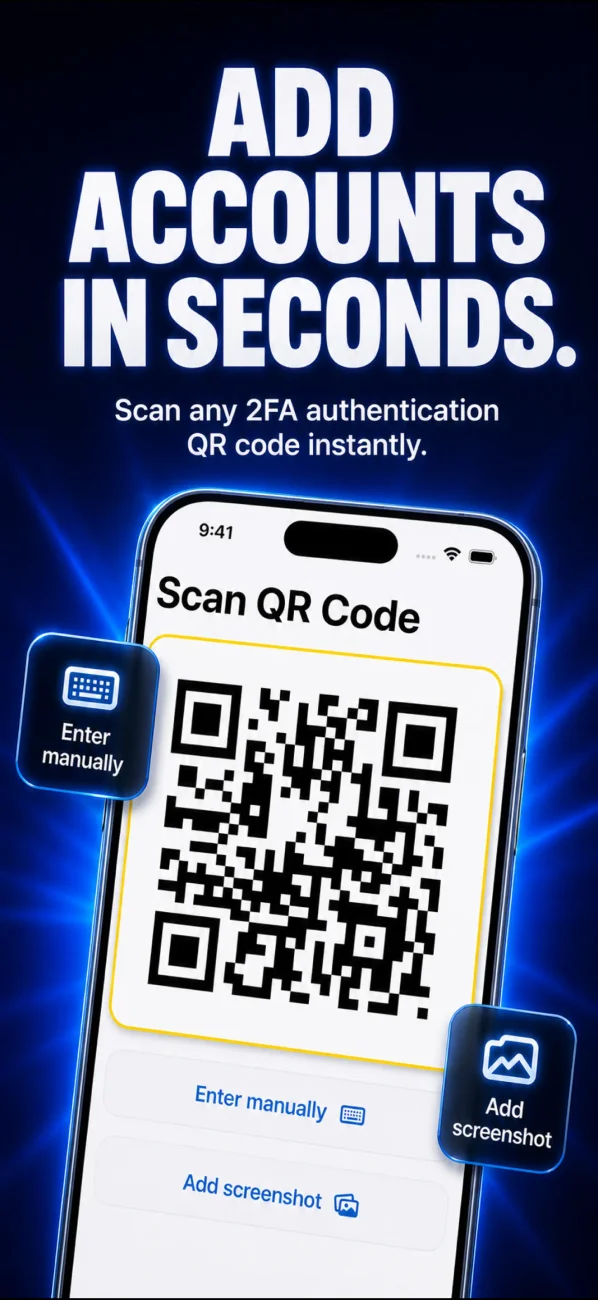
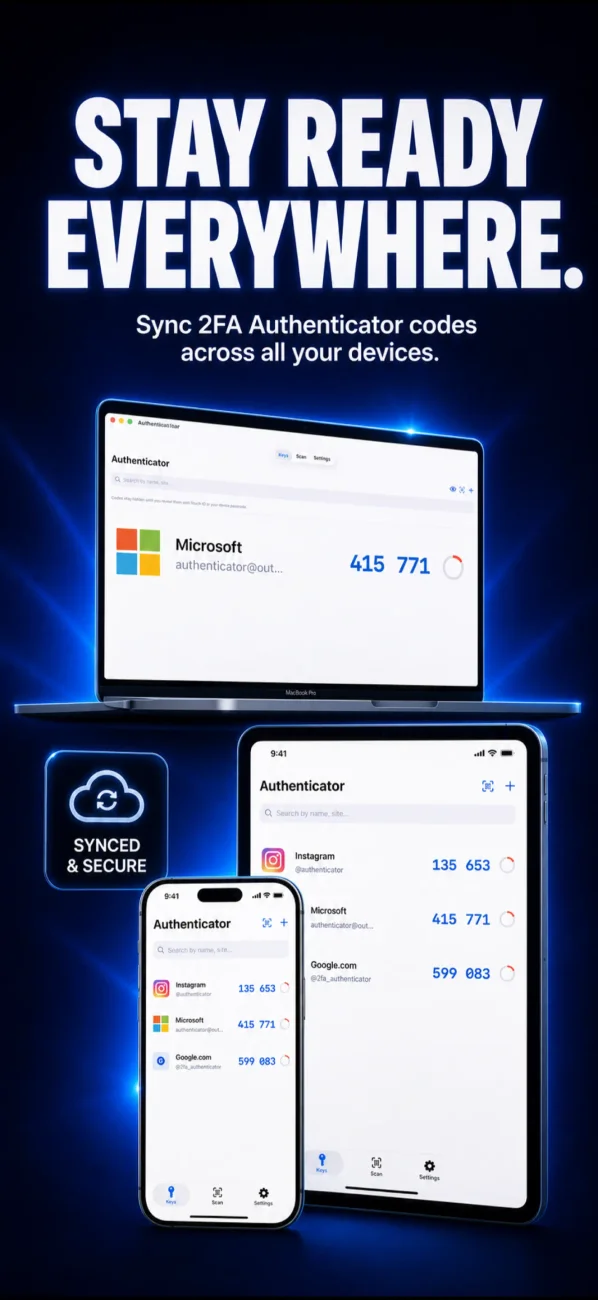
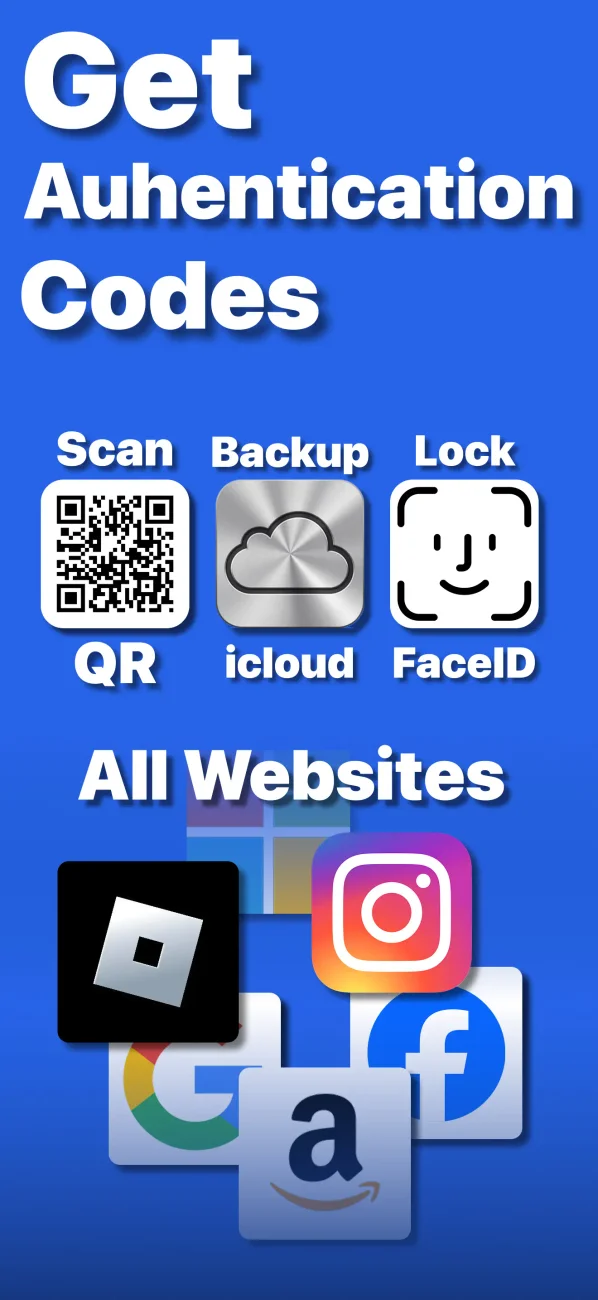
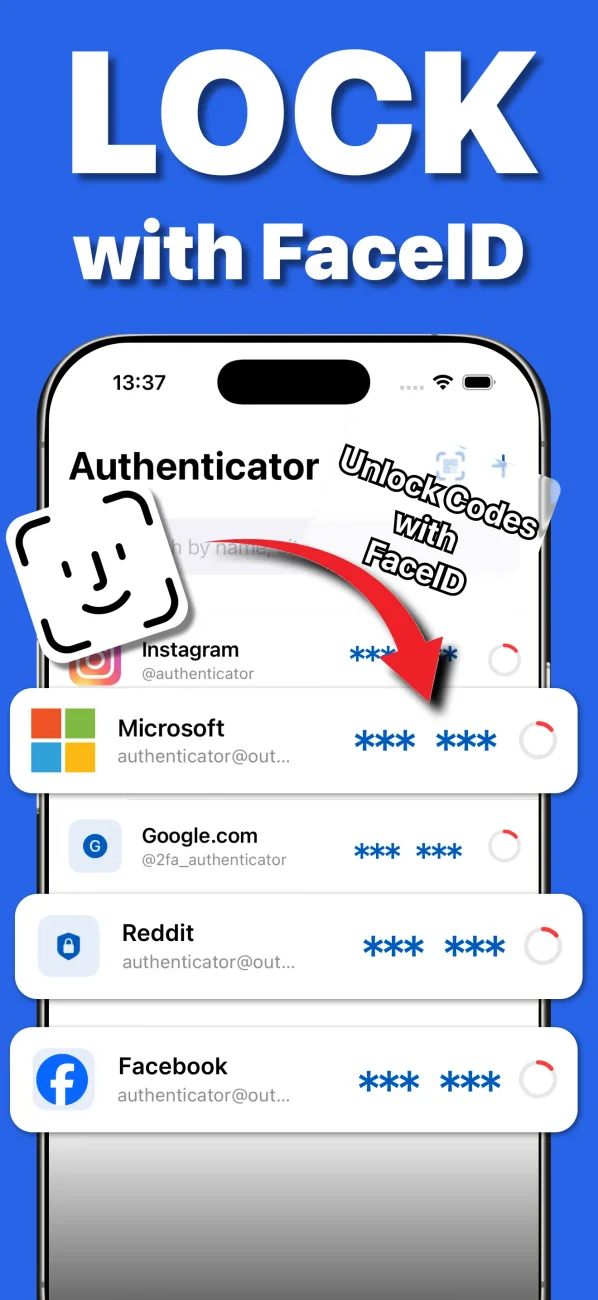
Use this authenticator app for email, banking, social, work, shopping, and gaming accounts. Add 2FA accounts with QR code scan, screenshot import, or manual key entry. Generate offline OTP and TOTP codes, lock the app with Face ID or passcode, and sync your authenticator vault with iCloud across your Apple devices.
FEATURES
- 2FA authenticator for fast QR code setup and secure OTP storage
- Offline OTP and TOTP code generation for verification codes anywhere
- Screenshot import for saved QR codes, authenticator setups, and recovery moments
- Manual key entry for backup keys, recovery codes, and account migration
- Face ID and passcode lock for private access to your codes
- iCloud sync across iPhone and other Apple devices
- Keychain-backed local protection for authenticator data
WHY PEOPLE USE IT
- Fast setup for personal, work, shopping, banking, and gaming logins
- One place for TOTP tokens, backup keys, and verification codes
- Helpful when moving to a new phone or restoring accounts
- Built for private 2FA storage with quick access when you need a code
PRO ACCESS
- Some features require Pro access through an in-app subscription or purchase. Saving new accounts from manual entry, camera QR scan, or screenshot import requires Pro.
LEGAL
- Terms of Use: https://flagapps.com/authenticator/terms
- Privacy Policy: https://flagapps.com/authenticator/privacy
What’s new
Version 1.0.1 · Aug 8, 2026
Version 1.0.1 improves QR account setup, clarifies camera and photo library permissions, and includes reliability and stability refinements.
App privacy
What GOKTUG CETIN declares on the App Store about how this app handles data.
-
Data not collected
The developer does not collect any data from this app.
Privacy practices may vary, for example with the features you use or your age.
Information
- Seller
- GOKTUG CETIN
- Category
- Utilities
- Version
- 1.0.1
- Updated
- Aug 8, 2026
- Released
- Apr 15, 2026
- Size
- 13.9 MB
- Requires
- iOS 26.0 or later
- Age rating
- 4+
- Price
- Free
- In-app purchases
- Yes
- Languages
- English
- Copyright
- © 2026 Goktug Cetin
You might also like
-
 Print ContactUtilities
-
 My AuthenticatorUtilities
-
 Clear Wave - Sound Level MeterNoise dB Meter, Sound Detector
-
 Authenticator for UpholdProtect Your Account
-
 Authenticator App: Safe 2FAOTP codes for MFA & Auth
-
 ARCADA CONSTRUCTIONUtilities
-
 Romanian English TranslatorTranslate,Dictionary & Phrases
-
 Guest Mode: Lock AppsControl Device and Screen Time
-
 RetroSound Radio ControlUtilities
-
 Hindi Translator To Any LangHindi to Any Language