
Authenticator App -Secure
MFA & 2FA, OTP Entry Creator
Designed for iPhone, iPad
Free · In-app purchases
- Age rating4+
- CategoryUtilities
- DeveloperNext Flow GmbH
- LanguagesEnglish
- Size24.0 MB
Links to the official App Store page
Download.org hosts no file of Authenticator App -Secure. The button opens its official App Store page, published by Next Flow GmbH. Listing last checked on Nov 17, 2026.
Screenshots

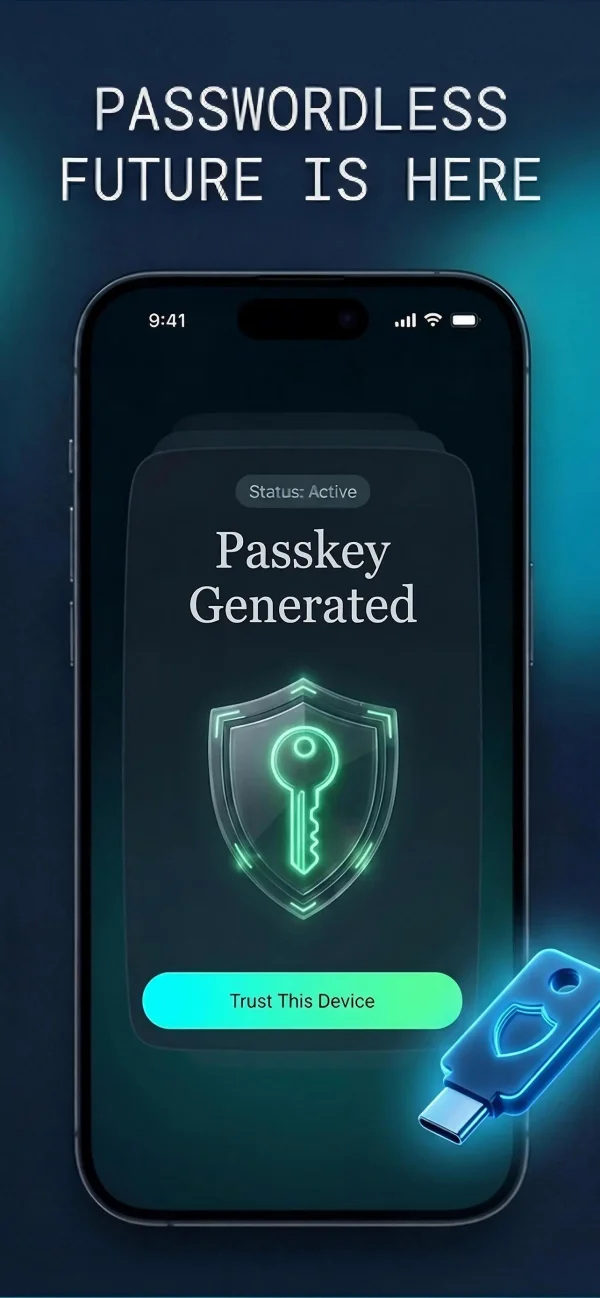

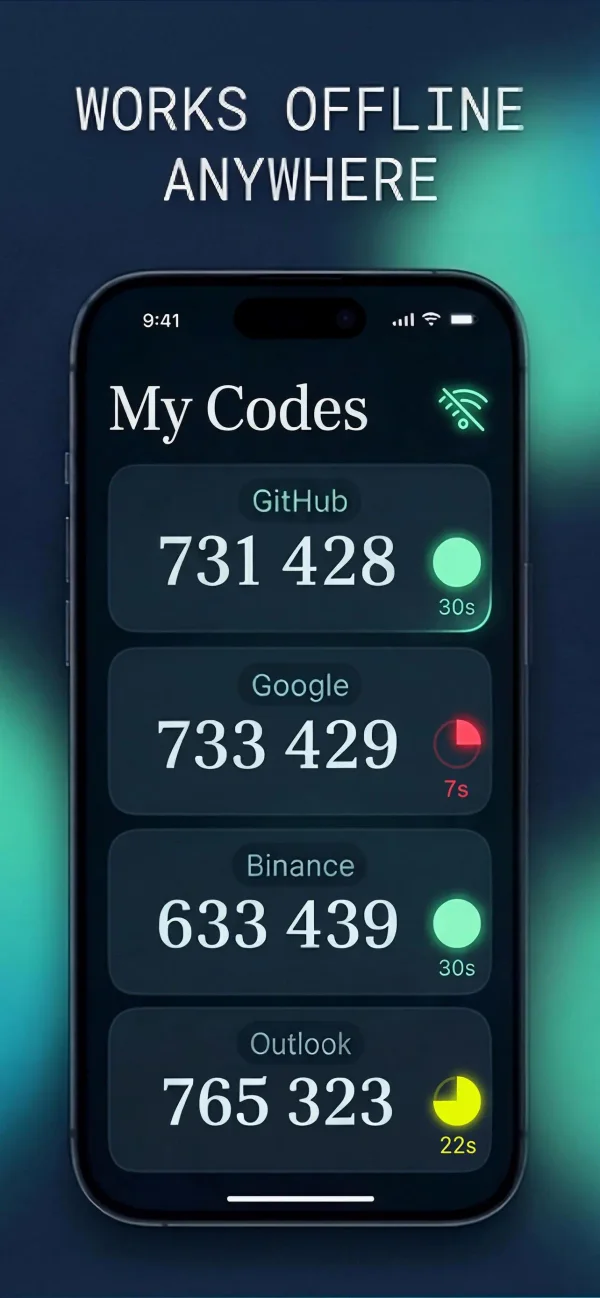
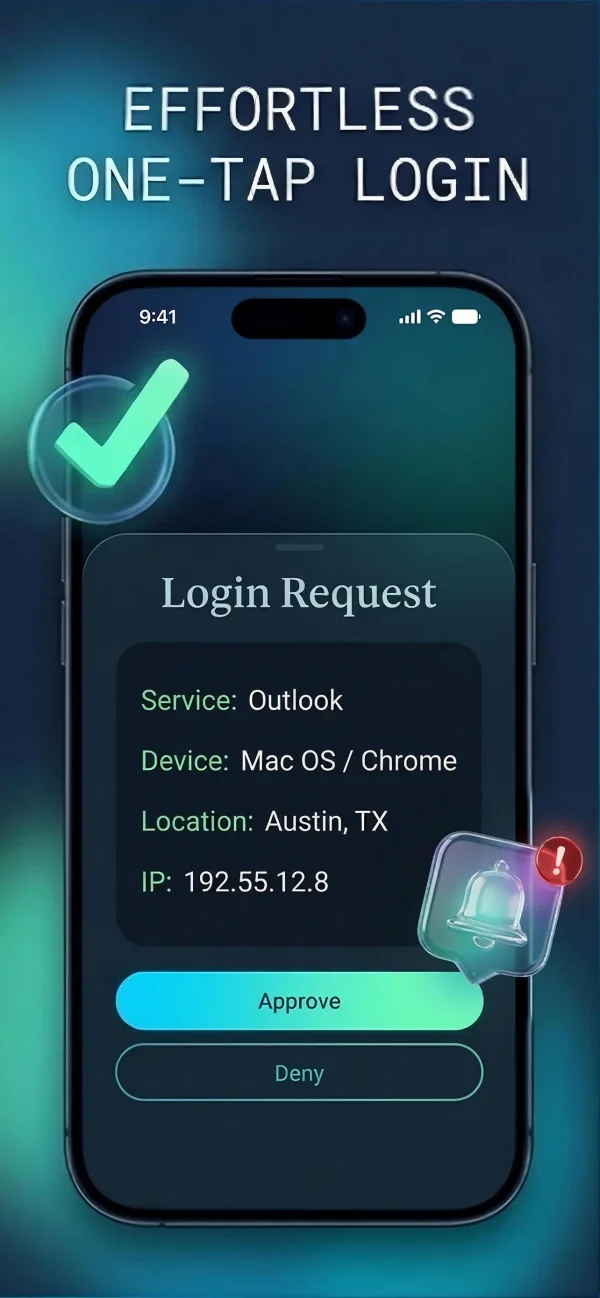
About
Authenticator App - Secure is an advanced security utility for users who want to protect their digital identity without dealing with complicated setups. Turn every login session into a safe, fast, and private experience with ready tools for account protection.
WHAT YOU CAN DO
Discover a fast QR scanner to set up your accounts instantly
Use the password manager and secure vault when you want to store your credentials safely
Save your Backup Codes so you never lose access to your important data
Mix and match Widgets to create your own style for quick access right from your home screen
FEATURE HIGHLIGHTS
2FA Authentication & MFA & OTP – generate secure codes for all your logins
secure TOTP generator – reliable and offline-ready code generation
private browser – surf the web without leaving traces
Encryption & Cloud Sync – keep your data protected and synchronized across devices
Auto Fill – streamline your login process effortlessly
HOW PEOPLE USE IT
Before you log in
Open Authenticator App - Secure and utilize the QR scanner to add a new account
Pick the secure TOTP generator to view your current codes
While you browse
Follow the Auto Fill prompts to log in quickly and safely
Adjust your stored credentials in the secure vault on the fly
After you secure your accounts
Save your Backup Codes using advanced Encryption
Build a reliable Cloud Sync setup for future sessions on other devices
Please note: Subscription required; no free content. Payment upon subscription confirmation.
-Subscription management in Account Settings.
-Free trial shifts to paid subscription; unused portion forfeited upon upgrade.
-Renewals unless disabled 24 hours before the current period ends.
Subscription costs:
Weekly standard plan - Pro
Yearly standard plan - Pro Year
For more information, please refer to our:
Privacy Policy: https://docs.google.com/document/d/1ea71tuqrKG0AeN8GnFG20YqaaICevTy41g9mi5atouc/edit?usp=sharing
Terms of Use: https://docs.google.com/document/d/1AwjTuKmtbiENQ-3fT2sRUWueOiFSgdl31IZMAyKqx2o/edit?usp=sharing
What’s new
Version 2.0.1 · Jun 1, 2026
This update focuses on enhancing the overall reliability of the secure vault and QR scanning components. We have implemented several refinements to ensure a smoother synchronization process across your devices. The latest version includes significant performance optimizations for the code generation engine. Users will also notice minor interface adjustments designed to improve the clarity of account management.
App privacy
What Next Flow GmbH declares on the App Store about how this app handles data.
-
Data used to track you
May be used to track you across apps and websites owned by other companies.
- Identifiers
-
Data not linked to you
May be collected but is not linked to your identity.
- Identifiers
- Usage data
Privacy practices may vary, for example with the features you use or your age.
Information
- Seller
- Next Flow GmbH
- Category
- Utilities
- Version
- 2.0.1
- Updated
- Jun 1, 2026
- Released
- Jun 1, 2026
- Size
- 24.0 MB
- Requires
- iOS 26.0 or later
- Age rating
- 4+
- Price
- Free
- In-app purchases
- Yes
- Languages
- English
- Copyright
- © Razieh Varnamkhasti
You might also like
-
 QEncryptQuantum-safe file encryption.
-
 AI Photo Cleaner: SwipeStarPlay · Clean Photos · Level Up
-
 Nanana:Banana AI Art GeneratorTransform Text Into Images
-
 CleanAI OneDeclutter & Enhance Photos
-
 RedDot: Phone CareAll-in-One Device Toolkit
-
 Ace Cleaner: Phone CleanupHandy reinigen & Speicher mehr
-
 Scrubl: Hacker ProtectionProtect Your Privacy Online
-
 Cleanup AI:Storage CleanerDelete Duplicate Phone Photos
-
 Photo Сleanup: Storage CleanerDelete Duplicate Photos, Video
-
 CallSense·Scam&Spam ProtectionUtilities