Authenticator App ℠
2FA, Two Factor Authentication
Designed for iPhone, iPad, Mac, iPod touch
Free · In-app purchases
- Age rating17+
- CategoryProductivity
- DeveloperCHIPO NETWORK COMPANY LIMITED
- LanguagesEnglish+ 18 more
- Size174.4 MB
Links to the official App Store page
Download.org hosts no file of Authenticator App ℠. The button opens its official App Store page, published by CHIPO NETWORK COMPANY LIMITED. Listing last checked on Nov 15, 2026.
Screenshots

About
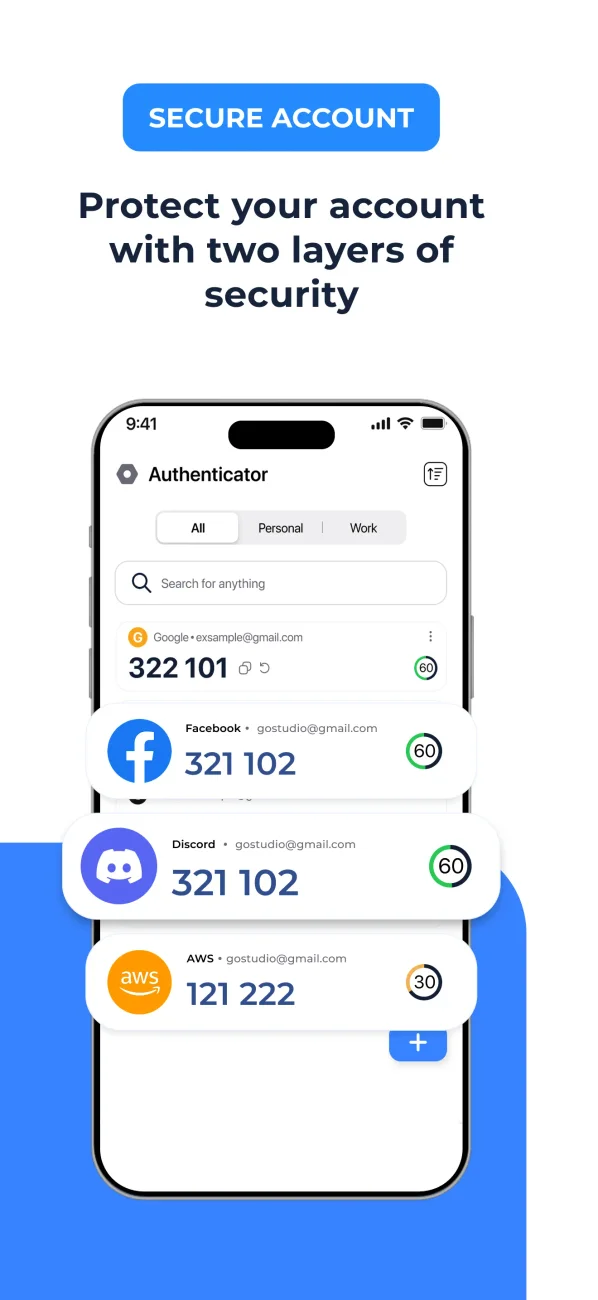
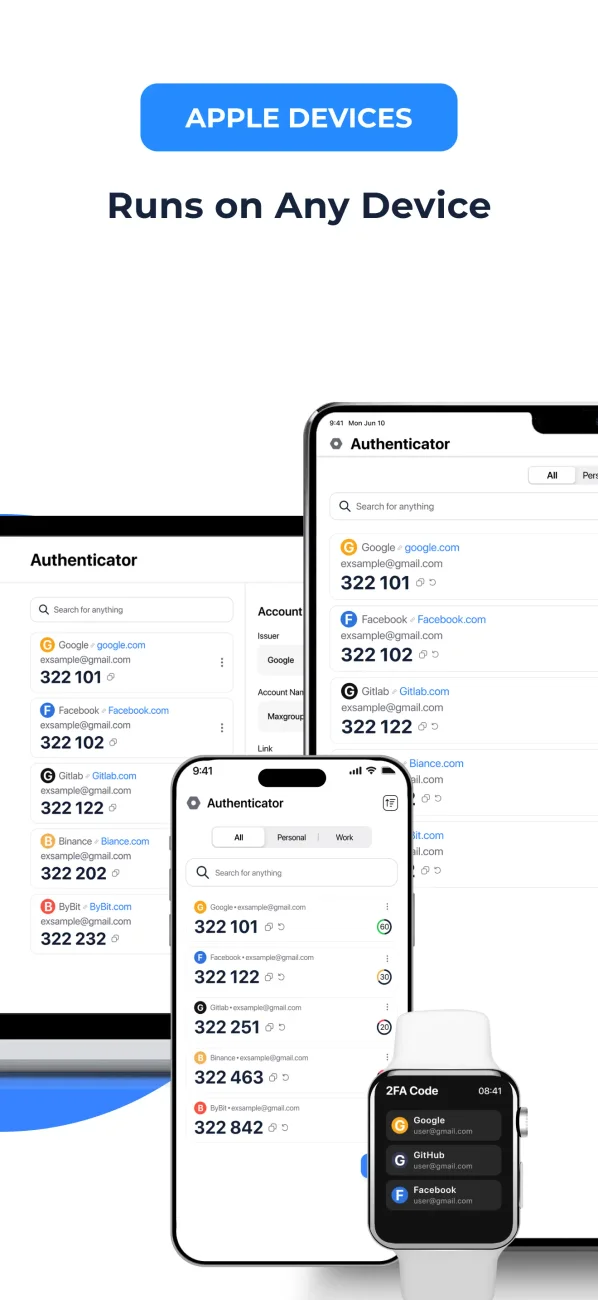
Protect your online accounts with secure, standards-based two-factor authentication. 2FA Authenticator App generates time-based one-time passwords (TOTP) directly on your iPhone, giving you a reliable second step for sign-ins without depending on SMS codes.
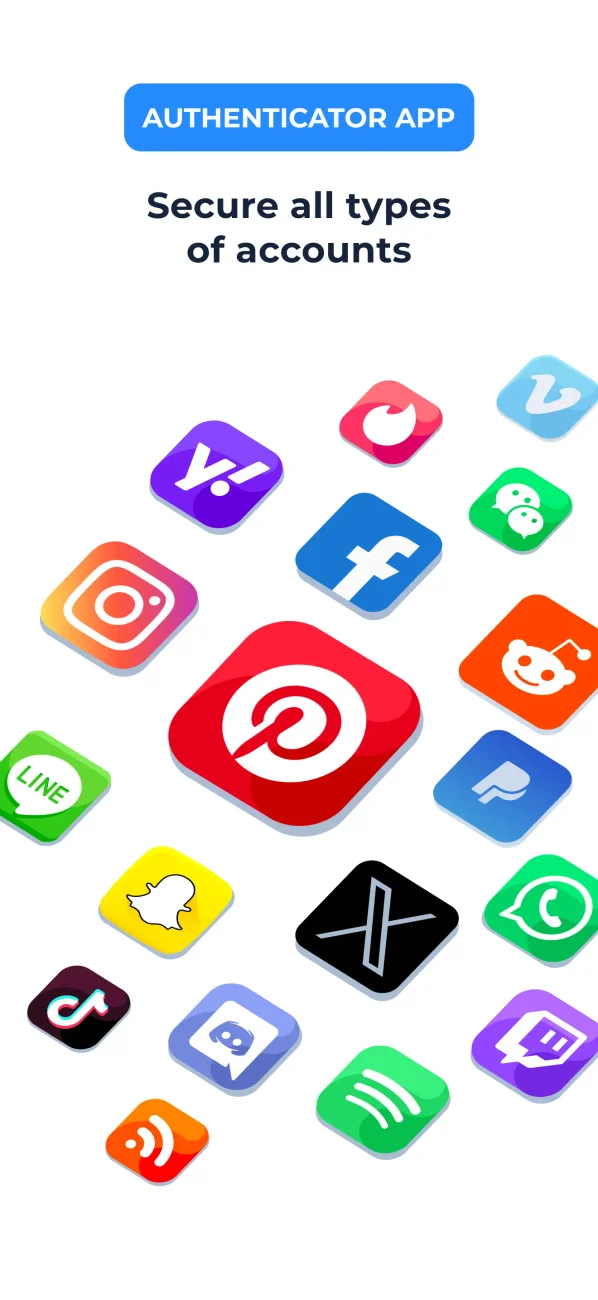
Authenticator provides reliable security for both personal and work accounts. From email and social media to crypto platforms and business tools, the app helps keep your login information protected and easy to access. Commonly supported platforms include: Google, Microsoft, Facebook, Instagram, Twitter (X), LinkedIn, Amazon, Dropbox, PayPal, eBay, Snapchat, Pinterest, Reddit, Yahoo, Shopify, Slack, Zoom, Airbnb, Uber,...
Access your authentication codes anytime, even without an internet connection. Codes are generated directly on your device, so weak signals or offline situations won’t block your sign-ins.
Key features
- Secure TOTP verification codes
Generate time-based one-time passwords that add a strong extra layer of protection to your accounts. These codes refresh automatically and work with most online services that support authenticator apps, helping keep your sign-ins secure.
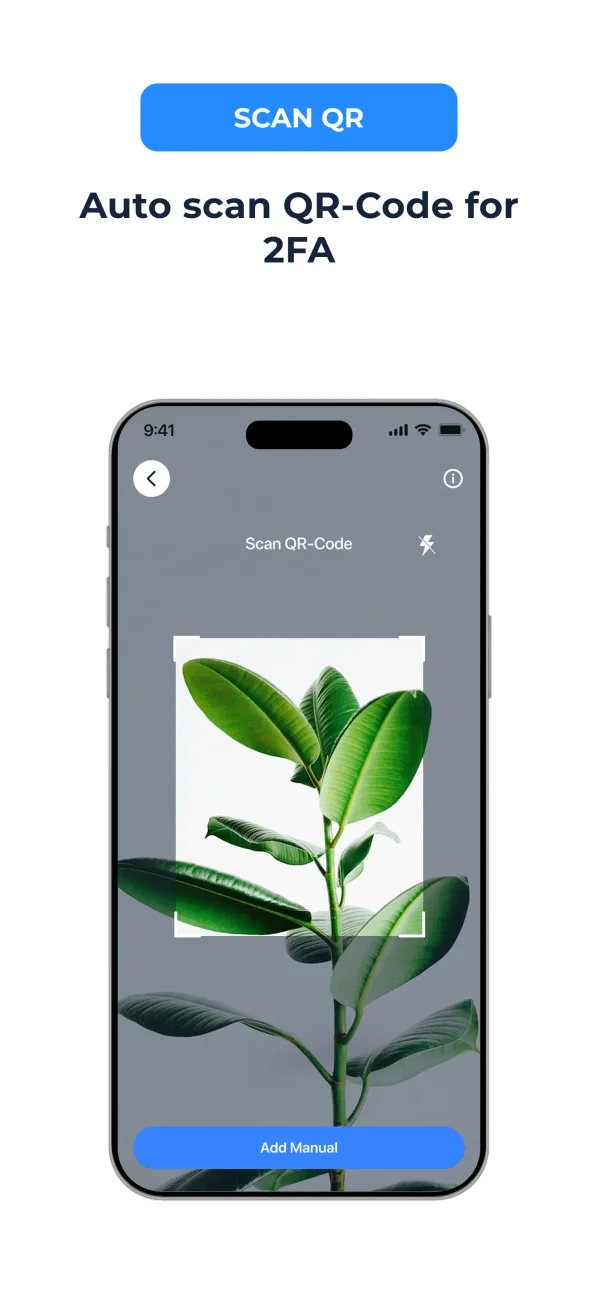
- Easy Setup with QR Code Scanning
Add new accounts in just a few steps by scanning a QR code or entering a secret key manually. The setup process is simple and clear, so you can start using two-factor authentication right away.
- Full control over your 2FA accounts
Manage all your authentication entries in one place. You can edit account names, update secret keys, or remove entries anytime when accounts are no longer needed.
- Protect Over 1,000 Apps
From Gmail to Facebook, Instagram, Twitter, and more, our app integrates with over 1,000 apps. Secure all your accounts effortlessly with one tap.
- Password Leak Detection:
Be notified if any of your passwords have been compromised online. When you set a password on any website, the app checks for data breaches to keep you safe.
- Password & Account AutoFill
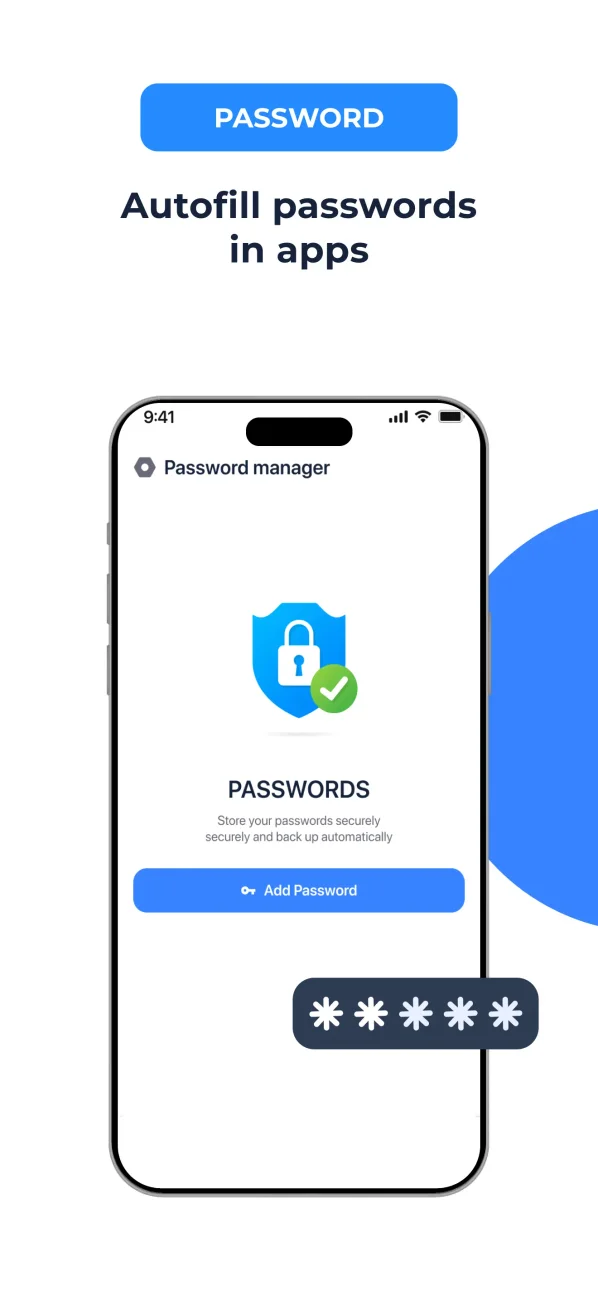
Easily log in to your favorite websites and apps with one tap. Our smart AutoFill system securely fills in your saved usernames and passwords — no need to memorize or type again.
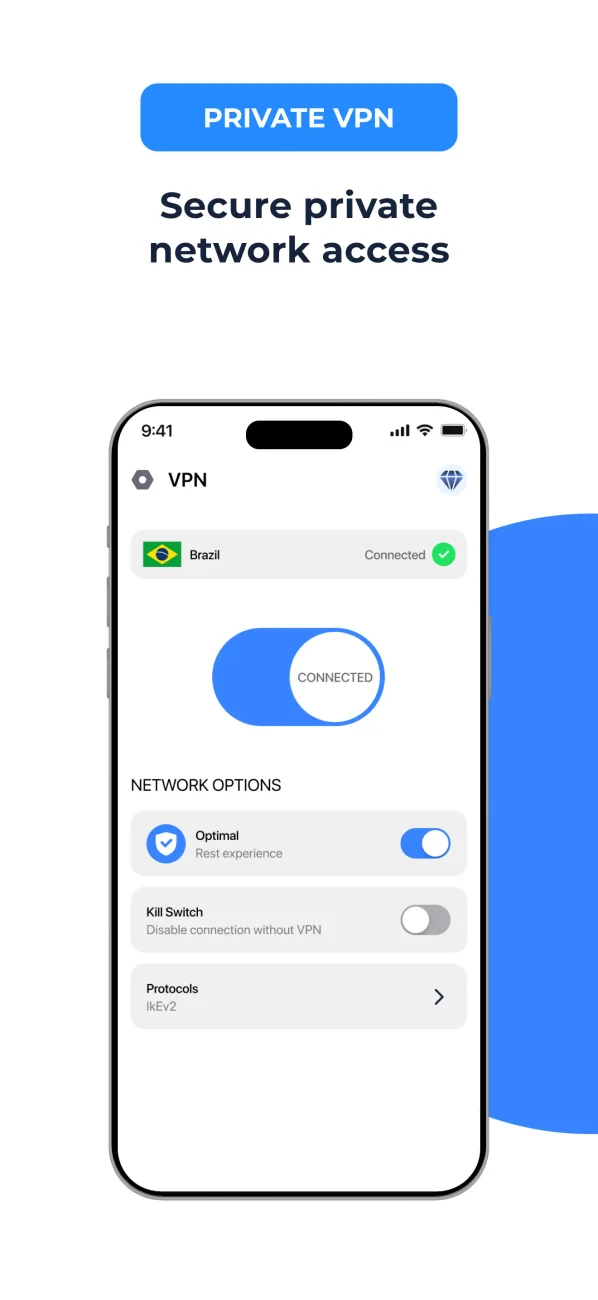
- VPN Protection:
Stay private and secure on any network. When you connect to public Wi-Fi or browse the internet, the app encrypts your traffic and hides your IP address to protect your identity.
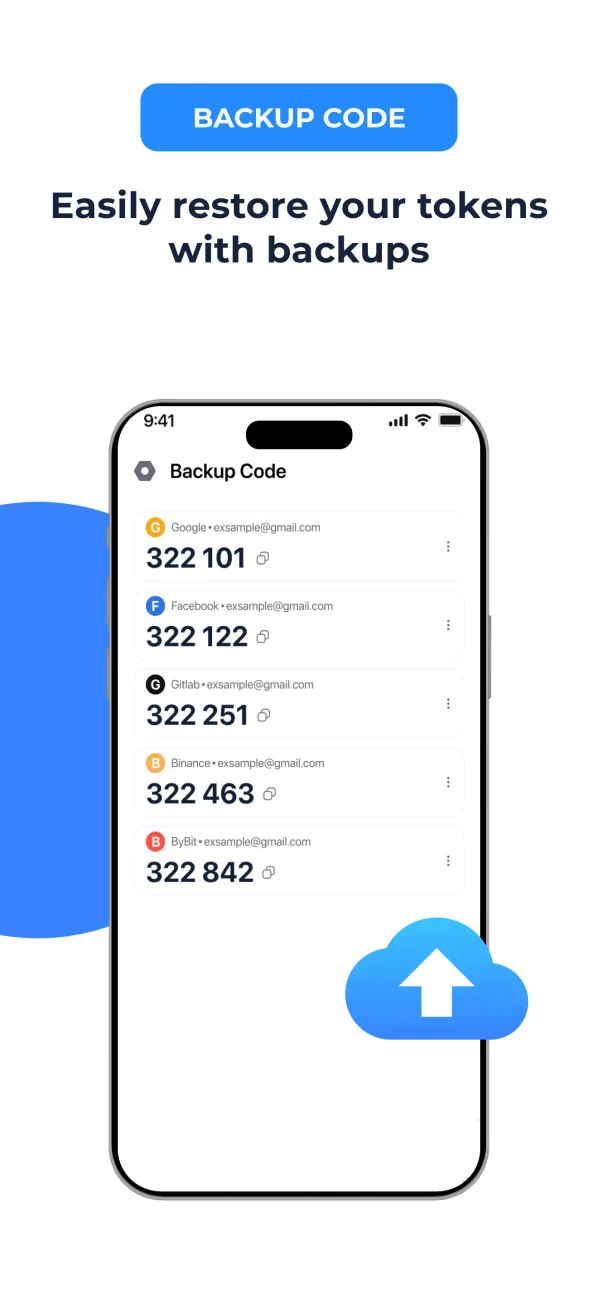
- Cloud Backups for Peace of Mind
Never lose access to your accounts. Our secure cloud backup ensures your data is safe and accessible whenever you need it.
- App lock with Face ID, Touch ID, or PIN
Protect access to your authentication codes with biometric security or an app passcode. You can also enable auto-lock to automatically secure the app when you leave it or switch to another app.
- Built-in password storage
Store your website and app login details in a dedicated passwords section. Easily create, edit, copy, or delete credentials, giving you convenient access while keeping everything organized.
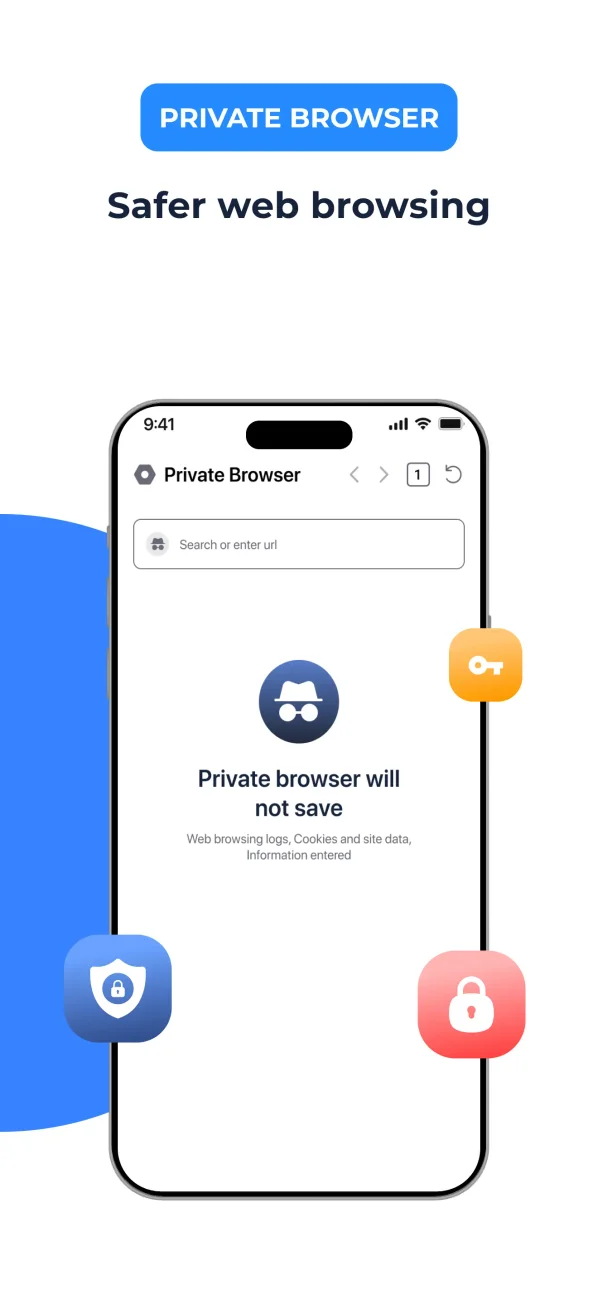
- Private in-app browser
Sign in to your accounts using the built-in browser designed for privacy. It does not save browsing history, logs, or cookies, helping reduce traces when accessing sensitive accounts.
Why Choose MFA Authenticator App?
We go beyond basic 2FA. Our app is designed for simplicity, security, and efficiency. Whether you're securing personal or professional accounts, MFA Authenticator App has you covered.
Subscription Information
• Payment will be charged to your iTunes Account upon purchase confirmation.
• Subscriptions automatically renew unless auto-renew is turned off at least 24 hours before the current period ends.
• Your account will be charged for renewal within 24 hours before the end of the current period.
• If a trial is offered, the full subscription price will be charged after the trial ends unless canceled in advance.
- Privacy Policy: https://authenticatorpolicy.web.app
- Terms of Use: https://authenticatorterm.web.app
What’s new
Version 1.0.36 · Oct 23, 2026
- New Onboarding design
- Bug fixes and stability enhancements
App privacy
What CHIPO NETWORK COMPANY LIMITED declares on the App Store about how this app handles data.
-
Data used to track you
May be used to track you across apps and websites owned by other companies.
- Usage data
-
Data not linked to you
May be collected but is not linked to your identity.
- User content
- Usage data
- Diagnostics
Privacy practices may vary, for example with the features you use or your age.
Information
- Seller
- CHIPO NETWORK COMPANY LIMITED
- Category
- Productivity
- Version
- 1.0.36
- Updated
- Oct 23, 2026
- Released
- May 11, 2025
- Size
- 174.4 MB
- Requires
- iOS 15.0 or later
- Age rating
- 17+
- Price
- Free
- In-app purchases
- Yes
- Languages
- English, Arabic, French, German, Hindi, Indonesian, Italian, Japanese, Korean, Malay, Portuguese, Russian + 7 more
- Copyright
- © Chipo Network 2025
You might also like
-
 Authenticator - Shield App2FA Codes & Password Vault
-
 VPN - Free VPN Turbo Fast ™Super Unlimited & Secure Proxy
-
 Auth Authenticator2FA Authentication MFA & OTP
-
 VPNVerse - Fast Unblock ProxySuper Unlimited VPN
-
 Authenticator App - 2FA / OTPTwo-Factor Login & Secure MFA
-
 Authenticator App: 2FA - MFATwo factor authentication /OTP
-
 GO Fast VPN: Unlimited ProxySuper Speed - Secure & Private
-
 Authenticator App - 2FA Auth +OTP Two Factor for ID Verify
-
 VPN App ·Best Unlimited Hotspot Proxy
-
 Authenticator ® App2FA Two Factor Authentication