Authenticator: MFA & 2FA
Multi-Factor Authentication
Designed for iPhone
Free · In-app purchases
- Age rating4+
- CategoryUtilities
- DeveloperLevel Clash Apps S.L.
- LanguagesEnglish+ 5 more
- Size52.0 MB
Links to the official App Store page
Download.org hosts no file of Authenticator: MFA & 2FA. The button opens its official App Store page, published by Level Clash Apps S.L. Listing last checked on Nov 15, 2026.
Screenshots



About
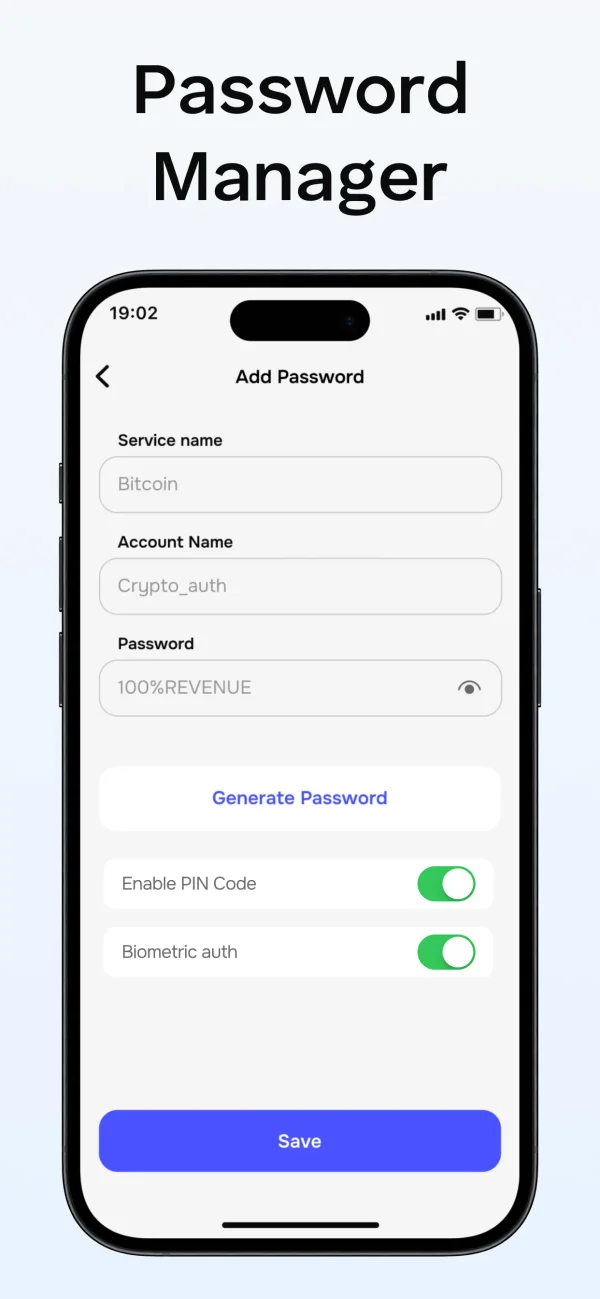
Authenticator allows you to securely store and generate two-factor authentication codes for all your online accounts, directly on your device.
Key Features:
1. Secure and Private. All data within Authenticator is encrypted at all times, even when backed up to iCloud, ensuring that only you have access to your information.
2. Encrypted Backups. Easily create a secure, encrypted backup in Authenticator, safeguarding your data if you lose your device or switch to a new one.
3. Cross-Device Sync. Authenticator automatically syncs your accounts across all Apple devices, including your Apple Watch.
4. Quick Access Widget. Use the Authenticator widget for fast access to your 2FA codes right from your Home Screen.
5. Apple Watch and Touch ID Unlock. Unlock the app instantly using Apple Watch or Touch ID for quicker access.
6. Menu Bar Integration. Keep Authenticator accessible directly from your Menu Bar.
7. Offline Code Generation. Even when offline, Authenticator generates secure codes, allowing you to authenticate safely even in airplane mode.
8. Easy Multi-Account Import. You can seamlessly import accounts from Google Authenticator, Password Managers, or Files.
9. Designed for Apple Devices. Enjoy a fully native experience on all Apple devices with features like Data Sync, Gestures, Widgets, and Dark Mode.
10. Support for Major Services. Authenticator supports major platforms like Facebook, Coinbase, Amazon, Gmail, Instagram, Roblox, and thousands more, including 8-digit tokens.
Subscription Information.
Payment is charged to your iTunes Account upon purchase confirmation.
Subscriptions renew automatically unless auto-renew is turned off at least 24 hours before the end of the current period.
Your account will be charged for renewal within 24 hours before the current period ends.
You can manage your subscriptions and disable auto-renewal through your App Store account settings, up to 24 hours before the next payment is due.
— Terms of Use (EULA) https://www.levelclashapps.com/TermsOfUse.html
— Privacy Policy: https://www.levelclashapps.com/PrivacyPolicy.html
What’s new
Version 1.2.2. · Sep 3, 2026
Securing your accounts just got even better!
We have added clearer, easier-to-read prompts to the restore button, giving you total peace of mind and letting you know exactly what is happening during recovery.
We also tuned up our security engines behind the scenes to keep your tokens loading instantly.
If this update makes securing your digital life a breeze, please leave us a 5-star review! Thanks for trusting Authy to protect what matters.
App privacy
What Level Clash Apps S.L. declares on the App Store about how this app handles data.
-
Data used to track you
May be used to track you across apps and websites owned by other companies.
- Usage data
-
Data linked to you
May be collected and linked to your identity.
- Usage data
Privacy practices may vary, for example with the features you use or your age.
Information
- Seller
- Level Clash Apps S.L.
- Category
- Utilities
- Version
- 1.2.2.
- Updated
- Sep 3, 2026
- Released
- Sep 2, 2024
- Size
- 52.0 MB
- Requires
- iOS 16.0 or later
- Age rating
- 4+
- Price
- Free
- In-app purchases
- Yes
- Languages
- English, French, German, Italian, Portuguese, Spanish
- Copyright
- © Level Clash Apps
You might also like
-
 Camera Detector: hacker detectProtection hidden wifi spyware
-
 Air Detector, Device FinderBluetooth Tracker & Scanner
-
 Home Detector: Hidden CameraSecurity Spy: Find Devices
-
 Air Tracker, Bluetooth ScannerTag Detector: Find Device App
-
 Security Blink DetectorHome Monitor: WIFI
-
 Camera & Spy Device DetectorDetect Hidden Cameras, Spyware
-
 Blink Camera App-Wifi AnalyzerDevice 360 Detector-Hidden Spy
-
 Hidden Camera - Detect TrackerPhone Detector Find Blink Cam
-
 My Device Finder: Air TrackerFind Headphones: Bluetooth
-
 Air Tracker, Device BLE FinderMy Bluetooth Detector, Scanner