Authenticator & Passwords App
Passkeys, AutoFill & Vault
Designed for iPhone, iPad, Mac
Free · In-app purchases
- Age rating4+
- CategoryProductivity
- DeveloperNAVYNEXA TECHNOLOGIES LLP
- LanguagesEnglish+ 15 more
- Size26.3 MB
Links to the official App Store page
Download.org hosts no file of Authenticator & Passwords App. The button opens its official App Store page, published by NAVYNEXA TECHNOLOGIES LLP. Listing last checked on Nov 21, 2026.
Screenshots
About
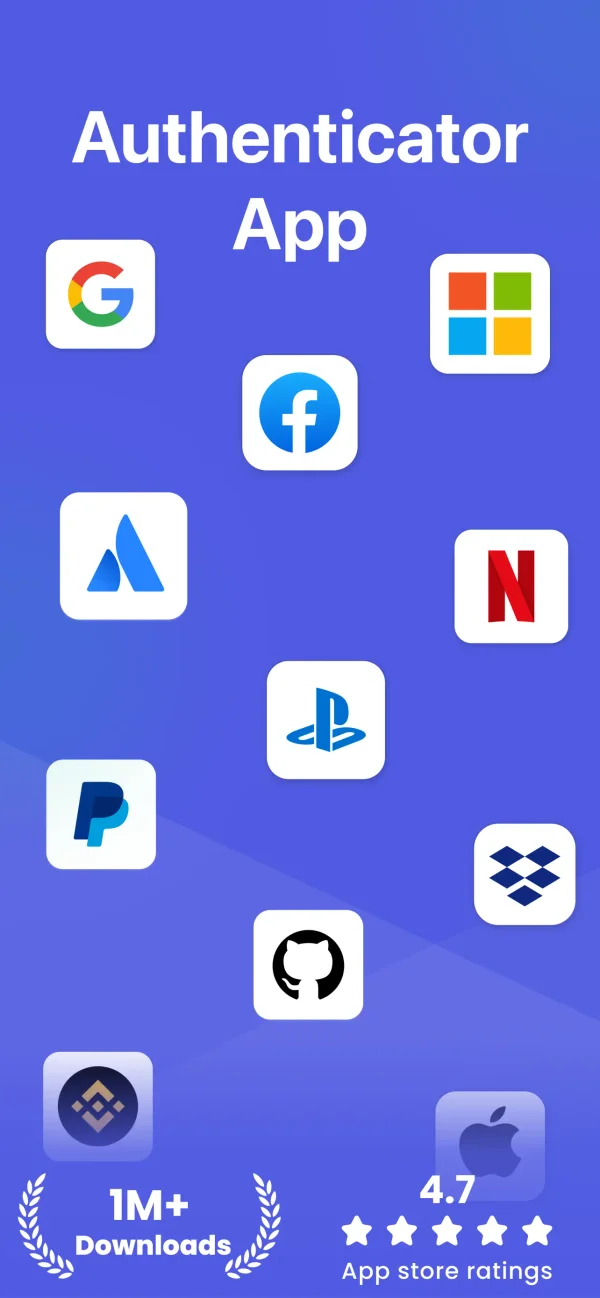
KeyPass Authenticator & Passwords is more than just a 2FA authenticator. Secure your online accounts with one-time verification codes while safely storing passwords, passkeys, payment cards, personal documents, and other sensitive information—all in one secure app.
Whether you're protecting your accounts with two-factor authentication or managing your digital vault, KeyPass Authenticator & Passwords helps keep everything secure, private, and easy to access across your Apple devices.
Why Choose KeyPass Authenticator & Passwords?
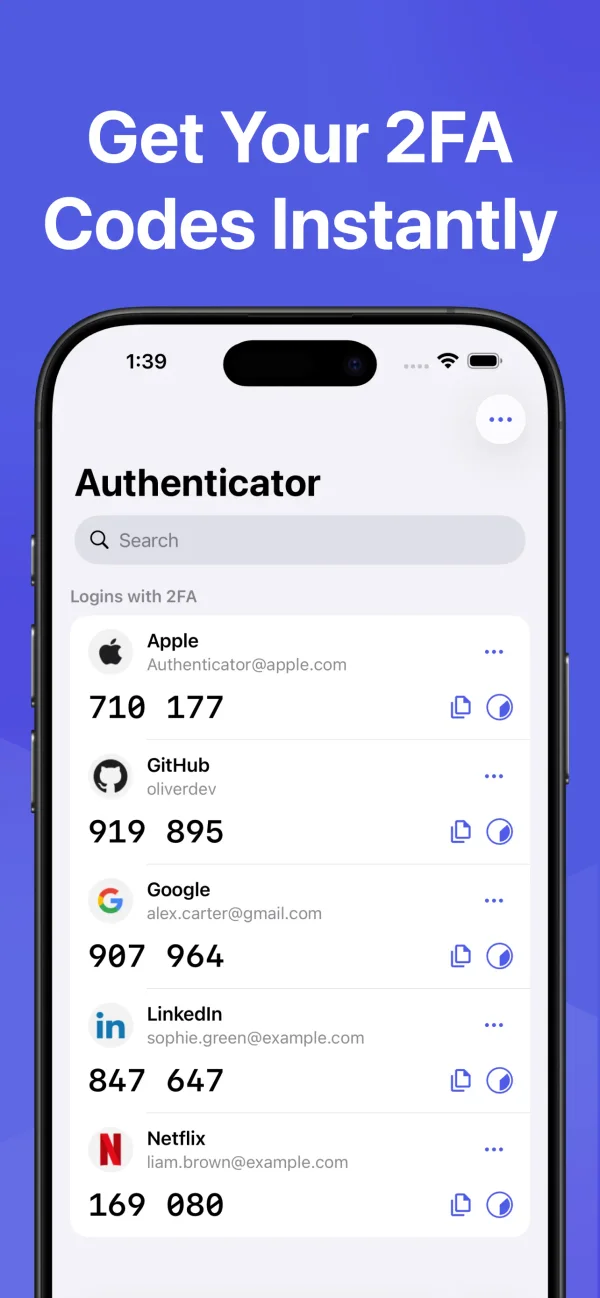
• Generate secure 2FA verification codes for all your online accounts.
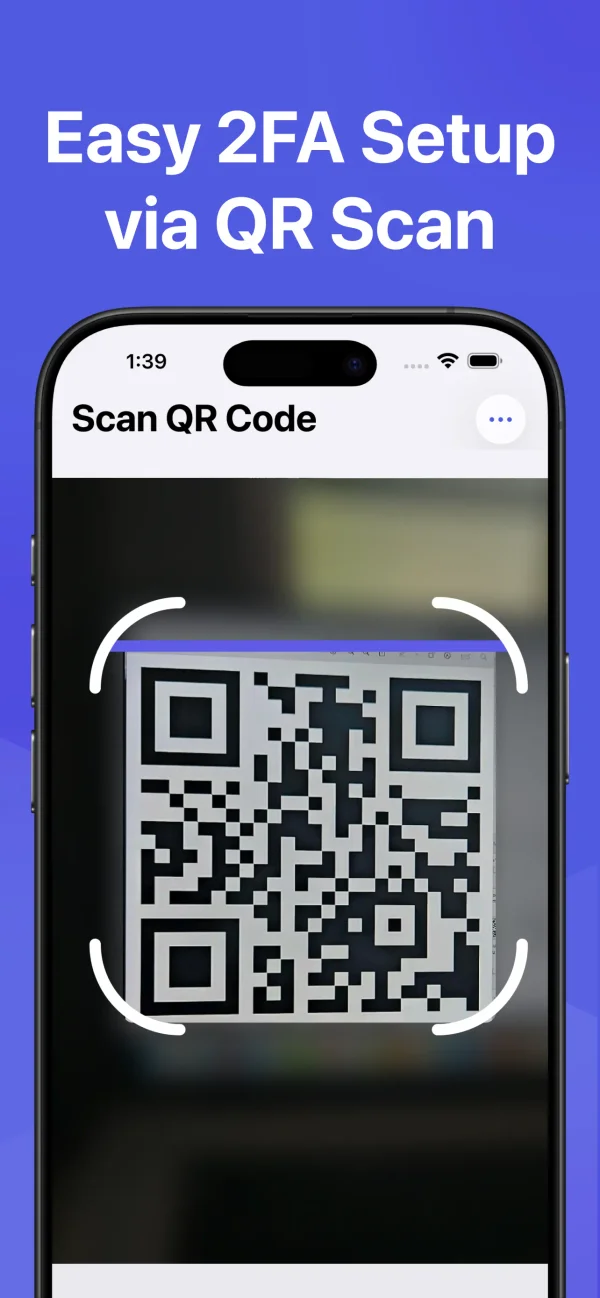
• Easily add accounts by scanning QR codes or entering setup keys manually.
• Access your authentication codes even when you're offline.
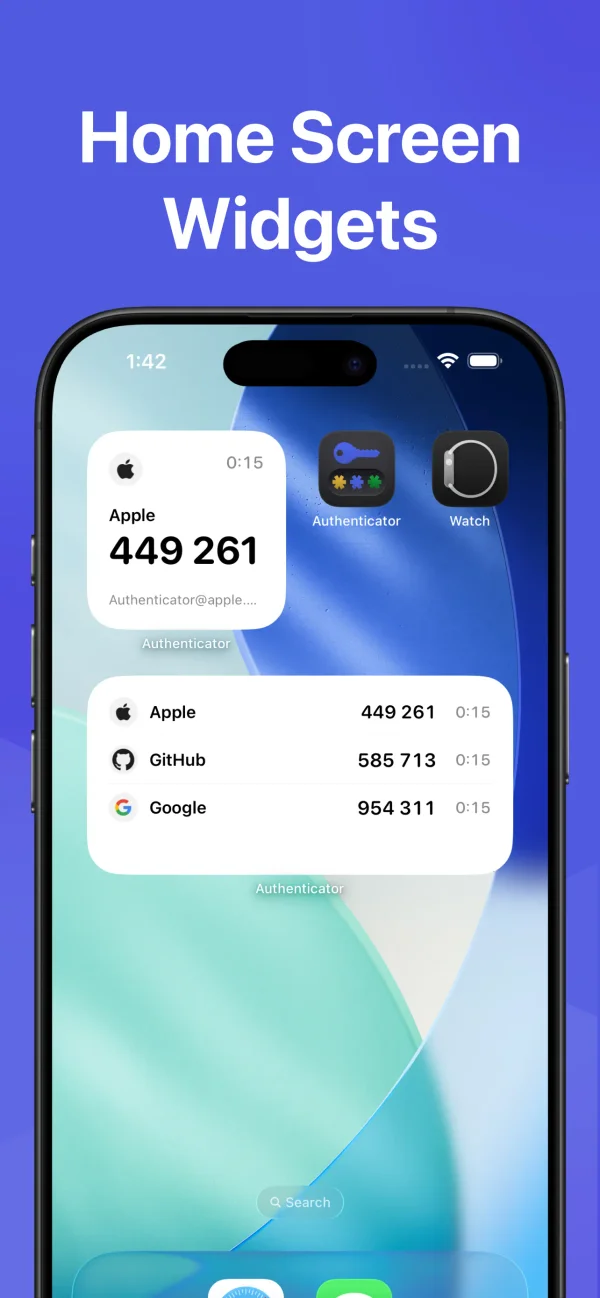
• View your authentication codes directly from Home Screen Widgets.
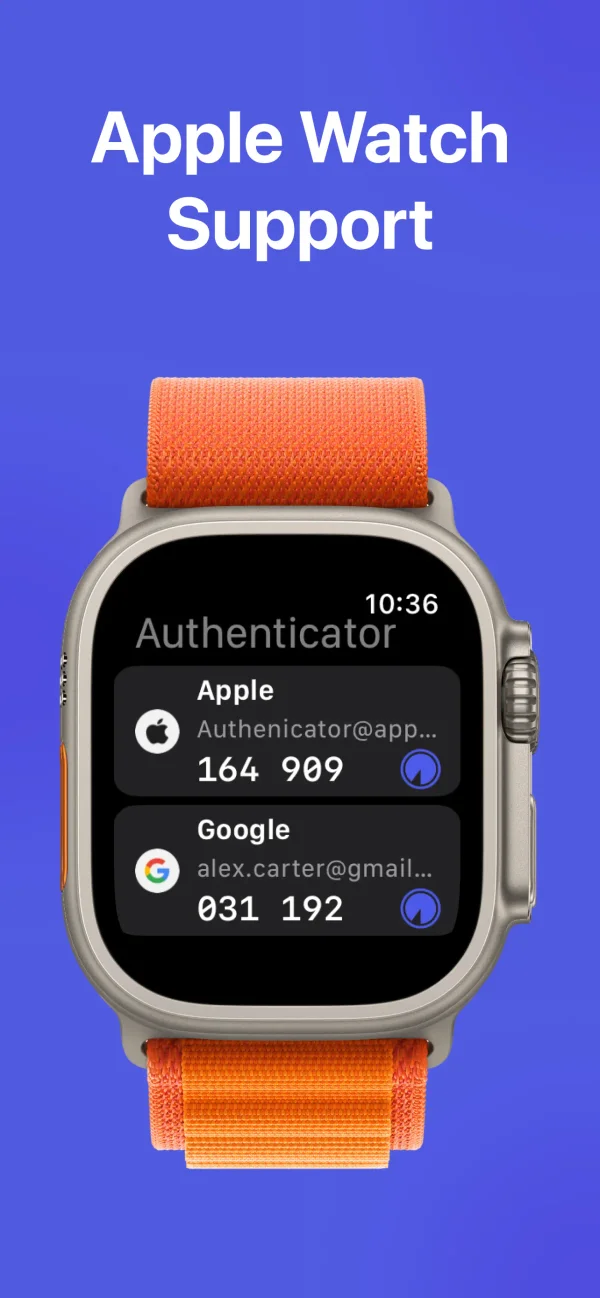
• Get instant access to your authentication codes on Apple Watch.
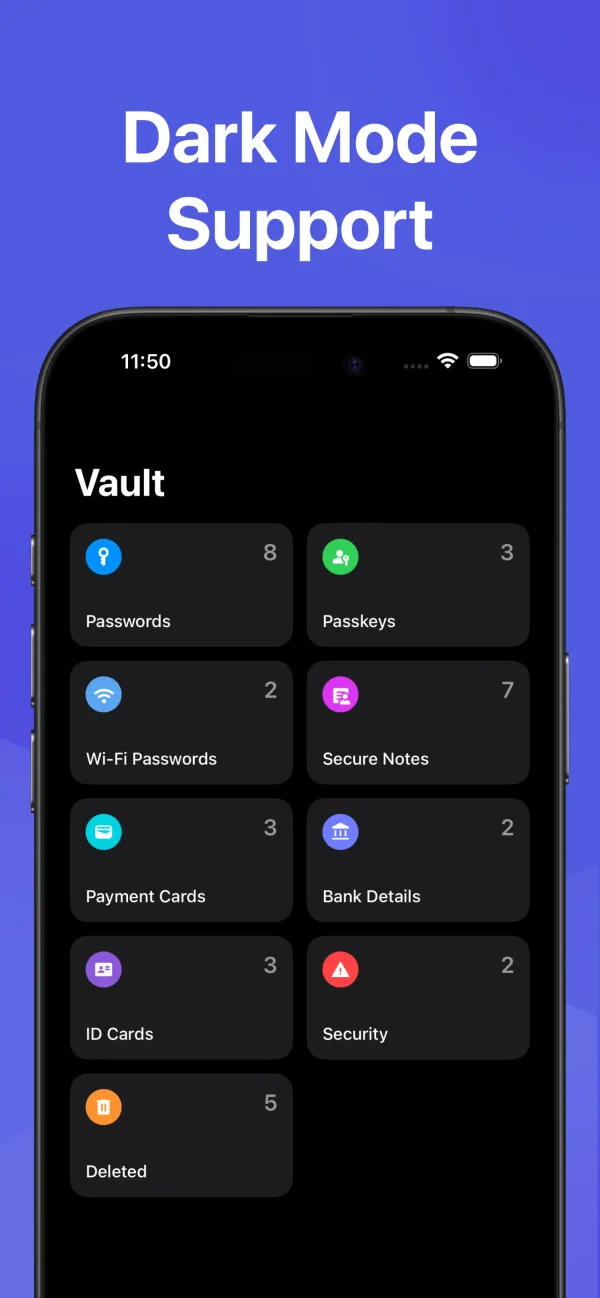
• Securely store and organize passwords, passkeys, Wi-Fi passwords, payment cards, bank accounts, secure notes, addresses, ID cards, passports, driver's licenses, health insurance details, and more.
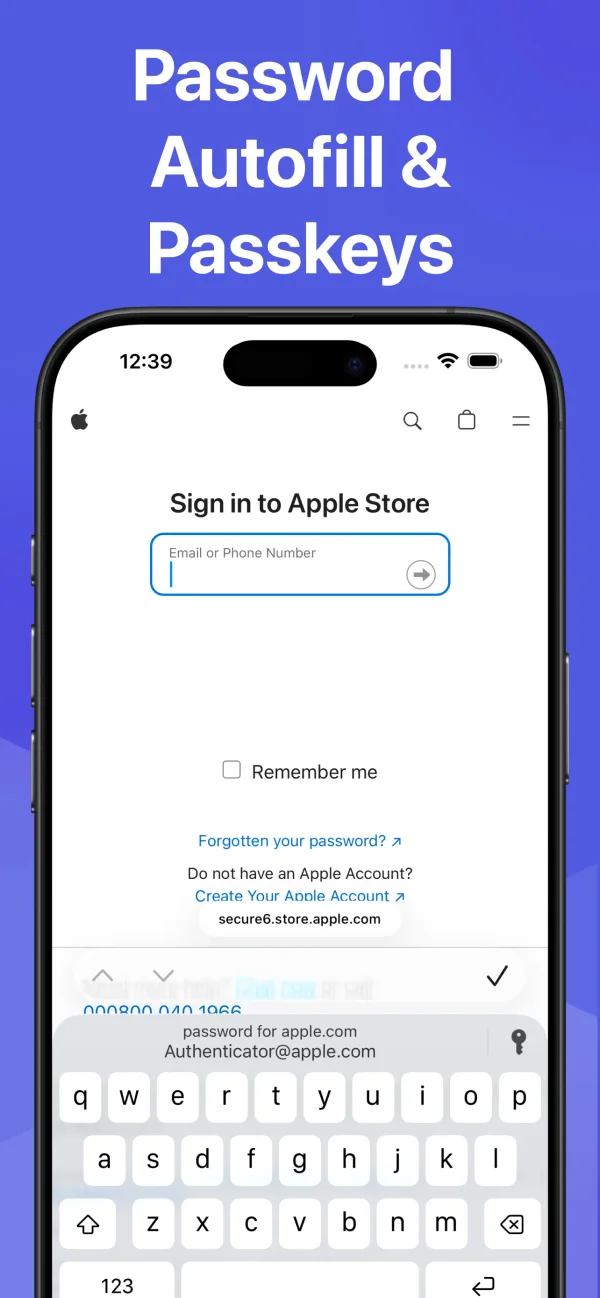
• Save and use Passkeys for faster and more secure sign-in.
• Use Password AutoFill to sign in instantly to your favorite apps and websites.
• Password Health Check identifies weak, reused, old, and compromised passwords so you can improve your security.
• Monitor leaked passwords and keep your accounts protected.
• Generate strong and unique passwords with the built-in Password Generator.
• Access all of your saved information from one organized and easy-to-use vault.
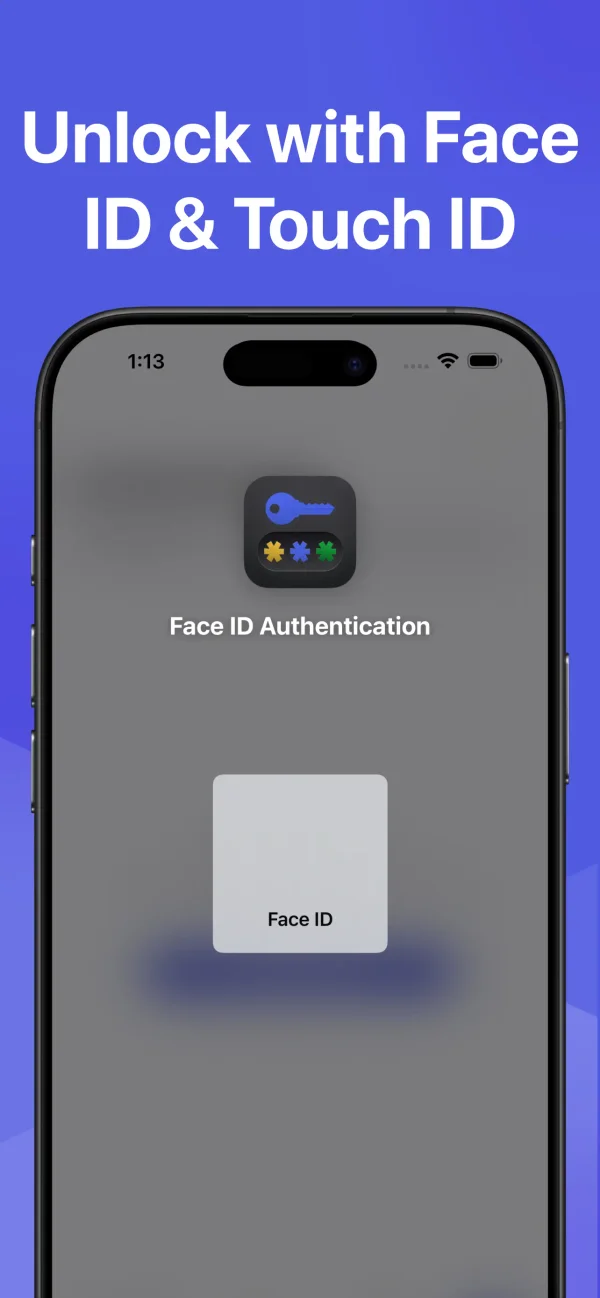
• Protect your vault with Face ID, Touch ID, Passcode, or a Master Password.
• Customize your security settings with additional app protection.
• Secure notes support rich text formatting including bold, italic, underline, colors, and more—perfect for personal notes, to-do lists, private information, and important documents.
• Automatically clear copied passwords from your clipboard after a few seconds for additional privacy.
• Advanced search and filtering help you quickly find passwords, authentication codes, notes, and documents.
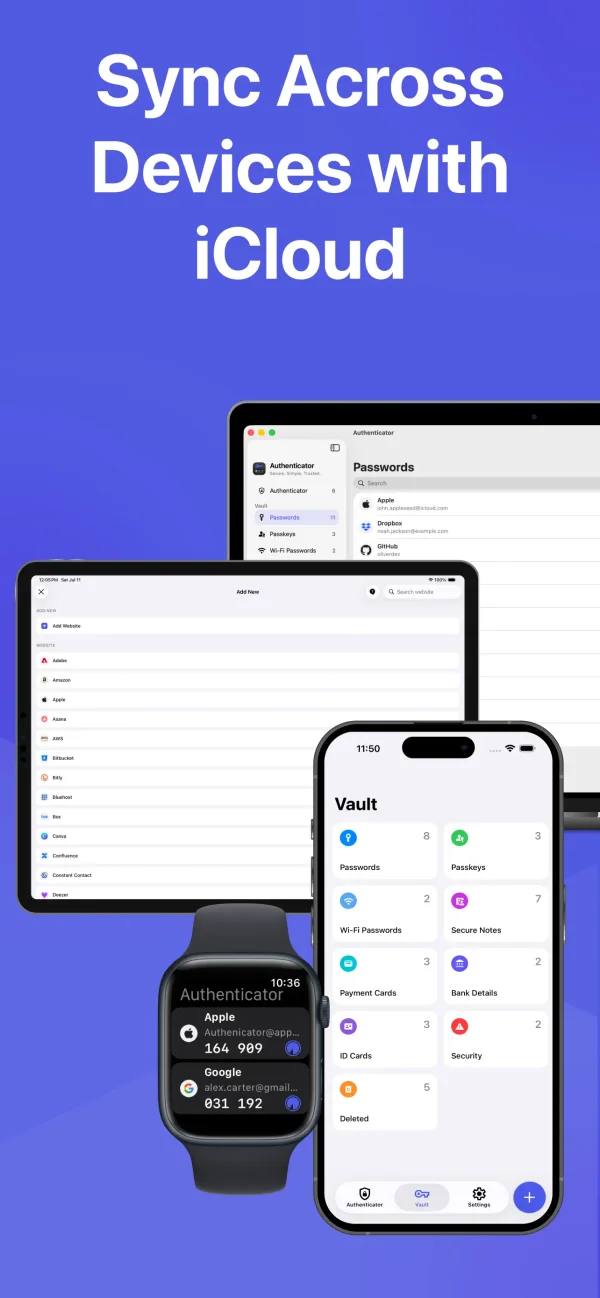
• Sync your authenticator accounts, passwords, and secure data across iPhone, iPad, Mac, and Apple Watch using iCloud Sync.
• Zero-knowledge security means your data stays private—you are the only person who can access it.
• Industry-standard encryption keeps your information protected at all times.
• Supports Dark Mode for a beautiful and comfortable experience.
Sync Across Your Apple Devices
• Securely sync your authentication accounts, passwords, passkeys, and personal information with iCloud.
• Access your data anytime on iPhone, iPad, Mac, and Apple Watch.
• Your information is encrypted and remains private.
• Your authentication codes and sensitive data stay securely synchronized across all your devices.
Download KeyPass Authenticator & Passwords today and secure your digital life with powerful two-factor authentication, password management, passkeys, and advanced privacy protection—all in one app.
About Premium Plan Billing
If you upgrade to the Premium plan, payment will be charged to your Apple Account at confirmation of purchase. Your subscription automatically renews unless auto-renew is turned off at least 24 hours before the end of the current billing period. Your account will be charged for renewal within 24 hours before the end of the current period. You can manage or cancel your subscription anytime in your Apple ID Account Settings.
Privacy Policy:
https://www.navynexa.com/keypass-authenticator/privacy
Terms of Use:
https://www.navynexa.com/keypass-authenticator/terms/
Contact Us:
support@navynexa.com
What’s new
Version 1.1 · Oct 5, 2026
Password Age Alert: find and update passwords you haven't changed in a long time.
Breached Password Check: check whether your passwords appeared in a data breach (turn it on in Security Settings).
Change Password on Website: one tap to the site's change-password page.
Privacy screen in the app switcher.
More accurate 2FA codes: support for 8-digit, 60-second and SHA-256/512 accounts.
Faster, safer AutoFill: search, this site's logins first, and Face ID before every fill.
Passkey, clipboard auto-clear and Restore Purchases fixes.
Refreshed Settings design and improved translations.
Bug fixes and performance improvements.
App privacy
What NAVYNEXA TECHNOLOGIES LLP declares on the App Store about how this app handles data.
-
Data not collected
The developer does not collect any data from this app.
Privacy practices may vary, for example with the features you use or your age.
Information
- Seller
- NAVYNEXA TECHNOLOGIES LLP
- Category
- Productivity
- Version
- 1.1
- Updated
- Oct 5, 2026
- Released
- Jul 15, 2026
- Size
- 26.3 MB
- Requires
- iOS 17.6 or later
- Age rating
- 4+
- Price
- Free
- In-app purchases
- Yes
- Languages
- English, Dutch, French, German, Italian, Japanese, Korean, Portuguese, Russian, Simplified Chinese, Spanish, Swedish + 4 more
- Copyright
- © NAVYNEXA TECHNOLOGIES LLP 2026
You might also like
-
 Password Manager App・Generate & Autofill Passwords
-
 Password Manager: My PasswordsOffline, Passkeys, 2FA & More
-
 AI Email - Smart Email WriterWrite Emails Fast with AI
-
 Chromium Vault-Password KeeperPassword Manager,Passkeys,2FA
-
 ByteGuard - Password ManagerAuthenticator, 2FA & Passkey
-
 AI Chatbot & AI AssistantAI Chat Bot Writer for GPT 5.5
-
 One Solution AppProductivity
-
 Screen Time: FocusBlockBlock Apps & Screen Time
-
 Guarded Key - Password Manager4096-bit encryption
-
 App for Google Calendar: horaPlanner, Reminder & Schedule