Authenticator & Protection
2FA Codes, Passwords & Browser
Designed for iPhone, iPad, iPod touch
Free · In-app purchases
- Age rating17+
- CategoryUtilities
- Developer恩来 牛
- LanguagesEnglish+ 15 more
- Size50.6 MB
Links to the official App Store page
Download.org hosts no file of Authenticator & Protection. The button opens its official App Store page, published by 恩来 牛. Listing last checked on Nov 25, 2026.
Screenshots
About
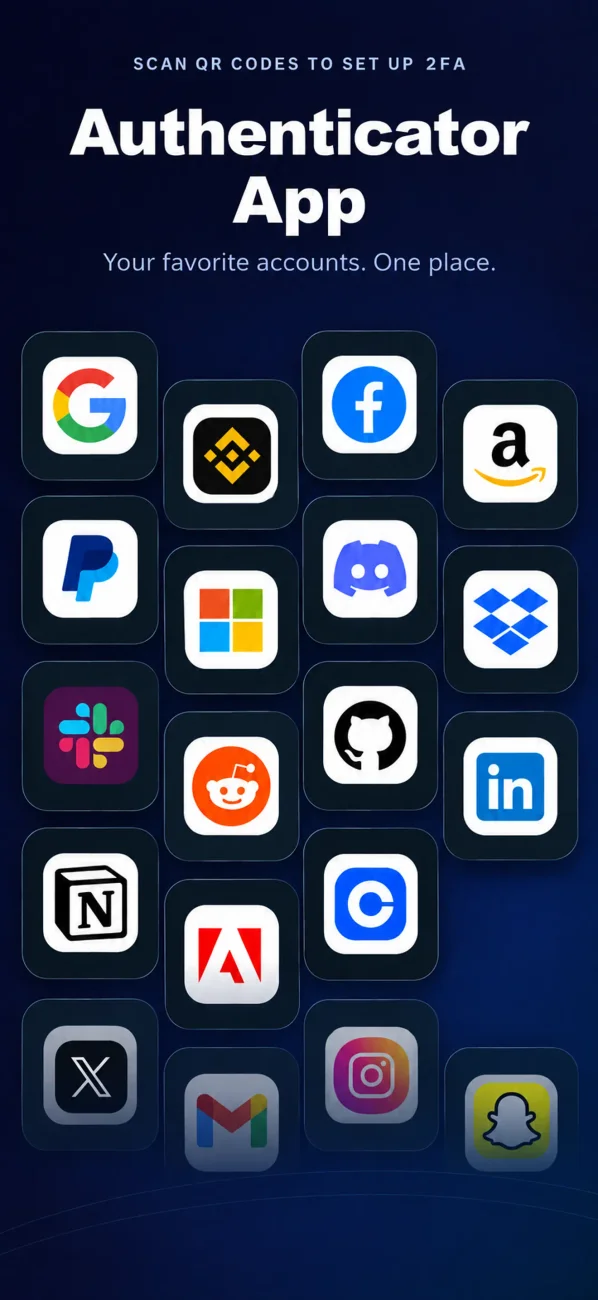
Protect the accounts you use on your phone. Generate two-factor authentication (2FA) codes, manage your passwords, and check them for leaks.
MAKE SIGN-INS SAFER WITH 2FA
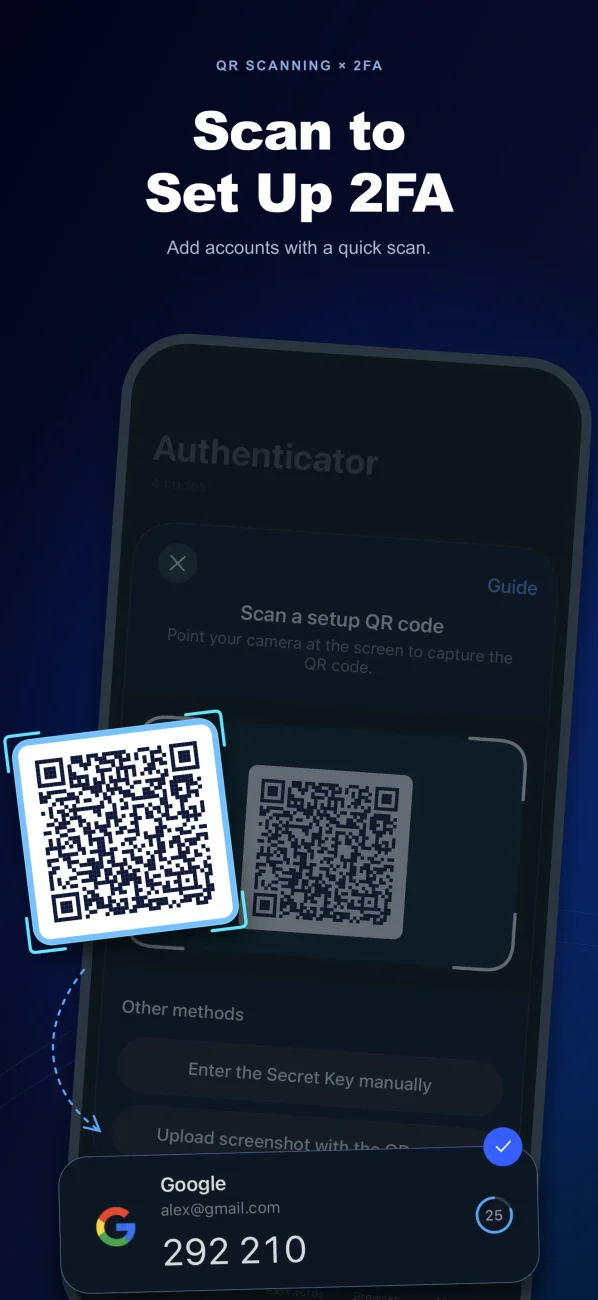
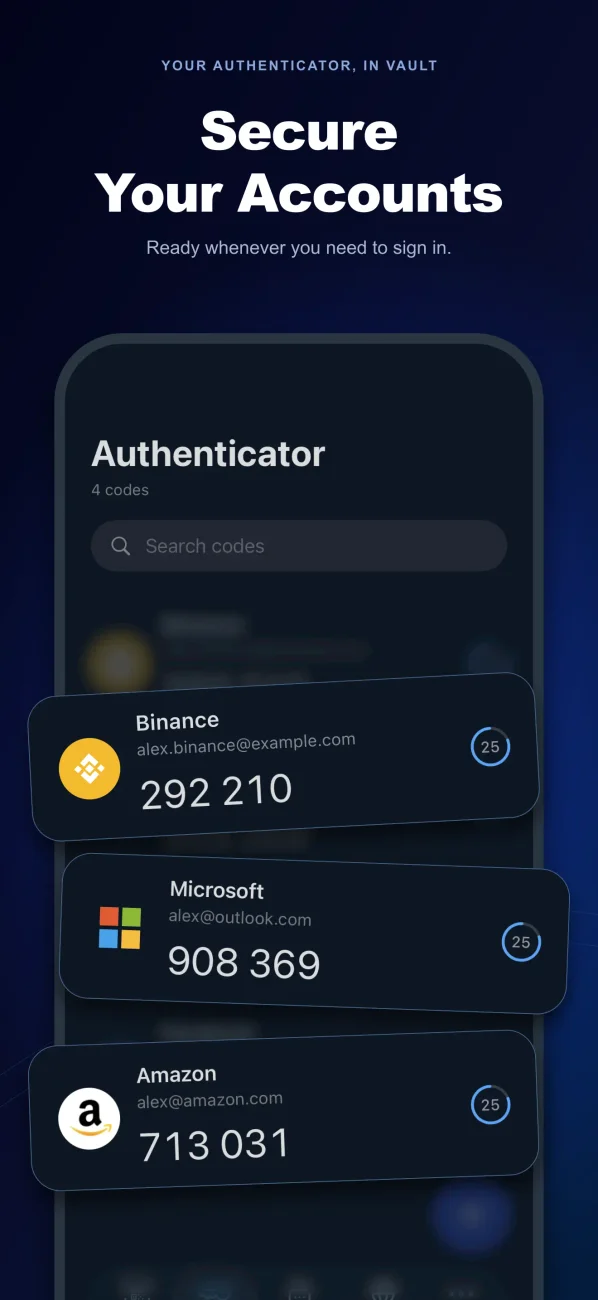
Adding a verification code to sign-in helps protect your account if your password is exposed. Scan a compatible 2FA setup QR code or enter a setup key manually. When it’s time to sign in, open Codes and copy a fresh time-based verification code (TOTP).
FIND THE RIGHT LOGIN FASTER
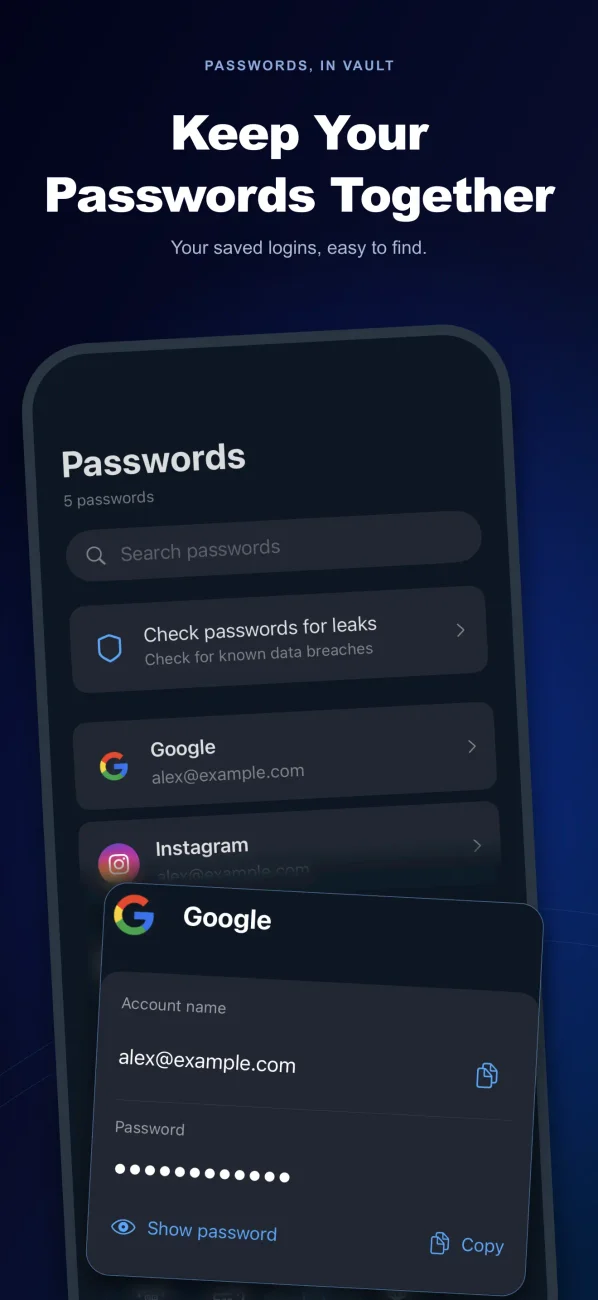
Keep usernames and passwords together so you can find them when you need them. Search your saved logins and copy the details you need. When you create an account or change a password, use the built-in generator to come up with a new one.
KNOW WHICH PASSWORDS TO REVIEW
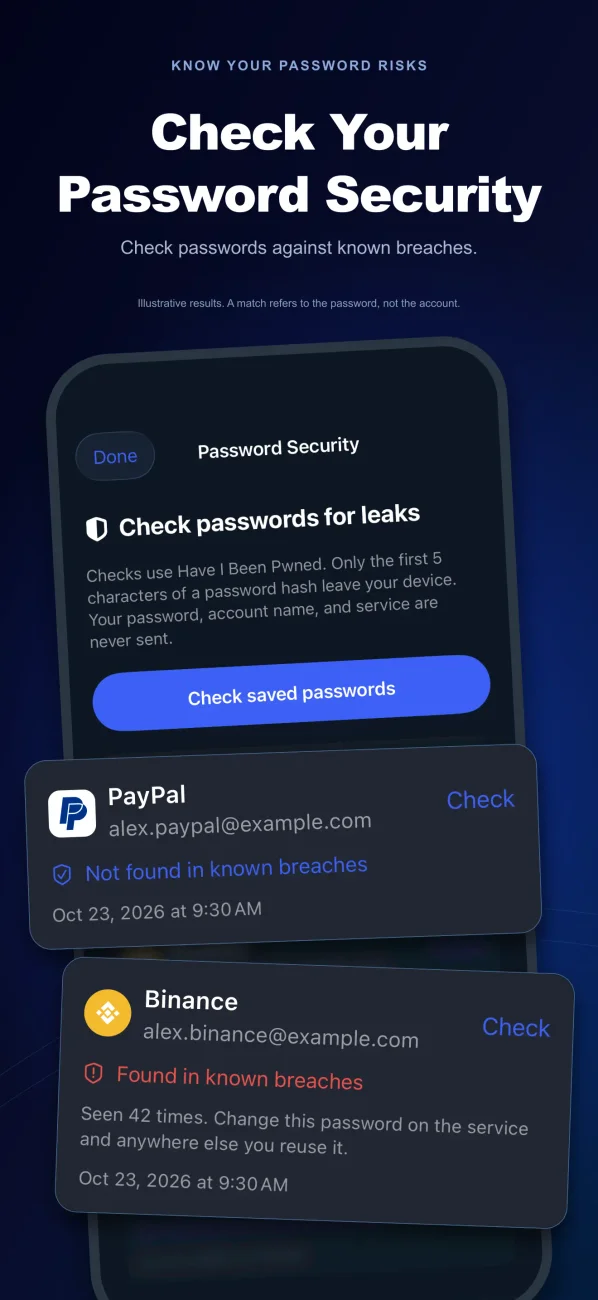
Spot weak passwords and check your saved passwords against known breach data. Use the results to prioritize which passwords to change first.
KEEP YOUR VAULT ON YOUR DEVICE
Your saved passwords and 2FA setup keys are stored in the iOS Keychain on this device. Enable Face ID on supported devices to unlock your vault with a glance. Turn on Privacy Mode to hide your app preview when you switch apps.
BACK UP YOUR CODES AND PASSWORDS
Changing phones? Export backups that you can import again. Password backups are encrypted with a backup password. 2FA backups are unencrypted text files containing setup keys. Keep those files private.
SCAN, SAVE & SHARE QR CODES
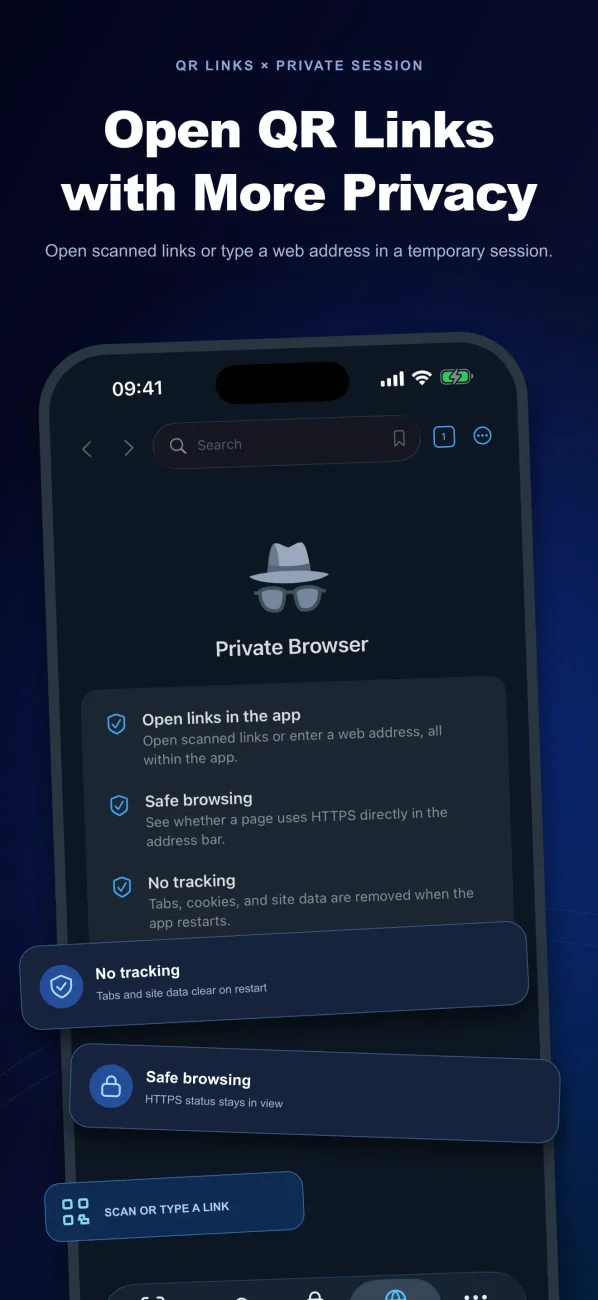
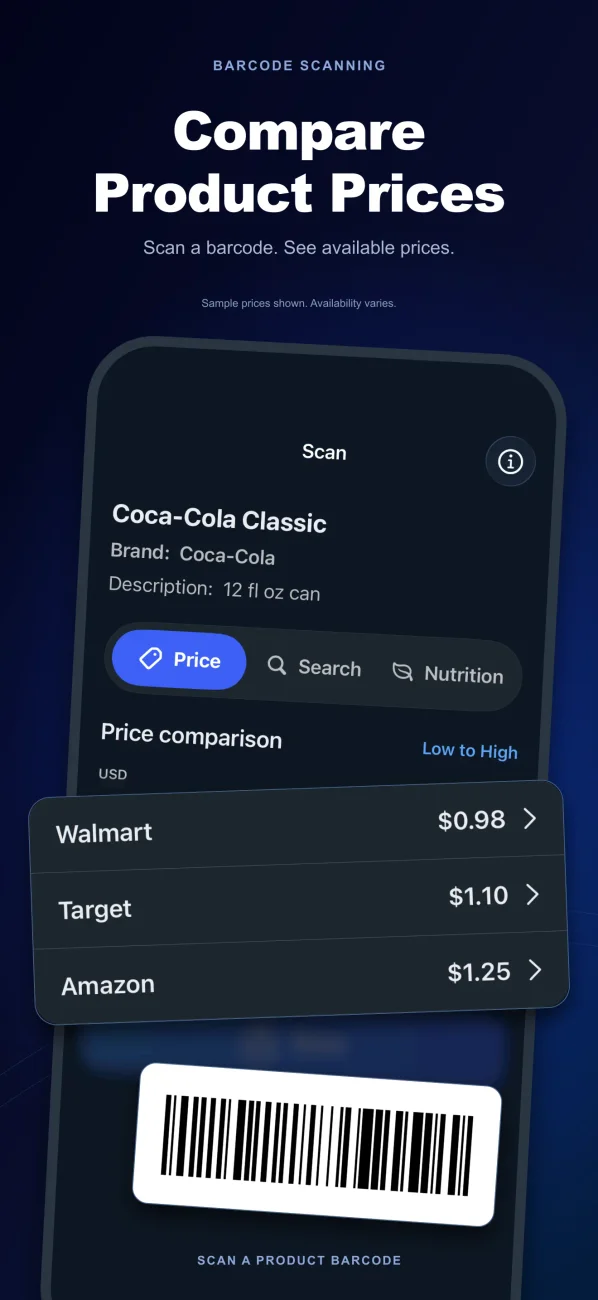
Open a link from a QR code in the built-in browser or find it again in your scan history. Scan QR codes and common barcodes with your camera or from Photos. Create QR codes to share links, text, or Wi-Fi details.
SUBSCRIPTION ACCESS
An active subscription is required to view or copy verification codes and saved passwords, add entries, import or export backups, check for password breaches, and process scan results. If your subscription ends, your saved entries stay on this device.
SUBSCRIPTION INFORMATION
Weekly and yearly auto-renewing plans may be available. Pricing, billing periods, and any eligible offers are shown before purchase.
Payment is charged to your Apple Account when you confirm your purchase. Your subscription renews automatically unless canceled at least 24 hours before the current period ends. Your account is charged for renewal within 24 hours before the end of the current period. Manage or cancel your subscription in your Apple Account subscription settings.
Privacy Policy
https://sites.google.com/view/qr-code-scanner-codeblink
Terms of Use
https://sites.google.com/view/qr-code-scanner-codeblink-term
What’s new
Version 1.5.6 · Nov 25, 2026
- Protect your accounts with 2FA. Scan a setup QR code to get sign-in codes.
- Save passwords, generate strong ones, and check for known leaks.
- Scan QR codes and barcodes, and open links in the built-in browser.
Choose Light, Dark, or Follow System in App Settings. QR and barcode scanning is now under More > Scan.
App privacy
What 恩来 牛 declares on the App Store about how this app handles data.
-
Data used to track you
May be used to track you across apps and websites owned by other companies.
- Purchases
- Location
- Identifiers
- Usage data
-
Data linked to you
May be collected and linked to your identity.
- Purchases
- Location
- Contact info
- User content
- Identifiers
- Usage data
- Diagnostics
-
Data not linked to you
May be collected but is not linked to your identity.
- Identifiers
- Diagnostics
Privacy practices may vary, for example with the features you use or your age.
Information
- Seller
- 恩来 牛
- Category
- Utilities
- Version
- 1.5.6
- Updated
- Nov 25, 2026
- Released
- Jul 16, 2026
- Size
- 50.6 MB
- Requires
- iOS 16 or later
- Age rating
- 17+
- Price
- Free
- In-app purchases
- Yes
- Languages
- English, Arabic, Filipino, French, German, Hindi, Italian, Japanese, Korean, Portuguese, Russian, Simplified Chinese + 4 more
- Copyright
- © 2026 CodeBlink Studio. All rights reserved.
You might also like
-
 PureClear: Deep Clean & BoostAI Cleaner Photo Vault
-
 TreasureScan:Product Info&CoinScan for QR & Barcode
-
 WiFi Radar+All-in-One WiFi Toolbox
-
 Metria: AR Tape MeasureUtilities
-
 PaceGo TrainSteps, Training & Daily Goals
-
 Cleaner:Photo & Video ToolsCompress, Convert, Grid Crop
-
 PicPick: Smart Photo CleanerFind Similar Shots, Save Space
-
 CleanseAI: Smart Photo CleanerAI Boost Tool
-
 Clean Up Storage: Phone WizardStorage Cleaner All-in-One
-
 Declutter: Smart Photo CleanerFree Up Space Cleaning Photos