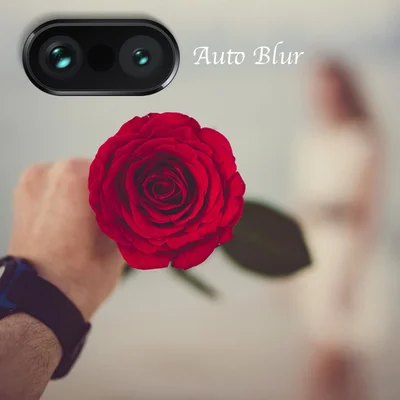
Auto Blur Background
DSLR Portrait & Photo Editor
Designed for iPhone, iPad, iPod touch
Free · In-app purchases
- Age rating4+
- CategoryGraphics & Design
- DeveloperBui Dinh Nguyen
- LanguagesEnglish
- Size194.5 MB
Links to the official App Store page
Download.org hosts no file of Auto Blur Background. The button opens its official App Store page, published by Bui Dinh Nguyen. Listing last checked on Nov 17, 2026.
Screenshots
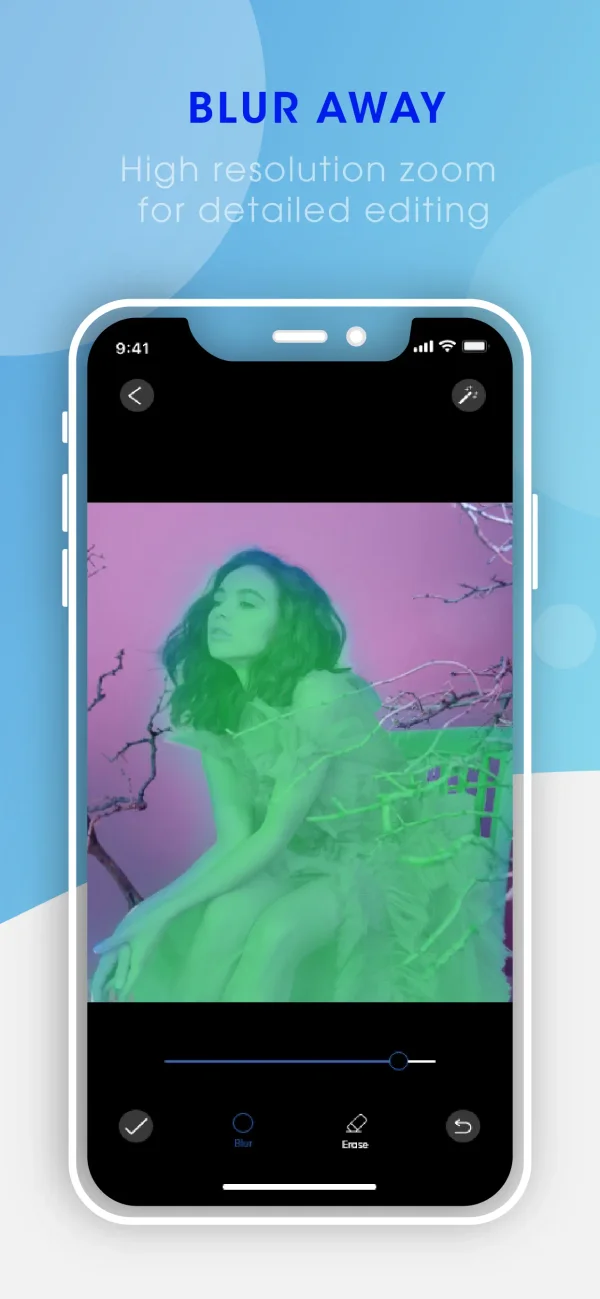
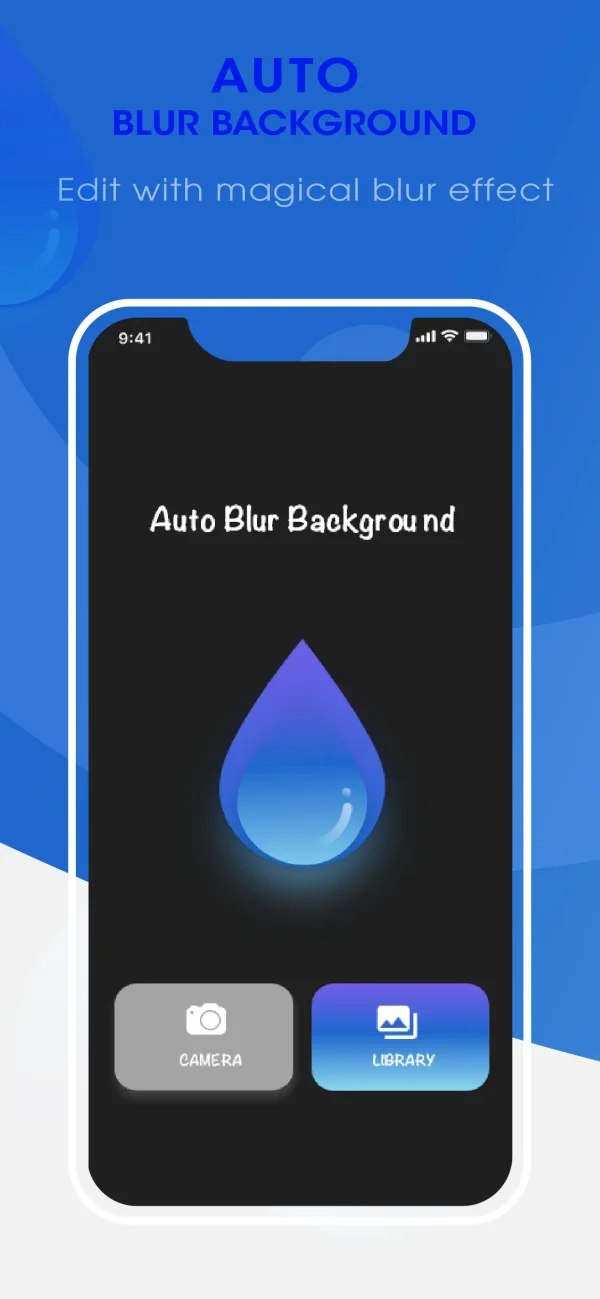
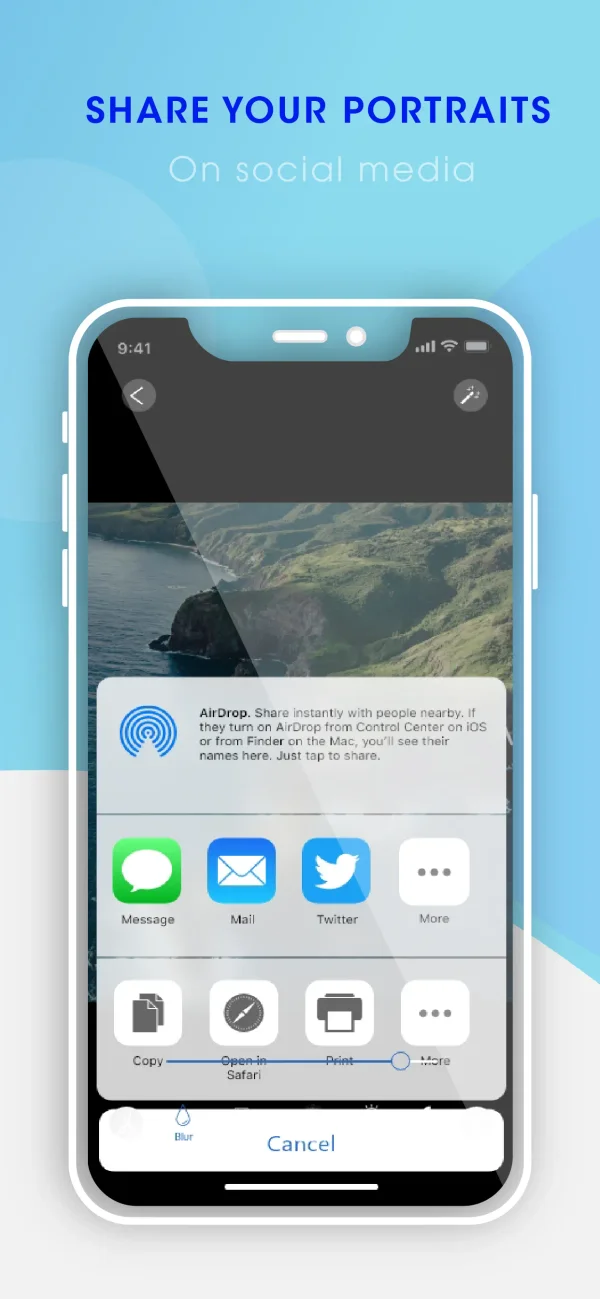
About
Auto blur background is fast and easy to use app to create amazing blur background effect pictures.
Features
- Smart focus and automatically recognize the focus area.
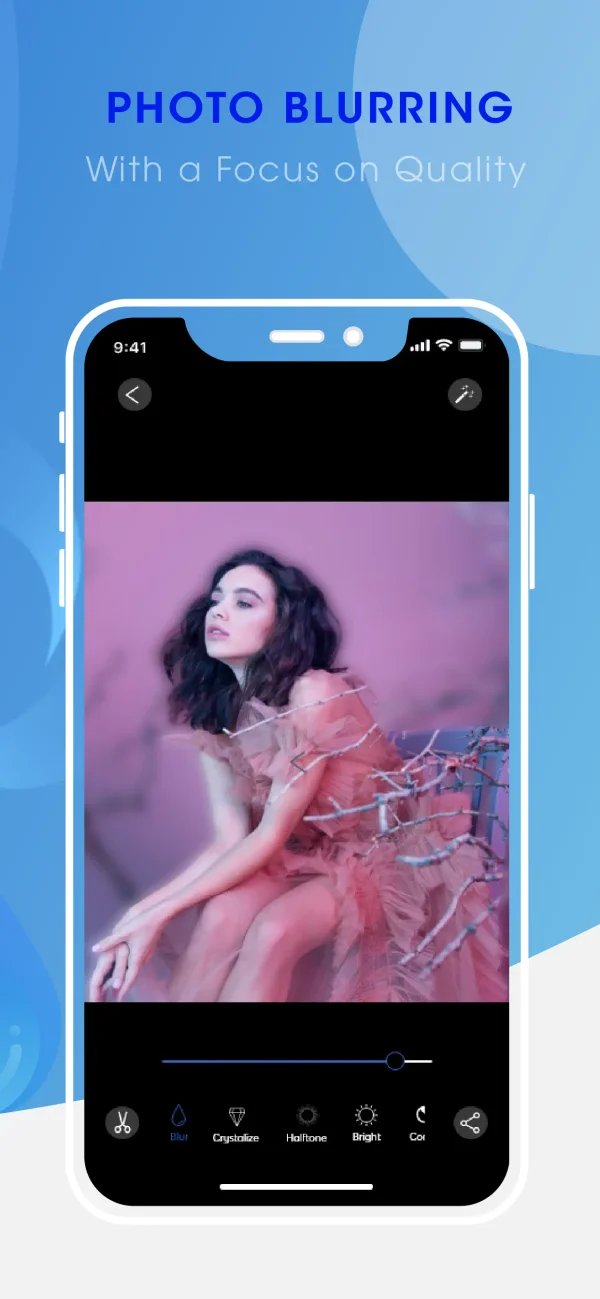
- Background Blur effect app offers dozens of blur effects.
- Offer manual brush tool to edit the blur area.
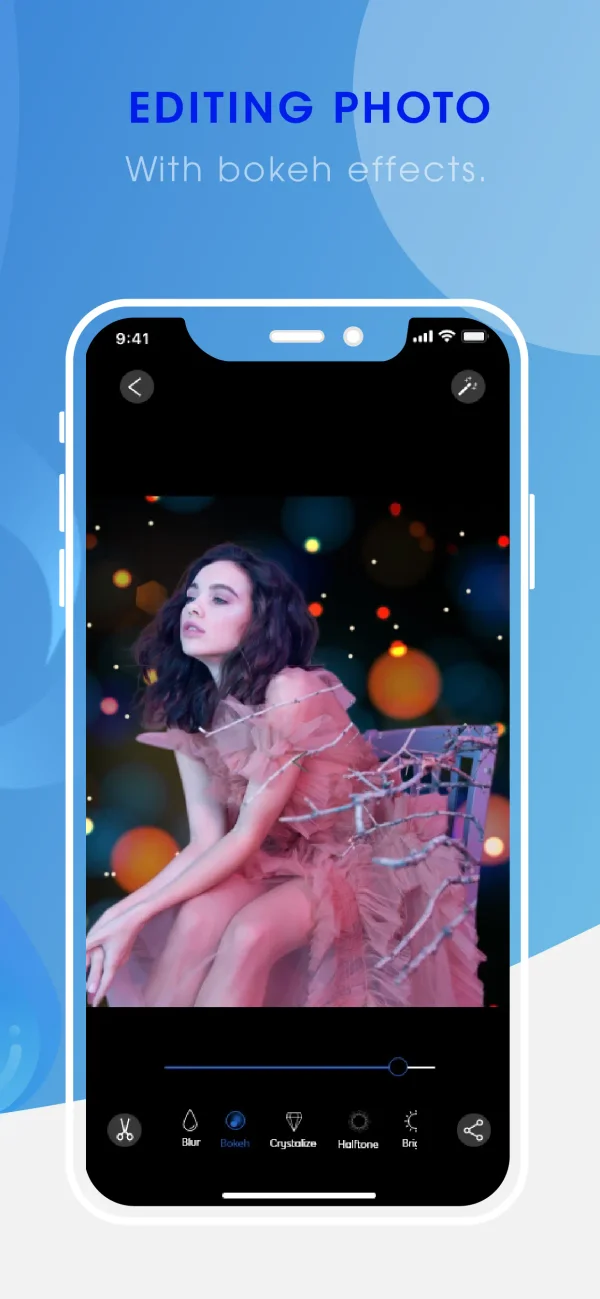
- Bokeh effects like DSLR camera
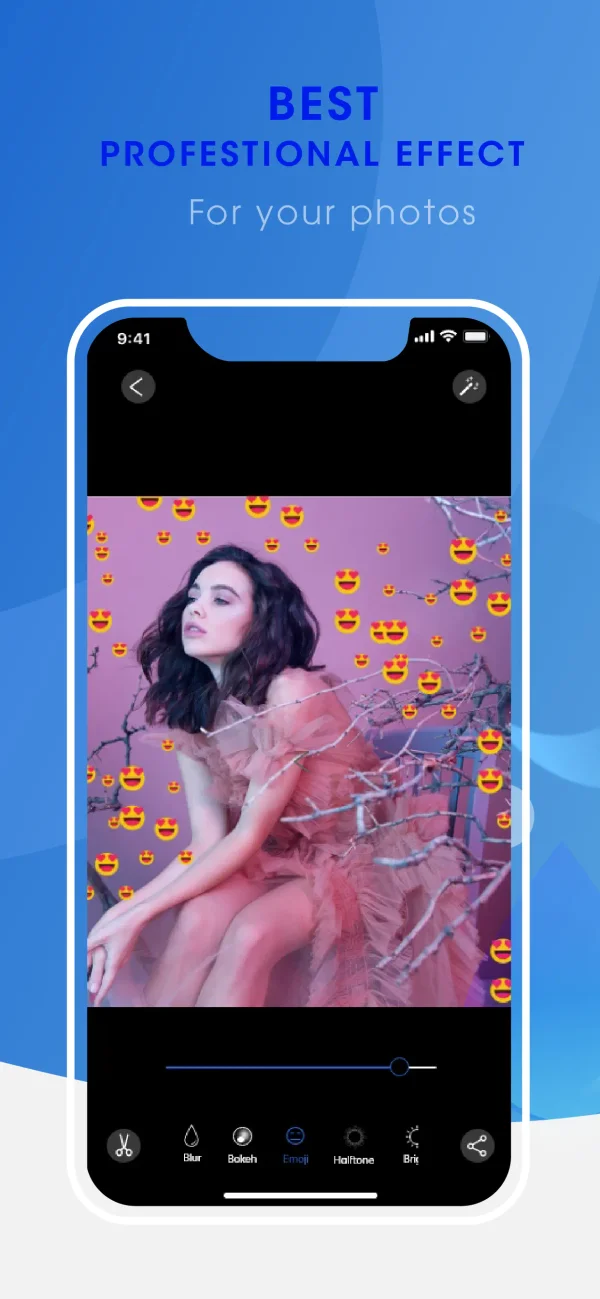
- Unlimited emoji effects, more emoji more fun.
- Picture Blur intensity adjustment adjust the image blur intensity, in order, to give a bigger blur effect, to the picture to be blurred, using this blur pic editor or speed blur app.
- Create the most realistic blur effect with various aperture styles just like DSLR camera.
Portrait photography app has lots of photo blurring, effects and tools. Using them you can easily make your own DSLR Bokeh Effect.
Auto blur background is an effective blur photo editor, which can be used, to give your picture background, a blurry effect. Blur unwanted portions of a pic effectively, and give it a blur effect, using the blur photo filters, of this blur picture editor or blur pic editor.blurry pictures, photo background editor, camera focus, focus camera, dslr camera effect, dslr photography.
Give a Blur DSLR photograph foundation look to your picture, It will make your picture to look same as obscure dslr camera yield. Blur image background is an effective blur photo editor, which can be used, to give your picture background, a blurry effect. Blur unwanted portions of a pic effectively, and give it a blur effect, using the blur photo filters, of this blur picture editor or blur pic editor.
Bokeh Effects app is your ultimate blur effect app. Now, you don't need a DSLR camera or you don't need be a professional photographer to make a DSLR Style Blur Background effect on your photo.
DSLR Camera Blur Effects is perfect combination of beauty and functionality. And it is Ideal for creating AfterFocus Photo, Focus Photo, Blur Background Pictures, Blur Pictures, Point Blur Picture and many more. Try Now!!
What’s new
Version 1.3.2 · Mar 11, 2025
Thanks for using Auto Blur!
To bring the best experience to users, we update Auto Blur regularly. Every update contents bugs fixed, improve speed, stability as well as the new features.
What's new:
- Improve UI/UX
- Minor bugs fixed
App privacy
What Bui Dinh Nguyen declares on the App Store about how this app handles data.
-
Data not collected
The developer does not collect any data from this app.
Privacy practices may vary, for example with the features you use or your age.
Information
- Seller
- Bui Dinh Nguyen
- Category
- Graphics & Design
- Version
- 1.3.2
- Updated
- Mar 11, 2025
- Released
- Jun 30, 2020
- Size
- 194.5 MB
- Requires
- iOS 13.0 or later
- Age rating
- 4+
- Price
- Free
- In-app purchases
- Yes
- Languages
- English
- Copyright
- © Nghia Vo
You might also like
-
 MarkMaster-image meter measureStore & Share Measurements
-
 Blur Photo Background BlurfotoBlurr Face effect blury motion
-
 Blur Photo Effect Editor – BLRBlurry Background & Pictures
-
 Blur Photo.Motion blur background effect
-
 Photo blur - Add Motion EffectFor Picture, Background, Face
-
 Motion Blur Photo Pic AIBlurry effect blurr editor
-
 FDCTool - Video & Image ToolVideo & Image Tool
-
 SketchAI: Drawing to AI PhotoDraw, Paint, Make AI Art
-
 Social Media Post MakerPlanner, Creator, Scheduler
-
 Template Planner for InstagramDesign Reels, Stories & Feeds