
Auto Blur: Face & Plate Censor
Hide Numbers & Text in Photos
Designed for iPhone, iPad, iPod touch
Free · In-app purchases
- Age rating4+
- CategoryPhoto & Video
- DeveloperYusuf Sahin
- LanguagesEnglish+ 71 more
- Size106.2 MB
Links to the official App Store page
Download.org hosts no file of Auto Blur: Face & Plate Censor. The button opens its official App Store page, published by Yusuf Sahin. Listing last checked on Nov 24, 2026.
Screenshots
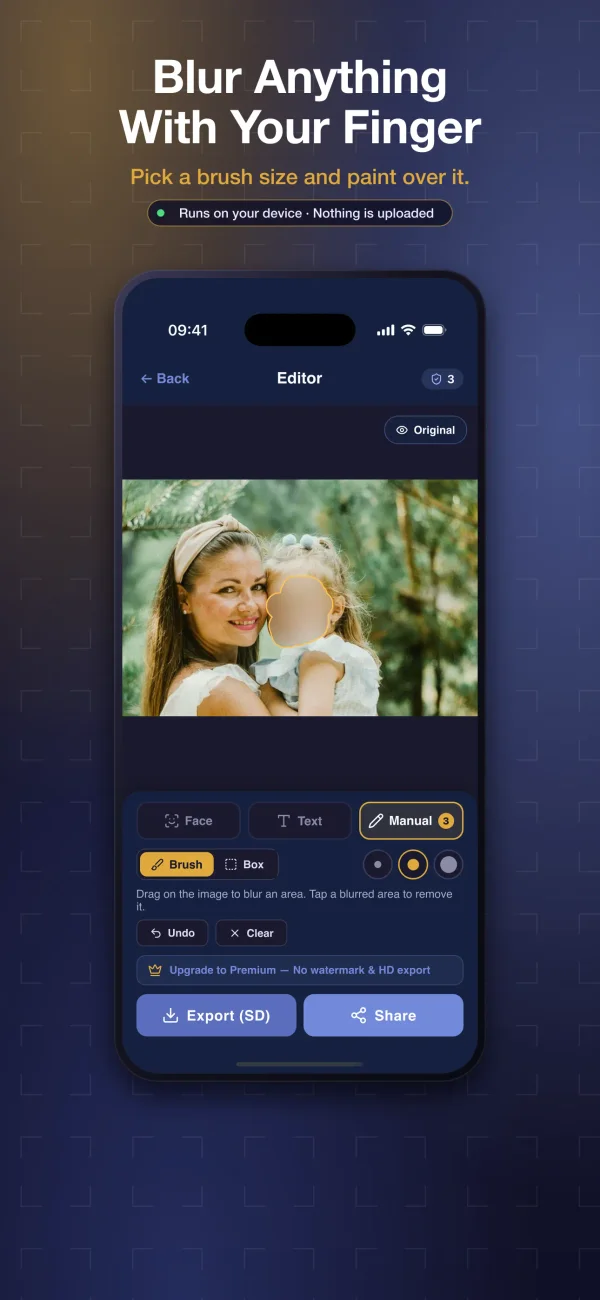
About
Auto Blur finds faces, license plates, IBANs, card numbers, ID numbers, e-mail addresses and phone numbers in a photo or screenshot and blurs them in one tap. Detection runs on your device: nothing is uploaded, nothing is stored, no account is needed.
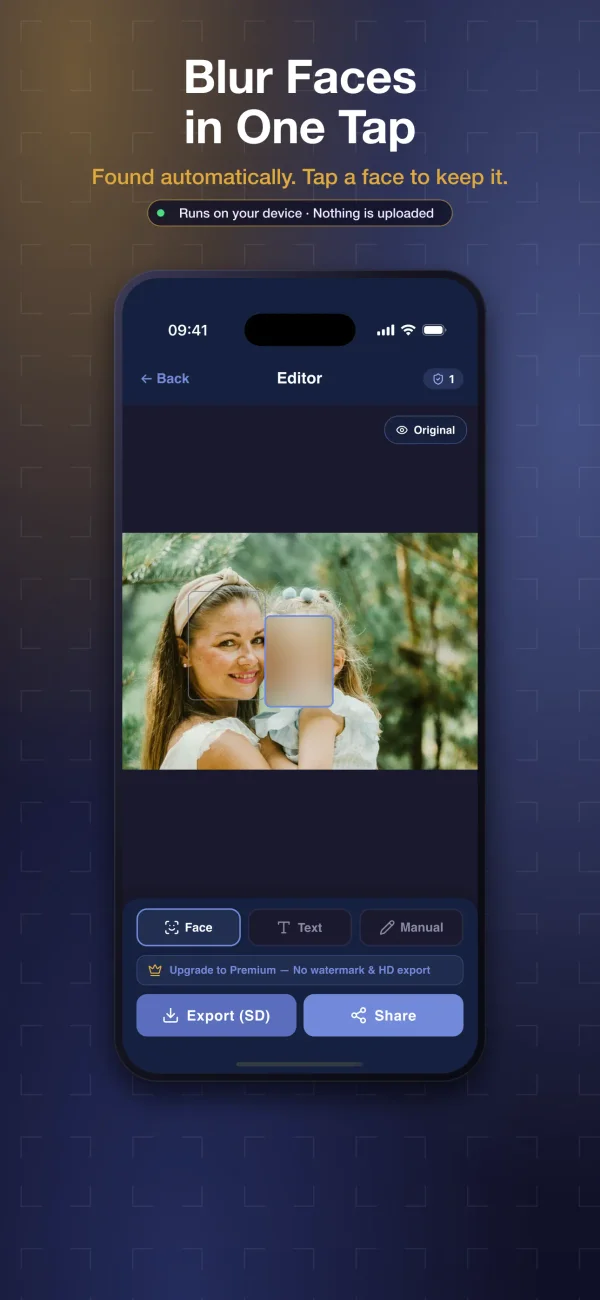
BLUR FACES AUTOMATICALLY
Every face in the picture is detected and covered with a smooth blur: children in a family photo, strangers in a crowd, students in a classroom, passers-by in a property listing. Tap a face to keep it visible.
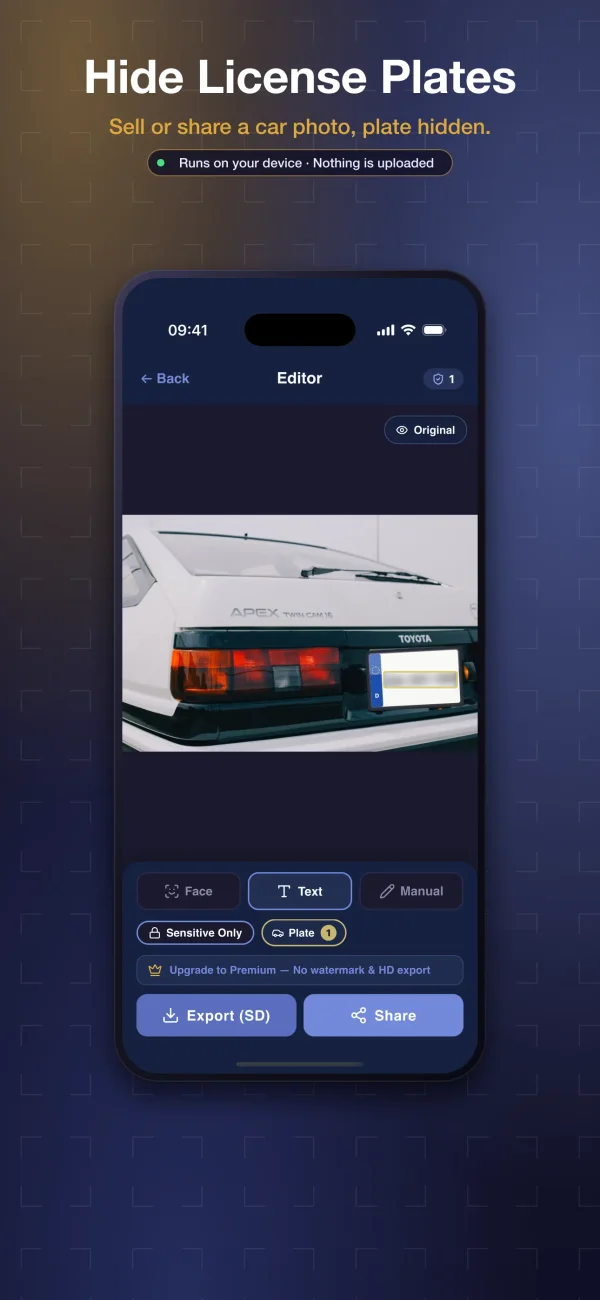
BLUR LICENSE PLATES
Number plates are recognized and hidden in one step. Useful before you post a car for sale, share a dash-cam or accident photo, or upload anything taken in a car park.
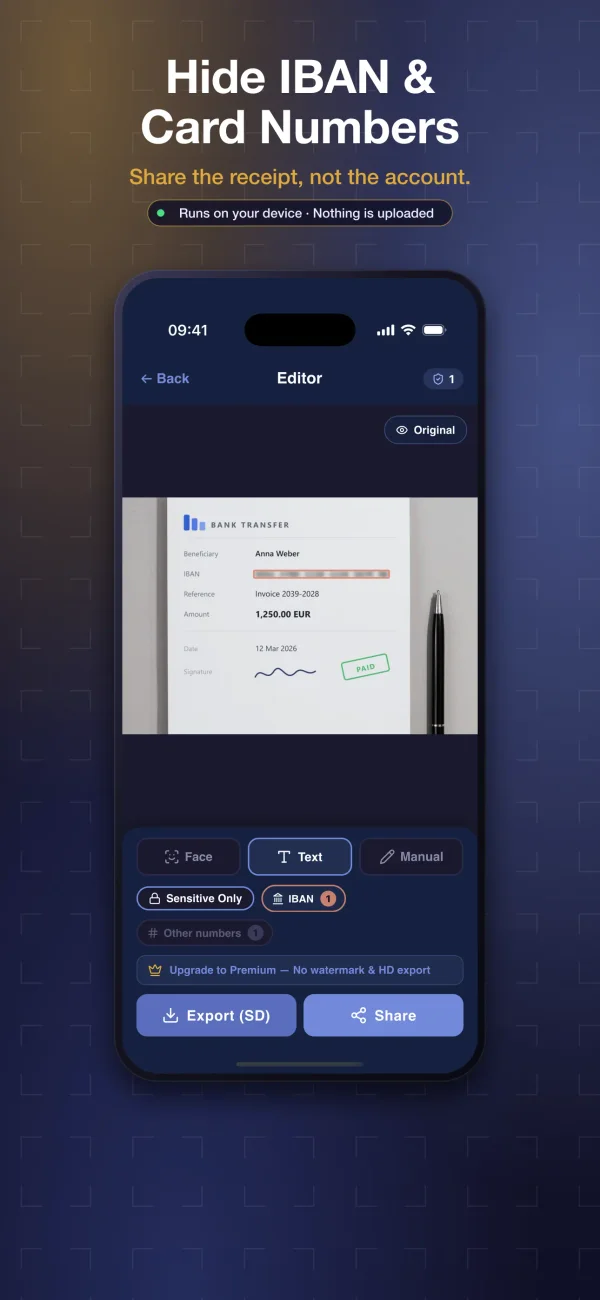
HIDE IBAN, CARD AND ID NUMBERS
Bank account numbers, IBANs, credit card numbers and national ID numbers in a receipt, bank statement or document photo are recognized and blurred, so you can share the image without exposing the account.
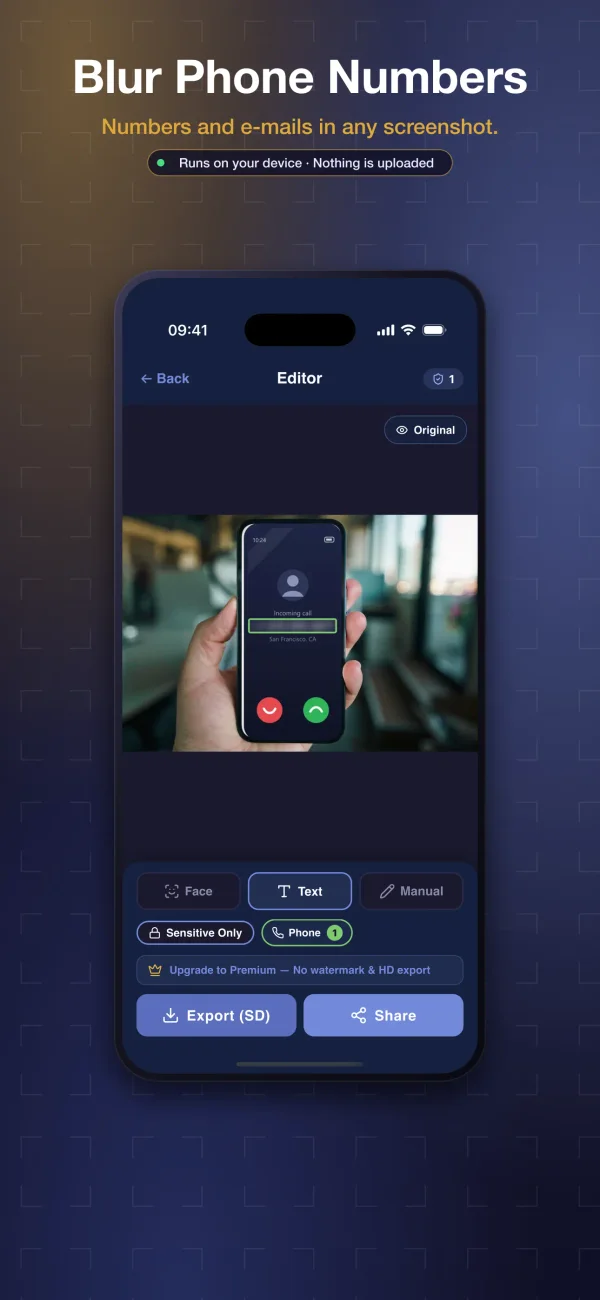
HIDE PHONE NUMBERS AND E-MAILS
Phone numbers and e-mail addresses in a chat screenshot, a scanned page or a photographed sign are found and blurred, so contact details do not travel with the image. Numbers from every country are supported.
CENSOR ONLY THE SENSITIVE PARTS, OR ALL TEXT
Choose between covering just the risky details and blurring every piece of text in the image when a whole document should be unreadable. Draw your own blur over anything else with a finger: a name, a logo, a street sign.
CHECK, THEN SAVE OR SHARE
Tap any detected box to blur or unblur it, hold to compare with the original, then save the blurred copy to your gallery or send it straight to any messaging or social app. The original photo stays untouched.
BLUR FROM ANY APP
Open a photo in any app, tap Share and choose Auto Blur. The safe version is ready to send back in a few seconds.
WHEN YOU NEED AUTO BLUR
- Sharing photos of your kids: post the moment, not your child's face
- Selling a car: hide the license plate in every listing photo
- Posting a screenshot: blur phone numbers, e-mails and names in a chat
- Sending a receipt or invoice: cover the IBAN, card number or ID number
- Street, event and travel photos: make strangers unrecognizable
- Property, classroom and workplace photos: blur visitors, students and colleagues
KEY FEATURES
- Automatic face detection and face blur
- License plate detection and blur
- IBAN, credit card and national ID number detection
- Phone number and e-mail address detection, all countries
- Sensitive-only or all-text mode
- Manual blur: draw over anything with a finger
- Tap any box to toggle it, hold to compare with the original
- Pinch to zoom for precise edits
- Save to gallery or share directly, original untouched
- Receive photos from the share menu of any app
- Works offline, in more than 70 languages
PRIVACY FIRST
Face detection, text recognition and blurring all run on your device. Your photos never reach a server, there is no account and no cloud, and the app keeps working without an internet connection. The blur is baked into the saved copy, so whoever receives it cannot recover what was underneath.
FREE, NO ADS
Detecting and blurring is free with no limit and no ads. An optional one-time Premium purchase removes the small watermark and exports at full resolution.
Blur it before you send it. Download Auto Blur and take the faces, plates and numbers out of a photo in a couple of taps.
What’s new
Version 1.2 · Oct 29, 2026
Auto Blur is here: blur faces, license plates, IBANs, card and ID numbers, e-mails and phone numbers in any photo or screenshot in one tap. Everything runs on your device, nothing is uploaded.
App privacy
What Yusuf Sahin declares on the App Store about how this app handles data.
-
Data not linked to you
May be collected but is not linked to your identity.
- Purchases
- Identifiers
- Usage data
- Diagnostics
Privacy practices may vary, for example with the features you use or your age.
Information
- Seller
- Yusuf Sahin
- Category
- Photo & Video
- Version
- 1.2
- Updated
- Oct 29, 2026
- Released
- Oct 22, 2026
- Size
- 106.2 MB
- Requires
- iOS 15.1 or later
- Age rating
- 4+
- Price
- Free
- In-app purchases
- Yes
- Languages
- English, Afrikaans, Albanian, Amharic, Arabic, Armenian, Azerbaijani, Basque, Belarusian, Bengali, Bulgarian, Burmese + 60 more
- Copyright
- © Xmobiles
You might also like
-
 UNPLATEDHide license plates with AI
-
 LUTSHOTShoot photos with video LUTs
-
 Nestpic – Blur Faces & KidsHide faces, share kids safely
-
 Plate Blur AI: Cars & HomesHide license, VIN & address
-
 Blur Video · BlurroCensor Moving Objects & Plates
-
 Blura: Blur Video, Face, PhotoCensor Plates, Text & Screens
-
 Blur Photos VideosBlur Faces & Backgrounds
-
 Hide License Plate: AI SwapSafe Posts with Custom Plates
-
 Blur License Plate & FacesRedact & Censor Video & Photos
-
 PlateShieldHide license plates in images!