
Auto Clicker: Tapper Assistant
OP Automatic Click & Tap App
Designed for iPhone
Free · In-app purchases
- Age rating4+
- CategoryUtilities
- DeveloperOtmar Hiller
- LanguagesEnglish
- Size24.9 MB
Links to the official App Store page
Download.org hosts no file of Auto Clicker: Tapper Assistant. The button opens its official App Store page, published by Otmar Hiller. Listing last checked on Nov 18, 2026.
Screenshots

About
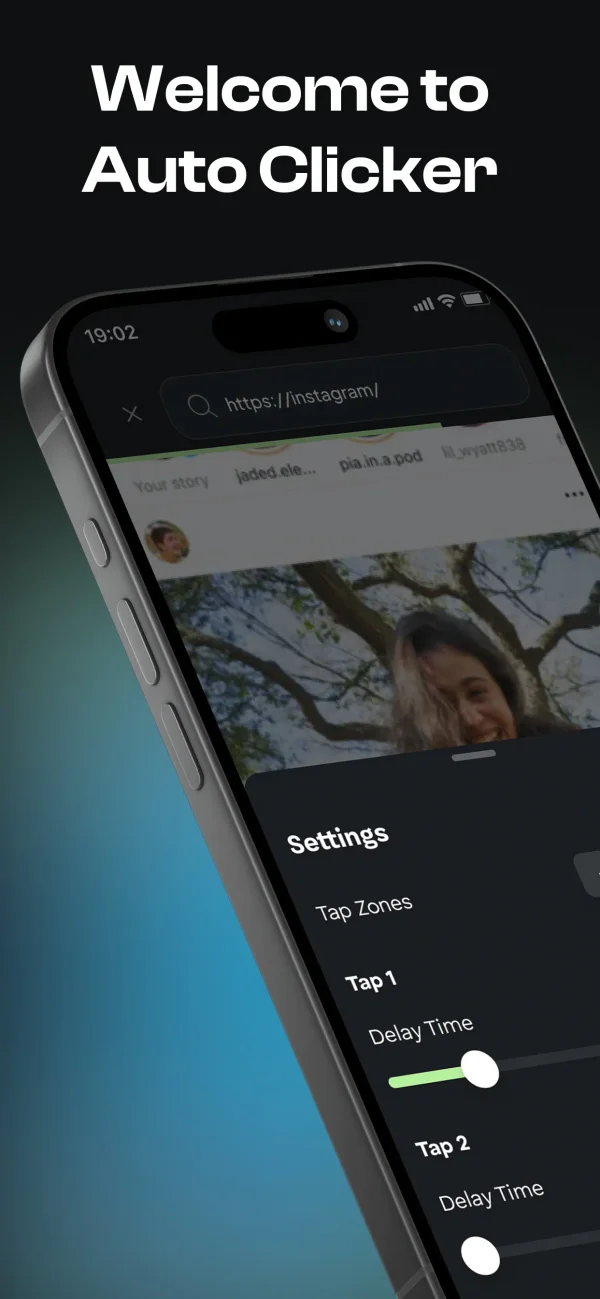
Auto Clicker enables you to automate repeated clicks, curved swipes, or pinch gestures on custom web pages or web games.
Auto Clicker offers features like automated clicks, curve swipes, and pinch gestures, allowing you to interact with any custom web page or web game with customized durations.
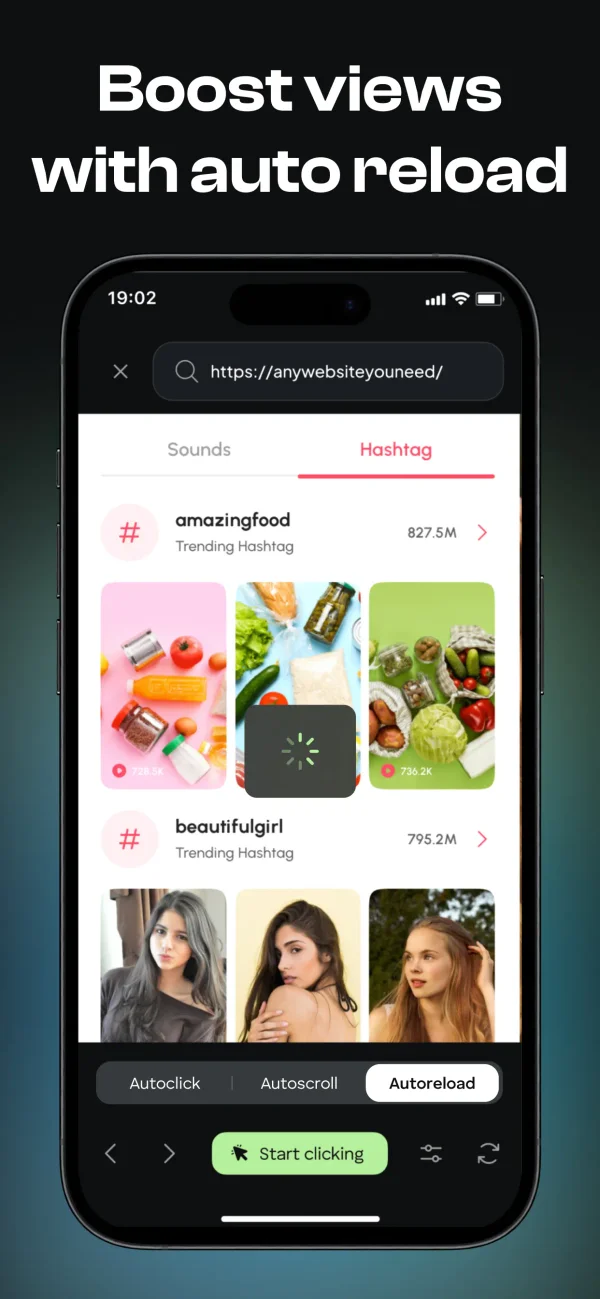
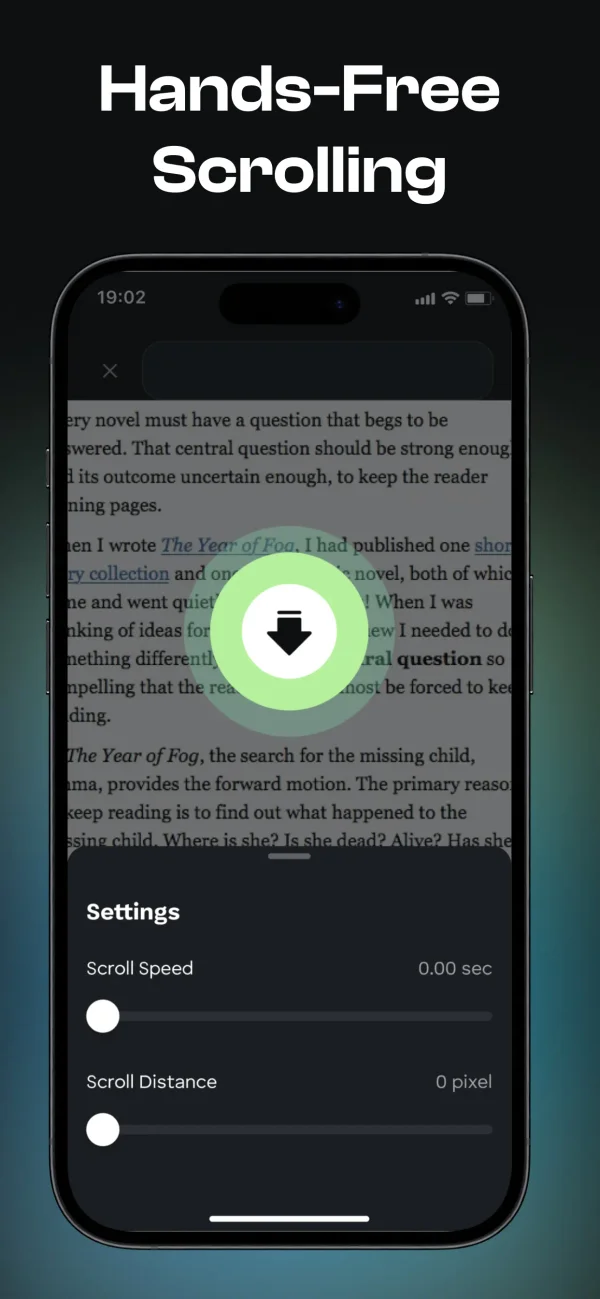
This auto clicker can automate clicks or swipes at any location with your preferred timing. It's ideal for tasks requiring repeated clicks or swipes and is perfect for users who want an automated tool for reading articles, browsing the web, or playing games.
Auto Clicker Features:
- User-friendly interface
- Multi-Touch gestures: tap, swipe, pinch, or spread with one or more fingers for various actions
- Gesture recording - easily record your gestures
- Control options - pause, stop, or resume your scripts at any time with the new interface
- Advanced curve swipes and two-finger zoom gestures
- Customization - adjust the size and transparency of the control interface
- Individual click settings - customize click delay, duration, and repetition count
- Script management - save and load scripts
- Countdown timer
Premium Features:
- Unlimited click recording
- Unlimited script repetitions
- Unlimited auto-refresh
- Unlimited auto-scroll
- Greater delay flexibility
- Ad removal
Upon subscribing, payment will be charged to your iTunes account.
Subscription renews automatically unless auto-renew is turned off at least 24 hours before the end of the current period, with payment charged to your iTunes account.
The renewal cost depends on your chosen subscription plan. Our standard plans:
Subscription with a free trial period automatically renews to a paid subscription after 3 days of free trial. You can cancel or manage the auto-renewal of the free trial by going to your Account Settings after purchase. Cancellation takes effect 24 hours after the current subscription period ends, reverting you to the free service.
Note: Any unused portion of the three-day free trial period (if offered) will be forfeited when purchasing a premium subscription during the free trial period.
For more details, refer to our privacy policy and terms of use.
Privacy Policy: https://telegra.ph/Privacy-Policy-for-Auto-Clicker-08-14
Terms of Use: https://telegra.ph/Auto-Clicker-Terms-of-Use-08-14
What’s new
Version 1.0.2 · Aug 26, 2024
Update clicker scripts to make the app even better
App privacy
What Otmar Hiller declares on the App Store about how this app handles data.
-
Data not collected
The developer does not collect any data from this app.
Privacy practices may vary, for example with the features you use or your age.
Information
- Seller
- Otmar Hiller
- Category
- Utilities
- Version
- 1.0.2
- Updated
- Aug 26, 2024
- Released
- Aug 26, 2024
- Size
- 24.9 MB
- Requires
- iOS 16.0 or later
- Age rating
- 4+
- Price
- Free
- In-app purchases
- Yes
- Languages
- English
- Copyright
- © Otmar Hiller
You might also like
-
 My Auto Clicker, Automatic TapClick Assistant - Quick Touch
-
 Air Detector, Device FinderBluetooth Tracker & Scanner
-
 Hidden Cameras Detector AppCamera Scanner, Finder - Spy
-
 Home Detector: Hidden CameraSecurity Spy: Find Devices
-
 Hidden & Secret Device ScanFind Spy. Camera Detector
-
 AI Baby & Future Kid GeneratorFace Maker & Child Prediction
-
 Air Finder - Find My EarbudsBluetooth Tracker & Detector
-
 Hidden Camera Finder: AppDetector, Scanner & Connect
-
 Camera Detector: hacker detectProtection hidden wifi spyware
-
 Air Tracker, Device Finder ProBluetooth Scanner, My Detector