
Auto Motion: Video Maker
For TikTok, instagram, youtube
Designed for iPhone
Free · In-app purchases
- Age rating4+
- CategoryGraphics & Design
- DeveloperPixaro Studio
- LanguagesEnglish+ 4 more
- Size36.3 MB
Links to the official App Store page
Download.org hosts no file of Auto Motion: Video Maker. The button opens its official App Store page, published by Pixaro Studio. Listing last checked on Nov 14, 2026.
Screenshots

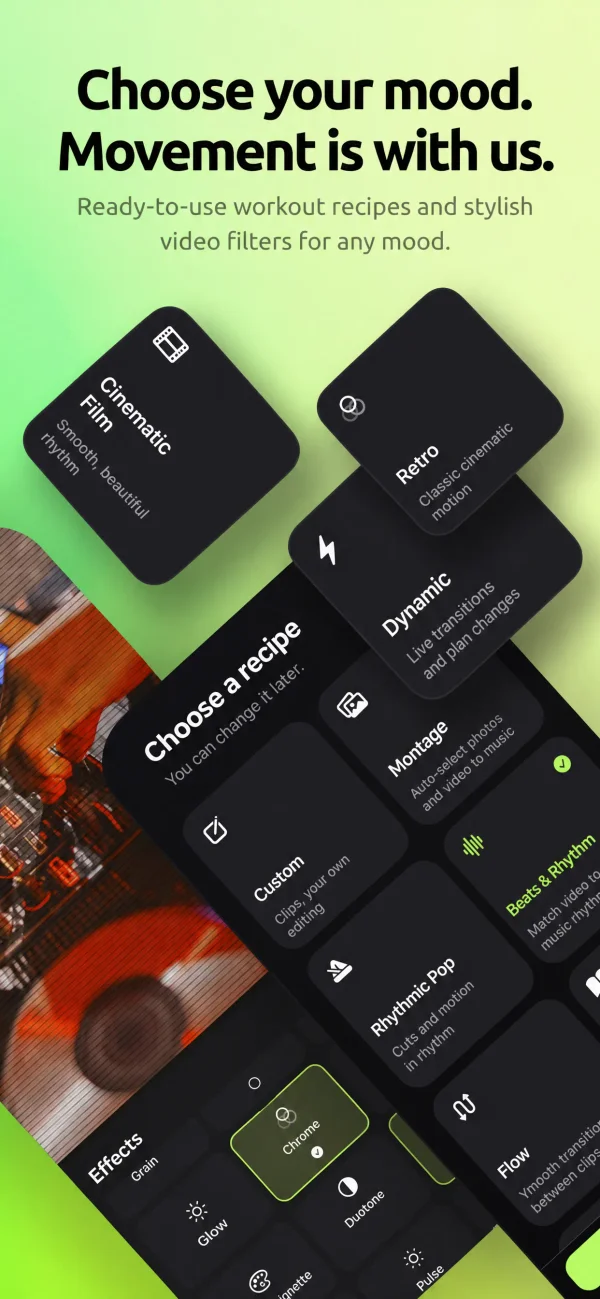
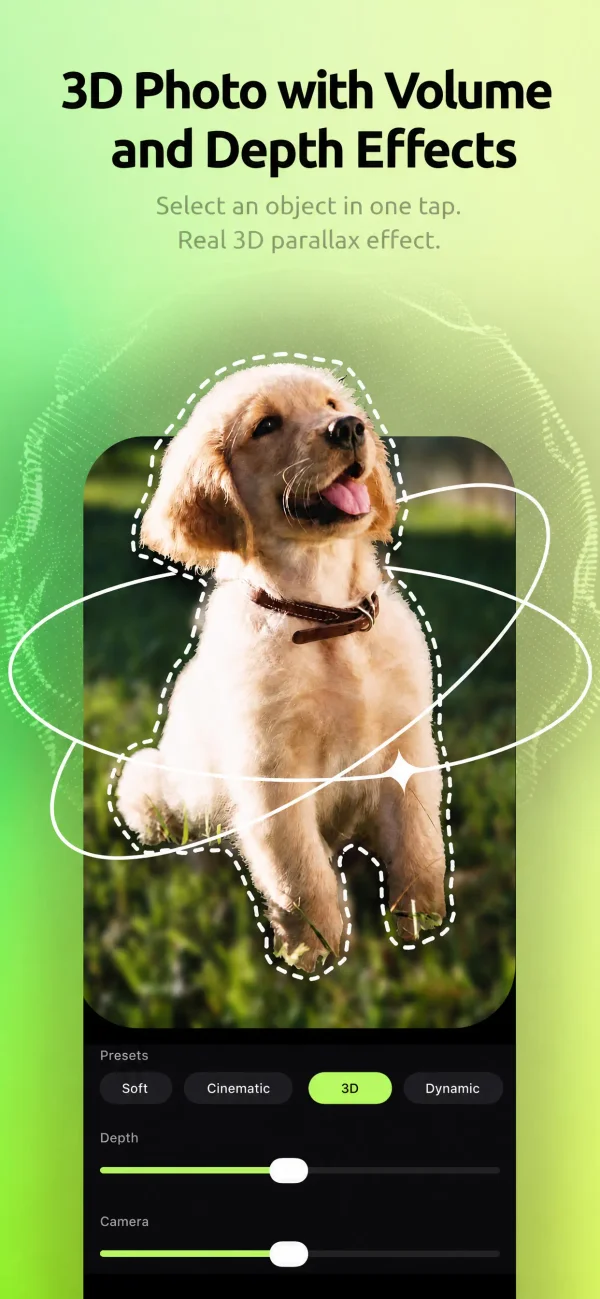
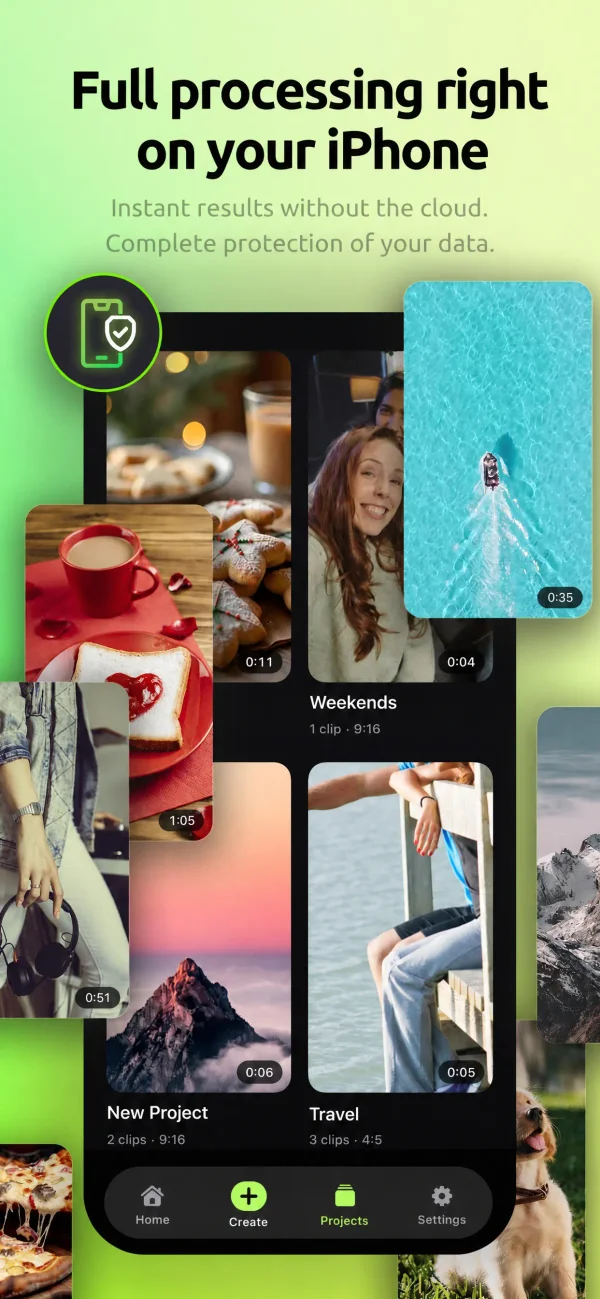
About
AUTO MOTION — automatic video editing.
Turn your iPhone photos and videos into a ready-to-share vertical clip — without manual cutting, endless rearranging, or trying to hit every beat by eye.
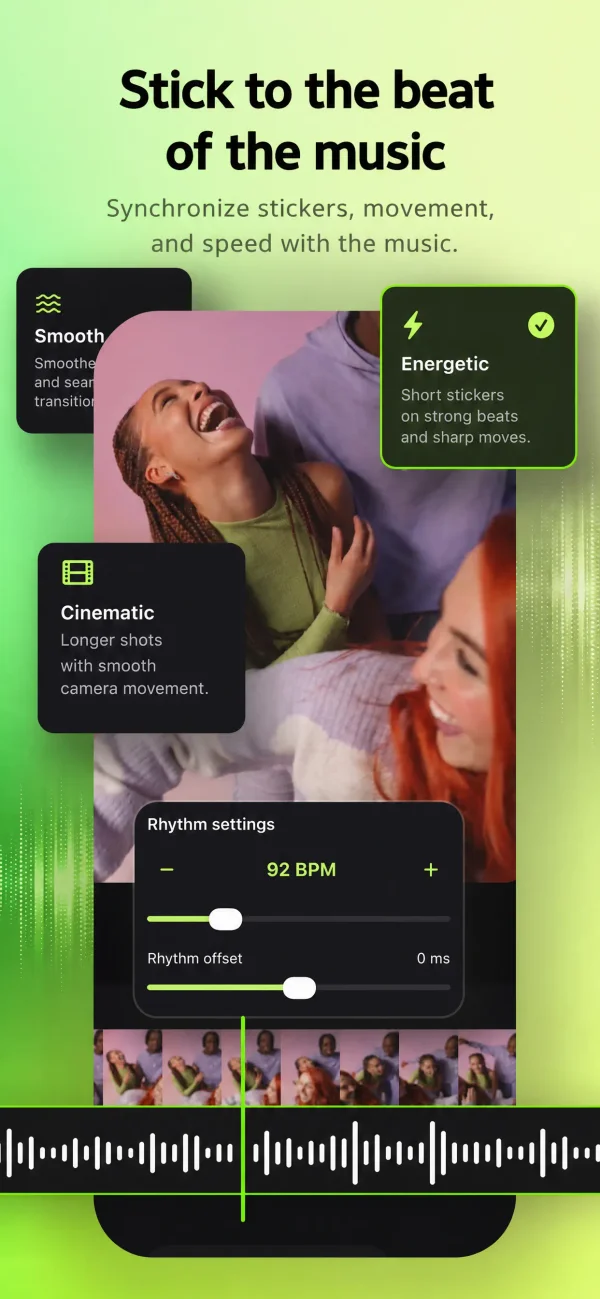
Choose your photos and videos, add music — Auto Motion analyzes the track and automatically edits your footage to its rhythm.
The app detects the tempo, musical accents, and changes in energy, then finds the best moments in your original videos and arranges your clips so the visuals move with the music.
This is more than a slideshow or a random cut. Auto Motion looks for the most expressive moments in your videos, determines where cuts work best, and turns your footage into a cohesive video that’s ready to share.
Music changes the edit
Changed the track? You don’t have to start over. Auto Motion can rebuild the edit around the new music — adjusting clip lengths, cut points, and the overall pace to match the new track.
Calm music — smoother editing.
An energetic track — more movement and more frequent cuts.
A strong beat — cuts aim to land on musical accents.
You control the result
Automatic editing is only the beginning. After generation, open the editor and fine-tune the moments you want: trim clips, change their order, replace footage, adjust transitions, and more.
Get started in just a few seconds:
Photos & Videos → Music → Auto Motion → Ready-to-share clip.
Built for vertical content, Auto Motion is perfect for TikTok, Instagram Reels, and YouTube Shorts.
Add multiple videos, include photos, choose your music, and get an edit you don’t have to build from scratch.
Auto Motion — music sets the rhythm. You set the mood.
Not all features are available without a subscription. Basic automatic editing is available to try, while advanced tools, scenarios, and features are unlocked with a subscription.
Privacy Policy: https://ios-dev-rv.github.io/pixaro-studio-website/apps/motion-site/privacy.html
Terms of Use: https://www.apple.com/legal/internet-services/itunes/dev/stdeula/
What’s new
Version 1.0.1 · Oct 28, 2026
minor updates
App privacy
What Pixaro Studio declares on the App Store about how this app handles data.
-
Data used to track you
May be used to track you across apps and websites owned by other companies.
- Identifiers
-
Data not linked to you
May be collected but is not linked to your identity.
- Identifiers
Privacy practices may vary, for example with the features you use or your age.
Information
- Seller
- LUMINITY LTD
- Category
- Graphics & Design
- Version
- 1.0.1
- Updated
- Oct 28, 2026
- Released
- Sep 18, 2026
- Size
- 36.3 MB
- Requires
- iOS 18.6 or later
- Age rating
- 4+
- Price
- Free
- In-app purchases
- Yes
- Languages
- English, Hindi, Russian, Simplified Chinese, Ukrainian
- Copyright
- © LUMINITY LTD
You might also like
-
 MakaronAI creative studio
-
 Photo Editor & AI Video MakerHairstyle Filters, Try On App
-
 DramaMeAI Drama Generator
-
 SpeiVive – AI Photo RestoreFix, Colorize & Animate
-
 VidWing: Video Editor & MakerCutout/Captions/Effect/Collage
-
 Beads ArtTurn Photos into Bead Art
-
 PixelMint – AI Photo MagicAI Photo Magic & Filters
-
 yes&: AI Video & CharacterNo prompt, one tap away
-
 Vynora: Video & PhotoText to Video, Art & Headshot