
Auto Scroll: Web
Hands-Free Web Scrolling
Designed for iPhone, iPad, Mac
$1.49 · In-app purchases
- Age rating4+
- CategoryLifestyle
- DeveloperParan
- LanguagesEnglish+ 44 more
- Size21.8 MB
Links to the official App Store page
Download.org hosts no file of Auto Scroll: Web. The button opens its official App Store page, published by Paran. Listing last checked on Nov 22, 2026.
Screenshots

About
Give your hand a little break.
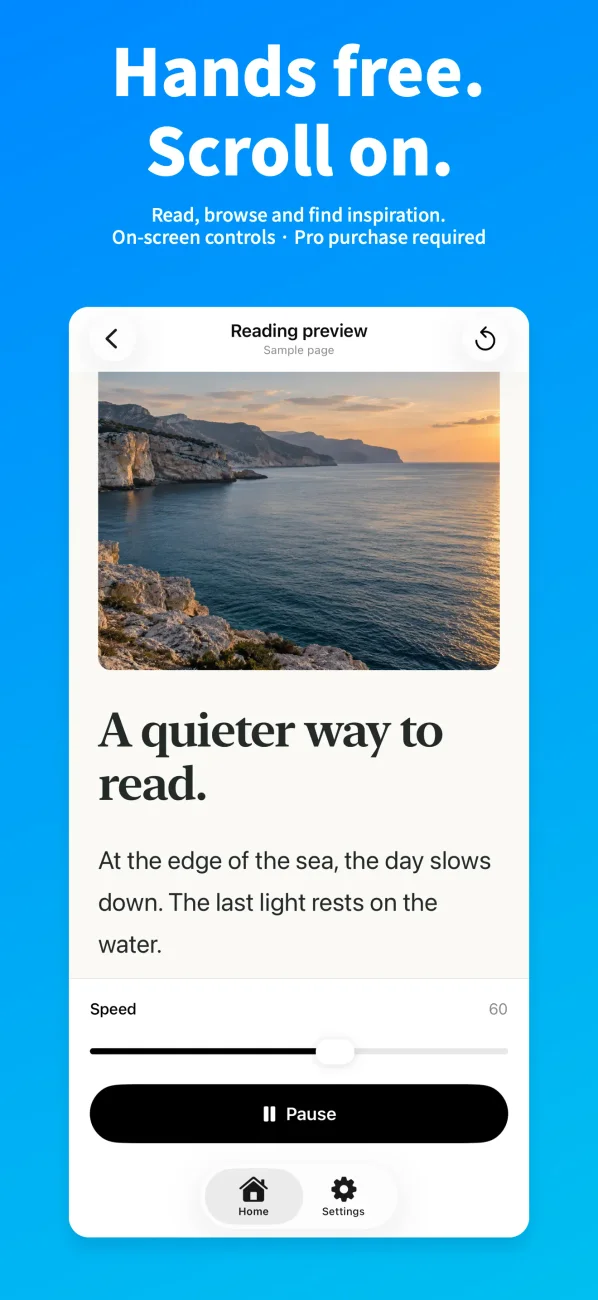
With AutoScroll, enjoy news, blogs, webtoons,
and even Reels and Shorts more comfortably.
AutoScroll | Web is a Safari extension
that automatically scrolls web pages,
so you do not have to keep swiping the screen.
Perfect for reading news, blogs, forums, articles, and webtoons.
And with Swipe Mode, you can also move through
short-form video feeds like Reels and Shorts more comfortably.
Reduce hand fatigue and stay in the flow.
Key Features (Included)
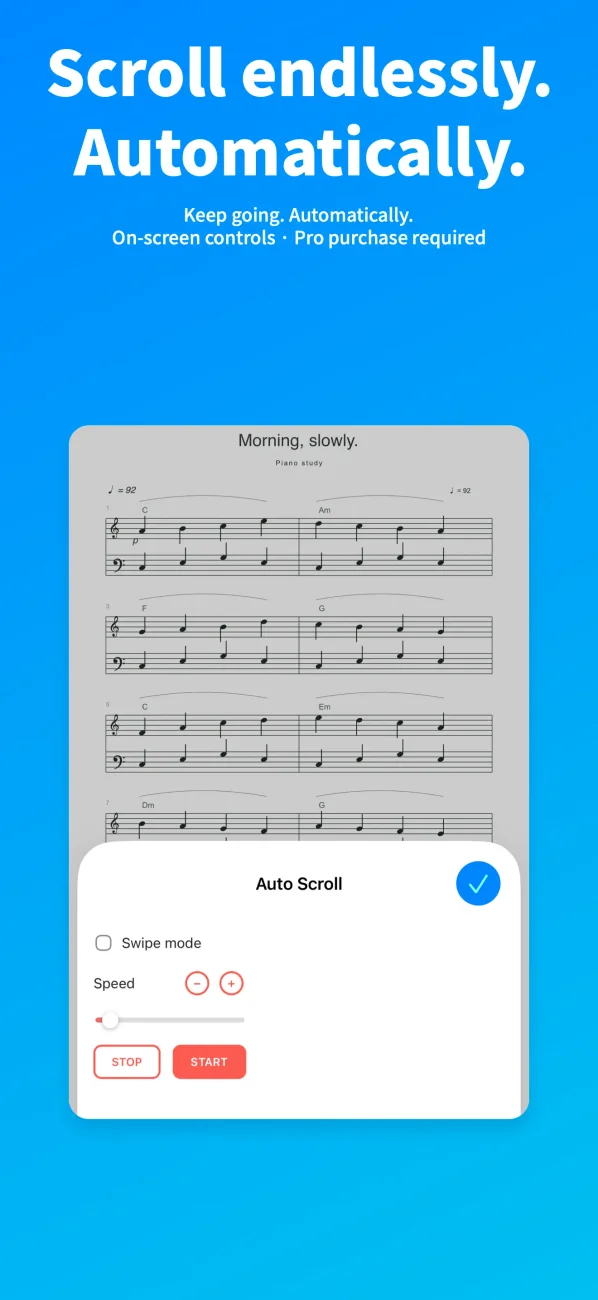
• Auto Scroll (Safari extension)
• Swipe Mode (supports vertical feeds like Reels and Shorts)
• Speed control
• Timer control
• Pause/Resume anytime
• iPhone/iPad: double-tap to start/stop
• Show +/- speed buttons in the pop-up (On/Off in Settings)
• No unnecessary background activity — lightweight and fast
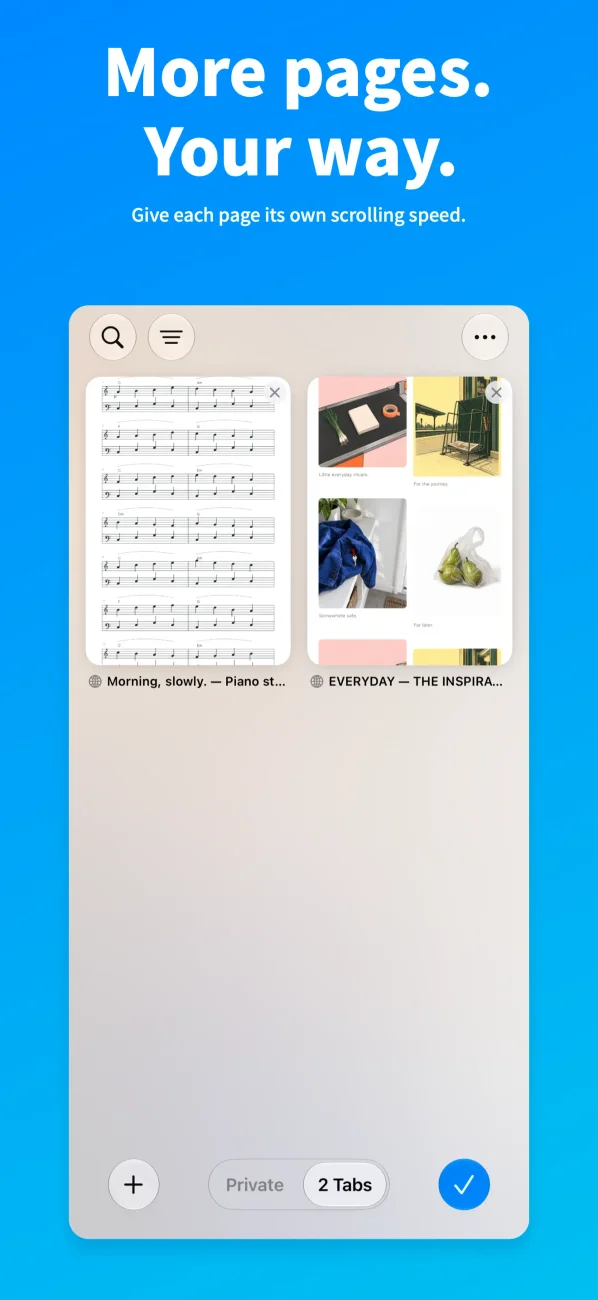
• Remember scroll speed for each page
Extra Features (Optional)
• iPhone/iPad: triple-tap
• Keep scrolling even when touching the screen
• End-of-page control & infinite repeat
• On-screen play/stop and speed +/- buttons
• Easy swipe button
• Scroll direction reverse button
• Keep screen awake
• Apple Watch remote control
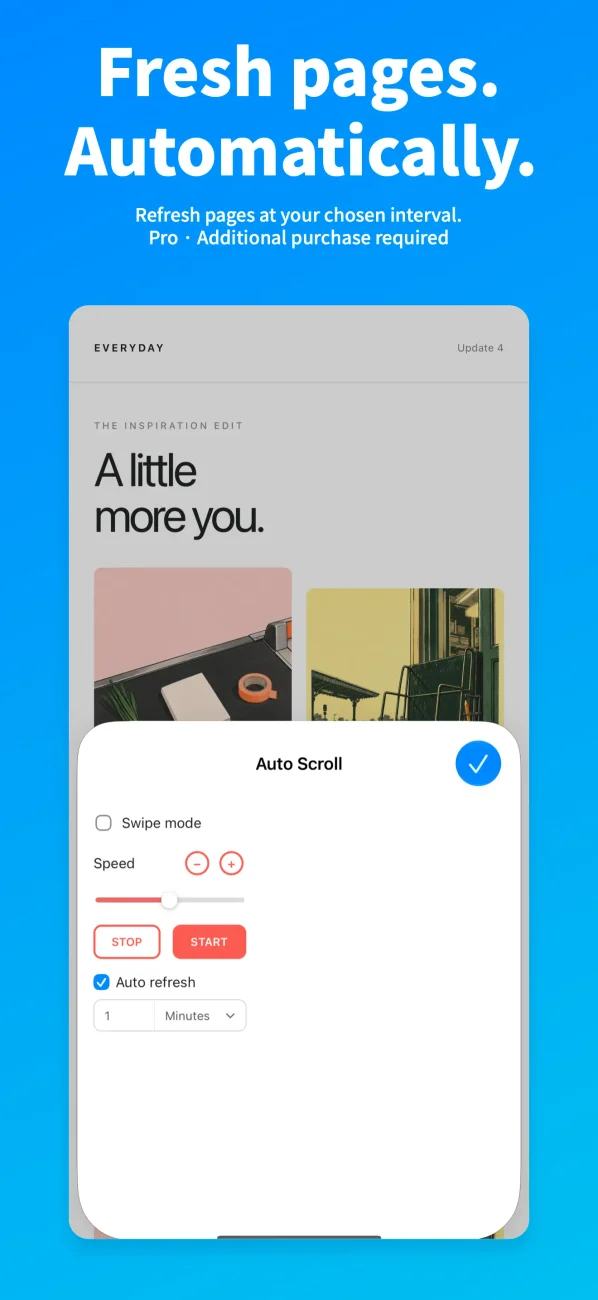
• Auto refresh at your chosen interval
• Sleep timer to stop automatically
• Scroll and refresh across multiple tabs and windows
(In-App Purchase)
Pro: annual subscription or one-time lifetime purchase. Eligible annual subscribers can try 7 days free. Price and offer are shown before purchase. Annual subscriptions renew automatically unless canceled in your Apple account settings.
Privacy
• Web-page scrolling runs on your device. Remote commands and device status use your private iCloud.
• Your browsing history is not sent to us.
Device Support
• Supports iPhone, iPad, Mac, and Apple Watch
• (double-tap/triple-tap/keep screen awake) are only available on iPhone/iPad.
• App and setup guide in 32 languages
[Enable Safari Extension]
iPhone / iPad
Settings → Safari → Extensions → AutoScroll | Web → Turn On
macOS
Safari → Settings (⌘,) → Extensions → Check AutoScroll | Web → Allow permissions
Notes
On some websites, or depending on Safari system behavior,
scrolling or swiping may stop or not work.
If that happens, fully quit Safari and relaunch it —
that fixes it in most cases.
- Contact: help@paran.app
- Terms of Use: https://paran.app/auto-scroll/terms
- Privacy Policy: https://paran.app/privacy-policy
What’s new
Version 1.3.14 · Nov 13, 2026
This update includes the latest fixes and reliability improvements.
App privacy
What Paran declares on the App Store about how this app handles data.
-
Data not collected
The developer does not collect any data from this app.
Privacy practices may vary, for example with the features you use or your age.
Information
- Seller
- Paran
- Category
- Lifestyle
- Version
- 1.3.14
- Updated
- Nov 13, 2026
- Released
- Jan 8, 2025
- Size
- 21.8 MB
- Requires
- iOS 16.6 or later
- Age rating
- 4+
- Price
- $1.49
- In-app purchases
- Yes
- Languages
- English, Arabic, Bengali, Catalan, Croatian, Czech, Danish, Dutch, Filipino, Finnish, French, German + 33 more
- Copyright
- © Paran
You might also like
-
 볼라고 - 커뮤니티 눈팅 종결자Lifestyle
-
 Liltie — One Song a Day DiaryJournal your mood with music
-
 공유오피스 드림캐쳐스Lifestyle
-
 딸꾹Lifestyle
-
 PrinTodo데스크탑과 모바일에서 확인하는 나만의 투두 리스트
-
 toonPie Manga TranslationImage Translator & Management
-
 한국금거래소 실시간 금시세Lifestyle
-
 Memong: Cute Notes & PlannerTo Do List, Journal & Widgets
-
 DayPic-Photo Diary & JournalOne photo a day, your story
-
 Subscriptions101Know What You Are Paying