- Age rating4+
- CategoryBusiness
- DeveloperECIT Autogear AS
- LanguagesEnglish
- Size114.7 MB
Links to the official App Store page
Download.org hosts no file of Autogear Driver. The button opens its official App Store page, published by ECIT Autogear AS. Listing last checked on Nov 17, 2026.
Screenshots

About
How to use the app:
The app is easy to navigate with the following main menu options:
Trip History
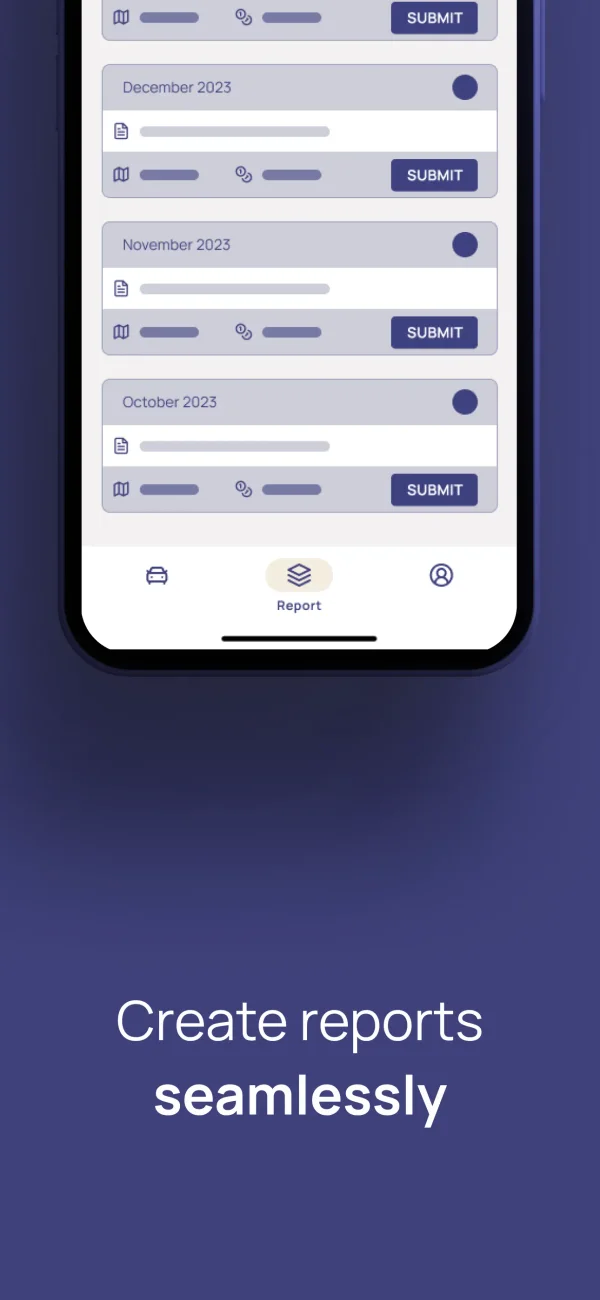
Create Claims
Account
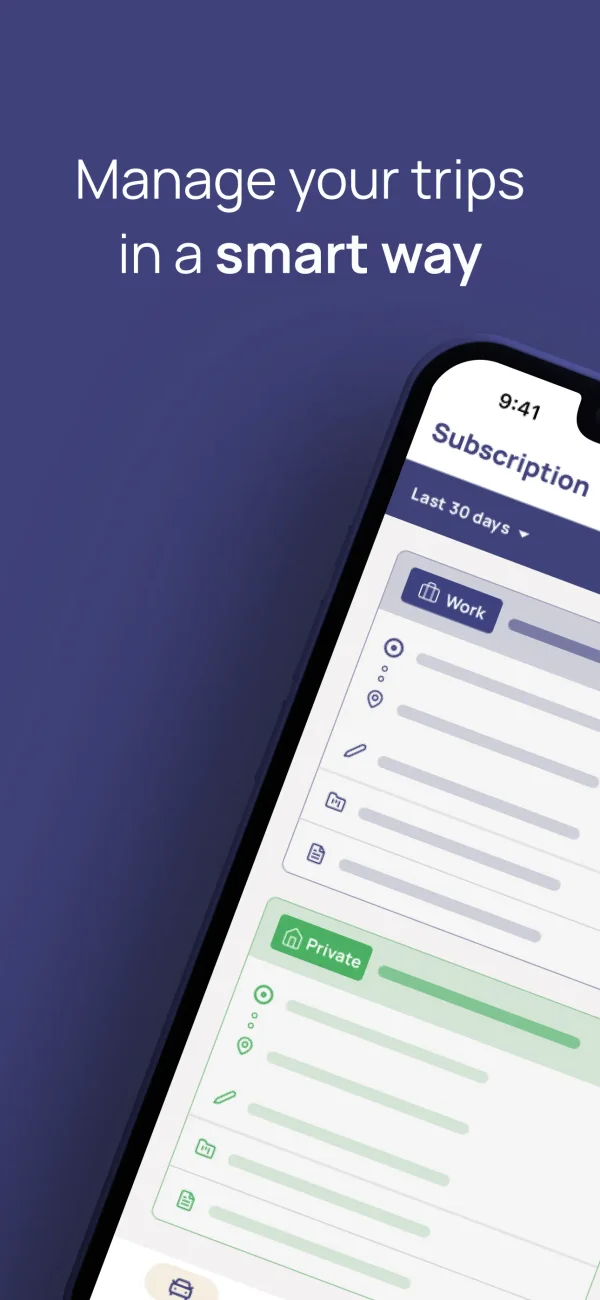
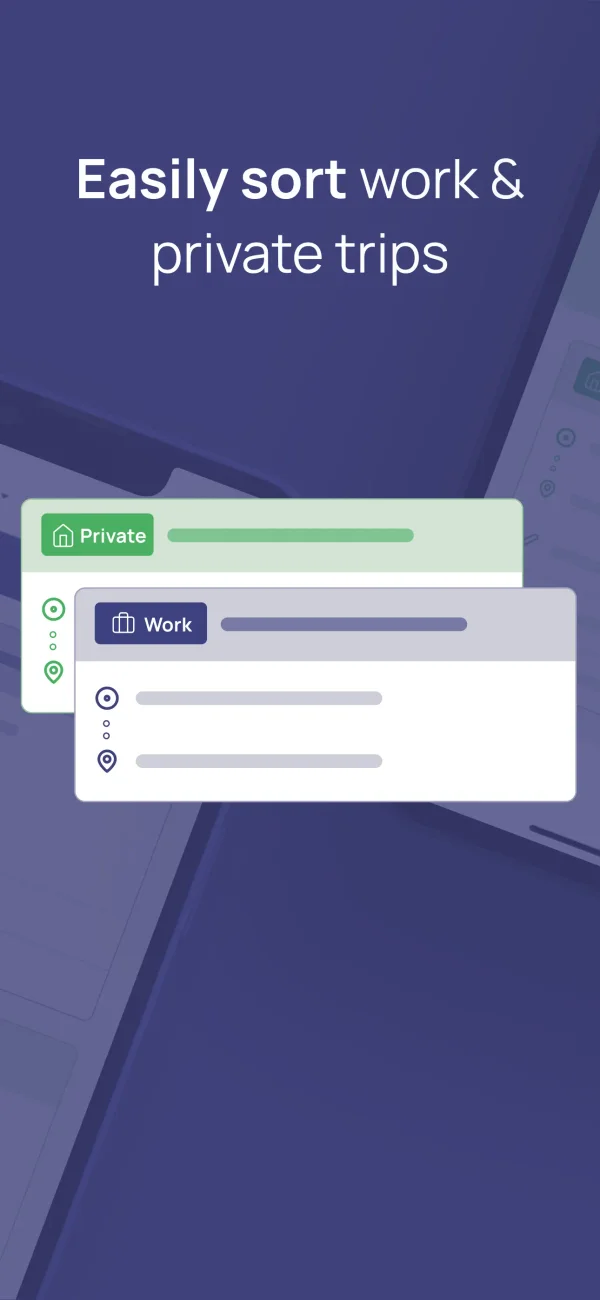
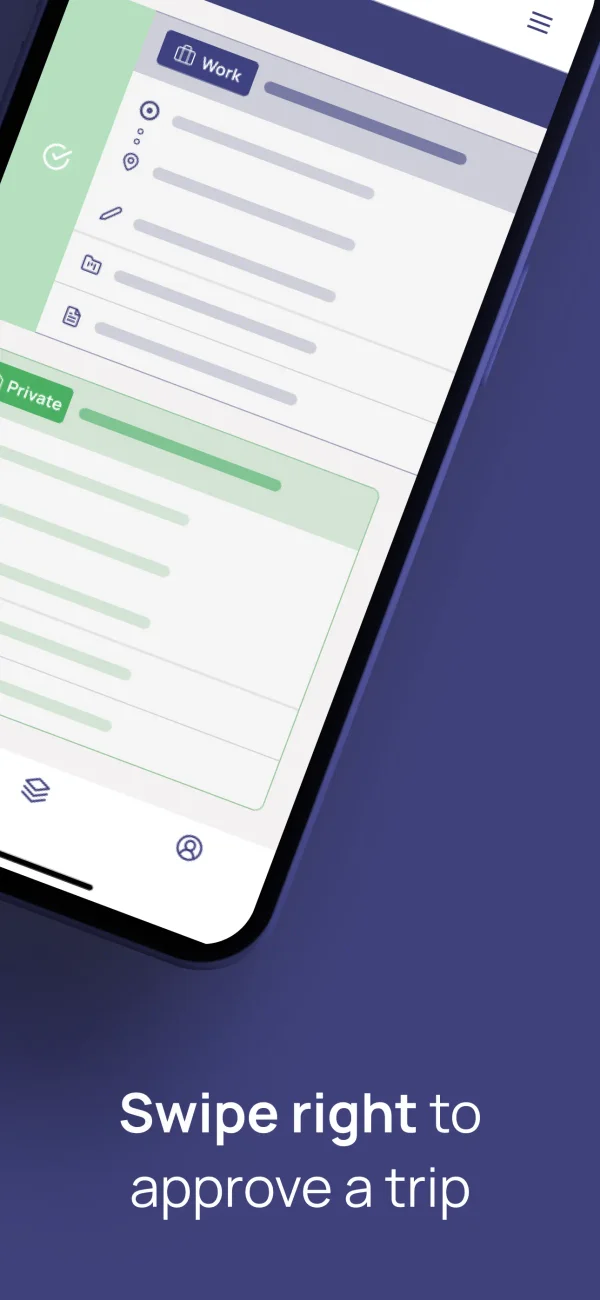
You can easily manage the trips recorded in the history. When you've finished a trip, you can easily approve it by swiping to the right. The trip will then be archived or become part of an ongoing claim. Claims can also be created from the app, and you can submit them for approval, generate them as PDFs in the app, or send them via email.
Key features of the app:
If you have an Autogear GPS device, your trips will be automatically imported into the app, and you can easily add or edit the following details:
Work or private driving
Driver information
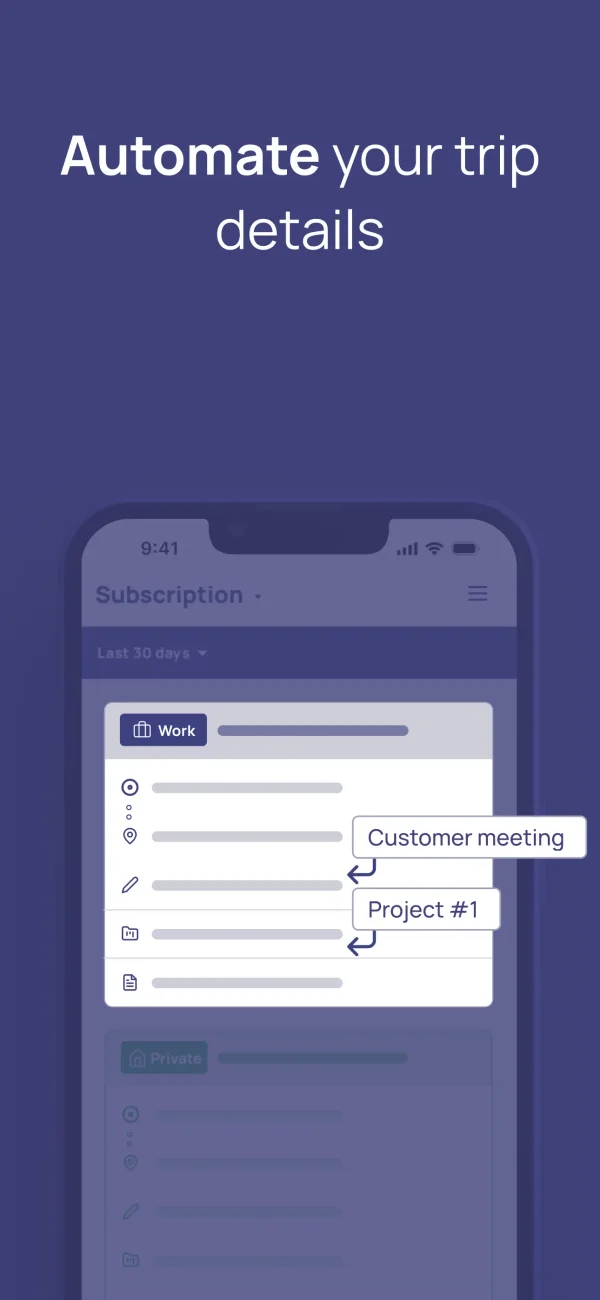
Purpose
Project name
Toll costs
Trailer usage
Number of passengers
Driving on forest roads
Automations and rules:
There are also optional settings that can be configured through the web application at app.autogear.no. These settings will affect how trips are finalized in the app and what drivers are required to do.
Work hour rules that automatically categorize trips as work or private driving
A smart address book that automatically assigns the correct purpose and/or project to the trip
Mandatory filling out of purposes and/or projects for work trips before approval
Option to disable trip deletion
Automatic approval of work or private driving trips
Configuration of the approval process
Driver Identification with the Autogear Driver ID badge (Accessory):
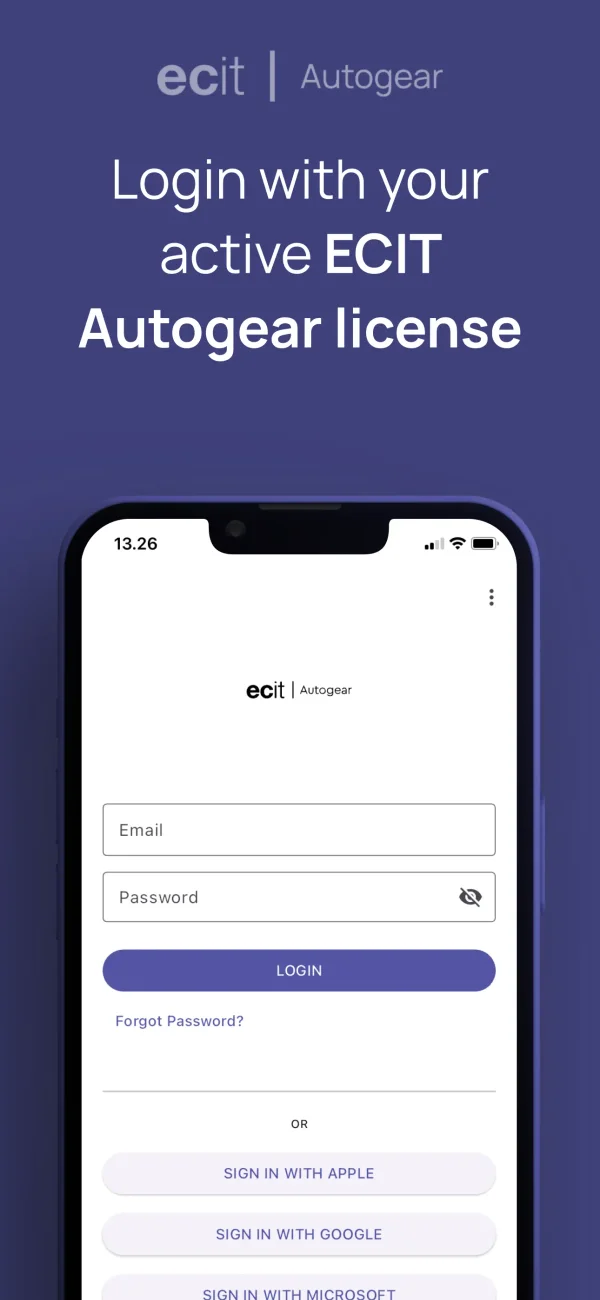
With the small Autogear Driver ID badge, you can easily identify yourself as the driver on your trips. This gives you access to only the relevant trips in your Driver app. This is especially useful for businesses with multiple drivers sharing company vehicles. Each ID badge has a QR code that you can easily scan in the app on first use to link it to your user profile. For more information, please contact us at salg@autogear.no.
With our service, you can focus on what really matters - your job. Let Autogear take care of the administrative aspects of the mileage log and give you the freedom to experience a simpler, more efficient everyday life.
What’s new
Version 1.0.35 · Oct 29, 2026
IMPROVED
- Better stability
- Improvements to sign-in, check-in and handling of trips
App privacy
What ECIT Autogear AS declares on the App Store about how this app handles data.
-
Data not collected
The developer does not collect any data from this app.
Privacy practices may vary, for example with the features you use or your age.
Information
- Seller
- ECIT Autogear AS
- Category
- Business
- Version
- 1.0.35
- Updated
- Oct 29, 2026
- Released
- Oct 24, 2023
- Size
- 114.7 MB
- Requires
- iOS 15.6 or later
- Age rating
- 4+
- Price
- Free
- Languages
- English
- Copyright
- © ECIT Autogear AS