- Age rating4+
- CategoryLifestyle
- DeveloperLinkDesk
- LanguagesEnglish+ 1 more
- Size5.2 MB
Links to the official App Store page
Download.org hosts no file of Automator. The button opens its official App Store page, published by LinkDesk. Listing last checked on Nov 8, 2026.
Screenshots

About
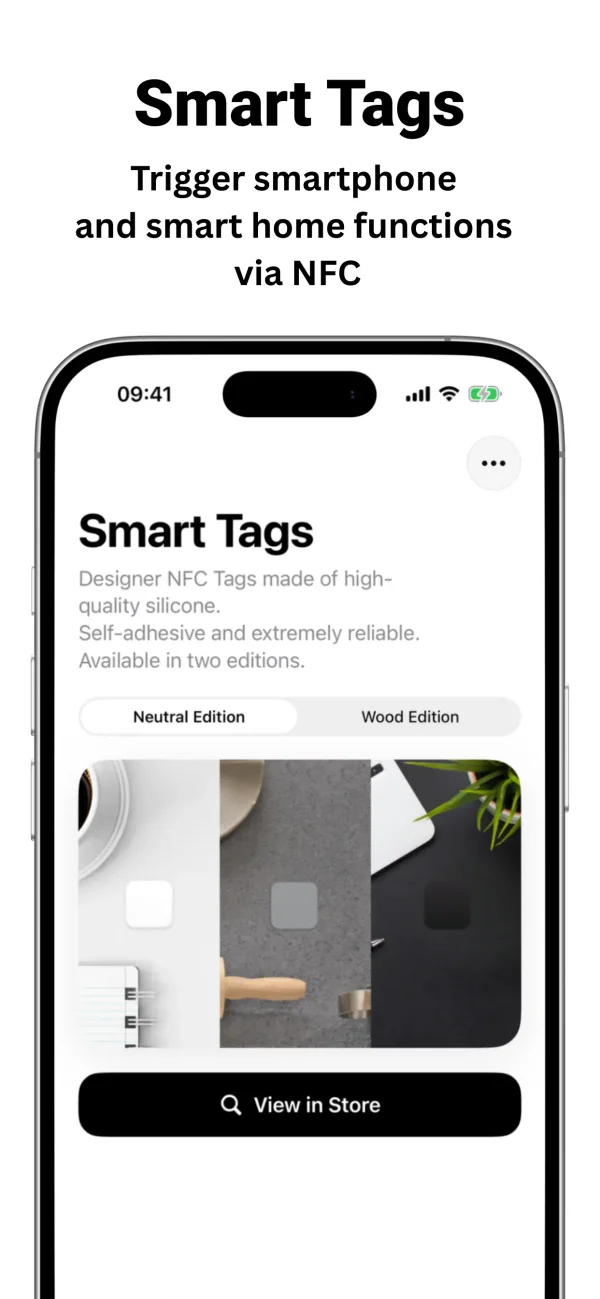
SMART TAGS
NFC Automations for Apple Home, iPhone, IKEA Home Smart, Home Assistant, Homey and more.
Transform your home into an intelligent command center without ever opening an app.
With our Smart Tags, you control your entire smart home, your music, and your smartphone with a single, intuitive gesture. Simply place the elegant tags wherever you need them: on your nightstand, in the car, or right next to the couch. A quick tap with your iPhone is all it takes to start the magic. Just like you might already know from making contactless payments.
WHY SMART TAGS WILL CHANGE YOUR LIFE:
• SMART HOME CONTROL AT LIGHT SPEED
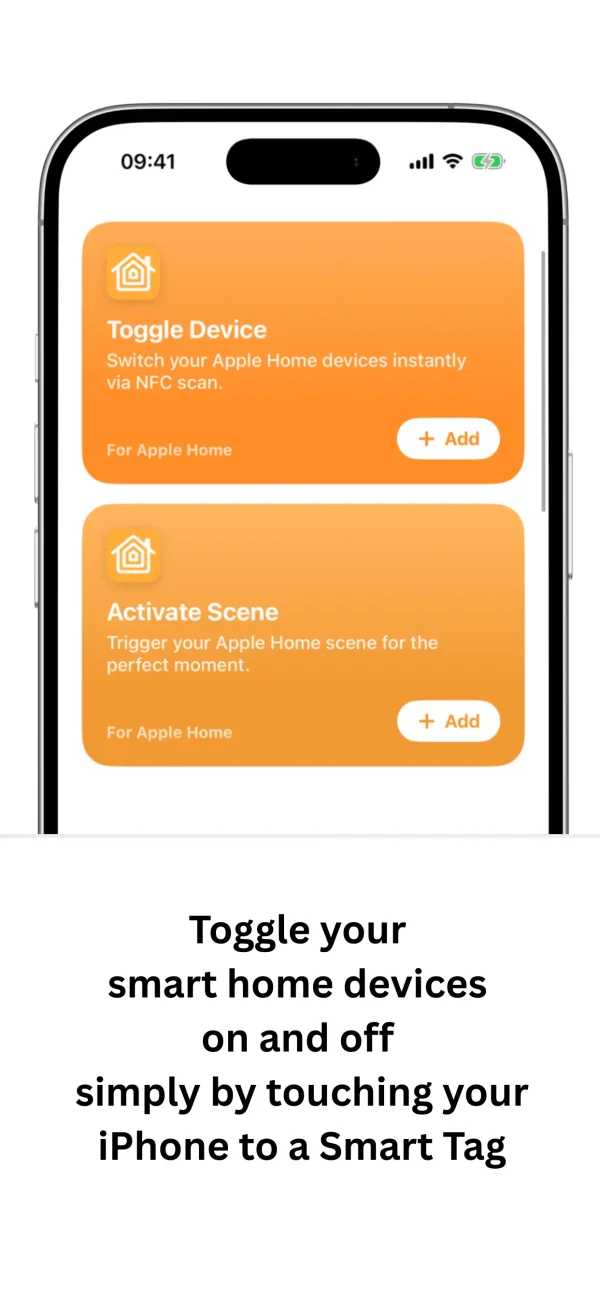
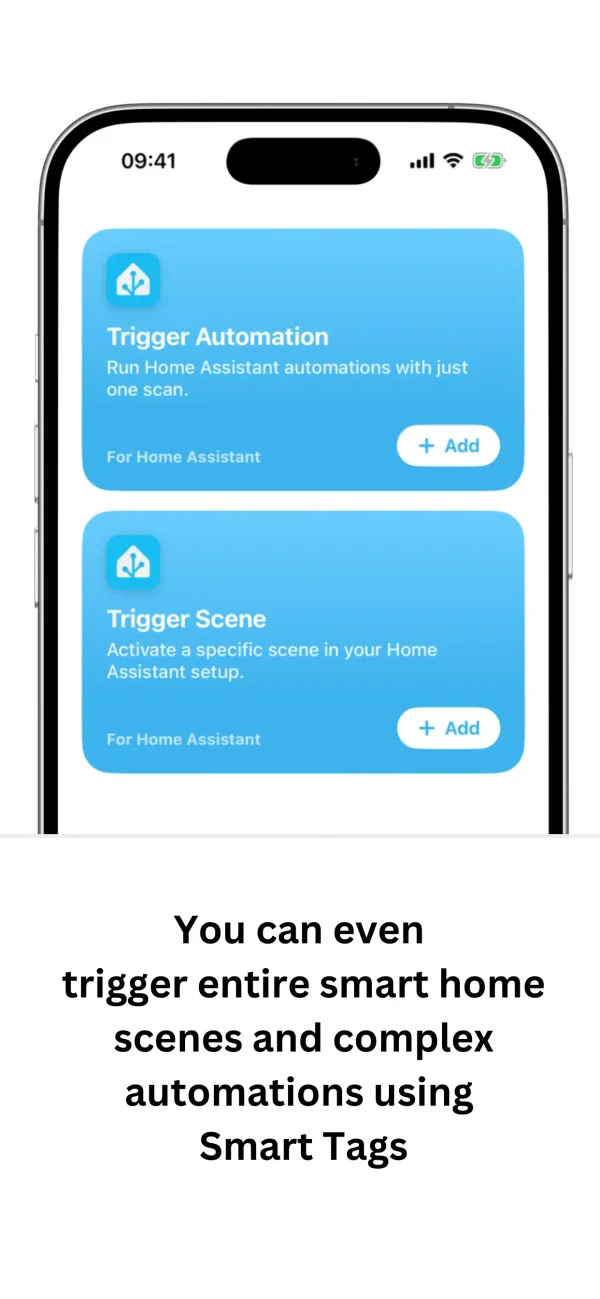
Toggle lights, activate complex scenes, or control your smart home devices. Thanks to native integration, your home responds instantly.
• PURE ENTERTAINMENT
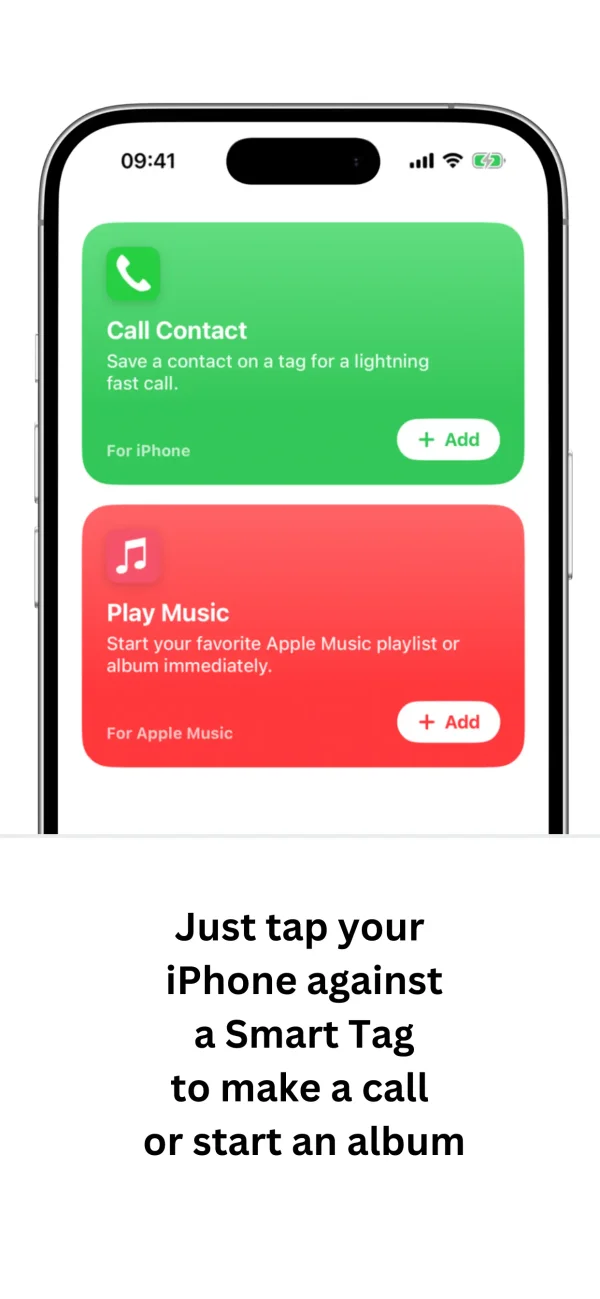
Start your favorite music playlist or bring up the TV Remote directly on your lock screen the moment you sit on the couch.
• MAXIMUM PRODUCTIVITY
Assign contacts for quick calls, open specific apps, or trigger complex Home Assistant automations, all with a single scan.
• DESIGN THAT FITS
Forget cheap plastic stickers. Our Smart Tags are crafted from high-quality, durable silicone and are available in a variety of designs. They are self-adhesive, discreet, and fit perfectly into any modern interior.
KEY FEATURES AT A GLANCE:
• SEAMLESS INTEGRATION: Thousands of services and features supported
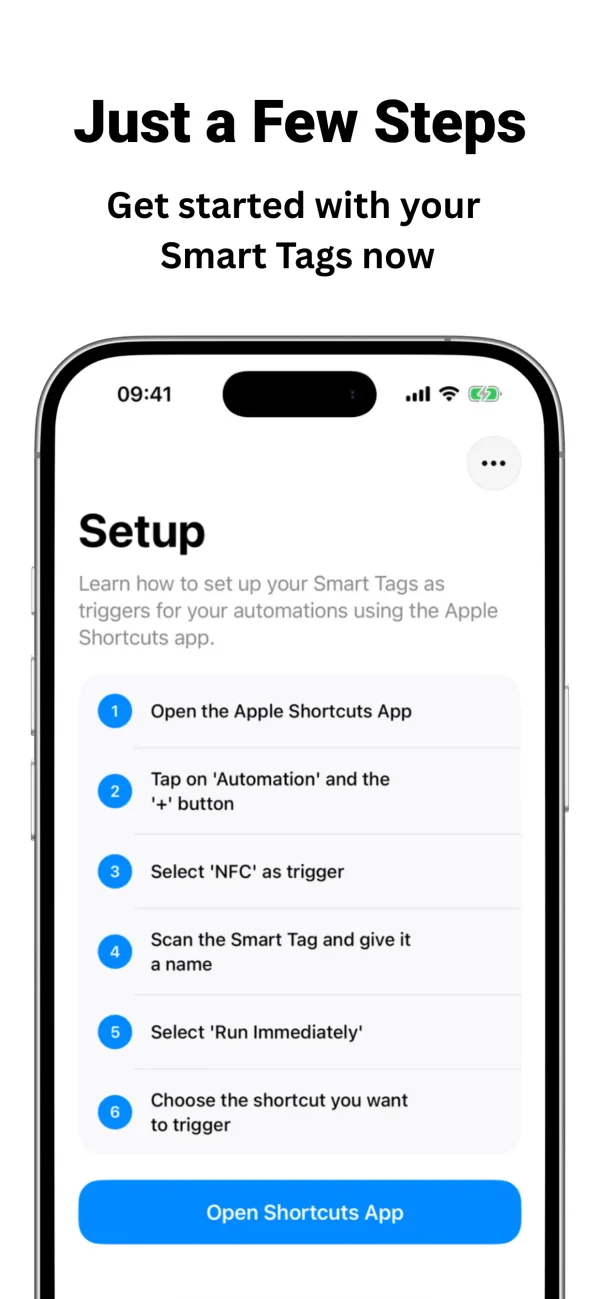
• EASY SETUP: Ready in less than 60 seconds via the Apple Shortcuts app. No complex configuration required.
• EXCLUSIVE EDITIONS: Choose between the timeless Neutral Edition or the warm Wood Edition for a natural look.
• NO BATTERIES NEEDED: The tags work passively via NFC, maintenance-free and always ready.
HOW IT WORKS:
1. Stick the Smart Tag in your desired location.
2. Scan it as a trigger in the Shortcuts app.
3. Assign your desired action (e.g., "Good Night" scene).
4. Just tap your iPhone against it. Done!
Upgrade your smart home experience today. Less searching, less clicking. Just tapping.
System Requirements
• Requires at least one official Smart Tag (Standard NFC tags do not work!)
• Requires a device with iOS 18.0 or later
• Requires a device with NFC support: iPhone XS or newer
For further information please visit: www.linkdesk.com
We’re always happy to help. Please contact us if you have any questions or suggestions: support@linkdesk.com
What’s new
Version 2.0.1 · Mar 17, 2026
Minor bugfixes
App privacy
What LinkDesk declares on the App Store about how this app handles data.
-
Data not collected
The developer does not collect any data from this app.
Privacy practices may vary, for example with the features you use or your age.
Information
- Seller
- LinkDesk GmbH & Co. KG
- Category
- Lifestyle
- Version
- 2.0.1
- Updated
- Mar 17, 2026
- Released
- Nov 23, 2020
- Size
- 5.2 MB
- Requires
- iOS 18.0 or later
- Age rating
- 4+
- Languages
- English, German
- Copyright
- © 2026 LinkDesk GmbH & Co. KG
You might also like
-
 iHaus Smart Living AppThe Platform for Smart Living
-
 Battery Status for HomeMaticLifestyle
-
 Wrist AssistantYour Home on Your Wrist
-
 SMAHOLifestyle
-
 openHAB V1openHAB Legacy App
-
 Freedompro HomeLifestyle
-
 Signals for HomeKitSmart Home Ready Communication
-
 HomeBuddy for HomeAssistantSmart-glasses home control
-
 HomeRun 2 for HomeKitQuick Home Actions Anywhere
-
 Itsyhome for HomeKitSmart home control & cameras