
- Age rating17+
- CategoryProductivity
- DeveloperIgor Fuchkin
- LanguagesEnglish+ 8 more
- Size8.7 MB
Links to the official App Store page
Download.org hosts no file of AutoPaint Pro. The button opens its official App Store page, published by Igor Fuchkin. Listing last checked on Nov 18, 2026.
Screenshots
About
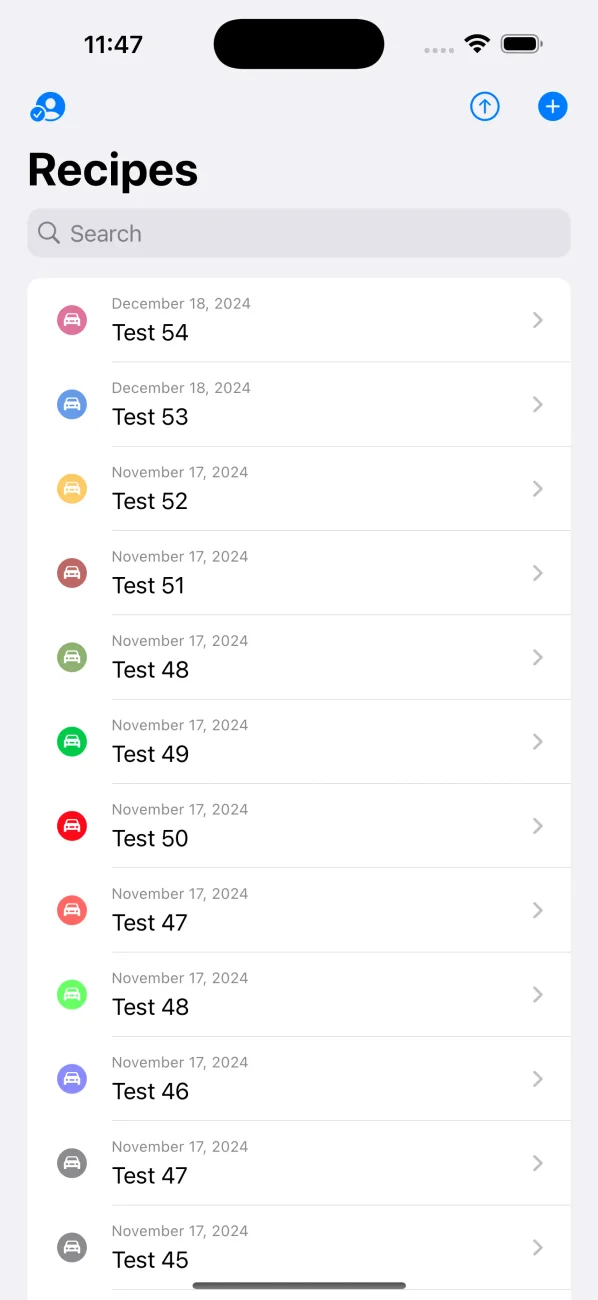
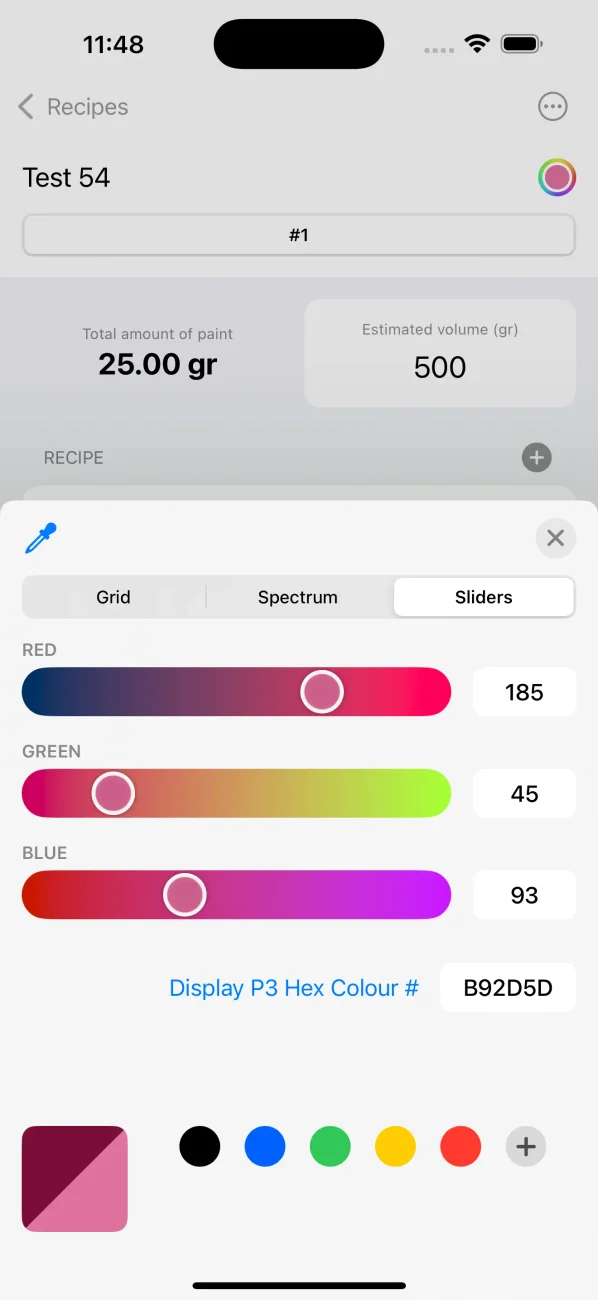
AutoPaint Pro is the ultimate tool for automotive enthusiasts, body shops, and professional painters. Easily catalog, manage, and customize automotive paint formulations with precision and ease.
Key Features:
Comprehensive Paint Catalog: Organize and store detailed information about car paints, including colors, manufacturers, and unique codes.
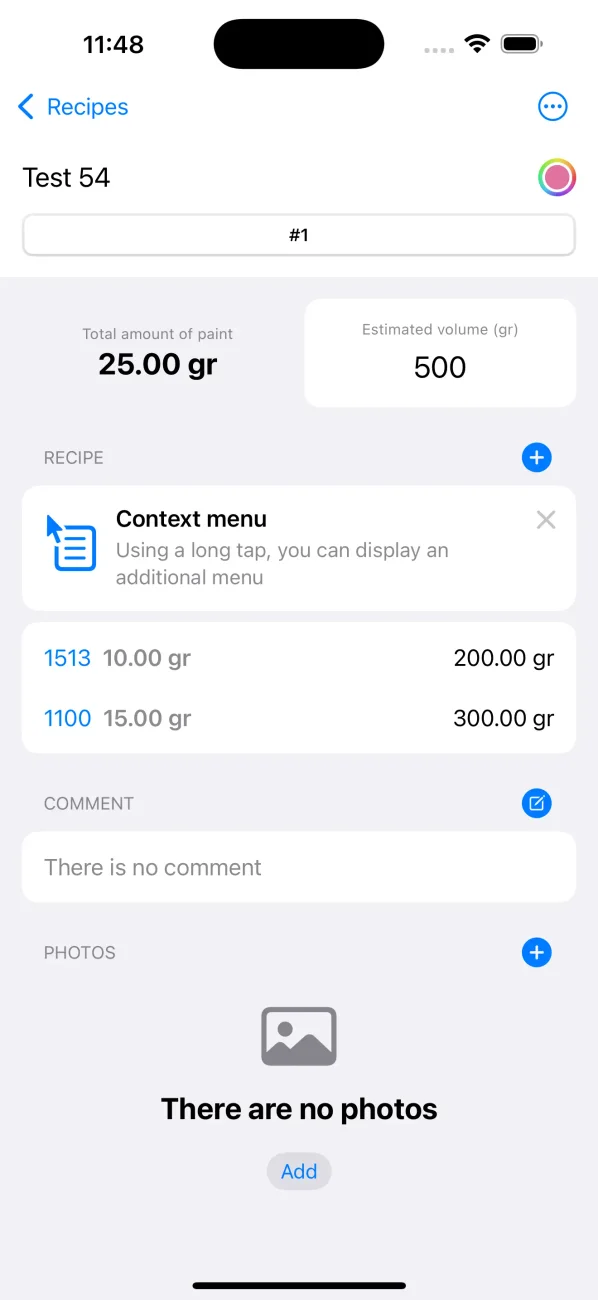
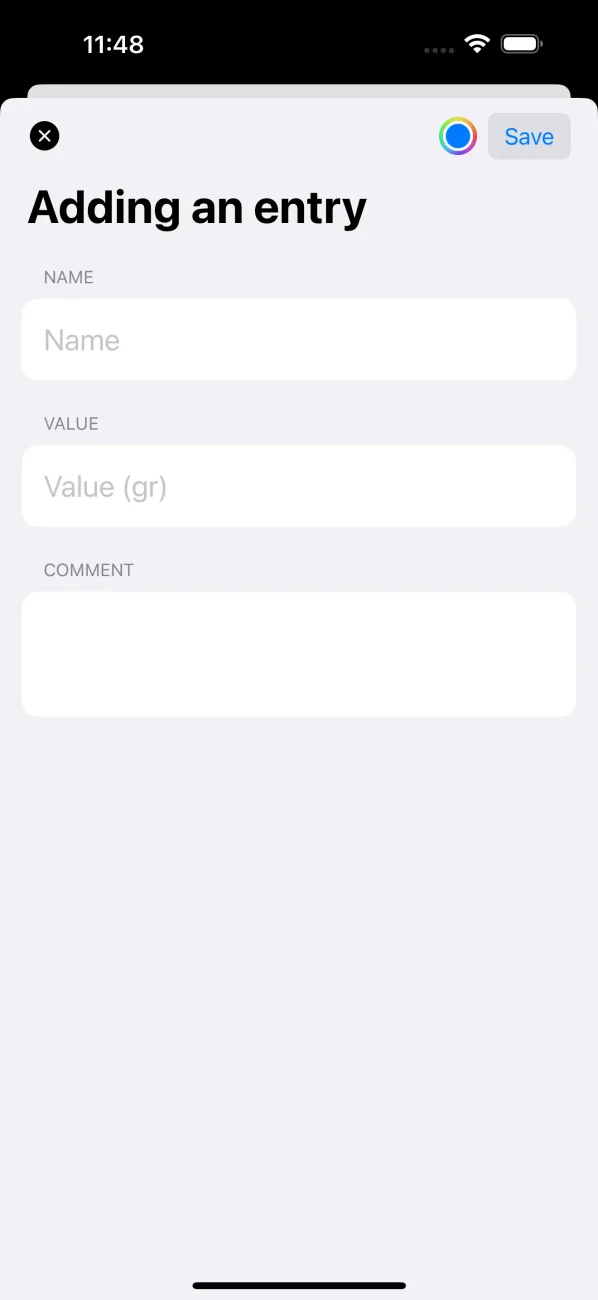
Custom Formulations: Record and calculate precise portion compositions for each paint, ensuring perfect consistency every time.
Quick Search: Effortlessly find paints by color code, name, or brand.
User-Friendly Interface: Intuitive design makes it easy to add, edit, and manage your paint inventory.
Offline Access: Access your catalog anytime, anywhere, without the need for an internet connection.
Secure Backup: Synchronize your data with cloud storage to keep your paint catalog safe.
Whether you're a professional automotive painter or a hobbyist, AutoPaint Pro simplifies the process of tracking and organizing paints while ensuring accurate mixes for flawless results.
What’s new
Version 2.0 · Sep 21, 2026
Weighing mode
Mix straight from the screen. The app shows what the scale should read after
each component, so you pour one after another without taring. Tap "Poured"
to move on — and the screen stays awake while you work.
Poured too much? Enter the actual reading and the rest of the recipe is
recalculated to match. The proportions stay exact.
Share and print
Send a recipe as a PDF, an image, or plain text. The PDF is a proper A4 sheet
with real text — it prints sharp and you can hang it in the booth.
Search by component
Find every recipe that uses a given base or pigment, not just by recipe name.
Duplicate
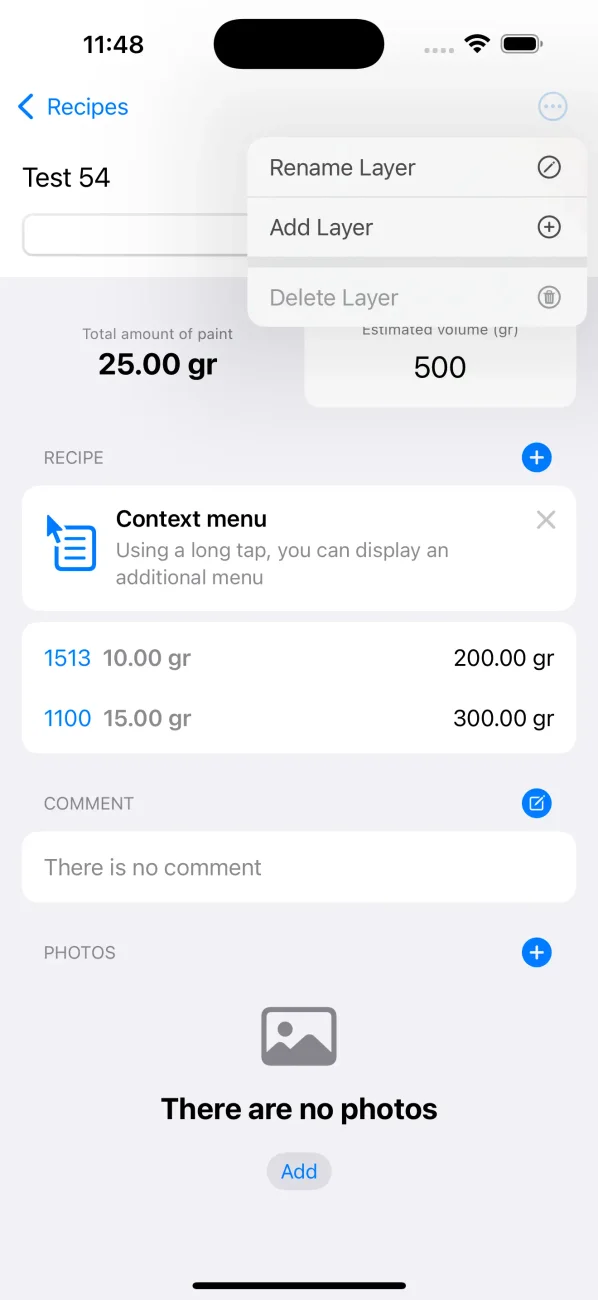
Copy a whole recipe or a single layer as the starting point for a new formula.
Percentages
Every component now shows its share of the batch.
Nine languages
Added German, Slovak, Polish, Spanish, Italian, French and Turkish.
Also fixed
• Changes now sync when you leave the app and come back, not only on the next launch
• A "Done" button above the number keypad
• Components no longer disappear from older recipes
• Figures stay readable when the recipe colour is very light
App privacy
What Igor Fuchkin declares on the App Store about how this app handles data.
-
Data not collected
The developer does not collect any data from this app.
Privacy practices may vary, for example with the features you use or your age.
Information
- Seller
- Igor Fuchkin
- Category
- Productivity
- Version
- 2.0
- Updated
- Sep 21, 2026
- Released
- Aug 1, 2025
- Size
- 8.7 MB
- Requires
- iOS 17.6 or later
- Age rating
- 17+
- Price
- $1.99
- Languages
- English, French, German, Italian, Polish, Russian, Slovak, Spanish, Turkish
- Copyright
- © garage-projects.ru
You might also like
-
 PDF Scanner - Easy Scan PDFFast PDF Scanner Quick Scan
-
 Text Scan PDFPhoto to Text & PDF
-
 PANTHERA CONNECT 7Productivity
-
 Label Printer: Address StickerAvery Design and Print
-
 swayp - gallery cleanerswipe, clean, make space
-
 Checklist: Tasks & RoutinesTemplates & Guided Lists
-
 EVScanner – Check your BatteryProductivity
-
 RoomScan Pro LiDAR floor plansThe easy way to measure rooms
-
 Invitation HomesLease your dream home - today!
-
 TV Remote - Universal ProUniversal TV Remote Control.