
AutoRemind: Smart Reminders
Say it, we'll remind you
Designed for iPhone
In-app purchases
- Age rating4+
- CategoryProductivity
- DeveloperDawid Banaszek
- LanguagesEnglish
- Size89.4 MB
Links to the official App Store page
Download.org hosts no file of AutoRemind: Smart Reminders. The button opens its official App Store page, published by Dawid Banaszek. Listing last checked on Nov 21, 2026.
Screenshots
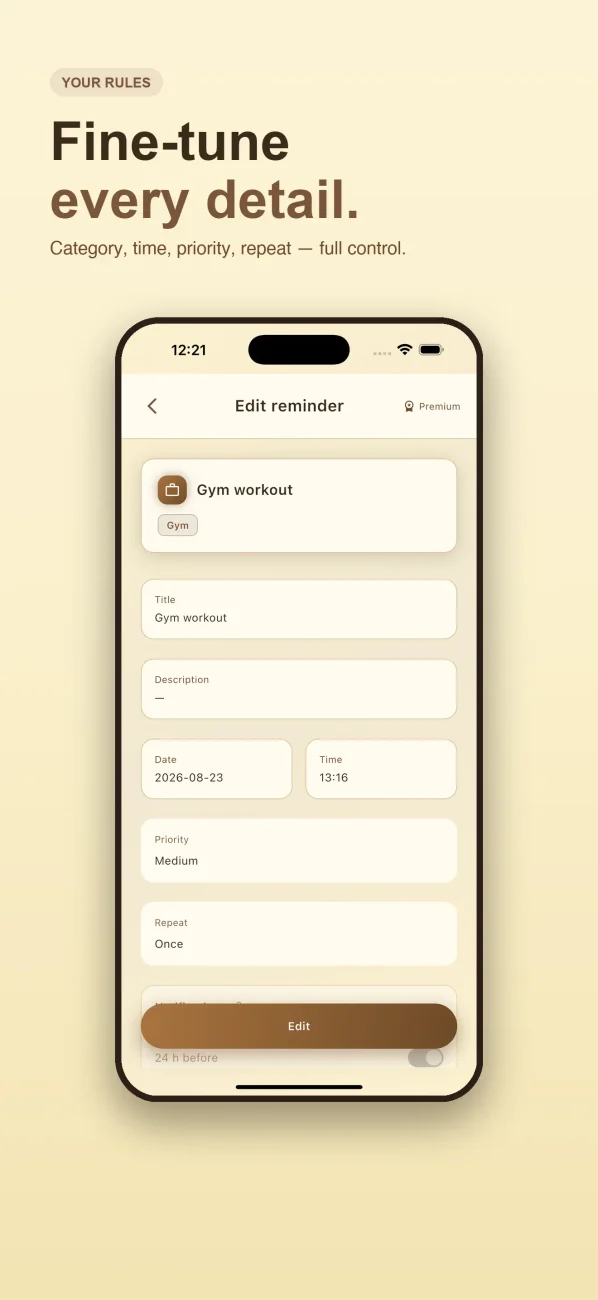
About
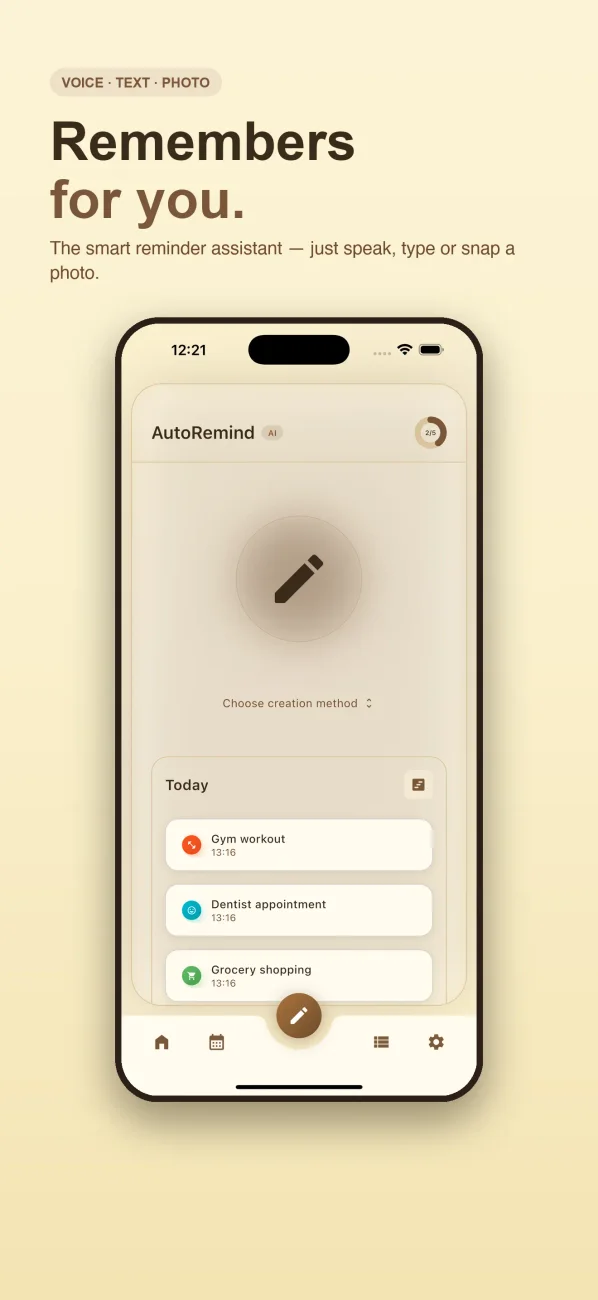
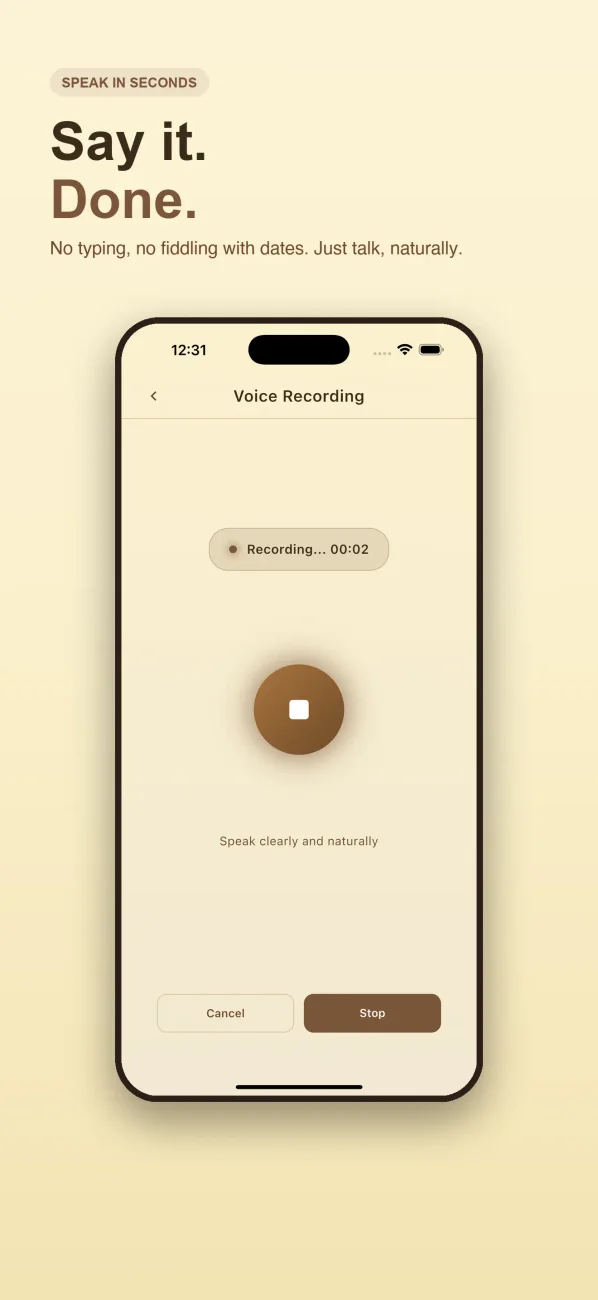
Just say “call the dentist Thursday at 10” and that’s it. AutoRemind understands the date, time, and category, then reminds you at the right moment.
You can also take a photo of a doctor’s note, invitation, or any other document. AutoRemind will pick out the date and time for you. Or just type your reminder yourself.
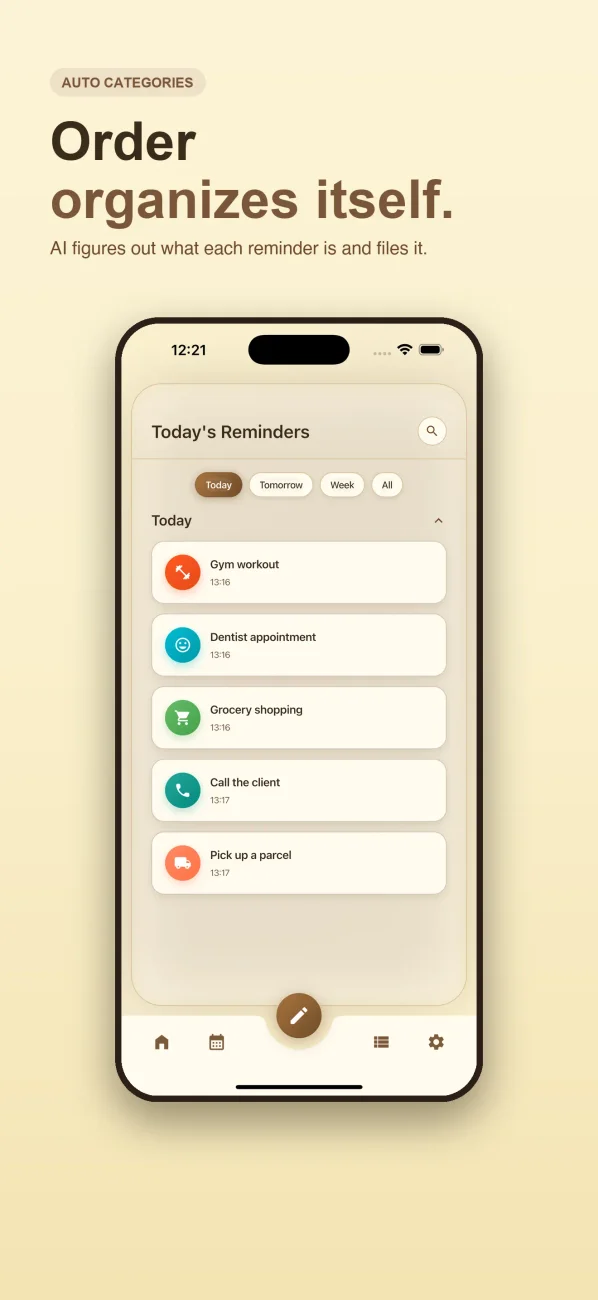
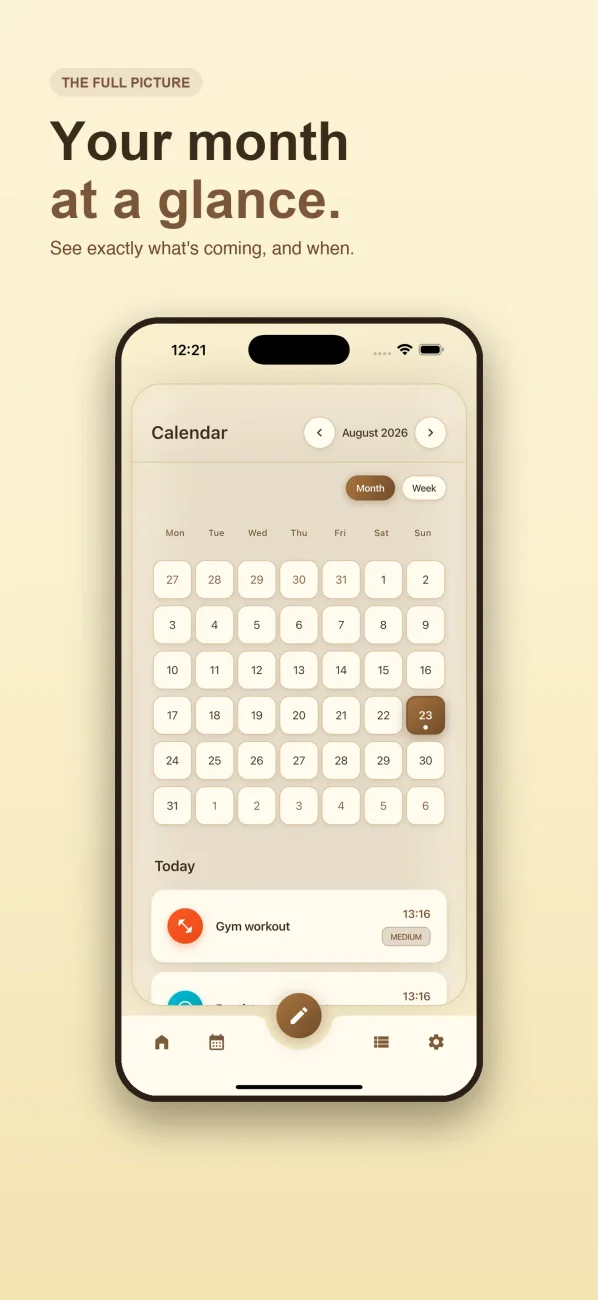
Your reminders are automatically organized into categories. You can view them as a simple list or on a timeline. Set recurring reminders once and forget about them.
You also get useful stats for free. See your streak, completion rate, best days and times, and how often you postpone reminders.
Premium is available monthly or yearly and includes:
• 100 AI analyses instead of 12
• Google Calendar and Apple Calendar sync
• Pin reminders to your screen
• Hybrid notifications
• Priority support
Your recordings and photos are used only to create reminders and are never stored. You can delete your account and all your data at any time.
AutoRemind Premium is an auto-renewable subscription.
• Monthly or yearly plan; the current price is shown in the app before you buy.
• Payment is charged to your Apple ID account at confirmation of purchase.
• The subscription renews automatically unless auto-renew is turned off at least 24 hours before the end of the current period.
• You can manage renewals in your Apple ID account settings after purchase.
Terms of Use: https://autoremind.web.app/terms.html
Privacy Policy: https://autoremind.web.app/privacy.html
Terms of Use (EULA): https://www.apple.com/legal/internet-services/itunes/dev/stdeula/
What’s new
Version 2.0.4 · Sep 30, 2026
• Notification buttons: Done, In 15 min, In an hour.
• "Hey Siri, add a reminder in AutoRemind".
• Snooze from the reminder screen — pick from a list and see when it comes back.
• The app suggests the hour you actually tick reminders off.
Fixes:
• The app closed when you left the calendar while it was loading.
• Pressing back on the recording screen threw you out of the app.
• Cancelling the detected-reminders list left an empty screen.
• No connection now shows a message instead of the raw error.
• Onboarding shows the correct limit of 12 free AI analyses a month.
App privacy
What Dawid Banaszek declares on the App Store about how this app handles data.
-
Data linked to you
May be collected and linked to your identity.
- Purchases
- Location
- Contact info
- User content
- Identifiers
- Usage data
-
Data not linked to you
May be collected but is not linked to your identity.
- Diagnostics
Privacy practices may vary, for example with the features you use or your age.
Information
- Seller
- Dawid Banaszek
- Category
- Productivity
- Version
- 2.0.4
- Updated
- Sep 30, 2026
- Released
- Aug 30, 2026
- Size
- 89.4 MB
- Requires
- iOS 16.0 or later
- Age rating
- 4+
- In-app purchases
- Yes
- Languages
- English
- Copyright
- © 2026 DJ Development
You might also like
-
 Tilely: Time TrackerStudy Timer, Log & Timeline
-
 Sayline: Voice To-Do & NotesSpeak once, log it — on-device
-
 Nexis: Notes, Tasks & PlannerNotes, to-do, sheets, calendar
-
 ZZS "FLORIAN"Productivity
-
 ClearMind: AI To-Do JournalBrain dump & focus planner
-
 ISSA Show NAProductivity
-
 Sprout: Smart ADHD Task AppAI Focus Planner & To-Do List
-
 EventzillaMobile app for events
-
 The Power ListWin the day. Win your life.
-
 To-Do List: Time PlannerDaily Schedule, Task Organizer