
Availability: Book in Messages
Send free times in Messages
Designed for iPhone, iPad
Free
- Age rating4+
- CategoryProductivity
- DeveloperConscience Protocal
- Size4.8 MB
Links to the official App Store page
Download.org hosts no file of Availability: Book in Messages. The button opens its official App Store page, published by Conscience Protocal. Listing last checked on Nov 14, 2026.
Screenshots


About
Availability turns scheduling into a single message.
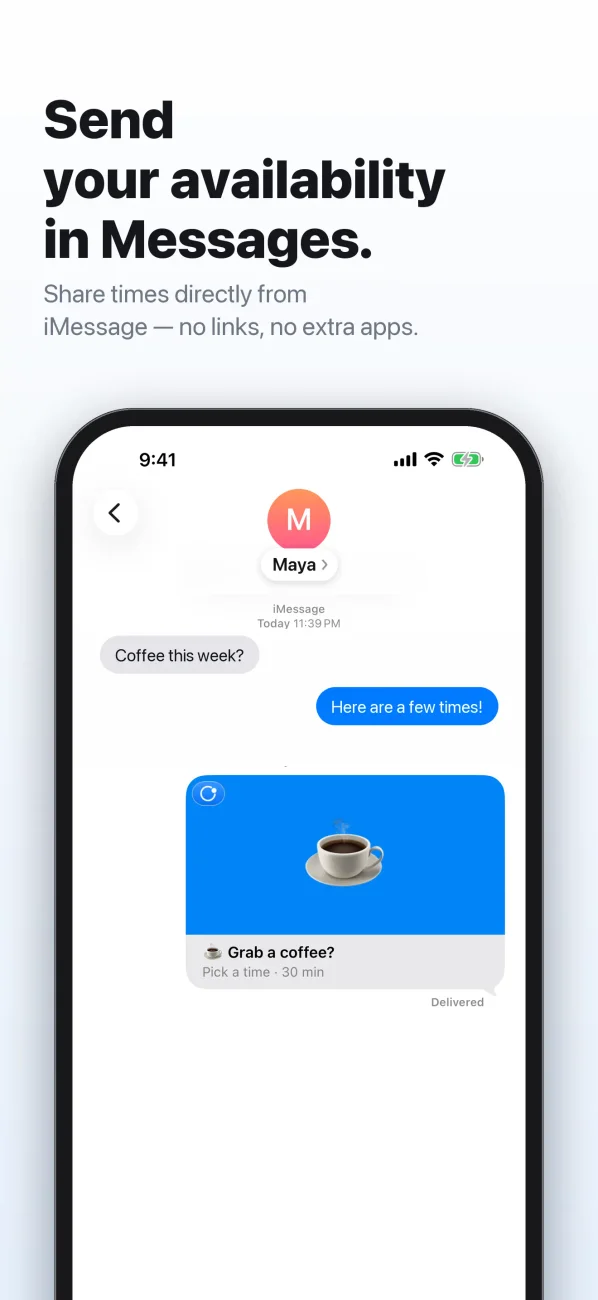
Open any conversation in Messages, tap +, choose Availability, and send. The other person sees the times you’re actually free, picks one, and it’s booked — no links to copy, no accounts to create, no back-and-forth.
SEND IN TWO TAPS
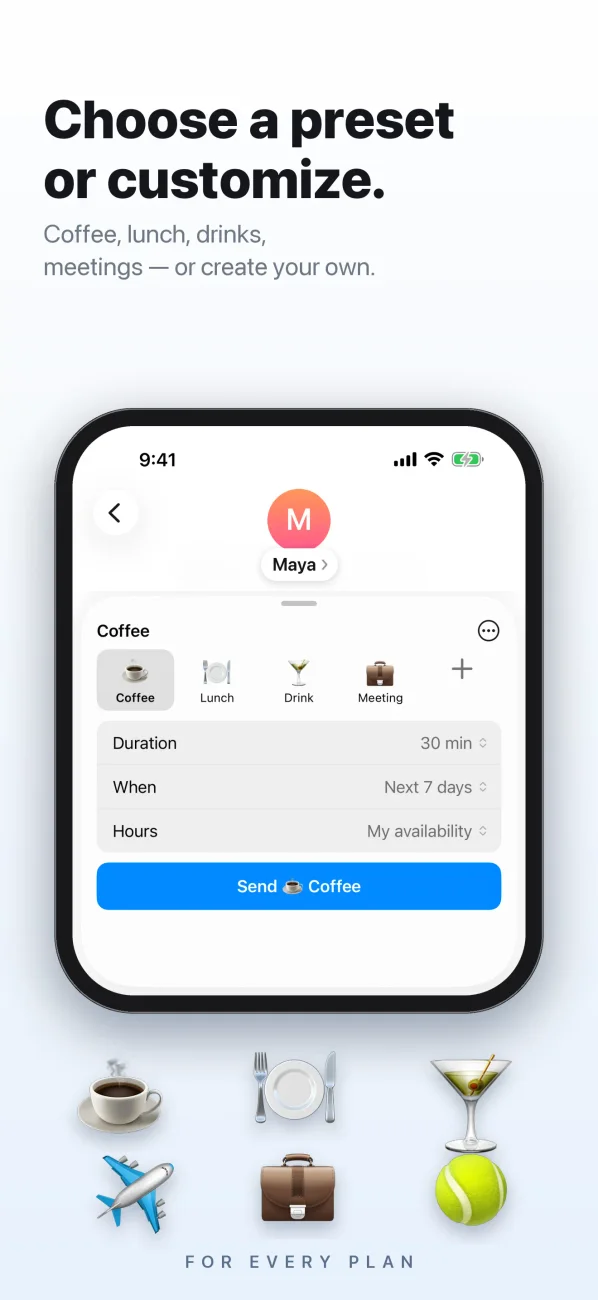
Pick an activity — Coffee, Lunch, Drink, Meeting, or one you create — and send. Each preset remembers its own length, date window, and hours, so “grab a coffee” is one tap and done.
ALWAYS ACCURATE
Availability reads your calendars on your device and hides anything that’s busy. If your week fills up after you send, the times you offered update automatically. Nobody can book over a meeting.
THEY DON’T NEED THE APP
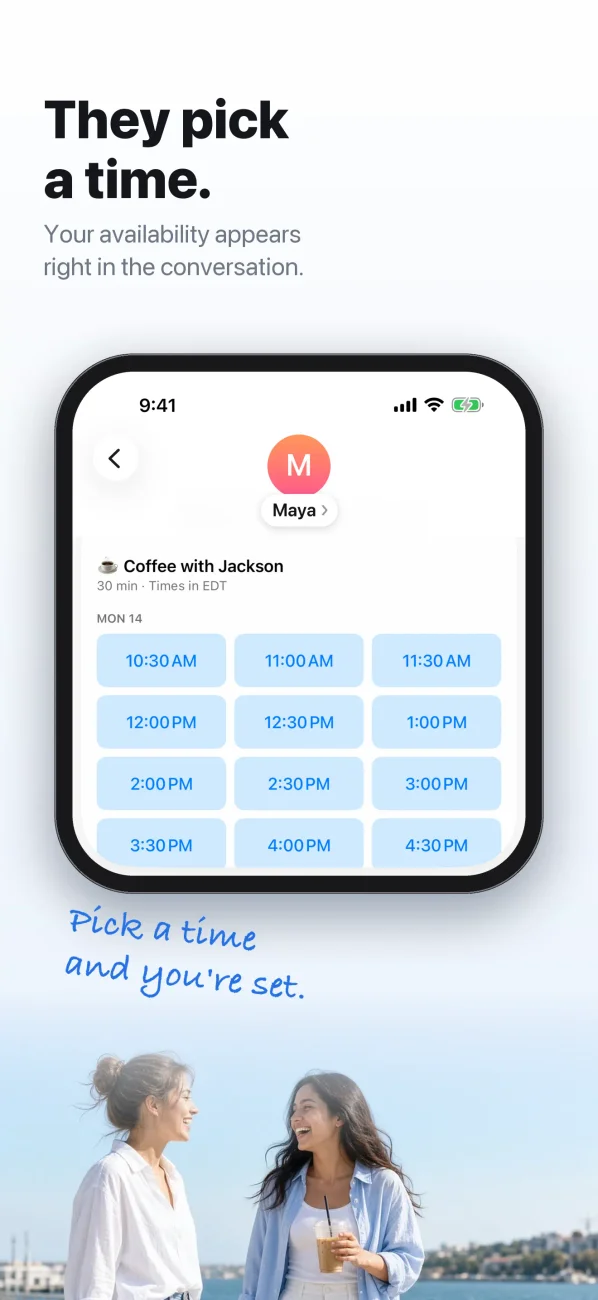
Recipients pick a time right inside the message bubble, or on a simple web page if they don’t use iMessage. No sign-up, no email address, no app download required. They confirm, tap Add to Calendar, and they’re done.
IT LANDS ON YOUR CALENDAR
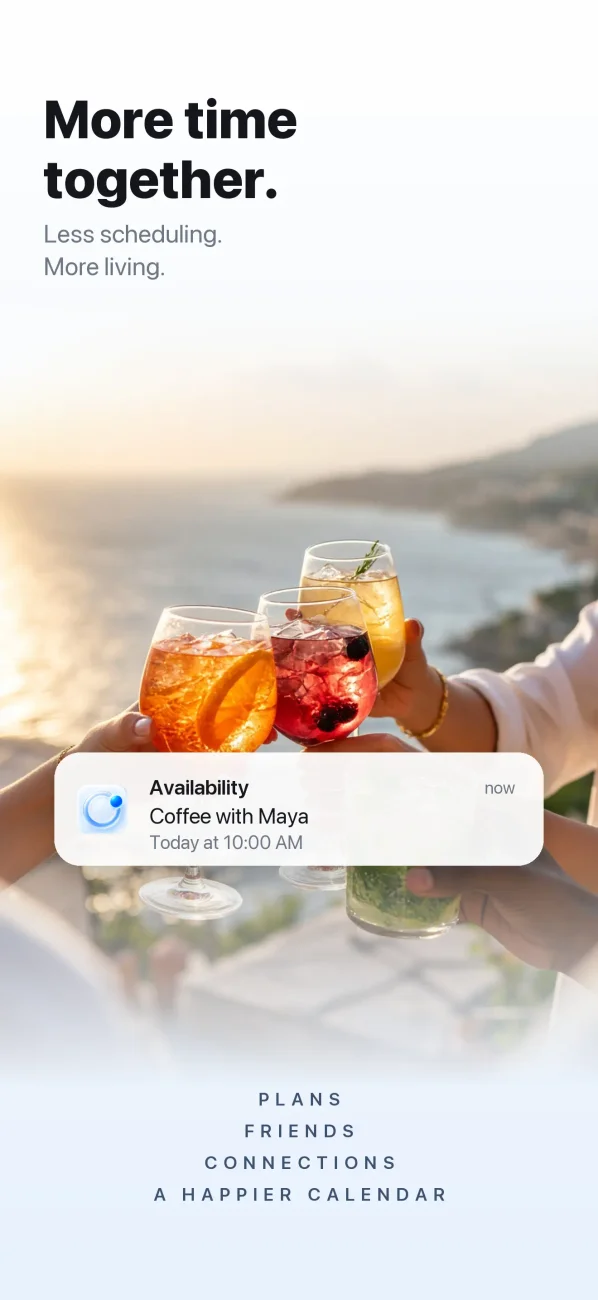
Confirmed bookings go straight into the calendar you choose — iCloud, Google, or any calendar on your iPhone — and the time is instantly held so nobody else can take it.
TUNE ANY SEND
Change the meeting length, the date range, or the hours (mornings only, afternoons, evenings, or custom) for just this message without touching your defaults.
PRIVATE BY DESIGN
Event titles, notes, and attendees never leave your phone. Availability only uses busy/free time to calculate what to offer.
SET UP ONCE
Choose which calendars to check for conflicts, which calendar to add bookings to, your normal working hours, and your default meeting length. After that, everything happens in Messages.
Availability is the missing scheduling button in Messages.
App privacy
What Conscience Protocal declares on the App Store about how this app handles data.
-
Data linked to you
May be collected and linked to your identity.
- Contact info
- User content
- Identifiers
Privacy practices may vary, for example with the features you use or your age.
Information
- Seller
- Oplae Incorporated
- Category
- Productivity
- Version
- 1.0
- Updated
- Sep 24, 2026
- Released
- Sep 23, 2026
- Size
- 4.8 MB
- Requires
- iOS 17.0 or later
- Age rating
- 4+
- Price
- Free
- Copyright
- © 2026 Summit West LLC
You might also like
-
 Simplr CPOProsthetic & Orthotic Orders
-
 Superscribe - AI Note TakerLive Voice Recording + Chat
-
 Availability SyncEffortless Scheduling!
-
 AI Voice-Memos: Summary, ChatRecord,Transcribe,Note-Taking
-
 Avooch: AI Talk by VoiceAI for answers and creativity
-
 Kyew - Schedule Text MessagesSMS Reminder & Bulk Group Text
-
 Lucyd - Personal AIPowered by ChatGPT API
-
 AI Transcribe - Meeting NotesSpeech to Text, Voice Recorder
-
 Remind - Daily PlannerGoal track & planner reminder