
B&W Budget
Monochrome personal budgeting
Designed for iPhone, iPad, Mac
In-app purchases
- Age rating4+
- CategoryFinance
- DeveloperJuan Pierre Lotter
- LanguagesEnglish
- Size10.8 MB
Links to the official App Store page
Download.org hosts no file of B&W Budget. The button opens its official App Store page, published by Juan Pierre Lotter. Listing last checked on Nov 15, 2026.
Screenshots


About
Black & White Budget — opinionated, monochrome, beautifully simple personal budgeting.
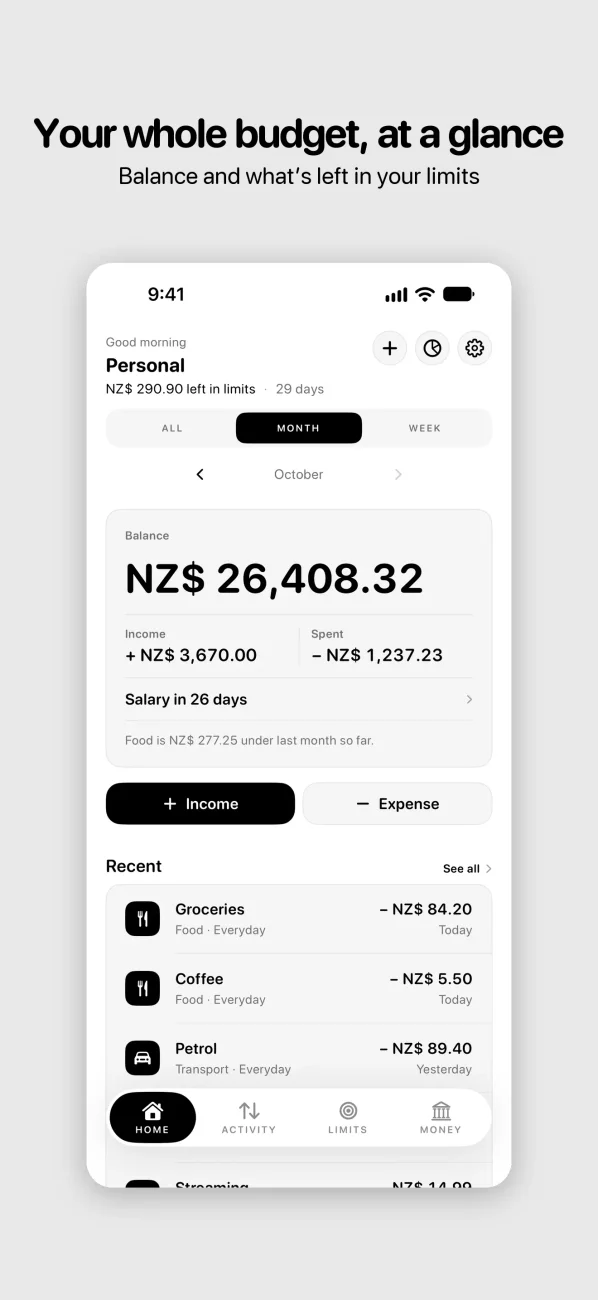
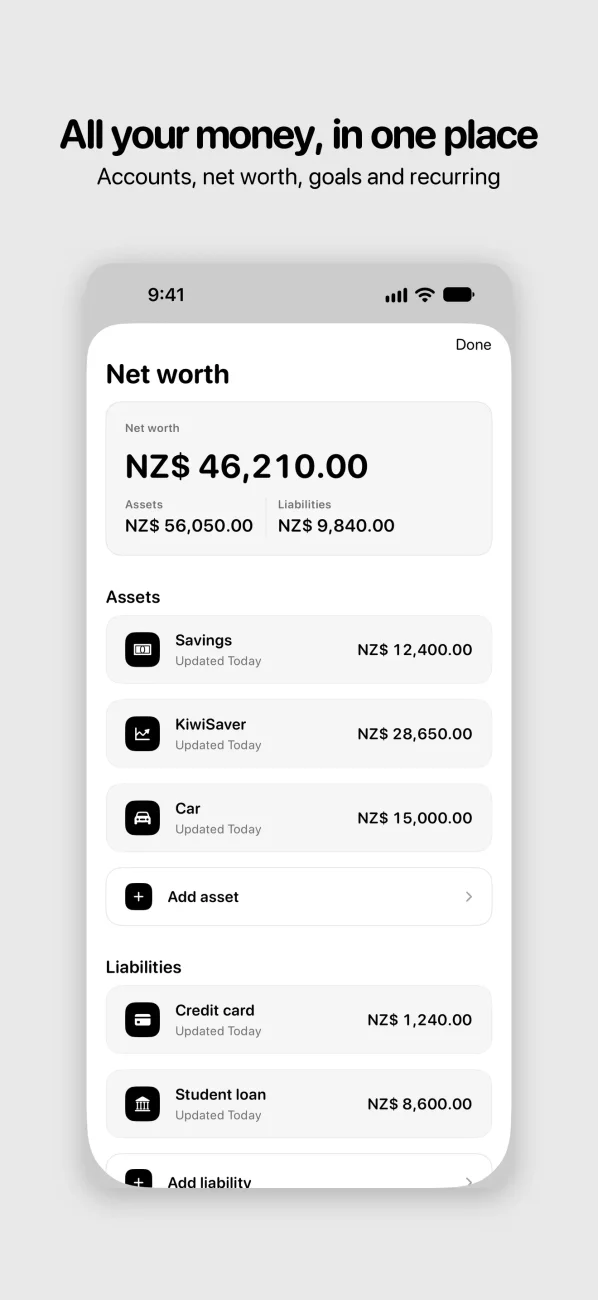
Built around one idea: see exactly what's coming in, what's going out, and what's left to spend. No rainbow charts. No category overload. No subscription.
THE DESIGN
• Strict monochrome — no green, no red, no opinion-by-colour. Hierarchy comes from typography and weight, the way good print does.
• Every interaction respects the same 4pt grid. SF Rounded everywhere.
• Private by design — no login, no account, no telemetry. Your data lives on your device, or in your private iCloud with optional sync (Pro).
THE BASICS
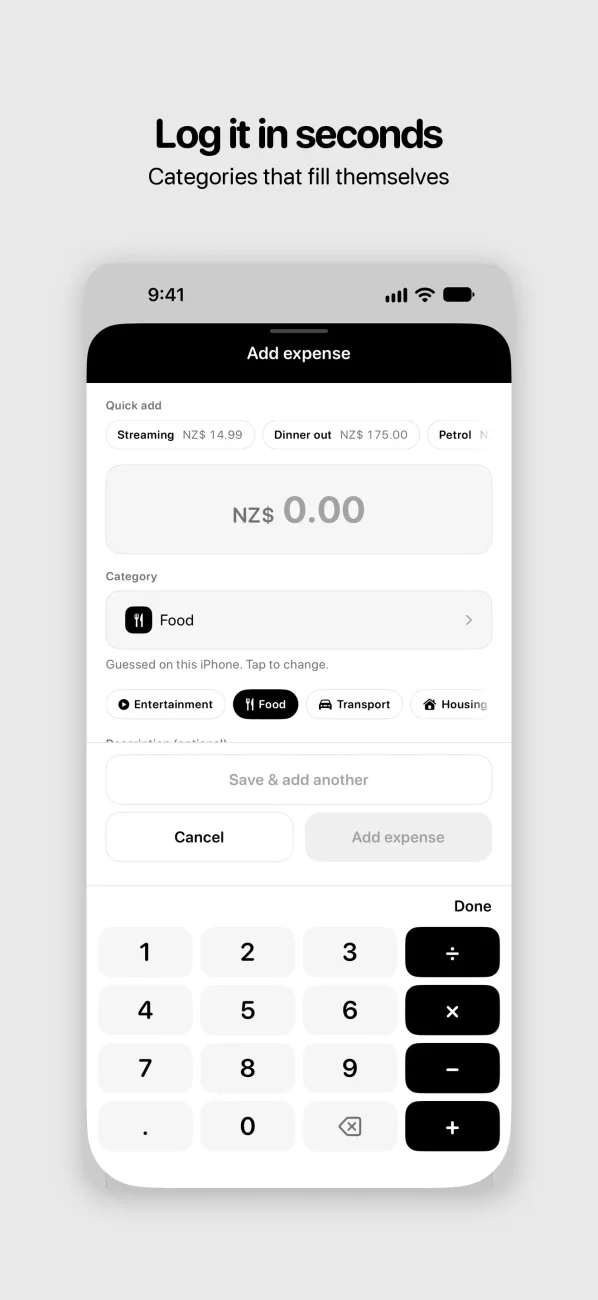
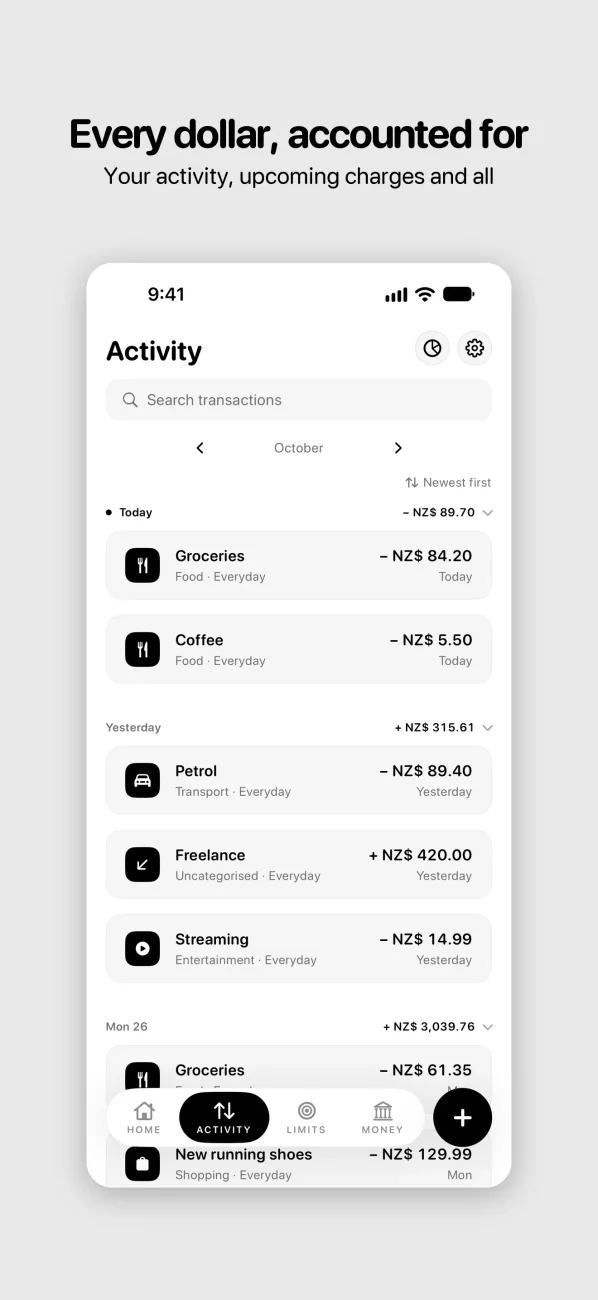
• Add income and expense in seconds.
• Create categories and sub-categories with built-in icons.
• Set a monthly spending limit on any category. When you cross it, the app offers a "split" — push the overage into another category, cascading until everything fits, or choose to go over.
RECURRING
• Rent, salary, subscriptions — set them once, let them fire on their schedule.
• Upcoming view shows the next 30 days of expected income and expense, with a "balance after" line so you know what's actually free to spend.
INSIGHTS
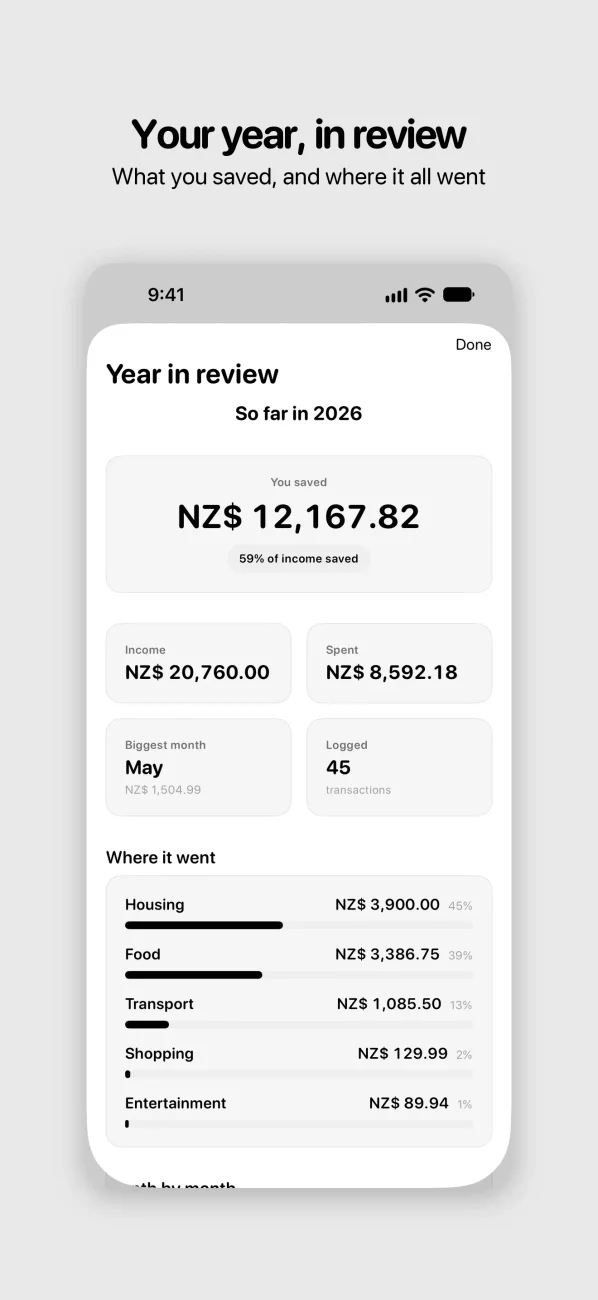
• Monochrome donut breaking down spend by category for the focused period.
• Trend chart of income vs expense over days, weeks, months, or years.
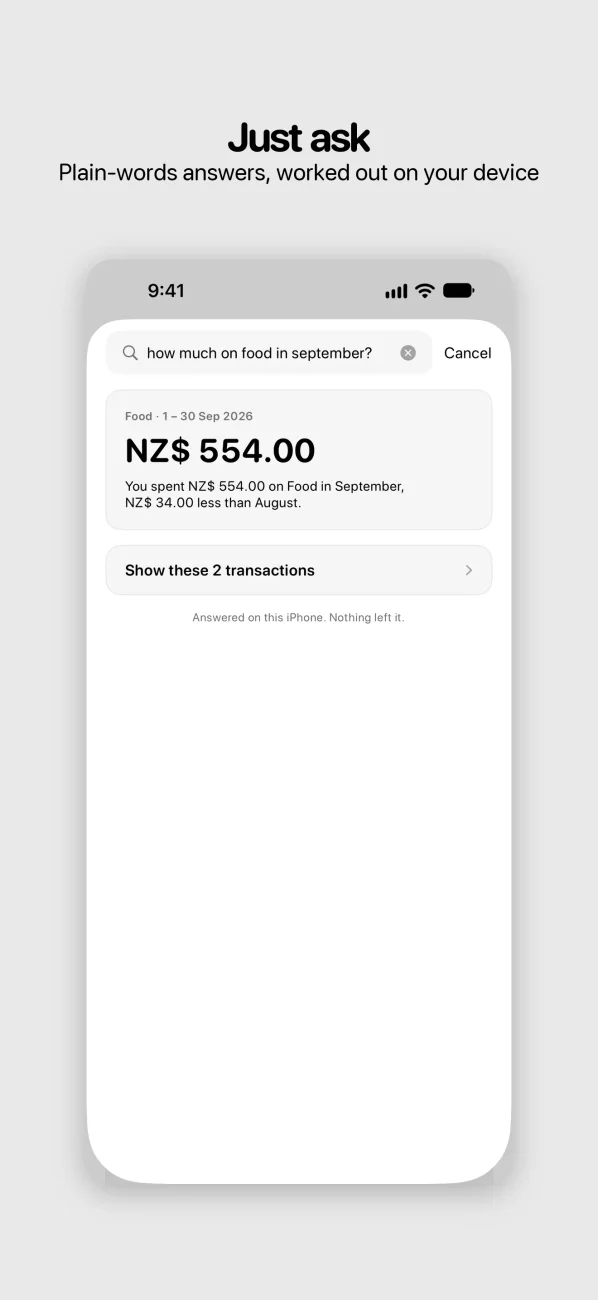
• Plain-English deltas: "$120 less spent than last month."
NOTIFICATIONS
• Reminders when recurring transactions fire.
• "Due tomorrow" reminders before they fire.
• Low-balance alert when your total drops below your threshold.
SHARING & EXPORT
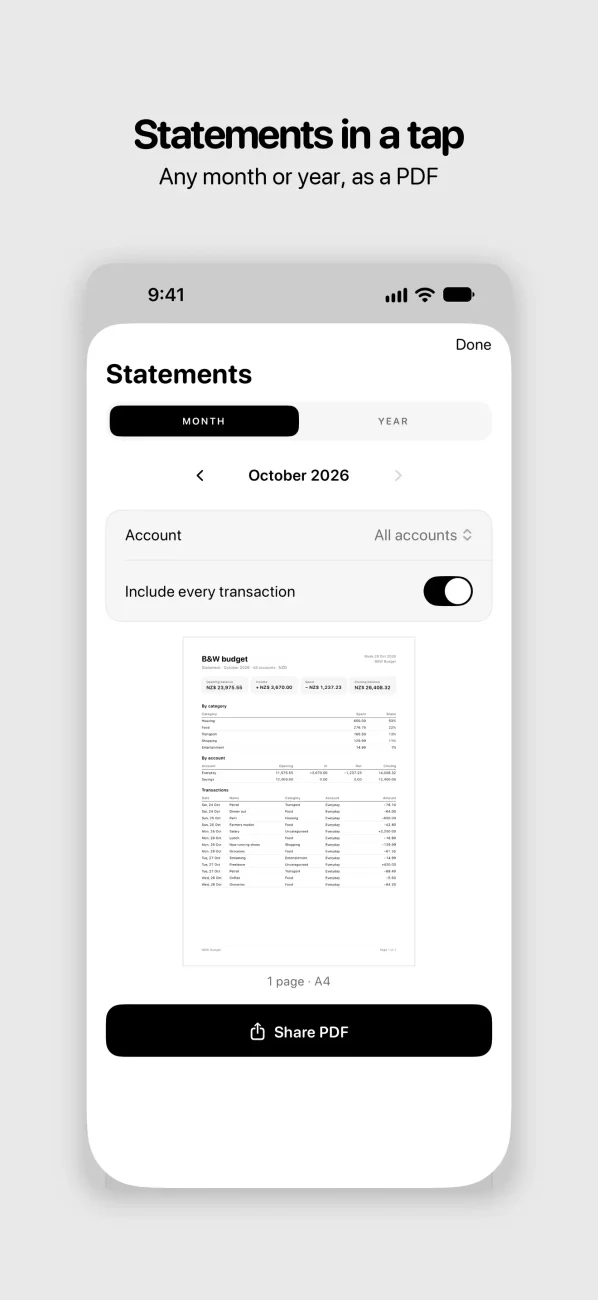
• Export everything to CSV or JSON via the native share sheet.
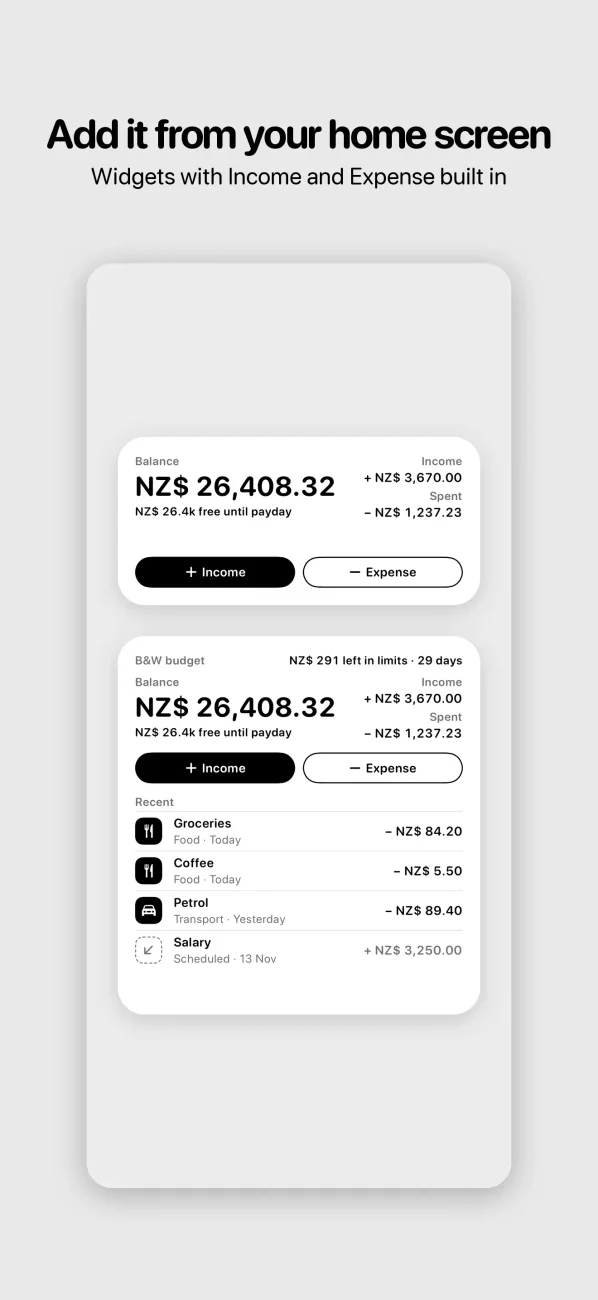
• Home-screen widget shows Capital + this-month flow at a glance.
• Long-press the app icon for "Add income" / "Add expense" quick actions.
OTHER
• Multiple budgets — Personal, Work, Family — switch with one tap.
• Two app icon variants — default and inverted.
• Replay the walkthrough any time from Settings.
Free. No ads. No subscription. A single one-time purchase unlocks Pro — iCloud sync across iPhone, iPad, and Mac.
What’s new
Version 1.4.7 · Nov 12, 2026
• Faster: choosing a category when you add a transaction opens instantly, however long your history.
App privacy
What Juan Pierre Lotter declares on the App Store about how this app handles data.
-
Data not collected
The developer does not collect any data from this app.
Privacy practices may vary, for example with the features you use or your age.
Information
- Seller
- Juan Pierre Lotter
- Category
- Finance
- Version
- 1.4.7
- Updated
- Nov 12, 2026
- Released
- Jun 9, 2026
- Size
- 10.8 MB
- Requires
- iOS 18.0 or later
- Age rating
- 4+
- In-app purchases
- Yes
- Languages
- English
- Copyright
- © 2026 Juan Pierre Lotter
You might also like
-
 Tallyra: Expense TrackerPrivate Budget & Spending
-
 Spendly: Visual Expense LogTrack Spending With Photos
-
 Compound: Wealth CalculatorInvestment & Savings Growth
-
 Budgitrack: Budget PlannerIncome & Expense Tracker
-
 Simple Finance: Budget PlannerSpending, Savings & Retirement
-
 Compound Interest & WithdrawalWealth planning, simplified
-
 Reece: Receipt ScannerExpenses & PDF Reports
-
 Salary Cycle - Budget PlannerTrack Expenses by Paycheck
-
 M Budget: Expense TrackerMoney Manager & Planner
-
 Money Budget Tracker. SpendingFamily & Couples Daily Planner