Background remover erase tool
Cut and paste photo editor app
Designed for iPhone, iPad, iPod touch
Free · In-app purchases
- Age rating4+
- CategoryPhoto & Video
- DeveloperMaria Melero Gonzalez Barandiaran
- LanguagesEnglish+ 7 more
- Size47.9 MB
Links to the official App Store page
Download.org hosts no file of Background remover erase tool. The button opens its official App Store page, published by Maria Melero Gonzalez Barandiaran. Listing last checked on Nov 12, 2026.
Screenshots

About
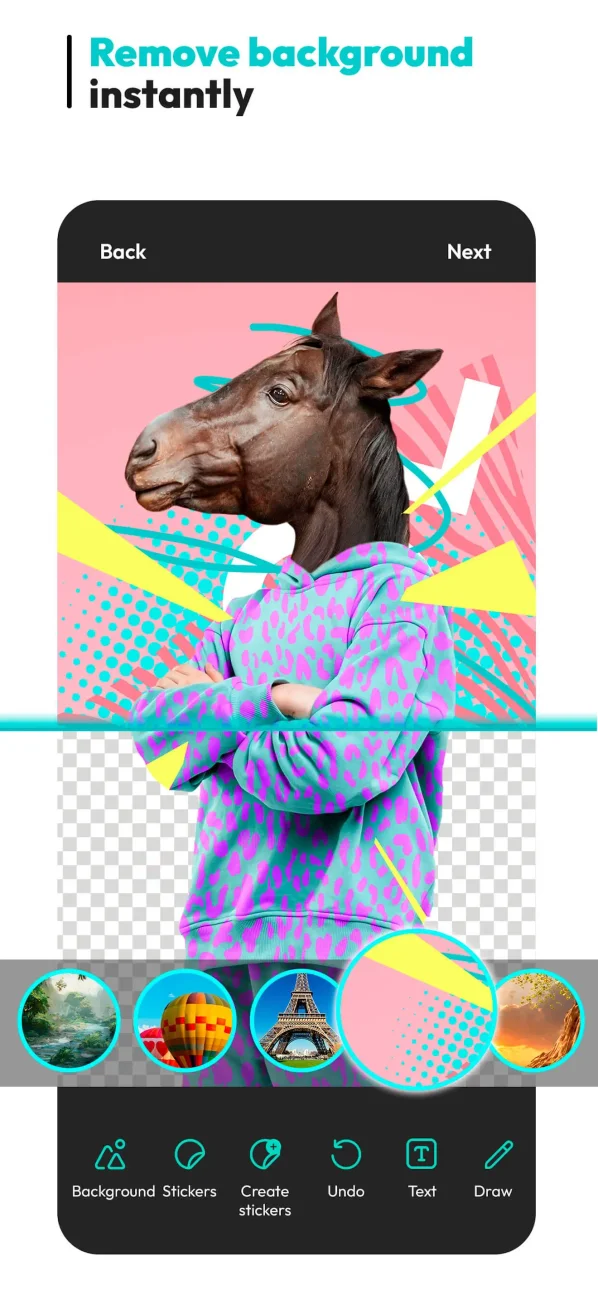
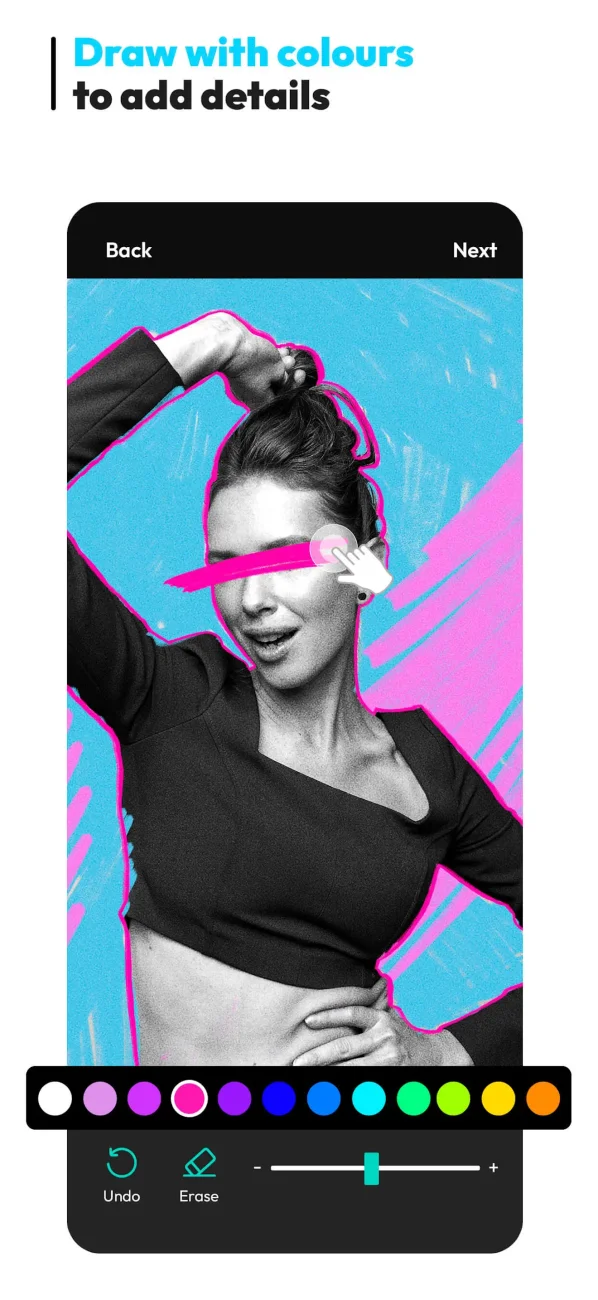
Cut and paste photo editor to cutout and make transparent background. Stickers, fonts, images, additional processing, and other tools give you plenty of room for creativity.
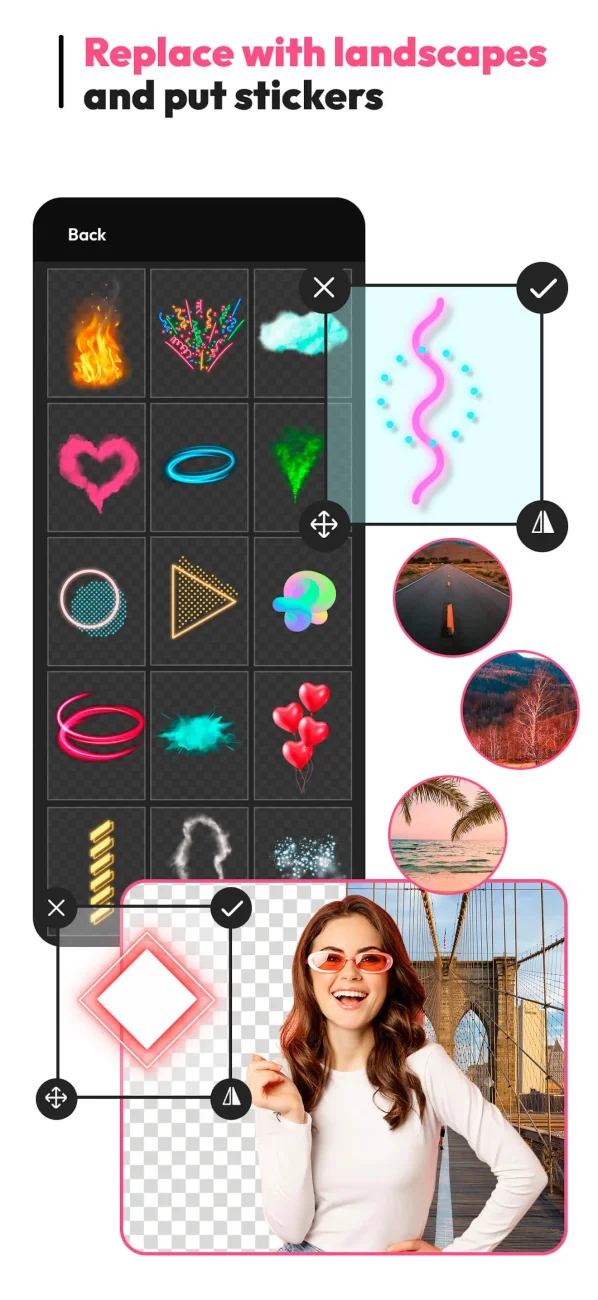
Are you looking for simple tricks, photo montages and face swaps? Import your images and create your own custom photo stickers. Start to do fun montages. Use our cut and paste app to swap faces, remove background, add text or draw on photos. Cut subjects out of images and paste them onto new backgrounds. Stickers, fonts, images, additional processing, and other tools give you plenty of room for creativity.
If you want to want to change background for your photo use our intuitive background eraser to automatically cut out pictures with our editing tools, remove background and make transparent PNG pictures in high quality. This is an amazing free app for cutting pictures and for making a picture's background transparent. The resulting images can be used as stickers with other apps to make a photomontage, collage.
Try this PNG maker to remove background from photos at first then you can change the background you like for it. This is the easiest free background remover app that helps you to remove backgrounds from photos and make transparent background PNG pictures in one second. Its advanced AI cutout tool will cut out your picture automatically. Zero cost!
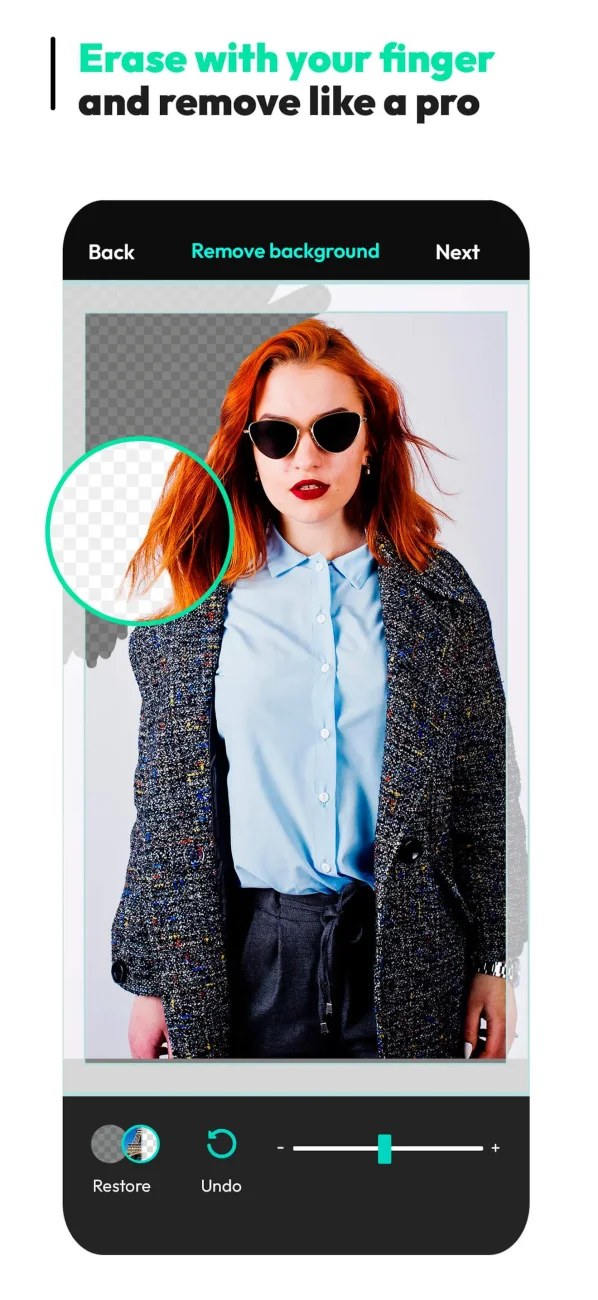
Auto mode will let you erase similar pixels automatically. It recognizes pictures well with people, animals, plants and more. It removes similar pixels automatically in 1 click. It does not need to erase complicated backgrounds awkwardly bit by bit with fingers.
Extract mode will help you select and erase objects which you want to remove accurately, by using blue and red markers. It will quickly outline the object on your photo you want to cut and erase the cutout picture easily.
With cutout photos background eraser, you create transparent background PNG pictures, stickers for your chat apps, memes and more. It t is a powerful free photo editor & photo cutting app that lets you remove the background of your photo anytime, anywhere. It helps you edit your photos background eraser like a pro.
What’s new
Version 1.3 · Jul 17, 2025
Updated libraries
Project dependencies have been updated to improve stability and compatibility with future system versions.
Bug fixes
The sticker creator now correctly centers the image on the screen.
Deprecated methods for opening URLs have been updated.
Fixed an organizer-related issue in the image resizing method used in the splash screen.
App privacy
What Maria Melero Gonzalez Barandiaran declares on the App Store about how this app handles data.
-
Data used to track you
May be used to track you across apps and websites owned by other companies.
- Identifiers
- Usage data
-
Data linked to you
May be collected and linked to your identity.
- Identifiers
- Usage data
Privacy practices may vary, for example with the features you use or your age.
Information
- Seller
- Maria Melero Gonzalez Barandiaran
- Category
- Photo & Video
- Version
- 1.3
- Updated
- Jul 17, 2025
- Released
- Jun 13, 2022
- Size
- 47.9 MB
- Requires
- iOS 13.0 or later
- Age rating
- 4+
- Price
- Free
- In-app purchases
- Yes
- Languages
- English, French, German, Italian, Portuguese, Simplified Chinese, Spanish, Turkish
- Copyright
- © Cristina Maria 2025
You might also like
-
 Cut and paste, create photosEditor photo & meme Maker
-
 Cut Paste – Erase BackgroundPhoto Editor, Create Stickers
-
 Background Eraser for photoEditor with stickers maker app
-
 Cut and paste - Stickers makerPhoto Editor, Erase Background
-
 Remove BG - Background RemoverAI Erase BG : Magic eraser
-
 Cut and Paste – Stickers MakerPhoto editor erase background
-
 Cut Paste photo editor .Stickers for pictures - Album
-
 Background Remover - BG EditorPhoto cutout eraser & changer
-
 Cut & Paste Photo EditorDelete photo backgrounds
-
 Cut & paste for edit stickersPhoto with eraser background