
Background Remover: Eraser Dio
Magic photo transparent cutout
Designed for iPhone
Free · In-app purchases
- Age rating4+
- CategoryGraphics & Design
- DeveloperMustafa Utku Coskun
- LanguagesEnglish
- Size84.0 MB
Links to the official App Store page
Download.org hosts no file of Background Remover: Eraser Dio. The button opens its official App Store page, published by Mustafa Utku Coskun. Listing last checked on Nov 28, 2026.
Screenshots

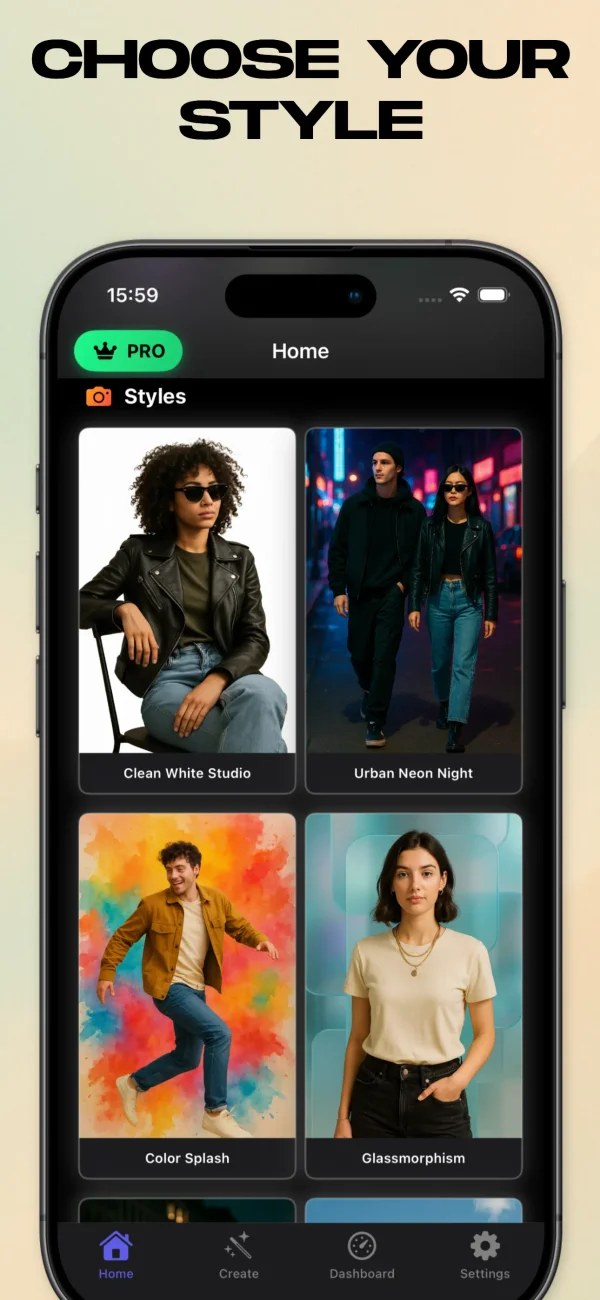
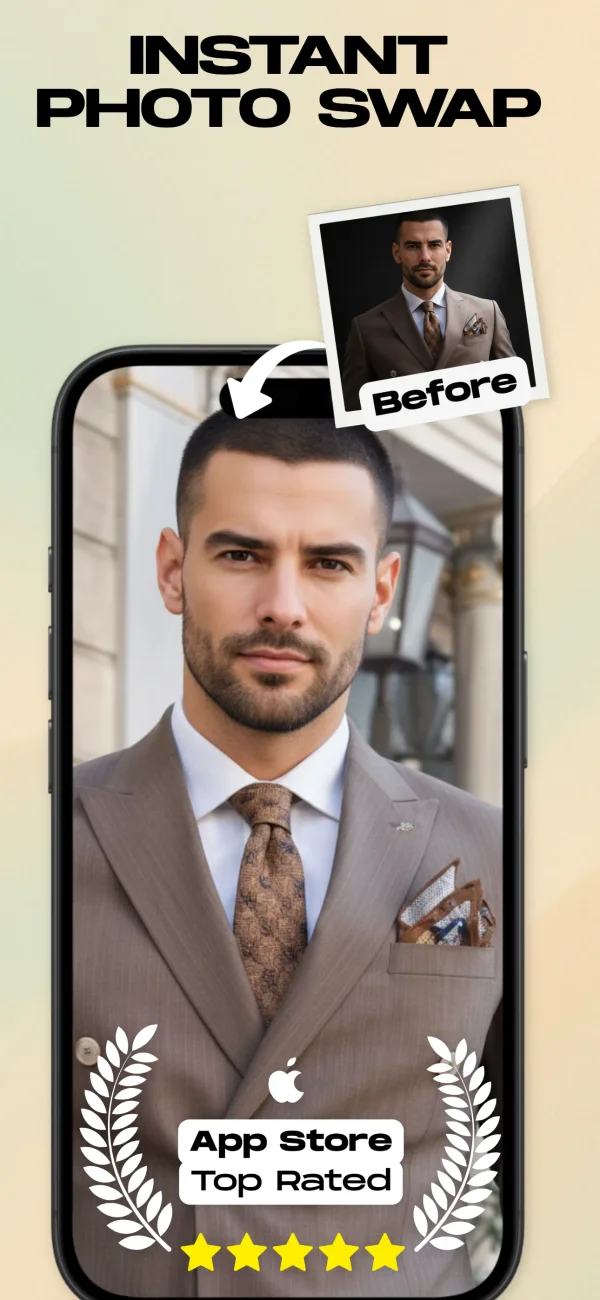
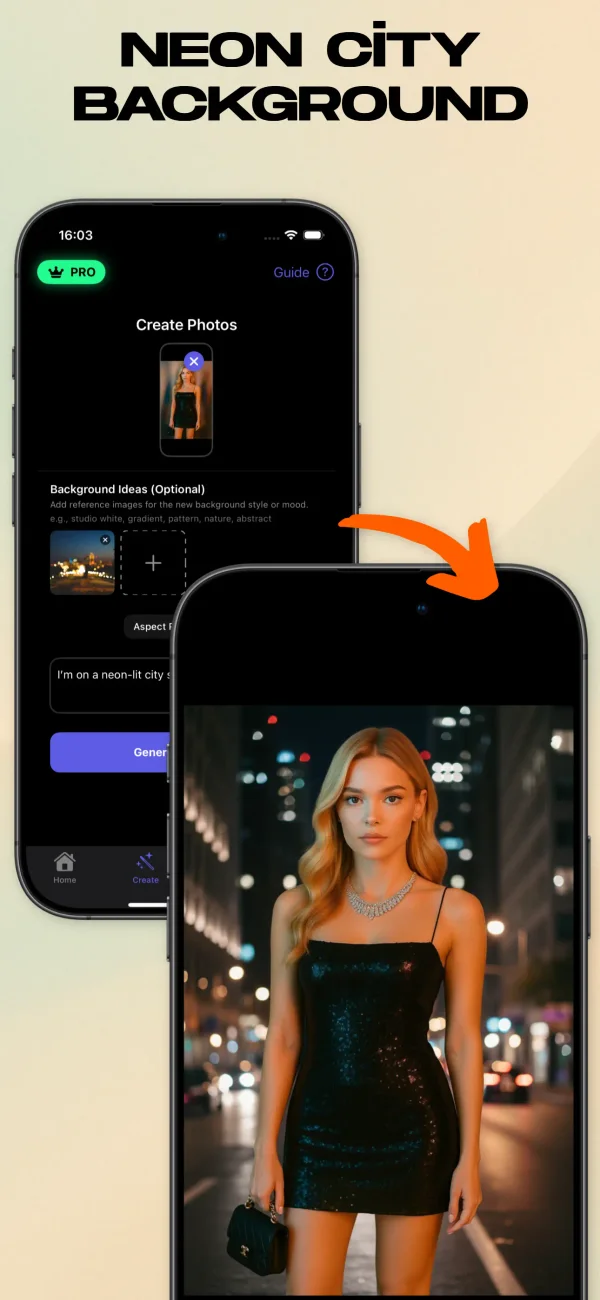

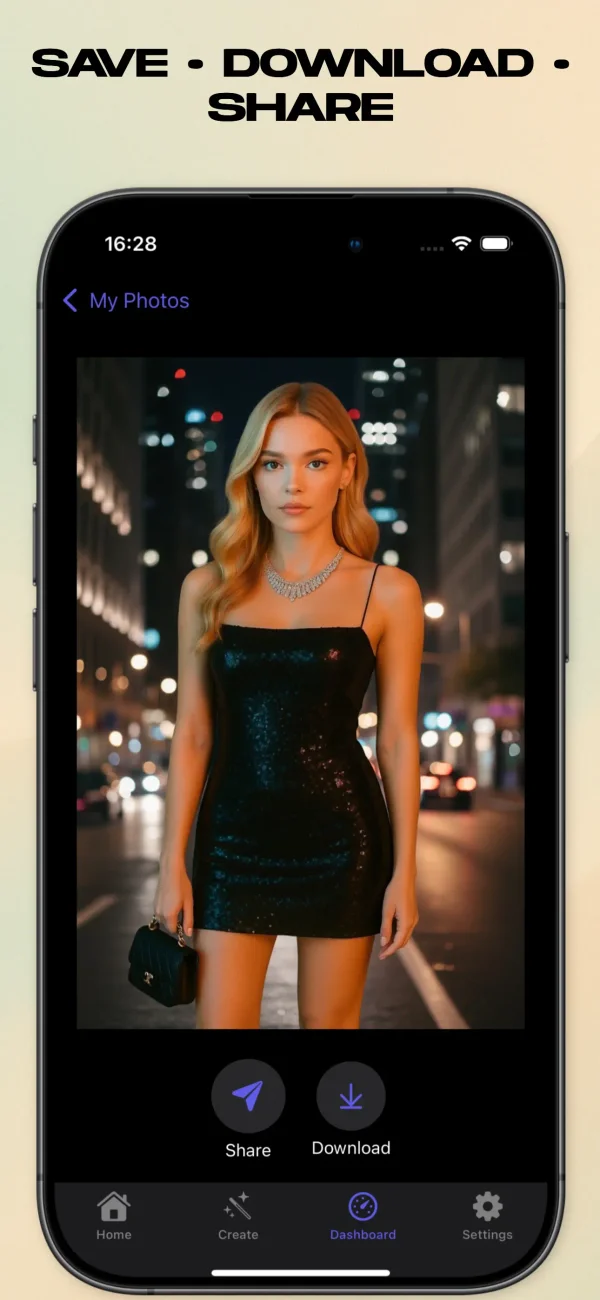
About
Create transparent PNGs or swap in new backgrounds in seconds. Get smart AI cutouts, delete unwanted objects, and drop your subject onto studio, office, color, or custom scenes—perfect for product photos, portraits, listings, and social posts.
What you can do
* Remove or replace backgrounds (studio, office, blur, solid colors, gradients, or your own image)
* Transparent PNG export for shops, resumes, and profiles
* Object delete/cleanup to remove distractions
* Shadow & lighting match so subjects feel natural in new scenes
* Edge & hair handling to avoid halos and jagged lines
* High-resolution output and a fast, batch-friendly flow
How it works
1. Import your photo.
2. Auto cutout isolates the subject instantly.
3. Refine with erase/restore, edge tools, and object delete.
4. Replace background with presets (studio/office/blur/color/gradient) or add your own image.
5. Export as transparent PNG or save the composite.
Built for creators & teams
* Sellers & marketers: consistent product photos for marketplaces
* Designers & editors: quick composites for ads and mockups
* Social & profiles: polished visuals without a studio
Why it’s better
* Accurate segmentation: handles hair and fine edges
* Natural composites: shadow/lighting adjustment for realism
* Speed & control: quick previews, simple tools, clean results
Tips for best results
* Use even lighting and keep the subject fully in frame.
* For products, shoot against simple backgrounds.
* Match background tone to the subject for realistic results.
Privacy
No face data is retained on our servers.
Face data is not shared with third parties except for processing via the AI API, which does not store face data permanently.
Terms of Use - https://www.apple.com/legal/internet-services/itunes/dev/stdeula/
Privacy Policy - https://sites.google.com/view/backgrounddio/privacy-policy
What’s new
Version 6.5.1 · Nov 29, 2025
Fixed some bugs.
App privacy
What Mustafa Utku Coskun declares on the App Store about how this app handles data.
-
Data not collected
The developer does not collect any data from this app.
Privacy practices may vary, for example with the features you use or your age.
Information
- Seller
- Mustafa Utku Coskun
- Category
- Graphics & Design
- Version
- 6.5.1
- Updated
- Nov 29, 2025
- Released
- Nov 27, 2025
- Size
- 84.0 MB
- Requires
- iOS 16.6 or later
- Age rating
- 4+
- Price
- Free
- In-app purchases
- Yes
- Languages
- English
- Copyright
- © M.UtkuCoskun
You might also like
-
 Remove Photo Video BackgroundErase Change BG From Pic Video
-
 RemoveBG - Remove BackgroundRemove Backgrounds in Seconds
-
 Photo Eraser-AI Remove ObjectsMagic Eraser&AI Retouch Photo
-
 AI Background Remover n EraserCut Paste Photo, Pic BG CutOut
-
 Background Changer: BetterBGEraser Pic Remove Background
-
 Background Remover : Remove BGRemove Objects & Magic Eraser
-
 Remove・Erase Objects on PhotoObject Removal・People Remover
-
 AR Wall PosterAugmented reality
-
 Object Remover - AI EraserRemove Objects, People & Text
-
 Wallpaper & Widget Maker LinenLock Screen, Stickers & Themes