Background Text-AI Text Editor
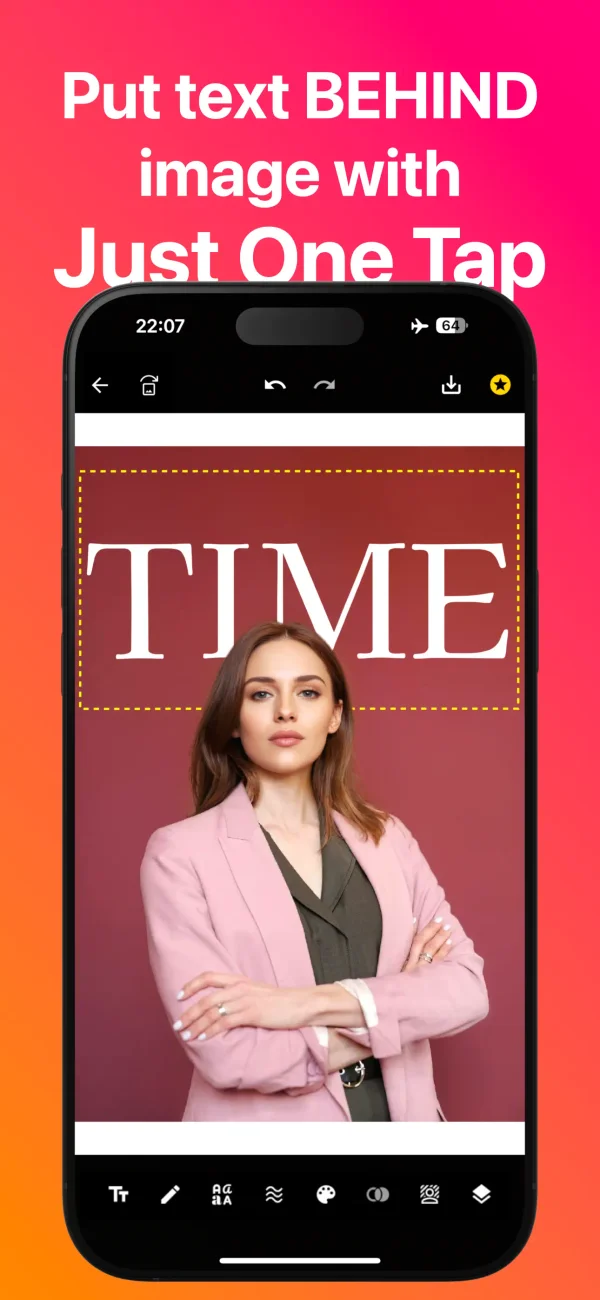
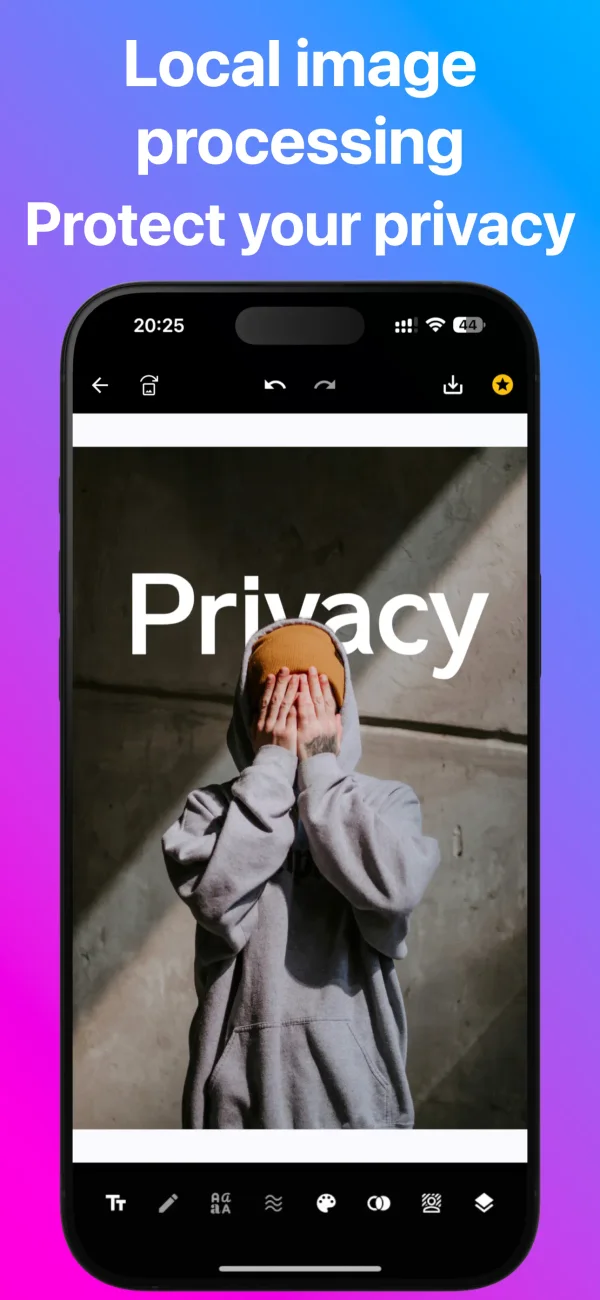
Add text behind the image
Designed for iPhone
Free · In-app purchases
- Age rating4+
- CategoryGraphics & Design
- Developer小虎 周
- LanguagesEnglish+ 4 more
- Size87.6 MB
Links to the official App Store page
Download.org hosts no file of Background Text-AI Text Editor. The button opens its official App Store page, published by 小虎 周. Listing last checked on Nov 15, 2026.
Screenshots
About
Background Text - AI Smart Photo Text Editor
Use AI foreground recognition technology to add professional text effects to your photos! Background Text is the ultimate photo editing app that intelligently separates subjects from backgrounds, allowing you to precisely place text in front of or behind any element.
Core Features:
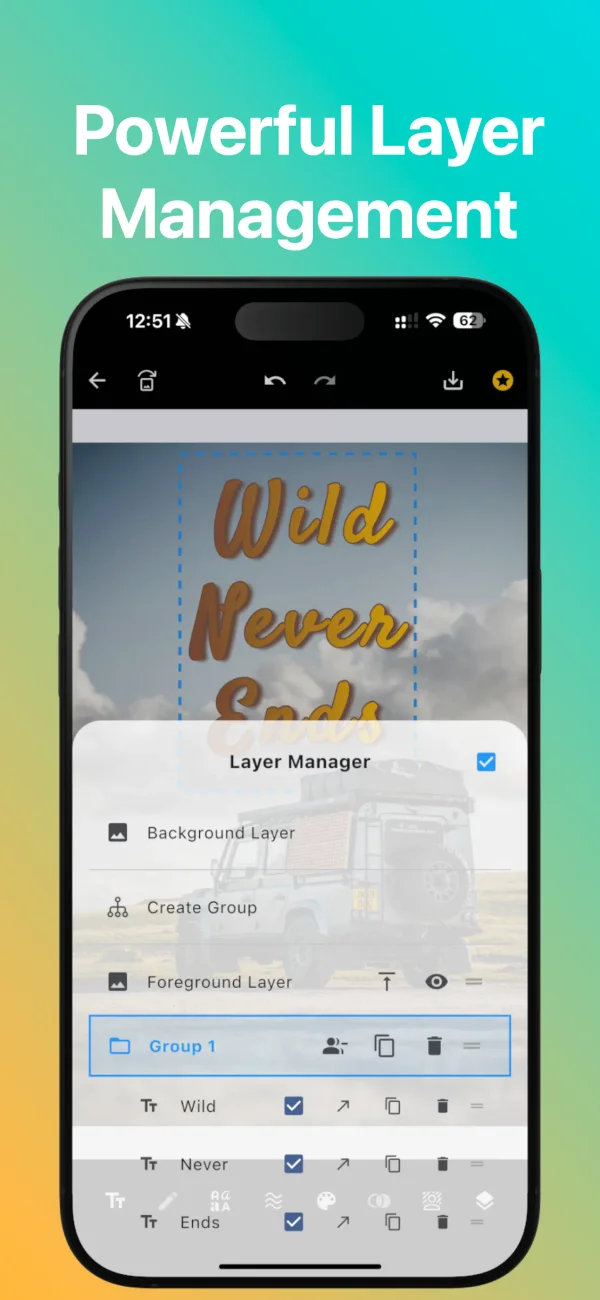
AI Smart Layer Management
• AI automatic foreground subject recognition
• Intelligent layer separation for precise text positioning
• One-tap subject separation with professional results
Advanced Text Effects
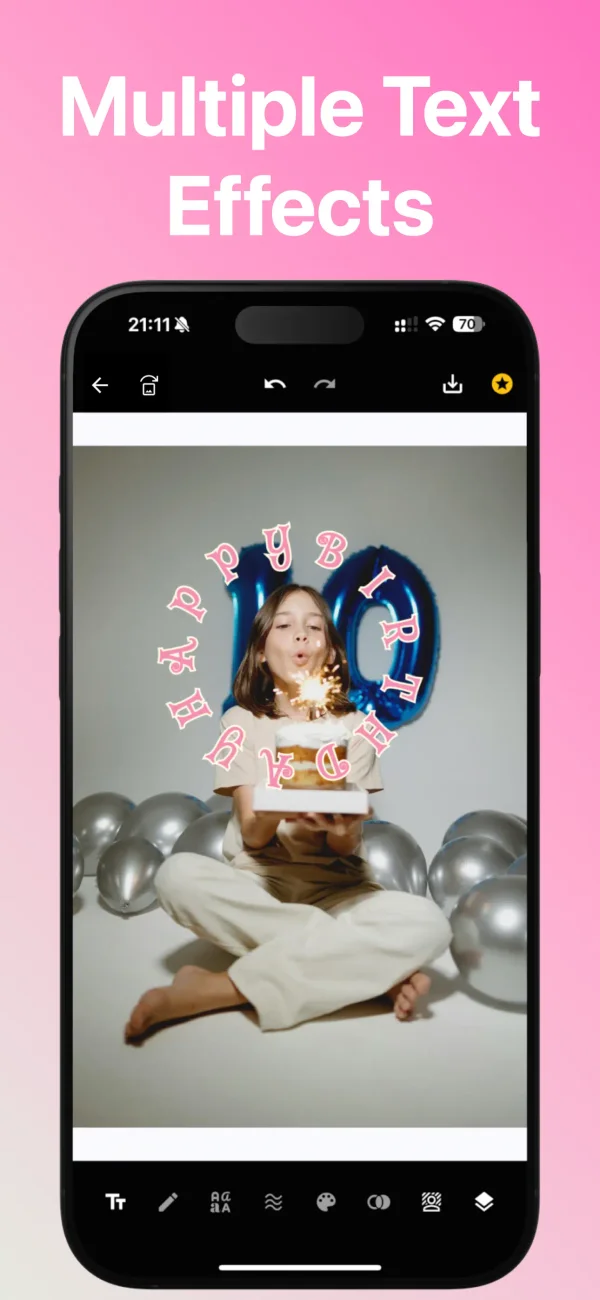
• Curved text with customizable curvature
• Linear, radial, and sweep gradient text
• Adjustable stroke effects with width and color control
• Shadow effects with blur and offset controls
• Letter spacing and opacity adjustments
• Bold style options
• Background fill for enhanced readability
• 3D text rotation effect
• Vertical text arrangement
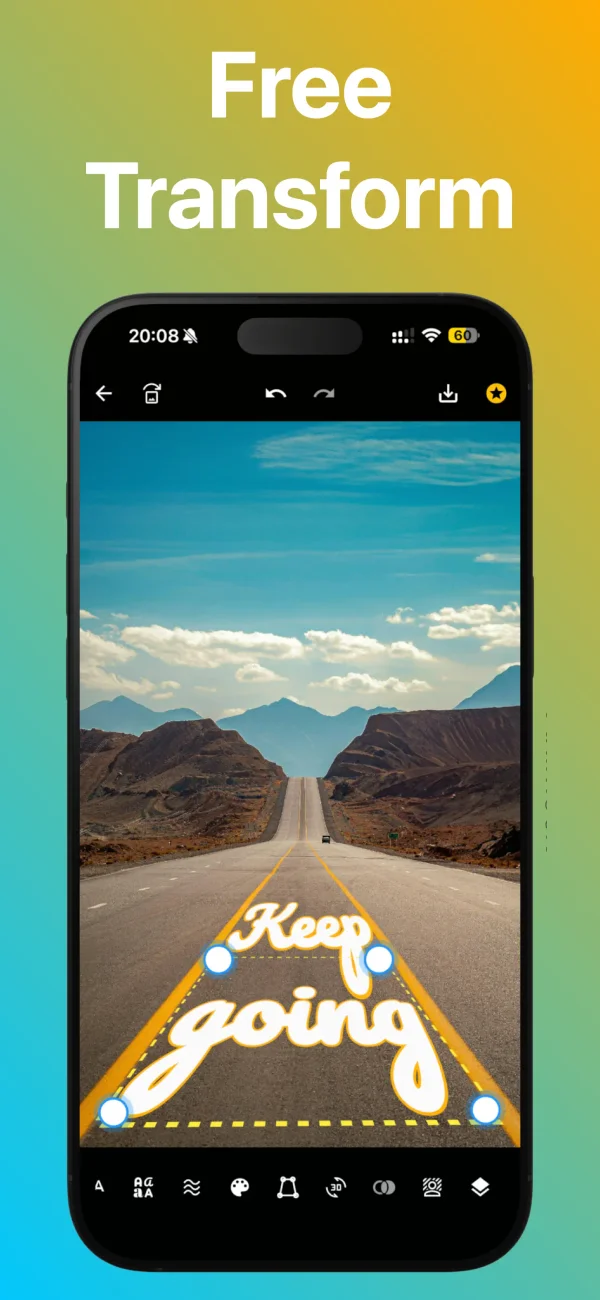
• Free transform text
• Text Eraser
Professional Typography
• Rich font library
• Custom font upload support (Premium)
Background Editing
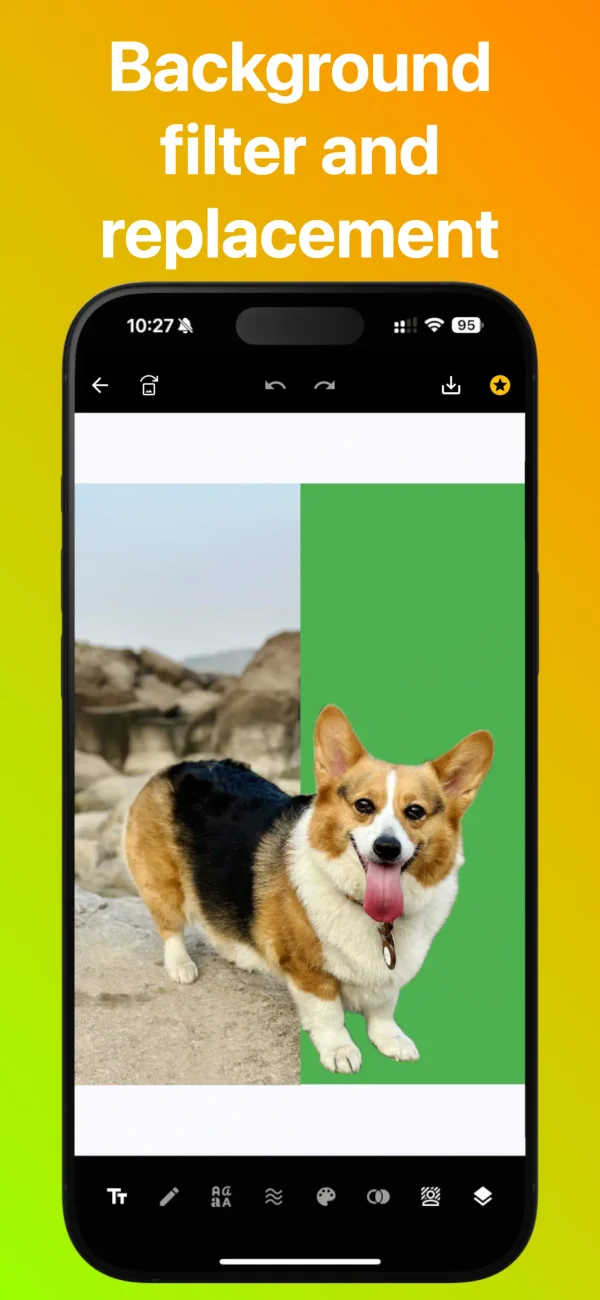
• Solid color background replacement
• Gradient background replacement
• Image background replacement
• Professional filters
Image Enhancement
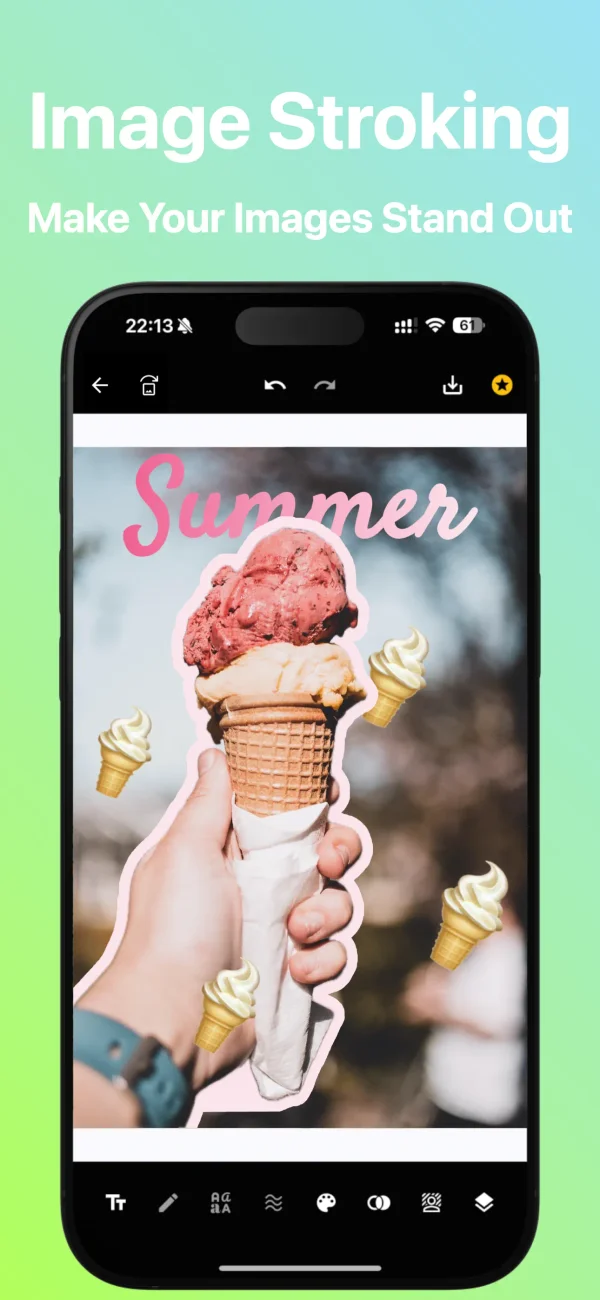
• Smart subject stroking
• Professional edge detection
• High-quality image processing
Project Management
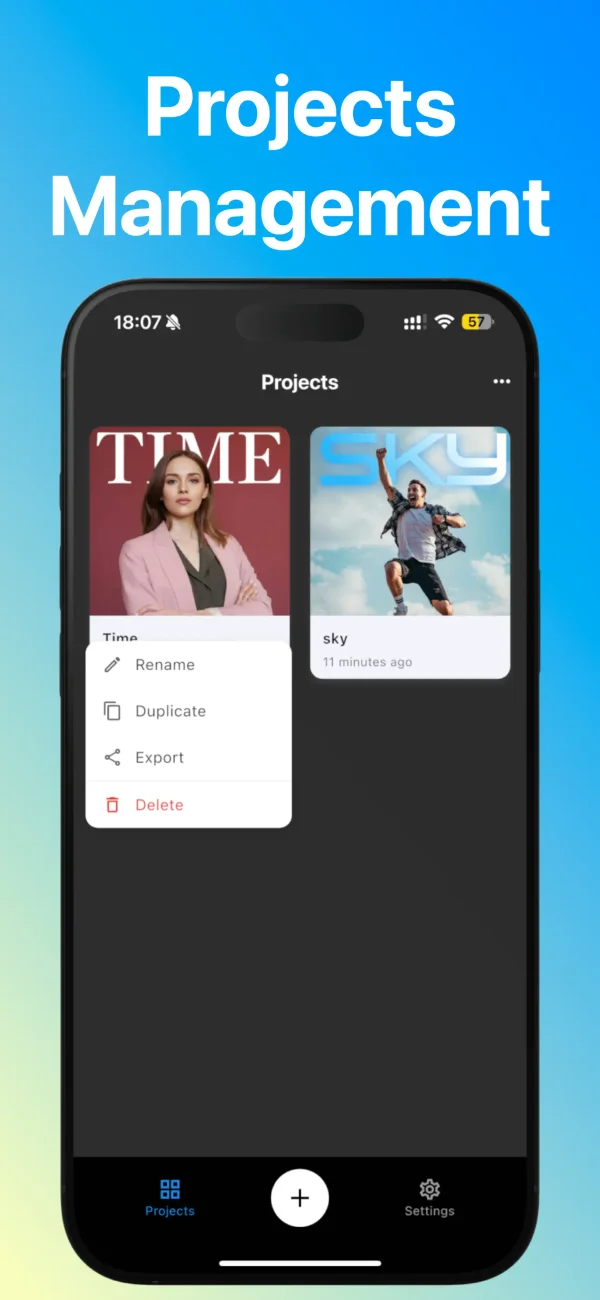
• Save and manage projects
• Export/import project files (.bgt format)
• Undo/redo functionality
Premium Features
• Unlimited image saves
• Custom font uploads
• Background replacement
• Advanced gradient effects
Use Cases
• Create layered photos
• Make creative social content
• Design unique wallpapers
• Professional photography creation
• Marketing material design
• Social media showcase
• Artistic photo editing
• ID photo background changing
Download Background Text now and easily create stunning visual content!
Notice:
The first time running the app, network permission is required to download fonts.
Fonts support English, Simplified Chinese, Traditional Chinese, Japanese, and Korean.
Privacy Policy:
https://gabby-individual-c79.notion.site/Background-Text-Privacy-Policy-34f15855067c8025bfbfec8d9cd084e9
Terms of Service:
https://www.apple.com/legal/internet-services/itunes/dev/stdeula/
What’s new
Version 2.6.0 · May 8, 2026
What’s New:
• Added foreground layer unlocking in the Layer Manager. Once unlocked, the foreground layer can be moved, scaled, and rotated freely.
• Added a Text Eraser tool to the toolbar. Select a text layer and tap the eraser button to erase parts of the text.
App privacy
What 小虎 周 declares on the App Store about how this app handles data.
-
Data used to track you
May be used to track you across apps and websites owned by other companies.
- Location
- Identifiers
- Usage data
-
Data linked to you
May be collected and linked to your identity.
- Location
- Identifiers
- Usage data
Privacy practices may vary, for example with the features you use or your age.
Information
- Seller
- 小虎 周
- Category
- Graphics & Design
- Version
- 2.6.0
- Updated
- May 8, 2026
- Released
- Feb 11, 2025
- Size
- 87.6 MB
- Requires
- iOS 17.0 or later
- Age rating
- 4+
- Price
- Free
- In-app purchases
- Yes
- Languages
- English, Japanese, Korean, Simplified Chinese, Traditional Chinese
- Copyright
- © 2025 XIAOHU ZHOU
You might also like
-
 Live Helper-live wallpapersVideo to live wallpaper maker
-
 Color Palette AnalysisColour Identifier & Picker
-
 BetterShots - Edit ScreenshotsBlur, Stitch, Frame, Gradient
-
 Frame It UpDevice Mockups
-
 Logo Maker & Design AI: IconixDesign & Generate Custom Logos
-
 Flowpaper: Drawing & AnimationPainting Sketchbook & Doodle
-
 OSomeWidgets - Health ToolsLip color, weather, health
-
 Poster Maker Flyer Maker PostaBanner Maker Design Poster App
-
 PaletteLab - AI Color DesignerColor Palettes for Designers
-
 Instant Noodles: OriginalQuote and Quick Memo Maker