
Backup & Restore App
Messages and Contacts Export
Designed for iPhone, iPad
Free · In-app purchases
- Age rating4+
- CategoryUtilities
- DeveloperThien Le Nguyen Anh
- LanguagesEnglish
- Size4.3 MB
Links to the official App Store page
Download.org hosts no file of Backup & Restore App. The button opens its official App Store page, published by Thien Le Nguyen Anh. Listing last checked on Nov 19, 2026.
Screenshots
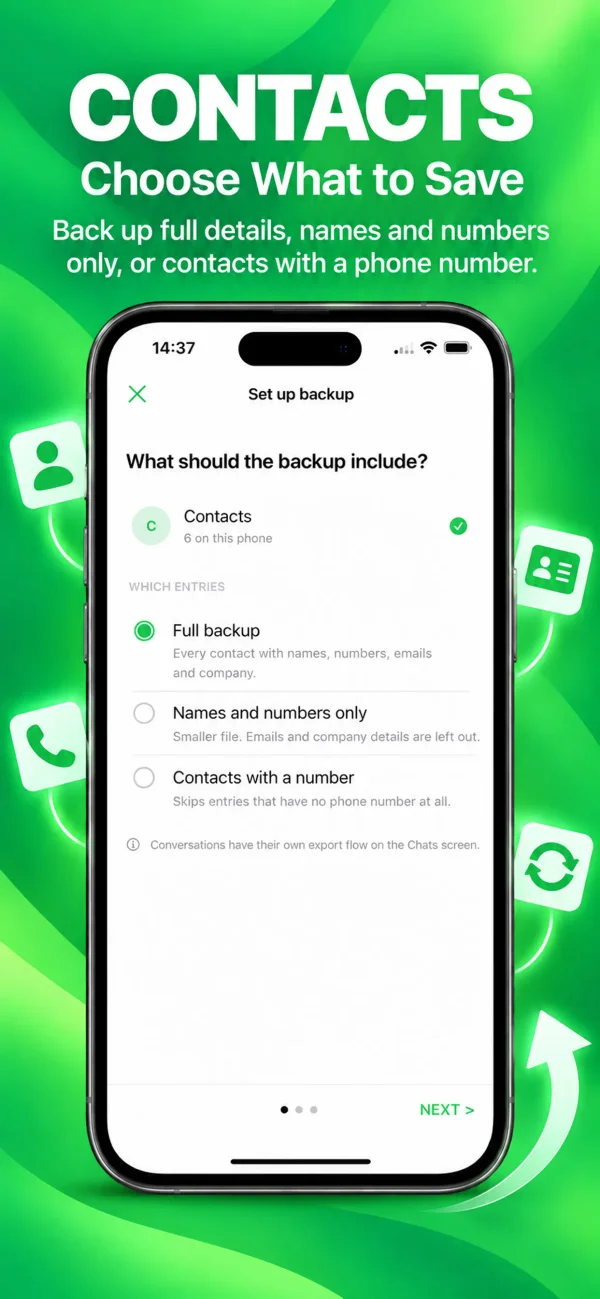
About
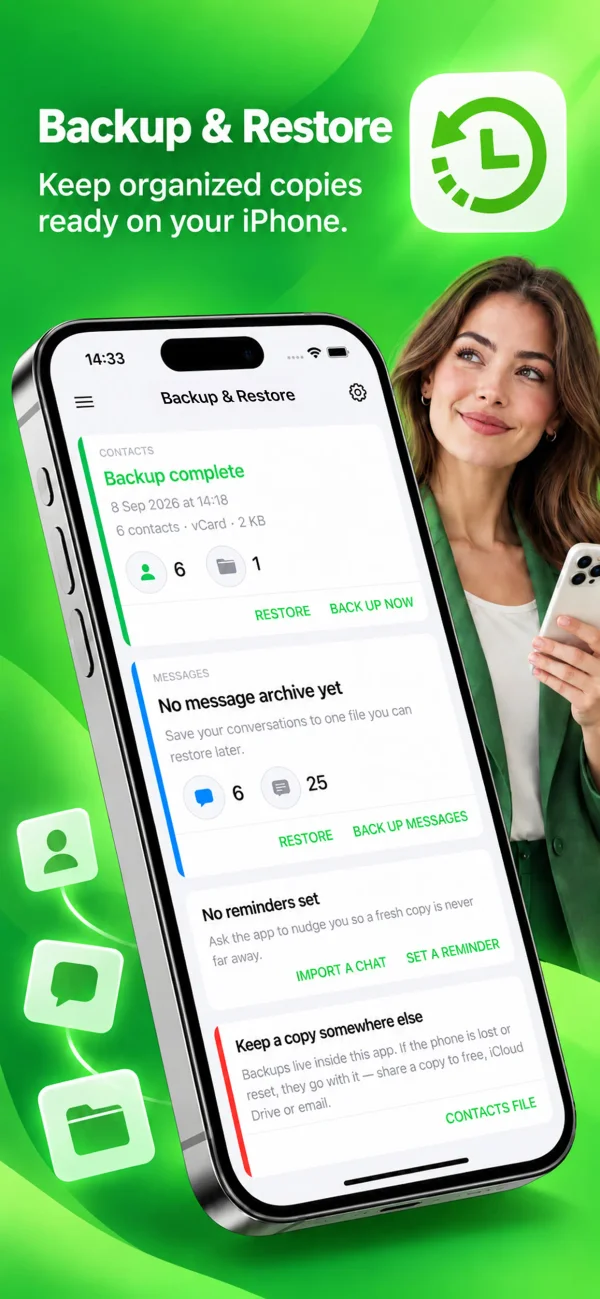
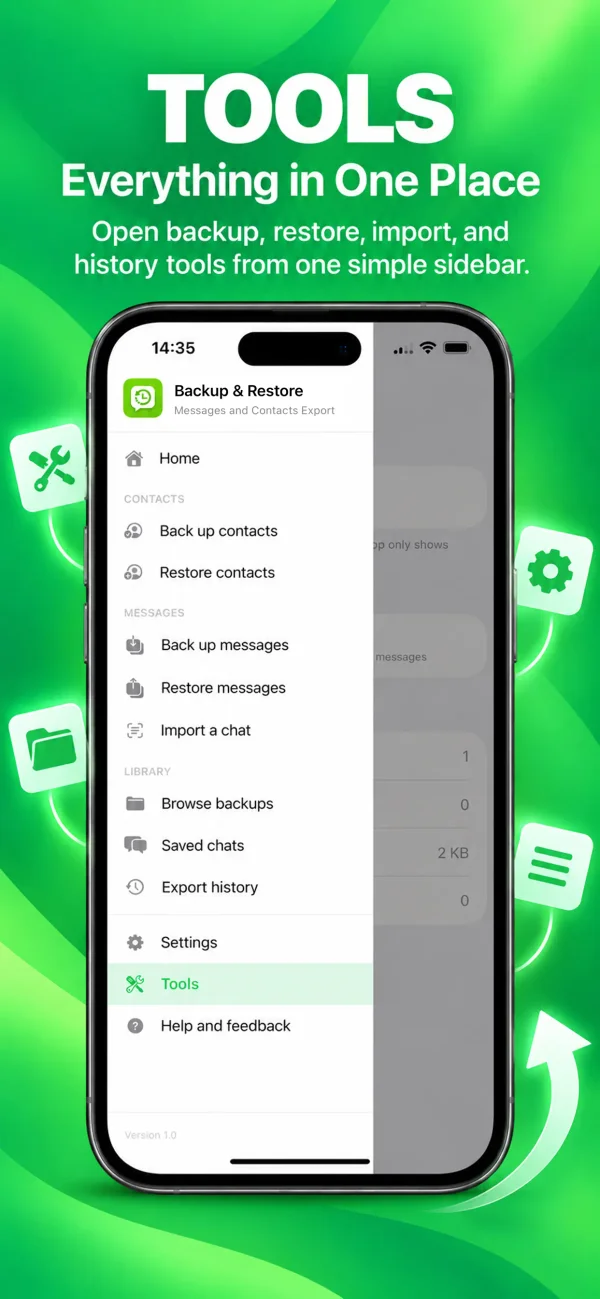
Two everyday jobs, handled entirely on your iPhone: turning conversations into files you can read, print or store, and keeping a safe copy of your address book.
CONVERSATIONS
- Add chat screenshots and the conversation is rebuilt on device
- Fix who said what with a tap, hide anything private before it leaves
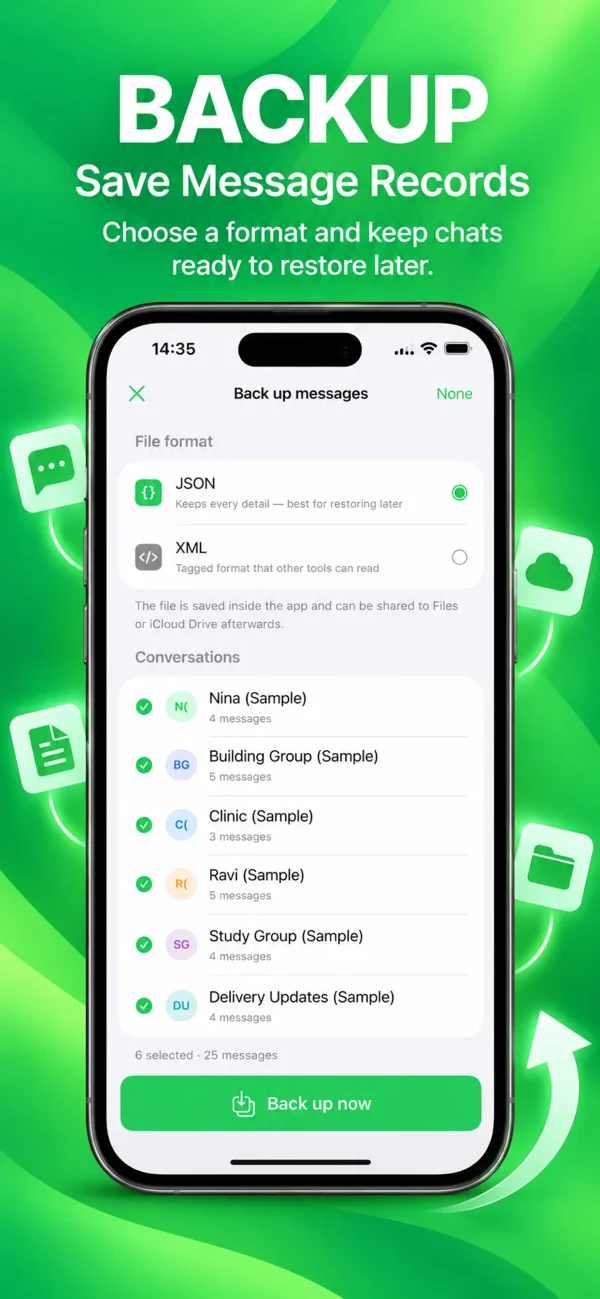
- Export as PDF, plain text, CSV, JSON, XML, a web page or one long image
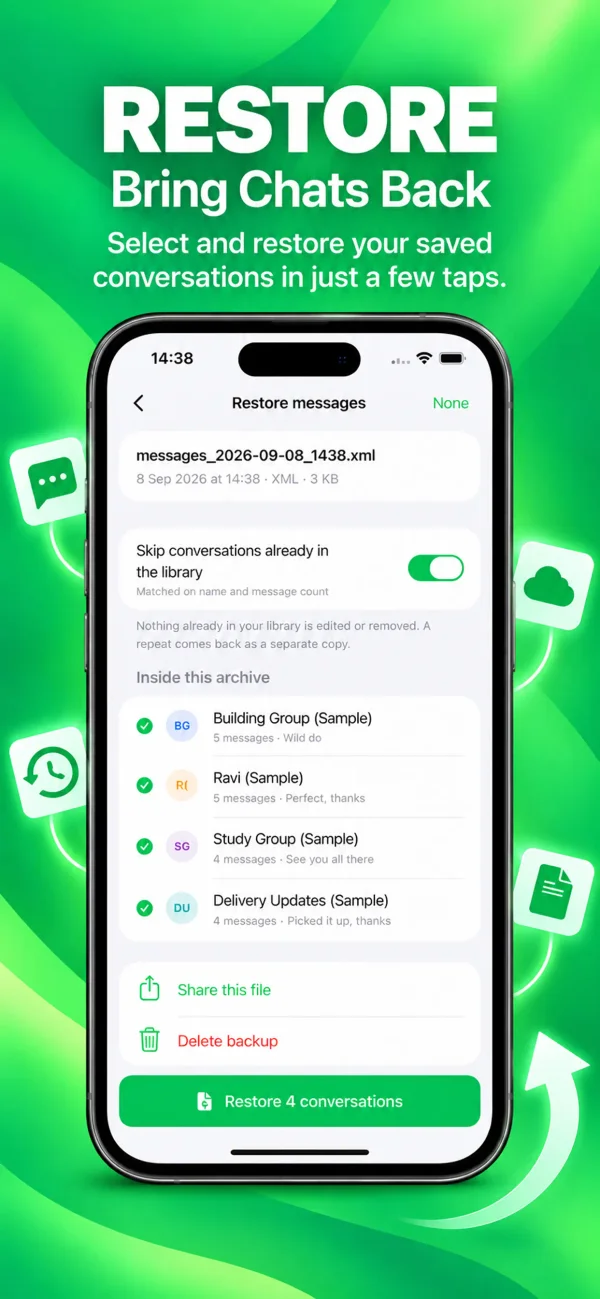
- Keep an archive of your conversations and bring it back later
CONTACTS
- Save every contact to a vCard, JSON or CSV file
- Put contacts back from a saved file — nothing on your phone is deleted or overwritten
- Skip entries you already have while restoring
- Spot likely duplicates and contacts missing a number
- Print a clean contact list as a PDF
EVERYDAY DETAILS
- Light, dark or system appearance
- Optional reminders so a fresh copy is never far away
- Backups sit in the app and show up in the Files app whenever you need them
PRIVATE BY DEFAULT
No account, no sign-in, no servers. Text recognition uses Apple's on-device framework and every file is written on your phone. Contacts permission is the only permission requested, and nothing is ever uploaded.
GOOD TO KNOW
Conversations are built from screenshots you choose yourself. Apps cannot read the iPhone message database, cannot recover deleted texts, and cannot write messages back into a messaging app. Restoring brings conversations back into this app's own library.
– Payment will be charged to iTunes Account at confirmation of purchase (After free trial period if offered).
– Subscription automatically renews unless auto-renew is turned off at least 24-hours before the end of the current period.
– Account will be charged for renewal within 24-hours prior to the end of the current period, and identify the cost of the renewal.
– Subscriptions may be managed by the user and auto-renewal may be turned off by going to the user’s Account Settings after purchase.
– Any unused portion of a free trial period, if offered, will be forfeited when the user purchases a subscription to that publication, where applicable.
Term Of Use: https://sites.google.com/view/lnathien/home/term-of-use
Privacy: https://sites.google.com/view/lnathien/home/privacy-policy
What’s new
Version 1.2 · Sep 15, 2026
Performance improvements, bug fixes, and a minor touch-up to our name. Thanks for being with us!
App privacy
What Thien Le Nguyen Anh declares on the App Store about how this app handles data.
-
Data not collected
The developer does not collect any data from this app.
Privacy practices may vary, for example with the features you use or your age.
Information
- Seller
- Thien Le Nguyen Anh
- Category
- Utilities
- Version
- 1.2
- Updated
- Sep 15, 2026
- Released
- Sep 13, 2026
- Size
- 4.3 MB
- Requires
- iOS 17.0 or later
- Age rating
- 4+
- Price
- Free
- In-app purchases
- Yes
- Languages
- English
- Copyright
- © 2026
You might also like
-
 TextVault: SMS Backup & ExportSave SMS as PDF, Print & Share
-
 Text Message Export: TextScapeBackup, Print SMS & Messages
-
 Super Backup : Contacts & SMSBackup SMS, Contacts & Photos
-
 Message ArchiveView archived SMS messages
-
 Text Message Export - ChatSavePrint & Download Text Messages
-
 Messages Recovery : RestoreRecover chats, memories
-
 SMS / Texts Backup & ExportBackup iMessages, Texts, SMS
-
 TextKeep - Text Message ExportDownload, Backup and Print SMS
-
 Message Recovery Backup: WAppRecover Deleted WhatsApp Chats
-
 SMS ForwarderForward SMS to Email & more