
BackupFlow: NAS & SFTP Sync
Auto Photo & File WebDAV FTP
Designed for iPhone, iPad
$2.99
- Age rating4+
- CategoryUtilities
- DeveloperTamer Savasci
- LanguagesEnglish+ 11 more
- Size23.2 MB
Links to the official App Store page
Download.org hosts no file of BackupFlow: NAS & SFTP Sync. The button opens its official App Store page, published by Tamer Savasci. Listing last checked on Nov 23, 2026.
Screenshots
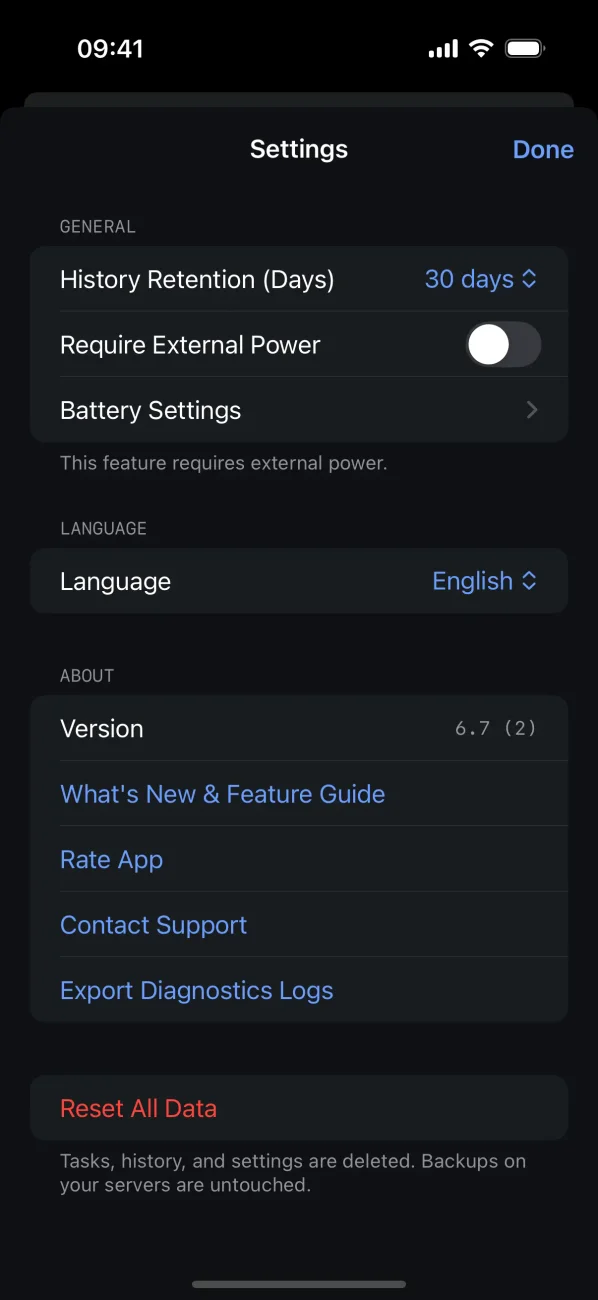
About
Break free from recurring cloud storage fees. Back up—and smartly restore—your iPhone and iPad photos, videos, and local folders directly with your own NAS, home server, or private cloud.
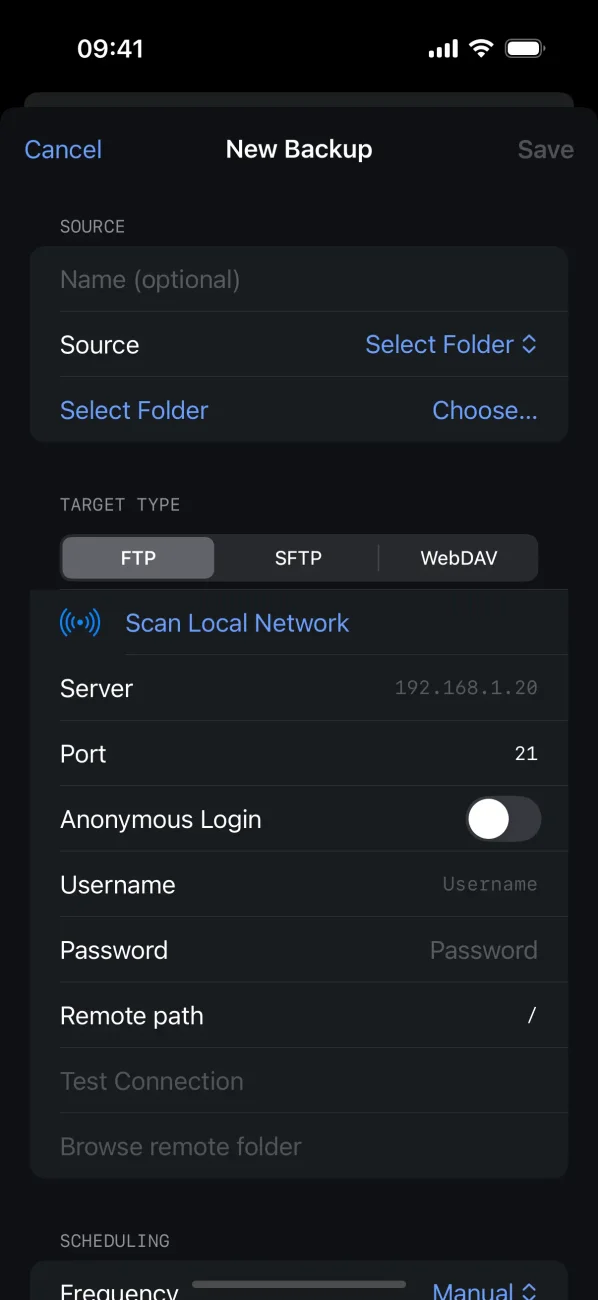
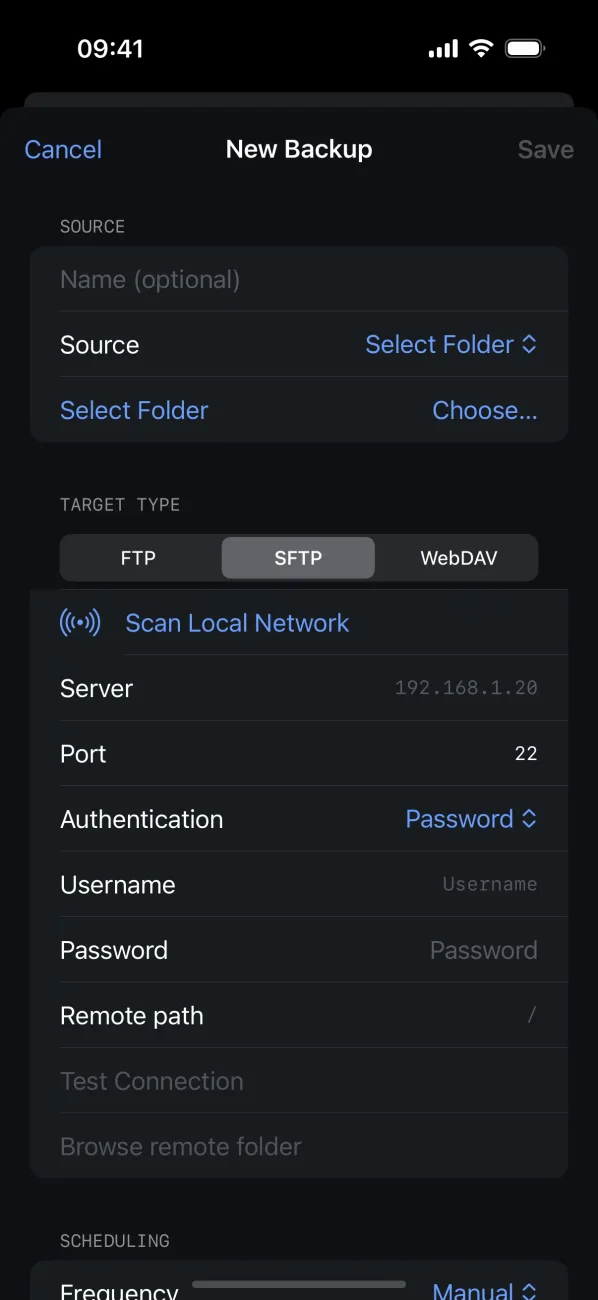
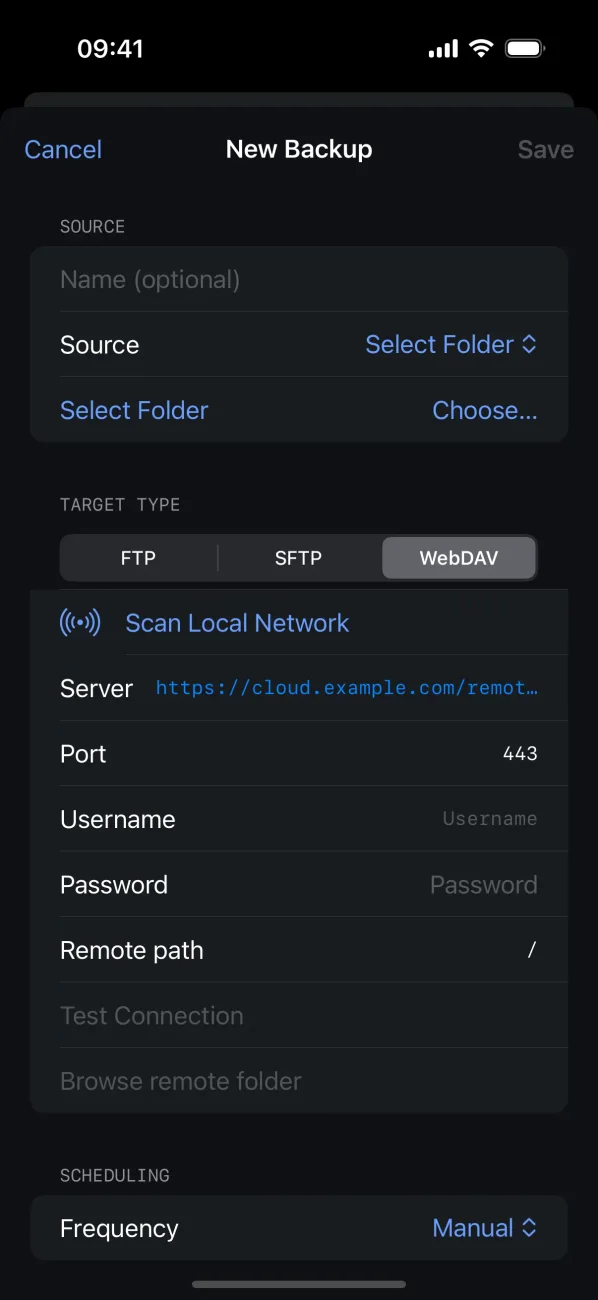
BackupFlow is a privacy-first, automated backup and recovery utility built natively for iOS. It connects directly to your server over SFTP (SSH), WebDAV (HTTP/HTTPS), and FTP without any middleman servers or third-party accounts.
ONE-TIME PURCHASE — LIFETIME OWNERSHIP
No subscriptions, no in-app purchases, no hidden tiers, and no file transfer quotas. Buy BackupFlow once and own every feature forever.
KEY FEATURES
Clean Native Backup Hub
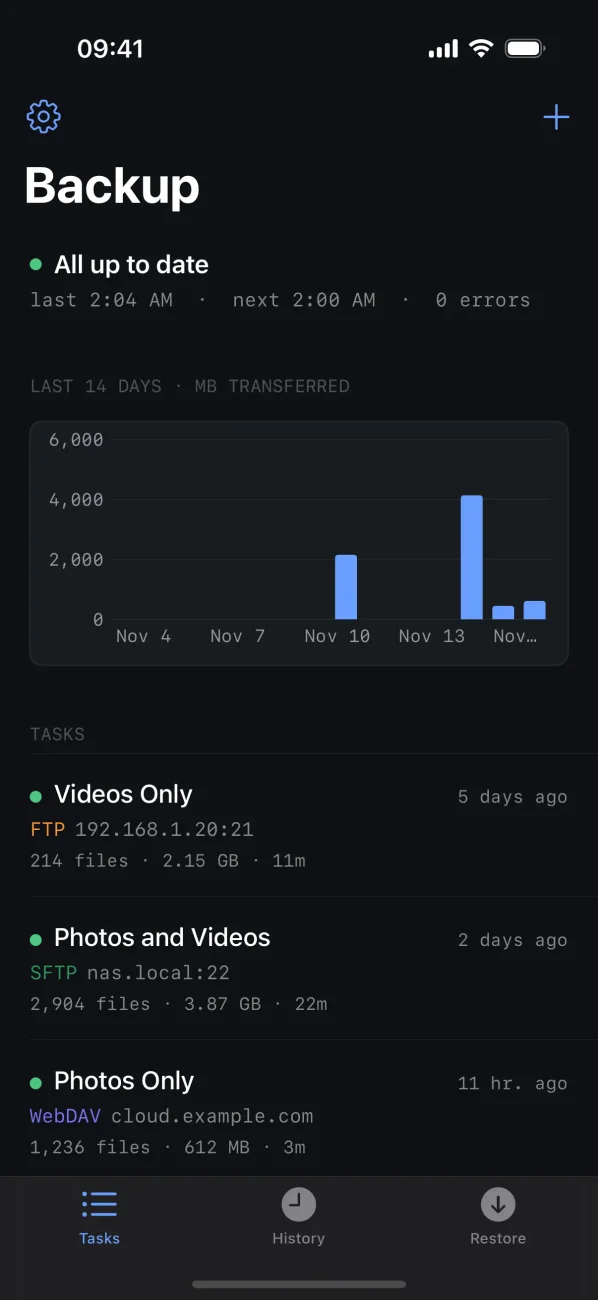
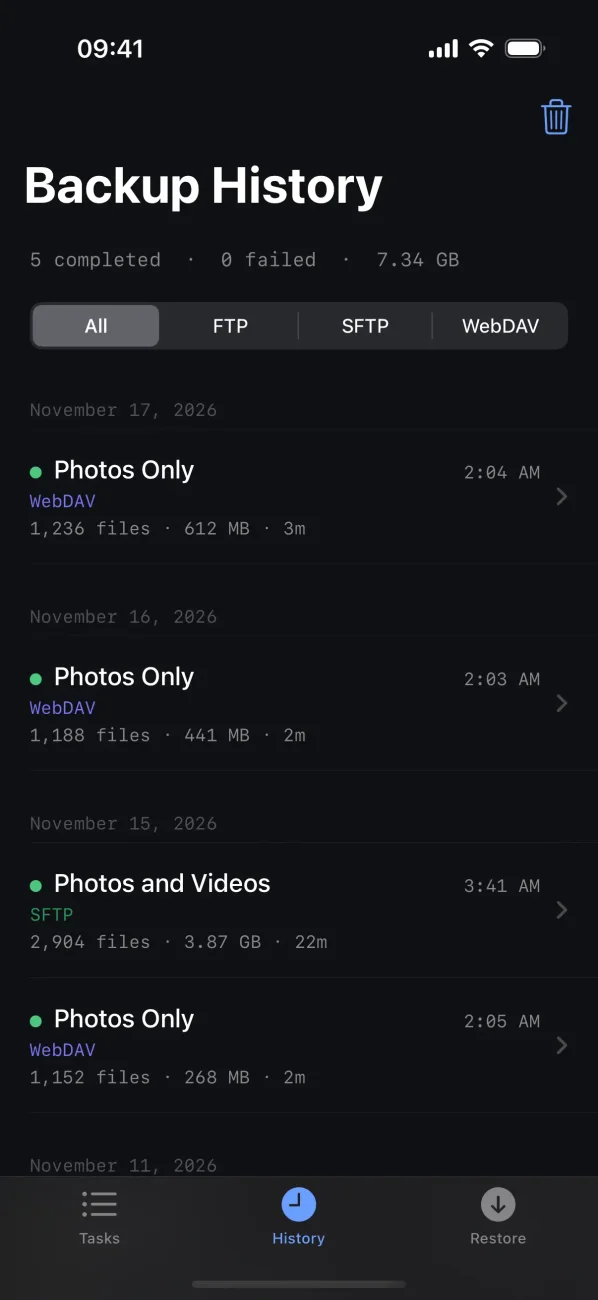
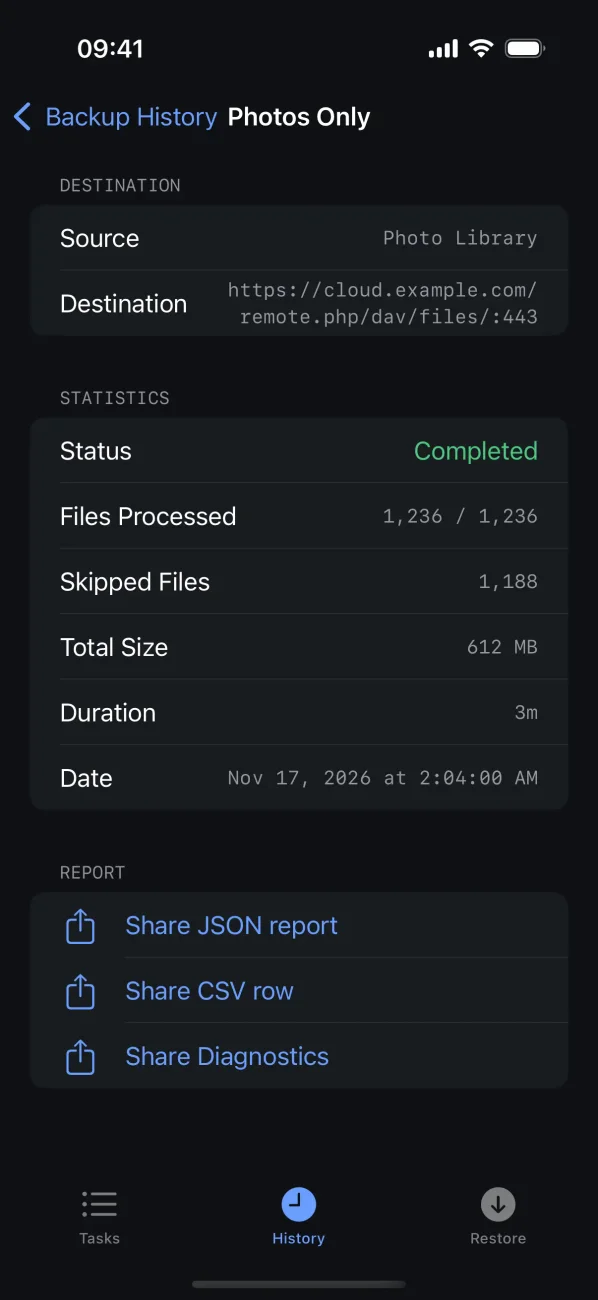
Monitor your backup status at a glance with a single-line summary, a 14-day MB transfer bar chart, protocol-colored task rows with live % progress, and a 3-tab layout (Tasks, History, Restore).
Smart Restore & Diff Analysis
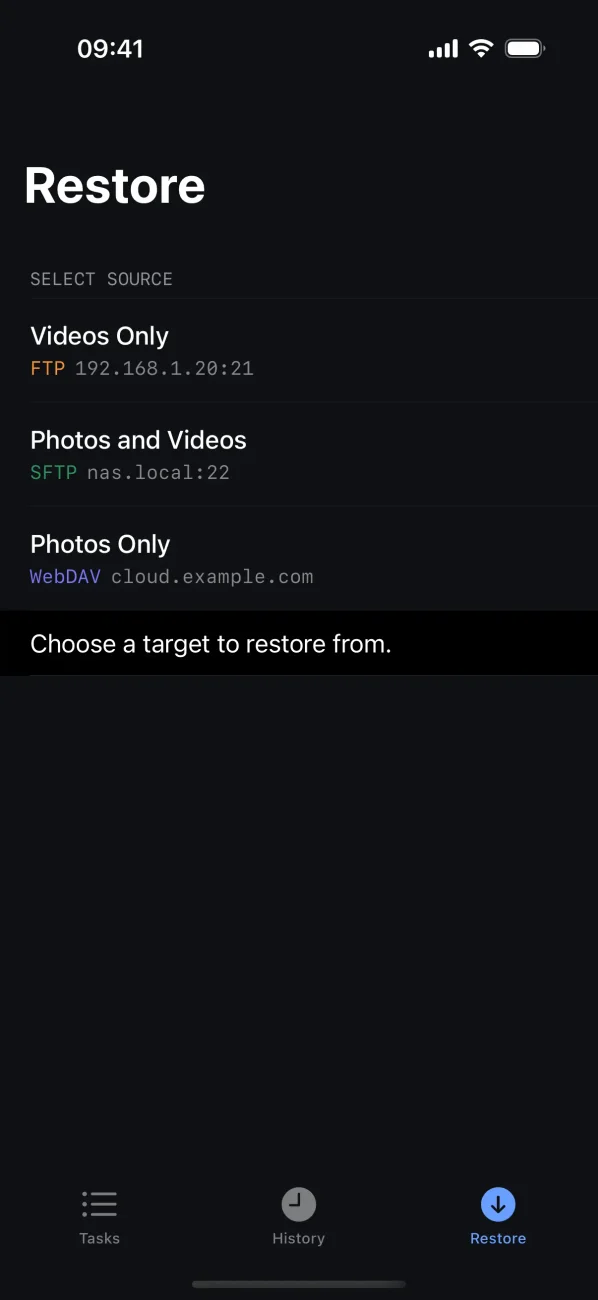
Compare your NAS or remote server directly against your device library. Instantly spot missing, intact, or conflicting items, filter by date range, and recover deleted photos or files in one tap.
Direct Remote File Browser
Browse folders on any FTP, SFTP, or WebDAV server and download selected photos, videos, or documents straight to your Photos Library or Files app.
Multi-Protocol NAS & Server Support
Connect effortlessly to Synology NAS, Nextcloud, ownCloud, TrueNAS, QNAP, Keenetic, and any standard SFTP (SSHv2), WebDAV, or FTP server with an interactive remote folder picker.
Original Quality & Multi-GB 4K Video Support
Back up photos and large multi-GB 4K videos directly from your Photo Library (including iCloud-stored assets) without compression or quality loss.
Smart Incremental Sync & Fast-Skip
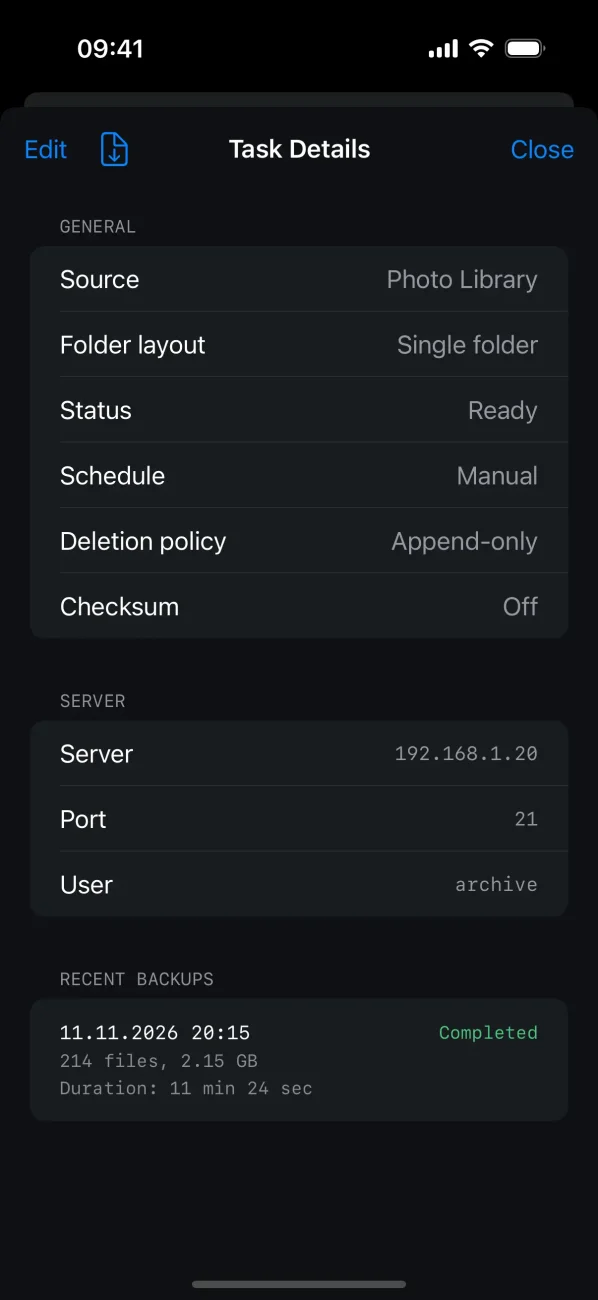
Only new or modified files are uploaded, skipping already backed-up photos in seconds. Enable optional SHA-256 checksum verification to guarantee bit-for-bit integrity on your remote drive.
Flexible Deletion & Archive Policies
Choose Append-Only (default safe mode), Mirror Mode (with strict photo library safety checks), or Archive Mode to safely move deleted files into a dedicated .backupflow_archive folder on your server.
Safe Dry-Run Preview & Background Automation
Simulate any backup task before transferring a single byte. Schedule daily, weekly, monthly, or interval backups limited to Wi-Fi, charging, or quiet hours—with seamless background WebDAV sessions.
Local-First Security & Privacy
Server credentials are encrypted inside the iOS Keychain. SFTP Host Key Pinning and WebDAV SSL Certificate Pinning (TOFU) protect your transfers against man-in-the-middle attacks. Zero analytics, zero trackers, and zero external cloud servers.
What’s new
Version 6.8 · Nov 21, 2026
• Redesigned FTP Transfer Engine: Dedicated RunLoop socket pipeline, single-session atomic uploads, and smart directory caching for faster, more reliable FTP backups.
• Refined Dashboard & Transfer Chart: The 14-day transfer chart now displays data clearly in GB alongside a streamlined Tasks, History, and Restore tab layout.
• Smart Differential Restore: Compare remote and local files to download only missing or updated items, or browse your server directly.
• Stability & Performance: Improved SFTP large-file throughput, SwiftData task deletion safety, and background sync reliability.
App privacy
What Tamer Savasci declares on the App Store about how this app handles data.
-
Data not collected
The developer does not collect any data from this app.
Privacy practices may vary, for example with the features you use or your age.
Information
- Seller
- Tamer Savasci
- Category
- Utilities
- Version
- 6.8
- Updated
- Nov 21, 2026
- Released
- Oct 6, 2025
- Size
- 23.2 MB
- Requires
- iOS 18.6 or later
- Age rating
- 4+
- Price
- $2.99
- Languages
- English, Arabic, French, German, Hindi, Japanese, Korean, Portuguese, Russian, Simplified Chinese, Spanish, Turkish
- Copyright
- Copyright © 2026 Tamer Savaşcı. All rights reserved.
You might also like
-
 DoxSAFEDocument Storage & Management
-
 JSON Viewer & FormatterValidate,Beautify,Compare JSON
-
 Trackless Links: URL & PiPCleaner URLs, fewer trackers
-
 Video to mp3 Converter proExtract audio from video
-
 Video to MP3 Converter ©Extract Audio from Video
-
 Battery Life WidgetsWidgets & Levels at a Glance
-
 ZapTimeLive Battery Charge Predictor
-
 Unrar - ZIP & Rar Extractorrar, zip, tar file archiver
-
 Zip File – Zip, Unzip, ProtectCompress, Extract, and Manage
-
 iPocketRemote: Mac TrackpadRemote Mouse, Media & Volume