
- Age rating4+
- CategoryFinance
- DeveloperBadger Bank
- LanguagesEnglish
- Size113.9 MB
Links to the official App Store page
Download.org hosts no file of Badger Bank. The button opens its official App Store page, published by Badger Bank. Listing last checked on Nov 28, 2026.
Screenshots

About
Bank on the Go with Badger Bank Mobile!
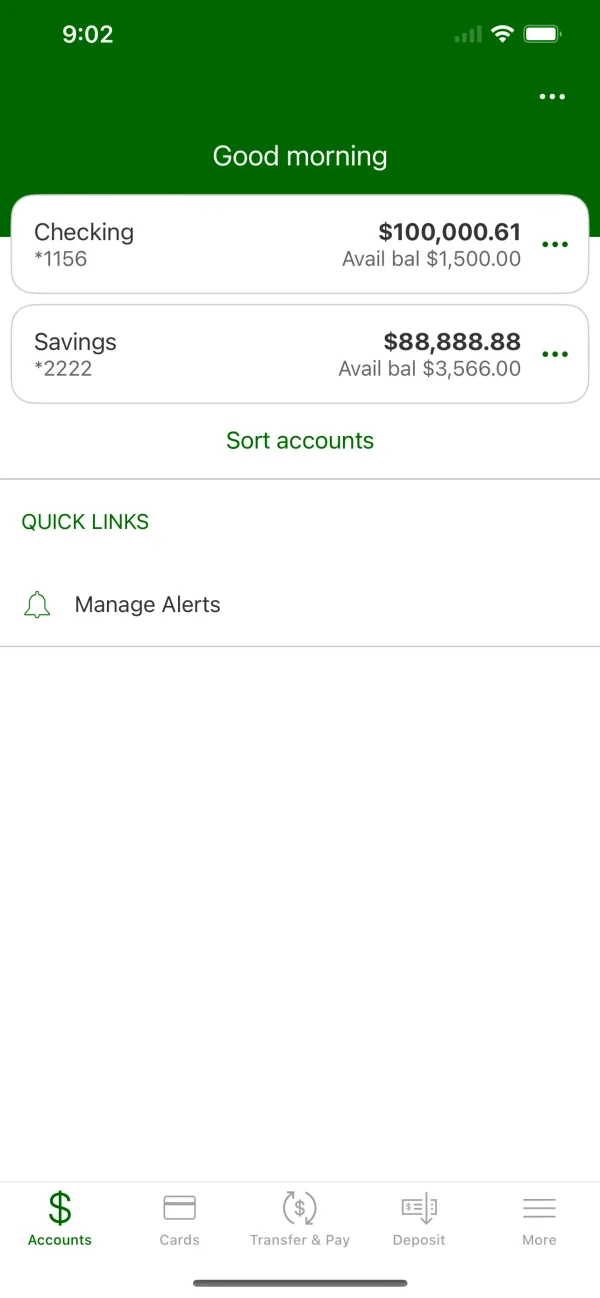
With the Badger Bank Mobile App you can safely, and securely access your accounts anytime, anywhere from your mobile or tablet device. Our mobile app gives you the flexibility to manage your accounts at your fingertips- keeping you in touch 24/7!
The Badger Bank Mobile app is free* and allows you to:
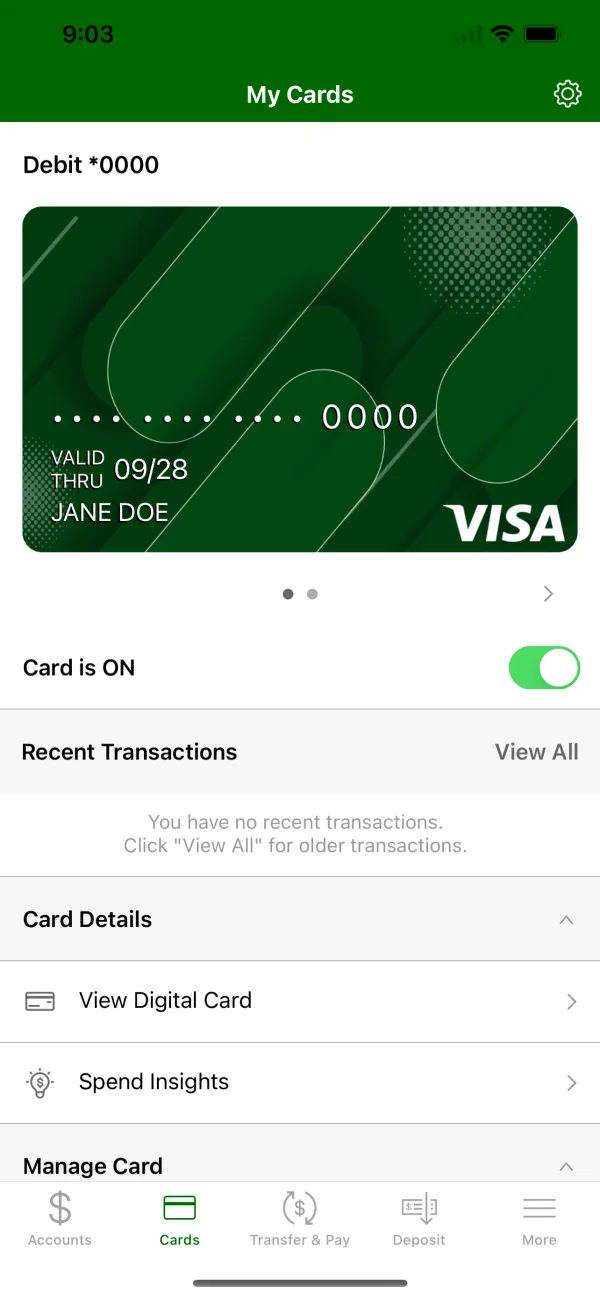
• View all of your financial information (balances, transaction history, upcoming bills, spending insights) across all Badger Bank accounts, certain 3rd party Credit Cards, and certain Other Bank accounts in one convenient place.
• Schedule bill payments
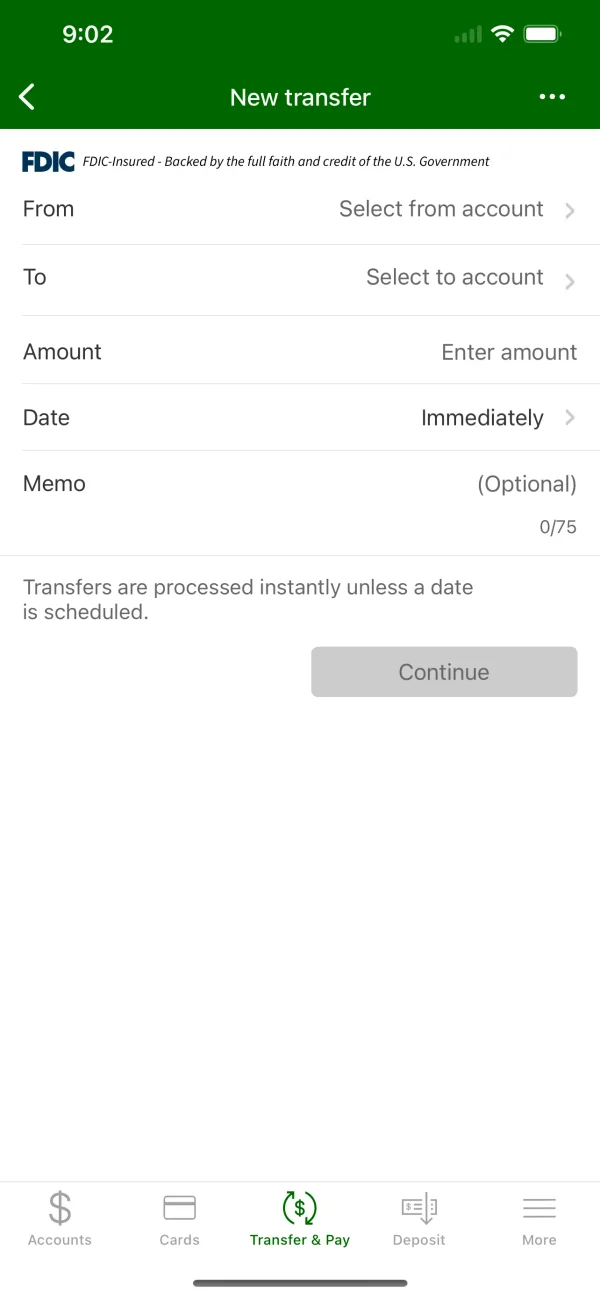
• Transfer funds across Badger Bank Accounts
• Set alerts for low funds and be notified about upcoming bills.
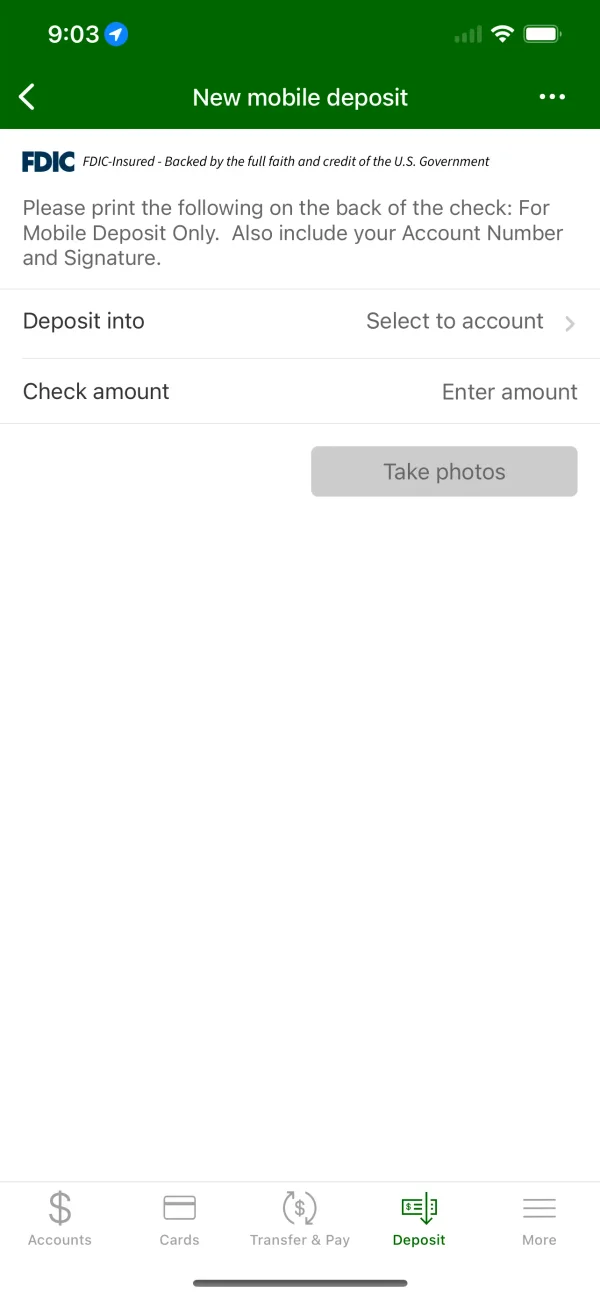
• Enhance your transactions with customer tags, notes or photos of receipts or checks.
• Locate ATMs or branches and contact Badger Bank customer service directly from the app.
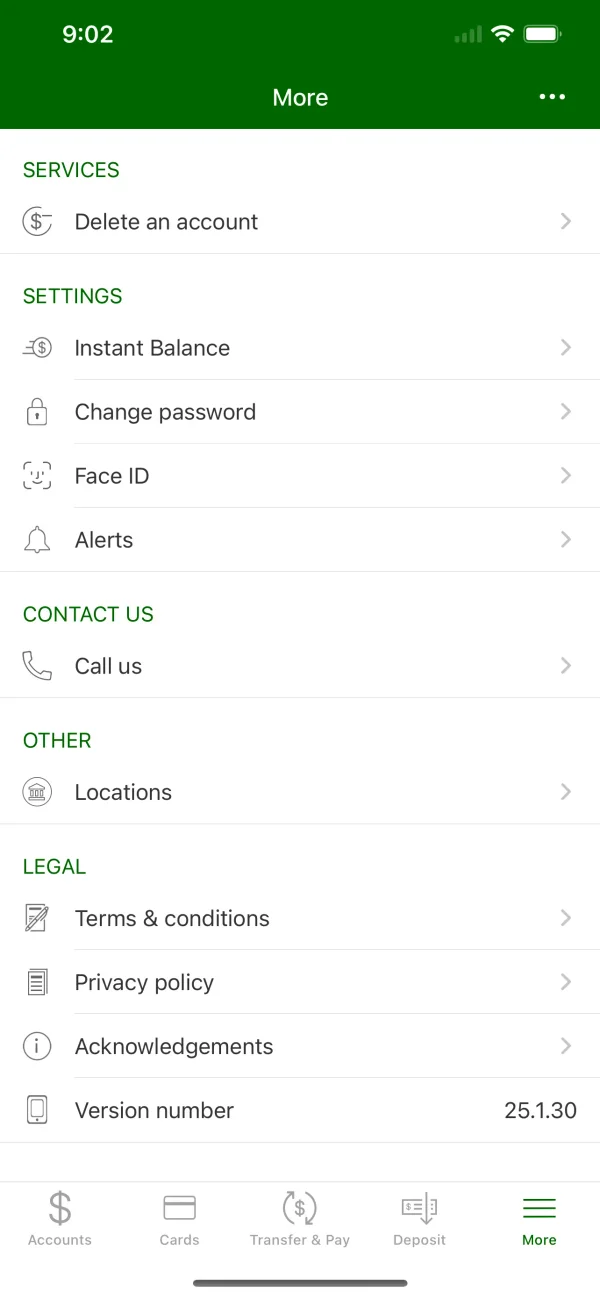
Worried about mobile security? Don’t be! At Badger Bank, we value the safety of our customers’ information, and we work to protect it. Be assured that none of your information is stored on your device, and your information is protected by advanced encryption technology. The app also features a unique 4-digit passcode setting that prevents unauthorized access, and fund transfers require user specific security questions.
* Badger Bank does NOT charge fees to download the mobile app. Certain carriers may charge for text or web access services. Check with your carrier for information about their fees.
Getting Started
To use Badger Bank Mobile, you must be enrolled as a Badger Bank Internet Banking user. If you currently use our Internet Banking, simply download the app, launch it, and log in with the same Internet Banking username and password. After successfully logging in to the app, your accounts and transactions will begin updating.
Badger Bank- Member FDIC and an Equal Housing Lender
What’s new
Version 26.1.20 · Jun 10, 2026
We are continually releasing new updates to further improve your mobile banking experience. This version includes user interface improvements, security updates and bug fixes. Please be sure to turn on automatic updates to make sure that your app is always up to date.
App privacy
What Badger Bank declares on the App Store about how this app handles data.
-
Data linked to you
May be collected and linked to your identity.
- Purchases
- Financial info
- Location
- Contact info
- Contacts
- User content
- Identifiers
- Usage data
- Diagnostics
Privacy practices may vary, for example with the features you use or your age.
Information
- Seller
- Badger Bank
- Category
- Finance
- Version
- 26.1.20
- Updated
- Jun 10, 2026
- Released
- May 16, 2024
- Size
- 113.9 MB
- Requires
- iOS 15.0 or later
- Age rating
- 4+
- Price
- Free
- Languages
- English
- Copyright
- © 2026 Fiserv, Inc. or its affiliates and licensors.
You might also like
-
 FCCU Mobile Banking24/7 access to your accounts
-
 BANK OF DEERFIELDFinance
-
 Bank of Lake MillsFinance
-
 Premier Bank Mobile BankingFinance
-
 FMSBWMMobileMoneyFarmers & Merchants State Bank
-
 County-City Credit UnionFinance
-
 Bank CMG Mobile BankingFinance
-
 Minnesota Catholic CUFinance
-
 First Citizens State BankFinance
-
 BHCCUFinance