Ballyland Code 1: Say Hello
Blind kids learn to code (1)
Designed for iPhone, iPad, iPod touch
$2.99
- Age rating4+
- CategoryEducation
- DeveloperPhia Damsma
- LanguagesEnglish
- Size170.0 MB
Links to the official App Store page
Download.org hosts no file of Ballyland Code 1: Say Hello. The button opens its official App Store page, published by Phia Damsma. Listing last checked on Nov 14, 2026.
Screenshots
About
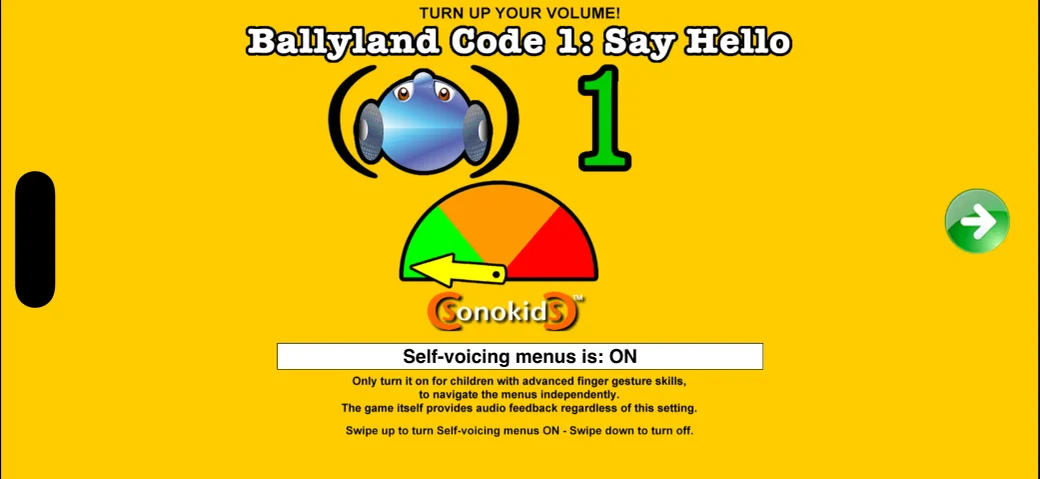
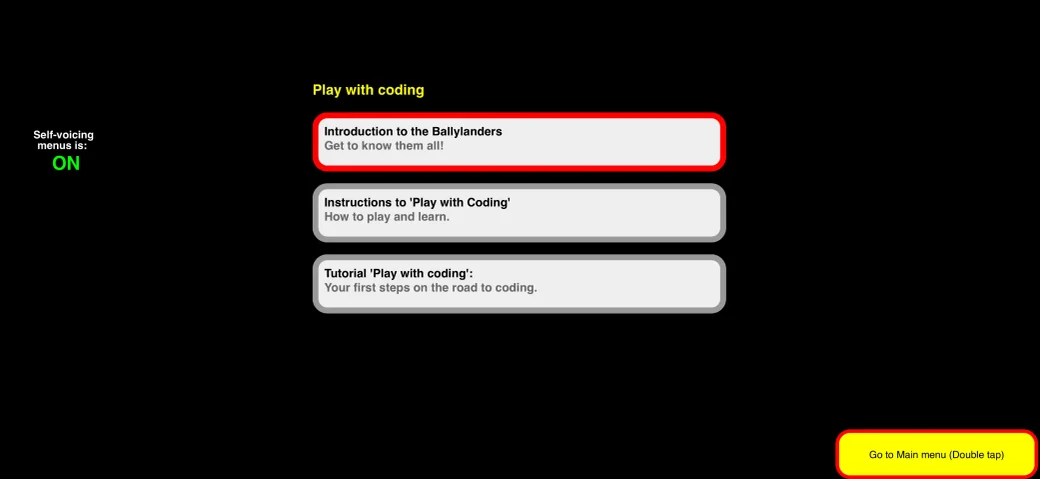
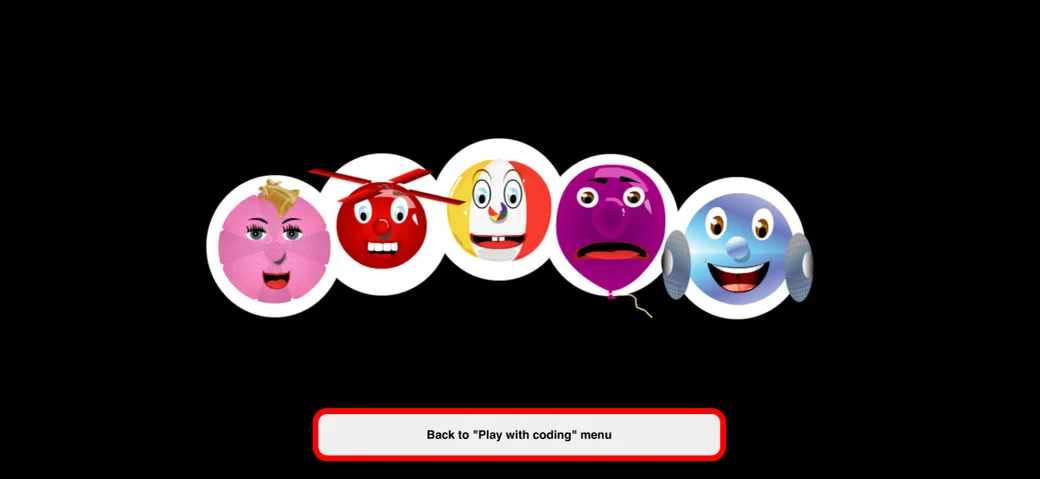
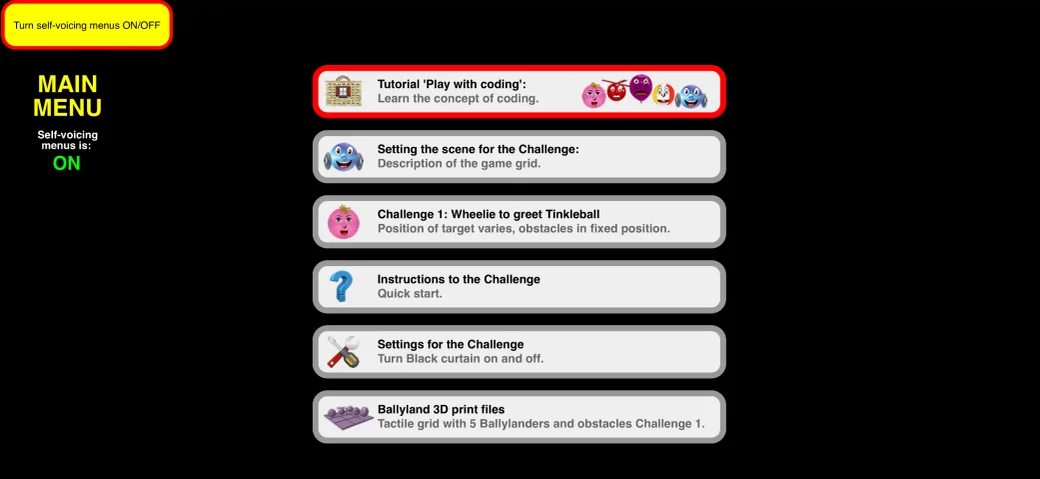
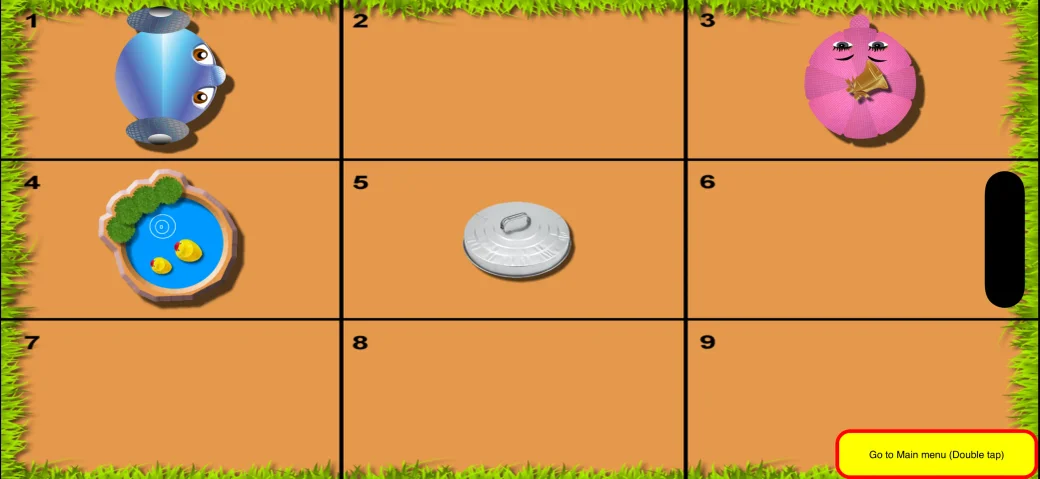
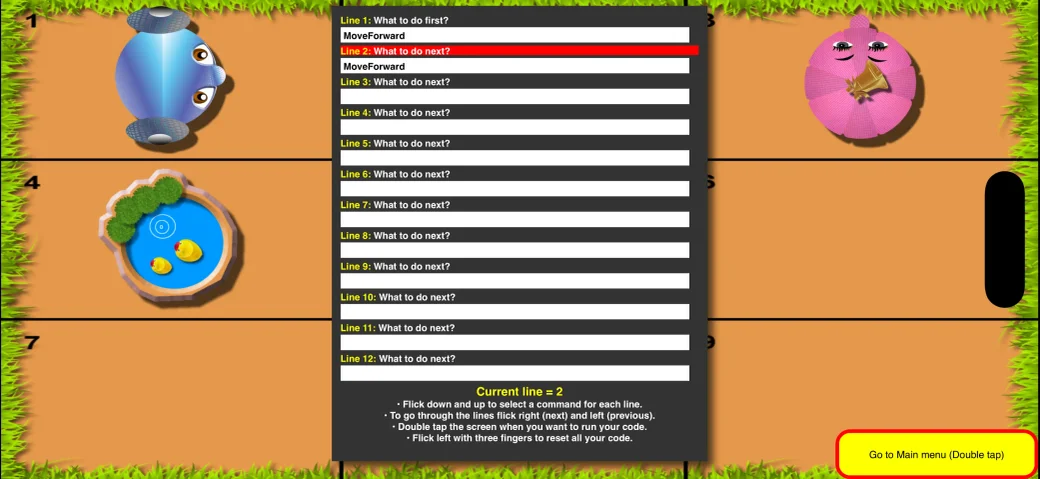
Get started on your programming journey today! Children who are blind or have low vision can in this fun app learn basic coding concepts and skills that will be applicable to any programming language. Get introduced by way of the Tutorial game ‘Play with Coding’. Then take on your first Coding Challenge with simple coding commands. Make Wheelie, the little car from Ballyland, move around a digital game grid, on a mission to say Hello to a friend. Audio description and great audio effects are at the core of this innovative app, creating unique accessibility for learners with visual impairment, including adults who are keen to find out what coding is about. This is the first in a series of Ballyland Coding apps. Finger gestures used in this app: Finger drag, Flick left and right with one finger, Flick down and up with one finger, Double tap, Three finger flick left, Touch and hold. Visit the Sonokids website for tips and tools, and for the other fun educational Ballyland apps that help build preparatory iPad/gesture skills.
Features:
• Beginners’ level, no coding experience required;
• Suited for novice users of VoiceOver;
• Audio Based Coding™: built-in speech, spoken coding panel, audio description, meaningful sound effects, audio and visual on-screen coding output;
• VoiceOver accessible at start page, accessible menus in the game;
• Two main sections: ‘Play with coding’ (Tutorial), and the Coding Challenge (three levels)
• “Black Curtain” option to create level playing field for all;
• Designed with feedback from children with visual impairment, parents and teachers;
• Use with Ballyland 3D printable tactile grid, characters and accessories (specifically designed for the Coding apps);
• Use at home and school.
Develops:
• Computational thinking, basic coding concepts and skills, such as breaking problem down in steps, sequencing, patterning, using basic coding commands;
• Listening, Locating, ‘Mental Mapping’;
• Orientation, spatial awareness and navigating a digital game grid
• Experiential learning of VoiceOver accessibility by sighted players
“It is so fantastic to be able to offer our younger students something accessible and fun when their peers are already using fun coding apps.”
Pam Ayling, Specialist Teacher (Vision Impairment), School Support Service Royal Institute for Deaf and Blind Children, Sydney
What’s new
Version 1.0.7 · Apr 24, 2026
- Added support for full iPhone screen size
- Bug fixes
- Change landing page to have clearer instructions
App privacy
What Phia Damsma declares on the App Store about how this app handles data.
-
Data not collected
The developer does not collect any data from this app.
Privacy practices may vary, for example with the features you use or your age.
Information
- Seller
- Phia Damsma
- Category
- Education
- Version
- 1.0.7
- Updated
- Apr 24, 2026
- Released
- Nov 22, 2018
- Size
- 170.0 MB
- Requires
- iOS 15.0 or later
- Age rating
- 4+
- Price
- $2.99
- Languages
- English
- Copyright
- © 2026 Sonokids Australia