Bank Statement to CSV – Excel
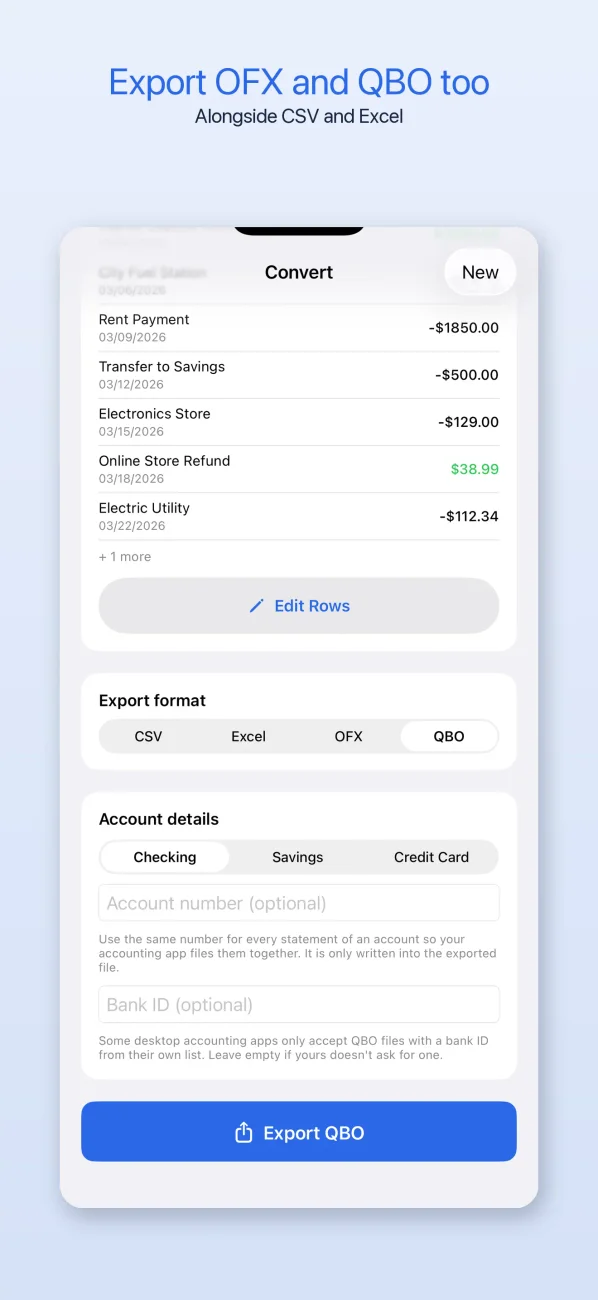
Edit rows, export OFX and QBO
Designed for iPhone, iPad
In-app purchases
- Age rating4+
- CategoryFinance
- DeveloperApp Harbour ApS
- LanguagesEnglish+ 3 more
- Size1.2 MB
Links to the official App Store page
Download.org hosts no file of Bank Statement to CSV – Excel. The button opens its official App Store page, published by App Harbour ApS. Listing last checked on Nov 23, 2026.
Screenshots
About
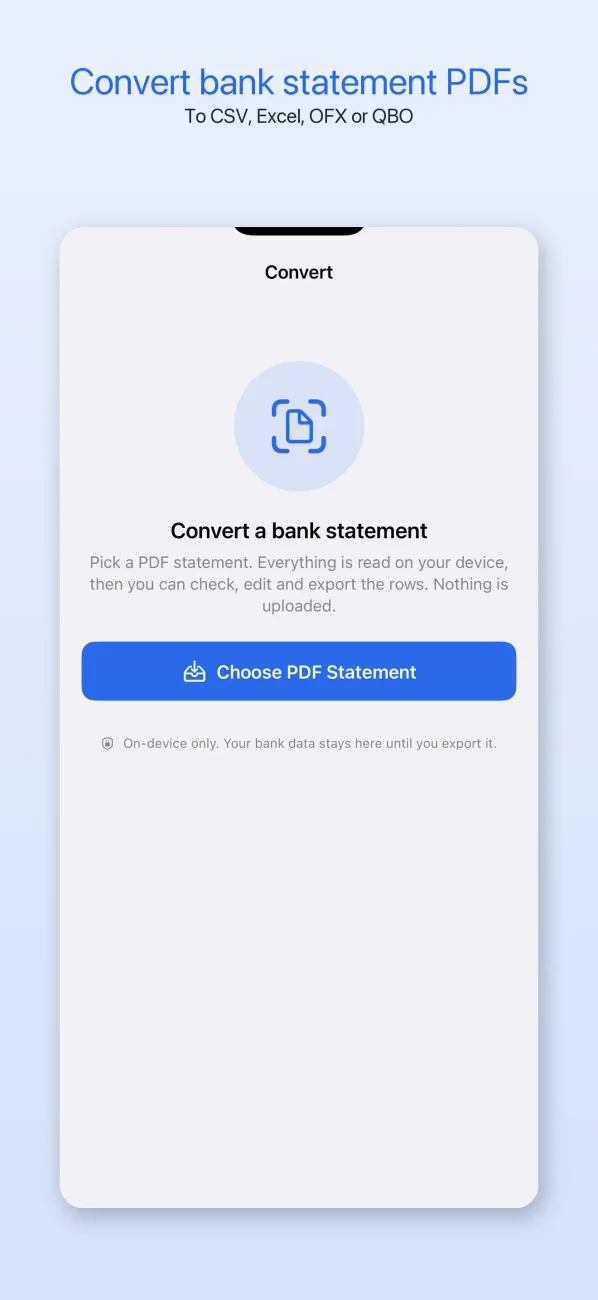
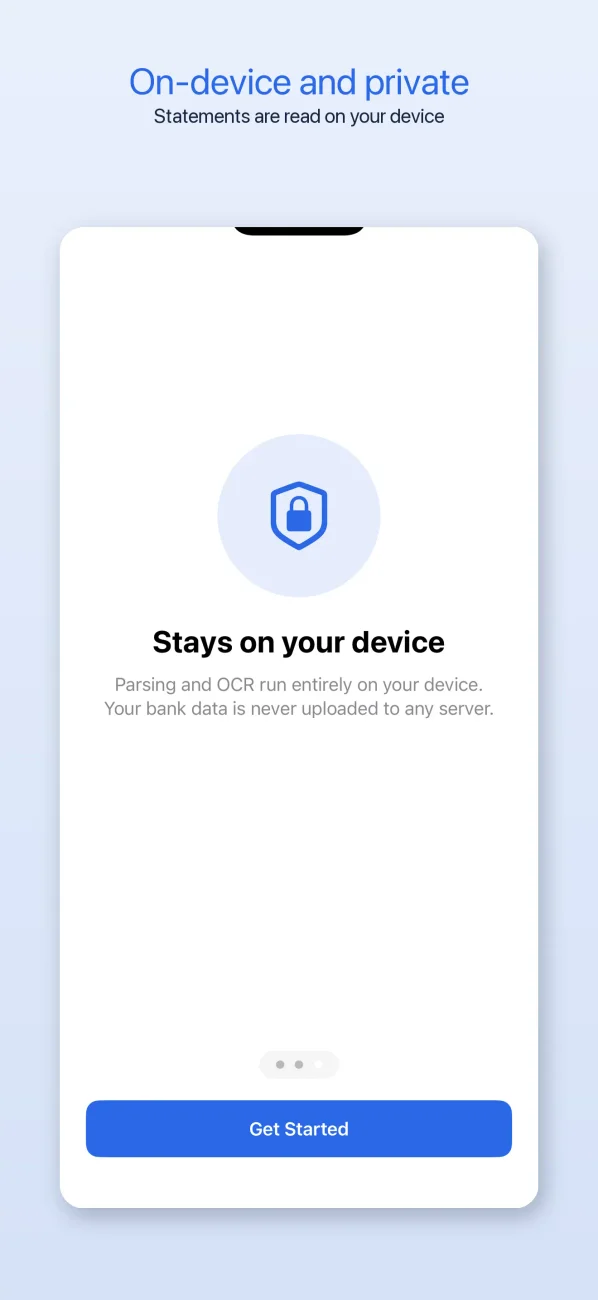
Turn a bank statement PDF into a file your spreadsheet or accounting software can use, without sending the statement anywhere.
Pick a PDF and the app reads it on your iPhone or iPad, including scanned pages through on-device text recognition. Every transaction lands in a list you can check before anything is exported.
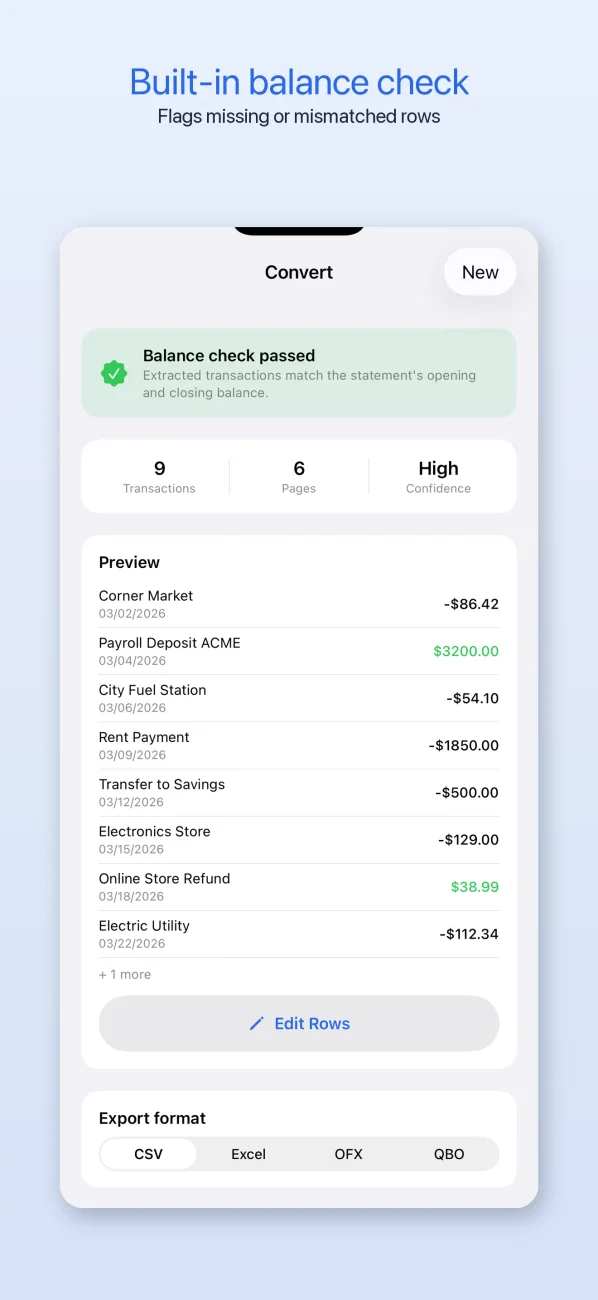
A balance check compares your rows with the statement's opening and closing balance and flags any gap. Rows that disagree with the printed running balance are marked, so you know where to look.
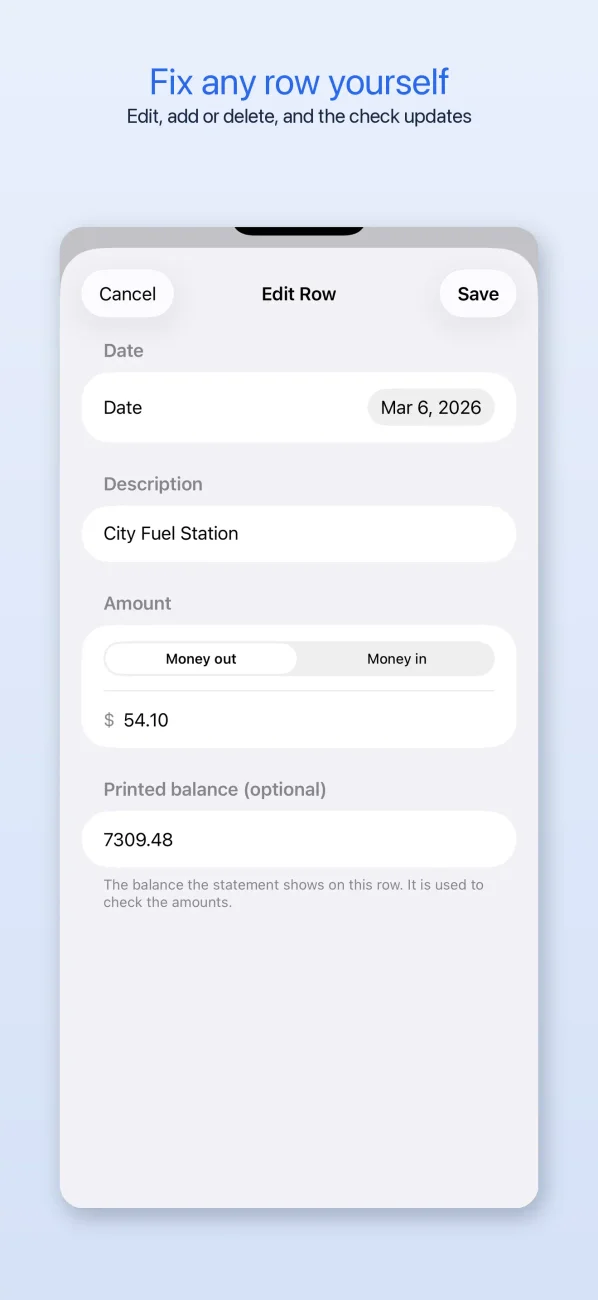
Found a misread line? Open it and fix the date, description, amount or direction. Delete a row that should not be there, or add one that was missed. The balance check runs again with every change, and the export uses your corrected rows.
When the numbers look right, export as:
- CSV, with the columns you choose
- Excel (.xlsx), with the columns you choose
- OFX, the common bank data format
- QBO, for accounting software that imports it
For OFX and QBO you set the account type (checking, savings or credit card) and can add an account number, so statements of one account stay together.
Statements come in many layouts and automated reading can get a line wrong, so review your rows before relying on them.
It works offline, with no account and no sign-up. Converting, reviewing, editing and the balance check are free, and the free tier exports a 10-row preview in any format. Premium exports every row of every statement, as a weekly plan with a 3-day free trial, an annual plan or a one-time lifetime purchase.
This app offers a weekly subscription with a 3-day free trial, and an annual subscription. Payment is charged to your Apple ID at confirmation of purchase. Subscriptions automatically renew unless cancelled at least 24 hours before the end of the current period. Manage or cancel subscriptions in your Apple ID Account Settings. Restore purchases from the app settings.
Terms of Use (EULA): https://www.apple.com/legal/internet-services/itunes/dev/stdeula/
Privacy Policy: https://www.appharbour.com/bank2csv/privacy.html
What’s new
Version 1.1.0 · Nov 12, 2026
Edit rows before you export: fix a date, description or amount, delete a row or add one, and the balance check updates as you go.
Export OFX and QBO files alongside CSV and Excel.
Day and month are now read consistently across a whole statement.
The upgrade screen is fully translated and its close button is easier to tap.
App privacy
What App Harbour ApS declares on the App Store about how this app handles data.
-
Data not collected
The developer does not collect any data from this app.
Privacy practices may vary, for example with the features you use or your age.
Information
- Seller
- App Harbour ApS
- Category
- Finance
- Version
- 1.1.0
- Updated
- Nov 12, 2026
- Released
- Jul 21, 2026
- Size
- 1.2 MB
- Requires
- iOS 17.0 or later
- Age rating
- 4+
- In-app purchases
- Yes
- Languages
- English, French, German, Spanish
- Copyright
- © 2026 App Harbour ApS
You might also like
-
 Offin: Offline Expense TrackerBank Statement Import, Private
-
 Xpense Manager: smart and easyExpenses import and tracking
-
 Expense Complete: Tax ReceiptsReceipt Organizer, Mileage Log
-
 Bank Statements CSVConvert Bank Statements to CSV
-
 Expense Tracker & Receipt ScanBudget Planner & Bill Tracker
-
 PDF Bank Statement ConverterConvert any PDF to Excel & CSV
-
 FinaPrism: Budget & FinancesExpense Tracker & Planner
-
 Stmt: Bank Statement ConverterPDF Statements to Spreadsheets
-
 Saturn AIAn AI Bank Statement Manager
-
 SubGate: Cancel SubscriptionsSubscription Manager & Tracker