Bank Statement to Excel
Convert PDF to Excel & CSV
Designed for iPhone, iPad
In-app purchases
- Age rating4+
- CategoryFinance
- DeveloperSaurav Shekhar
- LanguagesEnglish
- Size8.3 MB
Links to the official App Store page
Download.org hosts no file of Bank Statement to Excel. The button opens its official App Store page, published by Saurav Shekhar. Listing last checked on Nov 12, 2026.
Screenshots
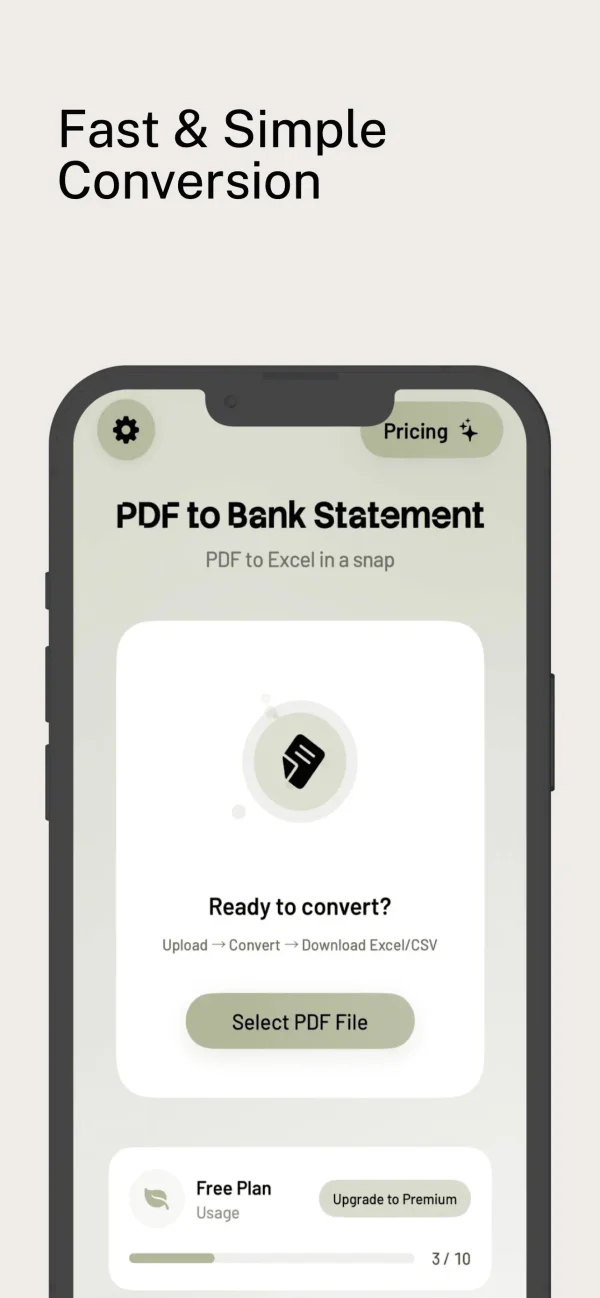
About
Convert PDF Bank Statements to Excel & CSV Instantly
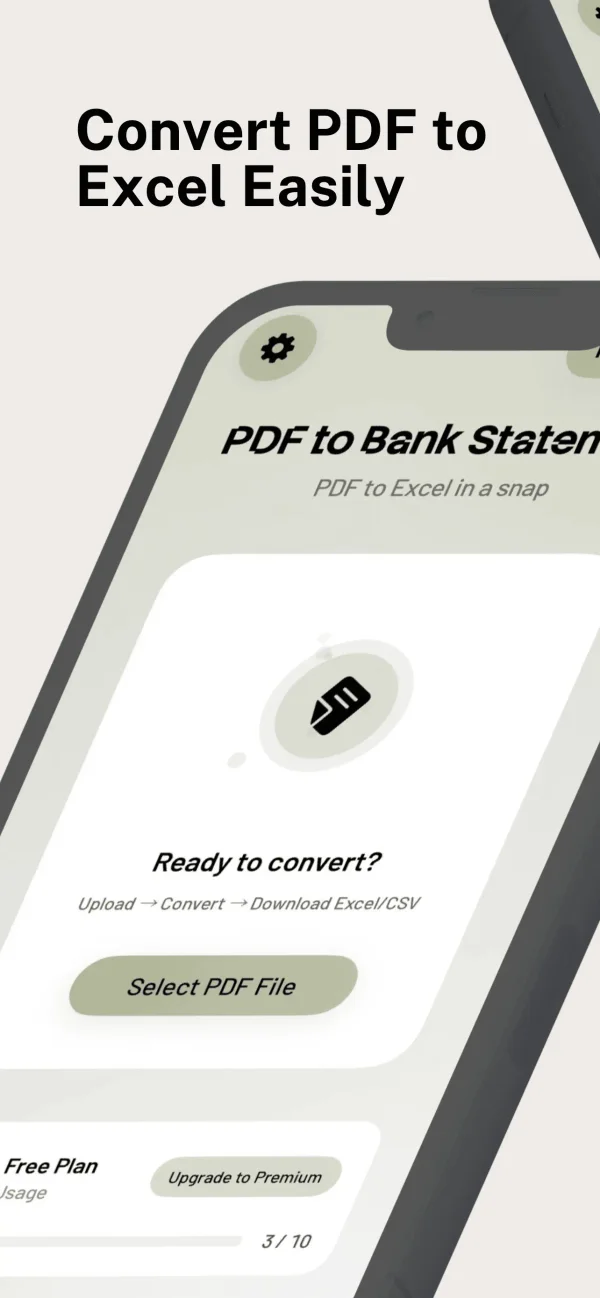
Stop manually typing data from your bank statements. BankStatement uses high-speed extraction to turn complex PDF documents into clean, organized spreadsheets (XLSX and CSV) in seconds. Perfect for accounting, tax preparation, and personal expense tracking.
How it Works:
Upload: Select any PDF bank statement or invoice from your device.
Convert: Our AI-powered engine identifies tables and transaction rows.
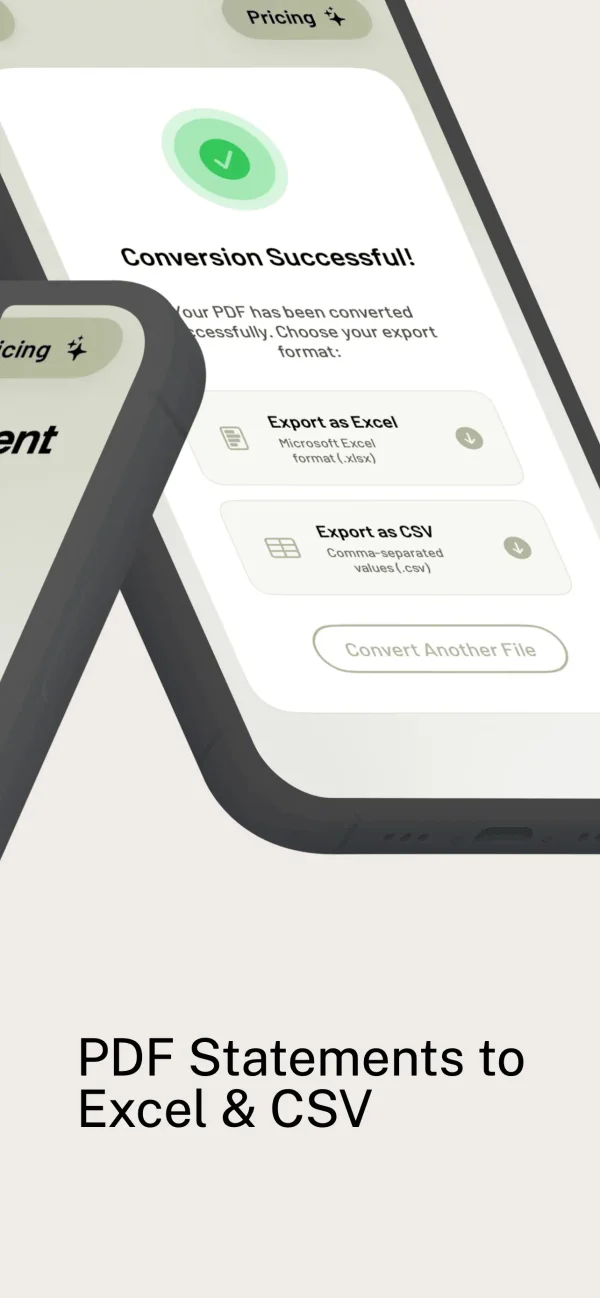
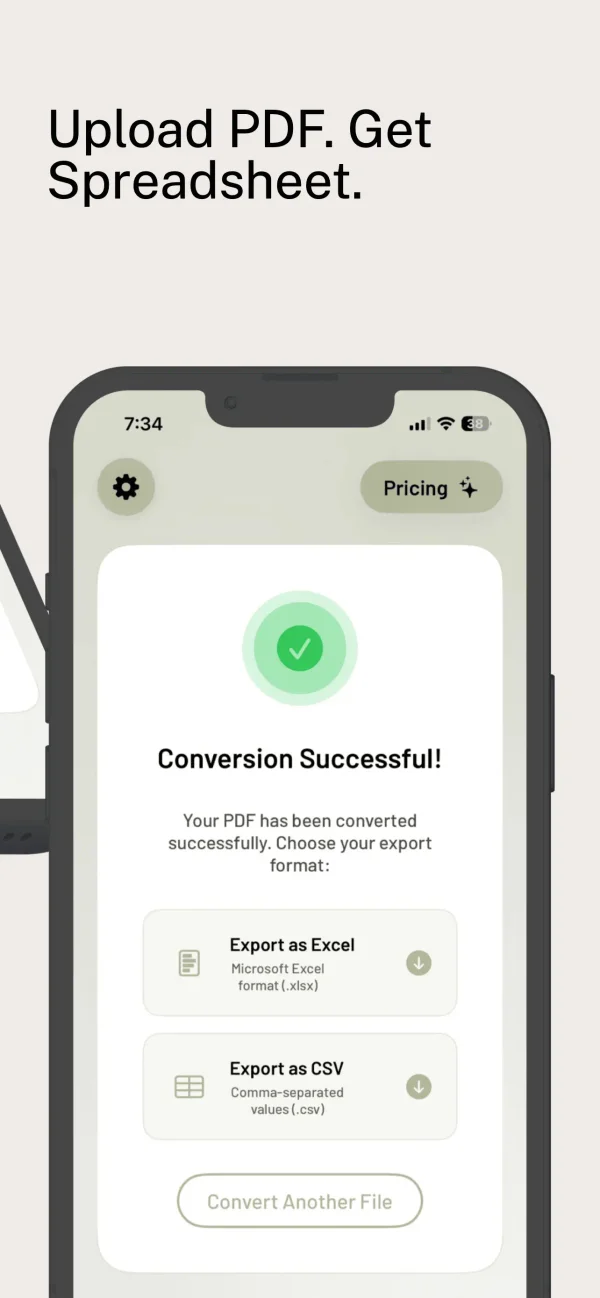
Export: Download your structured data directly into Microsoft Excel or as a CSV file.
Key Features:
• High-Speed AI Extraction: Accurately identifies dates, descriptions, and amounts.
• Excel & CSV Support: Export in the format that works best for your workflow.
• Bank-Level Security: Your privacy is our priority. Documents are processed securely.
• Clean Formatting: Data ready for pivot tables, formulas, and accounting software.
Subscription & Credits:
BankStatement offers a hybrid model to suit your needs:
• Free Users: Start with 5 complimentary credits to convert your first few pages for free.
• Premium Subscription: Unlock Unlimited Conversions and priority processing with a Weekly, Monthly, or Yearly Premium Plan.
SUBSCRIPTION INFORMATION:
• Title: PDF Statement Conversion Plans
• Service Provided: Unlimited conversion of bank statement PDFs into professional Excel (.xlsx) and CSV formats using high-speed AI extraction.
• Weekly Plan: 1-week duration.
• Monthly Plan: 1-month duration.
• Yearly Plan: 1-year duration.
• Payment: Charged to your iTunes Account at confirmation of purchase.
• Auto-Renewal: Subscription automatically renews unless auto-renew is turned off at least 24 hours before the end of the current period.
• Management: Manage or turn off auto-renew in your Apple ID Account Settings any time after purchase.
Terms of Use (EULA): https://www.apple.com/legal/internet-services/itunes/dev/stdeula/
Privacy Policy: https://jobspotcanada.com/privacy-policy.html
What’s new
Version 1.1 · Sep 24, 2026
In this version we have updated the subscription store view and minor bug fixes.
App privacy
What Saurav Shekhar declares on the App Store about how this app handles data.
-
Data not collected
The developer does not collect any data from this app.
Privacy practices may vary, for example with the features you use or your age.
Information
- Seller
- Saurav Shekhar
- Category
- Finance
- Version
- 1.1
- Updated
- Sep 24, 2026
- Released
- May 21, 2026
- Size
- 8.3 MB
- Requires
- iOS 17.0 or later
- Age rating
- 4+
- In-app purchases
- Yes
- Languages
- English
- Copyright
- © 2026 BankStatement Inc.
You might also like
-
 PDFtoXL:Bank Statement toExcelPDF Converter with AI
-
 StmntBank Statement Analyzer
-
 PDF Bank Statement ConverterConvert any PDF to Excel & CSV
-
 My Bank Statements ConverterPDF to Excel Converter
-
 Bank Statement Converter: XLSXConvert bank PDFs into Excel
-
 KanooXGuyana User App
-
 Bank Statements CSVConvert Bank Statements to CSV
-
 US Bank Statements PDF to CSVConvert bank PDF to Excel File
-
 PDF to CSV ConverterStatements to CSV, OFX, QBO
-
 Check Writer: Print CheckbookPDF, Printing & Signatures