Barcode Scan to Web
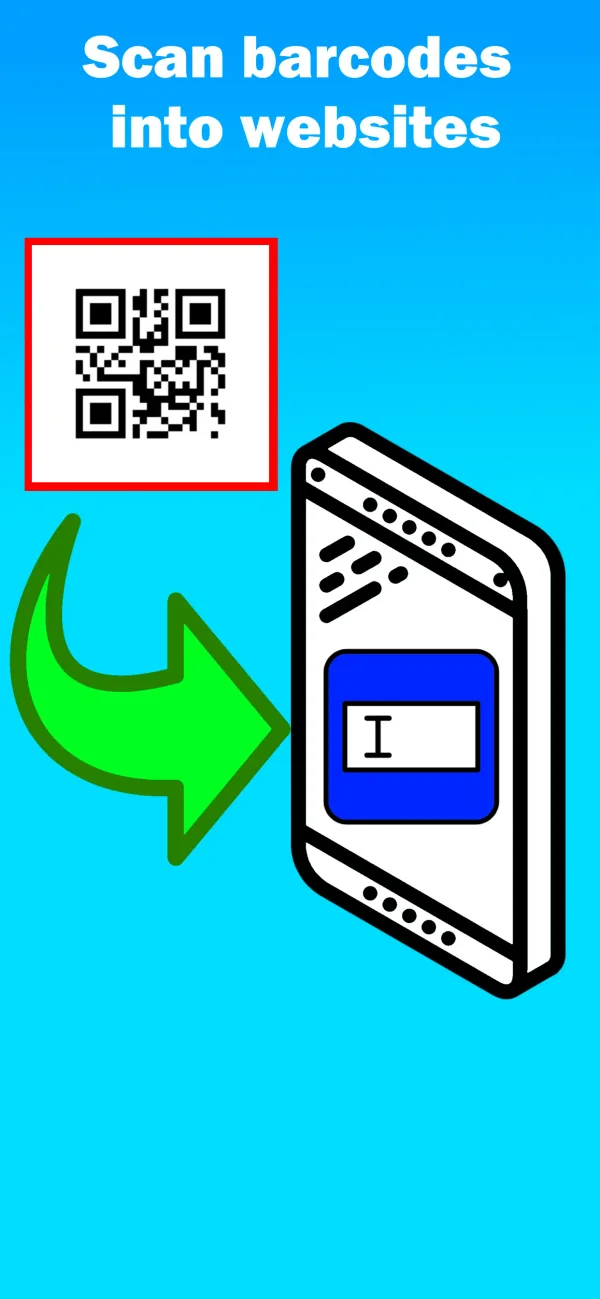
Scan barcodes into web sites
Designed for iPhone, iPad, iPod touch
Free · In-app purchases
- Age rating17+
- CategoryBusiness
- DeveloperBerry Wing LLC
- LanguagesEnglish
- Size56.9 MB
Links to the official App Store page
Download.org hosts no file of Barcode Scan to Web. The button opens its official App Store page, published by Berry Wing LLC. Listing last checked on Nov 12, 2026.
Screenshots
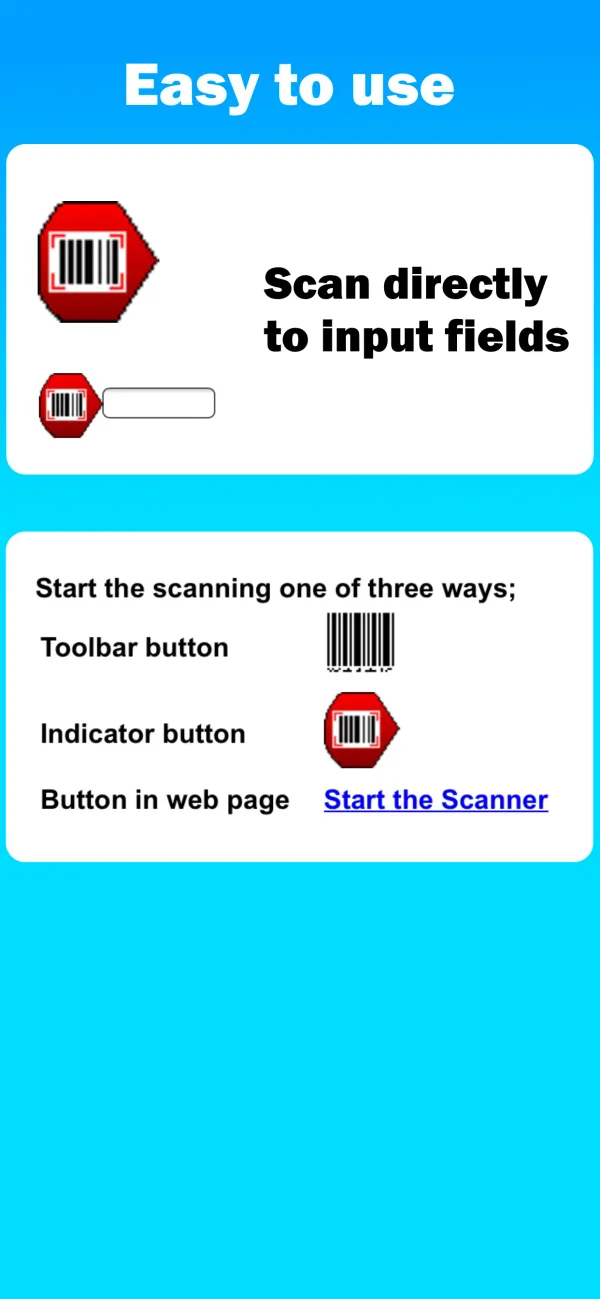
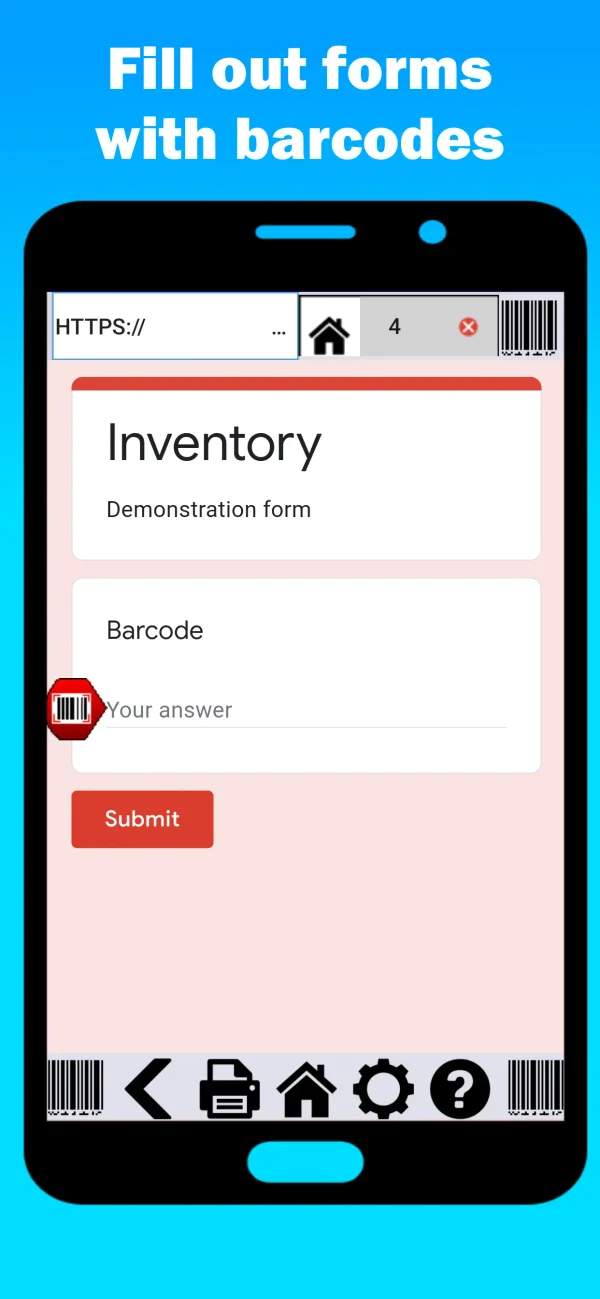
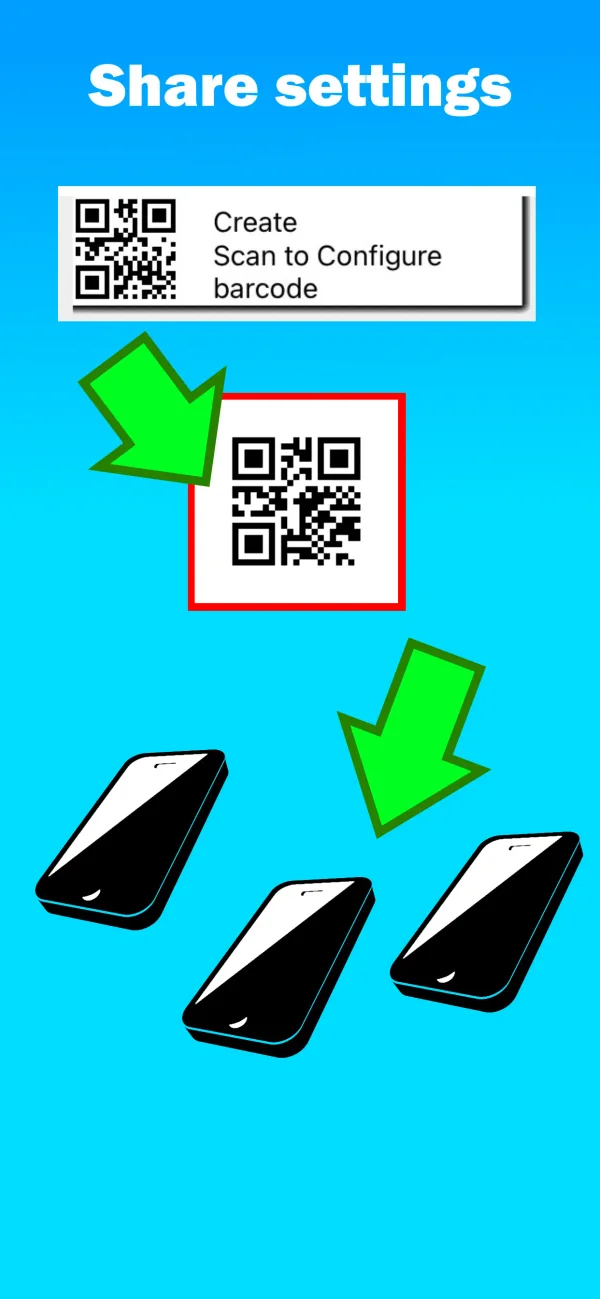
About
Thousands of business like yours are using Scan to Web to scan barcode information into websites and fill out web forms hands free! Stop manual updates and start using Barcode Scan to Web.
BEDS Plus use this app to save them time on their inventory. They saved so much time that they are starting a community garden. They gave our app and our app support five stars! “It’s been working great. Someone called the other day and suggested we do a drive for toothbrushes. I can check in my office in real time and I immediately know that we have over 700. That saves me the drive to get to the building, and now we know we can focus on other things.” –Molek, Volunteer Coordinator, BEDs Plus
Scan barcodes into:
- Google Drive Forms (Google Sheets)
- Your own intranet website
- Any website
Features:
• Speak to web - Voice to text in your forms!
• Tab to next - Cursor moves to next field after scan.
• Duplicate scan check - to ensure reliable information.
• Javascript after scan - For web developers who want complete control after scan.
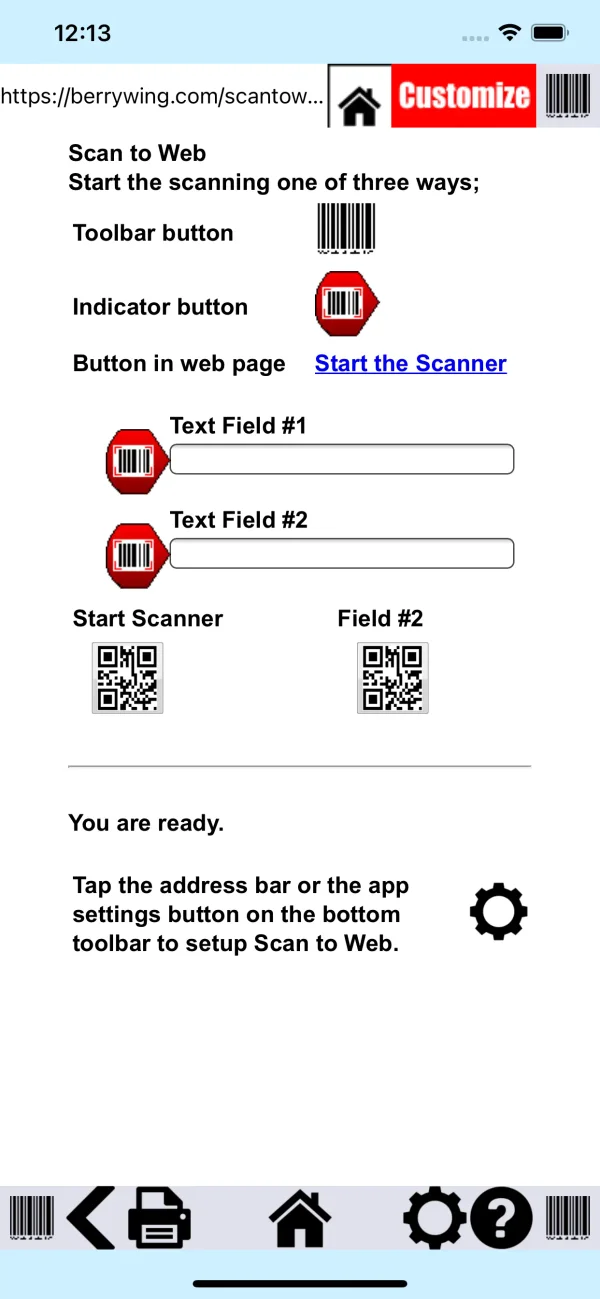
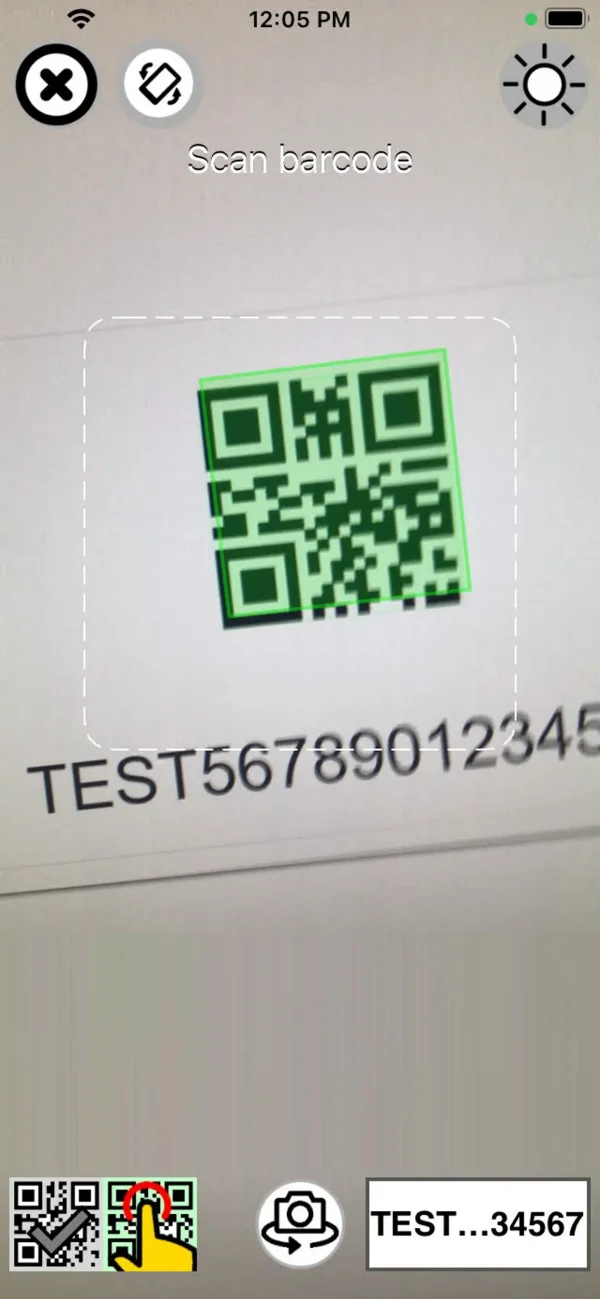
Scan to Web provides the iOS device user with a basic web browser and the ability to scan into web fields on web pages the user has browsed to. No external hardware is needed. Scan to Web uses the camera scanner in your iOS device to scan barcodes so it’s a great option for bring your own device (BYOD).
Use your own website for scanning inventory, check in/out sheets, attendance; any number of business related problems can be solved with Scan to Web.
Open any web page or search engine and scan any barcode instead of typing.
+17 required as this is a fully functional web browser.
To scan into a web page:
- Scan to place barcode result wherever cursor is on the web page.
- If text field is not active, scan result will be entered in first text field available
- If Submit on Scan setting is ON, the web page will “Submit” after the scan result
Settings:
- Scan Suffix: Submit on Scan or Do nothing. Determines what the web site will do after a scan
- Home page: URL of the home page in the app
- Hide address bar: Hides or displays the address bar when the app starts. Use [ Show/Hide ]
Subscription Model:
The app is free to download and test out, but after a number of scans, the app will ask you to subscribe. We are continually supporting and upgrading Scan to Web. Please let us know what options and updates you’d like to see.
Barcode symbology supported:
- QR Code
- Aztec
- EAN / UPC
- Code 3 of 9 (Code39)
(*10 to 15 characters max)
- Code 128 (Code128)
(*20 characters max)
- Code 93
- PDF417 (Driver's license)
- Data Matrix
Please note: Long values or multiple close Code 3 of 9 barcodes can become out of focus in the camera scanner and result in poor barcode scanning performance.
Download "Scan to Note" for free from Berry Wing LLC to test the barcode scanner used in Scan to Web.
* LEGAL and In- App subscription requirements
Unlimited use subscription; yearly or monthly billing cycles.
Payment will be charged to iTunes Account at the confirmation of purchase. Subscriptions will automatically renew, unless auto-renew is turned off no later than 24 hours before the end of the
current period. Account will be charged for renewal within 24 hours prior to the end of the current period, and identify the cost of the renewal. Subscriptions and auto-renewal can be managed/turned off in the iTunes account settings. Any unused portion of the free trial period is forfeited as soon as a subscription is purchased.
Privacy Policy
https://berrywing.com/scantoweb/v5/legal/ScantoWebPrivacyPolicy.html
Terms of Use
https://berrywing.com/scantoweb/v5/legal/termsfeed-terms-conditions-html-english.html
What’s new
Version 2025.8.01 · Aug 25, 2025
- Billing and unlimited use fixes
- IFRAME support
- Indicators can be left or right hand side of input elements
- Other general enhancements
- Quarterly updates coming. Please share your feedback!
App privacy
What Berry Wing LLC declares on the App Store about how this app handles data.
-
Data not linked to you
May be collected but is not linked to your identity.
- Location
- User content
- Identifiers
- Usage data
- Diagnostics
Privacy practices may vary, for example with the features you use or your age.
Information
- Seller
- Berry Wing LLC
- Category
- Business
- Version
- 2025.8.01
- Updated
- Aug 25, 2025
- Released
- Mar 15, 2013
- Size
- 56.9 MB
- Requires
- iOS 15.1 or later
- Age rating
- 17+
- Price
- Free
- In-app purchases
- Yes
- Languages
- English
- Copyright
- © Berry Wing LLC
You might also like
-
 Scan to Sheets - QR & BarcodeFast scanning to Google Sheets
-
 Barcode to SheetCustom Forms & Scan Barcodes
-
 Scan-IT to OfficeMobile Data Collection
-
 Scan to ExcelFast scanning to Excel
-
 Barcode Lite - to Web ScannerBusiness
-
 Barcode Scanner - Orca ScanInventory & Asset Tracker
-
 Scandit ExpressSmart Data Capture, instantly.
-
 Scan to Sheets: QR & BarcodeScan QR to Google Sheets
-
 Scanbot SDK: Barcode ScanningReliable Barcode Scanning
-
 Barcode Scanner by BarKoderNew age of barcode scans