- Age rating4+
- CategoryProductivity
- DeveloperezCodeLab
- LanguagesEnglish+ 1 more
- Size29.3 MB
Links to the official App Store page
Download.org hosts no file of BarcodeNote. The button opens its official App Store page, published by ezCodeLab. Listing last checked on Nov 12, 2026.
Screenshots
About
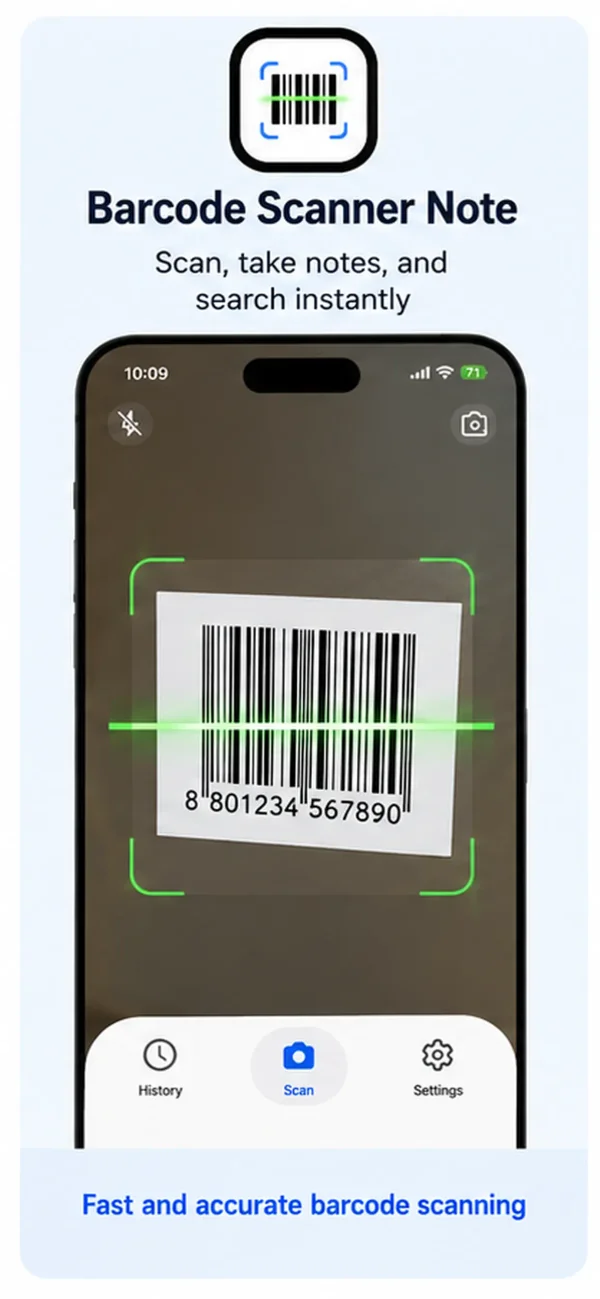
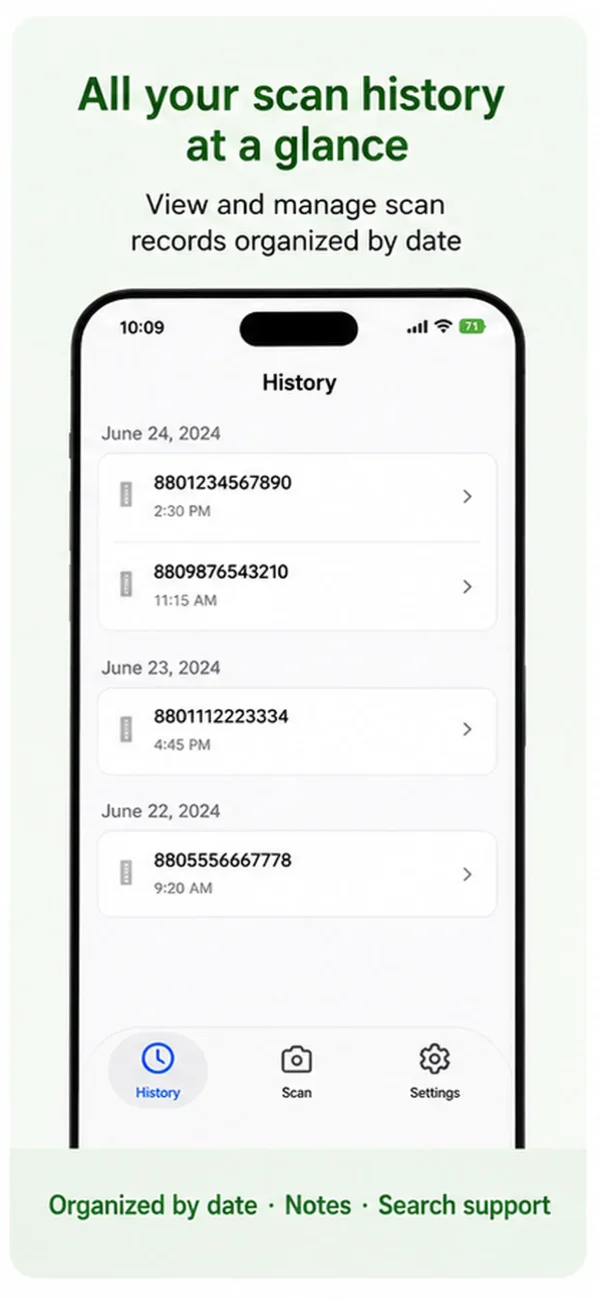
BarcodeNote is a simple barcode search app that lets you quickly scan barcodes, save scan records, and manage them with notes.
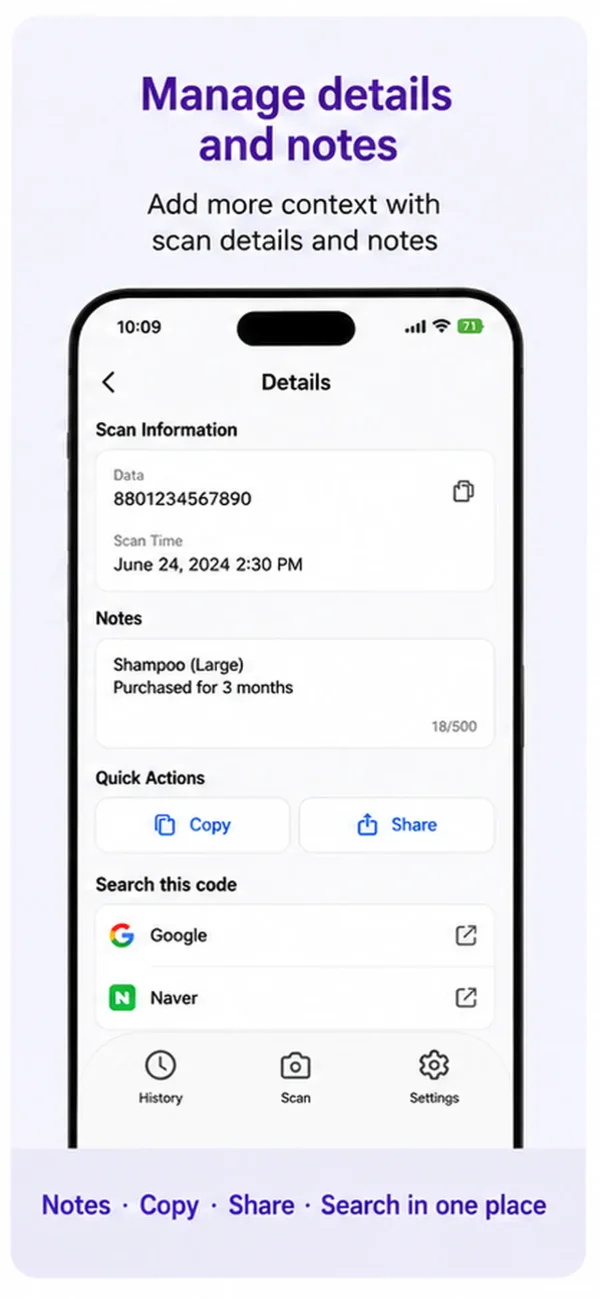
You can scan product barcodes, item codes, inventory codes, or any codes you need to check frequently, then save them as records and look them up again whenever needed. Scanned barcodes are organized by date, and you can add notes to each record, making the app useful not only as a barcode scanner but also as your personal barcode management notebook.
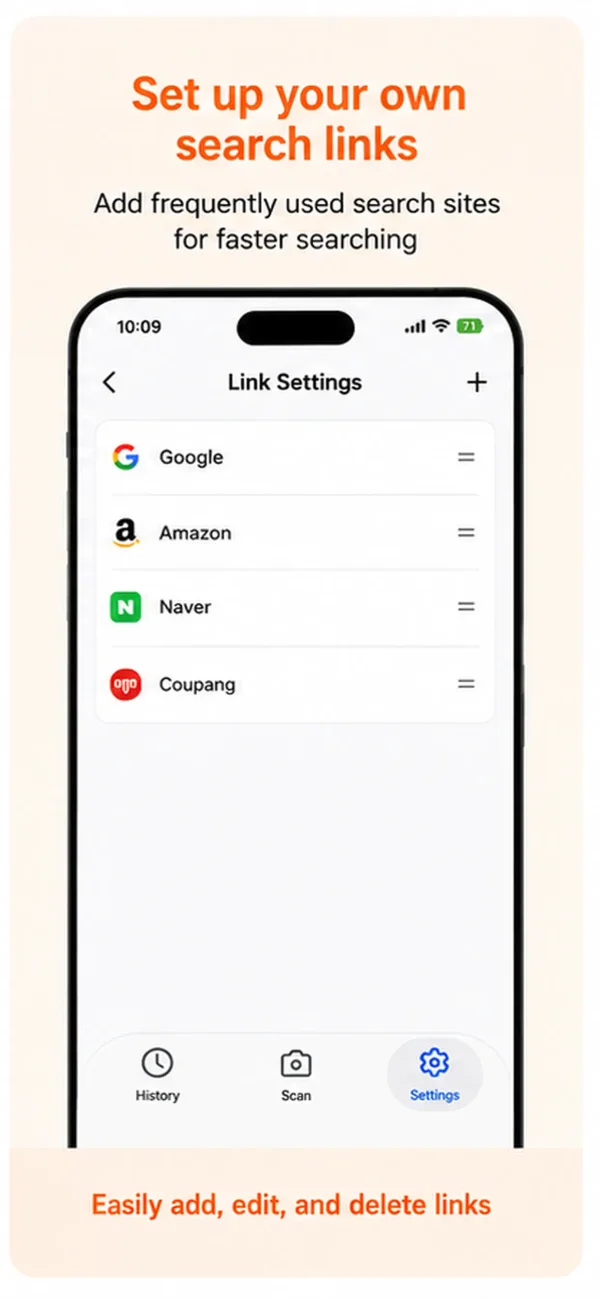
By registering the search sites you use often, you can quickly search scanned barcodes on Google, Amazon, or any other site you prefer. With the link settings feature, you can add and manage your own search URLs, making it easier to check product details, compare prices, or look up information.
What’s new
Version 1.0.7 · Jul 3, 2026
Color tags have been added.
App privacy
What ezCodeLab declares on the App Store about how this app handles data.
-
Data used to track you
May be used to track you across apps and websites owned by other companies.
- Identifiers
- Usage data
-
Data not linked to you
May be collected but is not linked to your identity.
- Identifiers
- Usage data
Privacy practices may vary, for example with the features you use or your age.
Information
- Seller
- ezCodeLab
- Category
- Productivity
- Version
- 1.0.7
- Updated
- Jul 3, 2026
- Released
- May 12, 2026
- Size
- 29.3 MB
- Requires
- iOS 15.6 or later
- Age rating
- 4+
- Price
- Free
- Languages
- English, Korean
- Copyright
- © 2026 Seo KangHoon. All rights reserved.
You might also like
-
 멀티 QR & 바코드Productivity
-
 Where Is It - Item TrackerPhoto inventory by room
-
 Stock My InventoryProductivity
-
 Track This – Price TrackerPrice Watch . Save Money
-
 Perfect Prompt AIGenerate prompts for AI tools
-
 Promtify: AI Prompt GeneratorAI Writing & Prompt Optimizer
-
 MandaPlan - MandalartBreak Big Goals into Action
-
 Tempo Calendar: Daily PlannerSchedule organizer & reminders
-
 BarcodeHelperBarcode creation & recognition
-
 SLASHProductivity