
Base64 Encoder Decoder JWT
Hex Base32 URL codec offline
Designed for iPhone
In-app purchases
- Age rating4+
- CategoryDeveloper Tools
- DeveloperPhuc Pham
- LanguagesEnglish
- Size2.4 MB
Links to the official App Store page
Download.org hosts no file of Base64 Encoder Decoder JWT. The button opens its official App Store page, published by Phuc Pham. Listing last checked on Nov 12, 2026.
Screenshots
About
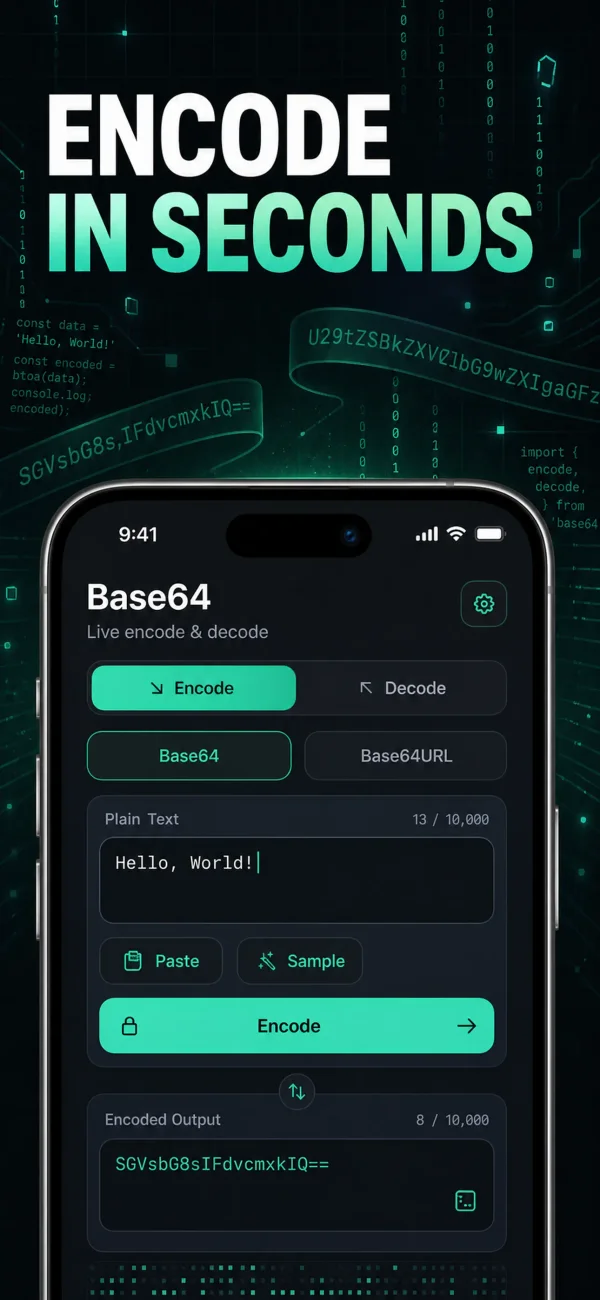
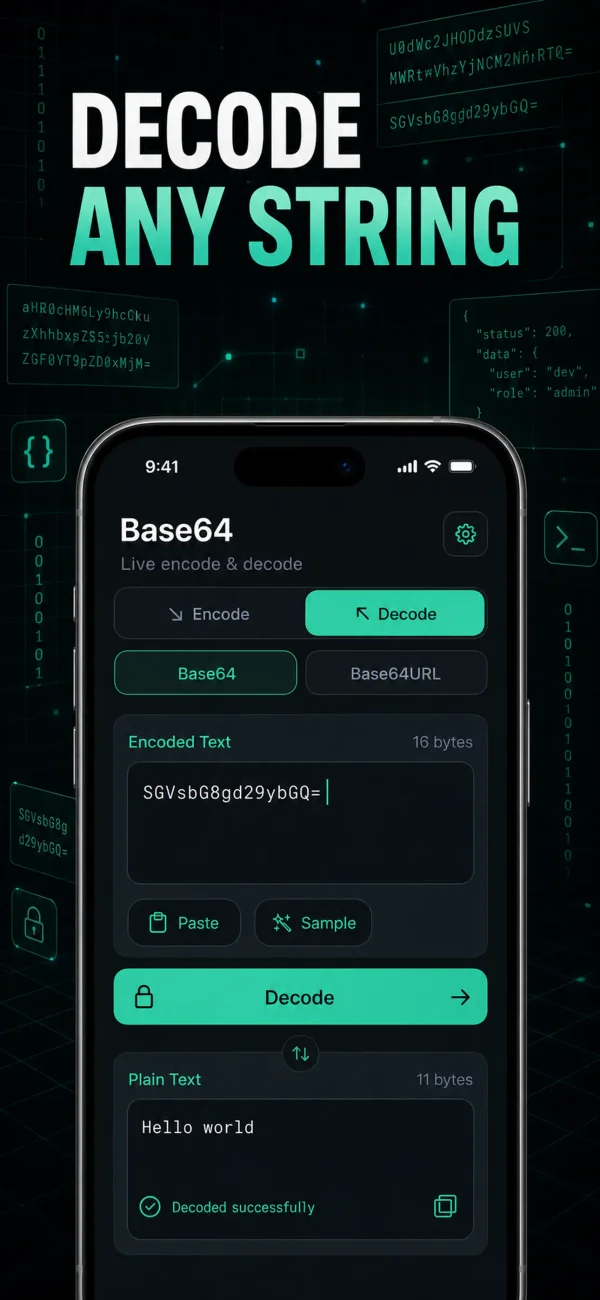
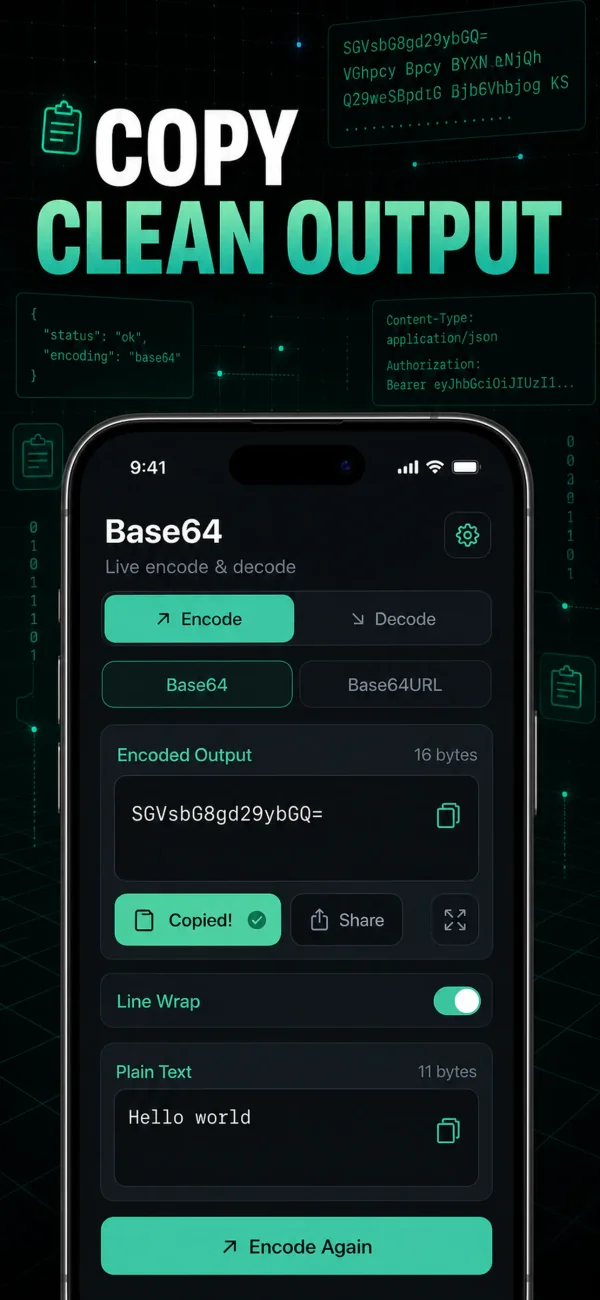
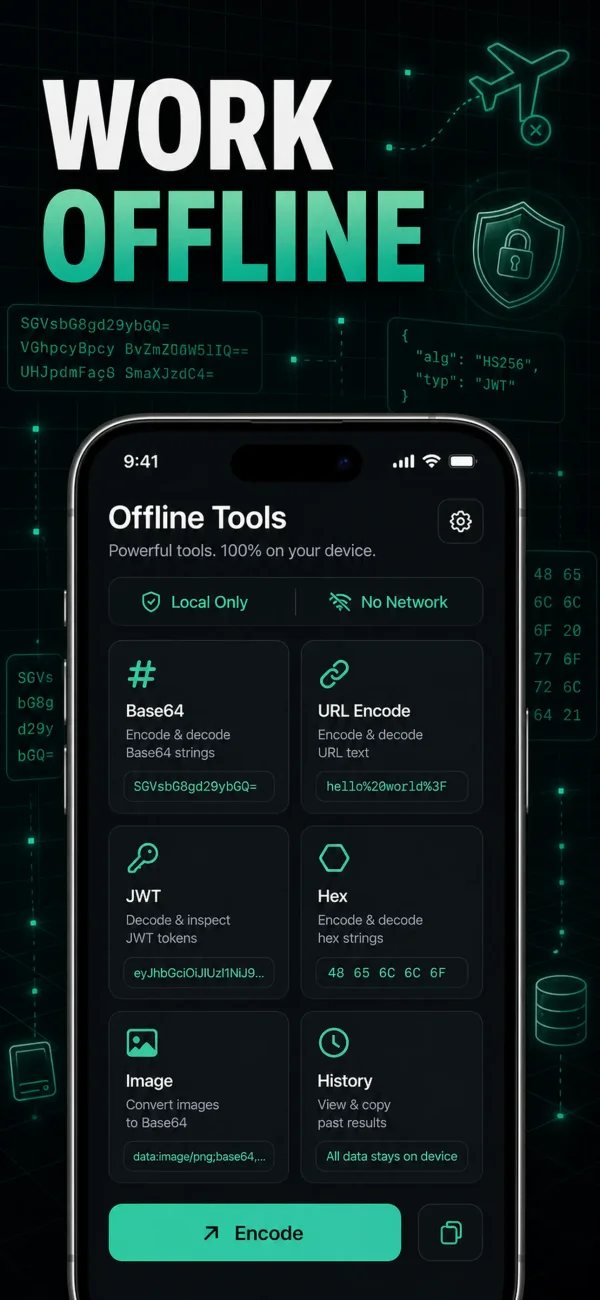
Encode and decode Base64 right on your iPhone — paste text or encoded data and watch it flip both ways in real time, with a live byte count on every result.
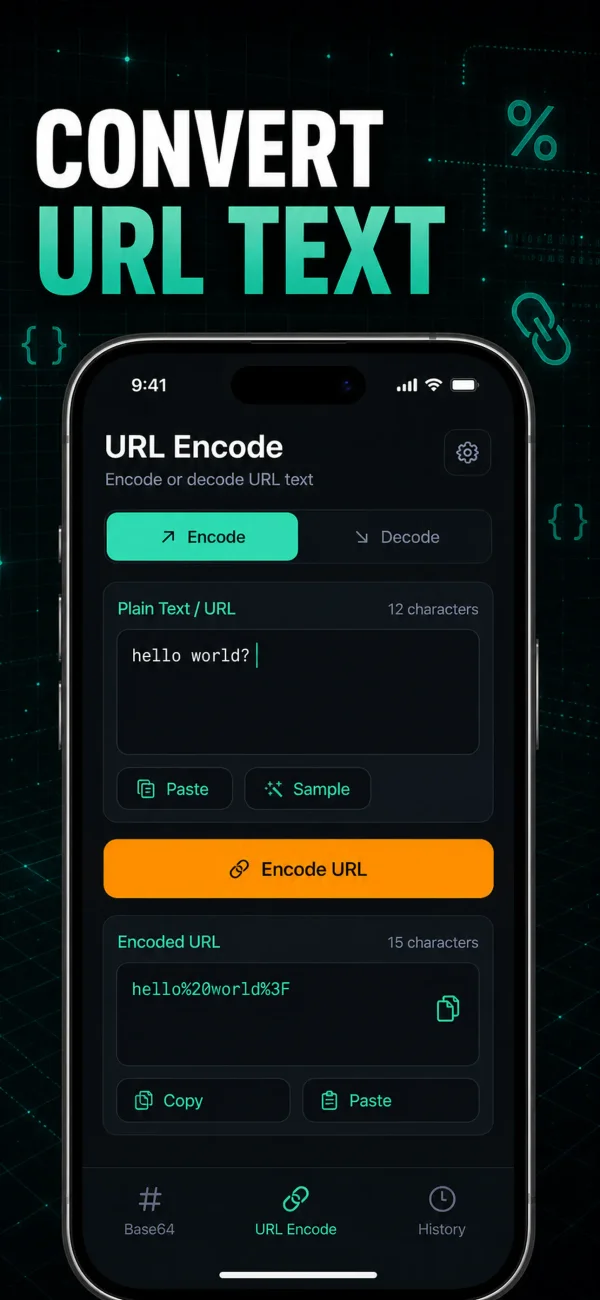
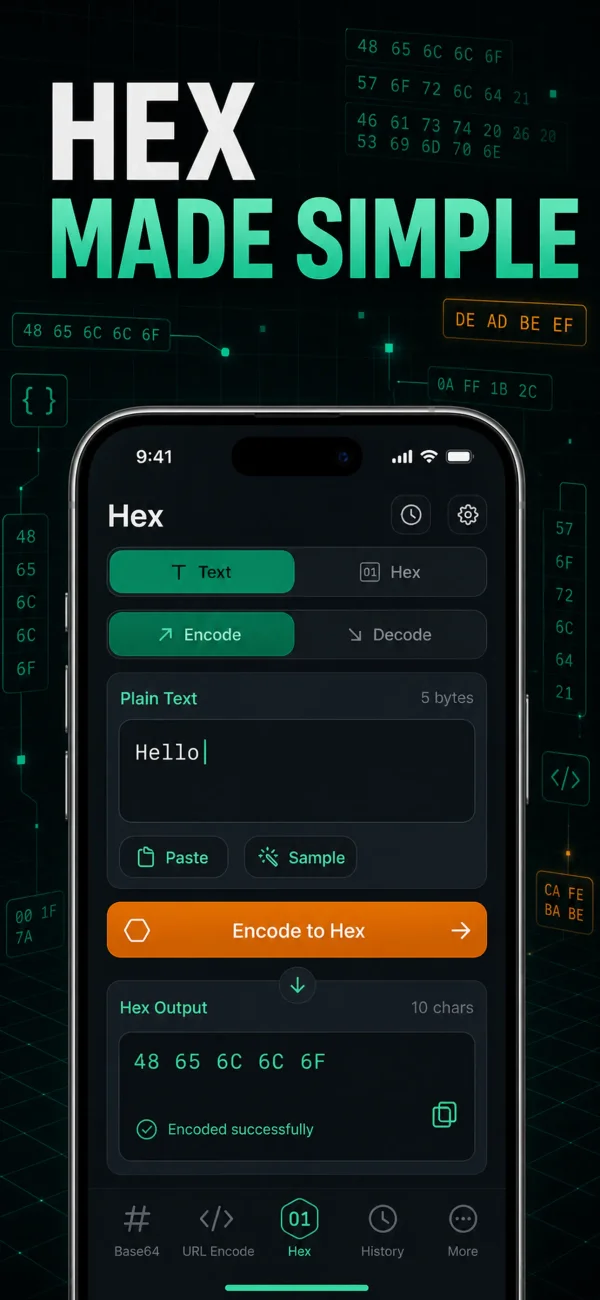
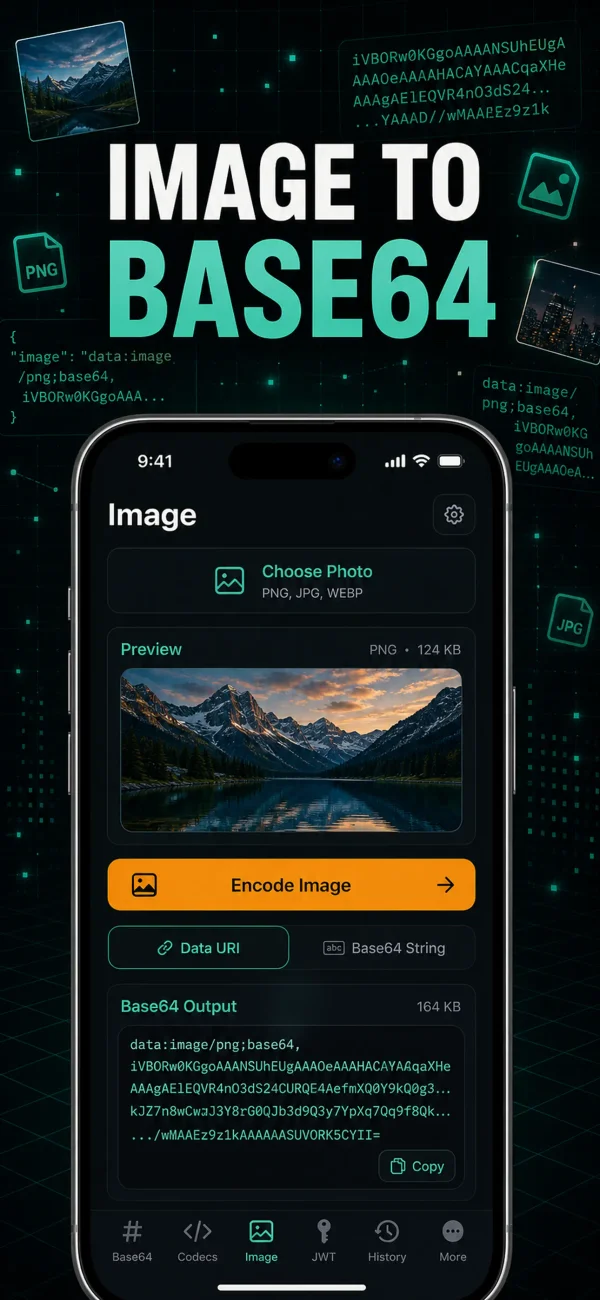
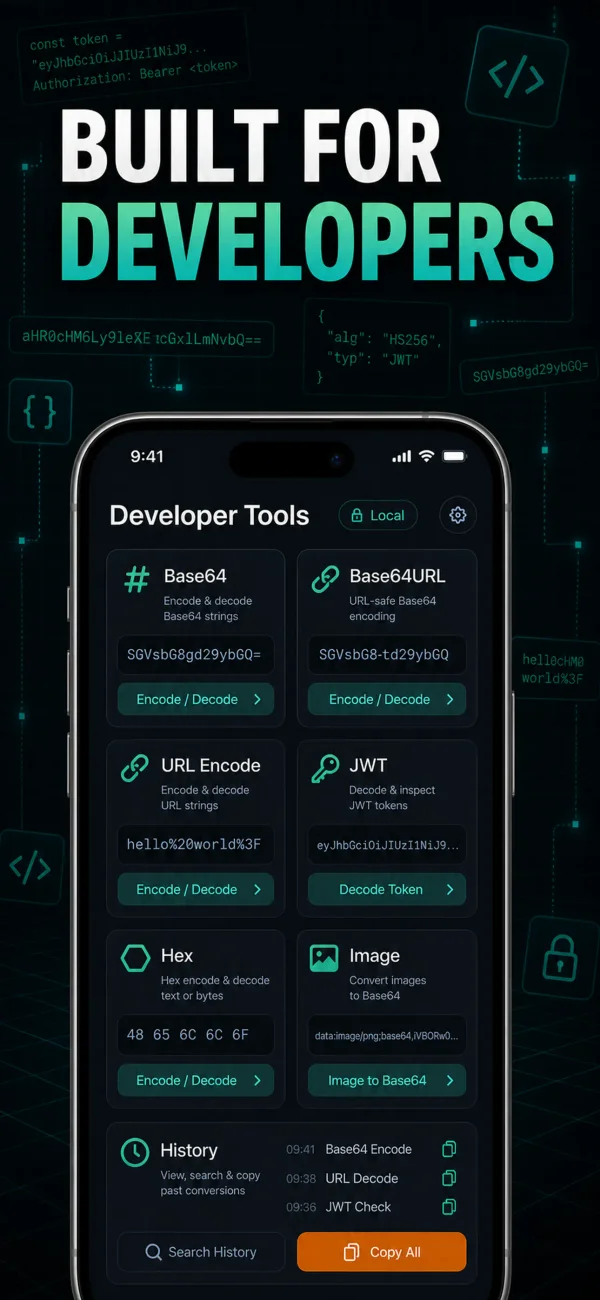
Base64Tool is a full developer codec workbench, not a single-trick converter. Beyond standard Base64 it handles the encodings you actually hit while shipping — URL-safe Base64, percent-encoding, HTML entities, Hex, and Base32 — plus a JWT inspector and an image-to-data-URI converter, all running entirely on-device with nothing sent to a server.
WHAT YOU GET
- Instant two-way Base64 encode and decode with a live byte and size readout
- A whole codec set: Base64URL, URL percent-encoding, HTML entities, Hex, and Base32 (RFC 4648)
- Human-readable error messages when something won't decode, so you know exactly what's wrong
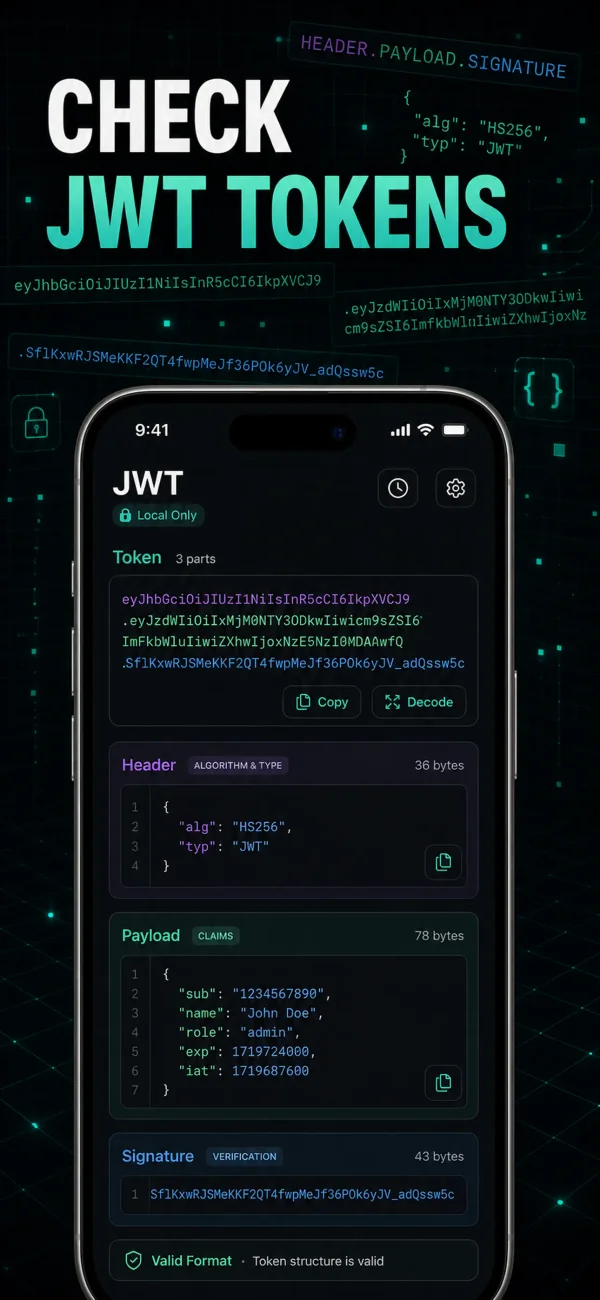
- A JWT decoder that splits any token, pretty-prints the header and payload, and surfaces claims, expiry and signature
- An image converter that turns any photo into a Base64 data-URI for HTML, CSS or JSON — and pastes one back to preview
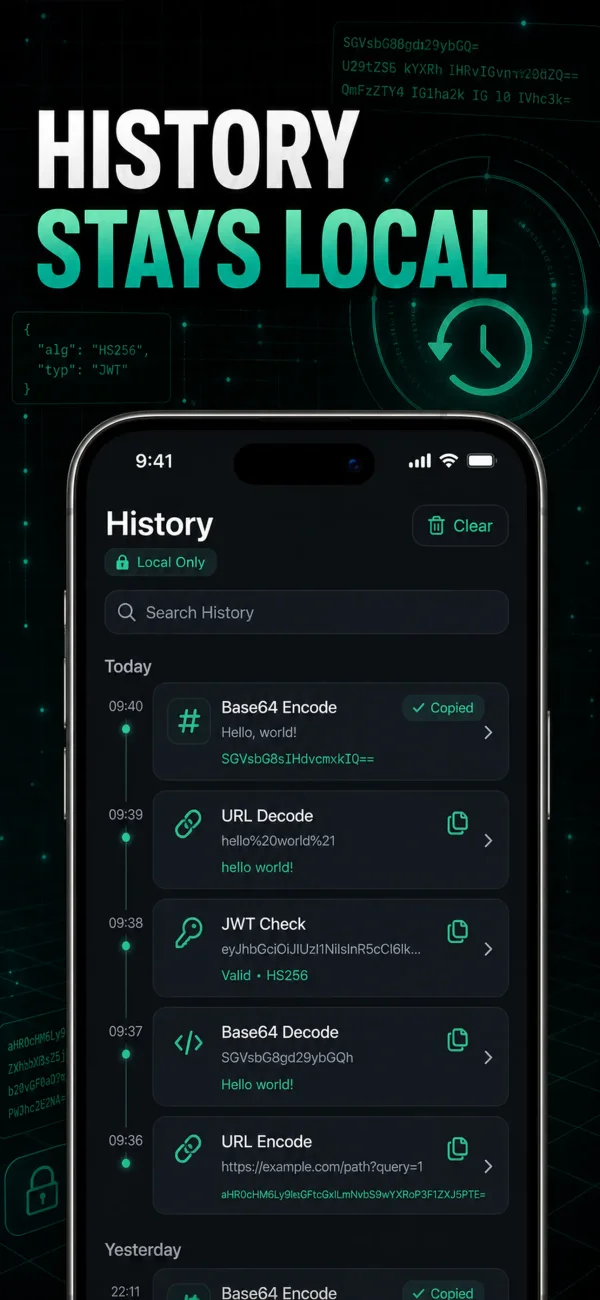
- Saved history so you can pull up a past conversion without retyping it
- One-tap copy, a clean dark-mode interface, and a quick personalisation step during onboarding
- A built-in reference that explains Base64, data-URIs and JWTs in plain language
PERFECT FOR
- Web and API developers wiring up tokens, payloads and query strings
- Mobile and backend engineers debugging encoded data on the go
- DevOps and security folks inspecting JWTs and Base32 secrets
- Students learning how encodings actually work under the hood
WHY NOT JUST USE A WEBSITE?
Online encoders make you paste sensitive tokens and payloads into someone else's server. Base64Tool does every conversion locally on your device — no upload, no account, no waiting on a network — so a private key or auth token never leaves your phone.
PRIVACY
Everything runs on-device. No accounts, no servers, no tracking, and your saved history stays inside the app. Your payloads never leave your iPhone.
FULL ACCESS
Standard Base64 encode and decode is free forever. Unlock everything else — the Base64URL, URL, HTML, Hex and Base32 codecs, the JWT decoder, and the image data-URI converter — with Base64Tool Pro:
- Weekly plan
- Yearly plan
- Lifetime (one-time purchase)
Payment is charged to your Apple ID at confirmation. Subscriptions renew automatically unless cancelled at least 24 hours before the current period ends; manage or cancel anytime in your App Store account settings.
Paste your first string and watch it decode instantly.
Terms of Use (EULA): https://web-levi.web.app/terms
Privacy Policy: https://web-levi.web.app/privacy-policy
Questions? Support: tphuc.work@gmail.com
What’s new
Version 1.1.2 · Aug 16, 2026
Bug fixes and performance improvements.
App privacy
What Phuc Pham declares on the App Store about how this app handles data.
-
Data not collected
The developer does not collect any data from this app.
Privacy practices may vary, for example with the features you use or your age.
Information
- Seller
- Phuc Pham
- Category
- Developer Tools
- Version
- 1.1.2
- Updated
- Aug 16, 2026
- Released
- Jun 4, 2026
- Size
- 2.4 MB
- Requires
- iOS 17.0 or later
- Age rating
- 4+
- In-app purchases
- Yes
- Languages
- English
- Copyright
- © 2026 Phuc Pham
You might also like
-
 Base64 Encode Decode OfflineURL Hex JWT Hash Dev Tools
-
 Image to Base64: Base64 LabEncode & Decode Images
-
 Image ∞ Base64Convert between image & Base64
-
 Dev Tool box - Developer ToolsJSON, URL, Base64 & More
-
 CodeViewer - Code ReaderCode view, Syntax highlighting
-
 DevUtility • Developer ToolsUseful developer tools
-
 DevCipher - SM&Cipher&Base64RSA&AES, Base64&URL Encode
-
 UrlescentEncode, decode & inspect URLs
-
 Termini Desk SSH ClientSFTP, FTP, RDP, Telnet
-
 Aster - Code EditorPython, JavaScript & Git