
SportsDraw: Video Analysis
Ball Tracking & Slow Motion
Designed for iPhone, iPad
$9.99
- Age rating4+
- CategorySports
- DeveloperDavid Balderston
- LanguagesEnglish+ 43 more
- Size79.4 MB
Links to the official App Store page
Download.org hosts no file of SportsDraw: Video Analysis. The button opens its official App Store page, published by David Balderston. Listing last checked on Nov 25, 2026.
Screenshots
About
Track the ball automatically, review every rep in slow motion and compare clips. Pay once. All tools included. No subscription.
Dial in your form, one frame at a time. SportsDraw is a video player for reviewing practice clips from any sport you can film: baseball, softball, tennis, pickleball, basketball, disc golf and more. It's made for players, parents and coaches on iPhone and iPad.
ONE PLAYER FOR EVERY SPORT
There are no modes to pick. Open a swing, a pitch, a serve, a dink, a jump shot or a throw, and the same tools sit right beside the video.
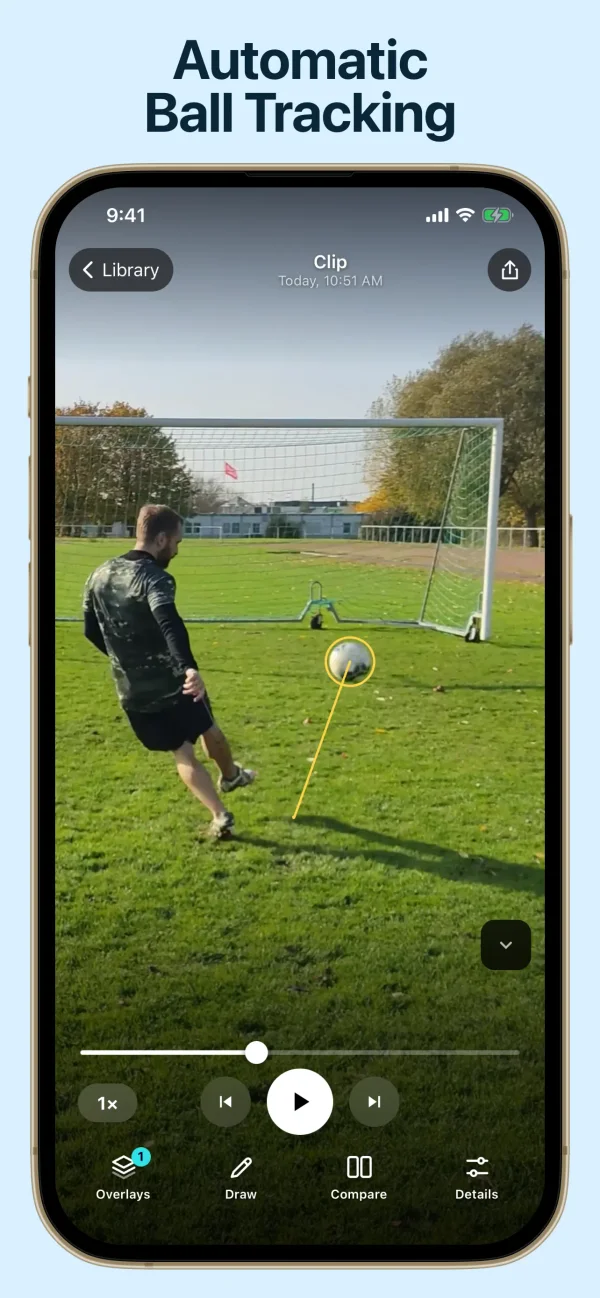
AUTOMATIC BALL TRACKING
SportsDraw finds the ball for you and draws its path as a trail you can adjust, so you can see the flight of a pitch, a serve or a shot.
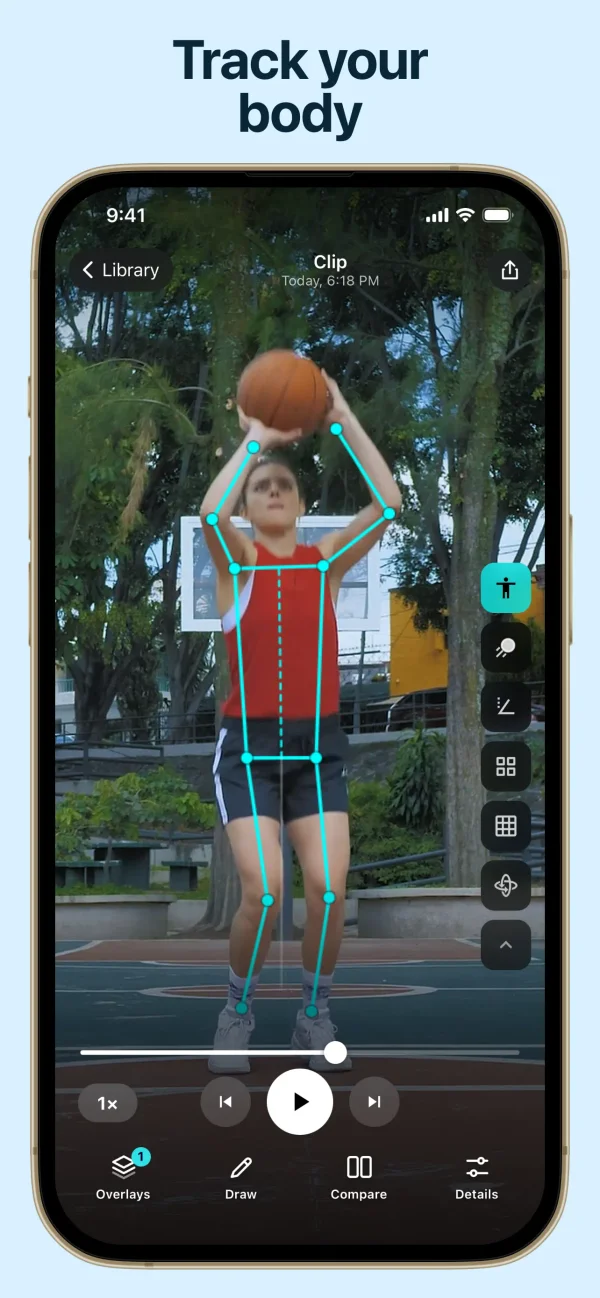
BODY TRACKING AND ANGLES
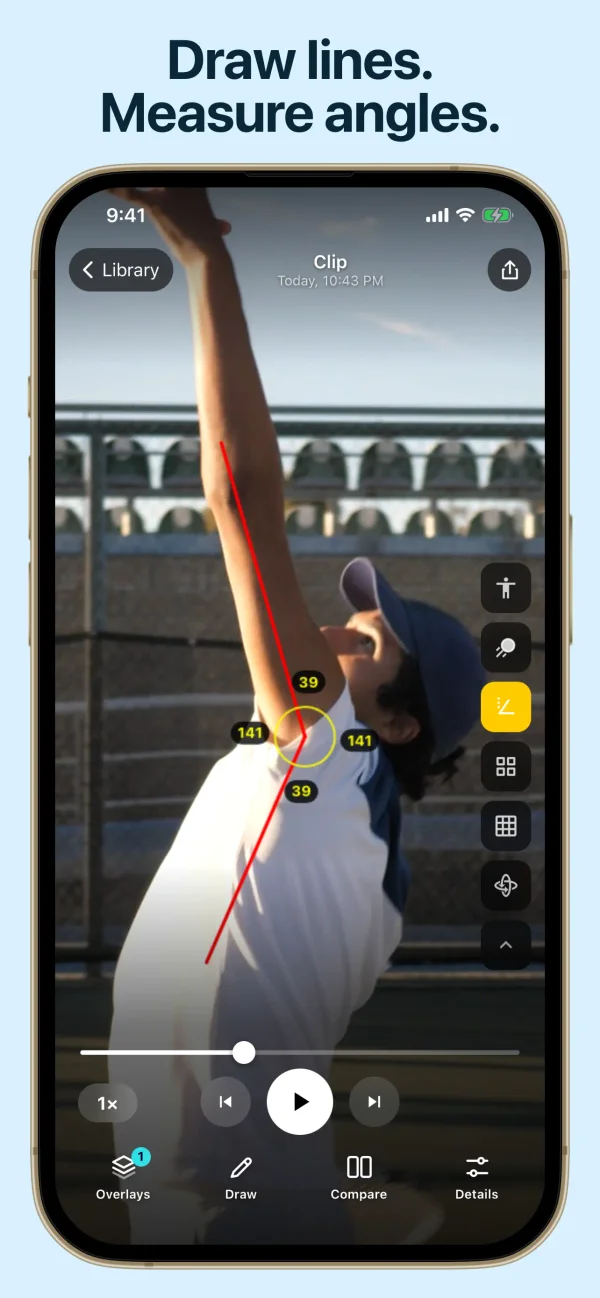
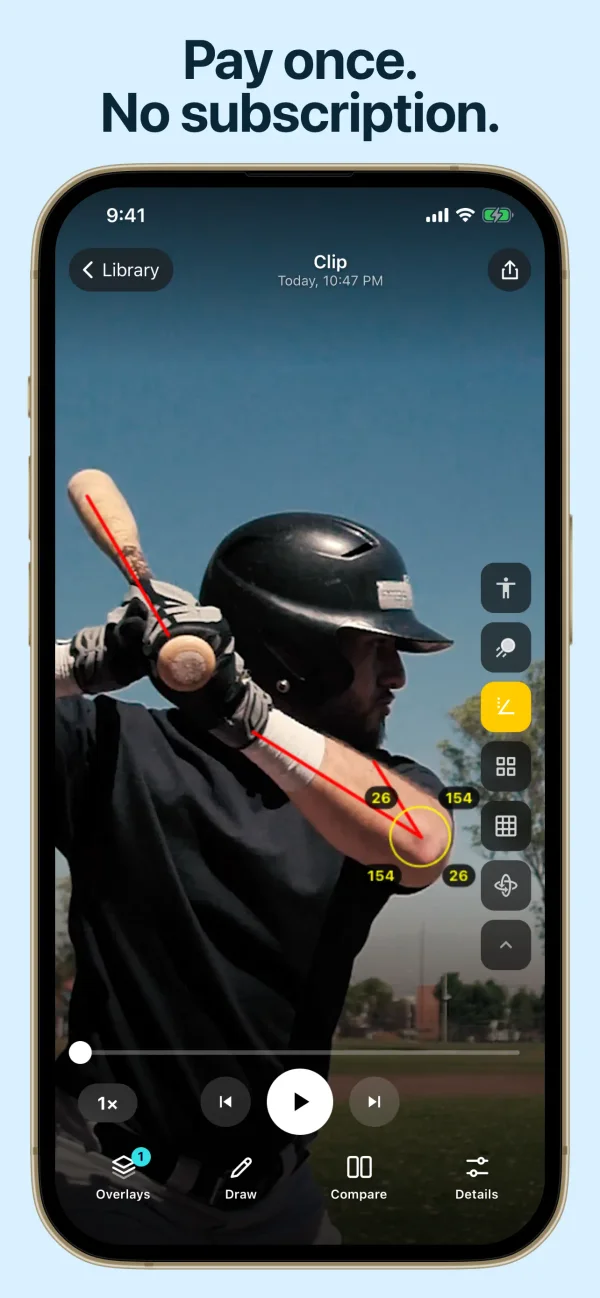
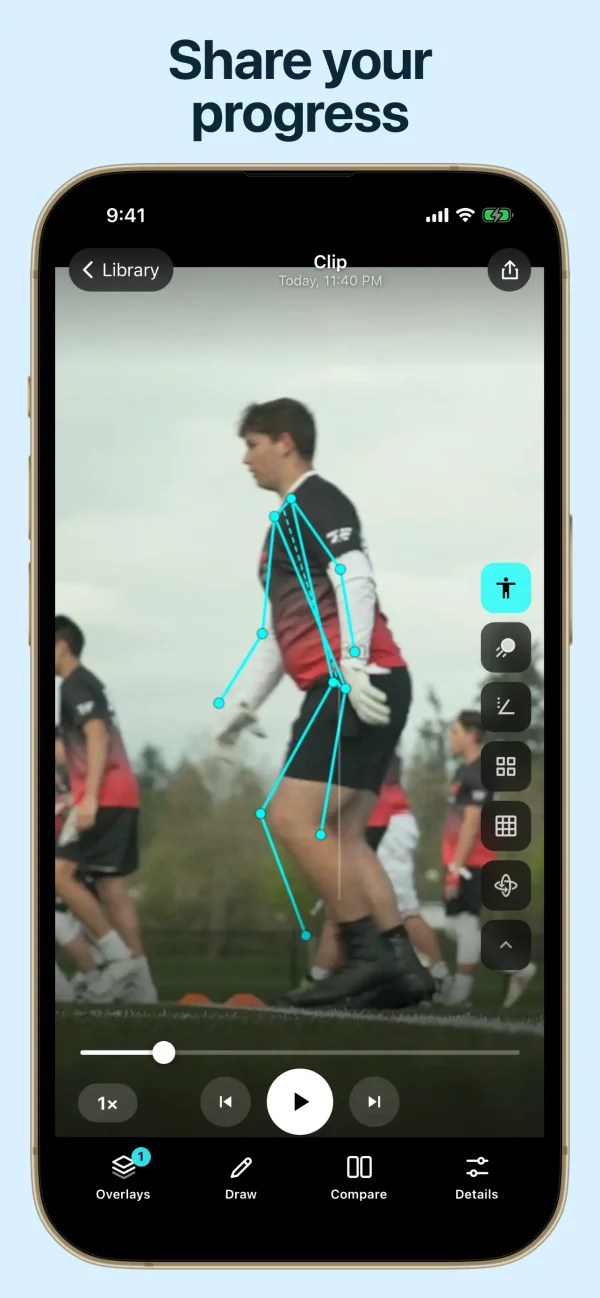
Turn on AI body tracking to see a skeleton over the player, frame by frame. Draw lines and show the angles where they meet to check posture, balance and timing.
SLOW IT DOWN AND MARK IT UP
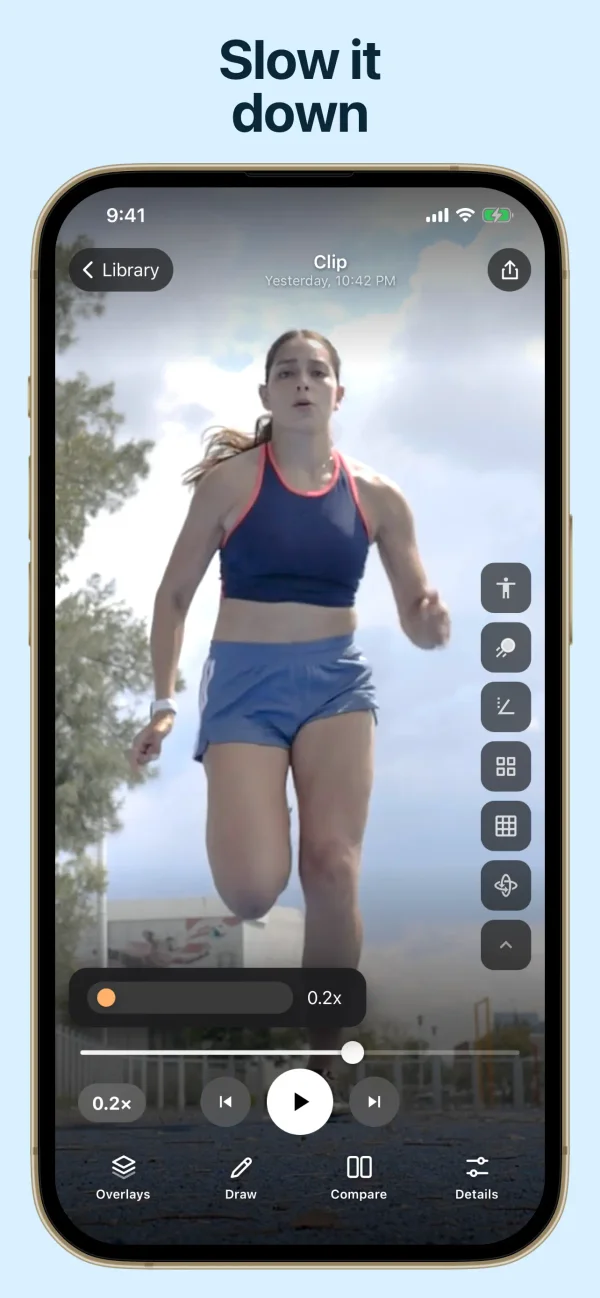
Step through frame by frame or play at half or quarter speed. Draw lines and circles to mark stride, contact point, arm position or release.
COMPARE TWO CLIPS
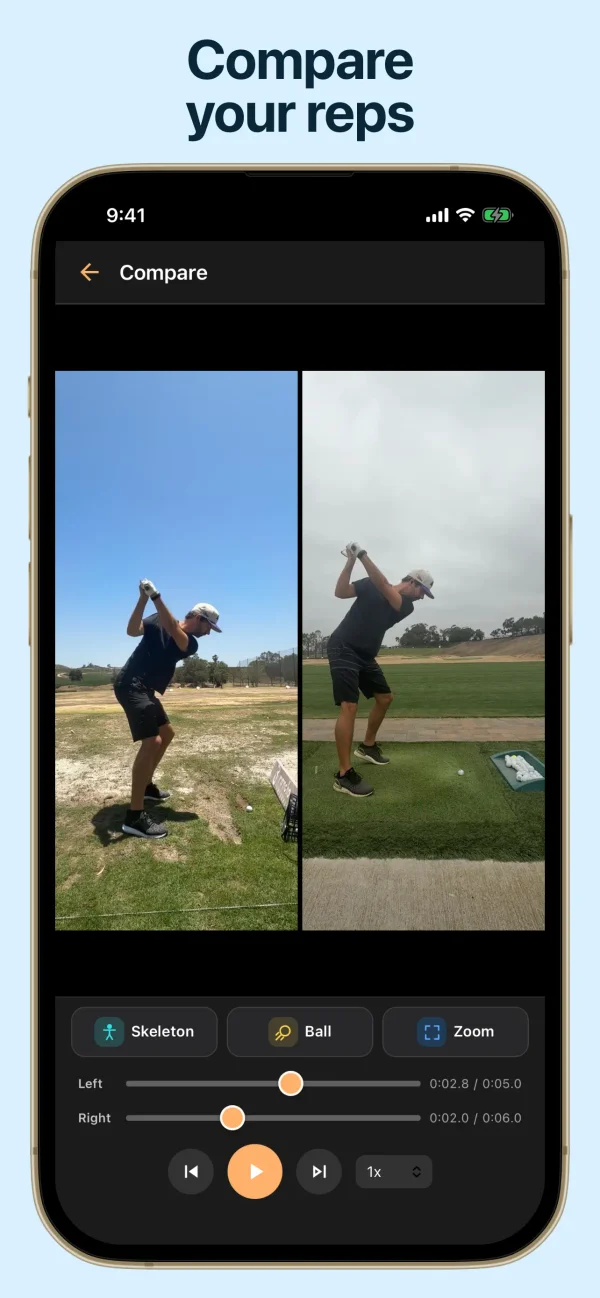
Put two videos side by side or stacked to see what changed between reps.
RECORD HANDS-FREE
Set a 3, 5 or 10 second start delay, then start and stop recording with the volume buttons, Camera Control or a Bluetooth remote. You can also import clips from Photos.
SAVE, ORGANIZE AND SHARE
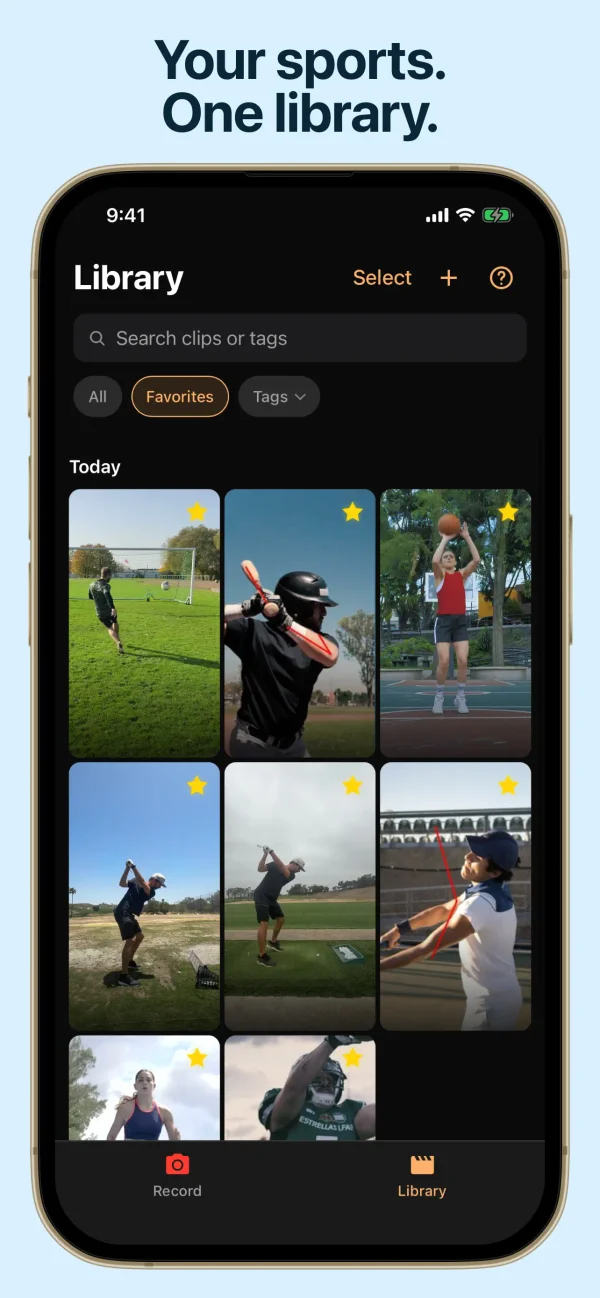
Add voice notes, tags and favorites. Share a photo or video right after you save it, or share the original clip from your Library.
PRIVATE BY DESIGN
Everything runs on your device. There's no account and no ads. Every tool is included with the app, with no subscriptions or in-app purchases.
Privacy Policy: https://sportsdraw.app/privacy/
Terms of Use: https://sportsdraw.app/terms/
What’s new
Version 1.1.1 · Nov 24, 2026
Minor fixes.
App privacy
What David Balderston declares on the App Store about how this app handles data.
-
Data not collected
The developer does not collect any data from this app.
Privacy practices may vary, for example with the features you use or your age.
Information
- Seller
- David Balderston
- Category
- Sports
- Version
- 1.1.1
- Updated
- Nov 24, 2026
- Released
- Sep 1, 2026
- Size
- 79.4 MB
- Requires
- iOS 18.0 or later
- Age rating
- 4+
- Price
- $9.99
- Languages
- English, Arabic, Bengali, Catalan, Croatian, Czech, Danish, Dutch, Finnish, French, German, Greek + 32 more
- Copyright
- © 2026 David Balderston
You might also like
-
 MotionlineForm Analysis Tool
-
 野球の物理 打球と投球のシミュレーターSports
-
 Batto: Baseball ScorebookKeep score without the symbols
-
 MotionTagger: Video AnalysisSlow Motion Swing & Form Check
-
 Baseball Stats CalculatorBatting Avg, OPS, ERA & WHIP
-
 Baseball Inning ScoreboardRuns, hits & errors, by inning
-
 AI Baseball Form CoachPitch & Swing Form Analysis
-
 FormSnapSlow-Motion Form Analysis
-
 Batting STATS ManagerTrack batting & pitching stats
-
 Pitch And Swing Lab: TrainingBaseball & Softball Analyzer