
Basketball Stats Assistant
Game stats tracker for coaches
Designed for iPhone, iPad
Free · In-app purchases
- Age rating4+
- CategorySports
- DeveloperArtalejo Solutions SL
- LanguagesEnglish+ 11 more
- Size89.6 MB
Links to the official App Store page
Download.org hosts no file of Basketball Stats Assistant. The button opens its official App Store page, published by Artalejo Solutions SL. Listing last checked on Nov 26, 2026.
Screenshots

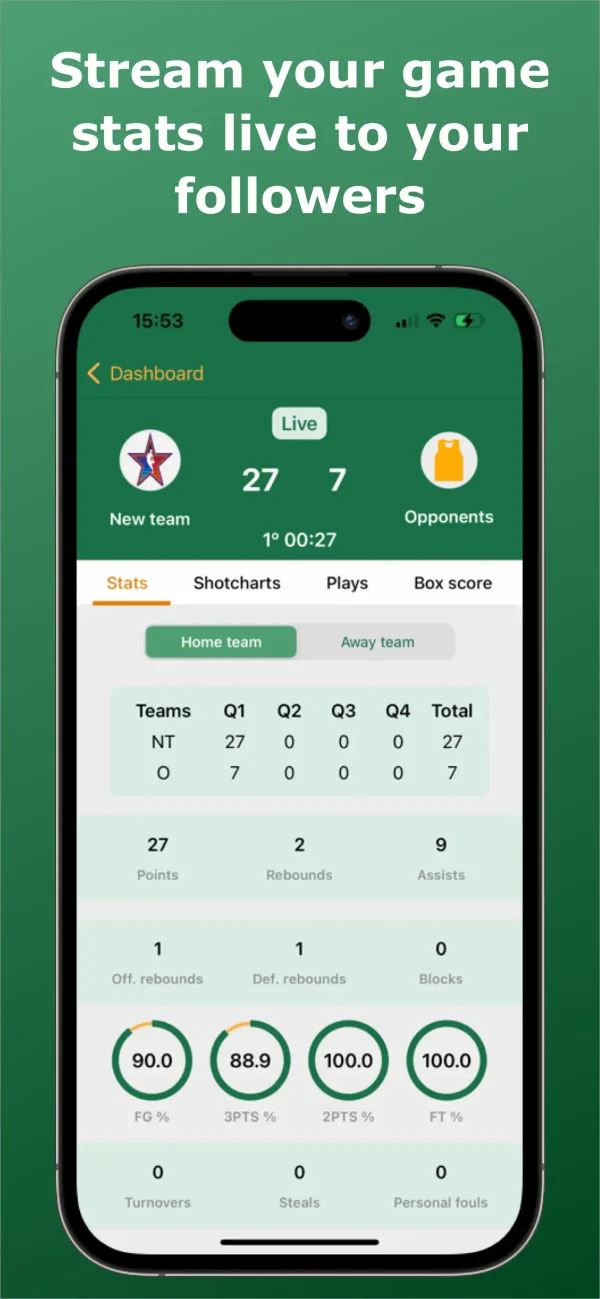
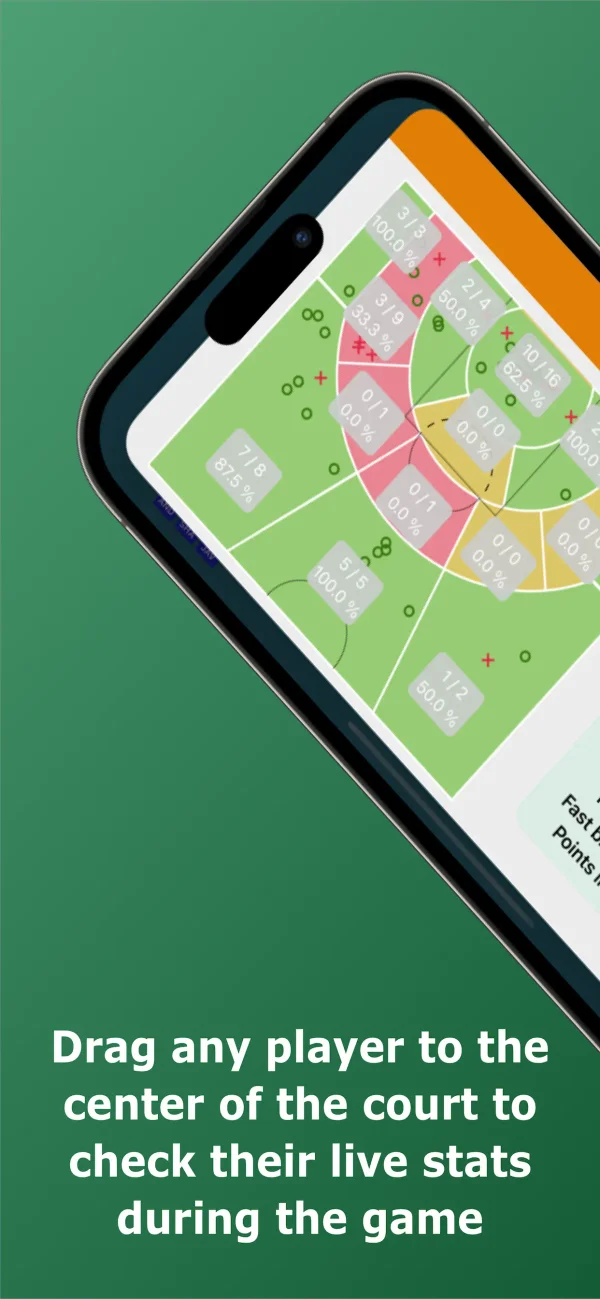

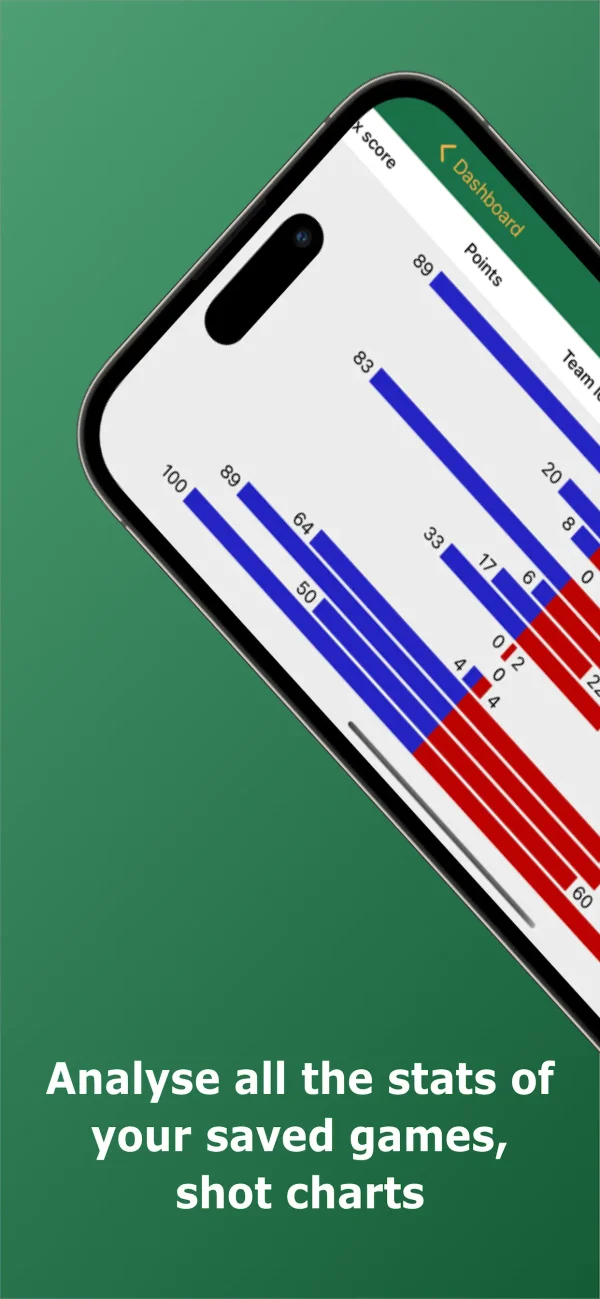
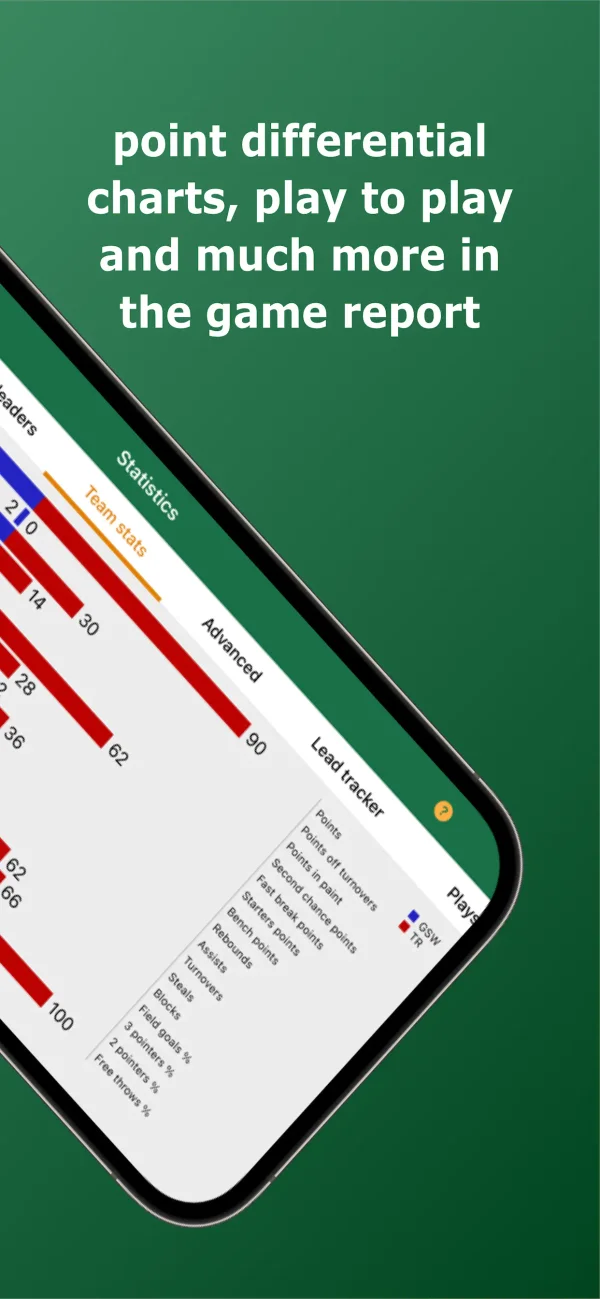
About
You're on the bench. Game is live. Your assistant is scribbling stats on paper and you're about to miss a possession. Basketball Stats Assistant fixes that: one-tap live tracking (or drag and drop, if you prefer) so you never lose a stat, miss a play, or enter a game blind again.
Basketball Stats Assistant will help you track and analyze your team basketball statistics easily. The best basketball stats keeper app in the market.
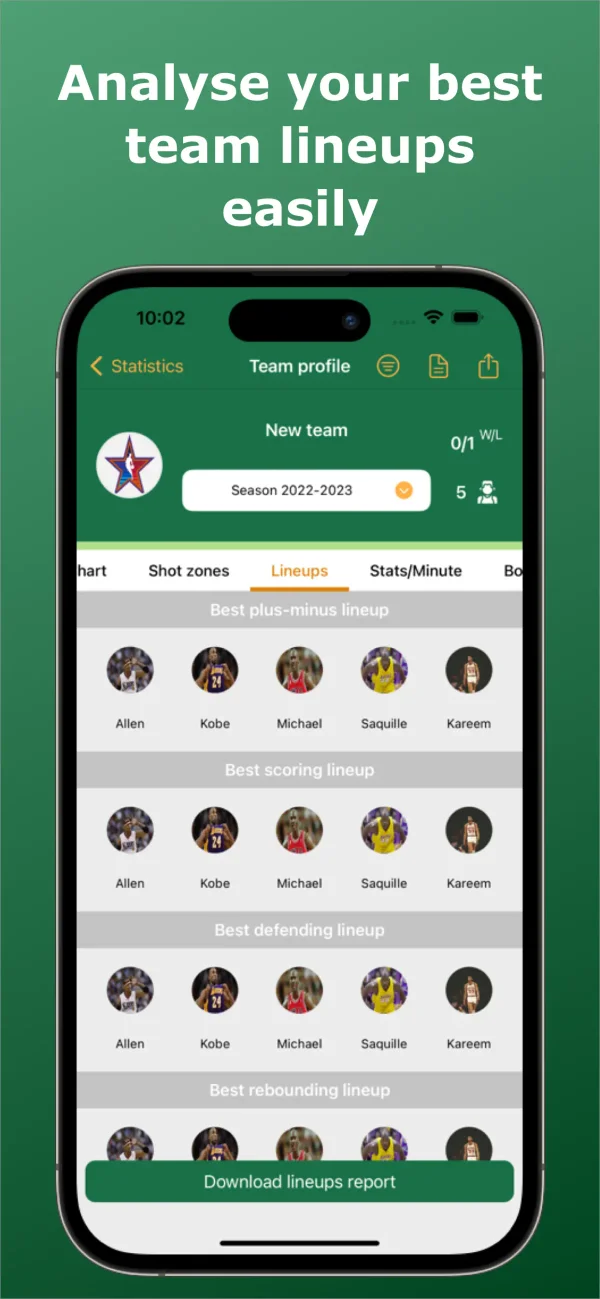
Discover the new season reports per team and player where you will be able to analyze basketball advanced statistics that will help your team improve their game.
REALLY INTUITIVE TRACKING SYSTEM ( DRAG AND DROP )
- By dragging and dropping any basketball action to the selected player on court the system will record the stats so that you do not lose a second of the game.
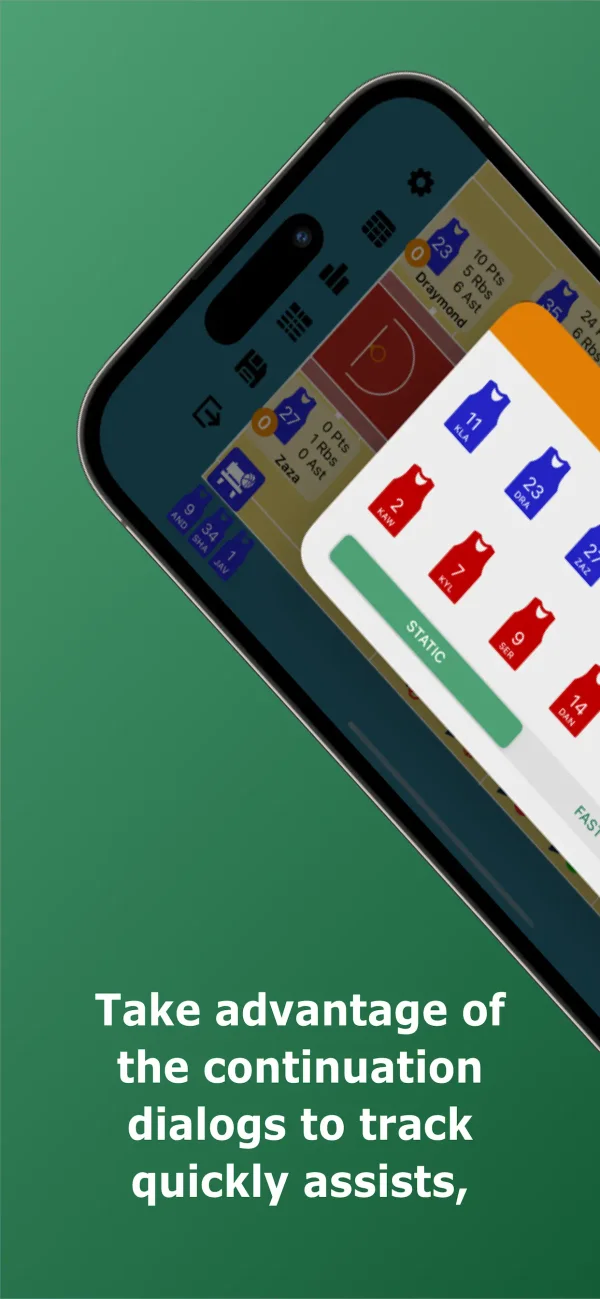
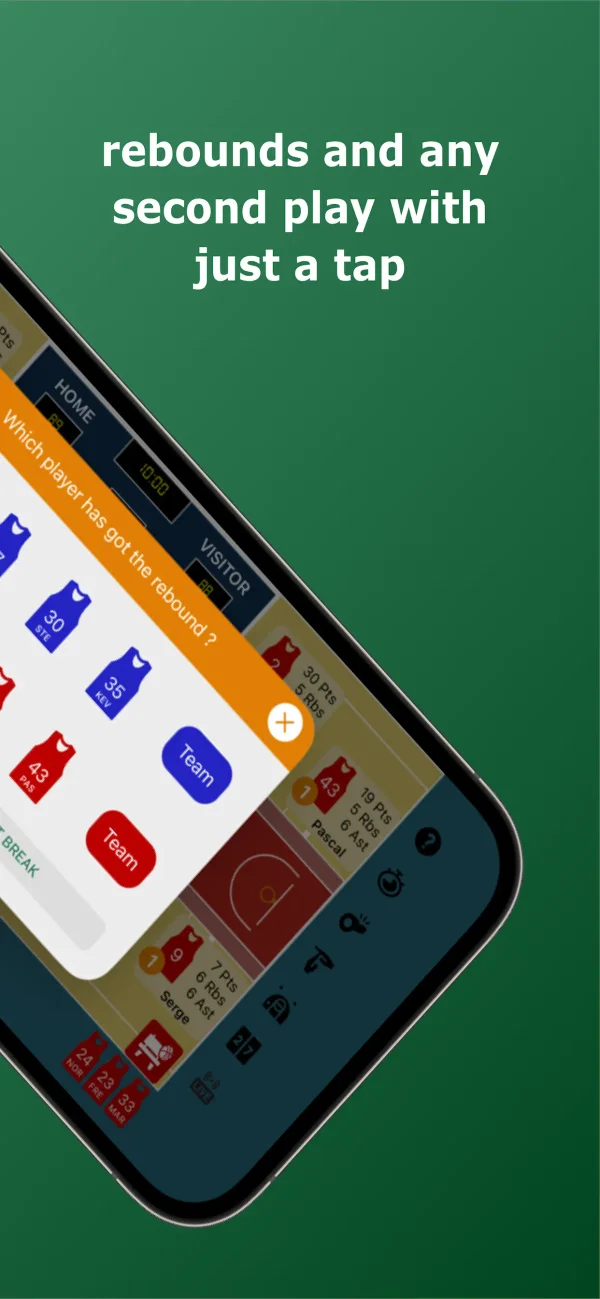
- Track second plays with just a tap thanks to the continuation dialogs that will appear on the screen after any field goal is missed or scored, fouls are committed or drawn, steals or turnovers.
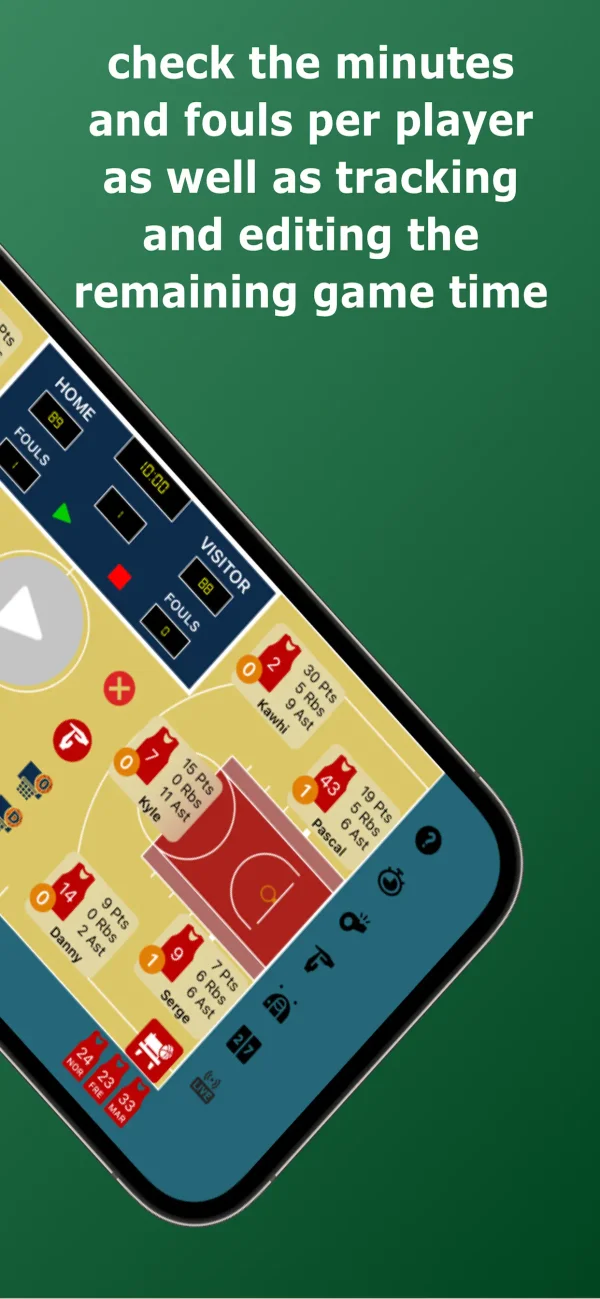
- Track the remaining time of the game and the current quarter. Also edit them easily by clicking on the scoreboard directly in case the time differs from the real one.
- Check team stats and player stats whilst the game is on
- Fix any mistakes quickly by dropping the red cross icon on the player that needs to be fixed. Also edit any shot position even after the game is finished.
STATISTICS
- Shot charts ( Scored and missed shots as well as percentages)
- Free throws
- Points
- Assists
- Rebounds
- Fouls committed and drawn
- Steals
- Turnovers
- Blocks
- Time outs
- Minutes per player
REPORTS
Reports per game
- Stats per player and his/hers shot chart
- Team stats comparison chart
- Lead tracker chart
- Play to play
- Box score per team
- Efficiency
- Plus minus ( +/ - )
Season reports per player
- Shot charts and percentages per season
- Stats per opponent and date
- Season highs per stats
Season reports per team
- Shot charts and percentages per season
- Stats per opponent and date
- Overall team statistics
- Team season highs
- Individual season highs
- Advanced statistics ( Shooting, Ball handling, Rebounding and scoring - eFG%, TSA, TS%, FTR)
SCOREBOARD AND TIME TRACKING
- Track the time easily with the center court play/pause button. In case any mistake happens whilst tracking the time or quarters, you can edit it easily by clicking on the scoreboard and updating it accordingly.
- Check the game score and fouls per quarter with a quick look
SHARE YOUR STATS
- Share your team unique link with your player or other coaches so that they can also analyze the statistics. They will need to log in to the app and click on the unique link you shared with them. They will start receiving notifications as soon as your game is backed up and will see the same stats that you tracked.
TIPS
- Drag any player to the center of the court to see their live stats whilst the game is on.
- Drag any action to the center of the court or click on the interrogation mark on the right menu to see the icons meaning.
- Cancel the last action that you tracked on any player by dragging the cancellation icon ( Red circular icon with a white plus symbol ).
What’s new
Version 1.52 · Nov 25, 2026
New in this version:
• Download the game, team and player analysis as a PDF (Premium).
• Time outs: reset per quarter, per half or never, with time-out lights on the scoreboard.
• Clearer labels on the court side menus and in the turnover and foul type settings.
• Game clock setting: turn it off to track stats only, with no clock or minutes.
• Game keys live: tap the bulb to see what's happening each quarter and what to focus on next.
• Season analysis for teams and players: four factors, form, wins vs losses.
• Get started faster: first steps, a sample game and a full guide with 14 short videos.
• Simple or Complete mode, also during the game.
• Up to 21 active systems, and player fouls when subbing.
• Fixes and improvements.
Thanks for every review: support@basketstatsapp.com
App privacy
What Artalejo Solutions SL declares on the App Store about how this app handles data.
-
Data used to track you
May be used to track you across apps and websites owned by other companies.
- Usage data
-
Data linked to you
May be collected and linked to your identity.
- Contact info
- Usage data
-
Data not linked to you
May be collected but is not linked to your identity.
- Diagnostics
Privacy practices may vary, for example with the features you use or your age.
Information
- Seller
- Artalejo Solutions SL
- Category
- Sports
- Version
- 1.52
- Updated
- Nov 25, 2026
- Released
- Nov 17, 2020
- Size
- 89.6 MB
- Requires
- iOS 17.0 or later
- Age rating
- 4+
- Price
- Free
- In-app purchases
- Yes
- Languages
- English, Catalan, French, German, Greek, Italian, Portuguese, Serbian, Simplified Chinese, Spanish, Traditional Chinese, Turkish
- Copyright
- © Sergio Artalejo
You might also like
-
 Basketball Stats PRO PhoneMost powerfull stat tracker
-
 Basketball Simple Stat TrackerEasy Stats For Bball Players
-
 Easy Stats for BasketballSuper simple stat keeping
-
 Elevate: Basketball StatsFast Game Stats & Box Scores
-
 Basketball Scorebook + StatsScoring | Stats | Scoreboard
-
 iScore Basketball ScorekeeperCoaching, Stats & Scores
-
 Basketball Stats PRO LiteStatistics - score and track
-
 Hoop Counter: Basketball StatsStat Tracker + Shot Charts
-
 MaxStats - BasketballSports
-
 SWISH by NBN23Estadísticas de baloncesto