BeadCanvas - Fuse Bead Pattern
Photos into fuse bead patterns
Designed for iPhone, iPad, Mac, iPod touch
In-app purchases
- Age rating4+
- CategoryGraphics & Design
- Developer庆鸿 林
- LanguagesEnglish+ 11 more
- Size83.2 MB
Links to the official App Store page
Download.org hosts no file of BeadCanvas - Fuse Bead Pattern. The button opens its official App Store page, published by 庆鸿 林. Listing last checked on Nov 12, 2026.
Screenshots
About
BeadCanvas turns photos and ideas into clear, practical fuse bead patterns. Shape the design, refine every bead, prepare the right colors, and carry a project from inspiration to a useful making guide.
Create from any idea
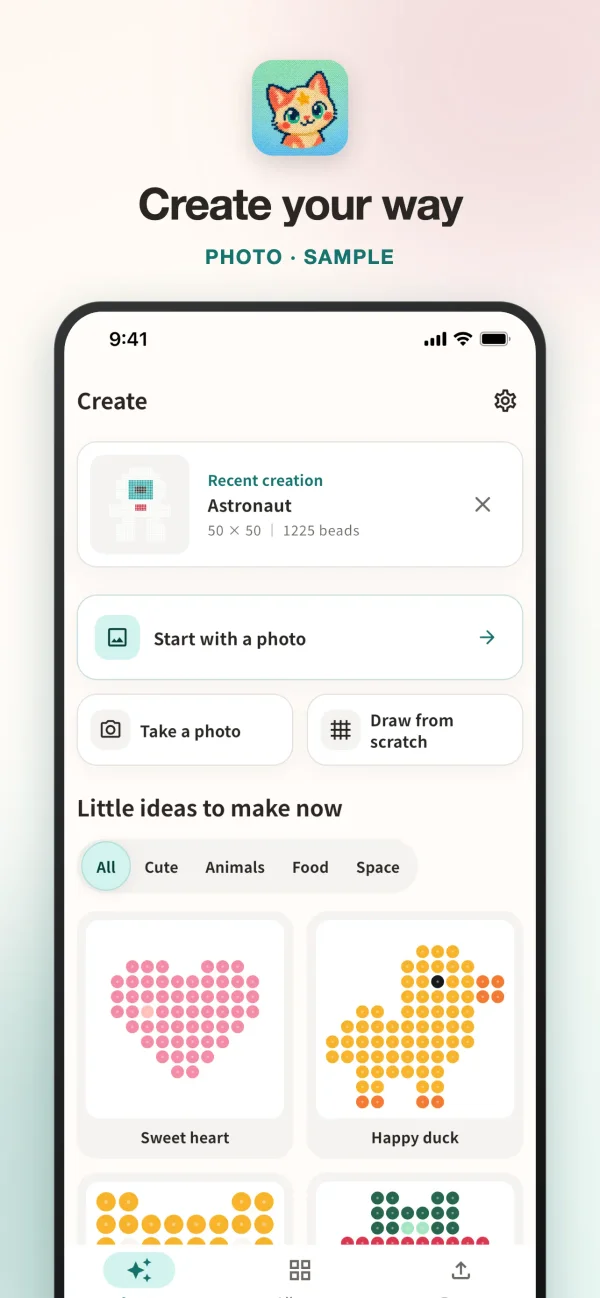
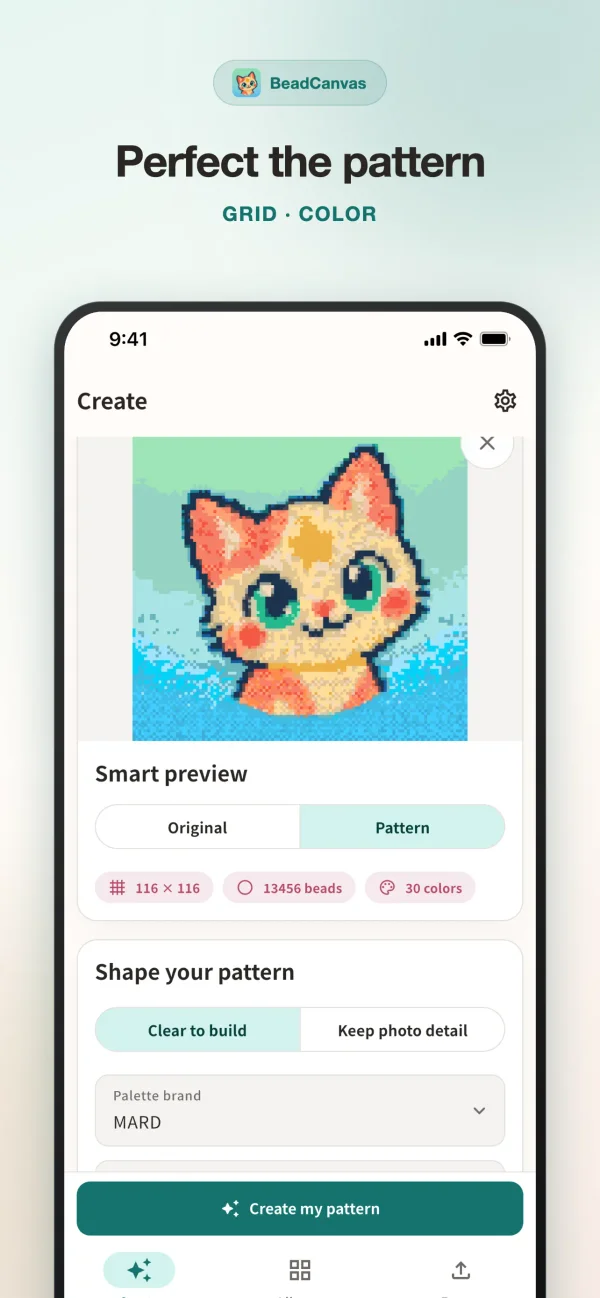
Start with a photo, a blank grid, or a built-in design. Adjust the grid, color range, blending, and level of detail while the preview helps you find the right balance between a recognizable image and a pattern that is comfortable to build.
Work with real bead palettes
Choose a bead brand, series, and size before generating. Palette entries keep their documented color codes, so the pattern, material summary, and exported files stay aligned. A universal palette is also available when you want to explore freely.
Perfect every bead
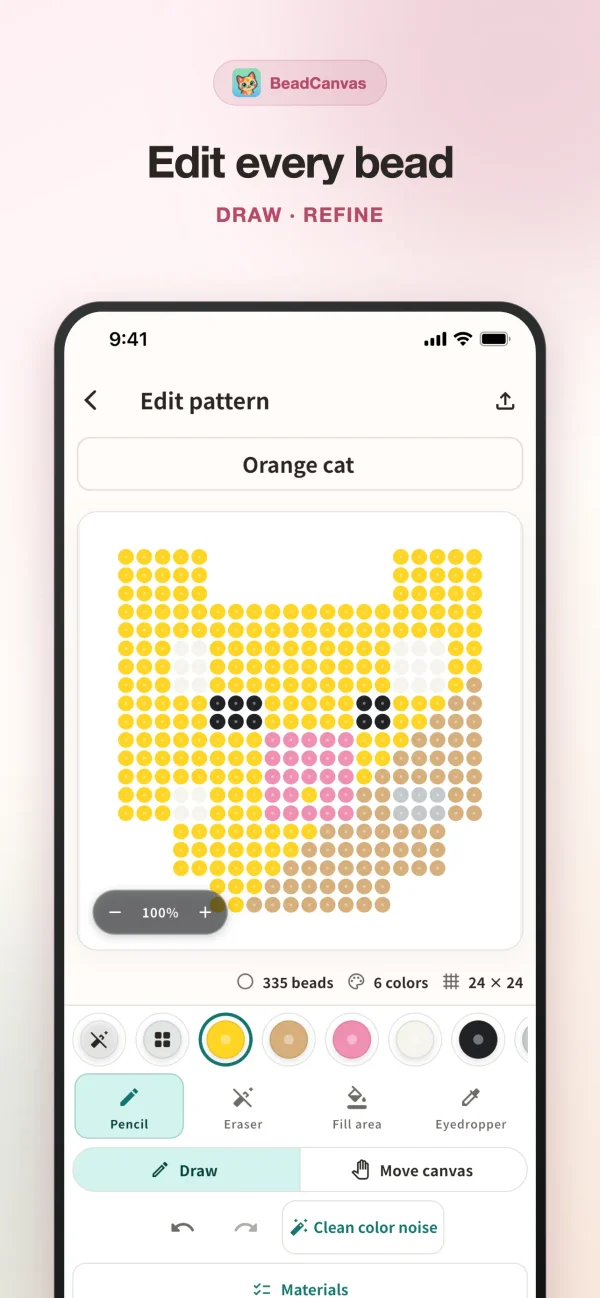
Draw, erase, fill areas, pick colors from the canvas, move around the pattern, and undo or redo changes. Color search and clear bead codes make detailed corrections manageable even in dense designs. A cleanup tool can consolidate near-duplicate stray colors while preserving important outlines.
Plan before you make
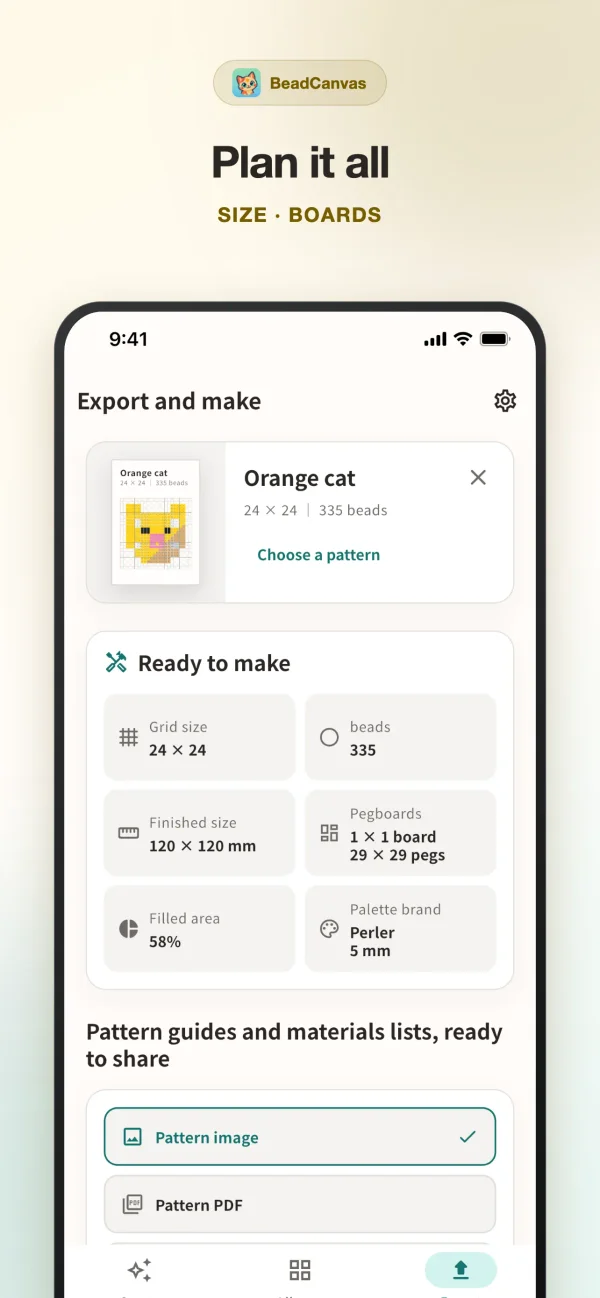
See the finished size estimate, bead totals, color quantities, coverage, and pegboard layout in one place. Sort the materials by code and use the production view as a practical reference while assembling the design.
Export useful guides
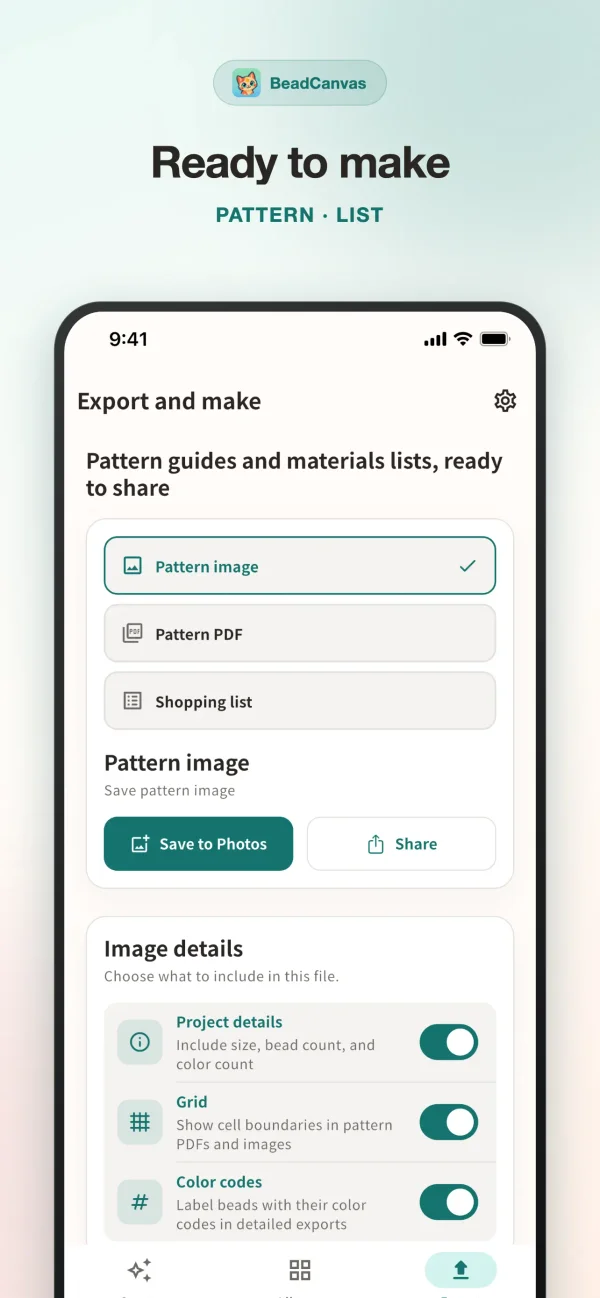
Create pattern images and print-ready PDF guides with optional grids, bead codes, project details, and a color legend. Export the shopping list as an image, PDF, spreadsheet-friendly CSV, or plain text for planning and sharing.
Keep every project organized
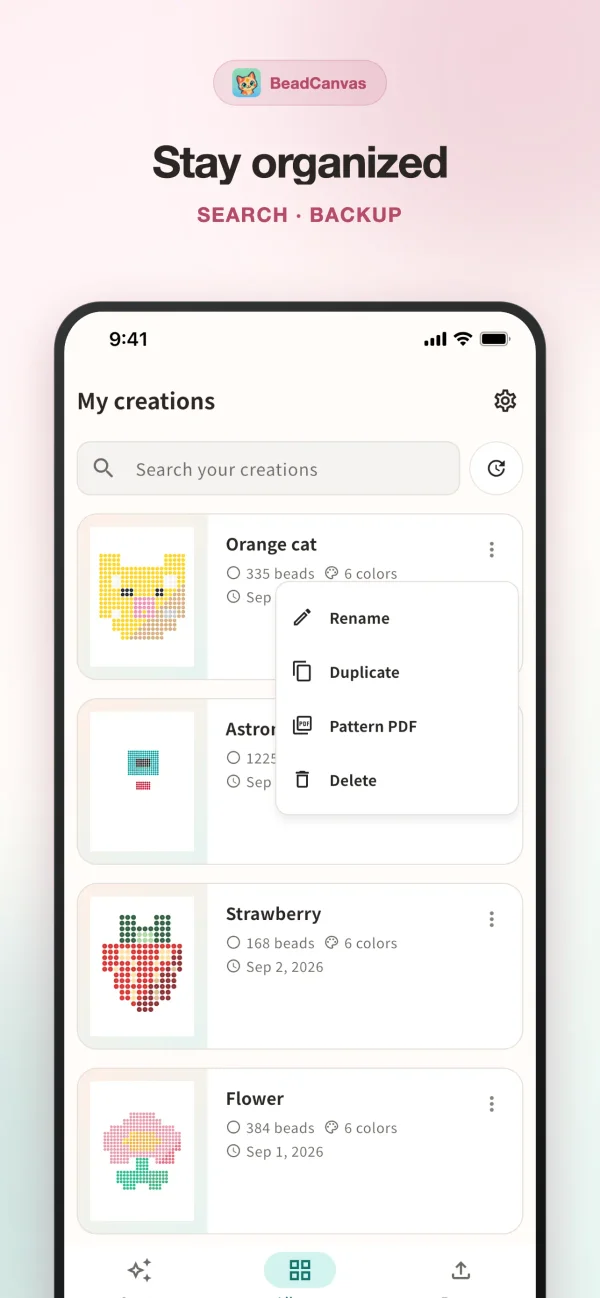
Search and sort your library, rename or duplicate a design, and reopen it whenever inspiration returns. Export a complete backup, then restore or safely merge the verified data later, so your collection remains portable and under your control.
From the first photo to the final bead, BeadCanvas keeps the creative process focused, accurate, and enjoyable.
Subscription terms: BeadCanvas offers an optional auto-renewing subscription. The price and billing period are shown in the app before confirmation. It renews automatically for the same period unless canceled at least 24 hours before the current period ends. You can manage or cancel it at any time through your app store account.
---
Terms of Use (EULA): https://www.apple.com/legal/internet-services/itunes/dev/stdeula/
Privacy Policy: https://getflutterapp.web.app/pixel/privacy.html
App privacy
What 庆鸿 林 declares on the App Store about how this app handles data.
-
Data used to track you
May be used to track you across apps and websites owned by other companies.
- Identifiers
-
Data not linked to you
May be collected but is not linked to your identity.
- Identifiers
Privacy practices may vary, for example with the features you use or your age.
Information
- Seller
- 庆鸿 林
- Category
- Graphics & Design
- Version
- 1.0.0
- Updated
- Sep 20, 2026
- Released
- Sep 8, 2026
- Size
- 83.2 MB
- Requires
- iOS 15.0 or later
- Age rating
- 4+
- In-app purchases
- Yes
- Languages
- English, French, German, Hindi, Indonesian, Japanese, Korean, Portuguese, Russian, Simplified Chinese, Spanish, Traditional Chinese
- Copyright
- © 2026 BeadCanvas
You might also like
-
 Bead AtlasPhoto-to-Pattern Bead Studio
-
 Fuse Beads: Pattern MakerPhoto to Pixel Art & PDF
-
 Pixel Design: Fuse BeadsPhoto to pattern, place & iron
-
 Beadloom - Fuse Bead PatternsPhoto to printable bead charts
-
 像素生成-像素涂色绘画工具Graphics & Design
-
 PixelPad: Sprite StudioPixel Art & Tileset Maker
-
 Bead Pattern - Pixel Art MakerPhoto Converter, Colors & PDF
-
 ShineBead: Bead Pattern MakerPeyote, Loom & Brick Stitch
-
 Bead Pattern Maker - FusePhoto to fuse bead patterns
-
 PixelBean - Bead Pattern MakerPhoto to perler bead patterns