BeadCube: 3D Bead Patterns
Photos, Create & Auto-Check
Designed for iPhone, iPad
In-app purchases
- Age rating9+
- CategoryGraphics & Design
- Developer莹莹 林
- LanguagesSimplified Chinese+ 1 more
- Size11.2 MB
Links to the official App Store page
Download.org hosts no file of BeadCube: 3D Bead Patterns. The button opens its official App Store page, published by 莹莹 林. Listing last checked on Nov 12, 2026.
Screenshots
About
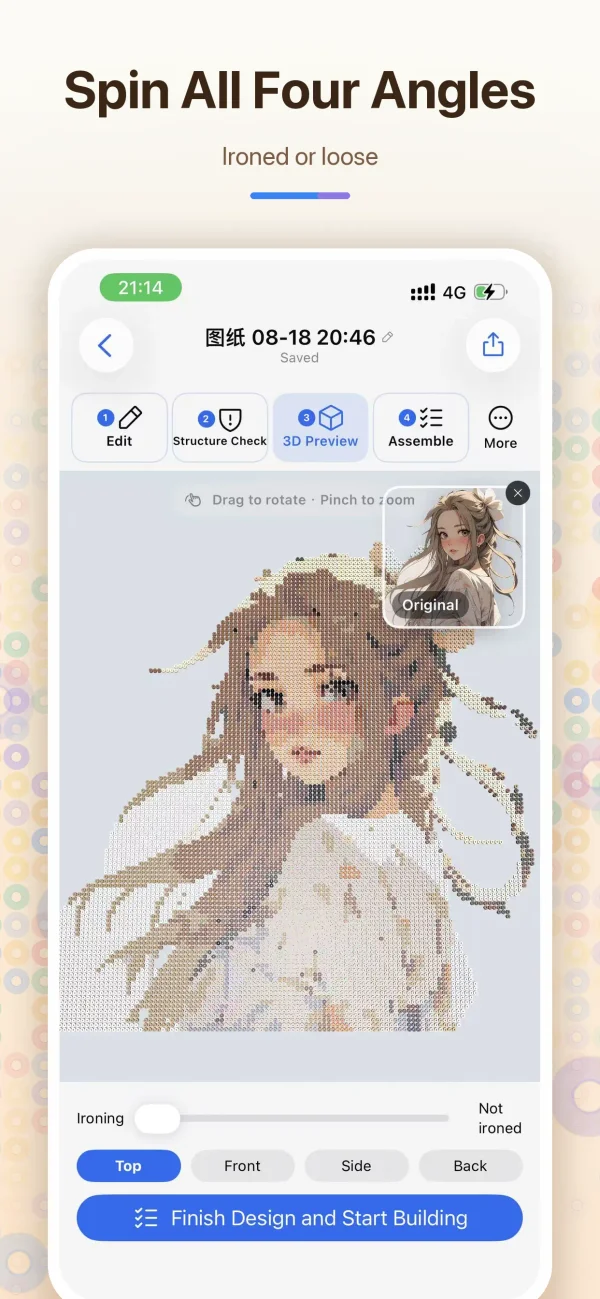
See the finished piece in 3D before placing your first bead.
BeadCube is a complete workspace for fuse-bead creators. Turn photos into clear patterns, start from a blank canvas, inspect the finished look in 3D, and find structural weak points before you assemble or iron your work.
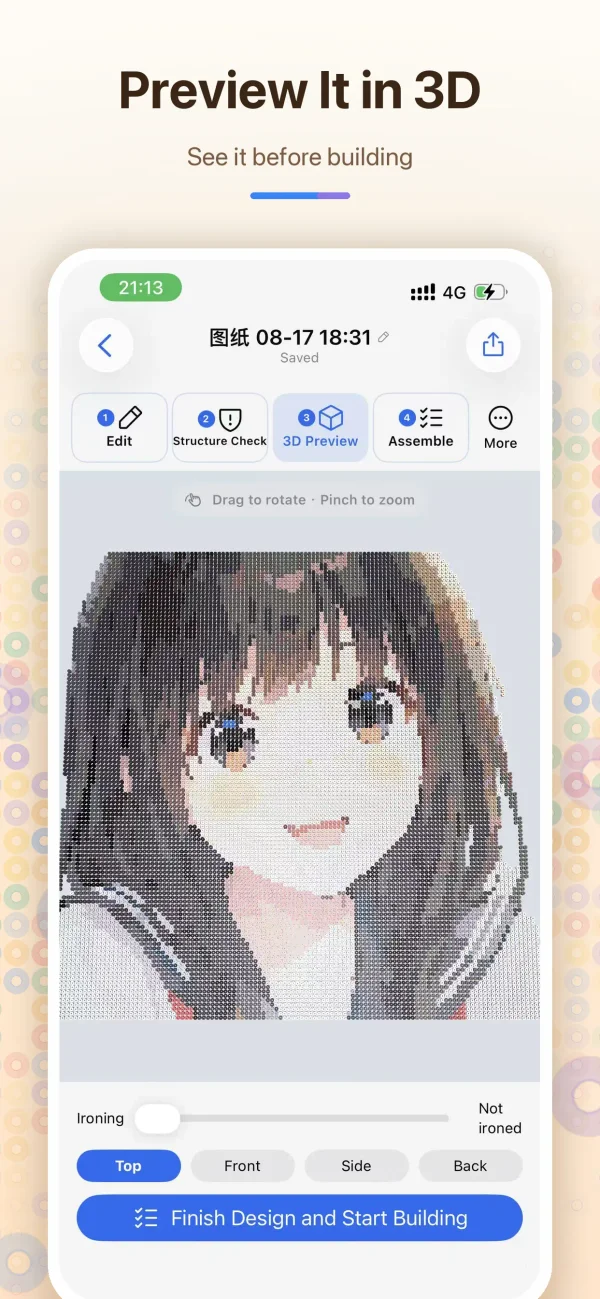
3D PREVIEW
View your flat pattern as dimensional beads. Drag to inspect it from different angles or jump to preset views, so colors, silhouettes, and assembly relationships are easier to judge before you begin.
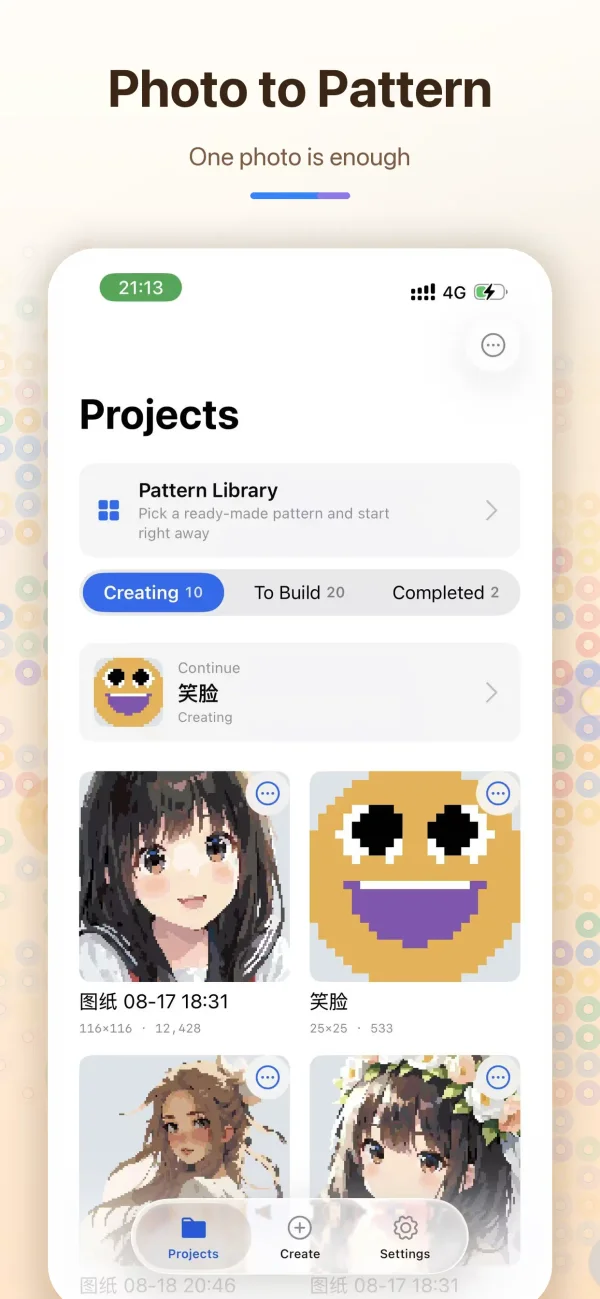
PHOTO TO PATTERN
Choose a photo, crop the subject, and generate a bead pattern automatically. BeadCube suggests a suitable grid and color count, with controls for background removal, color limits, artwork type, and dithering.
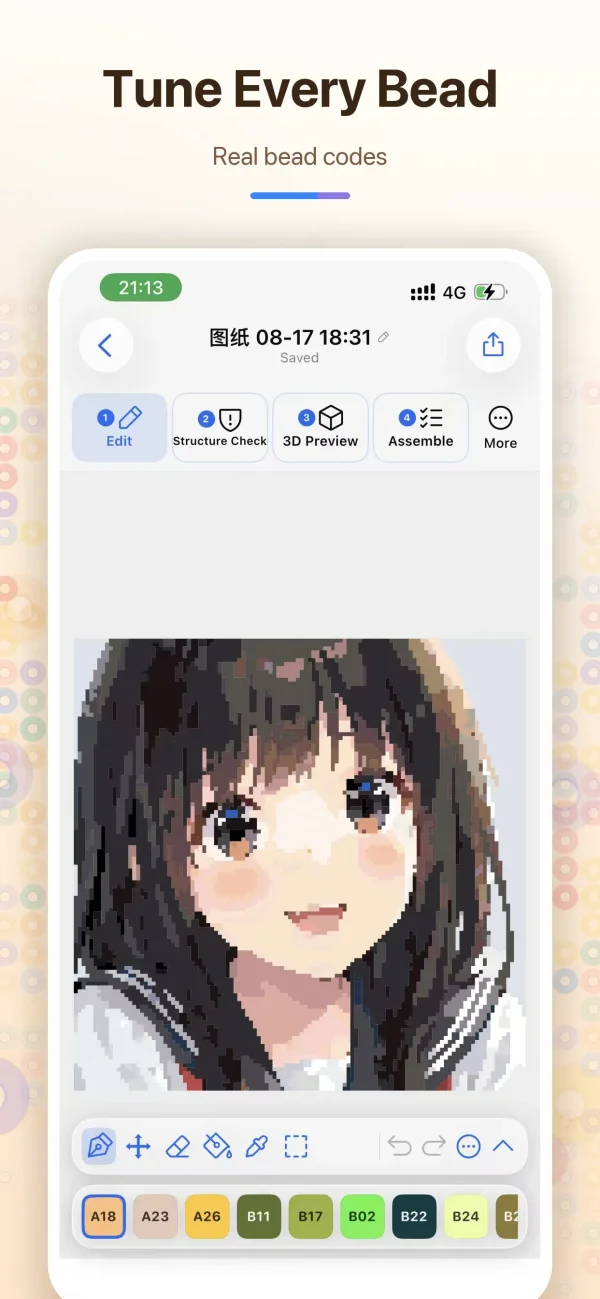
CREATE AND EDIT
Start with a blank canvas or refine a generated pattern cell by cell. Paint, erase, fill, pick colors, select, flip, rotate, undo, and redo. Keep the source image underneath as a reference while correcting details.
DESIGNED FOR IPAD
Make full use of the larger display with side-by-side previews and controls, an editor that keeps the canvas and inspector visible together, and pattern-plus-3D assembly views. Apple Pencil support enables precise input, while separate finger drawing and panning controls keep longer creative sessions comfortable and efficient.
STRUCTURE CHECK
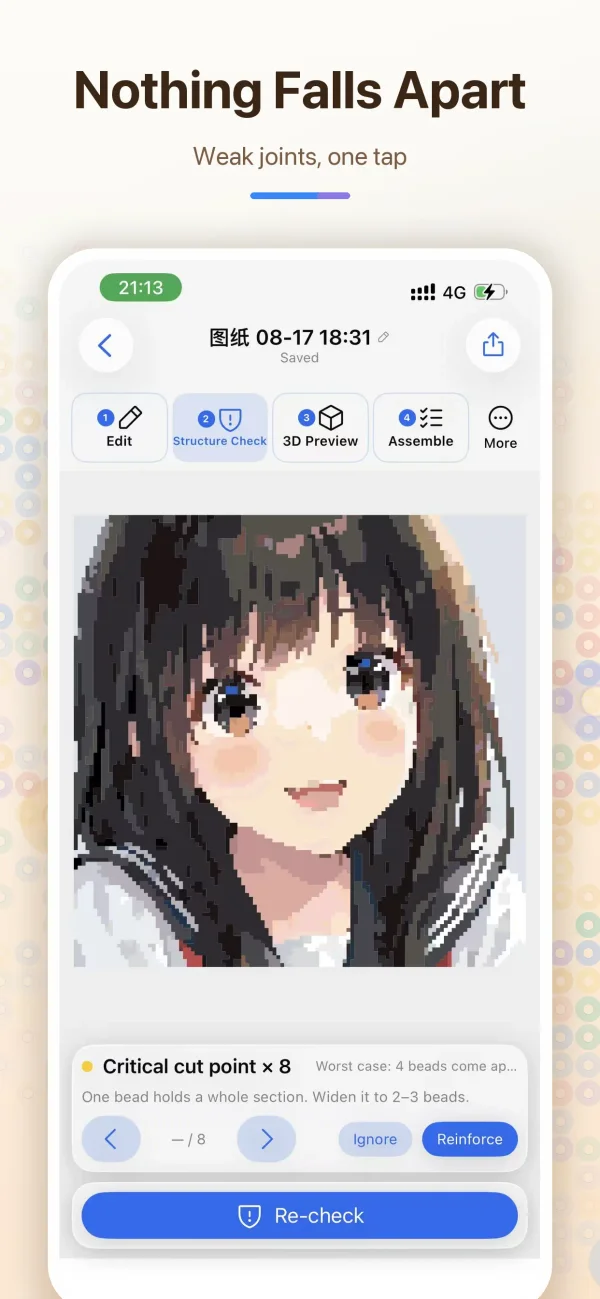
Detect isolated beads, detached regions, diagonal-only connections, and critical weak points. Locate each issue, reinforce it, ignore an intentional detail, and run the check again after editing.
IMPORT FROM LINKS
Paste an external link that contains an image. BeadCube first tries to recognize an existing grid pattern; other images continue through the photo conversion flow. Only import content you have the right to use.
ASSEMBLY AND MATERIALS
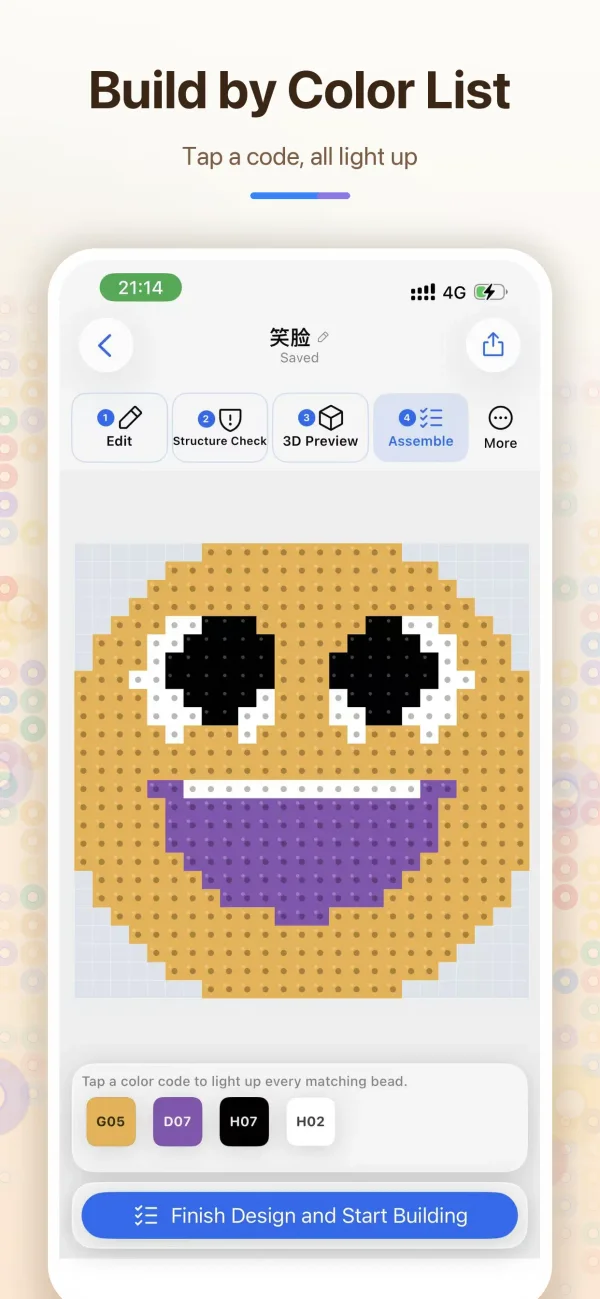
Review bead counts by color, focus on one color while assembling, and export clear patterns, color references, and material lists for printing or sharing.
MORE
• Curated built-in templates
• Designed for iPhone and iPad
• Automatic project saving
• Pro unlocks more projects, iCloud sync, and professional export
MEMBERSHIP OPTIONS
• Weekly Experience: auto-renews weekly
• Annual Pro: auto-renews yearly
• Lifetime Pro: one-time purchase, no renewal
Prices are shown in your local currency on the purchase screen. Auto-renewing subscriptions can be managed or canceled in your Apple Account settings. Cancellation takes effect after the current billing period. Lifetime Pro is a non-consumable purchase and does not renew.
Privacy Policy:
https://finngra.github.io/BeadCube/privacy-en.html
Support:
https://finngra.github.io/BeadCube/support-en.html
Terms of Use:
https://finngra.github.io/BeadCube/terms-en.html
Terms of Use (EULA):
https://www.apple.com/legal/internet-services/itunes/dev/stdeula/
What’s new
Version 1.2.0 · Oct 27, 2026
Optimize image conversion speed
App privacy
What 莹莹 林 declares on the App Store about how this app handles data.
-
Data not collected
The developer does not collect any data from this app.
Privacy practices may vary, for example with the features you use or your age.
Information
- Seller
- 莹莹 林
- Category
- Graphics & Design
- Version
- 1.2.0
- Updated
- Oct 27, 2026
- Released
- Aug 25, 2026
- Size
- 11.2 MB
- Requires
- iOS 17.0 or later
- Age rating
- 9+
- In-app purchases
- Yes
- Languages
- Simplified Chinese, English
- Copyright
- © 2026 YINGYING LIN
You might also like
-
 Bead Pattern StudioPhoto to Bead Charts
-
 PixelBean - Bead Pattern MakerPhoto to perler bead patterns
-
 Breeze Pixel ArtPixel Art Editor & Creator
-
 Pixel Beader: Bead PatternsDesign, Edit & Convert Photos
-
 桃爸拼豆图纸社Graphics & Design
-
 DodoGridBead Art Pixel Studio
-
 Bead Craft : Fuse Beads ArtPixel Art Design Cartoon Maker
-
 Xiandou HomeCreate Fuse Bead Patterns