Beadify – Pixel Bead Art Maker
Perler, Hama & Artkal Charts
Designed for iPhone, iPad, Mac
Free · In-app purchases
- Age rating4+
- CategoryEducation
- Developer翔宇 孙
- LanguagesEnglish+ 9 more
- Size12.9 MB
Links to the official App Store page
Download.org hosts no file of Beadify – Pixel Bead Art Maker. The button opens its official App Store page, published by 翔宇 孙. Listing last checked on Nov 14, 2026.
Screenshots

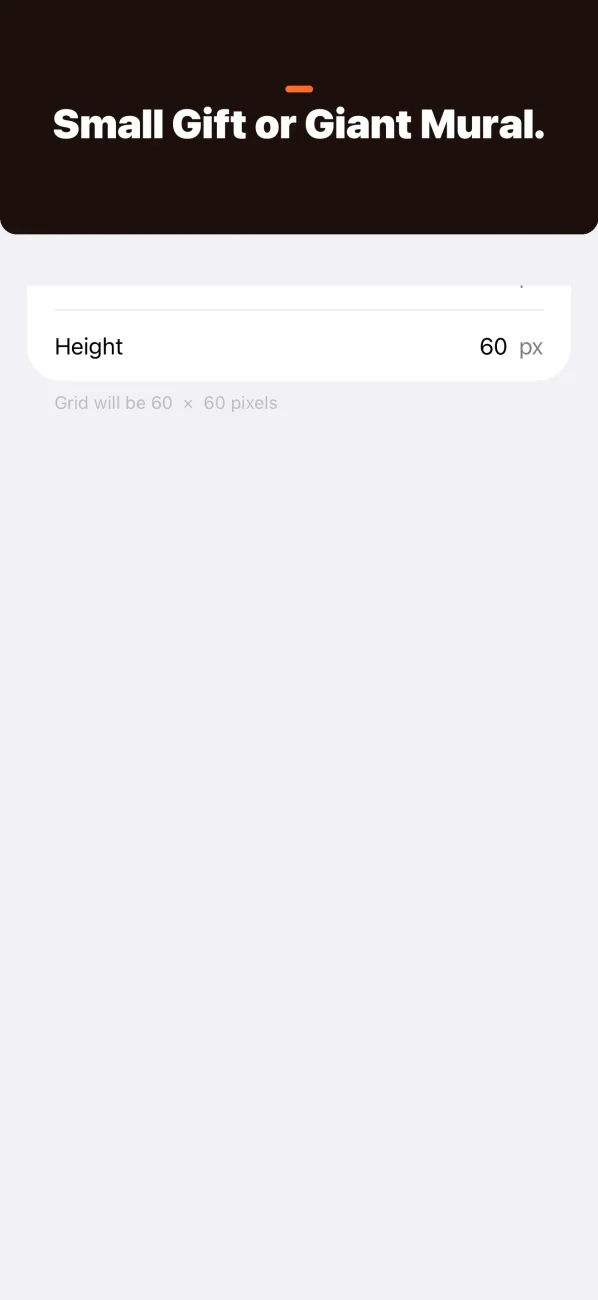
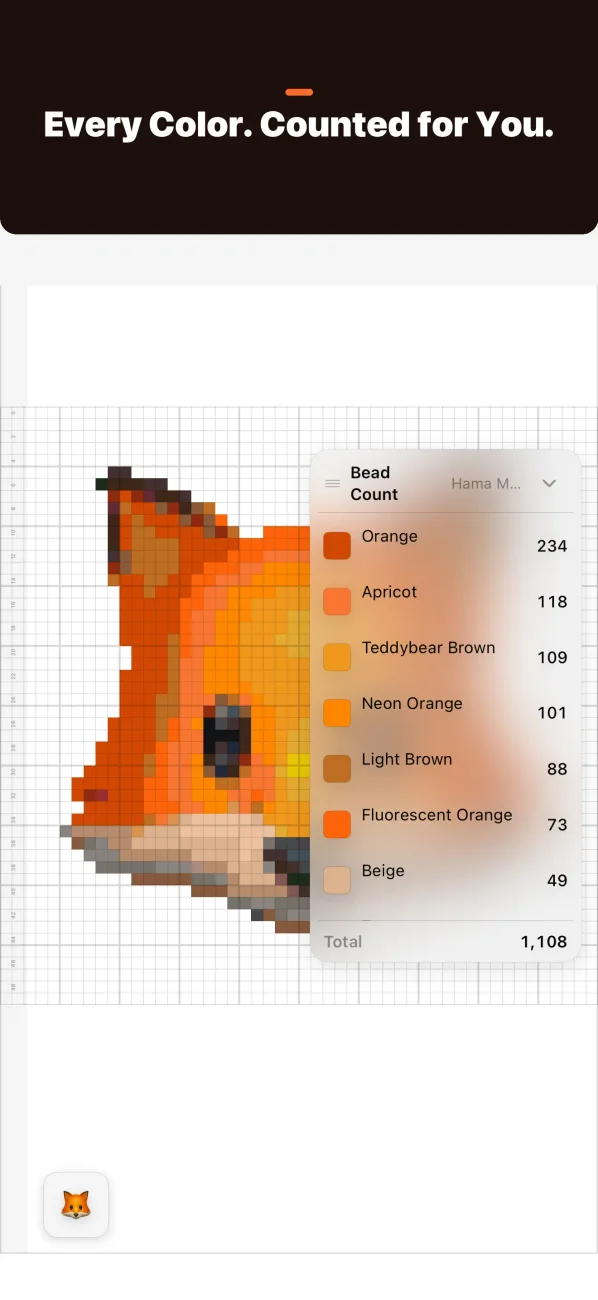
About
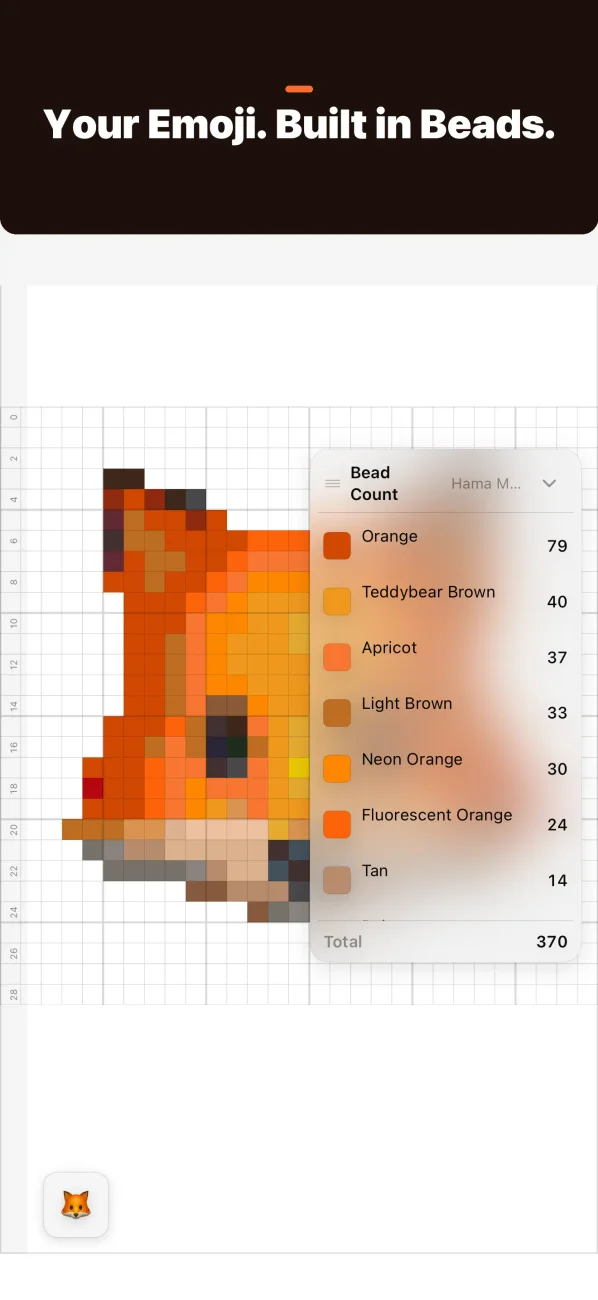
Beadify turns any photo or emoji into a pixel bead pattern you can physically build.
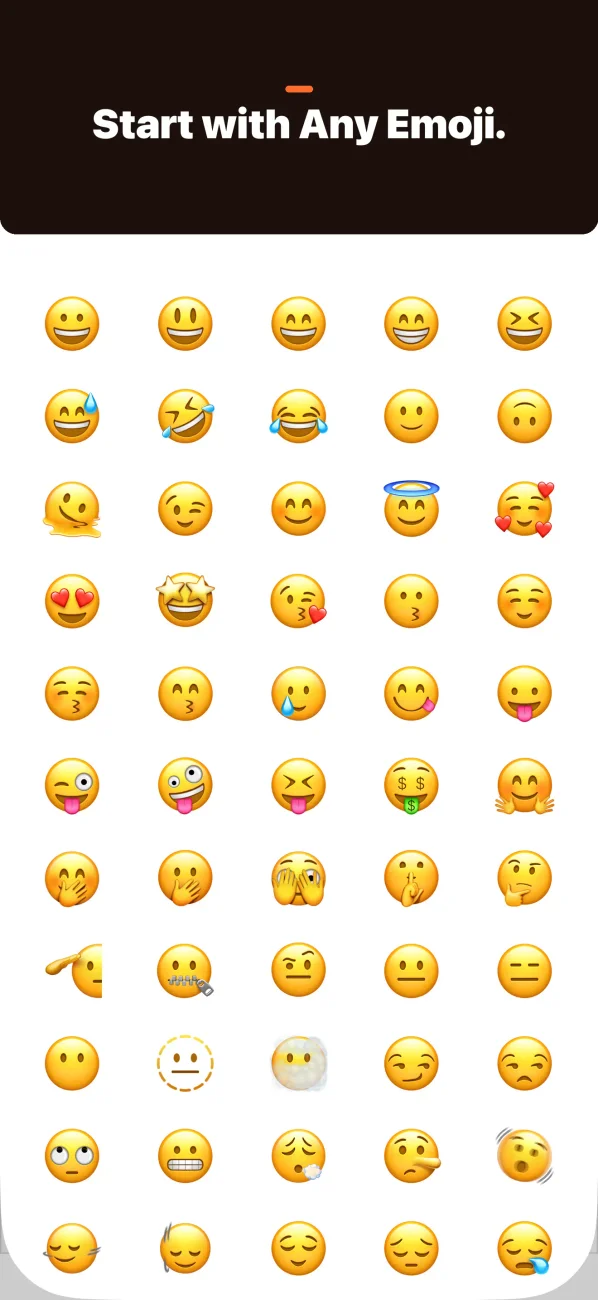
Import a photo from your library, snap one with your camera, or choose from over 1,900 emoji. Beadify maps every pixel to the nearest bead color using perceptually accurate Oklab color matching.
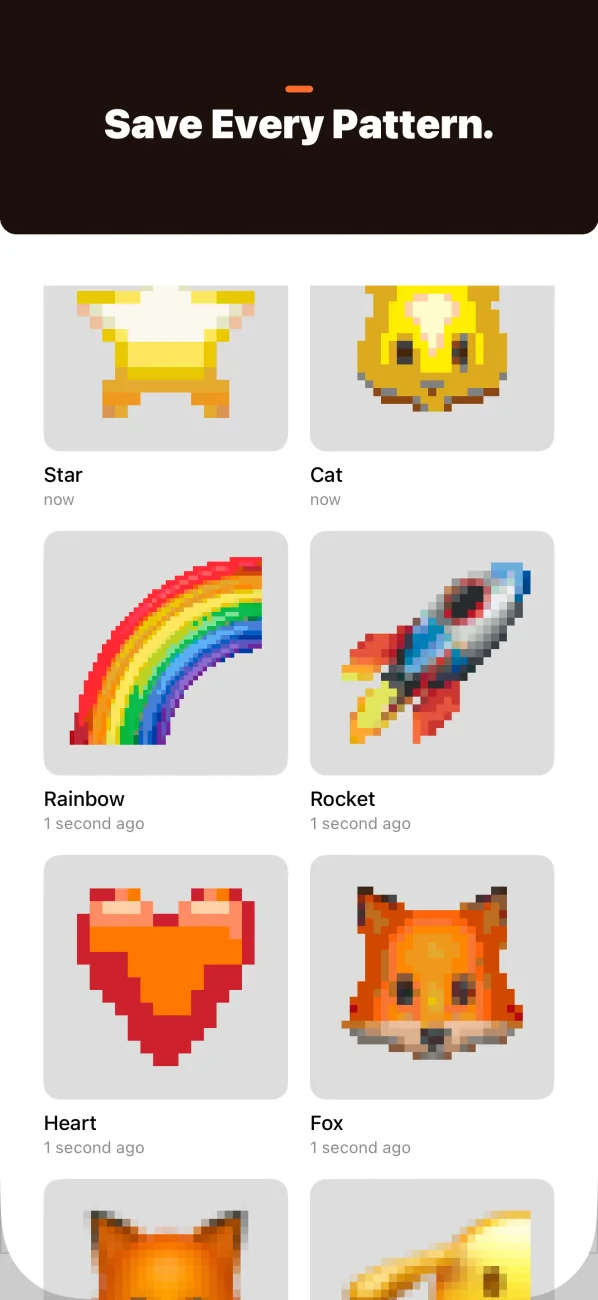
PATTERN LIBRARY
Save and organize unlimited patterns — rename, duplicate, or delete anytime.
BEAD PALETTES
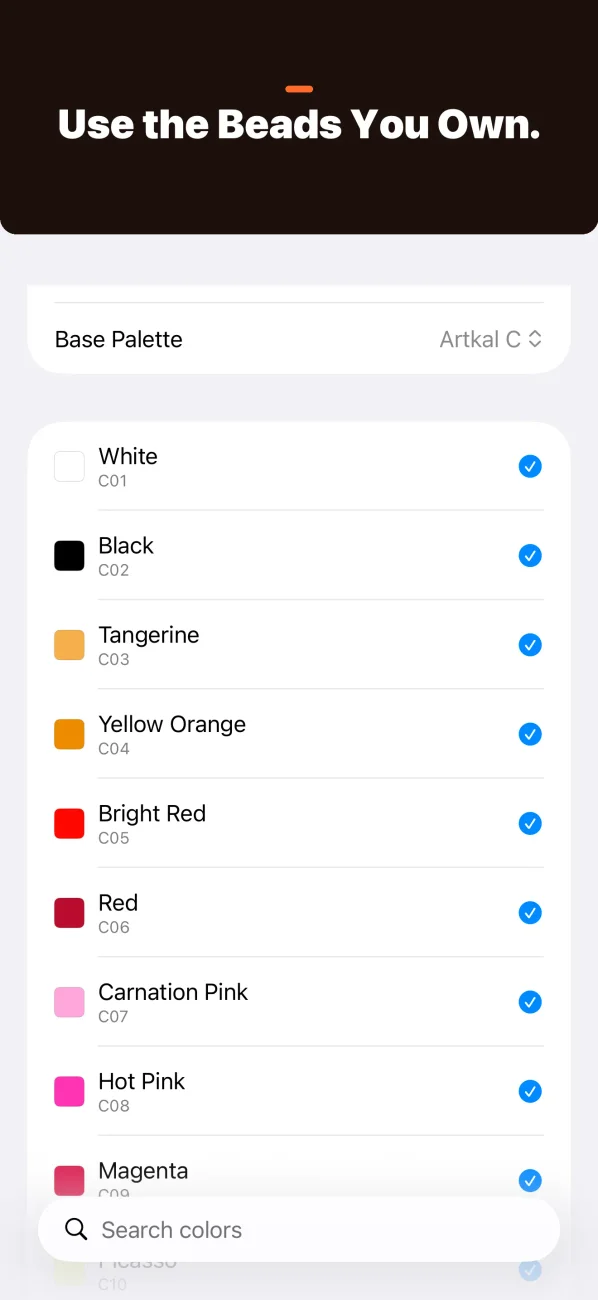
• MARD — 213 colors
• Artkal M — 220 colors (same codes as MARD)
• Artkal C — 174 colors
• Artkal S — 176 colors
• Perler — 95 colors
• Hama / IKEA PYSSLA — 92 colors
Palettes are grouped by brand for faster browsing. Or build a custom palette with exactly the bead colors you own, or skip palettes entirely for free-form pixel art.
SHOPPING LIST
Generate a buy list for any pattern — exact bead counts per color, with a 10% spare margin built in. Export as CSV for easy ordering.
PALETTE CONVERSION
Switch between bead brands and see exactly how well each color matches — exact, close, or approximate — before you commit. Export the conversion table as CSV.
DITHERING
Floyd-Steinberg, Atkinson, Burkes, or Stucki error diffusion, plus 4×4 or 8×8 Bayer ordered dithering — smooth gradients and clean, buildable transitions.
GRID & ZOOM
• Pinch to zoom, pan freely
• Rulers and major gridlines every 5 cells
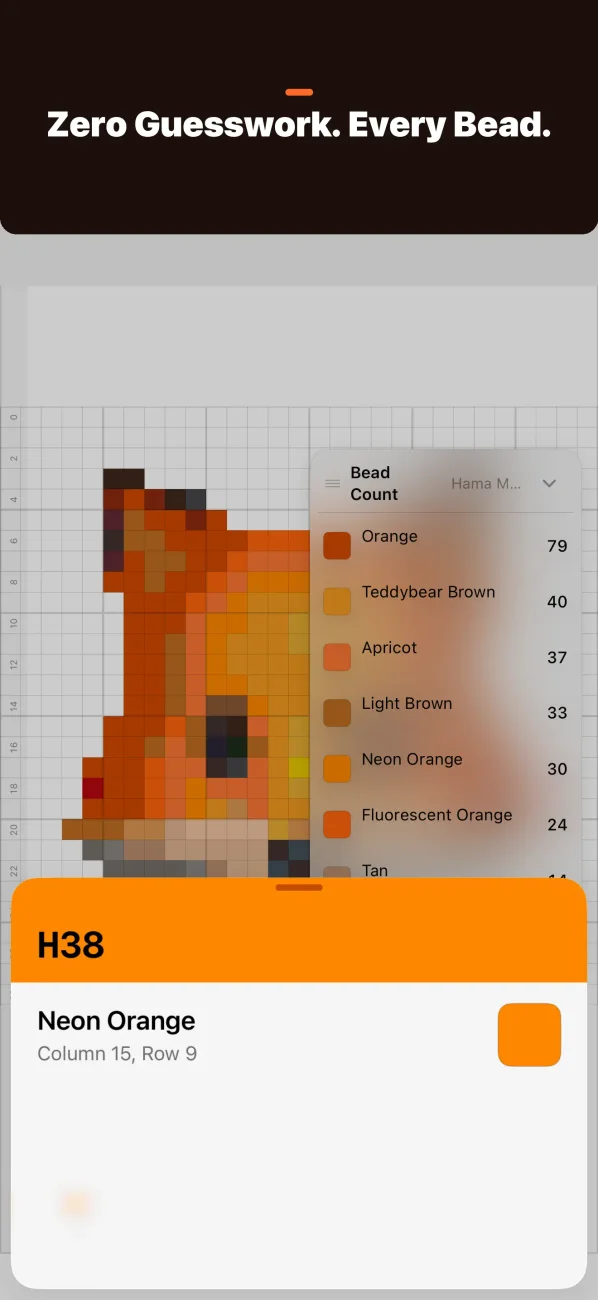
• Tap any cell to see the exact bead code and color name
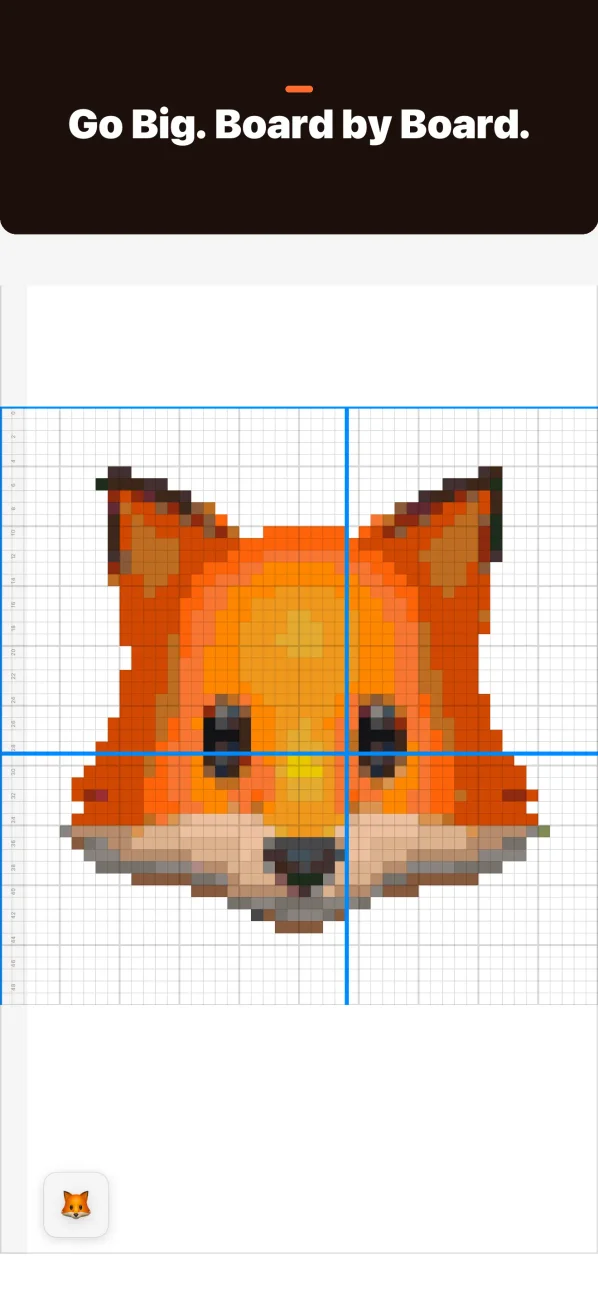
• Multi-board support for bigger designs, with board navigation and seam guides
• New board size presets: 30×30, 40×40, 48×48, and 57×57 (2.6mm mini beads), alongside 29×29 and 50×50
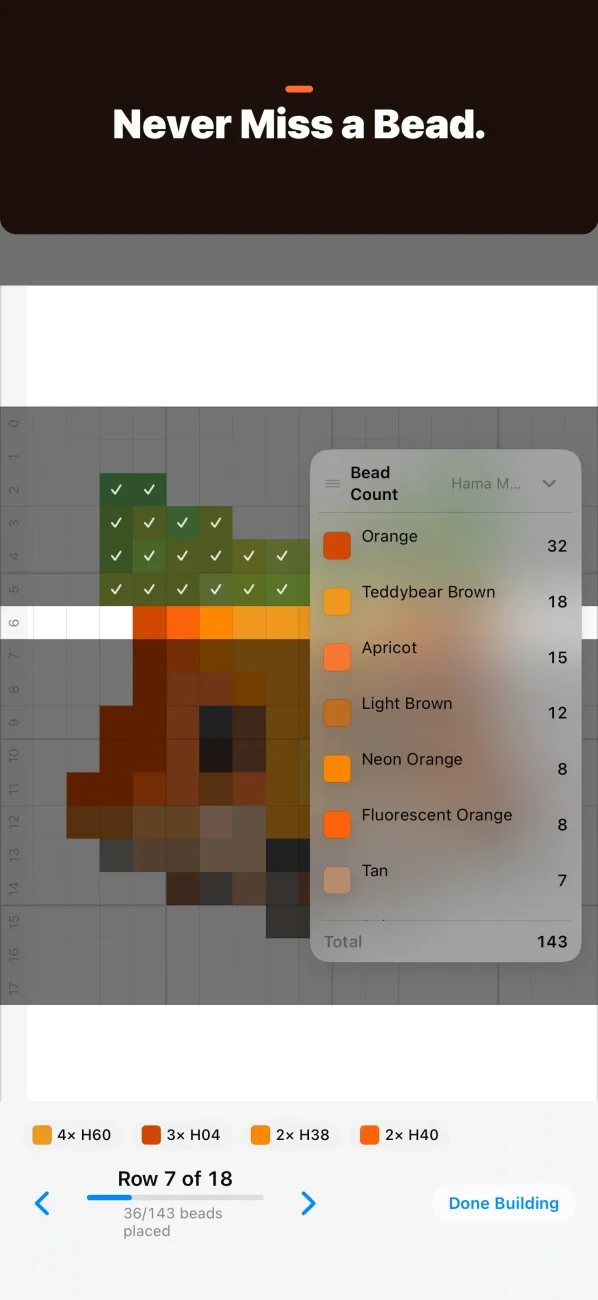
BUILD MODE
• Step through your pattern row by row, with the current row highlighted
• Tap beads as you place them and track your progress at a glance
• Color legend showing how many of each bead you need
• Bead codes displayed inside each cell at high zoom
• Designed for physical bead crafts — counts, not just pixels
PATTERN EDITOR
Touch up your pattern after converting — paint, fill, replace colors, or erase, with full undo/redo.
EXPORT & PRINT
Print your chart to any AirPrint printer, export as PDF, or save a PNG for reference while you build.
BEADIFY PRO
Every feature above is free. Beadify Pro is an optional one-time purchase that adds tools for bigger projects:
• Board-by-board PDF — one printable page per pegboard, with bead codes in every cell and a bead list for each board, plus an overview page showing where each board goes
• No banner ad on iPhone and iPad
• New Pro features as they arrive, in the same purchase
No subscription. Bought Remove Ads or Beadify 1.7? You already have Pro.
Perfect for bead artists, pixel art fans, and anyone who loves hands-on crafts.
What’s new
Version 2.0 · Nov 4, 2026
- New: Beadify Pro — a one-time purchase that adds a print-ready board-by-board PDF (one page per pegboard, with bead codes in every cell) and removes the banner ad on iPhone and iPad
- Already bought Remove Ads, or Beadify 1.7? You have Pro automatically. Everything that was free stays free
- New Pro pattern tools: Limit Colors keeps a pattern to 4–24 bead colors so you buy fewer bags, Remove Background clears the background from photos, and Remove Stray Beads tidies up lonely single beads
- New: Set Up My Beads — choose your brand, bead size, pegboard and the colors you own once, and every new pattern starts ready for the beads on your table
- New: Ready to Build? — before your first build, see how many beads and boards you need and whether you own every color
- Build mode now goes board by board: it opens on your first unfinished board and tells you when it's done and ready to iron
- New Pattern settings: picture, palette, pegboard, size and dithering together in one place, with Beadify Pro, Send Feedback and privacy choices in a new Settings screen
- The bead count folds into a small pill on iPhone so it no longer covers your pattern, and patterns open fitted to the screen
- New installs start on the bead brand most popular in your region
- Perler palette rebuilt: all 95 colors Perler sells today, with Perler's real color numbers and names
- Artkal C and S now use Artkal's official color values, plus 34 new colors
- New Artkal M palette — Artkal's mini beads that use the same codes as MARD
- MARD patterns can list their beads in Artkal M codes in the Bead List
- Custom palettes built on Perler are updated to the new colors automatically
- Bug fixes and stability improvements
App privacy
What 翔宇 孙 declares on the App Store about how this app handles data.
-
Data used to track you
May be used to track you across apps and websites owned by other companies.
- Identifiers
-
Data not linked to you
May be collected but is not linked to your identity.
- Location
- Identifiers
- Usage data
- Diagnostics
Privacy practices may vary, for example with the features you use or your age.
Information
- Seller
- 翔宇 孙
- Category
- Education
- Version
- 2.0
- Updated
- Nov 4, 2026
- Released
- May 18, 2026
- Size
- 12.9 MB
- Requires
- iOS 18.0 or later
- Age rating
- 4+
- Price
- Free
- In-app purchases
- Yes
- Languages
- English, French, German, Hindi, Japanese, Korean, Portuguese, Simplified Chinese, Spanish, Traditional Chinese
- Copyright
- © 2026 Xiangyu Sun
You might also like
-
 Beading Patterns & TutorialsSeed Bead, Bracelet & Jewelry
-
 Deftly: Certification PrepLearn. Practice. Pass.
-
 Say the Sound: PronunciationAccent Feedback & Shadowing
-
 Studyink: Cards With SourcesFlashcard maker for your notes
-
 AR Draw Kids: Drawing & ColorTurn Doodles into AI Paintings
-
 Nodi WhiteboardYour All-in-One Tutoring Hub
-
 Coloring Fun!Paint, Draw & Color Fun
-
 스마트샘스쿨Education
-
 HanBao: Chinese DictionaryHSK, TOCFL, Vocabulary & News
-
 Geek ExpressEducation