BeadPals - Bead Pattern Maker
Photo to Pegboard Patterns
Designed for iPhone, iPad
Free · In-app purchases
- Age rating4+
- CategoryGraphics & Design
- Developer景江 雷
- LanguagesEnglish+ 1 more
- Size54.2 MB
Links to the official App Store page
Download.org hosts no file of BeadPals - Bead Pattern Maker. The button opens its official App Store page, published by 景江 雷. Listing last checked on Nov 17, 2026.
Screenshots
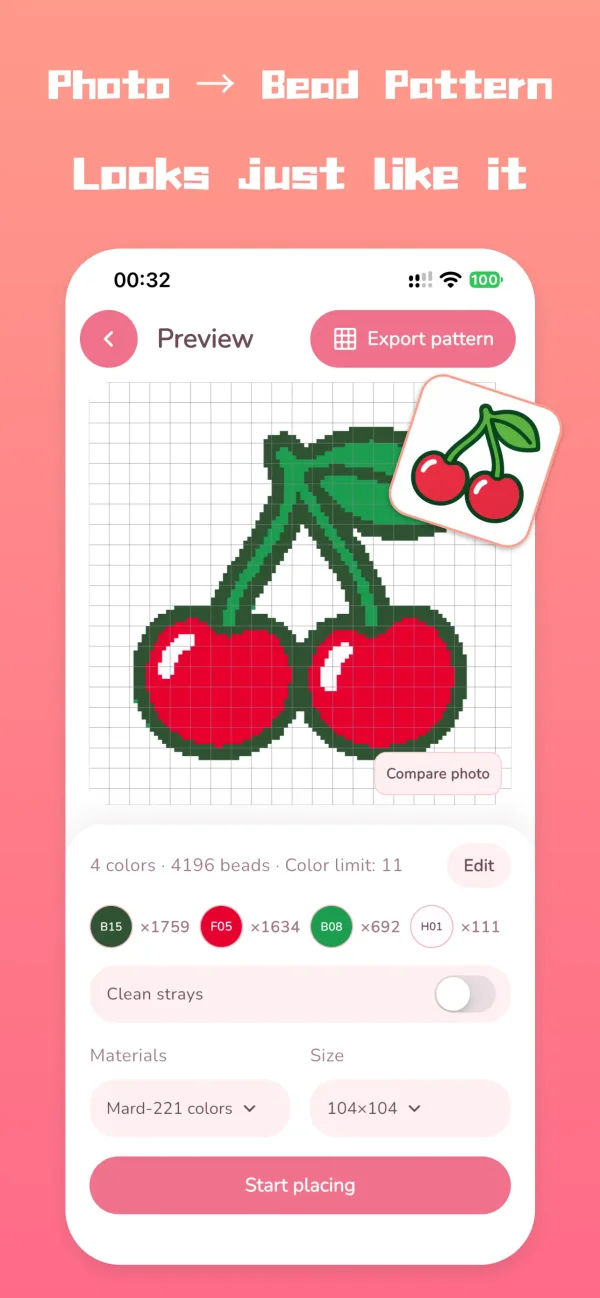
About
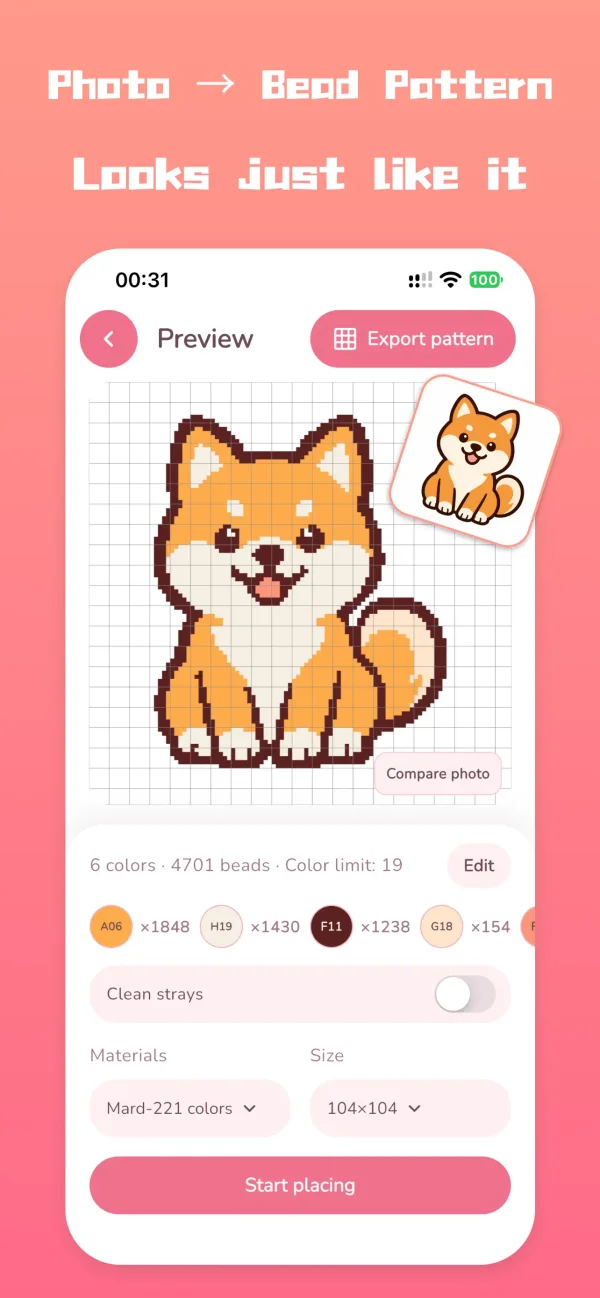
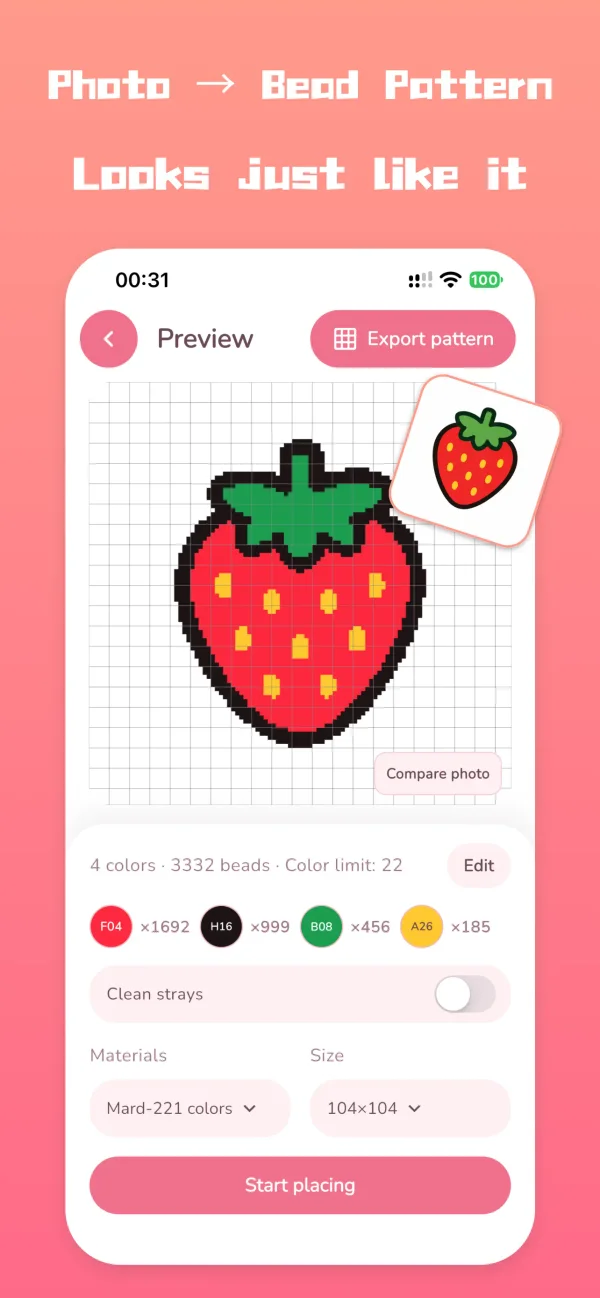
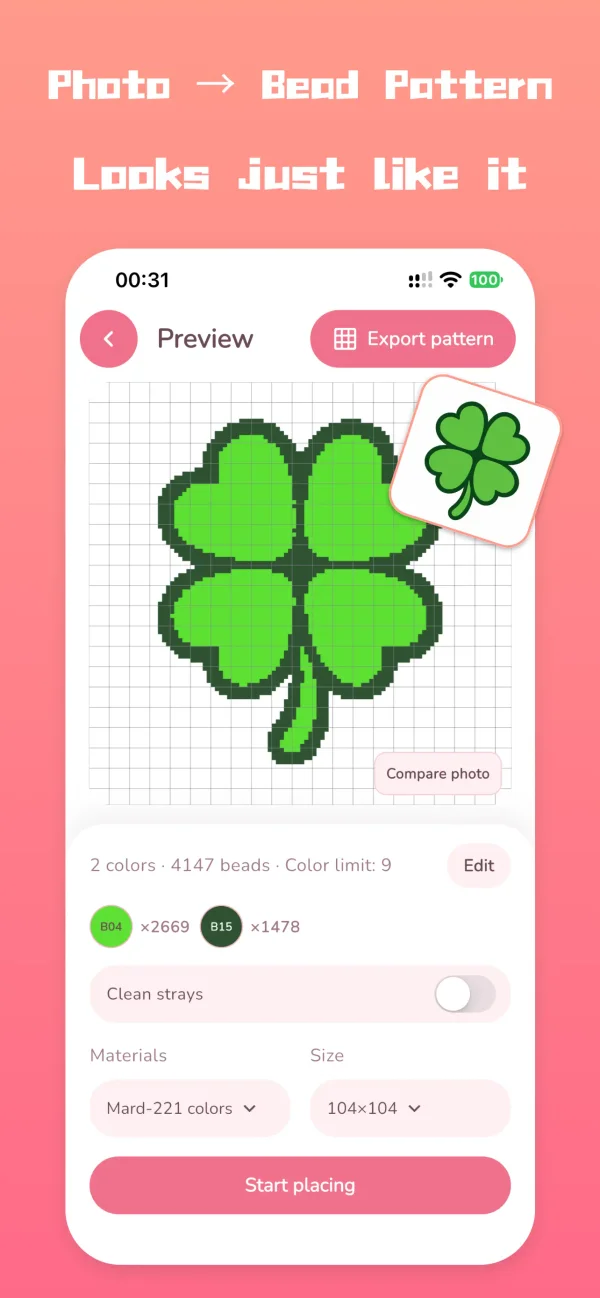
BeadPals focuses on just one thing: turning your photos into follow-along fuse bead patterns.
Whether it's a pet photo, a couple's photo, a family portrait, or a cartoon character, it can be transformed into a clear, color-coded pattern for you to craft.
Why it's better to use:
• Simple Process: Generate a pattern in just a few steps after selecting your photo.
• Smart & Precise Cutout: Gives you precise control over which parts of the photo are converted into the pattern, saving you bead materials.
• Complete Brand Color Palettes: Supports major fuse bead brand color charts with continuous updates. Colors are automatically tallied so you know exactly what to prepare.
• Custom palettes: pick the color codes you own by brand—no wasted beads.
• Color Count Limit: You can limit the number of colors in the generated pattern, helping you maximize bead savings.
• Clear stray colors: automatically merge less-used colors for cleaner, easier patterns.
• Customizable Sizes: Standard pegboards or custom sizes—the dimensions are completely up to you.
• Editable Patterns: Swap out a designated color or change a specific area with just one click, which is super handy when you run out of certain beads.
• One-Click Brand Swapping: Switch the pattern to another brand's color palette at any time after it is generated.
• Beading Mode: Zoom in to read color codes easily, and isolate specific color zones so you can focus on one color at a time.
• Exportable Patterns: Supports exporting high-definition images or connecting directly to system printing.
Terms of Use:
https://www.apple.com/legal/internet-services/itunes/dev/stdeula/
What’s new
Version 1.2.0 · Sep 28, 2026
New Compact mode: Turn it on in Spec settings to trim extra empty space around the edges—tighter layout, clearer subject.
New Clear color: On the effect preview, select a color to clear it directly.
App privacy
What 景江 雷 declares on the App Store about how this app handles data.
-
Data not collected
The developer does not collect any data from this app.
Privacy practices may vary, for example with the features you use or your age.
Information
- Seller
- 景江 雷
- Category
- Graphics & Design
- Version
- 1.2.0
- Updated
- Sep 28, 2026
- Released
- Sep 15, 2026
- Size
- 54.2 MB
- Requires
- iOS 17.0 or later
- Age rating
- 4+
- Price
- Free
- In-app purchases
- Yes
- Languages
- English, Simplified Chinese
- Copyright
- © 2026 BeadPals.
You might also like
-
 BeadPop: Photo to Bead PatternPet Portrait Fuse Beads Maker
-
 BeadPatternPhotos to Bead Patterns
-
 Bead Pattern - Pixel Art MakerPhoto Converter, Colors & PDF
-
 Art Journey-AI Image EditorGraphics & Design
-
 拼拼豆Graphics & Design
-
 Peyo - Peyote Bead PatternsBead pattern maker & counter
-
 玩豆-BeadsMakerGraphics & Design
-
 Spriteer: 8×8 Pixel Art StudioMake your own game character
-
 Bead Pattern StudioPhoto to Bead Charts
-
 Breeze Pixel ArtPixel Art Editor & Creator