Beam – Universal TV Remote
Remote for Roku, Samsung & LG
Designed for iPhone, iPad
Free · In-app purchases
- Age rating4+
- CategoryUtilities
- DeveloperJonhny Acosta
- LanguagesEnglish+ 6 more
- Size35.3 MB
Links to the official App Store page
Download.org hosts no file of Beam – Universal TV Remote. The button opens its official App Store page, published by Jonhny Acosta. Listing last checked on Nov 25, 2026.
Screenshots


About
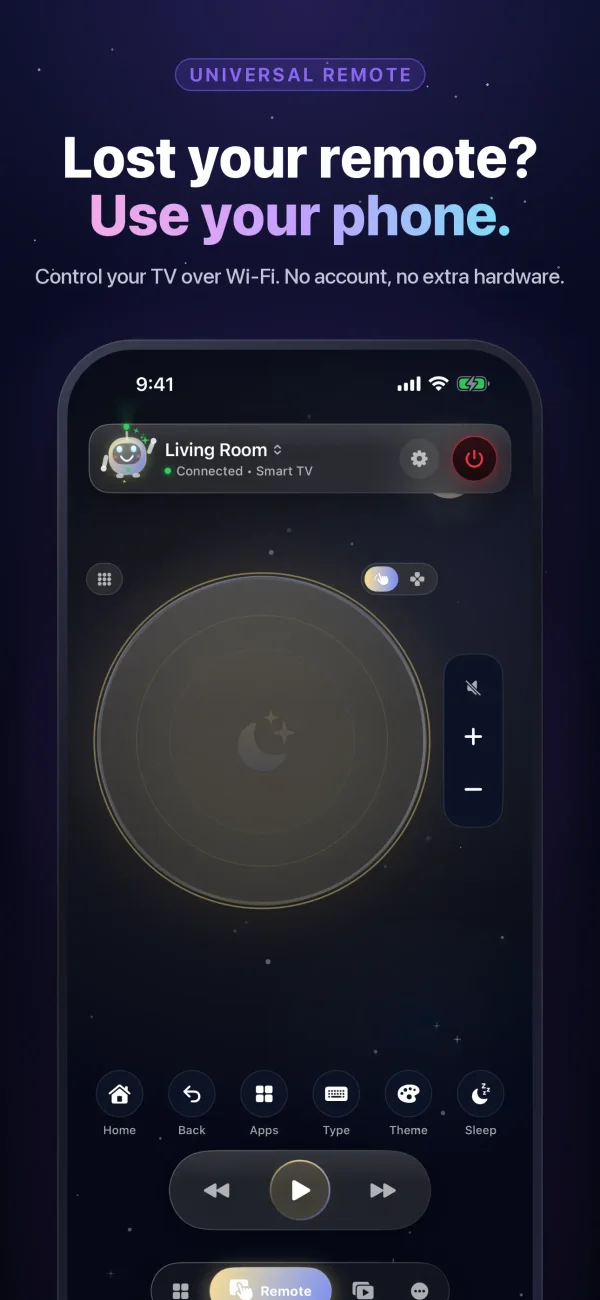
Lost your remote, or tired of hunting for it? Beam turns your iPhone into a fast, beautiful remote for your Roku, Samsung, LG, Google TV, Fire TV or Vizio TV. No account. No extra hardware. Just open it and pick your TV.
CONTROL EVERYTHING
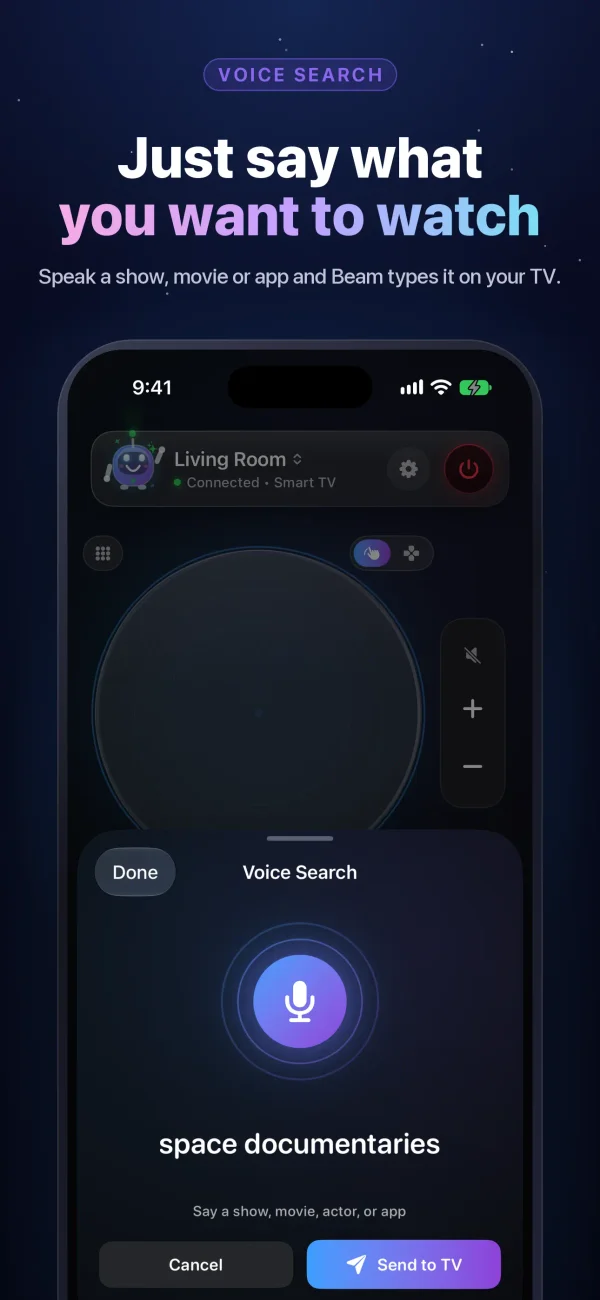
• Voice search: say a show, movie or app and Beam types it on your TV
• Full remote: gesture touchpad or classic D-pad, volume, playback
• Your iPhone's volume buttons turn the TV up and down
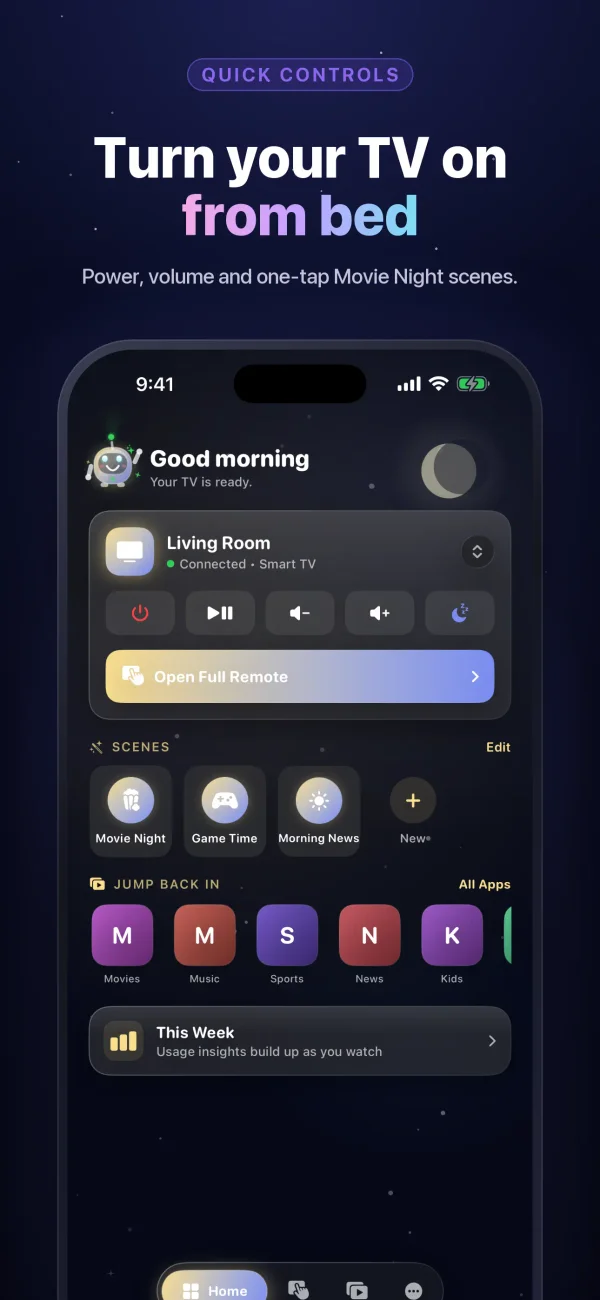
• Turn TVs on and off right from your phone or Lock Screen
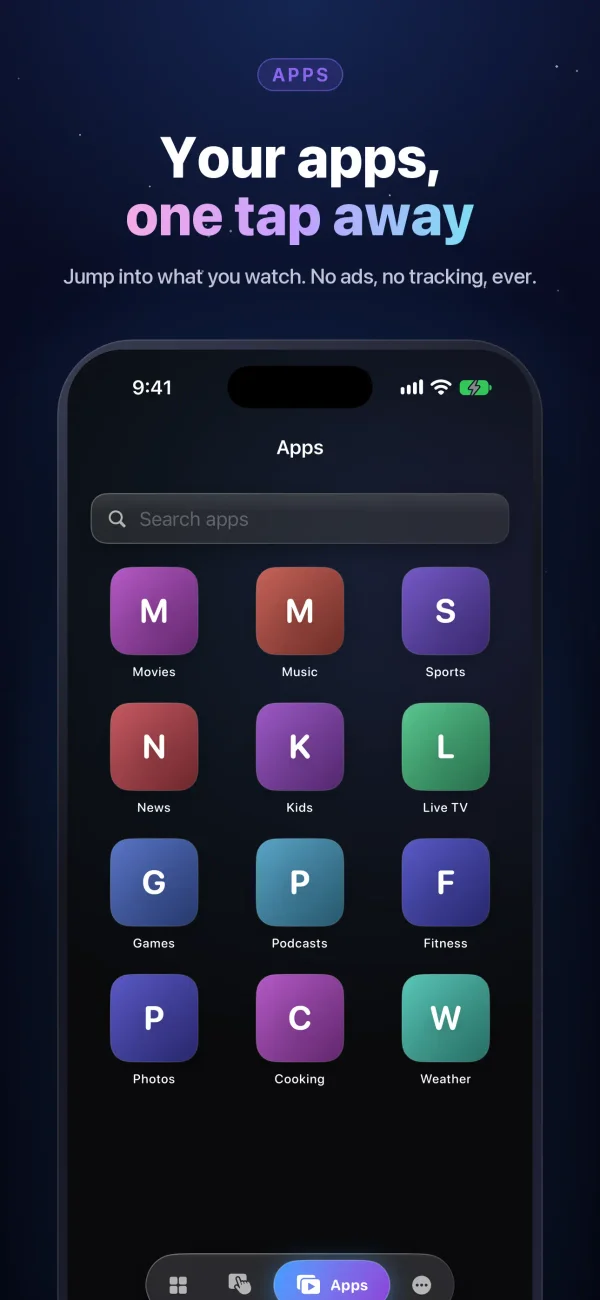
• Open your favorite streaming apps with one tap
• Type searches with your phone's keyboard instead of hunting letters with arrow keys
• Channel keypad and one-tap input switching
• Designed for iPhone Duo: a two-page layout when unfolded
WORKS WITH
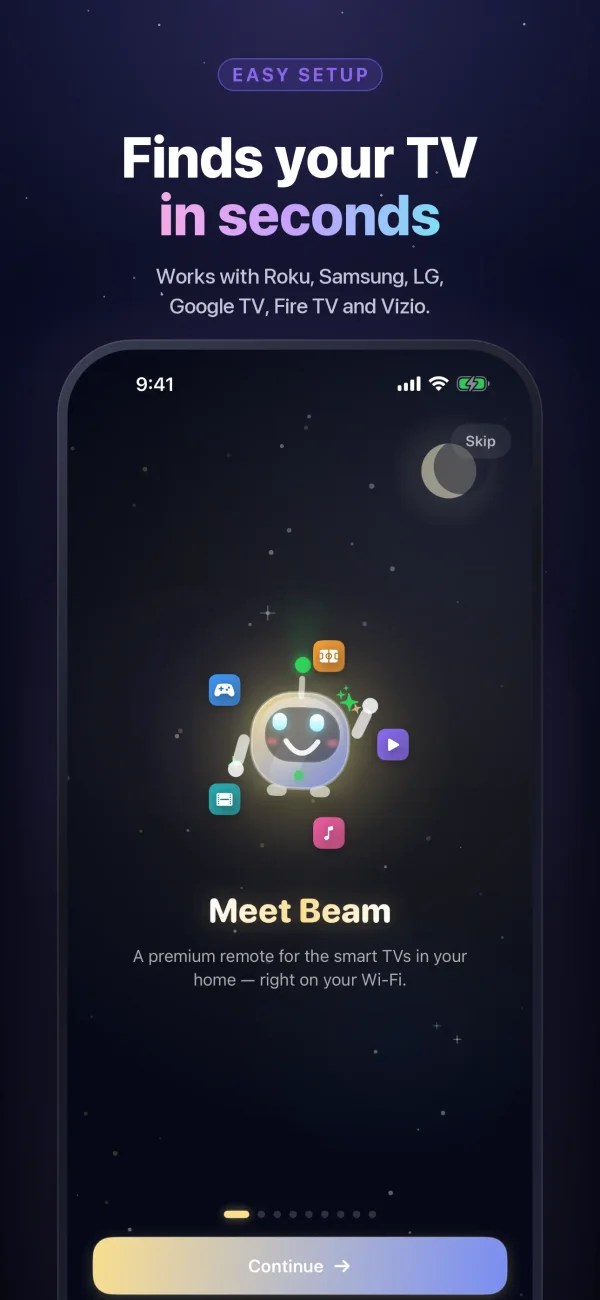
• Roku streaming players and Roku TVs
• Samsung smart TVs
• LG smart TVs (webOS)
• Google TV, including TVs from Sony, TCL, Hisense and Philips with Google TV built in
• Amazon Fire TV and Fire TV Stick
• Vizio SmartCast TVs
ONE-TAP SCENES
• Set up "Movie Night" once: TV on, right input, your app, volume set. Then run it with one tap, from a widget, or with Siri
FEELS LIKE HOME
• A control center that greets you: your TV's status, every room, and who's watching
• Connection Doctor fixes Wi-Fi hiccups in one tap
• Fix a lost remote in the time it takes to find the real one
GO PREMIUM
• Apple Watch remote: D-pad, playback and power, with Digital Crown volume
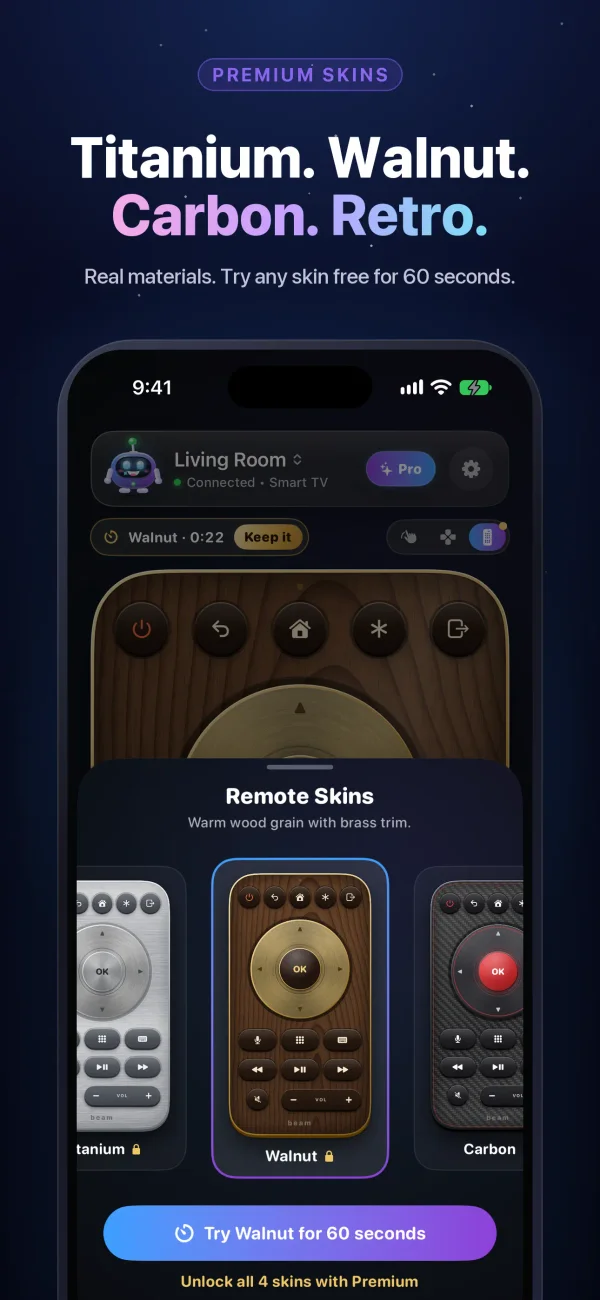
• Classic Remote skins: Titanium, Walnut, Carbon and Retro ’85
• 20+ animated themes, from Starry Night to Thunderstorm
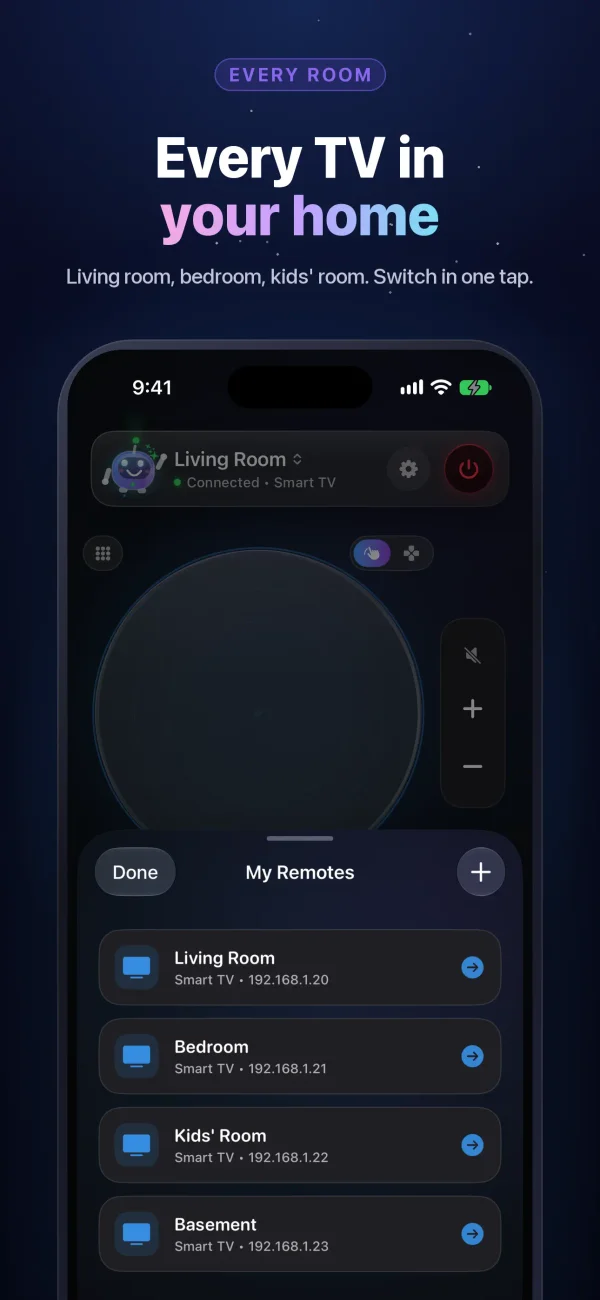
• Every TV in your home, switchable in one tap
• Dynamic Island & Lock Screen controls
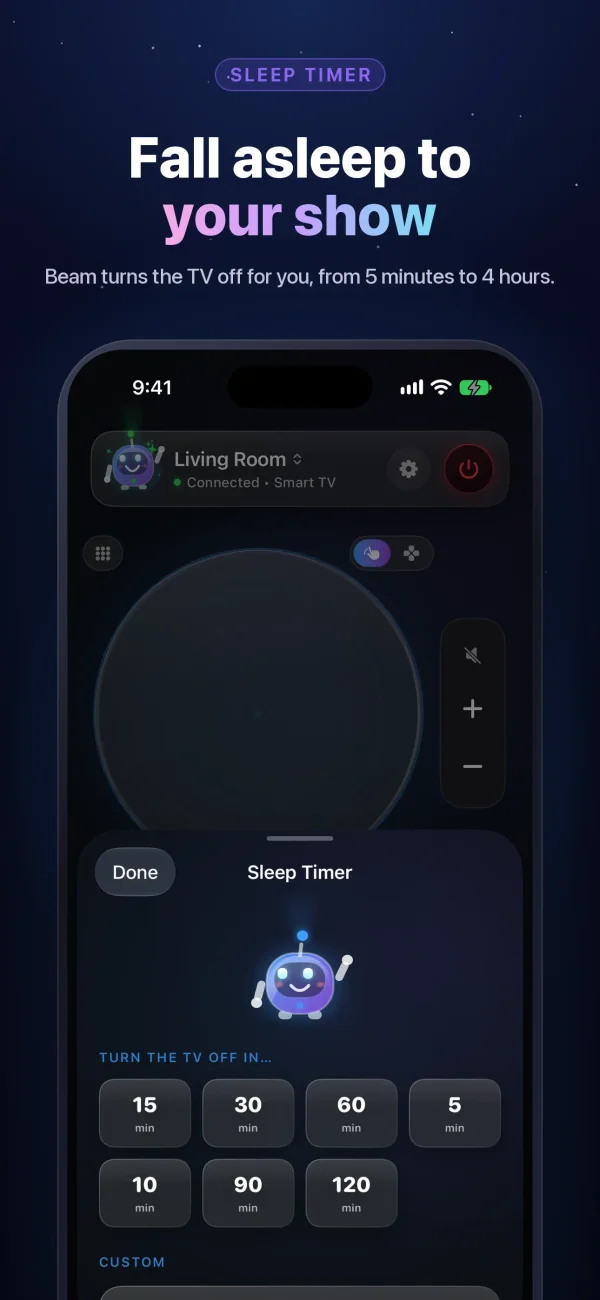
• Smart sleep timers from 5 minutes to 4 hours
• Weekly TV insights, computed on your phone and seen only by you
• Monthly, yearly, or pay-once lifetime
PRIVATE BY DESIGN
No sign-up, no ads, no tracking. Beam only sends anonymous usage stats and crash reports, and you can turn those off in Settings. Voice search runs on your iPhone when it supports on-device dictation. Your remote and your habits stay on your phone.
GOOD TO KNOW
Your phone and TV must be on the same Wi-Fi network. Some TV apps use their own on-screen keyboards and don't accept typed text from any remote app. Waking a TV from full power-off may require a one-time setting on the TV, and Beam walks you through it.
Roku is a trademark of Roku, Inc. Samsung is a trademark of Samsung Electronics Co., Ltd. LG and webOS are trademarks of LG Electronics. Google TV is a trademark of Google LLC. Amazon, Fire TV and Fire TV Stick are trademarks of Amazon.com, Inc. or its affiliates. VIZIO and SmartCast are trademarks of VIZIO, Inc. Sony, TCL, Hisense and Philips are trademarks of their respective owners. Beam is an independent app and is not affiliated with, endorsed by, or sponsored by any of these companies; brand names are used only to describe compatibility.
Privacy Policy: https://mragent07.github.io/Smart-remotelegal/privacy.html
Terms of Use (EULA): https://mragent07.github.io/Smart-remotelegal/terms.html
What’s new
Version 2.2.2 · Nov 23, 2026
What's new in this update:
• Open apps by voice: say “Open”, the app's name, then “with Beam”. It works with Siri, Shortcuts and the Action button, even when Beam is closed.
• New Favorite TV Apps widget and Control Center button: start your favorite apps from the Home Screen.
• Beam now speaks Spanish, Portuguese, French, German, Italian and Japanese.
• Lost the remote? Find My Remote makes supported Roku remotes play a sound.
• New app tiles that are easier to tell apart. Touch and hold an app to pin it as a favorite.
• A new More tab shows every way to use Beam: Lock Screen, widgets, Apple Watch and Siri.
• Beam notices when your TV drops off and reconnects by itself. On many TVs it also shows which app is open.
• Clearer help when a TV won't pair, and more reliable turn-on over Wi‑Fi.
• iPhone Duo: on the outer screen, tabs and remote tools move to the side column, so the remote gets more room.
• Fixed: Power on the Home tab, widgets and Apple Watch now also turns on a TV that is in standby.
Thanks for using Beam! If something isn't working, tap Settings › Report a Problem.
App privacy
What Jonhny Acosta declares on the App Store about how this app handles data.
-
Data not linked to you
May be collected but is not linked to your identity.
- Purchases
- Identifiers
- Usage data
- Diagnostics
Privacy practices may vary, for example with the features you use or your age.
Information
- Seller
- Jonhny Acosta
- Category
- Utilities
- Version
- 2.2.2
- Updated
- Nov 23, 2026
- Released
- Jun 24, 2026
- Size
- 35.3 MB
- Requires
- iOS 17.0 or later
- Age rating
- 4+
- Price
- Free
- In-app purchases
- Yes
- Languages
- English, French, German, Italian, Japanese, Portuguese, Spanish
- Copyright
- © 2026 Jonhny Acosta
You might also like
-
 Beam Smart TV RemoteFor Samsung, LG & Google TV
-
 TV Remote: Smart & UniversalPhone Controller & Keyboard
-
 TV Remote - Universal ControIRemote Control for Smart TV
-
 TVRC: TV Remote ControlUniversal Remote & TV Cast
-
 TV Remote Control - ZappingFor Samsung, LG, Roku & more
-
 Universal TV Remote All ScreenControl Any TV, Smart & Simple
-
 Demote: Universal TV RemoteRoku, Samsung & LG. No Ads.
-
 TV Remote. Universal Control.Remote Control for TV
-
 Smart Remote+Widget support for smart TVs
-
 Universal TV Remote Control HDVoice, Keyboard & Cast Media