
BeanFlow: Expense Tracker
Simple Budget & Beancount
Designed for iPhone, iPad
Free · In-app purchases
- Age rating4+
- CategoryFinance
- Developer昆 杨
- LanguagesEnglish+ 6 more
- Size29.5 MB
Links to the official App Store page
Download.org hosts no file of BeanFlow: Expense Tracker. The button opens its official App Store page, published by 昆 杨. Listing last checked on Nov 15, 2026.
Screenshots

About
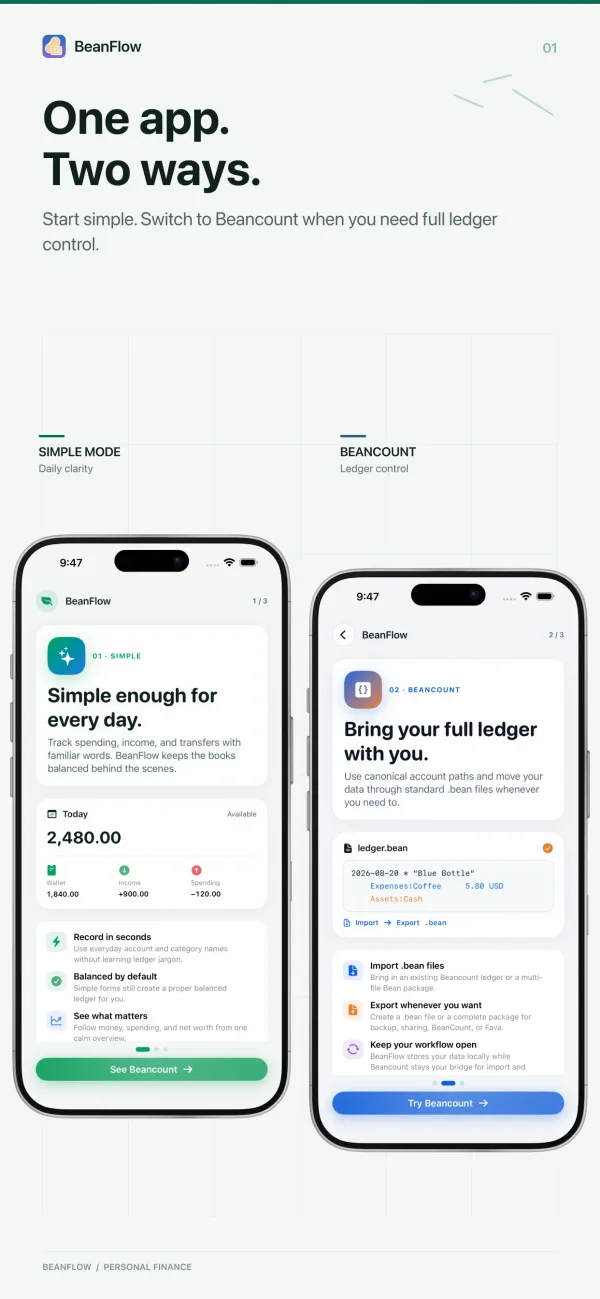
BeanFlow is a personal finance and accounting app that combines simple everyday tracking with the structure of Beancount.
Whether you only want to record daily income and expenses or already use double-entry accounting to manage accounts and assets, BeanFlow gives you a flexible way to organize your financial records.
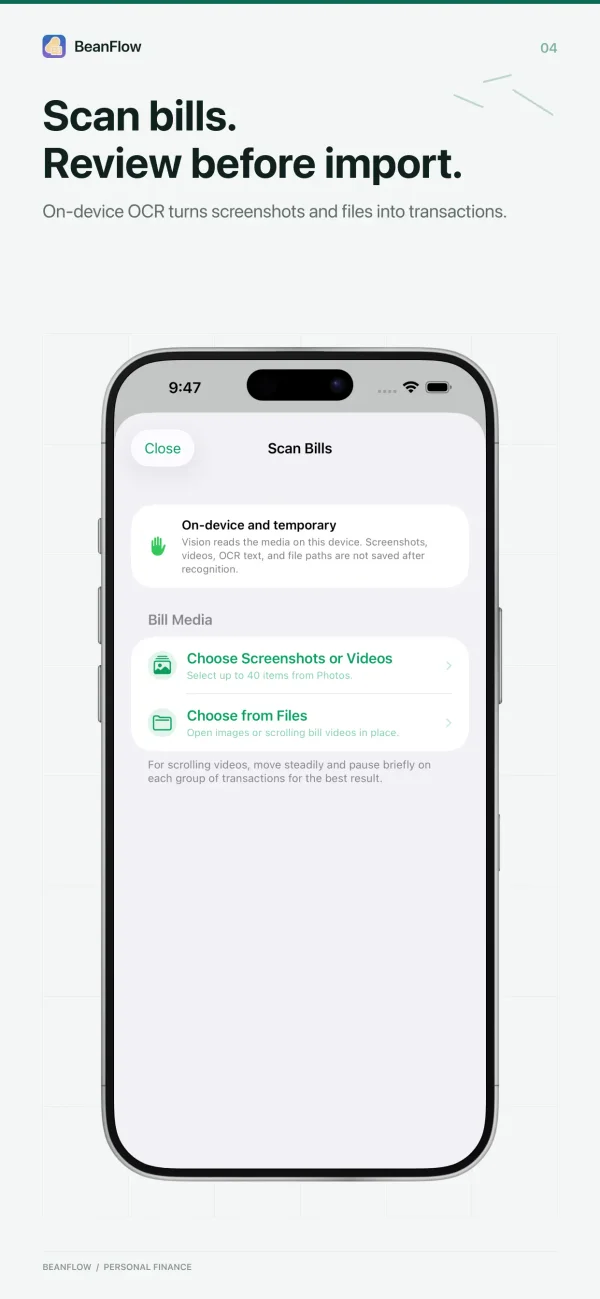
Simple Mode and Beancount Mode now both support OCR import from screenshots and videos, making it easier to turn large amounts of transaction history into usable records without entering everything manually.
Import transactions from screenshots and videos
Have a folder full of payment screenshots? Need to capture transactions from a recorded statement or scrolling transaction list?
BeanFlow can use OCR to recognize transaction information from screenshots and videos and prepare it for import.
This is especially useful when you need to process historical transactions, long lists, or many records at once.
OCR import works in both Simple Mode and Beancount Mode, so you can use the same faster capture workflow regardless of how you prefer to manage your finances.
Track everyday money
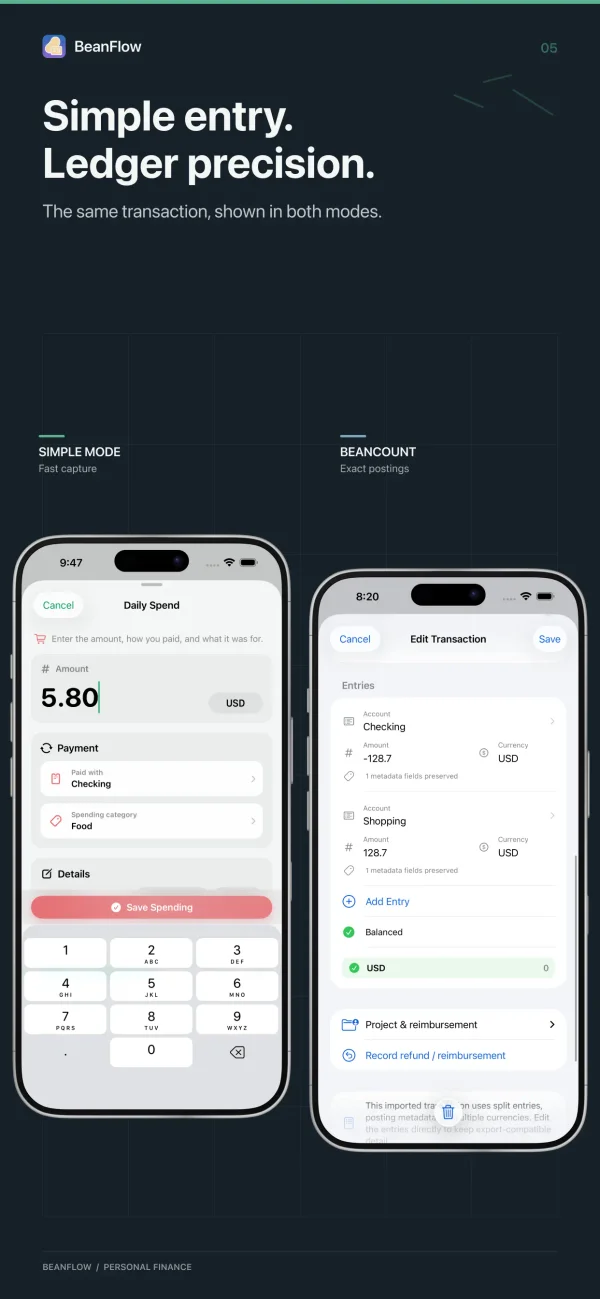
Coffee, lunch, subscriptions, shopping, bills, or a new source of income — every transaction can become part of your financial history.
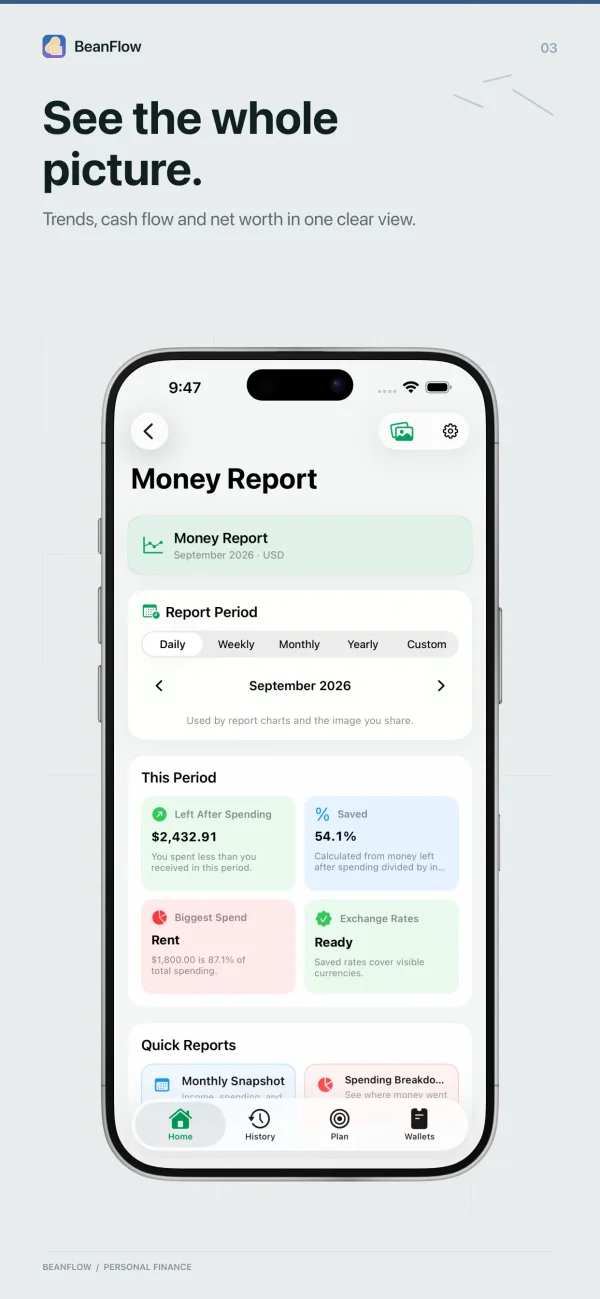
Record income and expenses over time and build a clearer picture of where your money goes and how your finances change.
Simple Mode for everyday tracking
Managing your money shouldn’t require learning accounting before recording your first expense.
Simple Mode provides an approachable workflow for everyday income and expense tracking, without forcing unnecessary accounting concepts into every transaction.
If you just want a clean personal ledger, you can keep things simple.
Beancount Mode when you need more structure
For users who want greater control over their records, Beancount Mode provides a more structured accounting workflow.
Organize transactions through accounts and use double-entry accounting to maintain clearer records of income, expenses, assets, and other financial activity.
Built around Beancount
Already using Beancount?
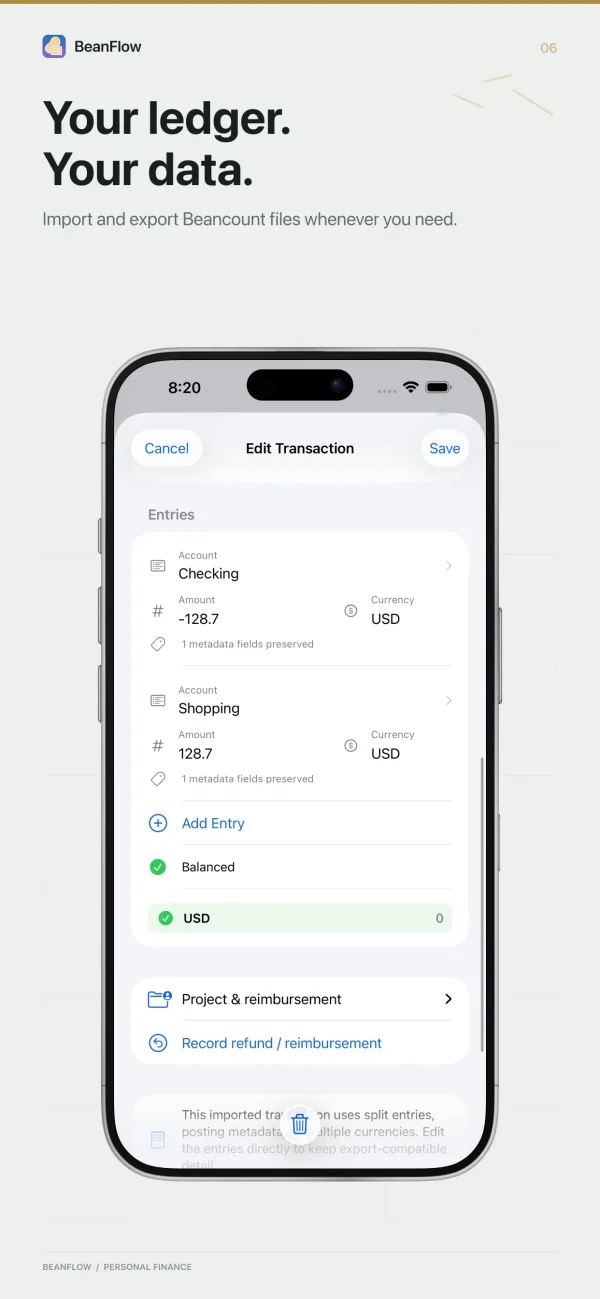
BeanFlow supports .bean files, allowing you to continue working with a familiar and portable data format instead of moving your financial history into a completely closed system.
Import and export .bean files
Your financial records should remain yours.
BeanFlow supports importing and exporting Beancount files, making it easier to back up your ledger, migrate your data, and continue using it as part of your existing Beancount workflow.
Offline-first and portable
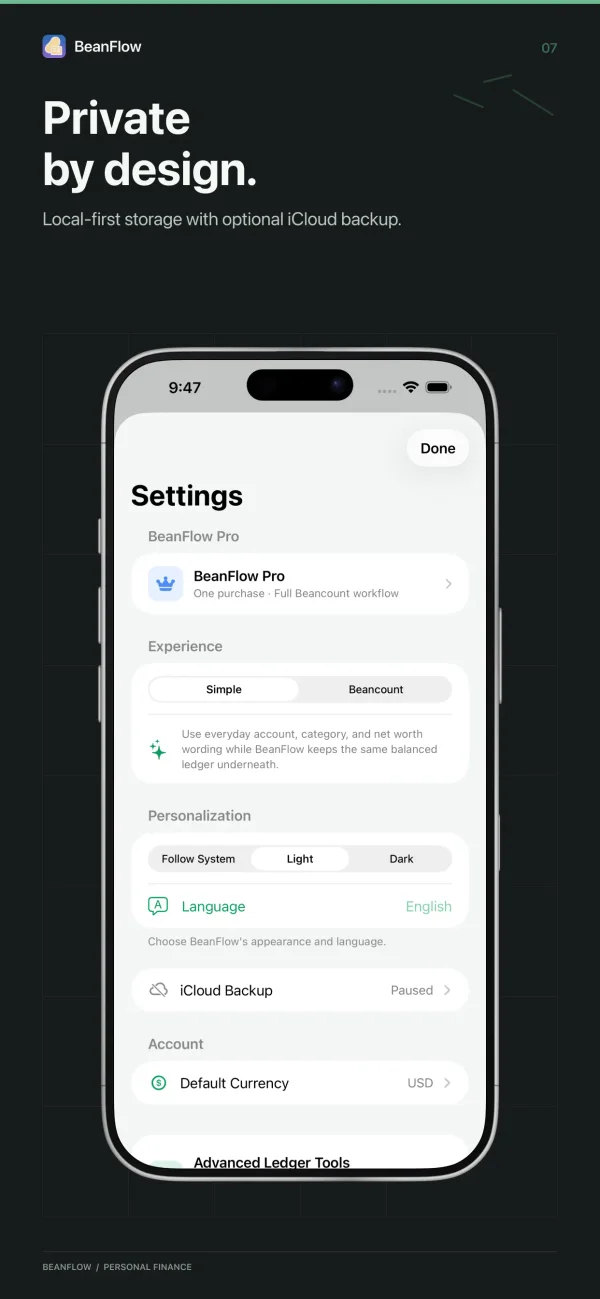
BeanFlow is designed with local use in mind, so your ledger doesn’t need to depend on a constant internet connection.
Open data formats and portable files help you stay in control of your financial records.
Simple for everyday use. Structured when you need it.
Recording a cup of coffee shouldn’t feel like completing an accounting assignment.
At the same time, your finance app shouldn’t become limiting when you want to organize accounts, assets, and more detailed records.
From a single payment screenshot to years of financial history, BeanFlow helps you capture, organize, and keep control of your data.
What’s new
Version 1.5.9 · Sep 25, 2026
Added opening balances and debts for new accounts.
Improved recurring and installment transactions with review, pause, skip, and duplicate protection.
Added split categories, projects, discounts, refunds, and reimbursement tracking.
Expanded iCloud sync support.
Improved import and export.
Refined the app, widgets, Apple Watch, charts, budgets, and account experience.
App privacy
What 昆 杨 declares on the App Store about how this app handles data.
-
Data not collected
The developer does not collect any data from this app.
Privacy practices may vary, for example with the features you use or your age.
Information
- Seller
- 昆 杨
- Category
- Finance
- Version
- 1.5.9
- Updated
- Sep 25, 2026
- Released
- Dec 16, 2025
- Size
- 29.5 MB
- Requires
- iOS 17.0 or later
- Age rating
- 4+
- Price
- Free
- In-app purchases
- Yes
- Languages
- English, French, German, Japanese, Simplified Chinese, Spanish, Traditional Chinese
- Copyright
- © 2026 Kun Yang
You might also like
-
 Lumori: Bills & SubscriptionsRenewals, Expiry & Reminders
-
 Expense Tracker: Budget Book8 Languages, Receipts & Charts
-
 Yudao: Cute Budget & Money LogTrack expenses, save for goals
-
 Walti: Money Manager & BudgetExpense tracker & receipt scan
-
 SubLens: Subscription TrackerAll your bills, one place
-
 PriceKeepFinance
-
 FamilyBank: Kids & Teen MoneyFeels Like Real Bank for Kids
-
 Maturity Ledger: Deposit LogCD Tracker, Interest & APY
-
 Spendi: Expense TrackerBudget & Money Manager
-
 WorthTrail - Net Worth TrackerManage Assets, Stocks & Debts