
BeatMapper
Tap, loop and layer sounds
Designed for iPhone, iPad
Free · In-app purchases
- Age rating4+
- CategoryMusic
- DeveloperMasayuki Akamatsu
- LanguagesEnglish+ 1 more
- Size41.6 MB
Links to the official App Store page
Download.org hosts no file of BeatMapper. The button opens its official App Store page, published by Masayuki Akamatsu. Listing last checked on Nov 17, 2026.
Screenshots

About
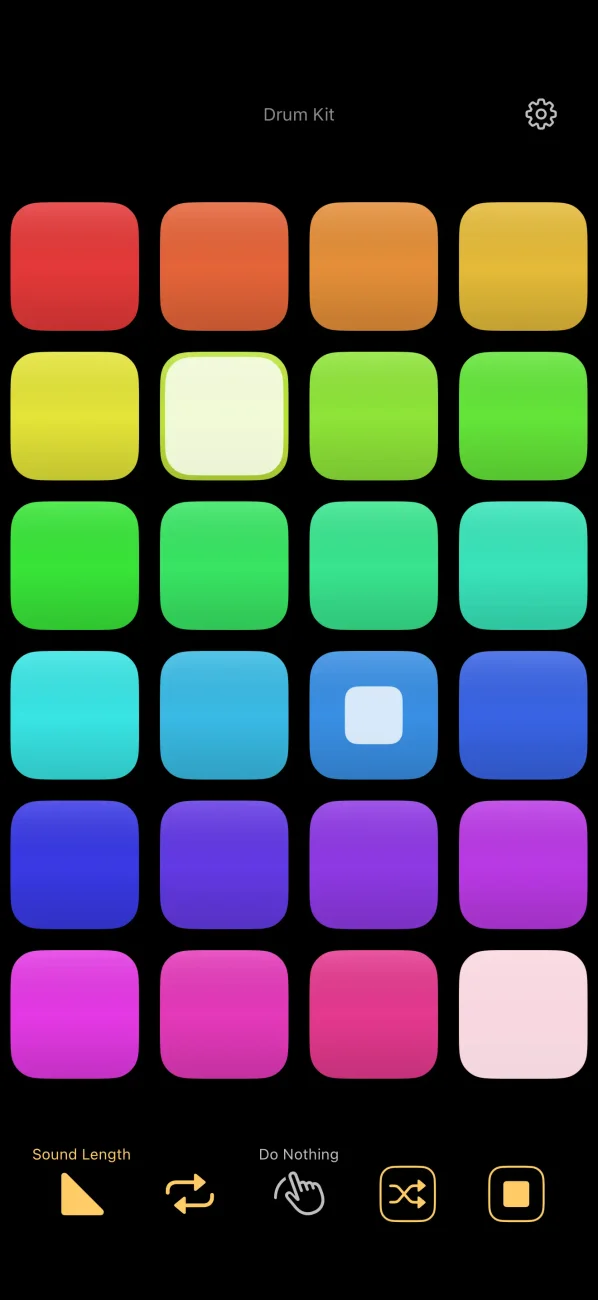
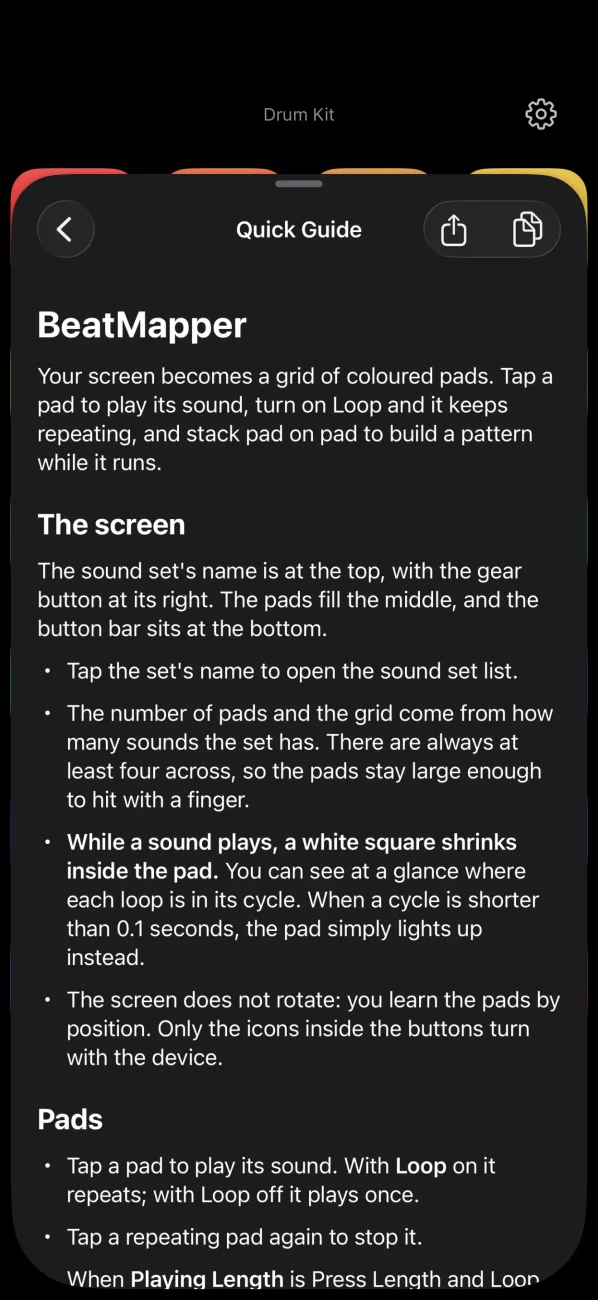
BeatMapper turns your iPhone into a grid of coloured pads. Tap a pad to play its sound. Turn on Loop and the sound keeps repeating, so you can stack pad on pad and build a pattern while it runs. Tap a looping pad again to stop it.
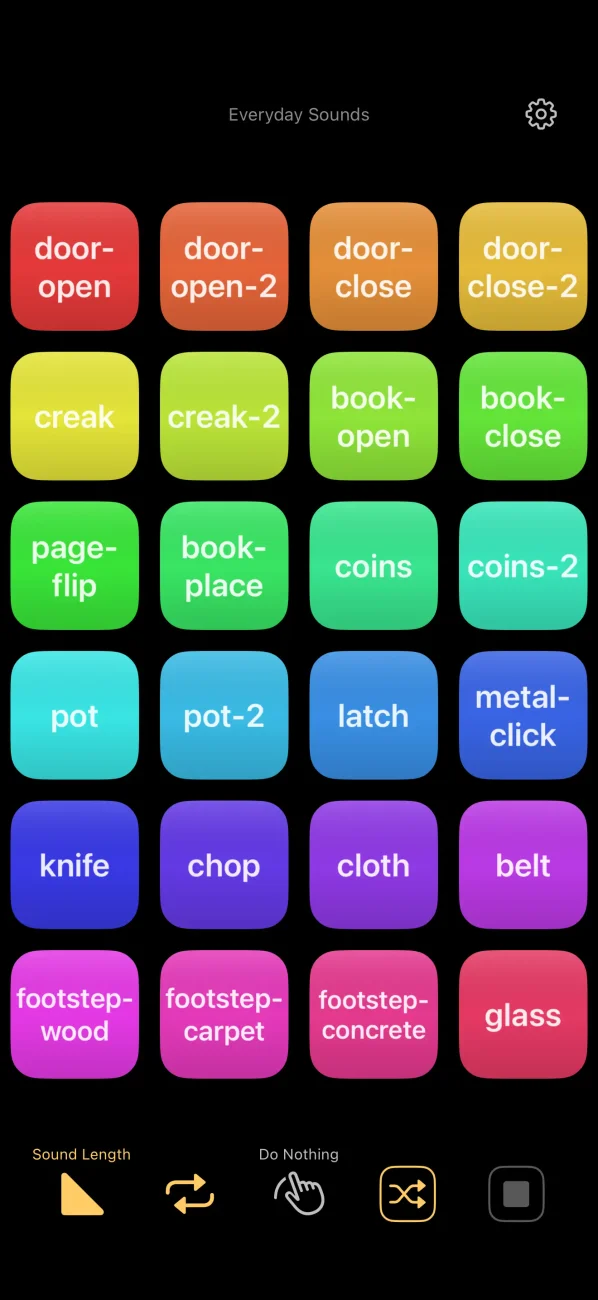
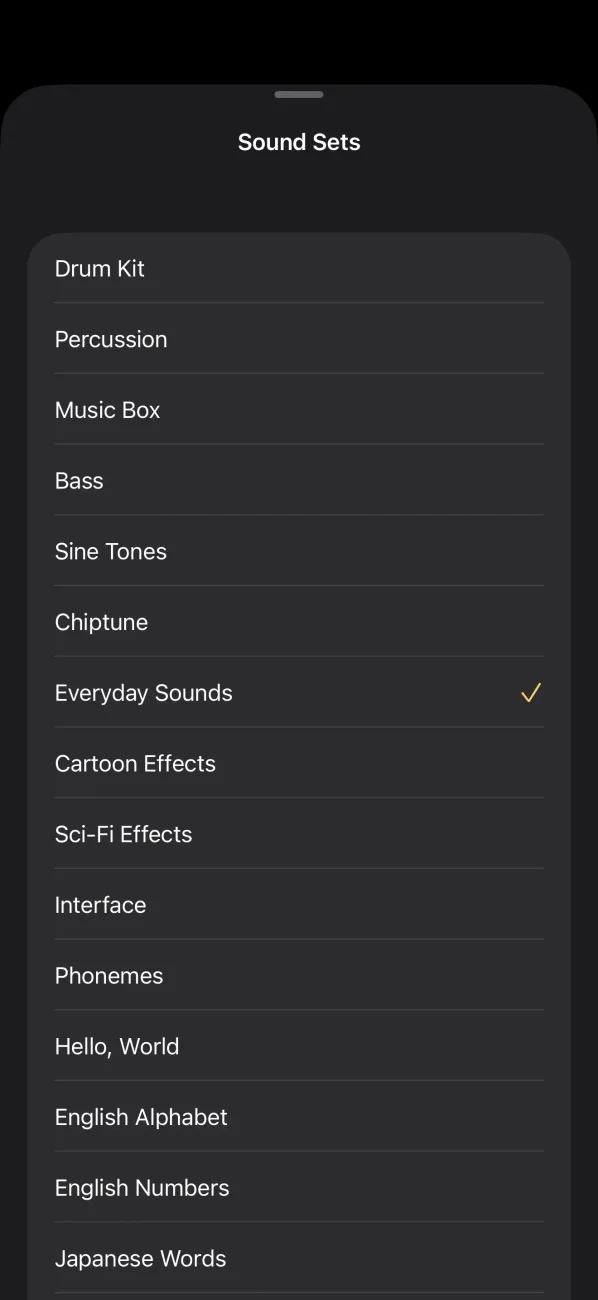
Seventeen sound sets are built in: drum kit, percussion, music box, bass, sine tones, chiptune, everyday sounds, cartoon effects, sci-fi effects, interface sounds, phonemes, greetings from around the world, the English alphabet, English numbers, Japanese words, French words, and the system sounds. Nearly four hundred sounds in all.
Every pad shows what it is doing. A white square shrinks inside the pad as the sound plays, so you can see at a glance where each loop is in its cycle and how the parts line up against each other.
Five buttons run along the bottom. Playing Length decides how long a sound plays. Loop makes it repeat until you stop it. Drag Action sets what happens to the pads your finger sweeps over. Randomize plays a handful of pads at once, and All Stop clears everything. The caption above each button names the item currently chosen, so nothing hides behind a symbol.
The pads fill the screen. The grid is worked out from how many sounds the set has, always at least four across, so the pads stay large enough to hit with a finger. Randomize shuffles the layout, keeping each sound with its own colour, and Reset puts them back in order.
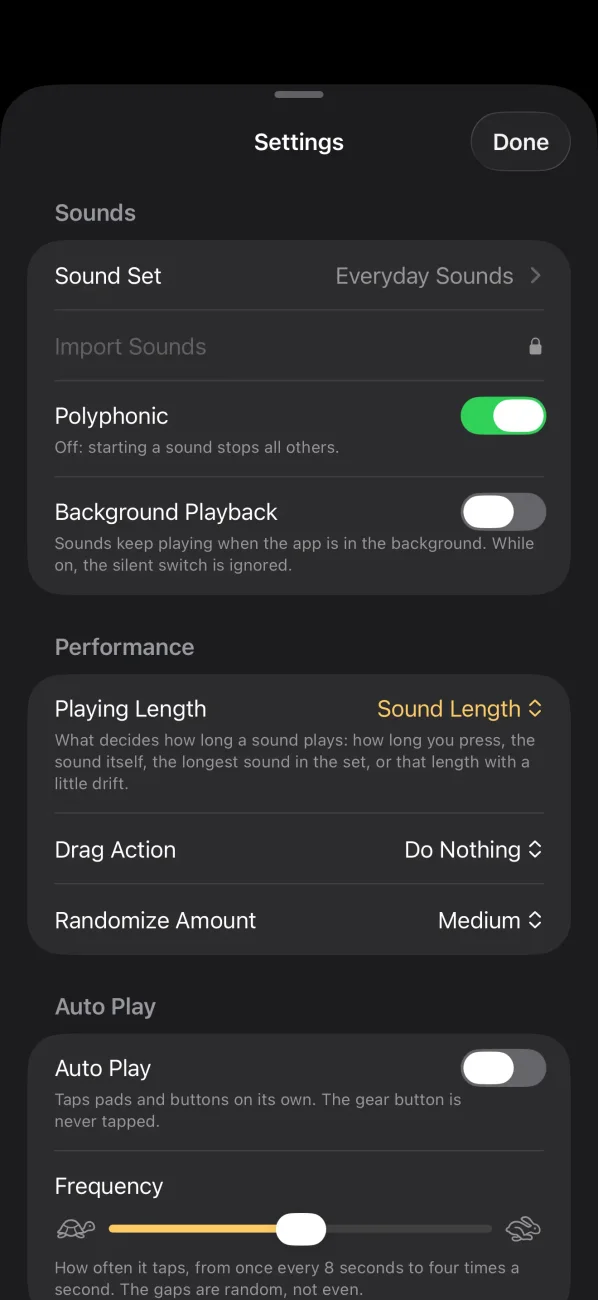
Playing Length decides how long each sound runs: how long you press, the sound itself, the longest sound in the set, or that length with a little drift. Press Length turns the pad into a key you hold. Aligning to the longest sound makes every pad repeat on the same beat, and the drift spreads them so the phases pull apart and the pattern keeps changing.
Auto Play taps the pads and buttons on its own, at a pace you set, and the gaps are random rather than even. Leave it running and the app plays by itself.
Pro unlocks two more things: importing your own sounds from any folder on the device or in iCloud Drive, and recording what you hear as a 48 kHz / 24-bit WAV file in the Files app.
Other things you can set: what appears on the pads, polyphonic playback on or off, background playback so the sounds keep going when you leave the app, and whether the status bar and home bar are shown. A Quick Guide inside Settings explains every control.
No account, no setup, no menus to learn. Open it and play.
What’s new
Version 1.1.0 · Sep 28, 2026
Auto Play — the app plays by itself, at a pace you set.
Playing Length now has four choices, and each button names the item you picked.
Drag Action decides what happens as your finger sweeps across the pads.
Randomize plays pads instead of only shuffling them, and All Stop clears everything.
Pads can show a letter or the sound's name.
A Quick Guide is built in.
Pro adds recording (48 kHz / 24-bit WAV) and importing your own sounds from a folder.
App privacy
What Masayuki Akamatsu declares on the App Store about how this app handles data.
-
Data used to track you
May be used to track you across apps and websites owned by other companies.
- Identifiers
-
Data linked to you
May be collected and linked to your identity.
- Location
- Identifiers
- Usage data
-
Data not linked to you
May be collected but is not linked to your identity.
- Location
- Usage data
- Diagnostics
Privacy practices may vary, for example with the features you use or your age.
Information
- Seller
- 正行 Akamatsu
- Category
- Music
- Version
- 1.1.0
- Updated
- Sep 28, 2026
- Released
- Sep 14, 2026
- Size
- 41.6 MB
- Requires
- iOS 17.6 or later
- Age rating
- 4+
- Price
- Free
- In-app purchases
- Yes
- Languages
- English, Japanese
- Copyright
- © 2026 Masayuki Akamatsu
You might also like
-
 OscDraxMusic
-
 JPKeysJamMusic
-
 QUAIAInstruments, Voice & Loops
-
 SLAP: Sample, Loop & PlayMusic
-
 WaveStormAUv3 Wavetable Synth & Sampler
-
 Tongue Drum DigitalMusic
-
 Drum Pad Studio: Beat Maker AIDJ Music Mixer, Rhythm Machine
-
 LoopForgeMix beats & create music loops
-
 波動 Hysteric OscillatorOscillator with Waveform View
-
 SOLO [Nr.19]Music