Beatworld: Music Visualizer
Make any song a moving world
Designed for iPhone, iPad, iPod touch
In-app purchases
- Age rating4+
- CategoryMusic
- Developertomople
- LanguagesJapanese+ 1 more
- Size56.3 MB
Links to the official App Store page
Download.org hosts no file of Beatworld: Music Visualizer. The button opens its official App Store page, published by tomople. Listing last checked on Nov 23, 2026.
Screenshots

About
Pick a song, and the world on your screen starts moving to it.
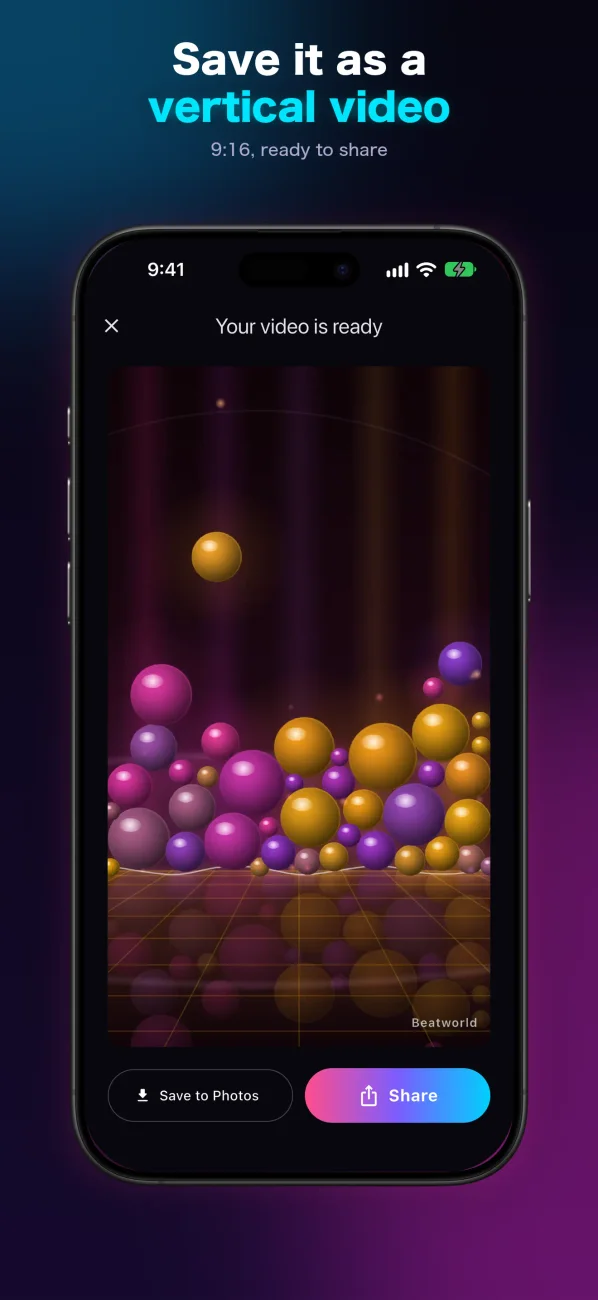
Beatworld is not just a waveform. The kick makes a crowd of balls jump, the snare sends out a shockwave, and when the chorus hits, the whole world lights up. Save what you see as a vertical video in one tap.
WORLDS THAT DANCE TO YOUR MUSIC
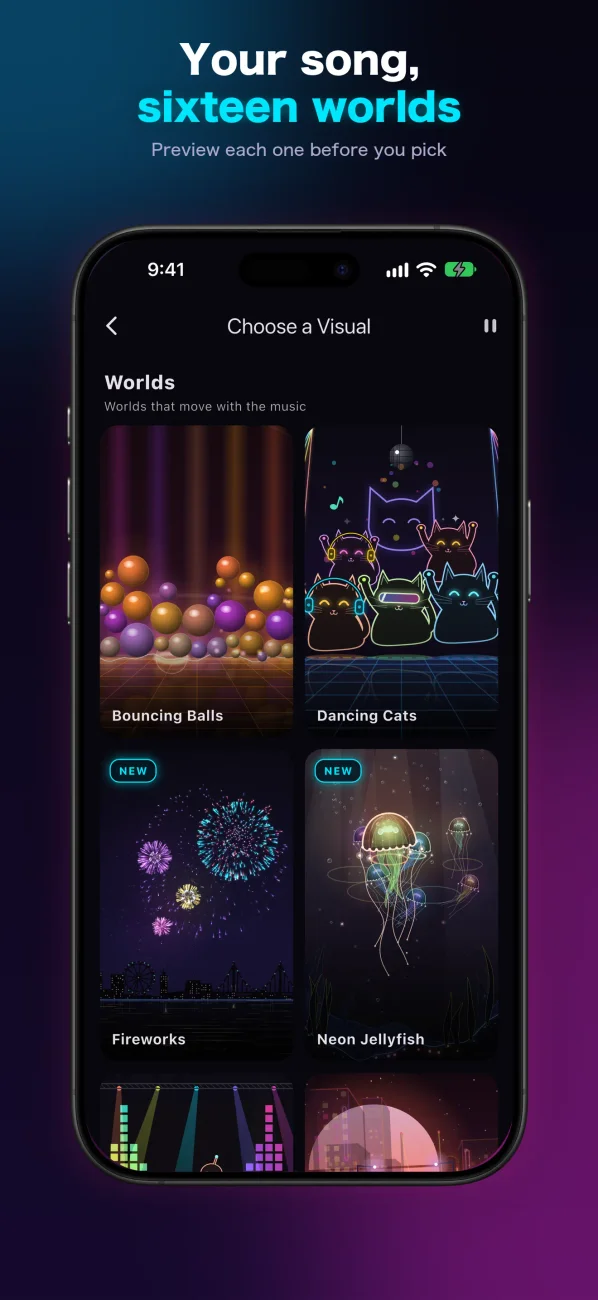
- Bouncing Balls: balls bounce on every kick and shockwaves ring out on the snare
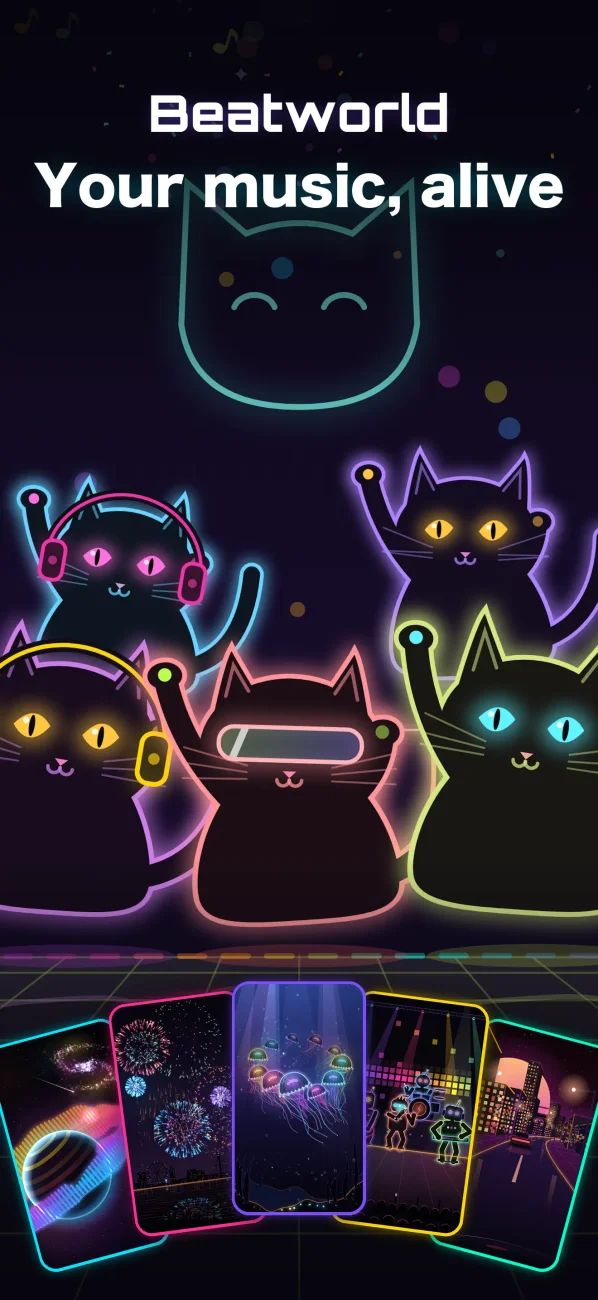
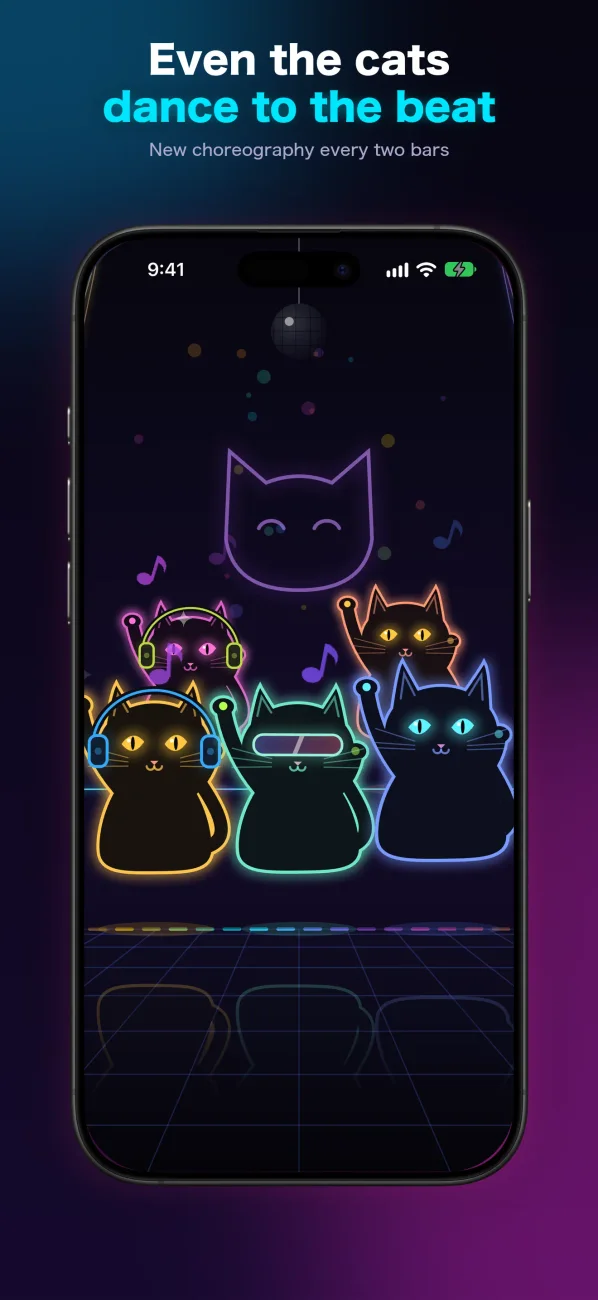
- Dancing Cats: neon cats change their dance every two bars and jump together on the drop
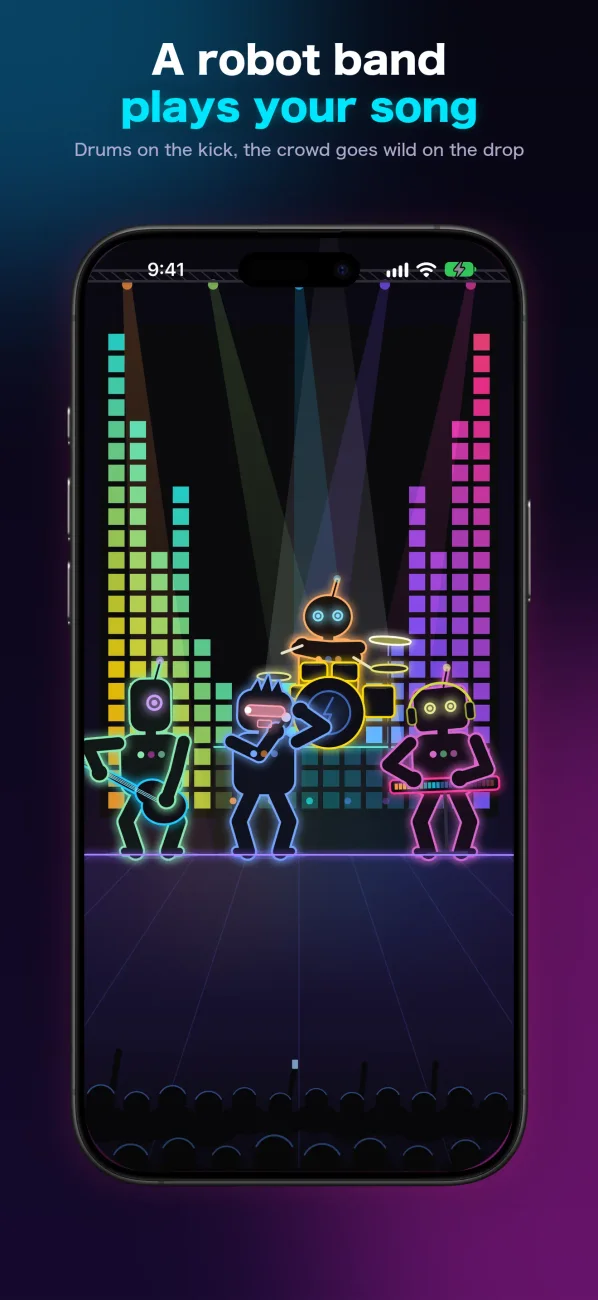
- Neon Band: a robot band plays along, and the crowd goes wild on the drop
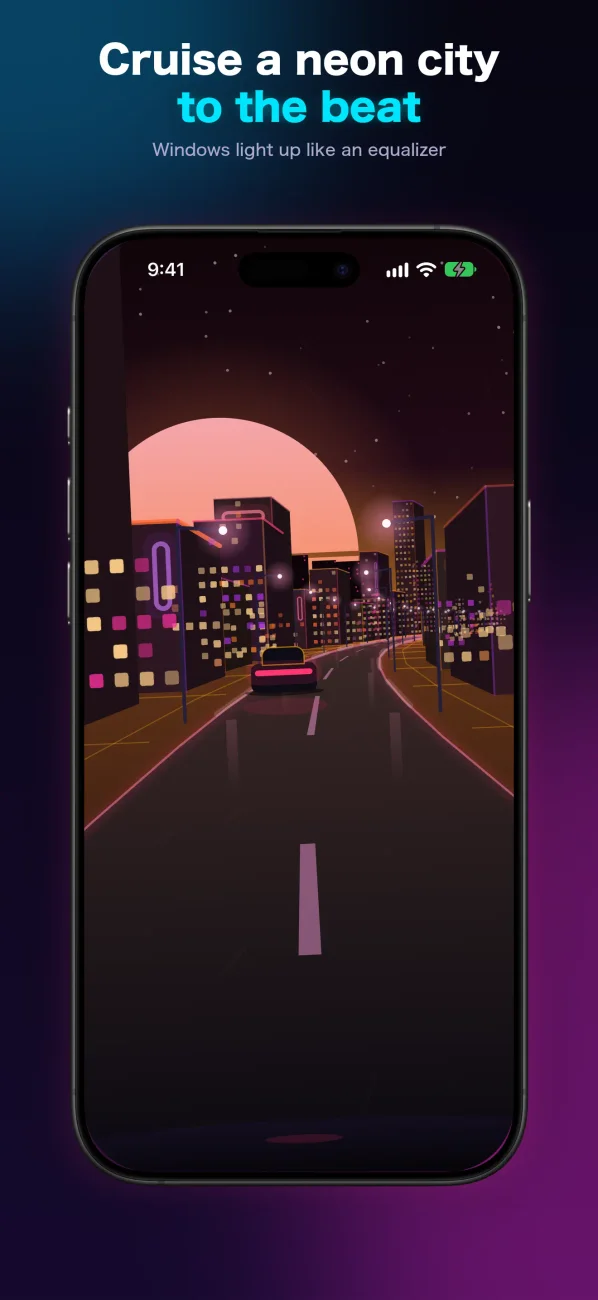
- Night Drive: cruise a neon city where the windows are an equalizer, speeding up on the drop
- Photo Beat: your photo pulses as tiles, shatters on the drop and snaps back together
- Neon Tunnel: fly through a neon tunnel whose lights race along with the beat
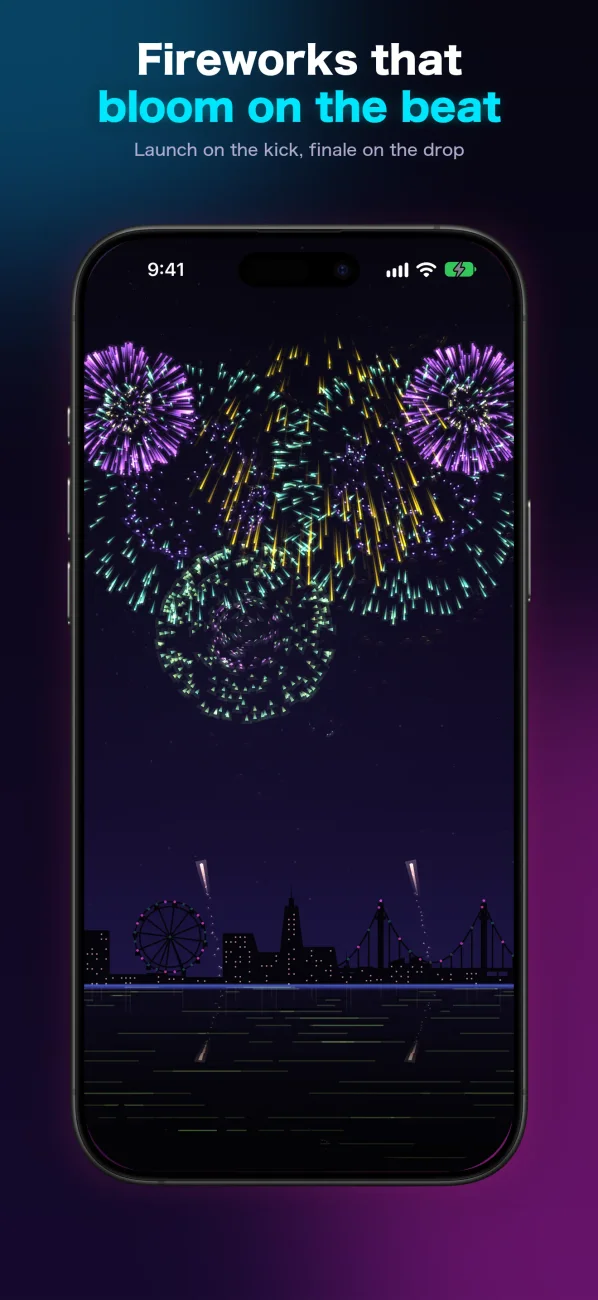
- Fireworks: launch on the kick, bloom on the snare, and fill the sky on the drop
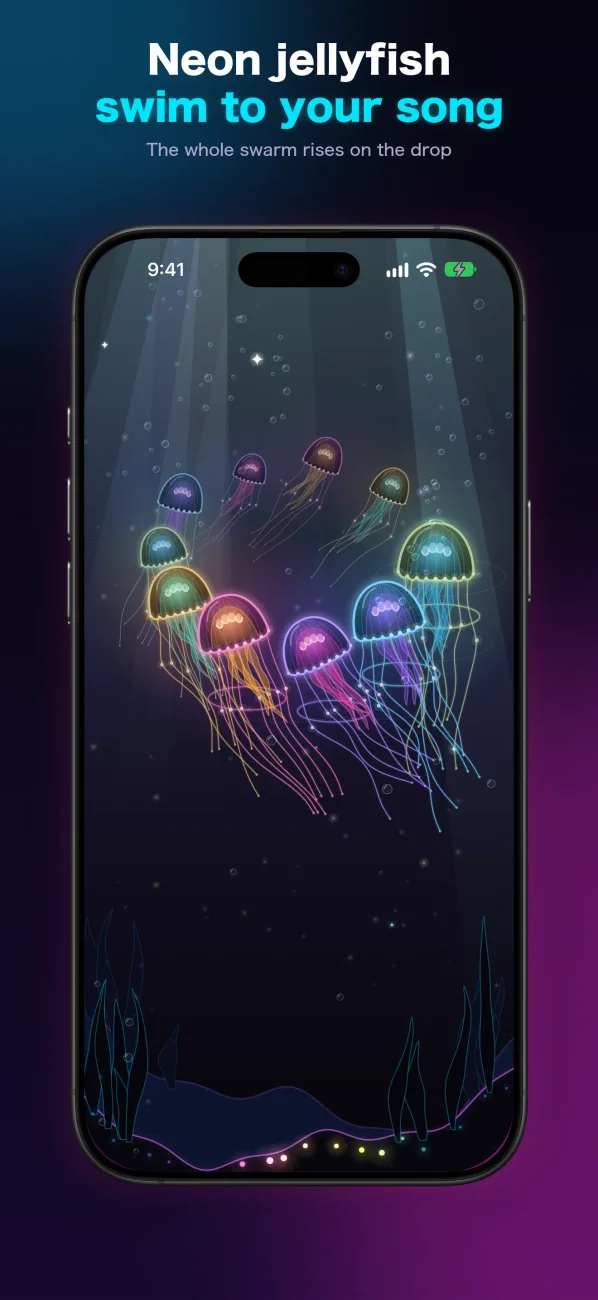
- Neon Jellyfish: glowing jellyfish swim to the beat and rush upward on the drop
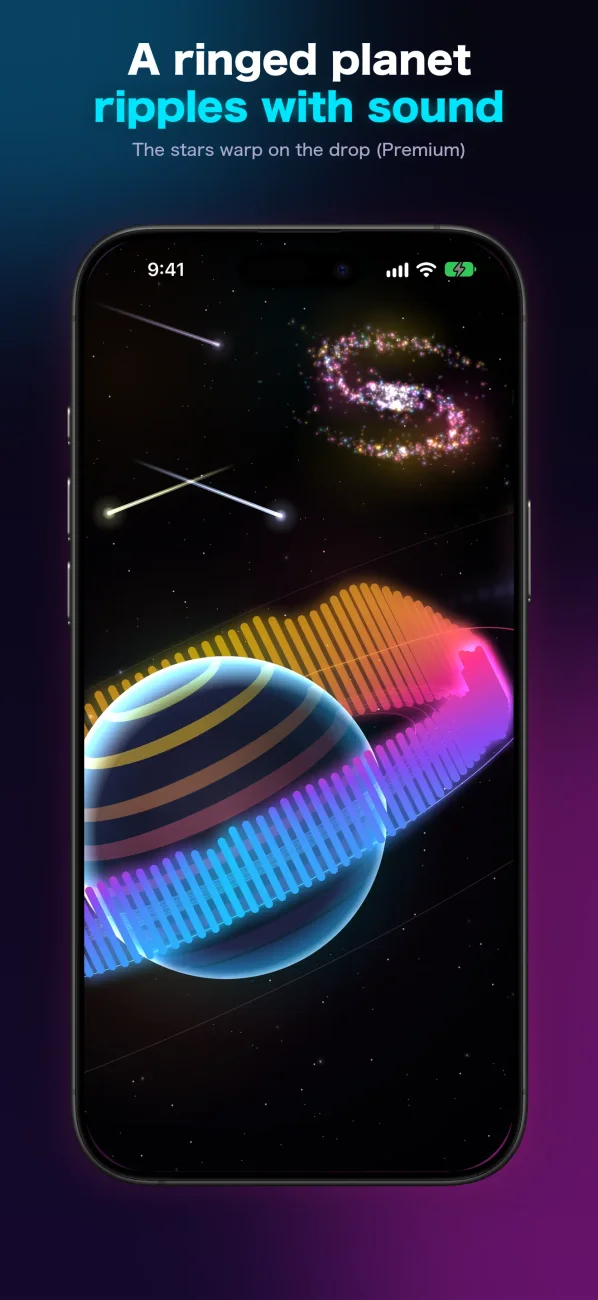
- Galaxy: a ringed planet ripples with the spectrum; the stars warp on the drop
CLASSIC VISUALIZERS
- Spectrum: every band from deep bass to bright highs becomes a bar of light
- Circular Spectrum: a ring of frequencies that pulses with each beat
- Particles: thousands of particles swirl into vortexes and flowers
- Kaleidoscope: a neon kaleidoscope that blooms on the beat and bursts outward on the drop
- Laser Show: festival lasers change patterns with each part of the song
- Sound Ridge: neon ridgelines flow with the sound and rise into mountains on the chorus
- Liquid Neon: glowing liquid swells with the bass and bursts on the drop
SYNC THAT FEELS RIGHT
When you load a song, Beatworld analyzes it once, on your device: loudness, bass, mids and highs, kick, snare, hi-hat, tempo, where each beat falls, and how the energy builds across the whole track. Bluetooth headphone delay is compensated, too.
SAVE AS A VERTICAL VIDEO
- Export 9:16 vertical videos (1080x1920), or square and wide. Save to Photos or share right away
- Choose the part of the song to export
- The song's audio is included
MAKE IT YOURS
Adjust color, sensitivity, glow, camera effects, thickness, particle amount and more for each visual.
WHICH SONGS YOU CAN USE
DRM-free audio files in the Files app (MP3, M4A, WAV, AAC, AIFF and more) and the demo track in the app. Copy-protected streaming songs, such as Apple Music tracks, cannot be used. Before you publish a video, make sure you have the rights to the music.
Songs are analyzed on your device only and are never uploaded.
WHAT IS INCLUDED, AND WHAT NEEDS A PURCHASE
The core visuals can be used without paying. Without Premium, exported videos carry a small watermark in the corner and are 30fps, and the app shows ads.
Some visuals, watermark-free export and 60fps export require Premium (an in-app purchase). Watching a video ad unlocks one watermark-free export, or a locked visual until you close the app.
SUBSCRIPTION
"Beatworld Premium" is offered as an auto-renewing subscription (monthly or yearly): no ads, no watermark, every visual, and 60fps export. The yearly plan may include a free trial for eligible users.
Payment is charged to your Apple ID account at confirmation of purchase. The subscription renews automatically at the same price unless it is cancelled at least 24 hours before the end of the current period.
LIFETIME
"Beatworld Premium (Lifetime)" is a one-time purchase that unlocks the same Premium forever. It does not renew.
NOTES
You can manage or cancel the subscription in your Apple ID settings under Subscriptions. If you cancel, Premium stays active until the end of the current period. Partial periods are not refunded.
RESTORE PURCHASES
If you have purchased before, tap "Restore Purchases" on the purchase screen.
Terms of Use (Apple standard EULA):
https://www.apple.com/legal/internet-services/itunes/dev/stdeula/
Privacy Policy:
https://tomople.com/privacy-policy/
What’s new
Version 1.1.1 · Nov 20, 2026
Fixed an issue where your chosen photos, background photo, and imported songs could appear to be missing after updating the app. Photos and songs that disappeared in the previous version come back with this update.
App privacy
What tomople declares on the App Store about how this app handles data.
-
Data used to track you
May be used to track you across apps and websites owned by other companies.
- Identifiers
- Usage data
-
Data not linked to you
May be collected but is not linked to your identity.
- Purchases
- Identifiers
- Usage data
- Diagnostics
Privacy practices may vary, for example with the features you use or your age.
Information
- Seller
- tomople
- Category
- Music
- Version
- 1.1.1
- Updated
- Nov 20, 2026
- Released
- Oct 7, 2026
- Size
- 56.3 MB
- Requires
- iOS 15.0 or later
- Age rating
- 4+
- In-app purchases
- Yes
- Languages
- Japanese, English
- Copyright
- © 2026 Tomoyasu Hidaka
You might also like
-
 Groovalizer: Music VisualizerVisuals that move to music
-
 Music Visualizer: Sound ArtAudio Reactive Video effects
-
 ImmerGround: Music VisualizerAudio Reactive VJ & DJ Visuals
-
 Psychodeliaudio-reactive visuals
-
 High Videlity: Music VisualsPlay with your music
-
 43 Electro Swing: Jazz BandChaos-driven Song Generator
-
 PrismtoneMusic
-
 RMP: Retro Music PlayerMOD, XM, NSF, SPC, VGM
-
 AURORA: Offline Music PlayerMP3, Equalizer, Lyrics & AI
-
 Rondo — Music VisualizerLyric video & Canvas maker