BedrockLink - Console Connect
Server Connector - MC Together
Designed for iPhone, iPad, iPod touch
Free · In-app purchases
- Age rating12+
- CategoryProductivity
- DeveloperEdward Rebecca
- LanguagesEnglish+ 24 more
- Size33.9 MB
Links to the official App Store page
Download.org hosts no file of BedrockLink - Console Connect. The button opens its official App Store page, published by Edward Rebecca. Listing last checked on Nov 19, 2026.
Screenshots
About
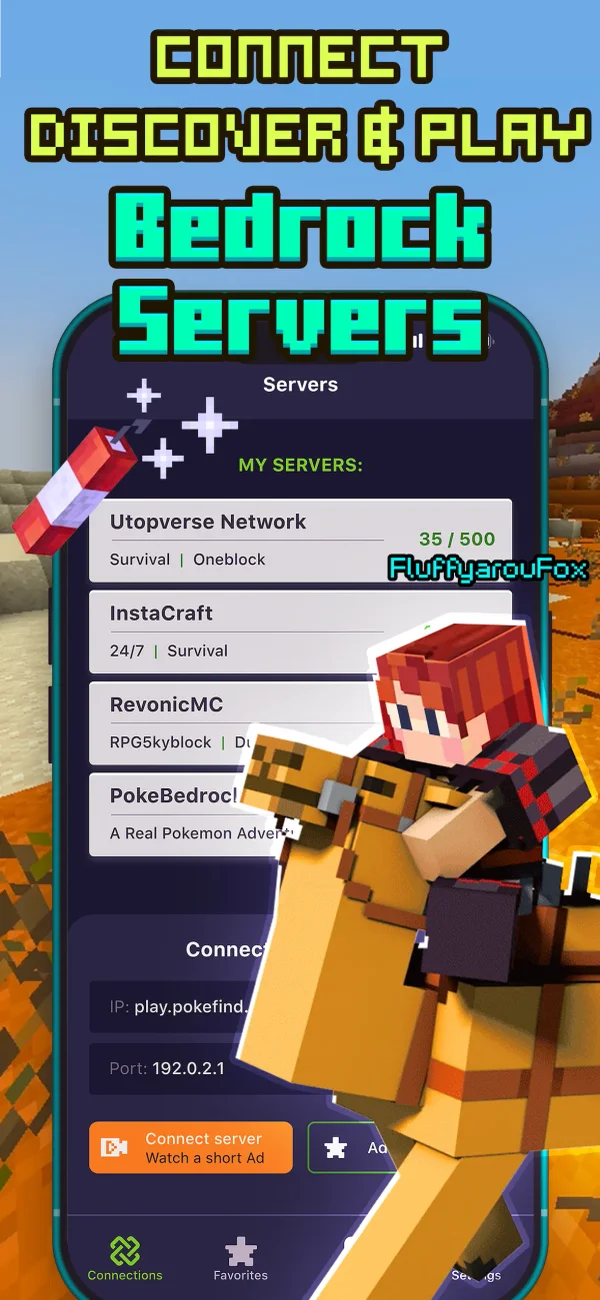
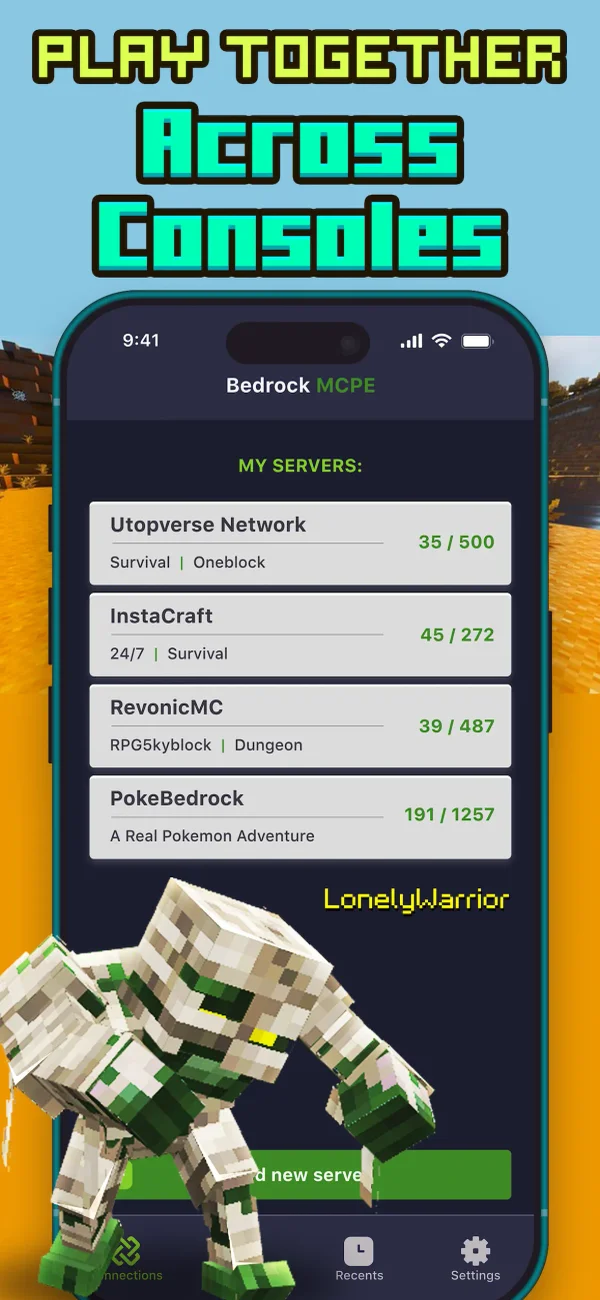
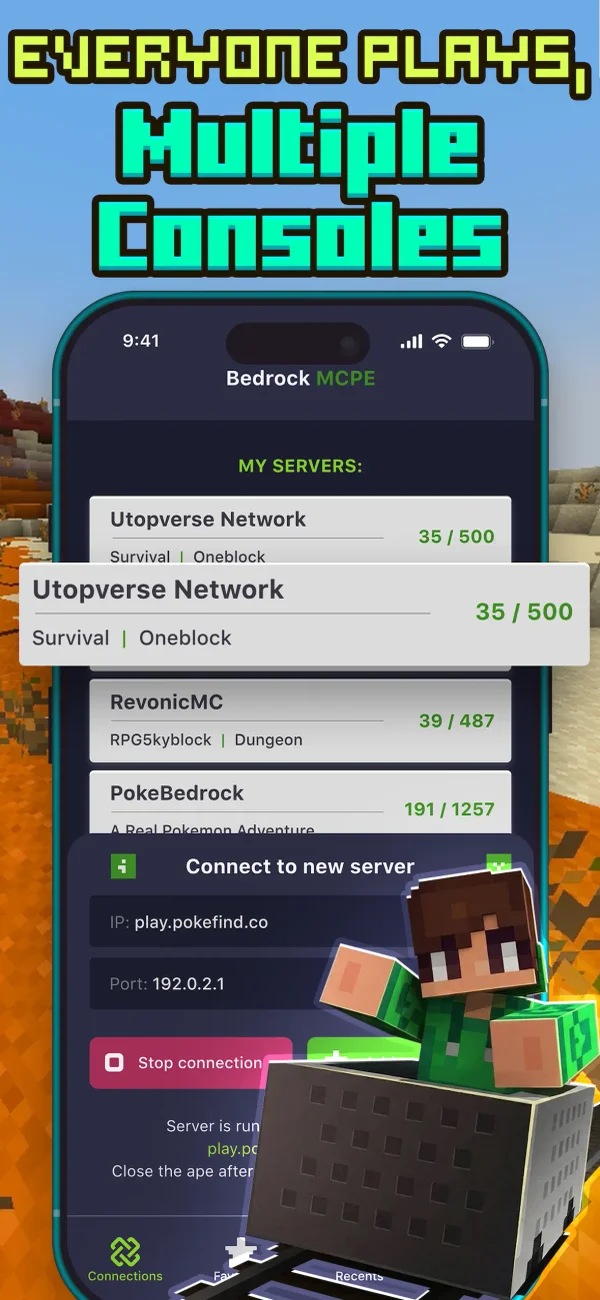
BedrockLink - Bedrock Servers Connector is a simple yet powerful tool that helps you easily connect to or create your own custom Minecraft Bedrock Edition server.
The app provides access to a large collection of active Bedrock servers that are updated regularly, enabling you to join multiplayer games with players from around the world. You can also set up and run your own server by entering a custom IP address and port..
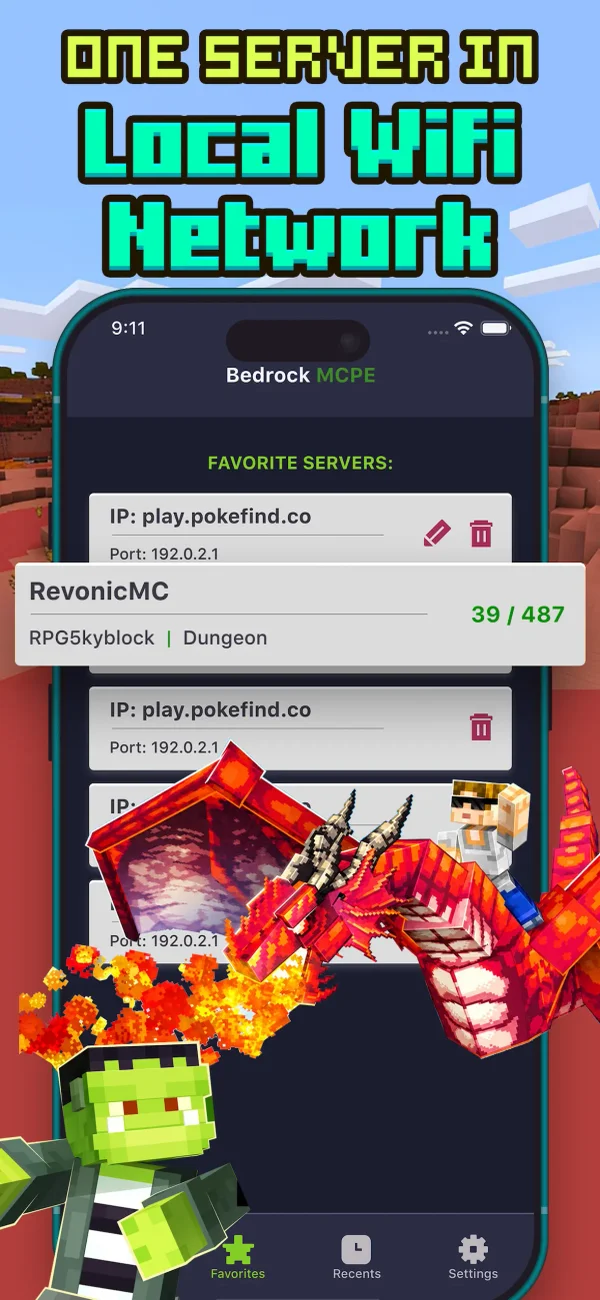
Servers are displayed as LAN servers, enabling fast and convenient connections directly from Minecraft and eliminating the need for complex setup or DNS redirection.
Key Features
• Large list of active Minecraft Bedrock servers
• Ability to add and create your own server
• Quick LAN-based connection
• Supports Minecraft Bedrock Edition
• Easy setup in just a few steps
• Perfect for multiplayer gameplay with friends
How to Connect:
1. Select a server from the list or enter a server IP address and port number.
2. Tap the 'Run' button.
3. Open Minecraft: Bedrock Edition.
4. Go to the Friends tab.
5. Join the server from the LAN section.
6. Once you are connected, you can close the app.
Troubleshooting
Please make sure that:
• Your mobile device and console are connected to the same local network (LAN).
• The Visible to LAN Players option is enabled in Minecraft multiplayer settings.
• The app has permission to access the local network in your device’s privacy settings.
Disclaimer:
BedrockLink - Bedrock Servers for Minecraft is a third-party application. It is not affiliated with, endorsed by or associated with Mojang AB, Minecraft, Xbox, PlayStation or Nintendo, or any of their related brands.
The Premium plan offers:
Unlimited server usage, no ads, Premium support, all new servers are included.
Your iTunes account will be charged for the subscription with automatic renewal upon confirmation of purchase. The app offers three subscription options. One includes a three-day free trial period. You can manage your subscription and disable automatic renewal by accessing your account settings on your device. To prevent renewal, you must cancel at least 24 hours before your subscription expires. Your account will be charged for renewal within 24 hours prior to the end of the current subscription period. You can cancel your subscription here: https://support.apple.com/en-us/HT202039.
Privacy Policy: https://corruptboxpro.quest/privacy.html
Terms of Use: https://corruptboxpro.quest/terms.html
What’s new
Version 2.0 · Nov 9, 2026
New update for BedrockLink.
- Update contain servers compatibility with latest version of Minecraft
- UI/UX improvements, compatibility with iPhone Duo
- Added translations and new metadata improvements
Thank you for all users who use our app. We read your comments and try to constantly improve our app.
App privacy
What Edward Rebecca declares on the App Store about how this app handles data.
-
Data used to track you
May be used to track you across apps and websites owned by other companies.
- Location
-
Data linked to you
May be collected and linked to your identity.
- Location
Privacy practices may vary, for example with the features you use or your age.
Information
- Seller
- Edward Rebecca
- Category
- Productivity
- Version
- 2.0
- Updated
- Nov 9, 2026
- Released
- Jan 13, 2026
- Size
- 33.9 MB
- Requires
- iOS 15.6 or later
- Age rating
- 12+
- Price
- Free
- In-app purchases
- Yes
- Languages
- English, Arabic, Danish, French, German, Greek, Hebrew, Hindi, Indonesian, Italian, Japanese, Korean + 13 more
- Copyright
- © Edward Rebecca
You might also like
-
 FreeMcServerServer hosting made easy!
-
 Games Codes For RobloxCodes For Roblox Games
-
 Addons Maker for MinecraftCraft Mobs, Weapon, Dimensions
-
 HappiMod - Working Game ModsPRO Addons, Booster, Helper
-
 Shaders Texture Packs for MCPEAll-in-one Shader Texture Pack
-
 UTM Remote Virtual MachinesRemote desktop for VMs
-
 Addons for Minecraft •Morph Mods For MCPE Addons
-
 Texture maker for Minecraft PEPro tool edit Texture for MCPE
-
 MCPE ADDONS FOR MINECRAFT PE .ADD-ONS,MAPS,SKINS AND MODS
-
 Translator Keyboard : LingoEasy Multi Language Text Chat