Beepit - Audio Censor
Turn oops into beeps
Designed for iPhone, iPad
In-app purchases
- Age rating12+
- CategoryPhoto & Video
- DeveloperMuhammad Hamza Sani
- LanguagesGerman+ 18 more
- Size39.4 MB
Links to the official App Store page
Download.org hosts no file of Beepit - Audio Censor. The button opens its official App Store page, published by Muhammad Hamza Sani. Listing last checked on Nov 15, 2026.
Screenshots

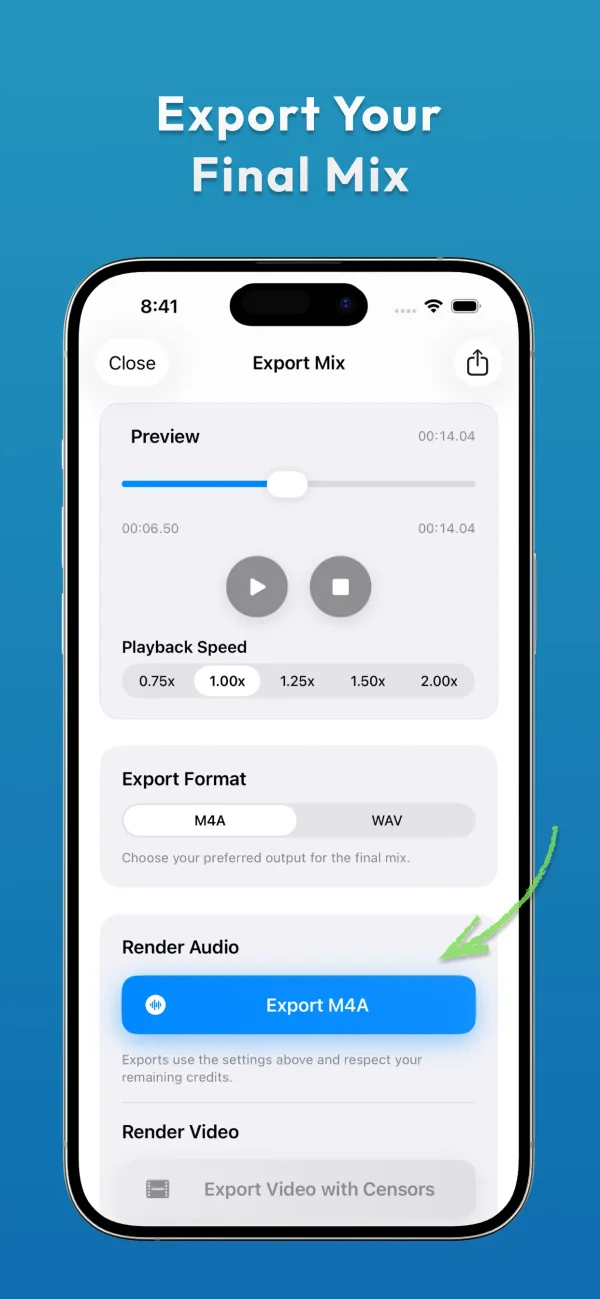
About
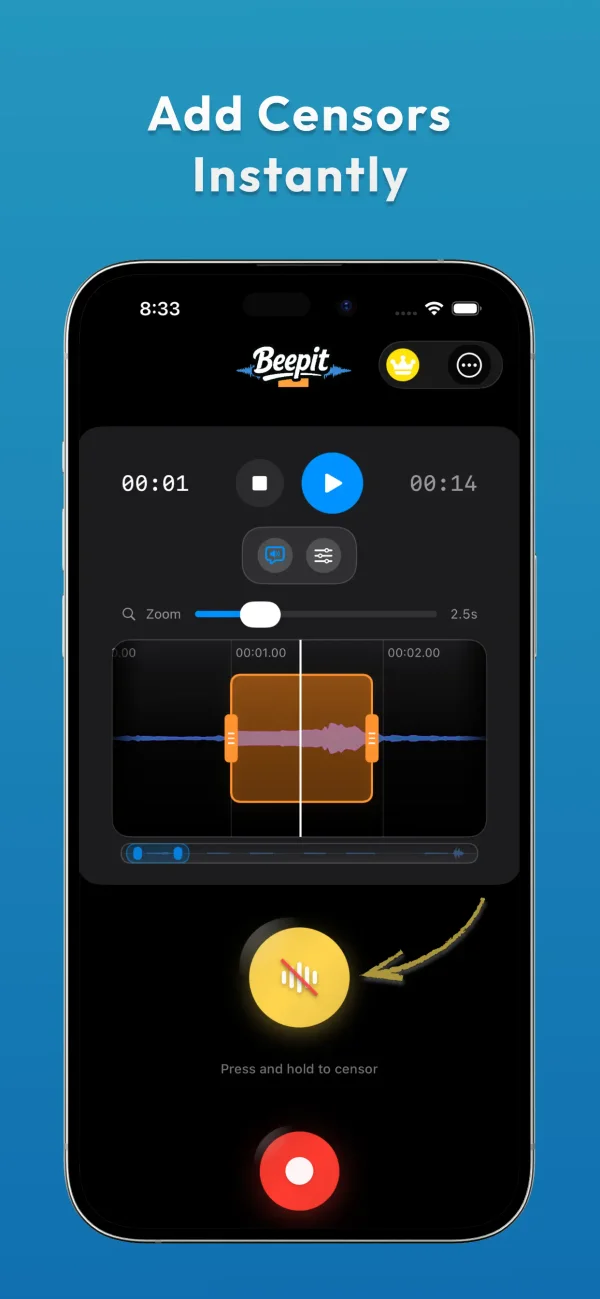
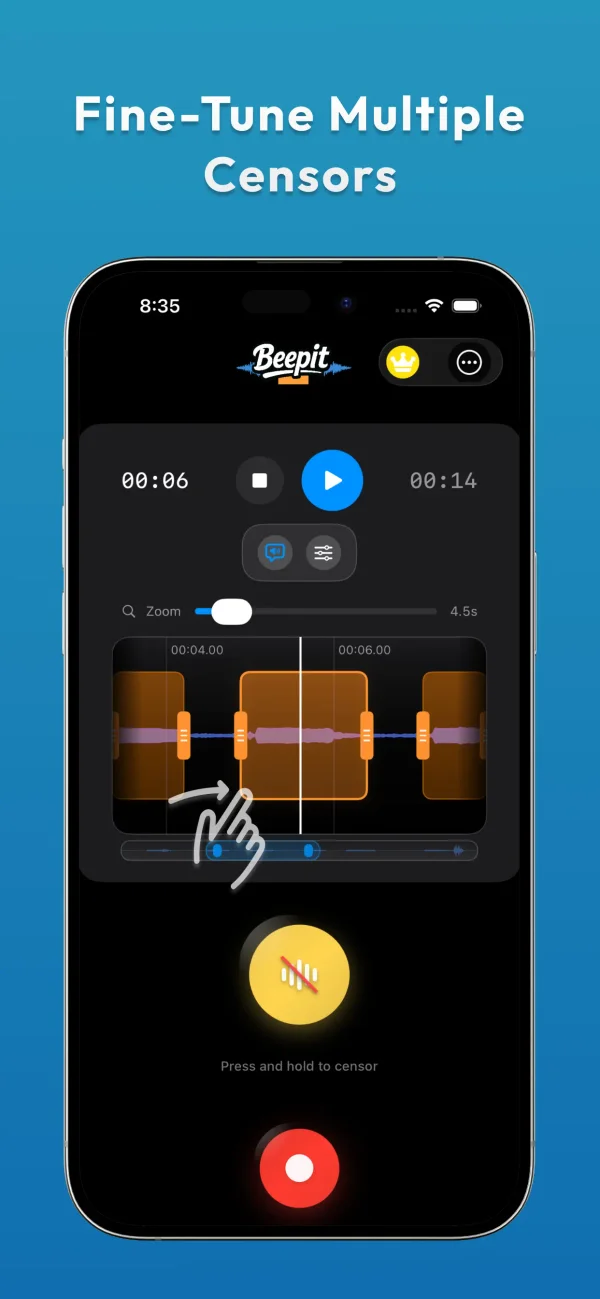
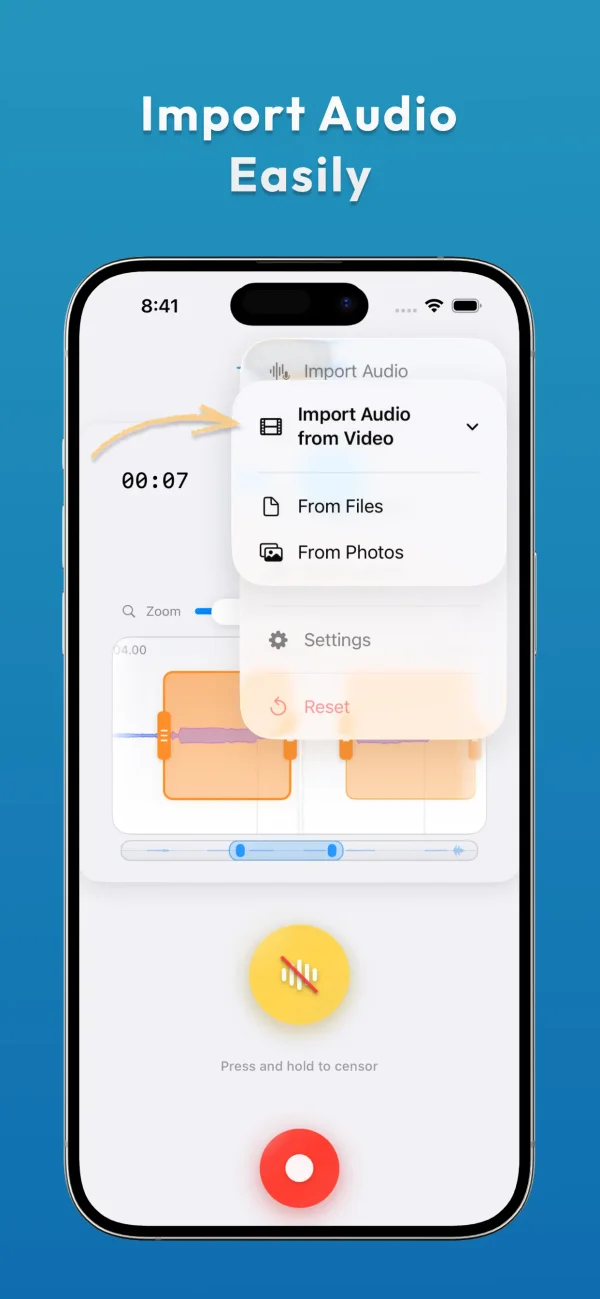
Beepit lets you quickly add a beep to censor bad words. Tap the big “Beep” button to bleep audio in live recordings or imported audio/video — no complicated editing! Perfect for clean podcasts, pranks, or voiceovers.
Privacy Policy: https://www.notion.so/mhamzasani/Privacy-Policy-2a07fb43954180bd9b49e2f5dbff789b
Terms: https://www.apple.com/legal/internet-services/itunes/dev/stdeula
What’s new
Version 1.6 · Jul 21, 2026
- Bug Fixes and speed improvements
App privacy
What Muhammad Hamza Sani declares on the App Store about how this app handles data.
-
Data not linked to you
May be collected but is not linked to your identity.
- Usage data
- Diagnostics
Privacy practices may vary, for example with the features you use or your age.
Information
- Seller
- Muhammad Hamza Sani
- Category
- Photo & Video
- Version
- 1.6
- Updated
- Jul 21, 2026
- Released
- Nov 7, 2025
- Size
- 39.4 MB
- Requires
- iOS 17 or later
- Age rating
- 12+
- In-app purchases
- Yes
- Languages
- German, Arabic, Danish, English, Finnish, French, Hebrew, Hindi, Indonesian, Italian, Japanese, Korean + 7 more
- Copyright
- © Beepit
You might also like
-
 Beep 3 - Censor swear wordsAI Video Editor/ Captions
-
 Bleep censor makerEdit the video and play!
-
 Split Video: Story & Cut ClipsCompressor, Video to GIF & MP3
-
 MemoryAI- Photo RestorationColor Magic, Image Upscaling
-
 YouDescribeXPhoto & Video
-
 Clip Looper: Video Loop MakerBoomerang, GIF & Live Photo
-
 Grayn: Analog Film CameraFilm color. Your own recipes.
-
 Remove Audio from Video: MuterMute Clip Sound & Add Beep
-
 MosaicMe: Photo Mosaic MakerCollage Art: Hearts & Numbers
-
 Auto Cut: AI Video EditorCaptions, Remove Silence, Zoom