BeeReader
Read EPUB, PDF, TXT on watch
Designed for iPhone
Free · In-app purchases
- Age rating4+
- CategoryBooks
- DeveloperYingtao Guo
- LanguagesEnglish+ 8 more
- Size40.1 MB
Links to the official App Store page
Download.org hosts no file of BeeReader. The button opens its official App Store page, published by Yingtao Guo. Listing last checked on Nov 24, 2026.
Screenshots

About
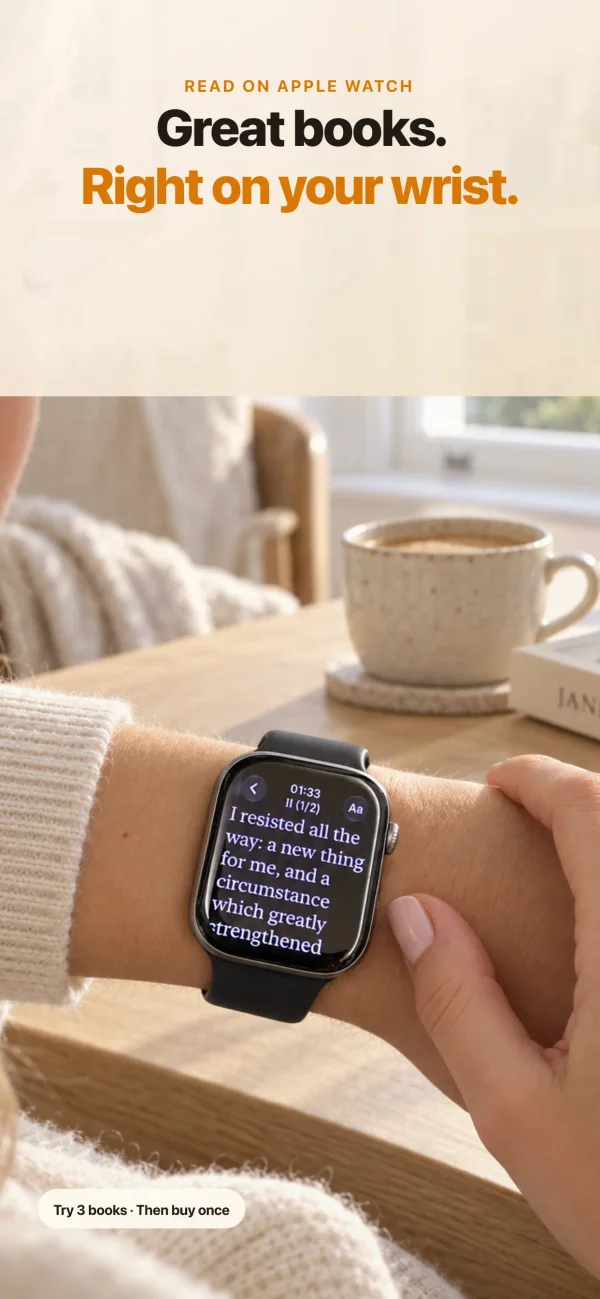
BeeReader turns your Apple Watch into a real book reader.
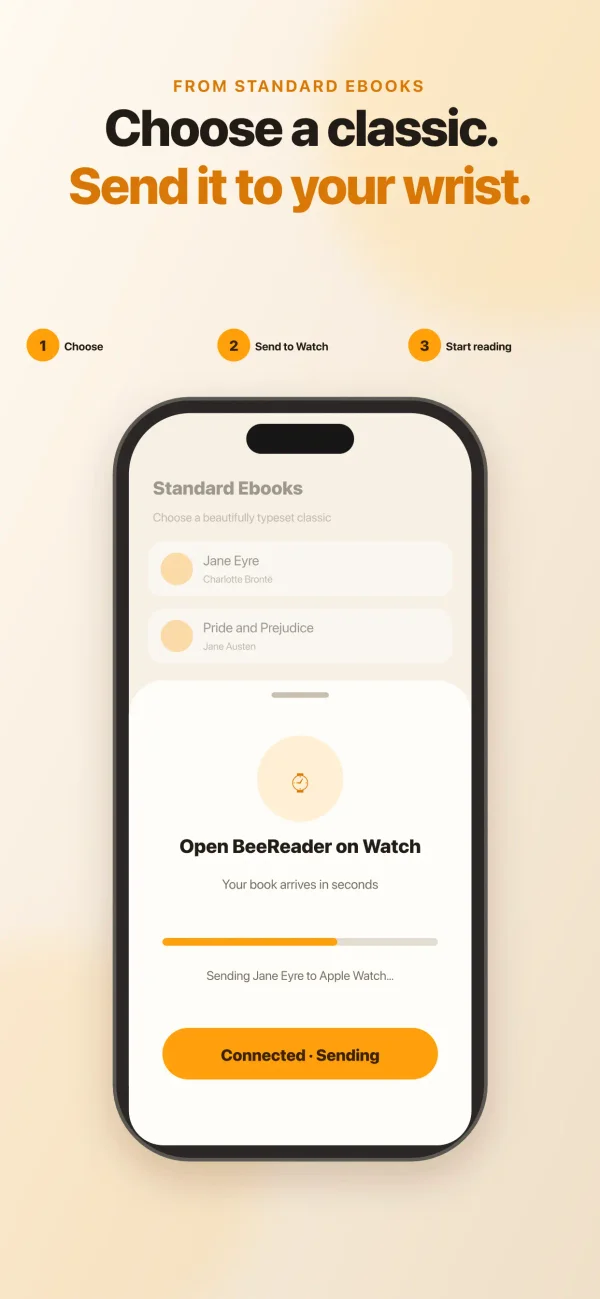
Import a .txt, EPUB, or PDF on your iPhone and BeeReader sends it straight to your wrist — no account, no cloud, no data collection. Everything is processed on your own devices.
WHY BEEREADER
• Read anywhere — on a walk, in line, in bed — without reaching for your phone.
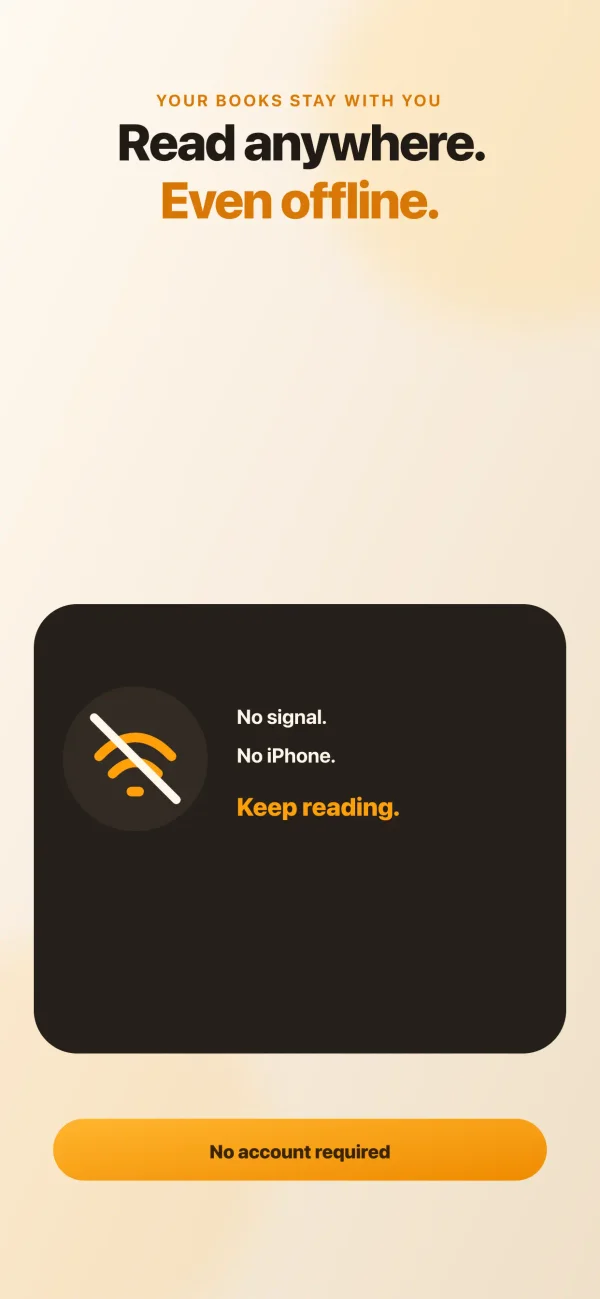
• Works fully offline. Once a book is on your watch, you never need a connection.
• Distraction-free: just your text, the way reading should be.
FEATURES
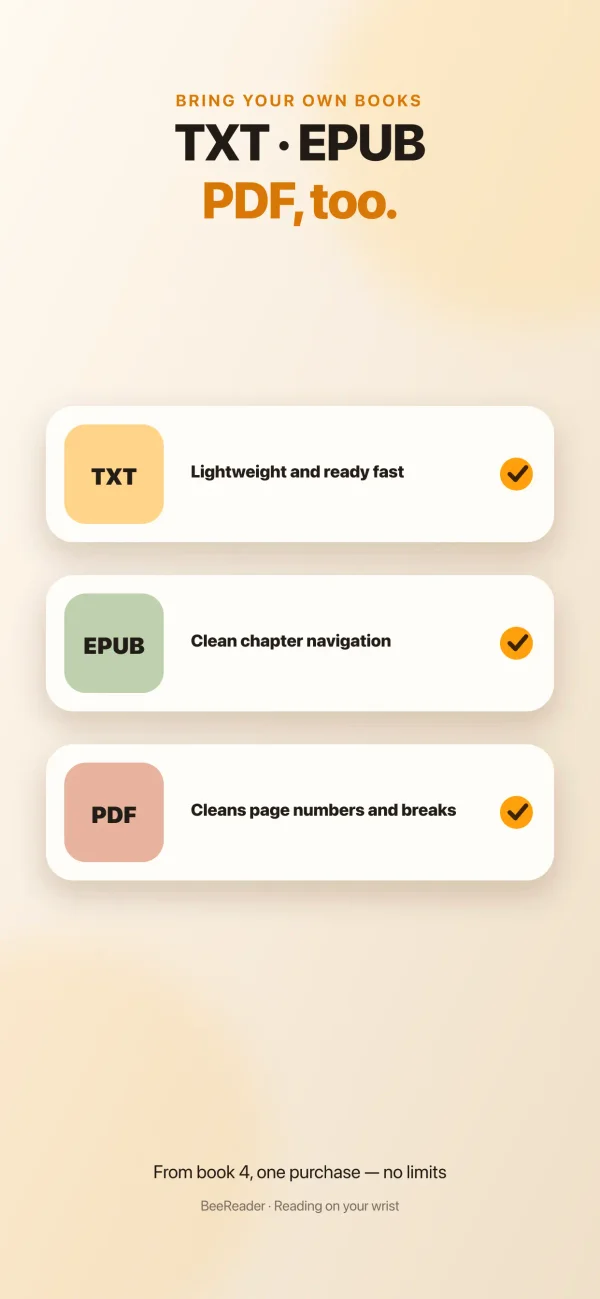
• Import TXT, EPUB, and PDF from Files, iCloud Drive, or any app via the Share sheet.
• Digital Crown scrolling, with your reading position saved automatically.
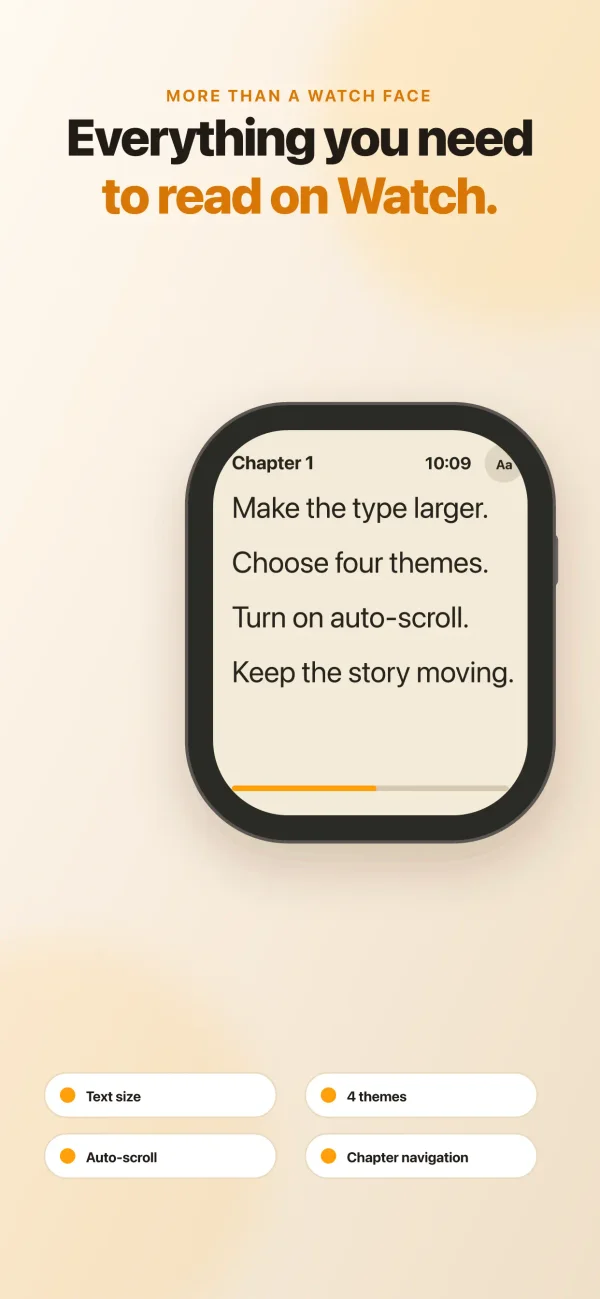
• Hands-free auto-scroll at a steady, adjustable reading pace.
• Read-aloud on the watch itself — a built-in voice reads your book through your Bluetooth headphones while the page follows along.
• A "continue reading" watch-face complication — tap to jump right back into your book.
• Four easy-on-the-eyes themes (black, paper, sepia, and Night for a dark room) and adjustable text size.
• Automatic on-device cleanup for messy PDFs — fixes broken line breaks and strips page headers and footers.
• An on-phone bookshelf re-sends any book to a new Apple Watch in a tap.
PRIVACY FIRST
BeeReader has no account and collects no data. Your books never leave your devices.
The first few books are free. BeeReader Pro is a one-time purchase for unlimited imports — no subscription, ever.
What’s new
Version 1.41 · Nov 22, 2026
BeeReader 1.41
• Pictures in books now show right in the page. Touch and hold a picture card on Apple Watch and the picture loads where it stands, with no other screen to open and leave. A picture you have opened once appears in the page by itself from then on.
• Touch and hold a picture to see it full screen and zoom with the Digital Crown. A tap still turns the page.
App privacy
What Yingtao Guo declares on the App Store about how this app handles data.
-
Data not collected
The developer does not collect any data from this app.
Privacy practices may vary, for example with the features you use or your age.
Information
- Seller
- Yingtao Guo
- Category
- Books
- Version
- 1.41
- Updated
- Nov 22, 2026
- Released
- Jun 17, 2026
- Size
- 40.1 MB
- Requires
- iOS 17.0 or later
- Age rating
- 4+
- Price
- Free
- In-app purchases
- Yes
- Languages
- English, French, German, Japanese, Korean, Portuguese, Simplified Chinese, Spanish, Traditional Chinese
- Copyright
- © 2026 Echo Studio Copyright
You might also like
-
 Wrist Ebook ReaderEPUB/TXT reader on Apple Watch
-
 Wrist Novel ReaderWatch & iOS offline EPUB/TXT
-
 WristReader:Ebook & PDF ViewerBooks, Video & Audio Player
-
 ThusRead: EPUB Reader WatchImport, read offline on wrist
-
 EPUB Reader for WatchRSVP Speed Reading for Watch
-
 Readova - eBook ReaderAI Voice · Layout · Formats
-
 JustReader: EPUB & FB2 ReaderNative offline book reader
-
 纯读Books
-
 剧情万花筒Books
-
 Wrist ReadsBook Reader for Apple Watch