
Belegio
Scan receipts, track spending
Designed for iPhone, iPod touch
In-app purchases
- Age rating4+
- CategoryFinance
- DeveloperMehrdad Eshghabadi
- LanguagesEnglish
- Size35.6 MB
Links to the official App Store page
Download.org hosts no file of Belegio. The button opens its official App Store page, published by Mehrdad Eshghabadi. Listing last checked on Nov 15, 2026.
Screenshots

About
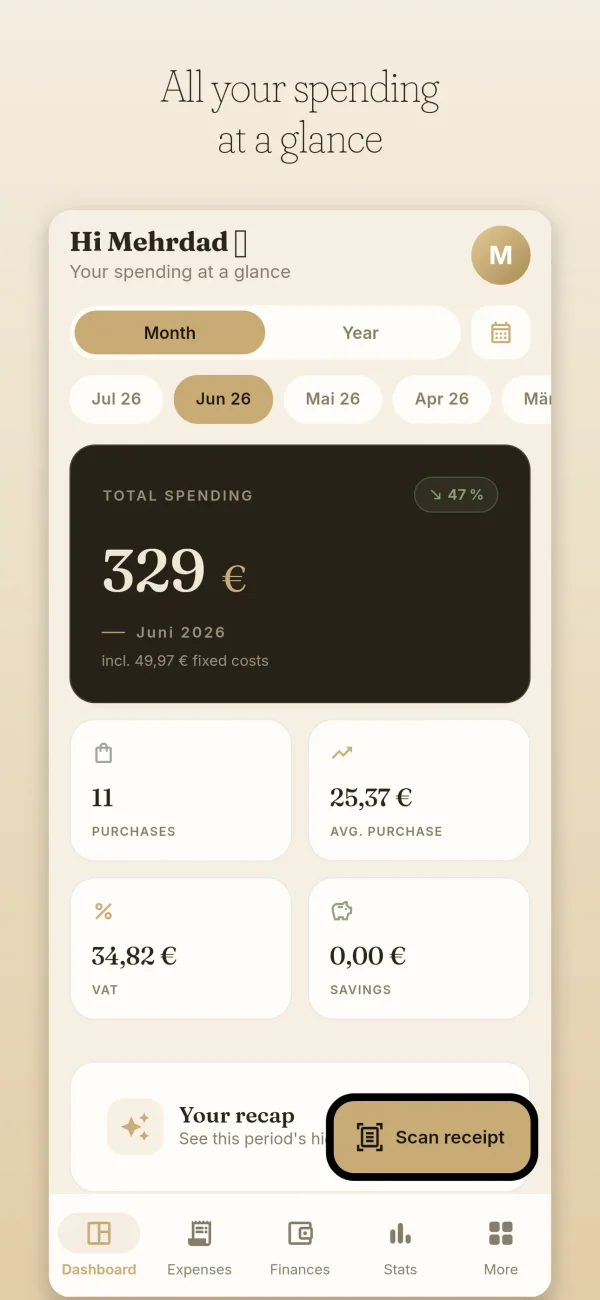
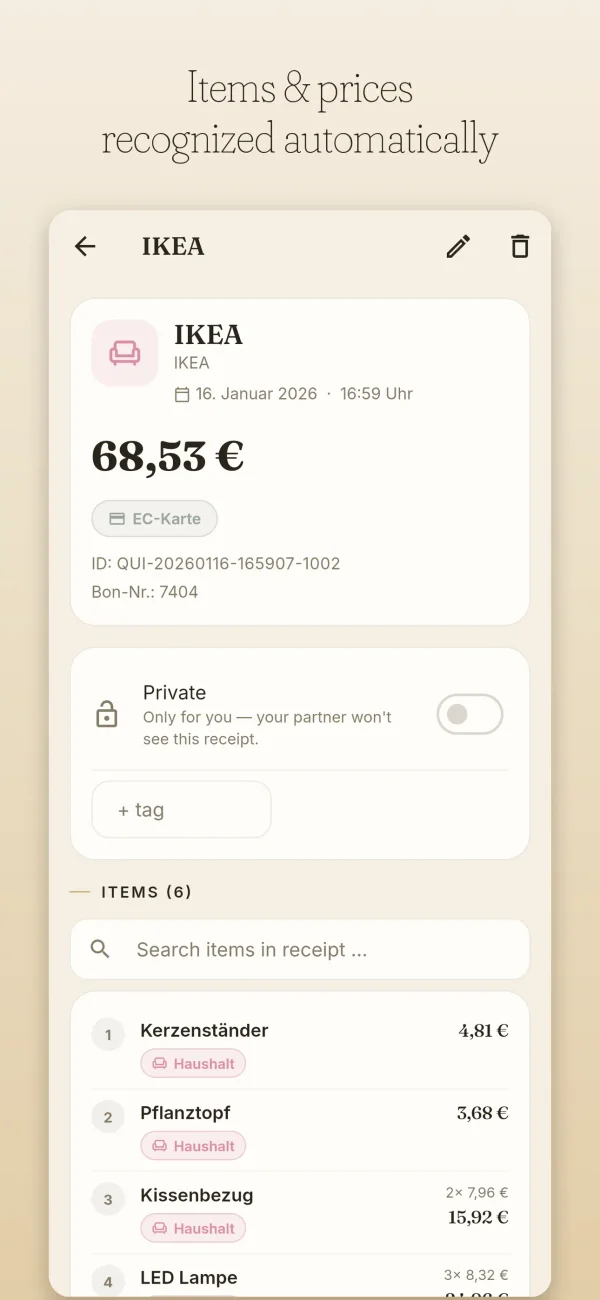
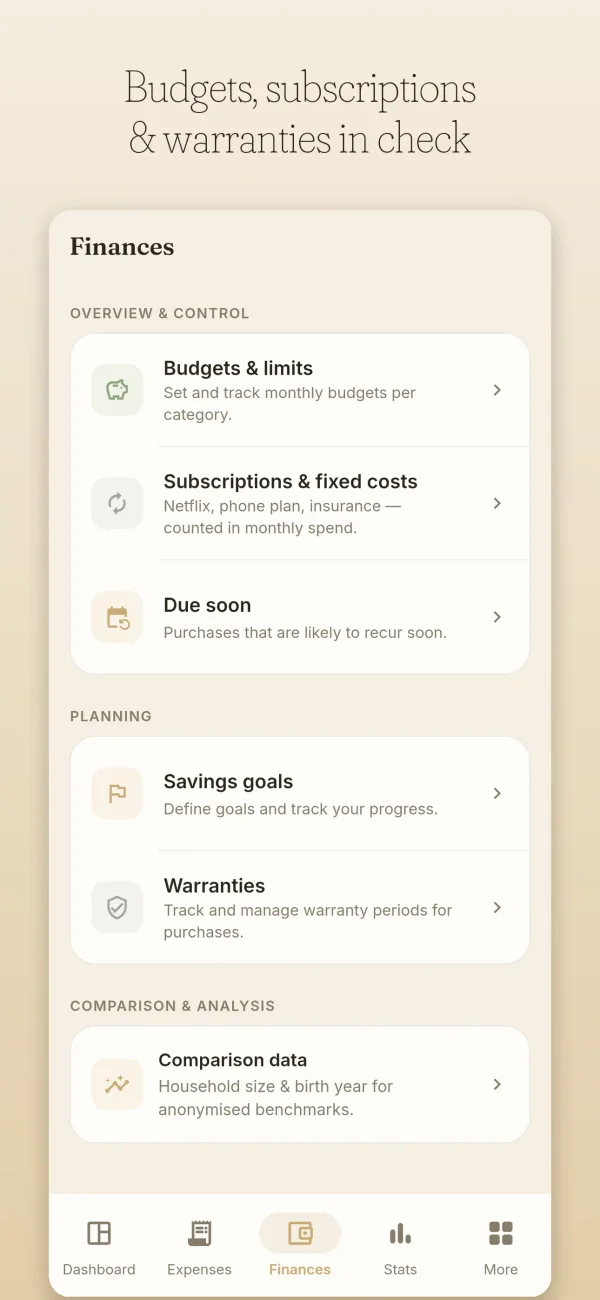
Belegio turns your paper receipts into clear spending insights. Snap a photo and Belegio reads every item automatically, sorts it into categories, and shows exactly where your money goes.
FEATURES
- Scan receipts with automatic item & price recognition
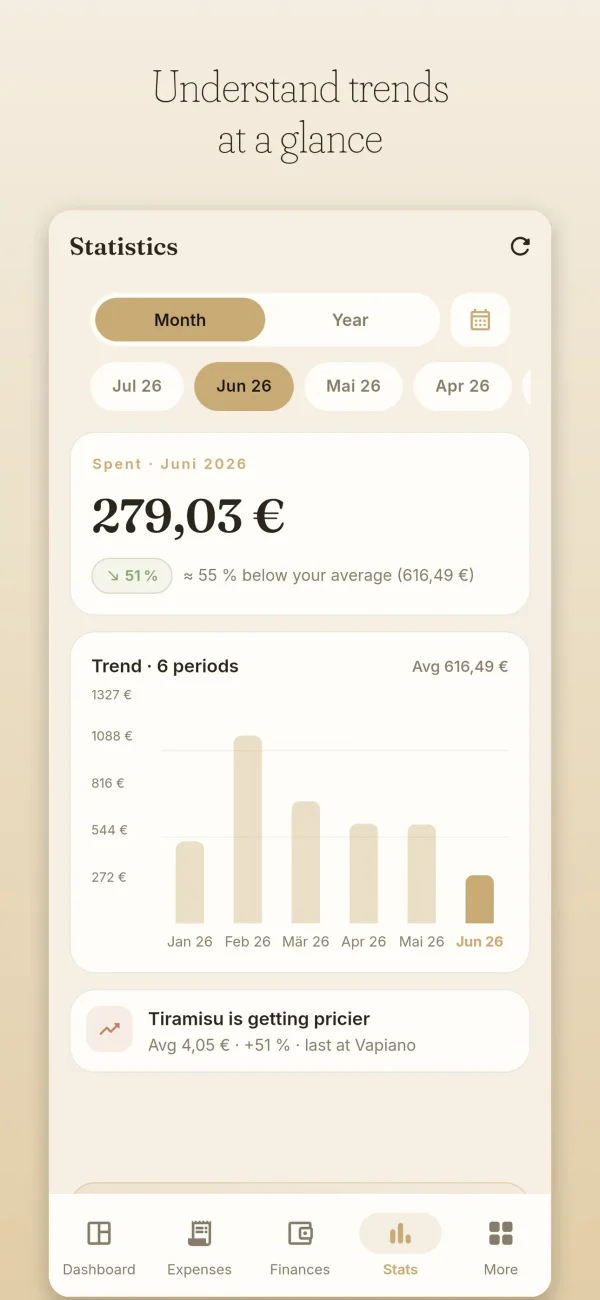
- Spending by category, shop and month
- Budgets & subscription tracking
- Price comparison - find where an item is cheapest
- Warranty tracker - keep proof and get reminded before it expires
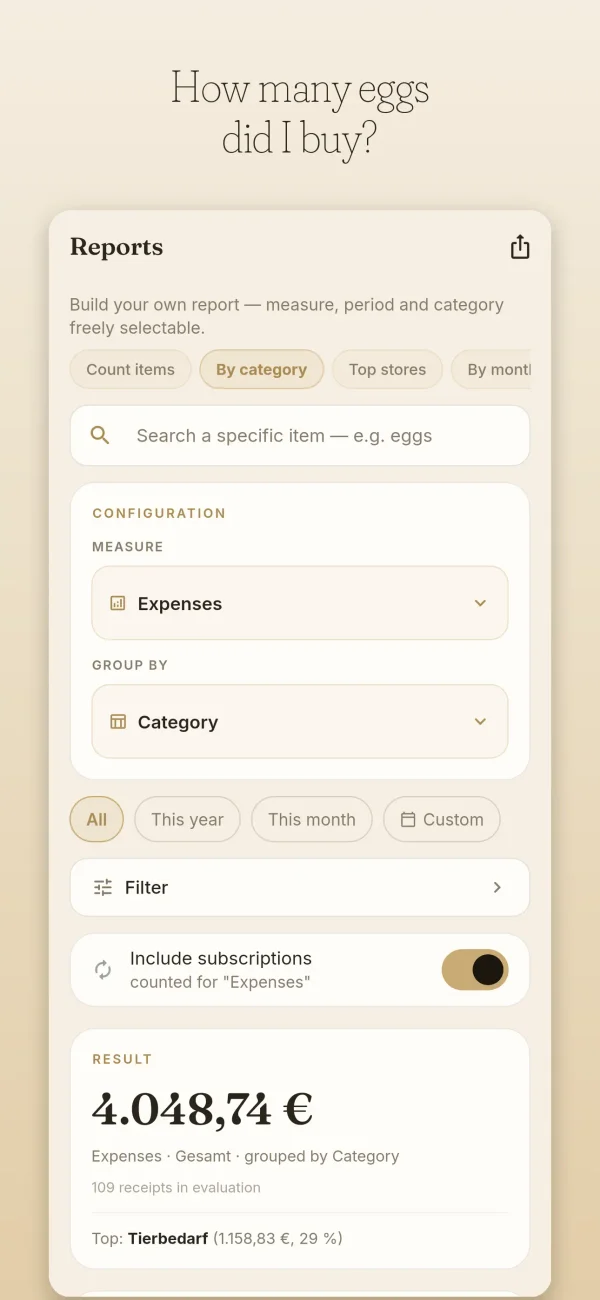
- Custom reports & CSV export
Track your household spending the easy way.
———
Terms of Use (incl. subscription terms): https://belegio.loobia.net/nutzungsbedingungen
Privacy Policy: https://belegio.loobia.net/datenschutz
What’s new
Version 2.5.0 · Aug 26, 2026
What's new in 2.5.0
A shopping list that thinks ahead
Your own entries and the learned re-purchase suggestions now live in one shared list — for the whole household, on both devices. Check items off, with undo. The list looks a week ahead so it fits your weekly shop.
Deals right in the list
When something is due and currently on offer, you see it straight away: "Milk 1L, 0.89 EUR at Lidl". All it needs is your postal code in the deals settings.
Categories on two levels
The dashboard ring shows seven top-level categories instead of many small fragments. Tap one to expand it: you see how "Groceries" breaks down into dairy, bakery, meat and produce. One more tap takes you to the filtered expense list.
A filter that finds what you mean
Filtering by "Groceries" now also matches receipts tagged internally as "Fruit and Vegetables" or "Dairy".
Budgets on top-level categories
A Groceries budget automatically sums all subcategories beneath it. Existing budgets continue unchanged.
Also in this update
- Manually entered receipts add up their items automatically
- Category pickers are sorted alphabetically everywhere
- The capture button now stays visible on the expense list
- Category ring shows amounts in whole euros
- Savings goals, 14 currencies, Persian language
- Refer a friend: you both get seven days of Premium
App privacy
What Mehrdad Eshghabadi declares on the App Store about how this app handles data.
-
Data linked to you
May be collected and linked to your identity.
- Purchases
- Contact info
- User content
- Identifiers
- Usage data
- Diagnostics
-
Data not linked to you
May be collected but is not linked to your identity.
- Identifiers
- Usage data
Privacy practices may vary, for example with the features you use or your age.
Information
- Seller
- Mehrdad Eshghabadi
- Category
- Finance
- Version
- 2.5.0
- Updated
- Aug 26, 2026
- Released
- Jul 14, 2026
- Size
- 35.6 MB
- Requires
- iOS 15.5 or later
- Age rating
- 4+
- In-app purchases
- Yes
- Languages
- English
- Copyright
- © 2026 Loobia
You might also like
-
 Belegio: Receipts & WarrantyScan receipts, AI organizer
-
 Billscan Ai: Receipt ScannerAI Expense & Budget Tracker
-
 Kwito: Receipt ScannerExpense tracker & reports
-
 Receipt Scanner & Spending LogCompare item prices by store
-
 TallyScan: Price TrackerGrocery receipts & unit prices
-
 Mi Cesta TicketsFinance
-
 Receipt Pro: AI ScannerScan, Extract & Track Receipts
-
 Soroka: Shared Family ExpensesShopping list & receipts
-
 Belego: Receipt ScannerScan receipts, auto-extracted
-
 Magic Receipt Scanner・TrackerAI Scan, Smart Receipts Keeper