
Below: Compress Video & Photo
Plus PDFs, under any MB limit
Designed for iPhone, iPad
Free · In-app purchases
- Age rating4+
- CategoryPhoto & Video
- DeveloperMatthew Donders
- LanguagesEnglish
- Size3.4 MB
Links to the official App Store page
Download.org hosts no file of Below: Compress Video & Photo. The button opens its official App Store page, published by Matthew Donders. Listing last checked on Nov 23, 2026.
Screenshots

About
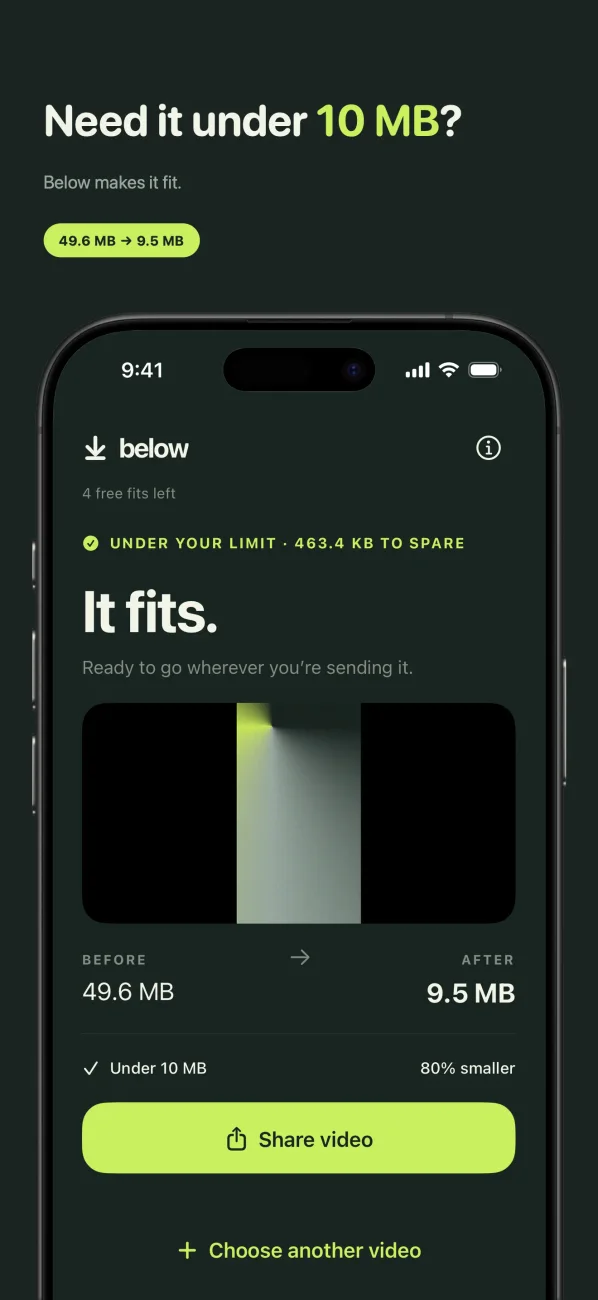
Need it under 10 MB? Choose the size. Below makes the video, photo or PDF fit.
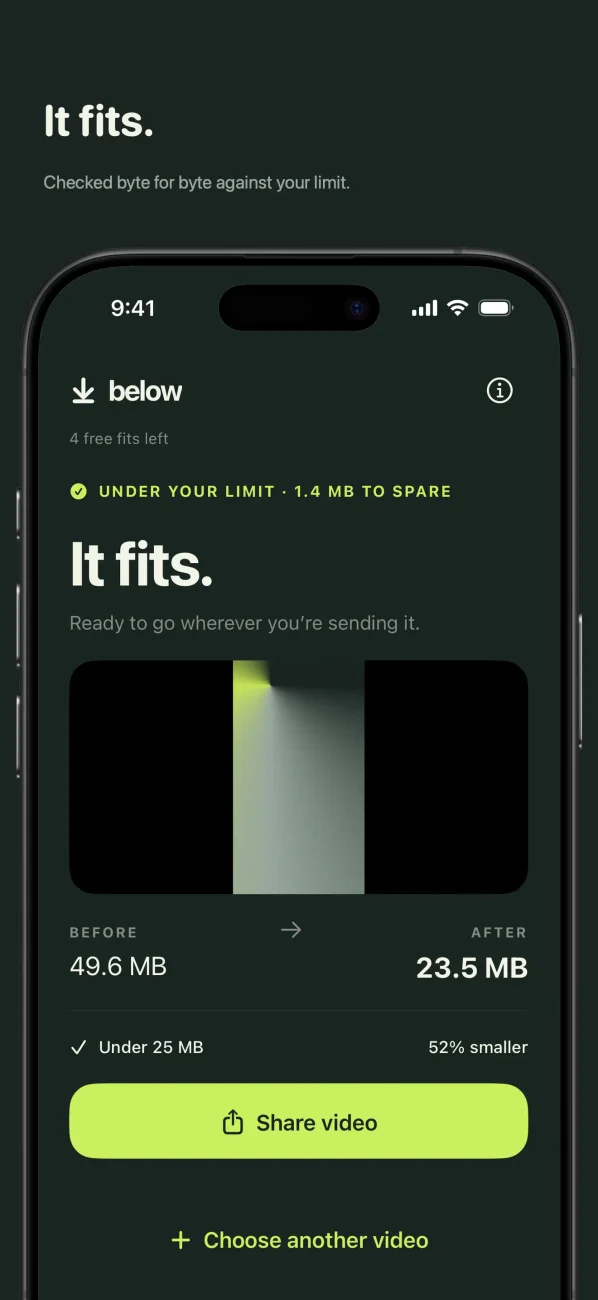
Below does one job: it makes a file fit strictly under the size you ask for. No bitrate math, no quality sliders, no guessing. Pick a limit, tap Fit, and Below chooses the settings for you. Then it checks the finished file byte for byte, so a file Below calls done really is under your limit.
VIDEOS, PHOTOS AND PDFS
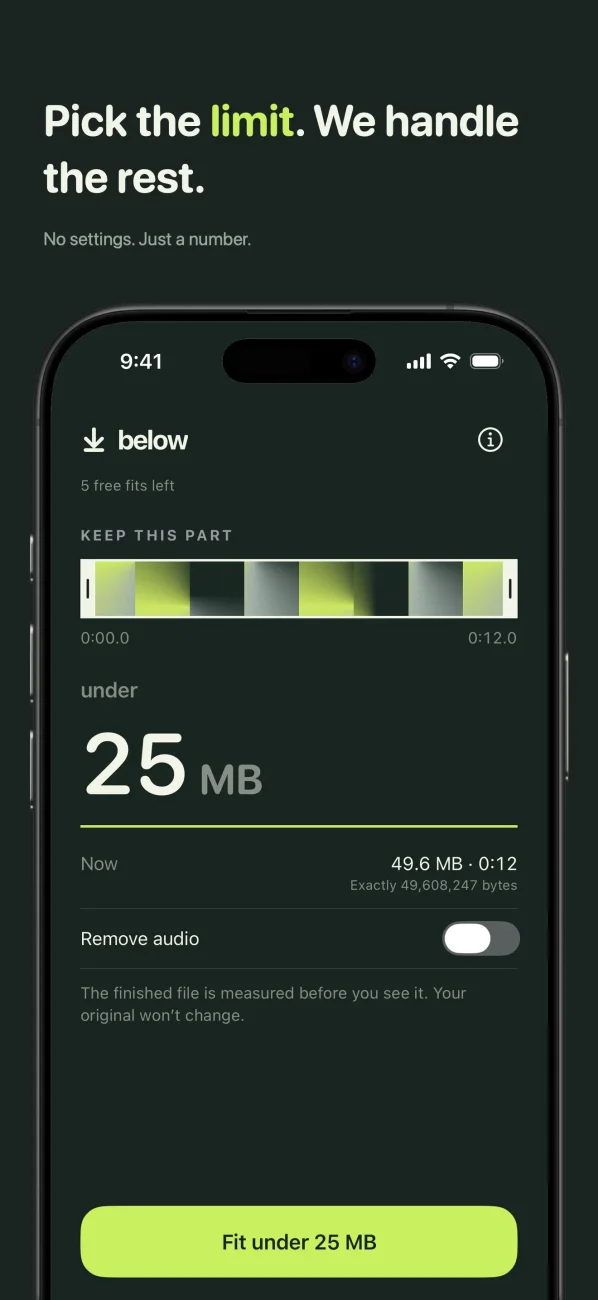
• Video: Below picks the resolution, frame rate and bitrate. Trim the clip or drop its audio first if you only need part of it. Output is standard H.264 MP4 with AAC audio, so it plays and shares anywhere.
• Photo: HEIC or JPEG, made to fit at the best quality and size it can. Every copy leaves out the location, camera details and other personal information stored in the original.
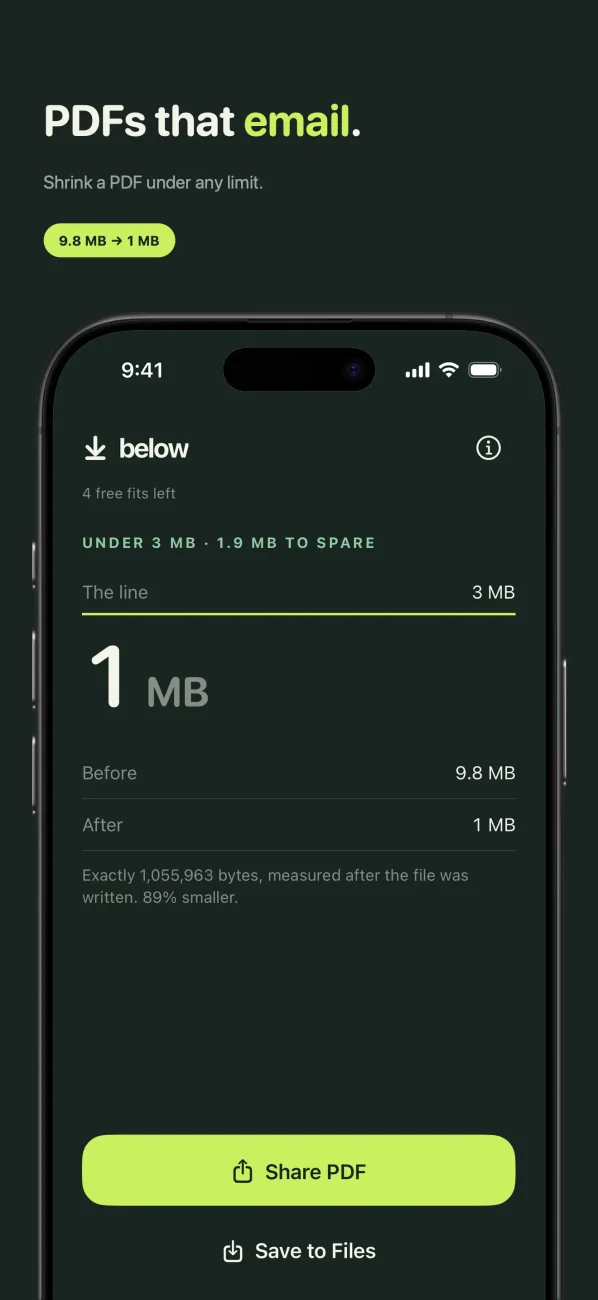
• PDF: Below shrinks the images inside your PDF and keeps its text. If the only way under the limit is to turn pages into images, it tells you what you would lose and asks first.
PICK THE LIMIT. WE HANDLE THE REST.
• Type any size in KB or MB.
• Tap a common limit: Discord, Gmail, iCloud Mail, GitHub and more, with notes on what each service really accepts.
• Save sizes of your own. They are one tap away in the app and in the Share Sheet.
• Already small enough? Below tells you, and never makes a file worse to hit a number it already meets.
• If a limit is too small for a usable result, Below says so instead of handing you something unusable.
VERIFIED, NOT ESTIMATED
Below measures the real output file. If a first try lands over the limit, it tries again. It never reports a predicted size as a result.
FIT FILES WHEREVER THEY LIVE
• Photos and Files inside the app.
• Share Sheet: share a video, photo or PDF, choose Below, and finish right there.
• Shortcuts: Compress Video Below Size, Compress Photo Below Size and Compress PDF Below Size hand back the smaller file for any automation.
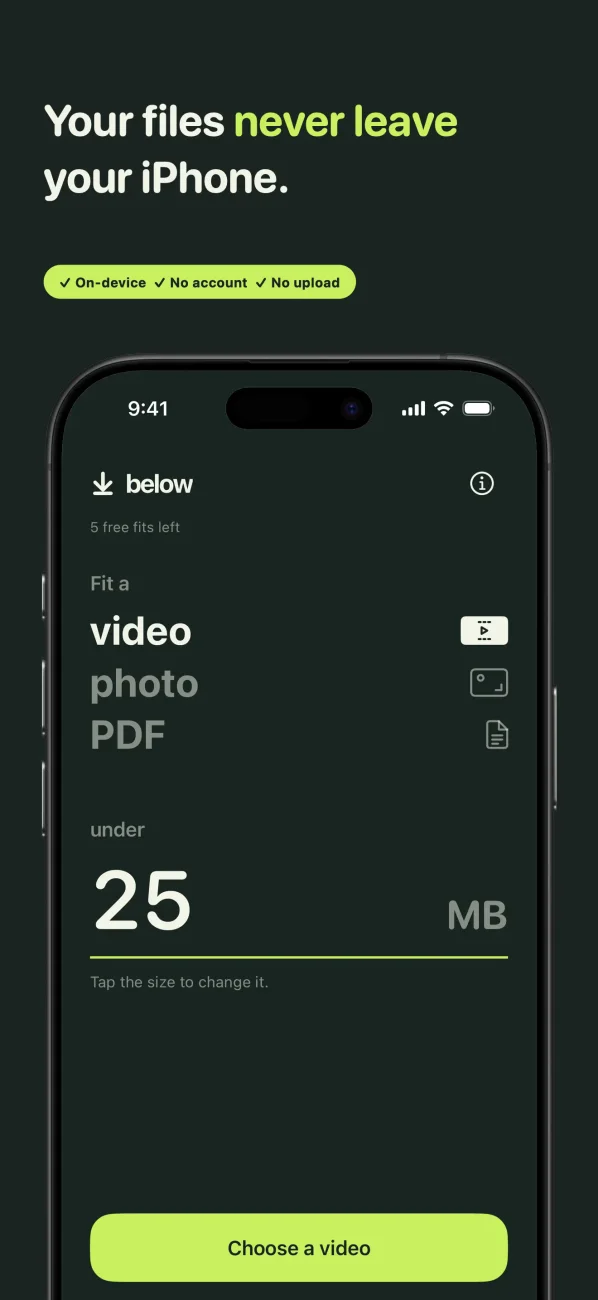
YOUR FILES NEVER LEAVE YOUR DEVICE
Everything happens on your iPhone or iPad. No account. No upload. No analytics. No ads. Your original is never changed or deleted. Below collects no data. To keep its list of common limits current, it downloads a small public file from our website at most once a day; that request carries nothing about you.
SIMPLE, HONEST PRICING
Your first five fits are free, with full quality and no watermark. Below Pro unlocks unlimited fits for a single one-time purchase. No subscription. No ads. Ever.
Sizes use decimal units (1 MB = 1,000,000 bytes), the same unit Photos and most services use.
What’s new
Version 2.0.1 · Nov 20, 2026
Below 2.0 fits more than videos.
• Photos: make a HEIC or JPEG photo fit under any size. The copy leaves out location and camera details.
• PDFs: shrink a PDF under a limit. If Below has to turn pages into images to get there, it asks first.
• Video: trim a clip or drop its audio before Below fits it.
• Common limits for Discord, Gmail, iCloud Mail and more are one tap away, along with your saved sizes.
• A fresh home screen and size picker, with sizes shown in KB and MB.
• Share Sheet and Shortcuts work for photos and PDFs too.
Everyone now gets five free fits, shared across videos, photos and PDFs. Below Pro is still a single one-time purchase.
App privacy
What Matthew Donders declares on the App Store about how this app handles data.
-
Data not collected
The developer does not collect any data from this app.
Privacy practices may vary, for example with the features you use or your age.
Information
- Seller
- Matthew Donders
- Category
- Photo & Video
- Version
- 2.0.1
- Updated
- Nov 20, 2026
- Released
- Sep 23, 2026
- Size
- 3.4 MB
- Requires
- iOS 26.0 or later
- Age rating
- 4+
- Price
- Free
- In-app purchases
- Yes
- Languages
- English
- Copyright
- © 2026 Matt Donders
You might also like
-
 PrompTele: AI TeleprompterVoice Script Writer, Autocue
-
 Video Compressor: MB LimitCompress video & reduce size
-
 CompressFox: Video CompressorReduce Size & Save Storage
-
 SmartShrink: Video CompressorCompress & resize videos
-
 Video Size Compressor: Fit MBTrim, preview and share videos
-
 Squeeze: Video CompressorReduce size & free up space
-
 Video Compressor: ShrinkrCompress offline, send smaller
-
 RoughCut: Captions & SubtitlesAuto Caption & Voice Enhancer
-
 pippi - Picture in PictureYour videos, always in view
-
 Compress: Video & Photo ResizeReduce Size, Audio & GIF Maker