
BEM Funding cTrader
Simulated Trading Platform
Designed for iPhone, iPad, iPod touch
- Age rating17+
- CategoryBusiness
- DeveloperBEM Software Development
- LanguagesGerman+ 22 more
- Size235.8 MB
Links to the official App Store page
Download.org hosts no file of BEM Funding cTrader. The button opens its official App Store page, published by BEM Software Development. Listing last checked on Nov 21, 2026.
Screenshots

About
Develop your trading skills, test your strategies and follow your progress with BEM’s simulated proprietary trading evaluation programs.
HOW BEM WORKS
Join an evaluation program and receive a simulated trading account with a virtual balance.
Test your strategies and demonstrate your skills by completing simulated trading objectives.
Track your performance and become eligible for performance-based rewards by meeting the applicable program requirements.
APP FEATURES
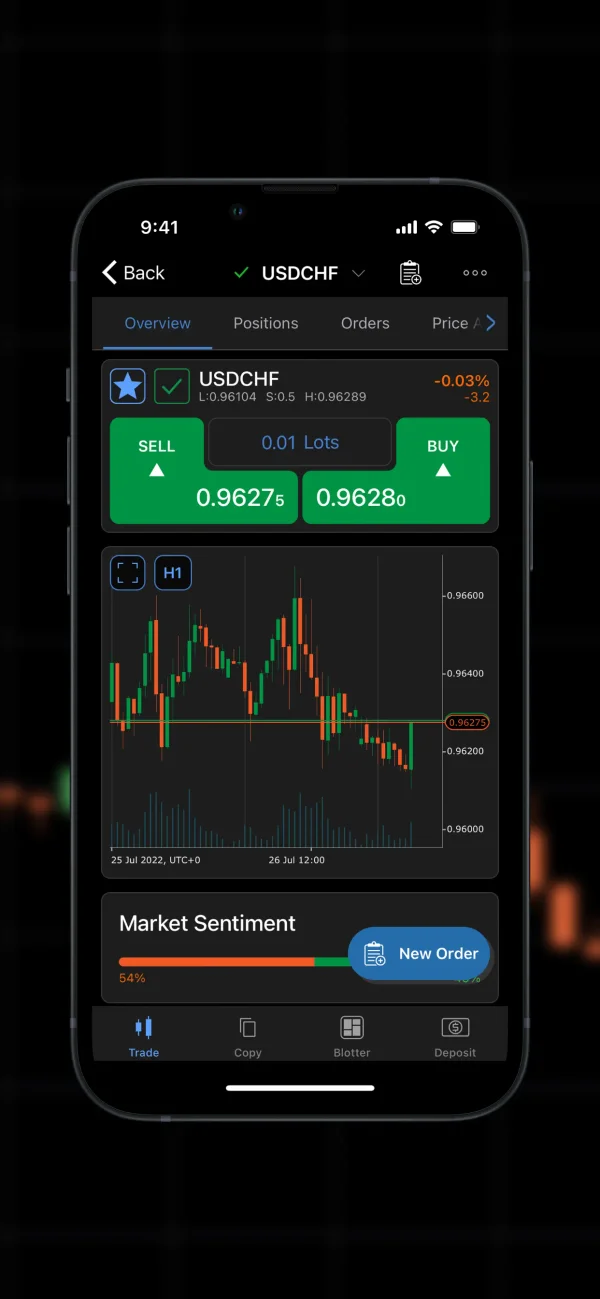
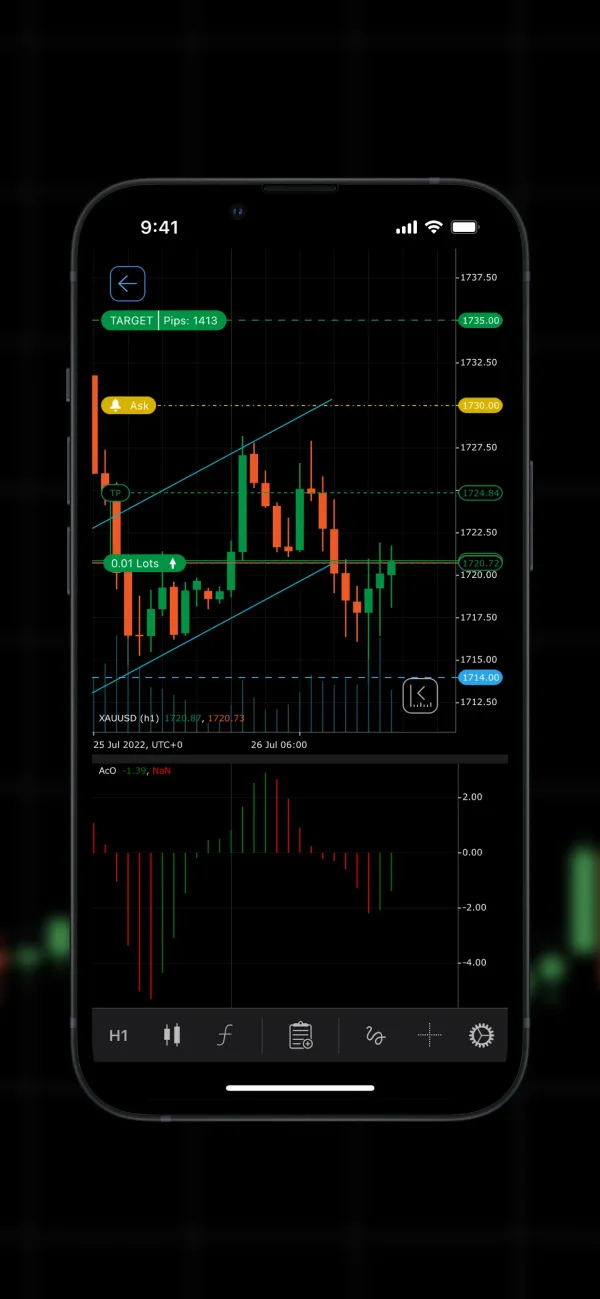
Interactive charts and advanced technical indicators
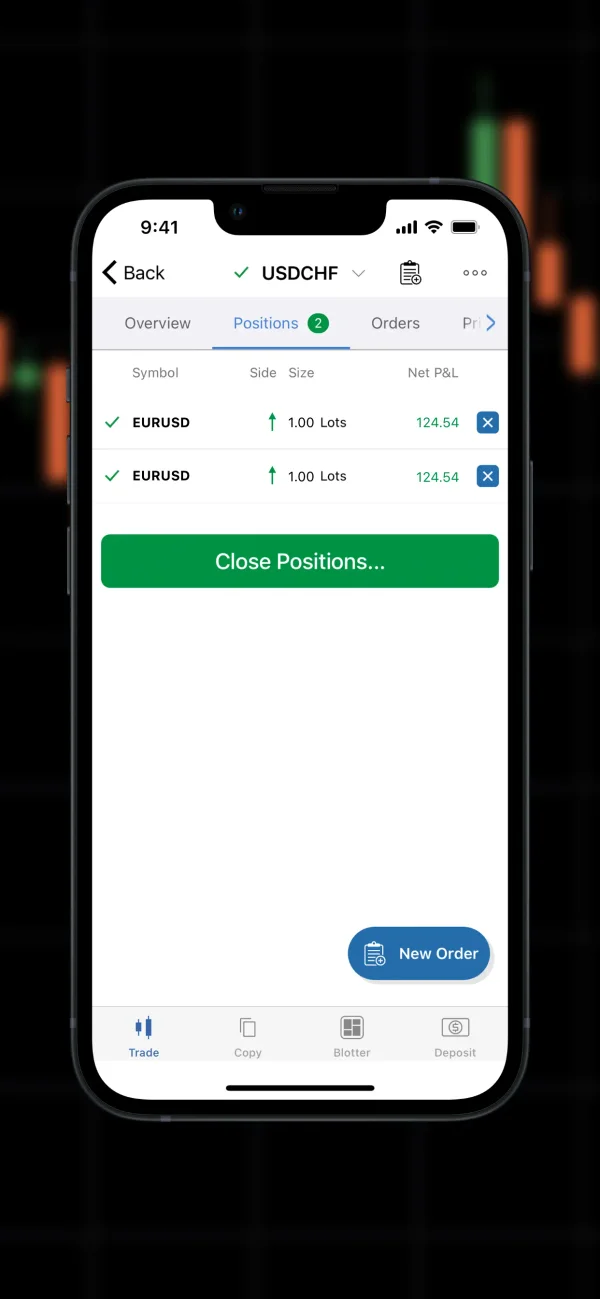
Simulated order placement and position management
Trading statistics and performance tracking
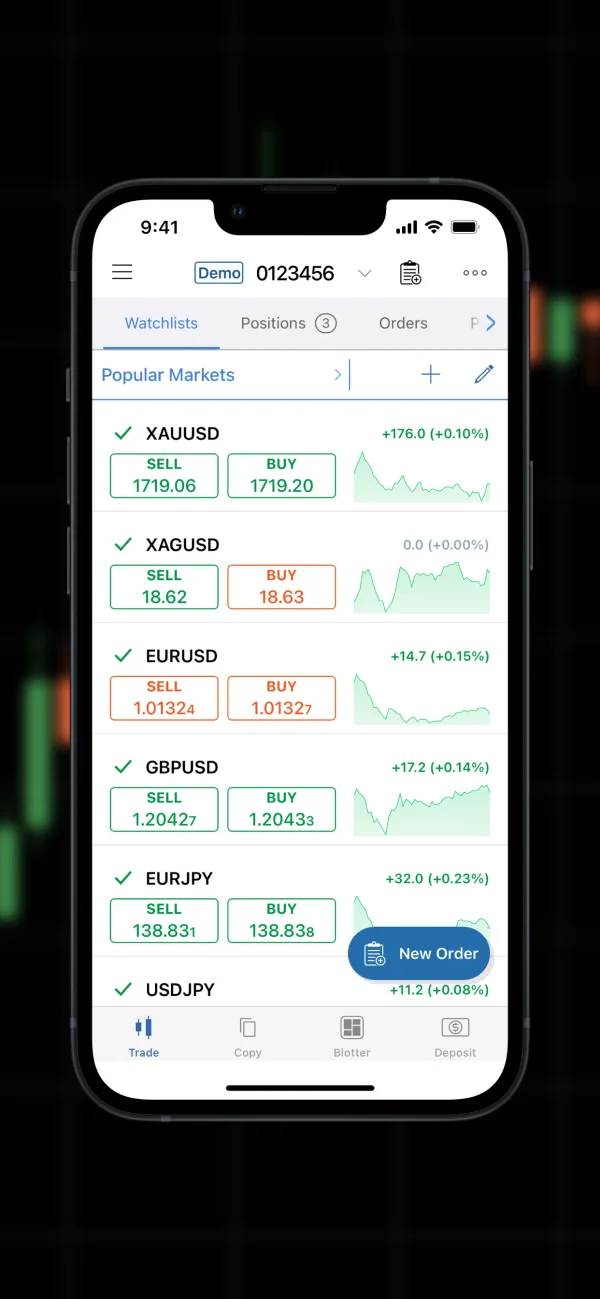
Reference market prices and symbol information
Customizable watchlists and price alerts
Multiple chart types, drawing tools, and account settings
IMPORTANT DISCLAIMER – SIMULATED TRADING ONLY
BEM provides simulated trading evaluation services, not brokerage or investment services. All trading activities within BEM evaluation accounts are virtual. No actual financial instruments are bought or sold, and no customer orders are executed in live financial markets.
Virtual account balances are not deposits, invested capital, or withdrawable funds.
Eligible participants may receive performance-based rewards in accordance with BEM’s Terms and Conditions and Trading Rules. Such rewards are based on simulated performance, do not constitute investment returns, and are not guaranteed.
BEM does not provide investment advice or portfolio management through this application.
What’s new
Version 5.11.150 · Nov 12, 2026
Bem Funding Terminal cTrader Mobile 5.11 introduces the new Signals app, count badges for unread signals, market-on-open orders and asset icons.
Signals app
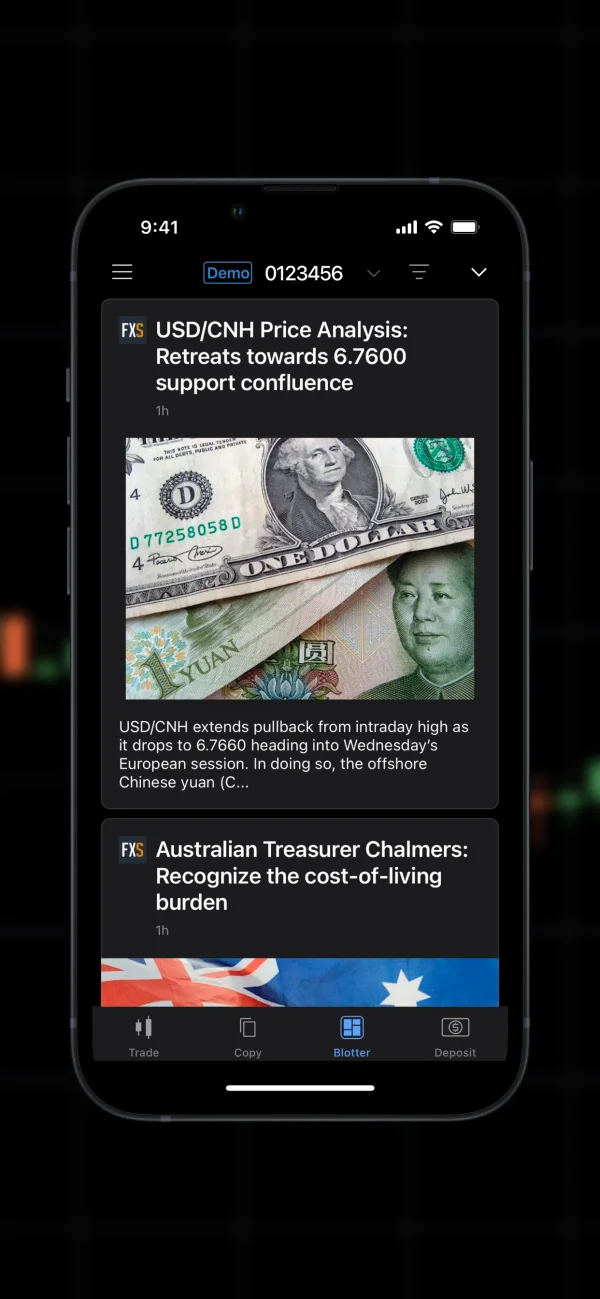
Review trading signals from leading providers and act on them in the new Signals app, formerly known as Blotter. Financial news is now available in My cTrader.
Signal count
View the number of unread signals in badges on the Signals app button and the cTrader app icon, so you do not miss new trading opportunities.
Market-on-open orders
Place an order even when a symbol’s market is closed. When the market reopens, your order is automatically submitted to open a position at market price.
Asset icons
Identify symbols at a glance with new asset icons across the Markets and Positions apps without relying solely on symbol names.
App privacy
What BEM Software Development declares on the App Store about how this app handles data.
-
Data not linked to you
May be collected but is not linked to your identity.
- Contact info
- Identifiers
- Diagnostics
Privacy practices may vary, for example with the features you use or your age.
Information
- Seller
- BEM Software Development L.L.C-FZ
- Category
- Business
- Version
- 5.11.150
- Updated
- Nov 12, 2026
- Released
- Nov 9, 2024
- Size
- 235.8 MB
- Requires
- iOS 15.0 or later
- Age rating
- 17+
- Languages
- German, Arabic, English, French, Greek, Indonesian, Italian, Japanese, Korean, Malay, Polish, Portuguese + 11 more
- Copyright
- © 2026 BEM Software Development L.L.C-FZ
You might also like
-
 BottomUP: Social Trading & AIFollow analysts. Keep control.
-
 Ninja ToolsFinance
-
 FTM XFinance
-
 Chartly AI: Technical AnalysisStock, Crypto & Forex Analyzer
-
 AI Chart Analyzer: Whale HarryCrypto, Forex & Day Trading
-
 Breakout: Prop Firm & TradingKraken backed. Get funded now.
-
 Finqt: AI Stock & CryptoResearch, Charts & Market News
-
 BrightFunded cTraderForex & Stocks online trading
-
 PNZ AIBitcoin & Crypto AI
-
 Trend AI: Risk/RewardSee Trends, Manage Risk