
Flat Pattern Bend Calculate
Sheet Metal, Duct & Pipe Tool
Designed for iPhone
In-app purchases
- Age rating4+
- CategoryEducation
- DeveloperReva Desai
- LanguagesEnglish
- Size14.9 MB
Links to the official App Store page
Download.org hosts no file of Flat Pattern Bend Calculate. The button opens its official App Store page, published by Reva Desai. Listing last checked on Nov 24, 2026.
Screenshots
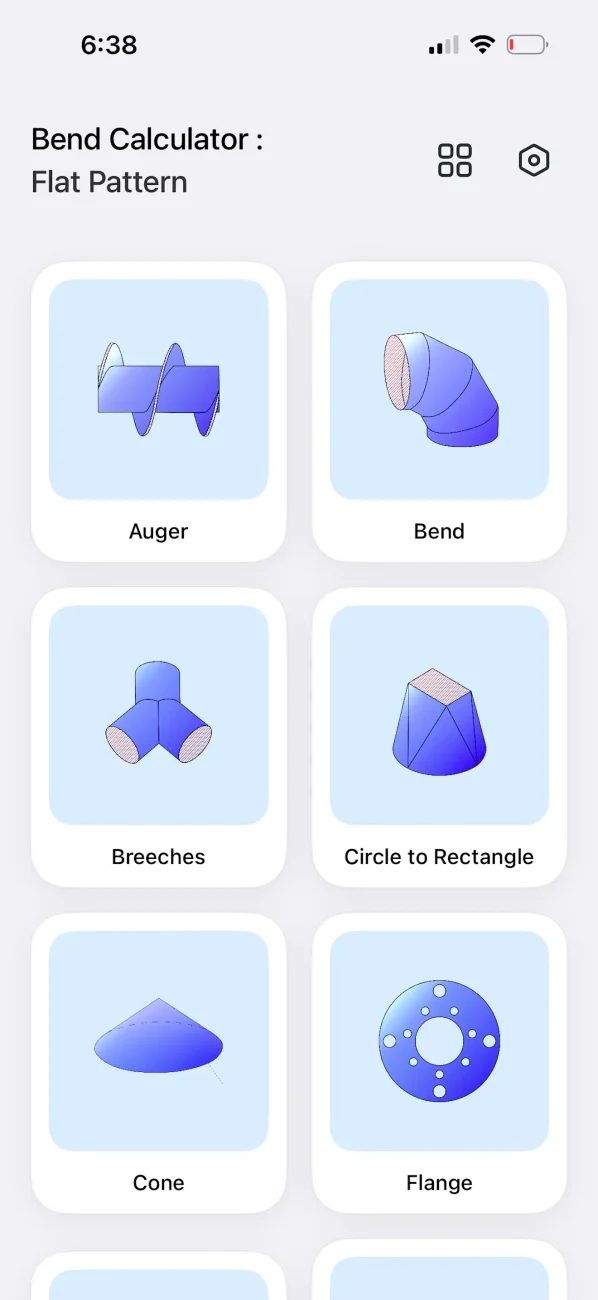
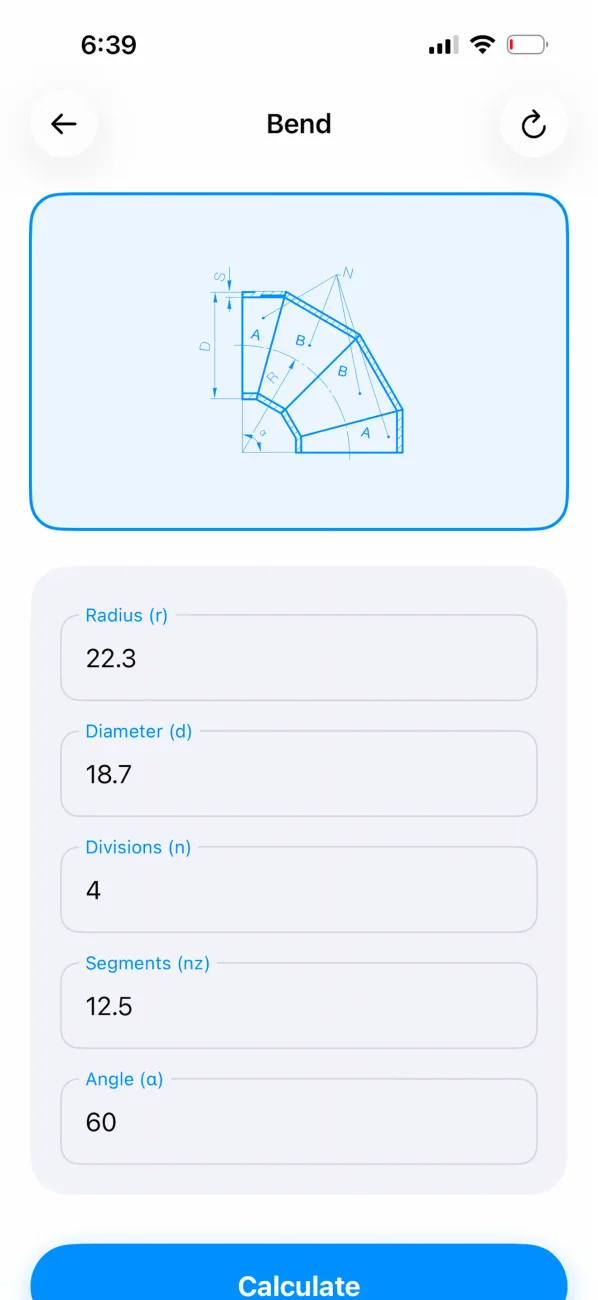
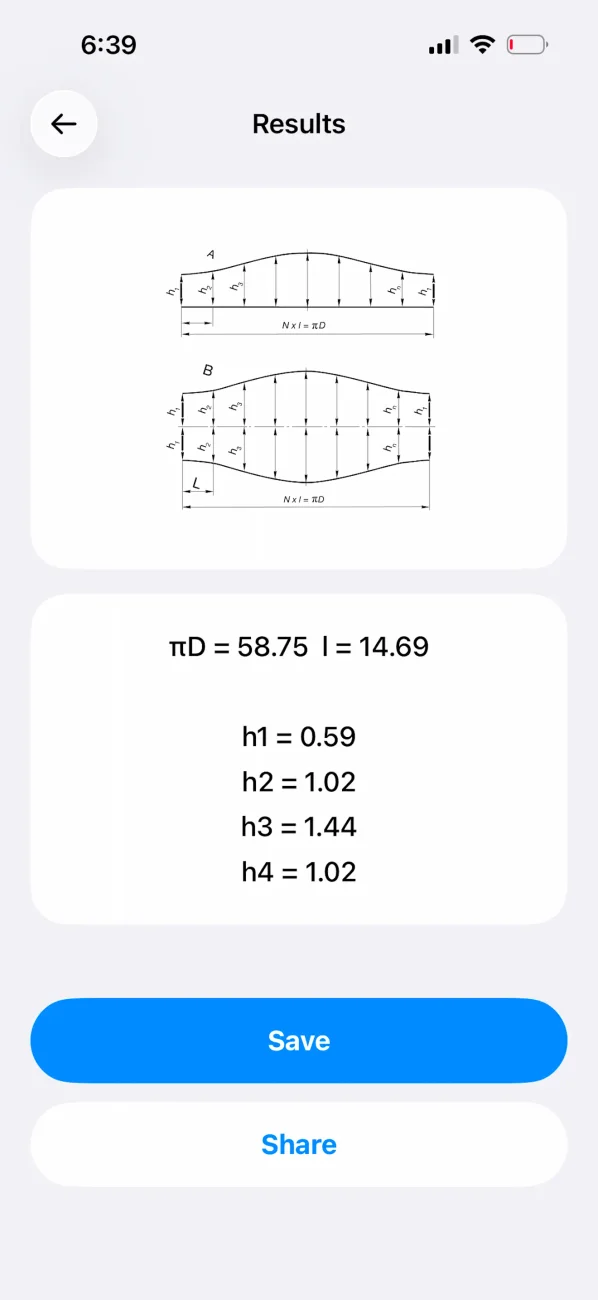


About
Generate instant, mathematically perfect flat pattern layouts for complex geometric transitions. Bend Calculator is the ultimate iOS companion for sheet metal professionals, mechanical engineers, and fabricators.
Engineered to eliminate tedious manual math, this app delivers instant, field-ready flat patterns for HVAC ductwork, custom welding, industrial piping, and architectural metal roofing. Whether you are at a desk or on the shop floor, get your dimensions in and your precise results out instantly.
Core Calculations & Allowances
• Cones & Frustums: Generate instant layouts for standard cones, plus parallel and angled eccentric frustums.
• Truncated Cylinders: Map out precise cylindrical cuts effortlessly.
• Bend Allowances: Compute exact bend deductions and allowances across any angle to ensure flawless folding every single time.
Seamless Transitions
• Rectangle & Circle: Calculate smooth, mathematically exact transitions for rectangle-to-circle (standard and eccentric).
• Reverse Transitions: Effortlessly compute circle-to-rectangle and rectangle-to-rectangle ductwork intersections.
Smart Tools for Modern Workflows
• Save Your Calculations: Never lose track of a complex layout. Save your frequently used dimensions and access your history instantly for repeat jobs.
• Light & Dark Mode: Engineered for comfort in any environment. Use a crisp, high-contrast light theme in the drafting room, or seamlessly switch to a sleek, eye-saving dark mode on the shop floor.
The Professional's Choice
• Frictionless Interface: A clean, modern iOS UI built for speed. No clunky menus—just rapid data entry and instant calculations.
• Absolute Precision: Eliminate drafting errors, reduce costly material waste, and trust the math every time you make a cut.
Stop drafting transitions by hand. Download Bend Calculator to bring speed, accuracy, and modern efficiency to your next fabrication project.
Bend Calculator: Learn How to Draw offers auto-renewable subscriptions for access to premium content.
• Payment will be charged to your iTunes account at confirmation of purchase
• Subscriptions automatically renew unless turned off at least 24 hours before the end of the current period
• Manage or cancel subscriptions in your iTunes & App Store account settings
By using the app, you confirm that you acknowledge and accept our Privacy Policy and Terms of Use.
Privacy Policy: https://sites.google.com/view/reva-desai/privacy
Terms of Use (EULA): https://www.apple.com/legal/internet-services/itunes/dev/stdeula/
If you would like to use our App but have trouble affording it, please email us at reva.desai2000@gmail.com
What’s new
Version 1.0.2 · Nov 23, 2026
• Save calculations as PDF
• Bug fixes and performance improvements
App privacy
What Reva Desai declares on the App Store about how this app handles data.
-
Data not collected
The developer does not collect any data from this app.
Privacy practices may vary, for example with the features you use or your age.
Information
- Seller
- Reva Desai
- Category
- Education
- Version
- 1.0.2
- Updated
- Nov 23, 2026
- Released
- Sep 13, 2026
- Size
- 14.9 MB
- Requires
- iOS 17.0 or later
- Age rating
- 4+
- In-app purchases
- Yes
- Languages
- English
- Copyright
- © Bend Calculator
You might also like
-
 CalculateVolumeProVolume calculator
-
 SmartInstall 2.0Second release of SmartInstall
-
 Truncated ConeAll measures, step-by-step
-
 Ika 300Education
-
 Cone SolverAll measures, step-by-step
-
 Geometry-SolverLearn, Solve, Draw Geometry
-
 iCalc Triangle Calculator ProAngles, Area, Sides, Perimeter
-
 Bird Identifier Photo - BirdbySong Recognition & Guide
-
 Geometry Calculator liteCircle,Triangle,Cylinder,cube
-
 WajbySolve Any School Assignment