
BendRight
Match your bender, not chance.
Designed for iPhone, iPad, iPod touch
$6.99
- Age rating4+
- CategoryUtilities
- DeveloperJASON LLOYD WALLS
- LanguagesEnglish
- Size2.7 MB
Links to the official App Store page
Download.org hosts no file of BendRight. The button opens its official App Store page, published by JASON LLOYD WALLS. Listing last checked on Nov 20, 2026.
Screenshots

About
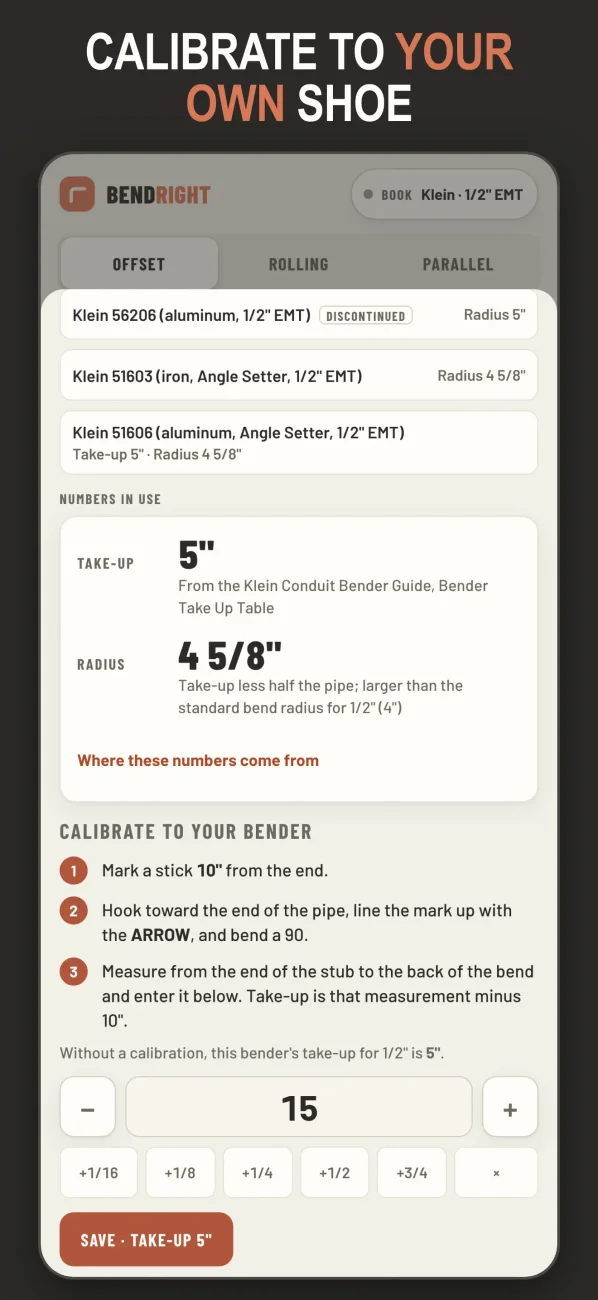
The take-up in the chart belongs to somebody else's bender. BendRight lets you pick yours from the library or bend one stub and measure it, and then every mark it gives you is matched to the bender you're actually holding.
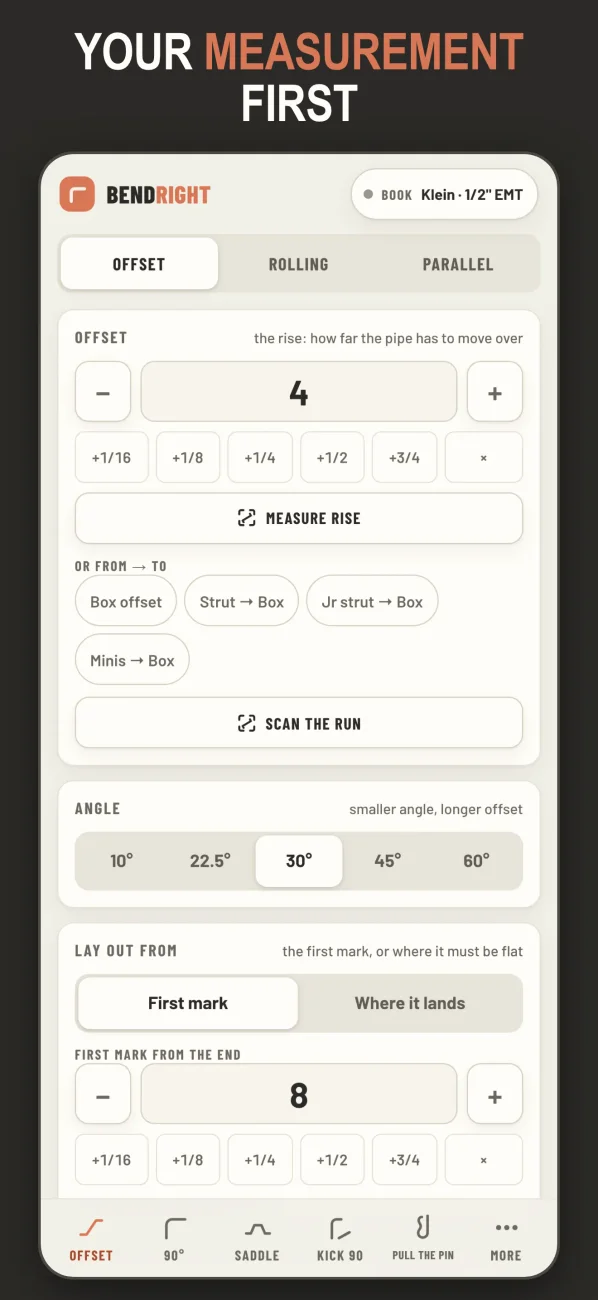
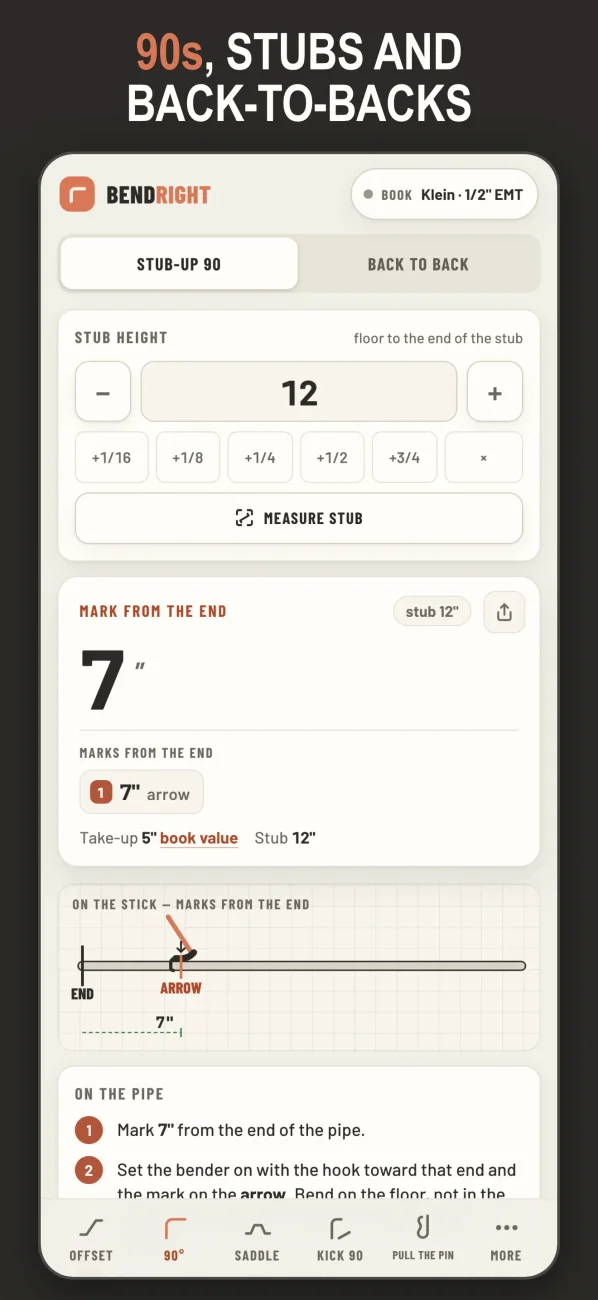
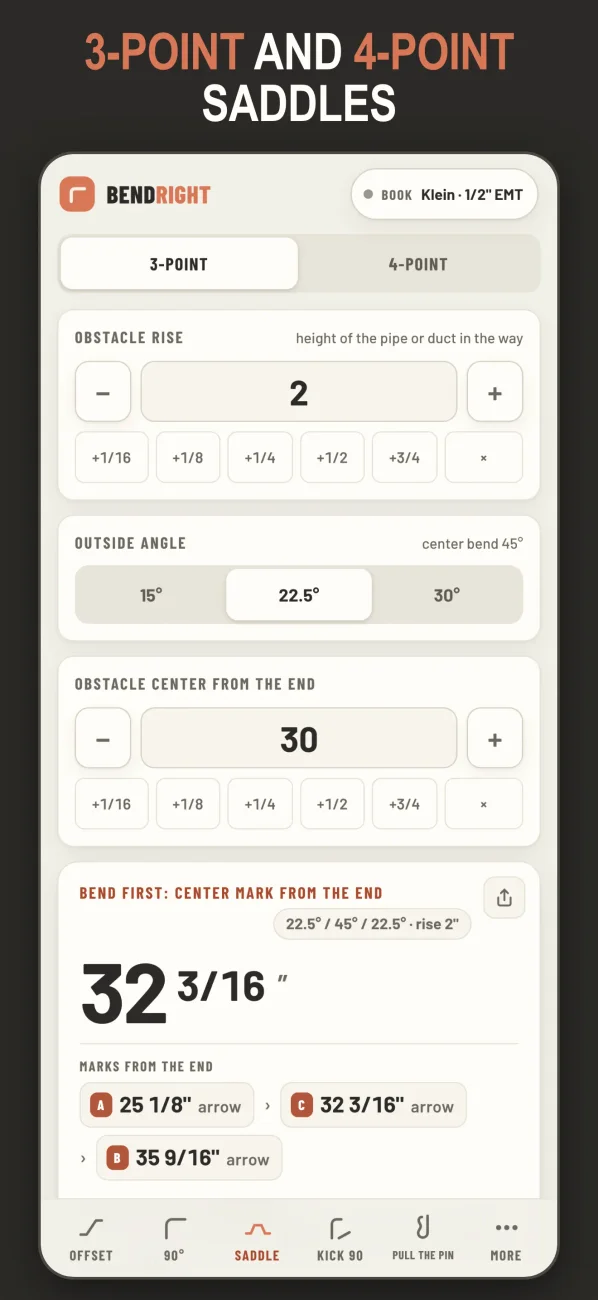
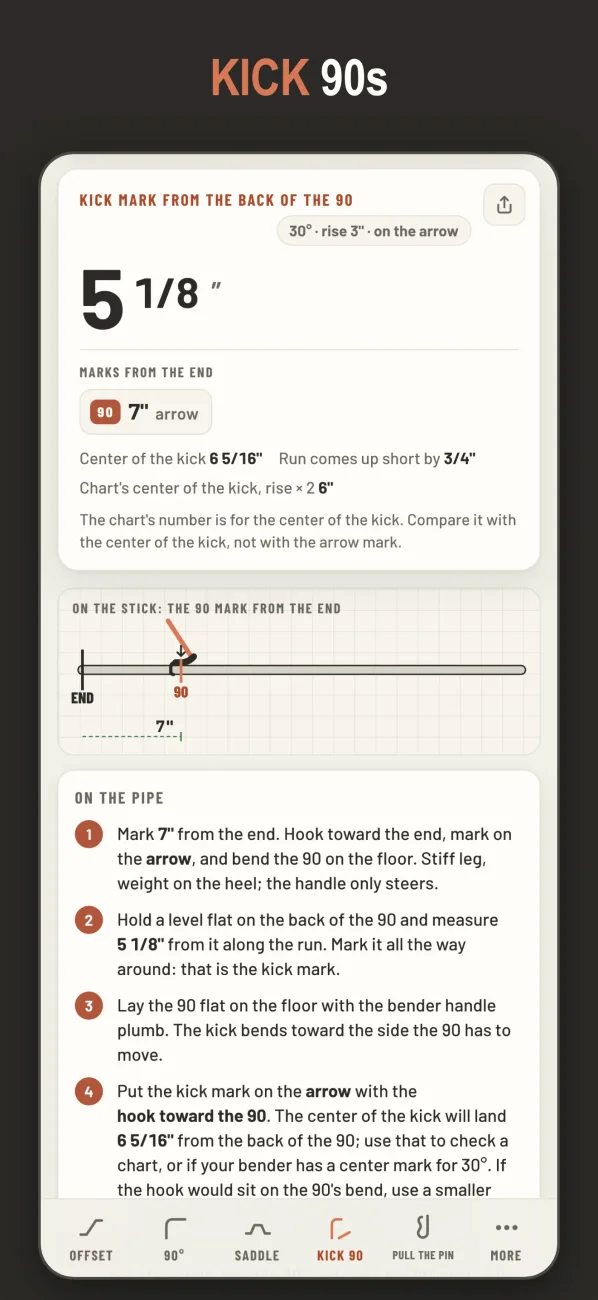
Every screen takes your measurement first and puts the marks right under it in numbers you can read from the ladder: the distance between marks, whether it goes on the arrow or the star, and how much shrink to add. It works the bend on the bender's real radius, and it shows the chart number next to it so you can see the difference for yourself.
Offsets, rolling and parallel offsets, 90 stubs, back-to-backs, 3-point and 4-point saddles, kick 90s, segment bends and concentric 90s are all in it.
When the foreman sets the numbers, share them to the crew as a code, a QR or a link, and everyone's marks come out the same.
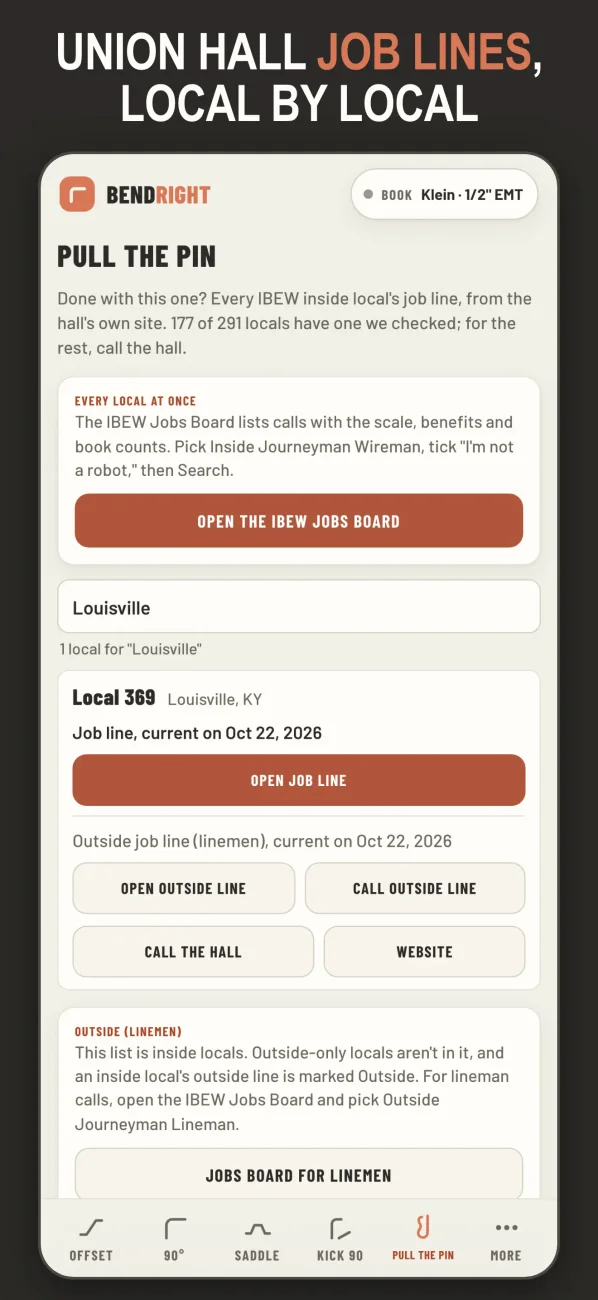
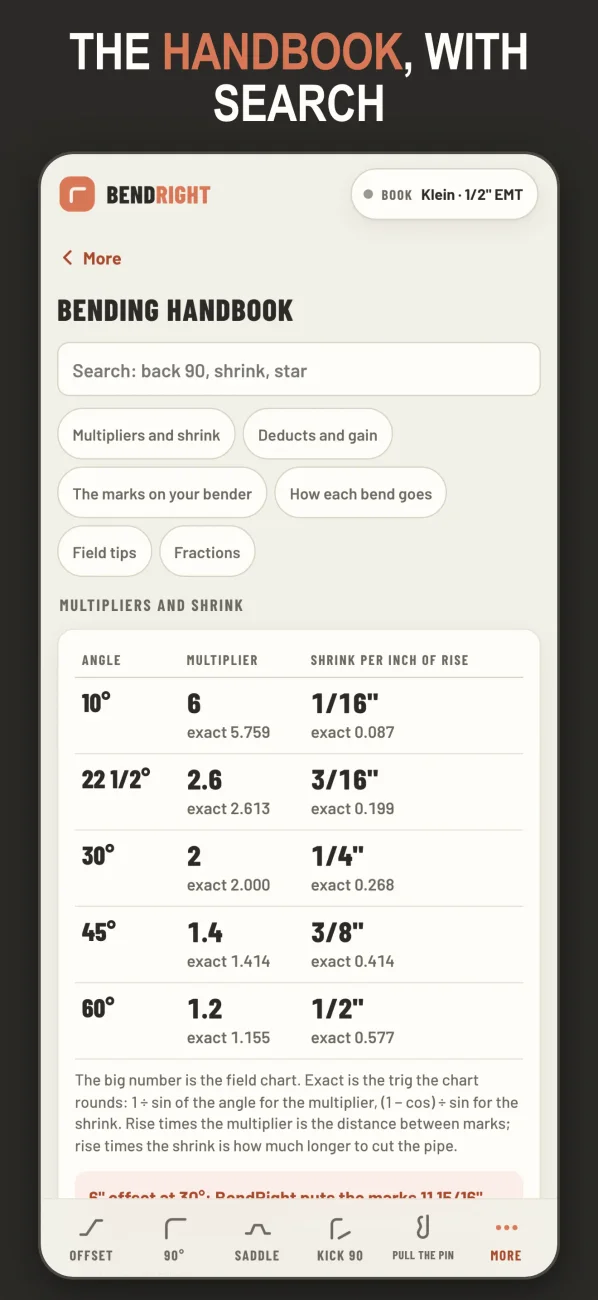
There's a bending handbook under More with multipliers, deducts, gains, worked examples and field tips, and a Pull the Pin tab that opens the job lines IBEW inside locals post on their own sites, plus the IBEW Jobs Board. BendRight isn't affiliated with the IBEW, Klein, Ideal, Greenlee or Gardner; those names belong to their owners.
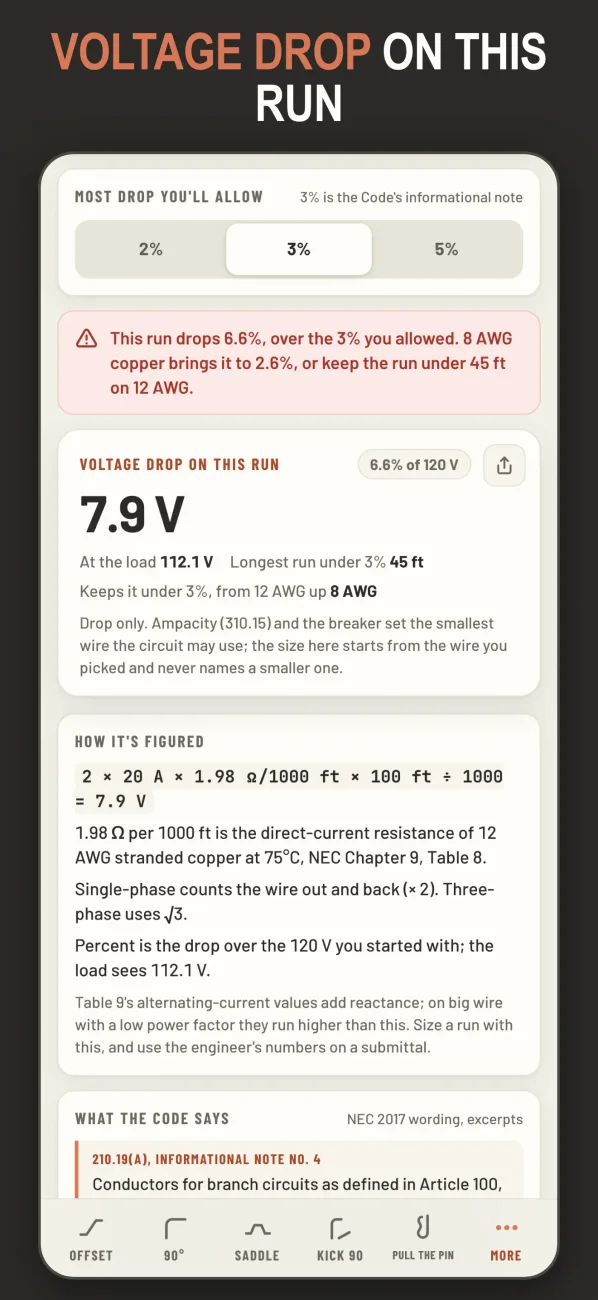
Field tools under More work the voltage drop on a run, size the ground wire by the breaker and by the service, and show which phase and color a panel space lands on. They're a quick field reference; the code book and your inspector have the last word.
No ads, no subscription, and the calculators need no signal; only Pull the Pin opens the web. You buy it once. Built by an electrician-founder.
What’s new
Version 1.2 · Oct 28, 2026
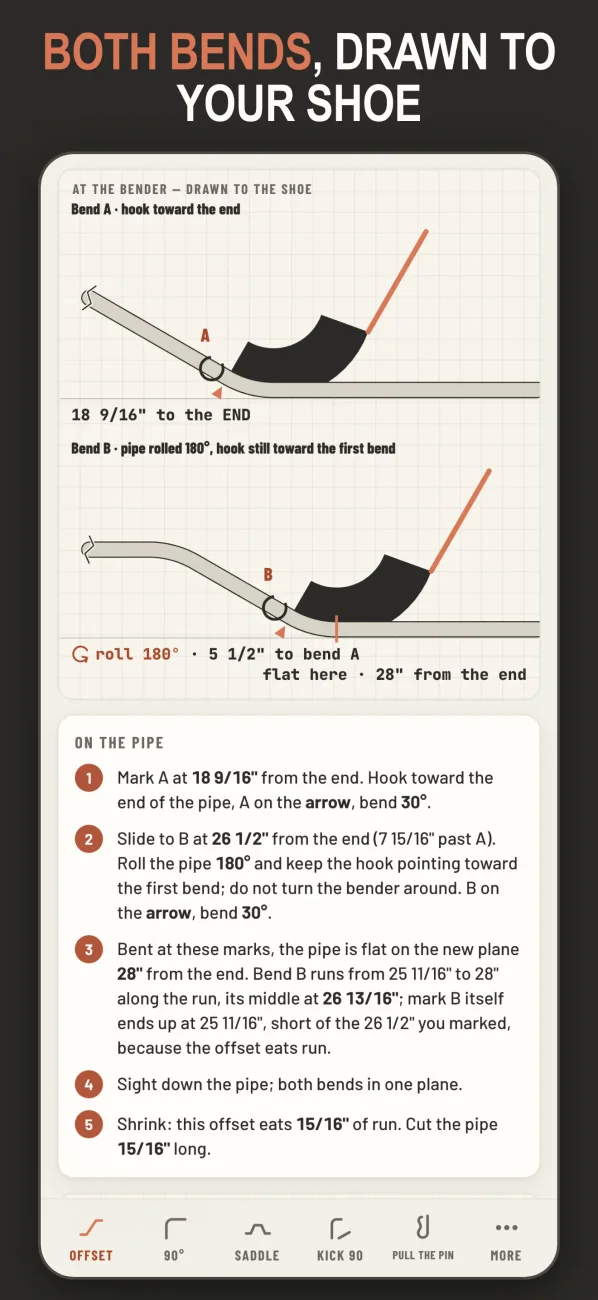
Measure first: every screen asks for the field measurement at the top, then gives the marks, then shows the bends.
New in 1.2:
- Marks account for the bend's arc, not just the multiplier, and the chart number shows right next to it so you can see the difference.
- Lay out an offset from where it lands: tell it where the pipe has to be flat, get both marks, and see both bends drawn to your shoe, roll and all.
- Scan the run (iPhone): aim where the pipe starts to rise and where it has to land, and the offset is drawn there as conduit, with the rise and angle sent to the Offset screen.
- Field tools under More: voltage drop on a run, ground wire sizes by breaker and by service, and which phase and color a panel space lands on.
- A bending handbook under More: multipliers and shrink, deducts and gain, the marks on your bender, how each bend goes, field tips and fractions, with search.
- Pull the Pin: the job lines IBEW inside locals post on their own sites, plus the IBEW Jobs Board.
- Segment and concentric screens redone in the new layout, under More.
- Your bender: pick yours from the library, then calibrate the take-up to your own shoe.
- Job profile: send your take-up and radius to the crew as a code, QR or link, or open the foreman's code so the whole crew bends to the same numbers.
App privacy
What JASON LLOYD WALLS declares on the App Store about how this app handles data.
-
Data not collected
The developer does not collect any data from this app.
Privacy practices may vary, for example with the features you use or your age.
Information
- Seller
- JASON LLOYD WALLS
- Category
- Utilities
- Version
- 1.2
- Updated
- Oct 28, 2026
- Released
- Jul 15, 2026
- Size
- 2.7 MB
- Requires
- iOS 15.0 or later
- Age rating
- 4+
- Price
- $6.99
- Languages
- English
- Copyright
- © 2026 Jason Walls
You might also like
-
 Room Layout SketchPlan furniture layouts easily
-
 Device ConfigurationConfigure Audio devices!
-
 FireAlarmGuyEssential tools for techs
-
 SNAPTAIN GOUtilities
-
 Fault Current CalculatorUtilities
-
 Internet QualityWiFi & Network AR Analyzer
-
 PLC Simulator 2, Ladder LogicPLC ladder Logic Simulator
-
 Speco BlueUtilities
-
 SNAPTAIN FLYUtilities
-
 Airgo CastUtilities